
Temp Email for SeatGeek Signup: Your Tickets Live in That Inbox — and a Disposable Address Loses Them

"SeatGeek" is trending in the United States right now — #45 on Google Trends, 5,000+ searches, up 75%, and still Active when I checked at 22:29 IST today. There is no single headline behind the spike that I could find. The search results are a mix of promo-code pages and tonight's event listings, with the NBA season in full swing. That is the honest read on the trend: people are not searching SeatGeek because of one story. They are searching it because they are about to buy tickets — and a lot of them are wondering whether they can do it without handing over their real email address.
Here is the short answer, before the details: a temporary email works fine for looking at SeatGeek. It fails at the exact moment that matters — when the tickets have to reach you. That is not a policy quirk or a filter you can dodge. It is structural. On SeatGeek, your ticket is not a file you download. It is a link in an email, sent to the address on your order, often hours before the event starts. A disposable inbox that expires in minutes cannot hold a ticket that arrives the day before the game.
I checked this the way I check every signup in this series: I opened SeatGeek's own pages, read its help centre on how tickets are actually delivered, and looked at what the coupon trackers are listing today. I asked the same question about Starz earlier today and got a different-shaped answer, because streaming and ticketing treat your inbox differently. What follows is what SeatGeek's own site shows, how its two ticket delivery methods work, the three moments a disposable inbox breaks, the narrow case where temp mail still helps, and the scam layer that rides every SeatGeek spike.
The Verdict, Before the Details
If you want the one-paragraph version, here it is. SeatGeek lets you browse events without an account, and you can use a temporary email for the noise around a purchase — price alerts, promo-code hunting, the marketing newsletter. But the purchase itself needs a real inbox, because the account is created with an email address, the tickets are delivered to that same address, refunds and Buyer Guarantee claims route through it, and the transfer email for many events does not arrive until the day before or the day of the event. A disposable inbox is gone by then. The money is not the problem. The ticket is.
That split — burner for browsing, real inbox for buying — is the whole article in one line. The rest of this post is the evidence for it, because the details are where people actually lose tickets. SeatGeek's help pages are unusually clear about the mechanics, and they are worth reading before you type any address into that signup form.
What SeatGeek Actually Asks for Before You See a Price
SeatGeek's signup page does not ask for a username, a password, or a phone number first. It asks for one thing: an email address. The page I opened live today says, in plain text, "Enter your email to sign in to or create your SeatGeek account." That single field is the front door. There is no guest checkout I could find — every purchase routes through an account, and the account is the email address.
That matters because the account is not just a login. It is where your orders live, where your tickets appear, where transfers are sent and received, and where refunds and support requests start. SeatGeek describes itself as a ticketing platform and marketplace for sports, concerts, comedy, and theater, and a large share of its listings are resale — tickets sold by other people, not by the venue. That is why the email carries so much weight. In a resale marketplace, the platform's job is to connect a buyer, a seller, and a venue's ticketing system, and the email address is the thread that ties the three together.
Payment is the one part of checkout that does not touch your inbox. You pay with a card, Apple Pay, or Google Pay, and SeatGeek's terms say fees apply to buying and selling, with the exact total shown during checkout. The card is not the risk. The risk is everything that happens after the payment clears, and all of it runs through email.
A SeatGeek Ticket Is a Link in an Email, Not a File
This is the part most people get wrong, and it is the part that decides the temp-mail question. SeatGeek delivers tickets in two ways, and which one applies depends on the event and the listing.
Some tickets are delivered directly to your SeatGeek account. They appear in the Tickets section of the app or website, and you show them from your phone at the gate. The others — and for many sports and concert events, this is the common case — are delivered by mobile transfer. That means the tickets are delivered electronically through the venue or team's official ticketing platform, such as Ticketmaster, AXS, or the MLB Ballpark app, rather than inside your SeatGeek account.
Here is how mobile transfer actually works, according to SeatGeek's own help pages. The tickets arrive through an email containing a link. You click the link and sign in — or create an account — using the same email address you used to place your SeatGeek order. From there you accept the tickets and view them in the third-party app or on its mobile website. SeatGeek's help pages repeat the same-email rule in several places, and its troubleshooting guide for missing tickets lists it as one of the first things to check: if you need to sign in to Ticketmaster, AXS, or another platform, use the same email address you used when buying the tickets on SeatGeek, because a different email can keep the tickets from appearing even after they have been transferred.
Two more details make the timing brutal for a disposable inbox. First, mobile transfer tickets are often not available immediately after purchase. Barcodes are frequently generated by the venue 24 to 48 hours before the event, and SeatGeek says it is very common to receive delivery the day before or the day of the event. Second, tickets cannot be printed. They must be displayed from a mobile device, usually from the SeatGeek app, the venue's app, or Apple Wallet or Google Wallet. A screenshot is not a ticket at most venues, because many use live or rotating barcodes.
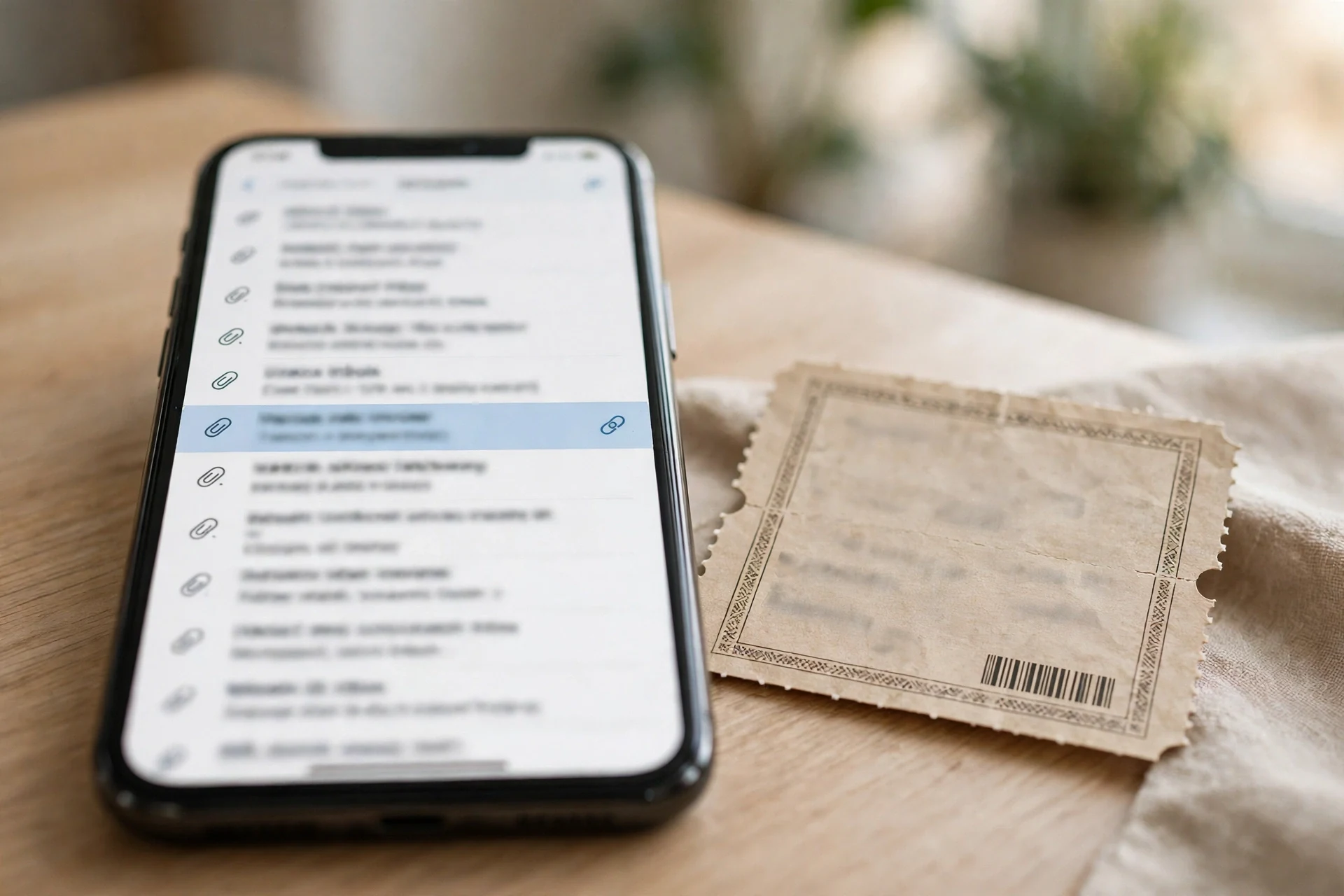
So the sequence that matters is this: you buy on Tuesday with a disposable address, the inbox expires in minutes, and the transfer email arrives on Friday. By then there is no inbox to receive it, no way to click the link, and no way to prove to Ticketmaster or AXS that you are the buyer — because the buyer, as far as every system involved is concerned, is that dead email address. The tickets are not lost in the spam folder. They were never delivered, because the destination no longer exists.
The Three Moments a Disposable Inbox Breaks
It is worth naming the failure points separately, because each one bites at a different time, and each one has a different fix.
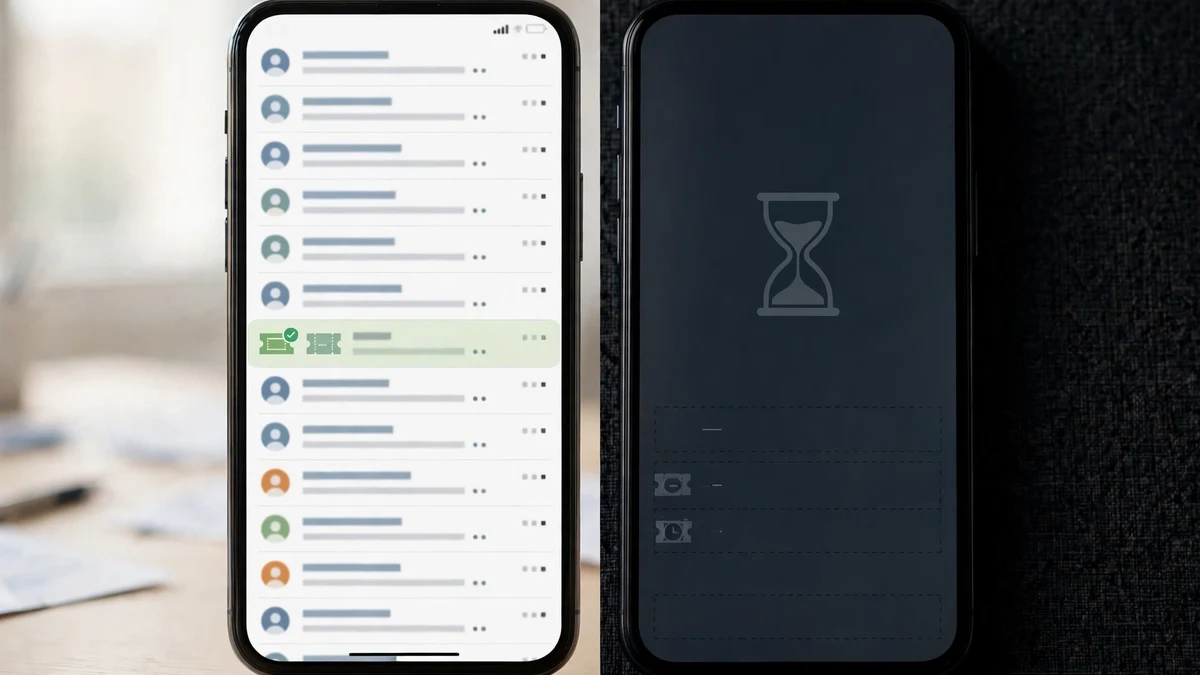
The first break is the delivery itself. The transfer email is the ticket. It arrives late — the day before or the day of the event, when the venue generates the barcodes — and a disposable inbox is built to expire in minutes. This is the most common way people lose SeatGeek tickets with a temp address, and it is the hardest to recover from, because by the time you notice, the event is hours away and the inbox is gone.
The second break is the platform hop. A mobile transfer does not stay inside SeatGeek. It moves to Ticketmaster, AXS, or a team app, and that platform asks you to sign in with the same email used for the order. If you used a disposable address, you now need an account on a second platform tied to an inbox that no longer exists. SeatGeek's own troubleshooting guide says to check the email first, then open the third-party app directly, then check your mobile wallet — and every one of those steps assumes you can still open the inbox.
The third break is the money. Refunds go back to the original payment method, but the communication about them — the confirmation, the delay notice, the Buyer Guarantee claim — goes to the order email. SeatGeek's Buyer Guarantee covers qualifying problems such as tickets not arriving in time, tickets that are invalid for entry, or tickets materially different from the order. Filing that claim without access to the order email is like filing an insurance claim without the policy number. Support can sometimes help if you have the order number, but you are negotiating from a weak position, on the day of the event, about tickets you cannot display.
Where Temp Mail Still Works on SeatGeek
None of this means a temporary email has no place in the SeatGeek workflow. It does — just not at the purchase. The honest split is between the noise and the money.
Use a disposable inbox for the noise. SeatGeek, like every ticket marketplace, will market to you after you browse: price-drop alerts, event recommendations, promo-code emails, and the newsletter. If you want to watch prices for a game or a show without subscribing your real inbox to another marketing list, a temp address is the right tool. It also works for one-off promo-code hunting — checking which codes the coupon trackers are listing before you buy, without creating an account first.
The coupon landscape today is a good example of why the burner helps. Coupon trackers list a 10% discount on qualifying ticket orders, $10 off a first app order over $150, and $5 off first orders over $300. Those offers change constantly, and many of them do not work at checkout. One tracker that tests codes on real carts reports that only 7 of the 57 SeatGeek offers it tested met its verification criteria — a 12% success rate. That is not a reason to avoid promo codes. It is a reason to hunt for them with an address you do not care about, and to buy with one you do.
Use the real inbox for the money. The account, the order, the transfer email, the wallet save, the refund, and the guarantee claim all belong to the same address, and that address needs to still exist on the day of the event. That is the rule. Everything else is optional.
The Scam Layer That Rides Every SeatGeek Spike
Every time SeatGeek trends, the scam layer trends with it, and this spike is no exception. The fraud problem is not theoretical. Fraud Awareness Week runs November 15 to 21 this year, and the FBI's Internet Crime Complaint Center put 2025 losses at $20.87 billion — a figure I covered in detail in today's fraud post, because the same week that drives searches for fraud drives searches for tickets.
The SeatGeek version of the scam is nastier than most, because the legitimate flow and the scam flow look identical. A real mobile transfer arrives as an email with a link. A fake one also arrives as an email with a link, and it says the same thing: your tickets are ready, click here to claim them. The difference is not visible in the email. It is visible in your account.
So the verification rule is simple, and it is the same rule that settles almost every "is this email real" question: do not act on the email. Open the SeatGeek app, go to the Tickets section, and look at the order. If the tickets are there, or the expected delivery time has not passed, the email is noise. If the email claims a problem that the app does not show, treat the email as hostile. SeatGeek's own scam-prevention guidance points buyers to its support when tickets have not arrived or a mobile ticket cannot be accessed at the venue — and its missing-ticket guide says the same thing in plainer terms: check the account first, then the email, then the wallet, and only then contact support.
The promo-code side has its own scam layer. Fake "SeatGeek promo code" pages harvest emails and, in the worse cases, card details, by promising a discount that does not exist. The 12% verification rate above is the tell: if a site claims every code works, it is not testing them. If a code asks you to "verify" by entering payment details before you have even picked tickets, close the tab.
The Playbook: One Real Inbox, One Burner, Zero Lost Tickets
Here is the setup I would use, and the one this whole post is arguing for. It takes five minutes and it removes every failure point above.
- Create the SeatGeek account with your real inbox. This is the address that will receive the transfer email, hold the order, and anchor any Buyer Guarantee claim. Do not use an address you might lose.
- Do your price watching and promo-code hunting with a temporary inbox. Browse without an account, or sign up for alerts with the burner. This is where temp mail earns its keep — it keeps the marketing noise out of the inbox that holds your tickets.
- The day before the event, open the Tickets section in the SeatGeek app and check the expected delivery time on your order. If the tickets are delivered by mobile transfer, search your real inbox — including spam, junk, and promotions — for a message with a subject like "Your Ticket Transfer Offer."
- The moment the transfer link works, accept the tickets and save them to Apple Wallet or Google Wallet immediately. Do not leave them sitting in an email link. A wallet save is the one step that makes the tickets independent of your inbox.
- If the expected delivery time has passed and nothing has arrived, contact SeatGeek Support from the order itself, with the order number in hand. Do not keep refreshing the inbox. At that point the problem is on the seller's or the platform's side, and only support can move it.
That is the whole playbook. One real inbox for the purchase, one burner for the noise, and a wallet save the moment the tickets exist. It is less clever than trying to game the signup with a disposable address, and it is the version where you actually get into the venue.
Frequently Asked Questions
Can I sign up for SeatGeek with a temp email?
The signup form takes an email address and creates the account from it, so a disposable address will usually get you through the form. That is the wrong test. The question is not whether the form accepts the address — it is whether the tickets can reach it. Mobile transfer tickets arrive by email link, often the day before or the day of the event, and they must be claimed with the same email used for the order. A disposable inbox is gone by then.
Does SeatGeek send tickets to your email?
Sometimes, and that is exactly the point. Some tickets go straight into your SeatGeek account. Others are delivered by mobile transfer, which means an email with a link to the venue or team's platform — Ticketmaster, AXS, or a team app. You cannot know which method applies until you see the delivery details on your order, so you have to assume the email matters.
Can I use temp mail for SeatGeek promo codes?
Yes, for the hunting part. Use a temporary inbox to check which codes are live and to receive price alerts without the marketing email. But the purchase itself — the account, the order, the transfer, the refund — needs the real inbox. A promo code saves you $10. A lost ticket costs you the whole order.
What happens if my SeatGeek tickets never arrive?
Check the Tickets section in the SeatGeek app first, then search your email — including spam, junk, and promotions — for the transfer message. Check your mobile wallet, and check the expected delivery time on the order: if that deadline has not passed, the tickets may still be on schedule. If it has passed, contact SeatGeek Support from the order. If you bought with a disposable inbox, say so upfront — support will need the order number, and the recovery is much harder without access to the order email.
Is SeatGeek legit, or is it a resale site?
Both. SeatGeek is a legitimate ticket marketplace, and a large share of its listings are resale tickets sold by other people rather than by the venue. That is why the Buyer Guarantee exists: it covers qualifying cases where tickets do not arrive in time, are invalid for entry, or are materially different from the order. Keep your order confirmation and your transfer emails until after the event.
Do SeatGeek tickets expire?
The tickets themselves do not expire before the event, but the barcodes are often generated only 24 to 48 hours beforehand, which is why delivery can land the day before or the day of the event. Once the event has passed, the tickets are worthless. Save them to your mobile wallet as soon as the transfer works, so you are not depending on an email link at the gate.
Need a disposable temporary email?
Protect your real inbox from spam and promotional clutter instantly and free.
Received a suspicious email, text, or charge alert?
Verify whether the sender domain is disposable, spoofed, or unverified before clicking links.