
Apple ID Security Notice Text: Real or Scam? The 60-Second Check That Settles It
Apple ID Security Notice Text: Real or Scam? The 60-Second Check That Settles It
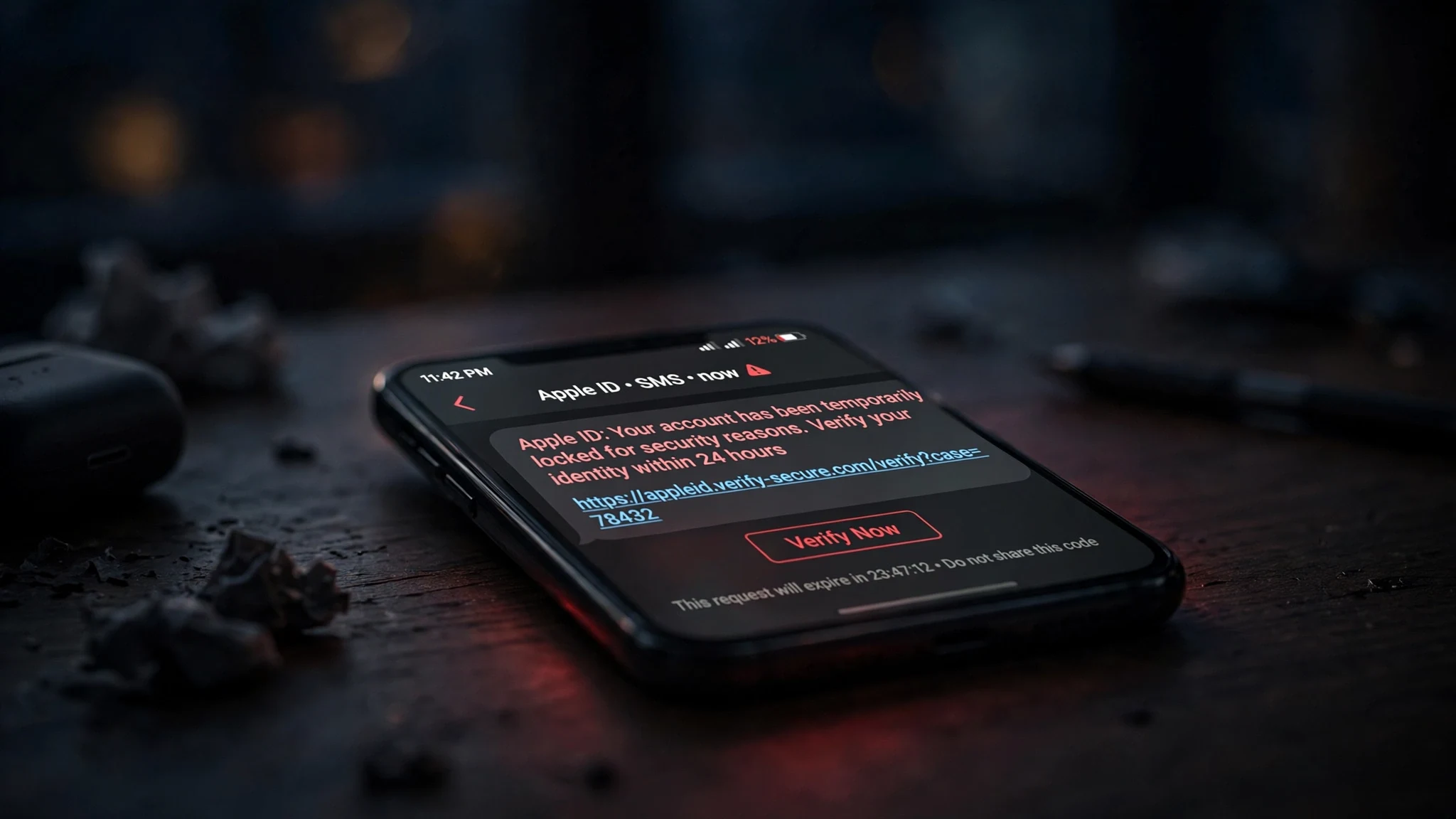
Your phone buzzes. "Apple ID: Your account has been temporarily locked for security reasons. Verify your identity within 24 hours." The wording is calm, official, almost boring — and that is exactly why it works. It does not scream. It reads like the kind of message a large company would send, and it arrives at the one moment you are least inclined to interrogate it.
Here is the short answer before the detail: that text is a scam until proven otherwise, and the proof takes sixty seconds and zero clicks on its link. Apple does not send you a link to sign in to your Apple Account by text message. Real account problems show up inside Settings on your own device, not in a message from a number you have never seen. Everything below is how to prove that to yourself, what happens if you already tapped, and how to make your Apple ID a smaller target next time.
What the Text Actually Says — Three Scripts Doing the Rounds
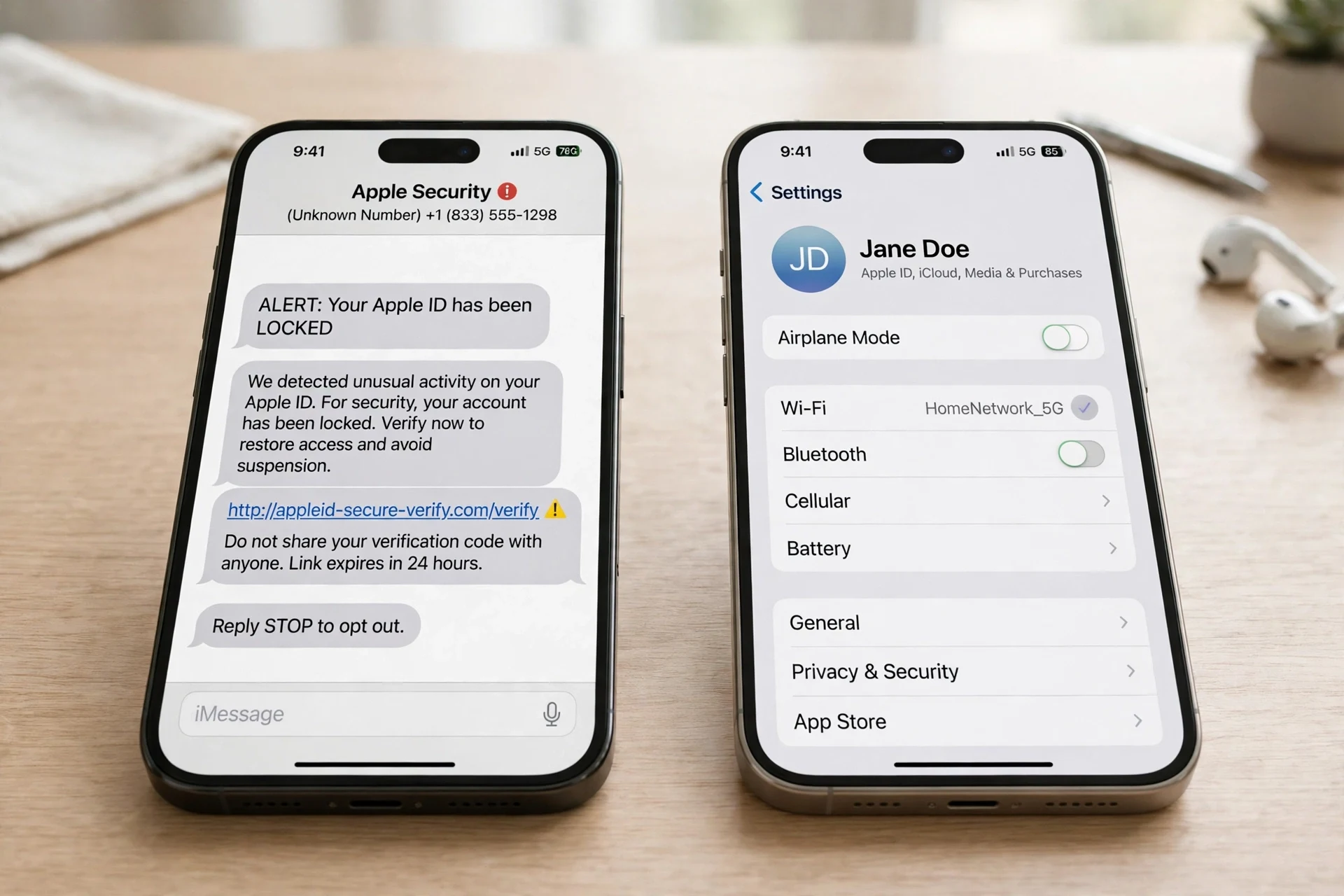
The texts change their wording every few weeks, but they only ever run three scripts. If the message on your screen matches one of these, you already know what it is. The examples below are typical wordings collected from scam reports — illustrative, not messages I received myself.
The lockout. "Apple ID: Your account has been temporarily locked for security reasons. Verify your identity within 24 hours." Sometimes it says "suspicious activity" instead of "security reasons"; sometimes the deadline is "today" rather than 24 hours. The link goes to a page that looks exactly like Apple's sign-in. The domain is the tell: lookalikes such as apple-id-verify-support.com, apple-support-id.com, or icloud-verify.net. Apple's real sites end in apple.com, and no other ending counts.
The fake charge. A text claiming an unauthorised Apple Pay pre-authorisation charge was made at a physical Apple Store — one widely reported version cites $143.95 — with a link or a number to dispute it. The charge is invented. Its job is to make you act before you think: a charge you did not make, on a card you do use, with a deadline attached.
The suspicious sign-in. "Someone signed in to your Apple Account from a new device" or "unusual sign-in detected — confirm within 24 hours." This one is the most effective of the three, because a real Apple sign-in alert is a thing that exists. The difference is the delivery: a genuine alert appears on your trusted devices and inside Settings. It does not arrive as a text with a link in it.
Three details give all of them away before you even read the link. The sender is a random mobile number or a spoofed short code, not Apple. The message manufactures urgency — locked, suspended, 24 hours, today — because urgency exists to stop you thinking. And it always gives you a link or a number, because the link is the entire attack: without it, there is nothing to tap and nothing to steal.
The One Rule That Settles It
Apple publishes its own answer to this question, and it is unusually blunt. On its support page "Recognize and avoid social engineering schemes" (published June 15, 2026), Apple says: "Apple will never ask you to log in to any website, or to tap Accept in the two-factor authentication dialog, or to provide your password, device passcode, or two-factor authentication code or to enter it into any website." The same page adds: "Apple will never ask you to disable any security feature on your device or on your account." And the general rule, in Apple's own words: "If you're suspicious about an unexpected message, call, or request for personal information, such as your email address, phone number, password, security code, or money, it's safer to presume that it's a scam."
That is the whole test in one sentence. A message that asks you to sign in through a link fails it by definition.
Real Apple notices live in a different place entirely. If something is genuinely wrong with your account — a new sign-in, a device you do not recognise, a payment problem — it shows up when you open Settings on your iPhone and tap your name at the top, under Sign-In & Security and in your device list. On a Mac, the same information is at account.apple.com, reached by typing the address yourself. Genuine account problems wait patiently in Settings. They do not text you a deadline.
The scam libraries that track these messages agree with Apple, and they have been updating fast — the Gmork scam library entry on the locked-account text was reviewed November 3, 2026, iphonefix.us re-researched its Apple phishing guide on November 2, and Olevo's account-alert guide was reviewed November 7. They all land in the same place: do not use a link or a phone number from an unexpected message until you have verified it from the account itself.
The 60-Second Check — Do This, in This Order
Do not tap the link. Do not call the number. Do not reply — replying tells the sender your number is live and monitored, which makes it more valuable, not less. Then:
1. Open Settings, tap your name. On your iPhone, Settings shows your name and photo at the very top. Tap it, then Sign-In & Security, then look at the device list. A real problem shows here. A fake one does not exist here, and its absence is the answer. If nothing is flagged, nothing is wrong — no matter what the text says.
2. If you are on a computer, type account.apple.com yourself. Never reach it through the link in the message. Check recent sign-ins and the device list. If the text claimed a sign-in from a place you have never been, and account.apple.com shows no such sign-in, the text invented it.
3. Read the domain from the right. Touch and hold the link in the message (do not tap it) to preview the address. The real domain is the part immediately before the first single slash. In appleid.apple.com.secure-login.co, the domain is secure-login.co — owned by whoever registered it, not by Apple. A real Apple link ends in apple.com. Everything else is a costume.
4. Compare it with a message you know is real. A genuine Apple email comes from @apple.com or @email.apple.com, addresses you by name, and does not ask you to sign in from the message. The scam text is usually generic — "Dear customer" energy, or no name at all — and it always wants you to go somewhere else.
5. Report it and delete it. In Messages, tap Report Junk under a message from an unknown sender. For a suspicious SMS, Apple asks you to take a screenshot and email it to reportphishing@apple.com. In the US you can also forward the text to 7726, the carriers' spam-reporting short code. Then delete the message. You have spent your sixty seconds; the text does not get any more of your day.
What Happens If You Tap the Link
It is worth knowing the chain, because it explains why the text is written the way it is. The link opens a page that looks exactly like Apple's sign-in — same layout, same fonts, sometimes even a real Apple logo pulled from Apple's own site. You type your Apple Account email and password. The page may then ask for the six-digit verification code that has just arrived on your phone. That code is the second factor. Handing it over is handing over the account.
Once inside, the attacker can change the password and the trusted phone number, which locks you out of your own account. They can buy apps and subscriptions on your payment methods. They can use Find My to lock or wipe your devices. And because the Apple Account is the key to iCloud, they can reach your photos, your backups, and your messages. The Gmork entry on this scam puts it plainly: entering your Apple Account details gives scammers access to your iCloud photos, backups, and sometimes your payment methods.
The same pattern shows up across the whole account-alert family. The fake Uphold breach email I covered earlier this month uses the same trick — a frightening claim, a deadline, a link to a page that harvests the login — and the eToro clone-firm spam does it with fake receipts instead of fake lockouts. The brand changes; the machinery does not. A verification code you did not ask for is the same warning in a different costume: a code arriving out of nowhere means someone is already trying your password, and the code is the only thing standing between them and your account. That is why the text leans so hard on urgency. A person with time to think opens Settings instead. A person with 24 hours and a locked account taps first.
You Already Tapped It? Six Things, Right Now
If you entered your password — or worse, your password and the verification code — on a page you reached from a text, do not wait to see whether anything bad happens. Assume the account is compromised and work through this list now.
1. Change your Apple Account password immediately — from Settings, not from any link. Open Settings, tap your name, Sign-In & Security, Change Password. This is Apple's own first instruction for a compromised account, and it matters that you do it on the device itself: the device is the one channel the attacker does not control.
2. Make sure two-factor authentication is on. Same screen: Sign-In & Security should show two-factor authentication enabled. If the attacker turned it off, turn it back on. If they changed your trusted number, change it back to a number you control.
3. Sign out every device you do not recognise. In Settings, the device list under your name shows everything signed in to your account. Remove anything you do not own. On the web, account.apple.com shows the same list. A device you have never seen is not a glitch; it is the attacker.
4. Check your payment methods and purchase history. Look for subscriptions, app purchases, or gift-card buys you did not make. If money has moved, dispute it through your bank as well as through Apple — the bank dispute is the one with a deadline, so start there.
5. If you are locked out, use account recovery and be patient. The recovery page is iforgot.apple.com, reached by typing it yourself. Recovery can take days. That wait is deliberate — it is the gap Apple builds in so that a stolen password alone is not enough to take an account permanently.
6. Report it. Email a screenshot of the text to reportphishing@apple.com. Report the scam to the FTC at reportfraud.ftc.gov. Forward the text to 7726. Reporting does not get your account back faster, but it is how these domains and numbers get killed — and the next person who gets the same text is the one who benefits.
Why Your Apple ID Email Is the Prize — and How to Make It a Smaller Target
Here is the part most guides skip: the text arrived because your address and your number are on lists. Every breach, every signup form, every "free" tool that asked for your email added a line to a list that eventually gets traded, and the Apple ID scammers buy the lists that contain Apple users. You cannot stop your address leaking. You can stop it being the same address everywhere.
The practical split is simple. One address you guard — your Apple ID, your bank, your password manager — and throwaway addresses for everything else: forums, giveaways, trial signups, any form you will never need to hear from again. Apple itself sells this idea inside iCloud+ as Hide My Email, which generates a random forwarding address for each service. A separate email alias does the same thing for free, and it works on any service, not just Apple's.
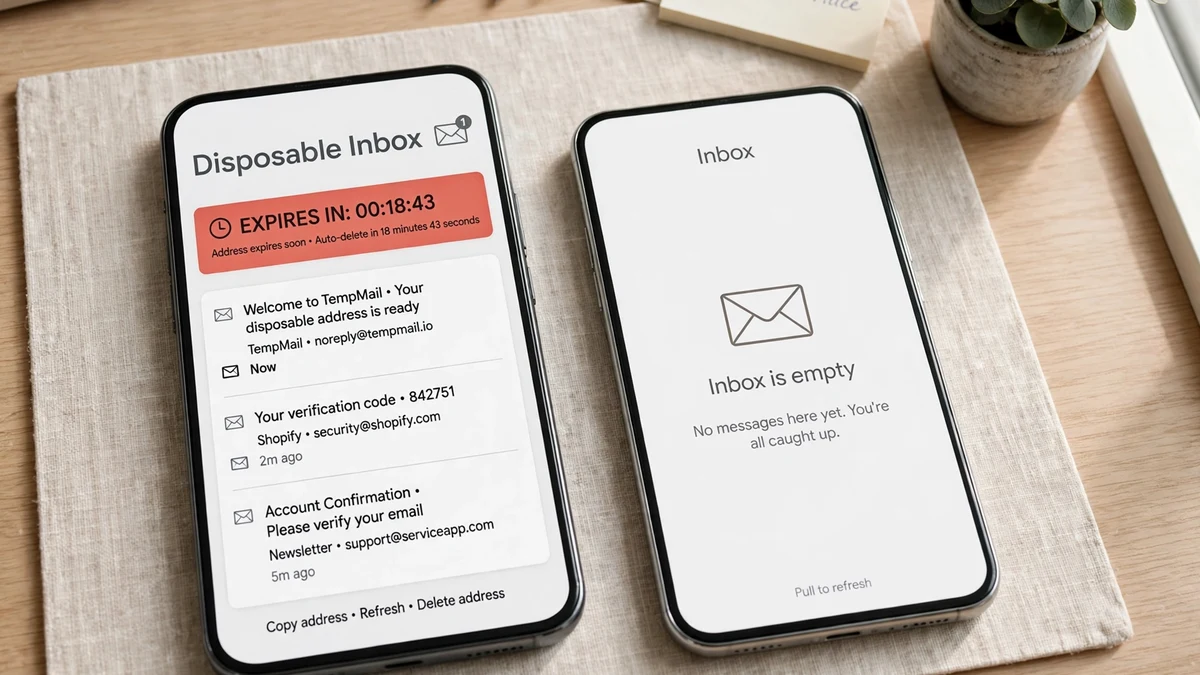
For the throwaway side, I tested the obvious tool this morning — tempomailusa.com — at 08:37 IST, and it did exactly what it claims. The homepage generated a random address on load with no click and no sign-in: seven random characters at rover.info. A countdown in the inbox section read "Expires in 28d 21h 51m 14s" and was ticking down second by second when I checked again seventeen seconds later; the page explains that free inboxes last 30 days and Pro inboxes last 365. The inbox itself was empty — zero messages, "Waiting for incoming emails" — and the page offered a New Inbox button and a custom-name creator without asking for anything in return. That is the whole point of the exercise: the address you hand to a random signup form should not be the address that unlocks your phone, your photos, and your cards.
Two habits make the split stick. First, never use your Apple ID email as the contact address for a forum, a giveaway, or a "free" tool — every one of those is a future smishing list, and your Apple ID email is the one address you cannot afford to have on it. Second, if a service only ever needs to reach you once — a download link, a one-time code, a trial — give it the disposable address and let it expire. The inbox that expires in 30 days cannot be phished in 30 days' time, because it no longer exists.
FAQ
Did Apple send me a text saying my account will be locked? Almost certainly not. Apple does not send account-lock threats by text, and it never asks you to sign in through a link in a message. Open Settings on your iPhone, tap your name, and check Sign-In & Security — a real problem shows there, and a fake one does not exist there.
I got a real-looking Apple ID security email — is it real? Check three things: the sender domain (genuine Apple mail comes from @apple.com or @email.apple.com), whether it addresses you by name, and whether it asks you to click a link to sign in. Genuine Apple mail does not ask you to sign in from the message. If any of the three fails, forward it to reportphishing@apple.com and delete it.
What if I entered my password on the fake page? Change it immediately from Settings on your own device, make sure two-factor authentication is on, and review the device list and your payment methods. If you also handed over the verification code, treat the account as compromised and go through account recovery at iforgot.apple.com. Then report the message to Apple and to the FTC.
Can I report the text? Yes. In iOS Messages, tap Report Junk under a message from an unknown sender. Apple asks you to email a screenshot of a suspicious SMS to reportphishing@apple.com. In the US you can also forward the text to 7726, and you can report the scam to the FTC at reportfraud.ftc.gov.
Why do I keep getting these texts? Because your number and email are on lists that get traded after breaches and signups. Using a separate email — an alias or a disposable address — for throwaway signups shrinks the surface: it will not stop every text, but it stops your Apple ID email from being the address every list carries.
The Bottom Line
A text that says your Apple ID is in danger is, itself, the danger. Do not tap, do not call, do not reply. Open Settings, tap your name, and let the message die there. The sixty seconds it takes to verify on your own device is the whole defence, and it is free — and the one habit that makes it stick is keeping your Apple ID email out of every signup form that does not need it.
Need a disposable temporary email?
Protect your real inbox from spam and promotional clutter instantly and free.
Received a suspicious email, text, or charge alert?
Verify whether the sender domain is disposable, spoofed, or unverified before clicking links.