
Temp Email for Starz Signup: The $12 Year, the Card Up Front, and the Inbox You Can't Afford to Lose

"Starz" is trending in the United States right now — #88 on Google Trends, 5,000+ searches, up 75%, and still Active when I checked at 18:27 IST today. The search spike has a price tag attached to it: Starz's homepage is currently shouting about its best deal of the year, $12 for a full year of streaming. That is the kind of offer that makes people open a signup form before they have thought about which email address to type into it. And that is exactly the wrong order to do things in, because on Starz the email address is not a formality. It is the account. It is the password reset. It is the only way to change the email later. And if you sign up with an inbox that disappears, there is no self-serve way back in.
I checked this the way I check every signup in this series: I opened Starz's own pages, read its Terms of Use and its help centre, and tried to walk the signup flow myself. One part of that check failed in a way that is itself worth knowing — Starz would not even show me its signup page. I will get to that. What follows is everything I could verify, the two prices that actually appear on Starz's own site today, the card rule buried in the terms, and the email trap that makes a disposable address a bad idea for this particular service — plus the narrow case where it still works.
The Price on the Page Right Now
Starz does not have one price. It has a maze of them, and which one you see depends on which offer you click. Here is what Starz's own site showed when I fetched it today, November 18, 2026 — not a review site's summary, the page data itself.
The standard monthly plan is $11.99 a month. The standard annual plan is $69.99 a year. The homepage is currently pushing a promotional annual deal at $12 for 12 months, which the page data says renews at $69.99 a year once the promo ends — a 92% saving on the first year, then the full price. There are also multi-month terms in the same data: $25.99 for three months and $45.99 for six months, plus a $2.99-a-month-for-three-months introductory offer. The homepage also showed a $10.99-a-month recurring price on one of its plan cards, which looks like a discounted tier rather than the standard rate — Starz runs several overlapping promotions at once, and the price you are offered can change with the entry point.
That matters for the temp-mail question in a way people miss. A $12-for-a-year promo is cheap enough that the signup feels free, and cheap signups are where people reach for a disposable address without thinking. But the promo is also the trap: the renewal at $69.99 is real, it is automatic, and every notice about it — the renewal reminder, the receipt, the "your promo is ending" email — goes to whatever address you signed up with. Sign up with an inbox that lives for an hour and you will never see the email that tells you the $12 year just became a $69.99 year.
My opinion, stated plainly: Starz's pricing is not a scam, but it is designed to be signed up for quickly and thought about later. The $12 headline does the first job. Your inbox is supposed to do the second one. A disposable address deletes the second job entirely.
The Signup Form I Couldn't Open
Here is the honest part of this test. I tried to open Starz's signup page and Starz refused. Clicking "Claim Special Offer" took me to the offers page, which showed a "Not Available" dialog: Starz's online streaming services are only available through participating partners located in the United States or Puerto Rico. The login page showed the same dialog. My browser was detected as outside the US, and Starz's help pages state plainly that the service does not allow access from outside the US or over a VPN or proxy.
That is a finding, not a failure. It tells you two things before you ever type an email address. First, Starz enforces location at the front door, not just at playback — the signup and login pages themselves are geo-gated. Second, if you are signing up from outside the US, a temporary email is the least of your problems; the service will not let you in at all, and routing around it with a VPN is something Starz says it blocks.
So I verified the signup flow the other way: through Starz's own help centre and Terms of Use. The login screen, shown in a help article, has exactly two fields — Email Address and Password — plus a "Forgot Password?" link, "Sign in With Google" and "Sign in with Apple" buttons, and a "Log in With TV Provider" option. The Terms of Use say that to create an account you must provide certain information about yourself and select a password, and that you must be 18 or older. They do not list a full name, date of birth, or phone number as signup fields, and no help article I read showed such fields either — so I cannot tell you the live form asks for those, and I will not guess. One rule is stated outright in a help article from March 2026: Starz does not allow more than one subscription per email address. The address you use is spent the moment the subscription is created; you cannot reuse it for a second account.
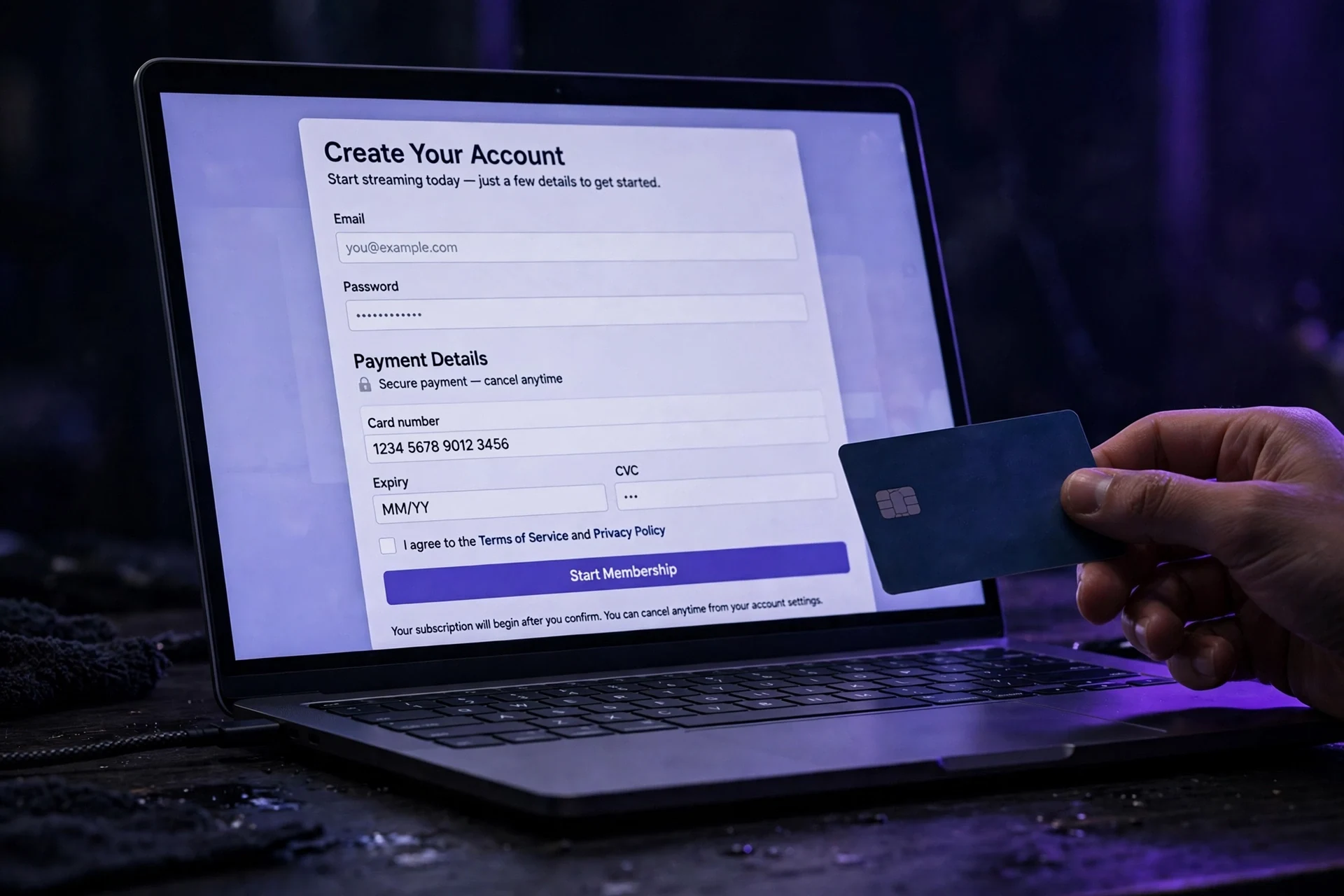
There is one more thing the help centre does not show, and its absence is notable. I searched for an email-verification step during signup — a code, a confirmation link, anything — and found nothing. No help article describes one, and the Terms of Use contain no signup verification step at all. The word "verify" in the Terms refers only to verifying a payment method and verifying devices for simultaneous streams. Likewise, I found no mention of two-factor authentication anywhere in the help centre or the Terms. I am not claiming Starz never sends a verification email at signup; I am saying its own documentation does not describe one, which is unusual for a service of this size, and it means you should not count on a verification code landing in your disposable inbox as proof the signup worked. The confirmation that matters on Starz is the payment method going through, not an email arriving.
The Card Comes Before the Trial
This is the part that kills most temp-mail plans for Starz before they start. Starz's Terms of Use, section 5.8, are unambiguous: when you subscribe to a trial subscription, you must provide Starz with a valid payment method. Your payment method will not be charged during the trial period — but if you do not cancel before the trial expires, the subscription fee will be charged, and the cancellation deadline is midnight Eastern Time on the last day of the trial.
Read that again, because it changes the whole calculation. The trial is not free in the sense that you can start it with nothing but an email address. You need a real card — Visa, Mastercard, Discover, American Express, PayPal, Apple Pay, Google Pay, or Klarna, per a help article from April 2026 — attached to the account before the trial begins. A disposable inbox protects your email address. It does nothing for your card, and the card is the thing that gets charged.
How long is the trial? Starz's own Terms refuse to fix a number: a trial is offered "for a limited time" and its terms "will be set forth in the marketing materials accompanying the offer" — in other words, the length depends on which promotion you click. Independent trackers list a 7-day free trial on the monthly plan, and that figure is consistent with what Starz has offered historically, but Starz itself does not commit to it in its Terms. Treat the trial length as something to confirm on the offer page at the moment you sign up, not as a fixed fact — and set your cancellation reminder from the date the offer actually shows you, not from a number in an article.
The temp-mail guides that rank for this topic mostly skip all of this. They tell you to generate an address, paste it, click the link, and enjoy. None of them mention that the trial needs a card first, that the cancellation deadline is midnight Eastern on a specific day, or that Starz ties one subscription to one email address. That is the gap this article exists to close: the signup takes ninety seconds, but the billing relationship it creates lasts a year, and the inbox you choose is the only channel Starz has to warn you about it.
Five Ways to Pay, and Which Ones Ever Touch Your Email
Starz sells the same streaming service through five different doors, and the email requirement is different at each one. This is the section that decides whether temp mail even applies to you.
Direct, on starz.com. The classic route: email address, password, payment method. This is the only route where a disposable address is even a question, and it is also the route where the email trap described below bites hardest.
Apple, through the App Store. Download the app, tap "Sign Up Now," approve the subscription through Apple, and Starz then prompts you to create an account you can use on other devices. The App Store listing sells STARZ Monthly at $11.99, Three Month at $25.99, Six Month at $45.99, and Annual at $69.99 — the same prices as direct, billed by Apple instead.
Google, through Google Play. The same pattern as Apple, with one difference that matters: if you use the "Sign up with Google" button, your Google email address serves as your account email address. There is no disposable address to paste — the Google account is the identity. Starz also says you can start a subscription through Apple or Google without completing the signup process to create a username and password at all, and keep signing in with Apple or Google afterwards.
Amazon Channels and Roku Channels. You subscribe inside Amazon or Roku, billed by them, and the price matches the direct streaming service. But there is a catch Starz's own login help states twice: subscriptions through Amazon Channels and Roku Channels do not provide access to the STARZ app. You watch inside Amazon Video or the Roku channel, not in Starz's own app. If the STARZ app is the point, these routes are the wrong door — and neither one involves creating a Starz email account at all.
TV provider. Order Starz through a cable or satellite provider — Breezeline, Cox, DIRECTV, DISH, Mediacom, Optimum, Spectrum, U-verse, Verizon FiOS, Xfinity, among others — and you log in with "Log in With TV Provider" using your provider credentials. Again, no Starz email account is created.
The pattern is hard to miss: of the five doors, only the direct web signup runs on an email address you choose. Every other route outsources the identity to Apple, Google, Amazon, Roku, or your cable company. If your goal is to keep your real email away from Starz, the direct route with a disposable address is the only one that does it — and it is also the only one where losing the address hurts you. The same logic applies to the other streaming signups in this series: the Sling TV signup test ran into the same split, where the add-on route and the direct route have completely different email consequences, and the Apple TV+ signup test showed how an Apple ID quietly becomes the account in ways a disposable address never can.
The Email Trap: Starz Will Need That Inbox Again
This is the section the template guides never write, and it is the whole reason this article exists. Starz does not just need your email once, at signup. It needs it again at exactly the moments when a disposable inbox is most likely to be gone.
Password reset is an emailed link. From the login screen you select "Forgot Password," enter the email address registered to the account, and Starz sends an email with instructions to reset the password. The help article states no validity period for the link and tells you to check spam if it does not arrive. If the inbox that received it no longer exists, there is no reset. The account is not deleted — it is simply locked to a password you cannot change, attached to an address you cannot open.
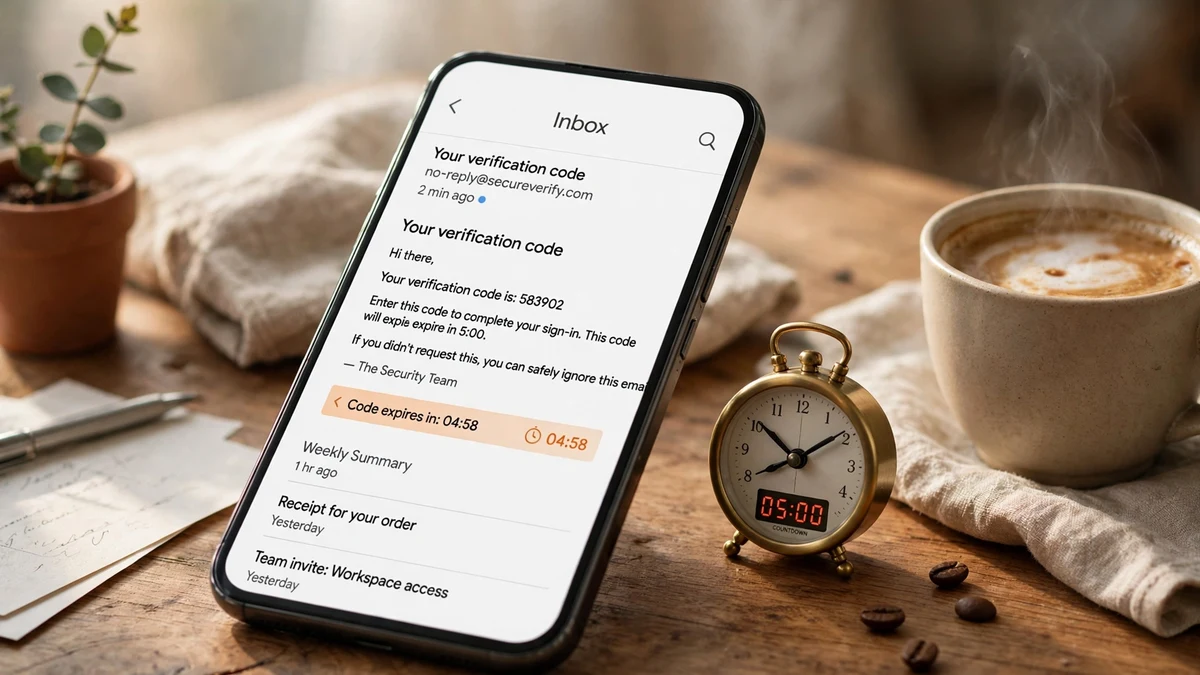
Changing the email requires the old inbox. This is the trap with teeth. Starz does let you change the email on an account, any time, from Profile to Settings to Account Management. But the flow sends a 6-digit PIN to your *current* email address, valid for only 20 minutes, and you must enter that PIN plus the new address to complete the change. The PIN goes to the address you are trying to escape from. If that inbox has expired, the change-email flow cannot even start — the PIN has nowhere to go. A burner email that you control for a day is fine for this; a ten-minute inbox is not, because the day you realise you need to change the address is never the day you signed up.
There is no self-serve recovery for a lost email. Starz's own change-email article says it twice, in case you missed it the first time: if you do not have access to the current email address to receive the confirmation PIN, click the Chat button to talk to a customer care agent. That is the entire recovery path. No form, no alternate verification, no "prove it with your card" flow documented anywhere. You are asking a support agent to move a paid subscription off an address you cannot prove you own. Maybe they will. Maybe they will ask for things you do not have. Either way, you have turned a two-minute settings change into a support conversation about an account you registered with an address designed to be forgotten.
One subscription per email means a burned address is spent. Remember the rule from the signup section: Starz does not allow more than one subscription per email. So the disposable address you used for the $12 promo year cannot be reused for a second promo, a second trial, or a fresh account later. And because the renewal notices, receipts, and cancellation confirmations all go to that address, letting it die means flying blind into a $69.99 renewal you will only discover on a card statement.
Put together, the trap is not that Starz blocks temp mail. It is that Starz *remembers* the address long after you have forgotten it, and every important thing it ever sends you goes there. The disposable inbox is not the problem at signup. It is the problem at month twelve.
So, Can You Use Temp Mail for Starz?
Yes — for the ninety seconds of signup, and only under conditions most people will not meet. Here is the honest verdict, without the hedging the ranking pages hide behind.
Temp mail works for creating the account, as far as Starz's own documentation shows. There is no documented signup verification code to wait for, no phone number field in the documented flow, and the login is just email plus password. The thing that will stop you is not the email address — it is the card, which Starz requires before any trial starts, and the location check, which refuses the signup page entirely outside the US and over a VPN. If you are in the US, have a real payment method, and use a disposable address, the account will almost certainly be created.
But "created" is doing a lot of work in that sentence. The account you create with a disposable address is an account you cannot reset the password for, cannot change the email on, and cannot receive renewal warnings for, the moment the inbox expires. That is not a theoretical risk. The change-email PIN is valid for 20 minutes and goes to the old address. The password reset is an emailed link. The renewal is $69.99 a year, charged automatically unless you cancel before midnight Eastern on the last trial day. Every one of those events assumes the inbox still exists. A ten-minute inbox fails all of them by design.
So the rule I would actually follow is this: use a disposable address for Starz only if the inbox will outlive the trial and you have a plan to replace the address before it dies. The tested temp mail services on this site include inboxes that last far longer than ten minutes — use one of those, not a ten-minute address, and treat the signup as step one of a two-step job. Step two is moving the account to a permanent address while the disposable inbox still works, using the change-email flow and its 20-minute PIN. If you will not do step two, do not do step one with a disposable address. Sign up with a real address you control, or sign up through Apple or Google, where the account is anchored to an identity you already keep.
There is one more honest exception. If all you want is to watch something once — a single film, one episode, a weekend — and you will cancel before the trial ends and never touch the account again, a disposable address does the job and the email trap never springs. The account becomes a dead letter either way. Just know that is what you are doing: you are not creating a Starz account, you are renting one for a weekend and abandoning it with a live card attached. Cancel it properly first.
If You Try It Anyway, Do It in This Order
If you have read the trap above and still want to use a disposable address, here is the order that keeps you out of it. Skip a step and you are back to hoping a support chat saves you.
- Pick an inbox that lasts longer than the trial. Grab an address from tempomailusa.com or one of the tested temp mail services that stays alive for days, not minutes. A ten-minute inbox is the wrong tool for a subscription with a 20-minute PIN and a trial measured in days.
- Sign up direct on starz.com, in the US, without a VPN. Expect the card step: have a real payment method ready, and know the trial converts to a paid plan unless you cancel before midnight Eastern on its last day.
- The moment the account exists, save the email address and password somewhere real — a password manager, a note, anywhere that is not the disposable inbox. The inbox will die. The credentials must not die with it.
- Before the trial ends, change the account email to a permanent address you control. Do it while the disposable inbox still works, because the 6-digit PIN goes to the old address and expires in 20 minutes. This is the step that converts a disposable signup into a keepable account.
- Set a calendar reminder for the day before the trial ends, not the day it ends. Cancel from the same route you subscribed through — direct cancellations on starz.com, Apple cancellations through Apple, and so on — because the billing lives where the subscription was created.
- If anything goes wrong after the inbox is gone — a forgotten password, a PIN that never arrived — your only documented path is Starz's customer-care chat. Go in knowing they will ask you to prove the account is yours, and that the address on file is one you chose to make unprovable.
FAQ
Can I sign up for Starz with a temp email?
As far as Starz's own documentation shows, yes. There is no documented email-verification step at signup and no phone number in the documented flow — the login is an email address and a password. But a valid payment method is required before any trial starts, and Starz blocks its signup pages outside the US and over VPNs, so the email address is rarely the thing that stops you.
Does Starz send a verification code when you sign up?
I could not find one documented. No help article describes a signup verification code or link, and the Terms of Use contain no signup verification step. The only email codes Starz documents are the 6-digit PIN for changing your account email, valid for 20 minutes, and the emailed link for password resets.
How much is Starz per month in 2026?
Starz's own site currently lists $11.99 a month as the standard monthly price and $69.99 a year as the standard annual price, with a promotional $12-for-12-months deal on the homepage that renews at $69.99 a year. Multi-month terms of $25.99 for three months and $45.99 for six months are also listed. Prices vary by offer and entry point, so confirm the price on the offer page at signup.
Is there a free trial, and how long is it?
Starz offers trials on a per-offer basis — its Terms say the trial's terms are set out in the marketing materials for the offer, with no fixed length. Independent trackers list a 7-day trial on the monthly plan. Whatever the length, a valid payment method is required to start it, and it converts to a paid subscription unless you cancel before midnight Eastern on the last day.
What happens if I lose access to the email on my Starz account?
There is no self-serve recovery. Password resets go to the registered address as an emailed link, and changing the email requires a 6-digit PIN sent to the current address, valid for 20 minutes. If you cannot access that address, Starz's own guidance is to contact customer care through chat. This is the main reason a short-lived disposable address is a bad fit for Starz.
Can I use the same email for two Starz subscriptions?
No. Starz does not allow more than one subscription per email address, and it detects an active subscription on the email used. A disposable address spent on one subscription cannot be reused for another.
Is it cheaper to get Starz through Amazon, Roku, or a TV provider?
The price is roughly the same — about $10.99 to $11.99 a month as an add-on — but subscriptions through Amazon Channels and Roku Channels do not give you access to the STARZ app, and TV-provider subscribers log in with their provider credentials instead of a Starz account. The direct signup is the only route where your choice of email address matters at all.
Starz trending today is a pricing story wearing a streaming story's clothes: $12 for a year is cheap enough to sign up for without thinking, and Starz's signup is quick enough to let you. But the account you create in ninety seconds is an account that will email you about a $69.99 renewal, demand a PIN from an inbox you may no longer own, and offer you a support chat as its only way back in. Choose the inbox like you will still need it in a year — because on Starz, you will.
Need a disposable temporary email?
Protect your real inbox from spam and promotional clutter instantly and free.
Received a suspicious email, text, or charge alert?
Verify whether the sender domain is disposable, spoofed, or unverified before clicking links.