
Temp Email for QuillBot Signup: the Form Rejects Disposable Domains Now — and the 125-Word Cap Is the Real Gate
The verdict first: the form says no before any code is sent
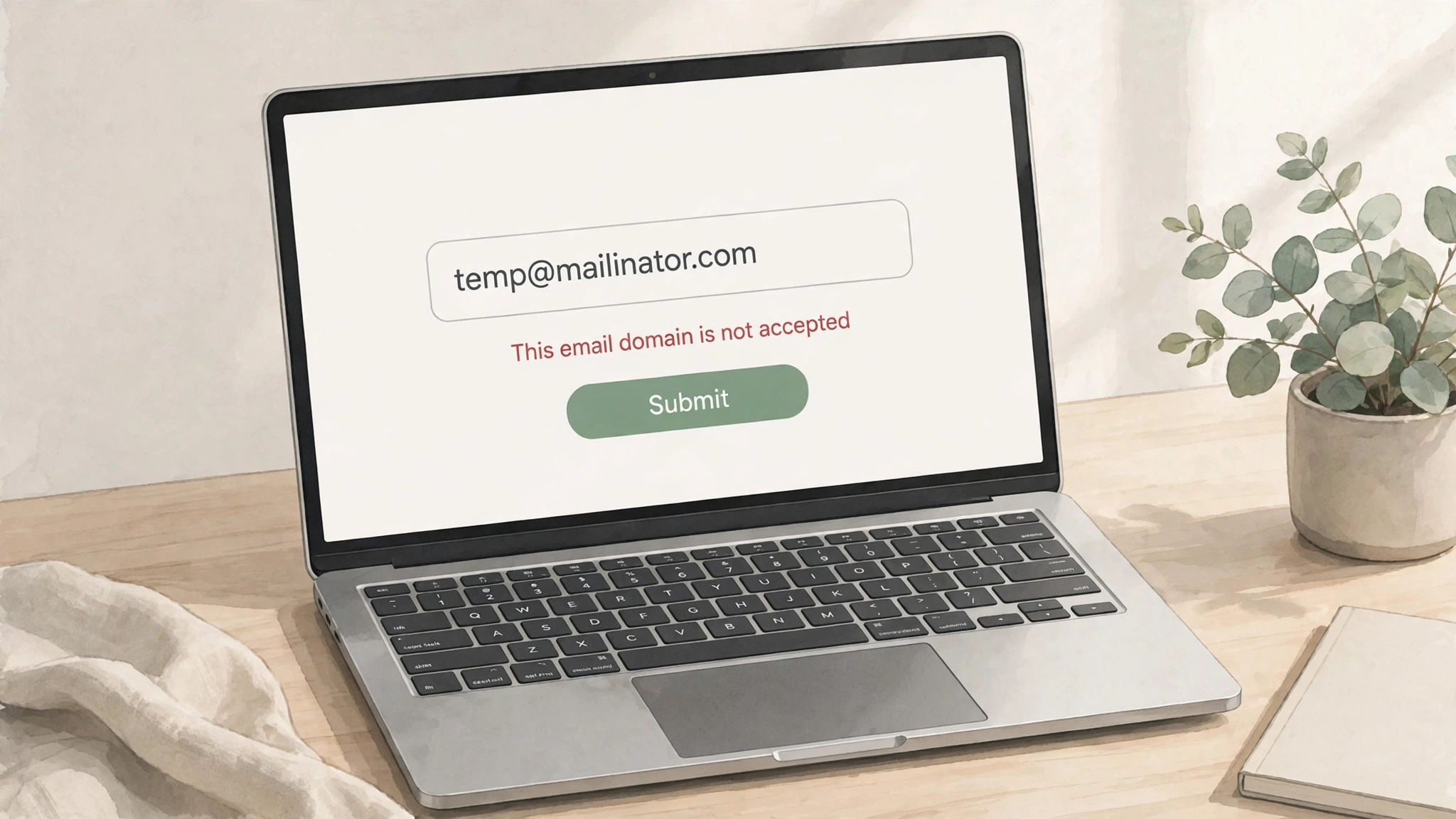
Every post in this series has asked the same question — will a disposable address get through the door? — and QuillBot is the first tool where the answer changed while I was watching. In February 2026, a screen-recorded demo showed a temporary inbox opening a QuillBot account without a fight: the address went into the Humanizer signup form, the account opened, done. By November 23, 2026, an independent audit of six AI writing tools found the opposite: QuillBot's signup page rejects disposable domains inline, right in the form, before any verification email is ever sent.
That is a different kind of closed door from the ones this series has documented. Jasper takes a temp address happily and puts the real gate on the card. Grammarly takes one too, and the only thing that stopped an August 2026 test was a reCAPTCHA. QuillBot does not wait for the code step to fail you. It checks the domain while you are still typing, and says no on the spot.
So the honest answer to the search that brought you here is: probably not anymore, not with the domains everyone uses. The rest of this post is about what that rejection actually means — which doors are still open without an account at all, what the free tier really gives you once you are in, and why the 125-word limit matters more than the email question ever did. I did not create a live QuillBot account with a temp address for this post, and I am not going to pretend a single test would settle a blocklist that changes by the week. What follows is built from a hands-on audit published November 23, 2026, from QuillBot's own pricing page as crawled in late November 2026, and from three independent reviews that re-checked the signup flow and the free limits between October and November 2026. Where those sources disagree — and on the price and the detector allowance, they do — I give you both numbers instead of picking the tidier one.
What the signup form actually asks for
QuillBot is the writing workbench owned by Learneo: a paraphraser, a grammar checker, a summarizer, an AI detector, a humanizer, a citation generator, a translator, and a document editor it calls Flow. It is the tool students reach for first, which is exactly why the signup question matters to so many people — and why the form is built the way it is.
Open the signup modal and you get three single-sign-on buttons — Continue with Google, Continue with Facebook, Continue with Apple — and one email path. The email form asks for three fields, and the first one is the tell: it is labeled "Work or school email." Not "Email address." Work or school email. Then Password, then Name. Submit, and QuillBot asks you to confirm the address before you are fully in.
That label is doing quiet work. A form that asks for a work or school address is a form that expects an address with an institution behind it, and it is the same form that, as of the November 23 audit, rejects disposable domains inline. The two facts belong together: QuillBot is not guessing about throwaway addresses at the verification step. It has decided, at the form, what kind of address counts. No card is requested on the free plan, and no phone number appears anywhere in the flow — the email is the whole identity check, which is precisely why it is policed this hard.
There is a second layer in front of the form that the same audit names: QuillBot gates signup behind Cloudflare Turnstile and FingerprintJS Pro, the bot-detection tools that fingerprint your browser before you even type. A temp inbox solves only the email layer. If Turnstile or the fingerprint check decides the session looks automated, no address — disposable or permanent — gets through that attempt. That is the same layered reality the Grammarly post found with reCAPTCHA, only QuillBot stacks one more check on top and adds the domain blocklist to the form itself.
February worked. November doesn't. What changed
The timeline is the story here, so here it is plainly. In February 2026, a creator posted a short tutorial showing the temp-email trick working on QuillBot's Humanizer signup page: a freshly generated disposable address, pasted into the form, account created. The video even undercuts its own triumph in the caption, warning that some platforms are "smart enough to know better" — and nine months later, QuillBot became one of them.
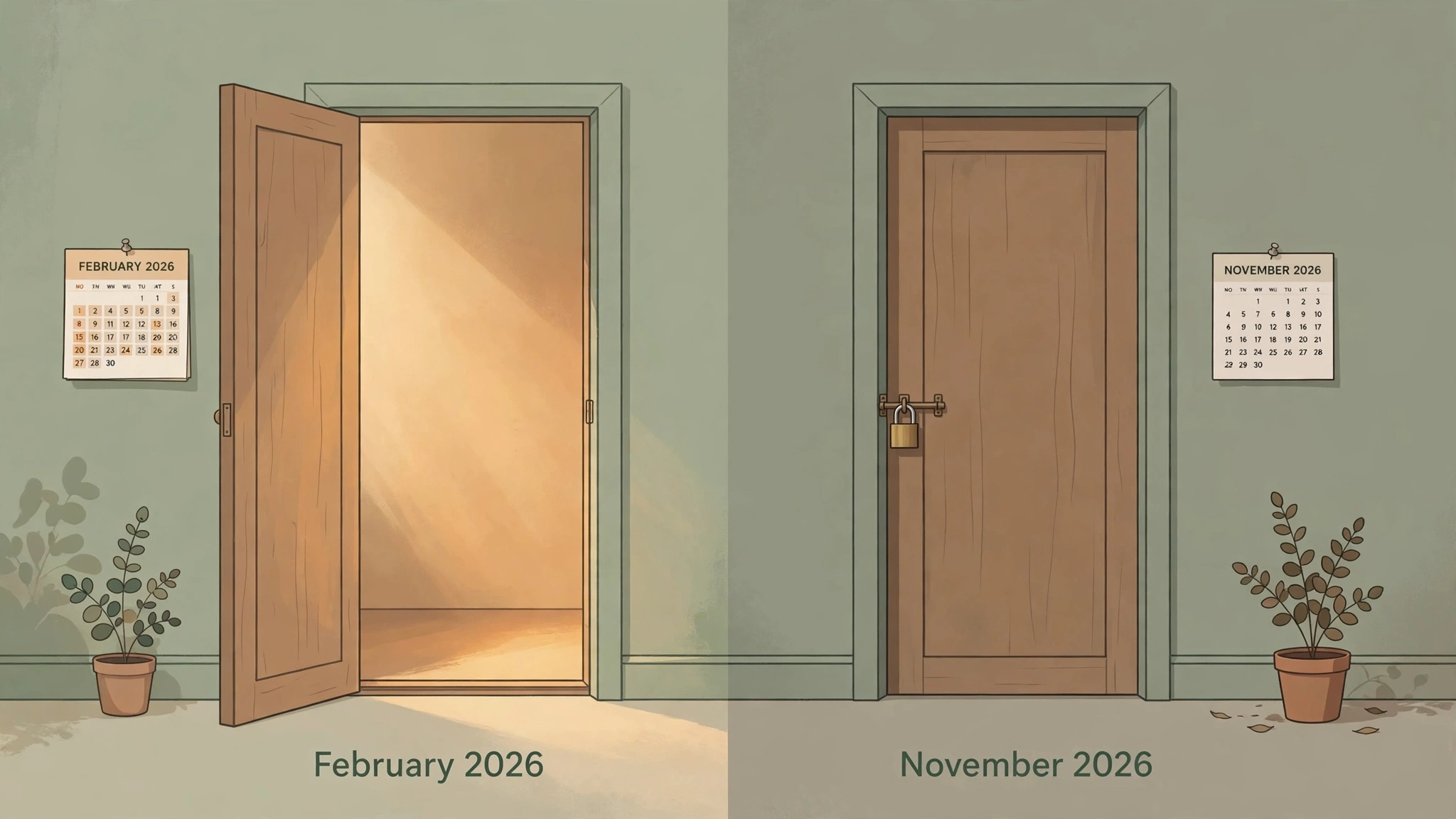
The November 23 audit is specific about what changed, and the change is broader than the signup form. On that date, QuillBot had tightened its guest gates across the whole site: the homepage had become an AI Omnibox, the /ai-writer page returned a 404, and clicking Paraphrase on the paraphrasing tool — the page that still advertises itself as "No Sign-up Required" — triggered an immediate "Sign up to continue" modal. Submitting a prompt in the AI chat did the same. The free product you could use anonymously in October now asks for an account first, and the account form now refuses the address you would use to stay anonymous.
I want to be careful about what that proves. It proves that one audit, on one day, with the domains it tried, hit an inline rejection. It does not prove that every disposable domain fails — blocklists are lists, and lists have holes, and a fresh domain from a small provider might slip through on a Tuesday and fail on a Wednesday. The isitdisposable census from November 2026 counted 228,253 disposable domains, with only 37.31% still alive, and that churn is the whole game: providers mint new domains, blocklists absorb them, and the window between the two is measured in days. What I can say with confidence is the direction of travel. In February the door was open. In November it is shut for the domains anyone would actually try first. Betting a signup on the gap between those two facts is betting against a system that is actively maintained.
The two things you can still do without an account
Here is the part most coverage misses, because everyone writes about the signup and nobody writes about the back door that stayed open. The same November 23 audit that found the signup rejection also found two guest surfaces that still ran without any login at all.
The first is QuillBot Flow, the document editor at /docs/new. It ran one free Improve rewrite for a guest — a 90-word passage rewritten to 80 words, keeping the prices and dates in the text — and then locked the second command behind blurred placeholder text and a "No free writing commands left today" notice. One rewrite a day, no account, no email. That is a demo, not a workflow, but it is a real one, and it is the only free paraphrasing left on the site without signing up.
The second is the summarizer at /summarize, which condensed a 140-word pricing announcement to 54 words in 3.75 seconds, no login required. The AI detector is the third free surface, and the most generous of them: independent checks in November 2026 agree it scans up to 1,200 words per check with no signup, and allows a handful of scans a day — five, says the November 23 audit; six, says a detector roundup updated the same month. The two sources disagree by one, which tells you how often these limits move; either way, it is the most usable free AI detector in the roundup that measured it, and it needs no account at all.
So the picture is stranger than "QuillBot blocked temp email." QuillBot blocked the anonymous account while leaving three anonymous tools running. The paraphraser — the product the company is named for in most people's heads — is the one behind the wall. The summarizer, the detector, and one daily Flow rewrite are still out in the open. If your job is checking whether a passage reads as AI-written, or shrinking a paragraph, you may not need the account this post is about.
The 125-word wall: the real gate isn't the email
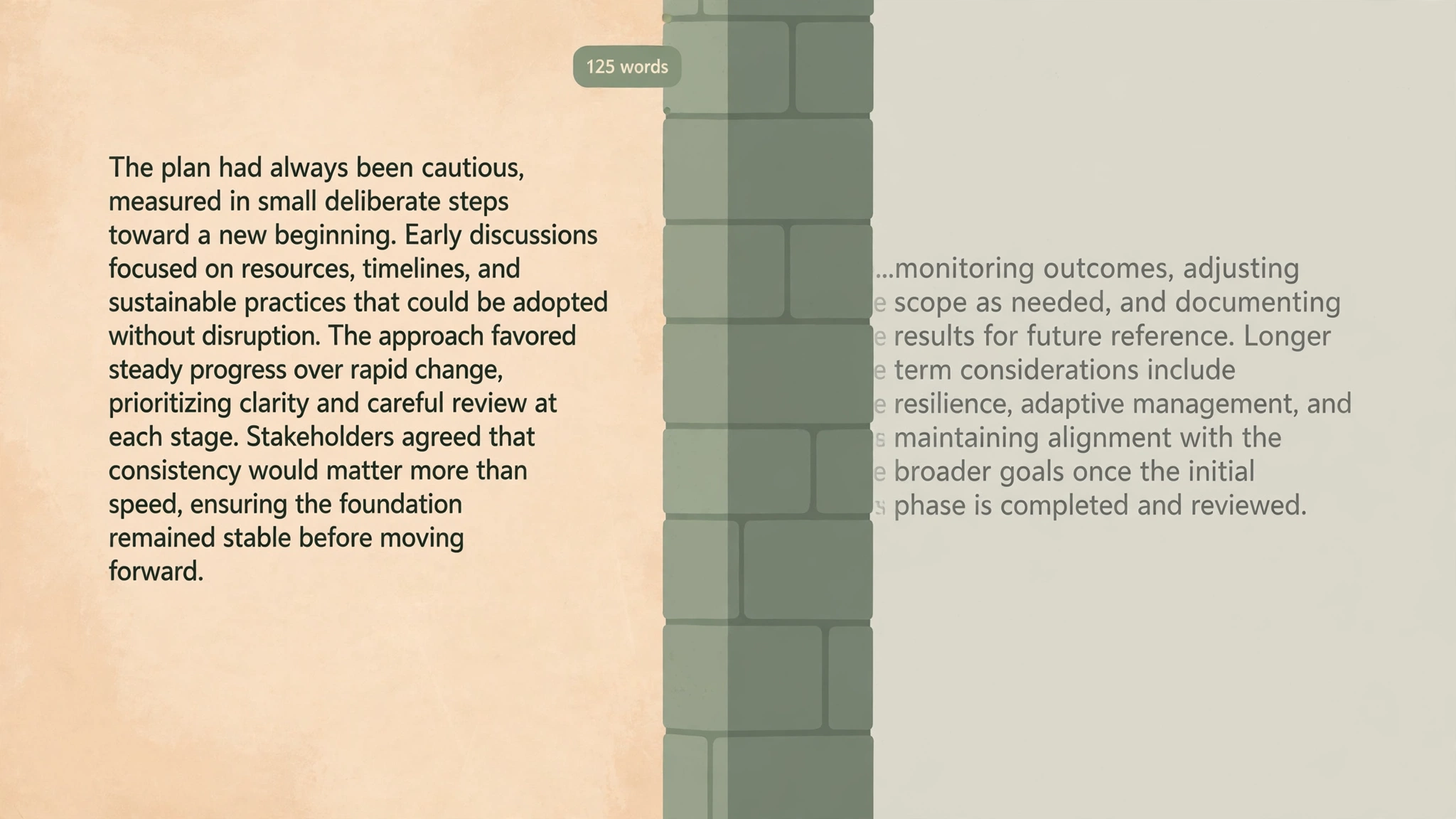
Suppose you get in — with a real address, through the form, past Turnstile. What does the free tier actually give you? Less than the homepage suggests, and the gap is the reason this post's title leads with the cap instead of the blocklist.
| Feature | Free ($0) | Premium |
|---|---|---|
| Paraphrase per paste | Up to 125 words | Unlimited |
| Paraphrase modes | 2 (Standard, Fluency) | 9 built-in modes + unlimited custom modes |
| Humanizer | Up to 125 words, limited usage (6 uses/day in one check) | Full access |
| Summarizer | 1,200 words | 6,000 words, custom summaries |
| AI Detector | Limited (1,200 words/scan, ~5–6 scans/day) | Full access |
| Plagiarism checker | 0 words | 25,000 words/month |
| Grammar | Basic fixes | Advanced recommendations, tone insights |
| Languages | Paraphrase in 23 languages, translate 40+ | Same, plus compare modes and history |
Those numbers were read from QuillBot's own pricing page and the November 23 audit, and they agree on every row except the detector scans. The number that does the damage is 125. A hundred and twenty-five words is a paragraph, not a paper. It is an email, not an essay. Anyone paraphrasing a multi-paragraph section hits the wall on the second paste, and the wall does not negotiate — the Formal, Academic, and Creative modes do not run at all on free, and the button that would run them turns into an "Unlock Premium Modes" prompt with the paraphrase trigger disabled.
That is the same shape as the meters this series keeps finding — VEED's 10-minute export cap, D-ID's three minutes, Synthesia's credit meter — only here the meter is measured in words, and it is small enough to feel on the first use. The free tier is a measuring instrument: it lets you confirm the tool works, and then it asks you to pay for the actual job. The email question, for most people, is a distraction from that arithmetic. Whether you sign up with a temp address or your real one, the free tier runs out after one paragraph.
Premium, priced three ways depending on who asks
If the cap pushes you to pay, the price depends on which page you land on, and I am not going to smooth that over. QuillBot's own pricing page, as crawled in late November 2026, lists Premium at $9.95 a month billed annually. The November 23 audit recorded $8.33 a month billed annually ($99.95 a year), $13.31 a month billed quarterly, and $19.95 a month billed monthly, and notes that seasonal promotions drop the first year of annual billing as low as $5 a month. A video pricing guide from October 21, 2026, also recorded $8.33 annual. Those cannot all be the price you will see, because QuillBot runs promotions and serves different prices to different visitors — the audit itself flags a checkout banner advertising a discount that the terms of service do not honor.
So: expect roughly $8 to $10 a month on annual billing, $19.95 if you pay monthly, and check the checkout screen itself before you believe any of it. The Team plan is steadier: $7.50 per seat a month, annual billing only, $22.50 a month for three seats, with 75,000 combined plagiarism-check words a month.
Two pieces of fine print from the audit are worth more than the price. First, the terms of service omit any contractual 3-day money-back guarantee, even though checkout banners advertise one — the audit names it as Section 3, and the gap between the banner and the contract is the kind of thing you only discover when you ask for the money back. Second, Individual Premium is limited to personal or internal business use: if you paraphrase for clients, or run an agency, the terms require a Team plan. That matters for freelancers most of all, because the individual plan is the one they would buy, and it is the one that does not cover their work.
There is one more number that belongs in any honest pricing section: even on paid Premium, the plagiarism checker caps strictly at 25,000 words a month per seat. A 50,000-word monthly workload — the audit's own benchmark — burns through that cap halfway. The unlimited paraphrasing is unlimited. The plagiarism checking is not.
The academic question nobody in this series has had to ask
QuillBot's audience is different from every other tool in this series, and it changes the stakes. VEED's users lose a watermark. QuillBot's users — students, mostly — can lose a grade, a course, or a degree. That is the context for everything in this section, and it is why I am going to be blunt.
QuillBot sells two tools that point in opposite directions. The paraphraser rewrites text so it reads differently. The AI detector judges whether text was written by AI. The humanizer rewrites AI text so it reads as human. Used together, they are a machine for taking AI-written work, paraphrasing it, humanizing it, and checking whether the detector still catches it. That loop is the product's most popular use among students, and it is also the use universities police hardest.
The detector's own numbers say the loop is not reliable anyway. In the audit published November 18, 2026, QuillBot's AI detector scored 96% on pure AI text and 0% false positives on 1,911 samples of human prose — genuinely good — but only 49% on a 50/50 human-AI hybrid. A coin flip. And Turnitin, the detector most universities actually run, updated its system in February 2026 to improve recall on paraphrased AI text while keeping false positives below 1% for documents scoring above 20%. The arms race between paraphrasers and detectors is one the paraphraser is losing, slowly, in public, with dates attached.
None of this is a moral lecture, and I am not going to pretend the temp-email question is the interesting ethical line here. The practical point is narrower and more useful: a temp-email QuillBot account — if you could still make one — would hold your paraphrasing history, your detector results, and your documents behind an address you cannot recover. A university inquiry, a lost password, a locked account, and the work is gone with no recovery path. The account is also the evidence trail: if your institution ever asks how a passage was produced, the history inside that account is either your defense or your problem, and an account you cannot open is neither. Sign up with an address you control, or do not sign up at all — not because the tool is dangerous, but because the work it holds is the kind of work you may one day need to prove is yours.
If the form rejects your address, what actually works
Start with what does not work: cycling through disposable domains until one slips past. The November audit found inline rejection, which means the check happens per domain, per attempt — and every failed attempt is another signal to the fingerprinting layer that the session is probing the form. Retrying the same provider twenty times is how accounts get flagged before they exist.
What works is boring, and it is the same advice this series gives everywhere the door is genuinely closed. Use an address you control. If the goal is keeping QuillBot's mail out of your main inbox, a Gmail alias does the job without lying to the form: Gmail ignores dots and honors plus-addressing, so an address like yourname+quillbot@gmail.com routes to your real inbox, receives the confirmation, and can be filtered into its own folder and muted forever. Apple users get the same effect from Hide My Email, and most email providers now offer some form of aliasing. The best disposable email services roundup covers the inbox side of this in detail, but the principle is the same throughout: the address that opens the account should be one you can still open in a year.
The second honest option is to skip the account entirely for the job in front of you. The summarizer runs without login. The detector runs without login, 1,200 words a scan. Flow gives you one Improve rewrite a day. If the job is one paragraph, one summary, one detection check, the account is not the tool — the guest surfaces are, and they ask for nothing.
And if the job is real — a thesis chapter, a client document, a semester of essays — then the right move is the unglamorous one: a real address, the free tier until the 125-word wall proves you need more, and Premium only when the meter, not the marketing, says so. A temp inbox was never going to make the free tier bigger. It could only make the account smaller.
Who should still try, and who shouldn't
| Your situation | Temp address? | Why |
|---|---|---|
| One paragraph to paraphrase, once | Skip the account entirely | Flow's one free daily rewrite or the guest summarizer does it with no email at all |
| Checking whether text reads as AI-written | No account needed | The detector runs 1,200 words a scan, ~5–6 scans a day, no signup |
| A semester of essays and paraphrasing | No — use an address you control | The 125-word cap will push you to Premium, and billing, history, and recovery all route through the signup address |
| Testing QuillBot before committing | Use an alias on an inbox you own | Keeps marketing mail separate without handing the account to an address that dies |
| Client or agency writing | No — and buy Team, not Individual | The terms require Team for client work, and the 25,000-word plagiarism cap is per seat |
| Trying to beat a detector with paraphrasing | Stop and reconsider | The detector scores 49% on hybrids and Turnitin's 2026 update targets exactly this loop — the tool cannot reliably do what you are asking it to |
The pattern across this series keeps repeating, and QuillBot is the sharpest example of it yet: the email door was never the decision. In February it was open and the product behind it was still a 125-word demo. In November it is closed and the product behind it is still a 125-word demo. What changed is not what the free tier gives you. What changed is that QuillBot decided an anonymous account was no longer worth offering — and honestly, for a tool that holds your writing, your history, and your grades, an account you can recover was always the better deal anyway. The disposable address was a shortcut around a signup. The signup was never the hard part. The 125 words were.
FAQ
Does QuillBot accept temp email for signup?
As of a hands-on audit published November 23, 2026, no — QuillBot's signup form rejects disposable domains inline, before any verification email is sent. A video demo from February 2026 shows a temp address working on the Humanizer signup page, so the door was open earlier in the year and closed sometime before late November. Blocklists change constantly, so a fresh domain from a small provider might occasionally slip through, but the domains most people try first are refused at the form.
Can I use QuillBot without signing up?
Partly. Clicking Paraphrase on the paraphrasing tool now triggers a "Sign up to continue" modal, and the AI chat does the same. But three surfaces still run without a login: QuillBot Flow at /docs/new gives one free Improve rewrite a day, the summarizer at /summarize works as a guest, and the AI detector scans up to 1,200 words per check, about five or six scans a day, with no signup.
What does the QuillBot free plan include?
Paraphrasing up to 125 words per paste in two modes (Standard and Fluency), basic grammar fixes, humanizing up to 125 words with limited daily uses, basic summaries up to 1,200 words, and limited AI detector access. No card is required, and there is no free trial countdown — the free tier is permanent, and the 125-word cap is the limit that matters most.
How much does QuillBot Premium cost?
It depends on which price QuillBot shows you. Its own pricing page listed $9.95 a month billed annually when crawled in late November 2026; an independent audit the same week recorded $8.33 a month billed annually ($99.95 a year), $13.31 quarterly, and $19.95 monthly, with seasonal promotions dropping the first annual year as low as $5 a month. Check the checkout screen before paying. Team is $7.50 per seat a month, annual billing only.
Can I change the email on my QuillBot account later?
QuillBot's public help pages do not document a self-serve email change as clearly as some tools in this series do, and I could not verify one from the sources checked for this post. Treat the signup address as the account's address: use one you will still control in a year, because password resets, billing notices, and trial reminders all route through it.
Does QuillBot's AI detector actually work?
On pure AI text, well: a November 18, 2026 audit scored it at 96% detection with 0% false positives across 1,911 human-written samples. On a 50/50 human-AI hybrid, it scored 49% — a coin flip. Turnitin's February 2026 update specifically improved recall on paraphrased AI text. No detector, including QuillBot's own, reliably settles whether a mixed document was AI-written.
Is using QuillBot to paraphrase AI text against university rules?
It depends on the institution, and the honest answer is that most universities treat submitting paraphrased AI output as your own work as academic misconduct, whether or not a detector catches it. QuillBot's own terms limit Individual Premium to personal or internal business use. If you are a student, read your institution's AI policy before using any paraphraser on assessed work — the tool will not warn you, and the detector will not save you.
Need a disposable temporary email?
Protect your real inbox from spam and promotional clutter instantly and free.
Received a suspicious email, text, or charge alert?
Verify whether the sender domain is disposable, spoofed, or unverified before clicking links.