

Best Disposable Email Services: 10 Picks for 2026

Need a verification code without handing over your main email? A disposable inbox can keep one-off sign-ups and their follow-up mail away from you. The best disposable email services differ on a key point: some vanish quickly, while others let you return to the same address.
Here are 10 options, starting with TempoMailUSA, plus a quick way to match an inbox to your task.
1. TempoMailUSA
TempoMailUSA provides disposable email addresses with real-time inboxes for private sign-ups and verification. It’s a fit if you want to try a disposable inbox first, then pay for more inboxes or longer retention when you need them.
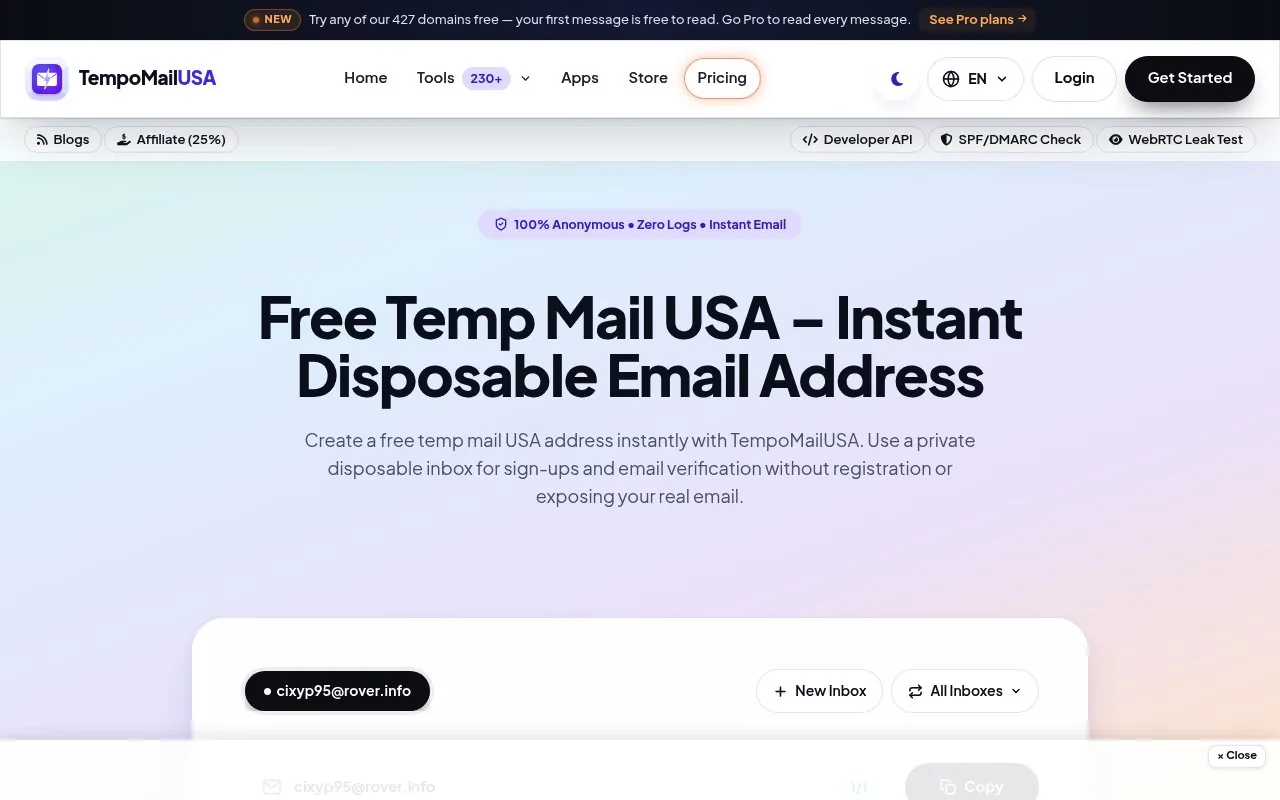
The free tier costs $0 and supports one active inbox. To read every message, the Pro email plan is $4.19 per month, billed monthly, and can be canceled anytime. Pro inboxes last 365 days and can hold up to 50 inboxes at once.
TempoMailUSA also has a separate Developer API plan. Its pricing page lists the monthly plan at $6.30, with access to 427+ working domains, auto-sync, and mail fetching through the API. That’s a distinct plan from the email inbox upgrade, so check which job you’re buying it for.
The trade-off on free use is simple: after the first message, you’ll need Pro to read every message, or you can unlock an individual message for $0.29. For long-term accounts, keep an address you control instead of relying on any temporary inbox.
If you want to compare the free tier with paid access before signing up, TempoMailUSA’s plan details spell out the current options.
2. Mailinator: API access and team testing
Mailinator is a temporary inbox service that fits teams testing signup forms and email alerts.
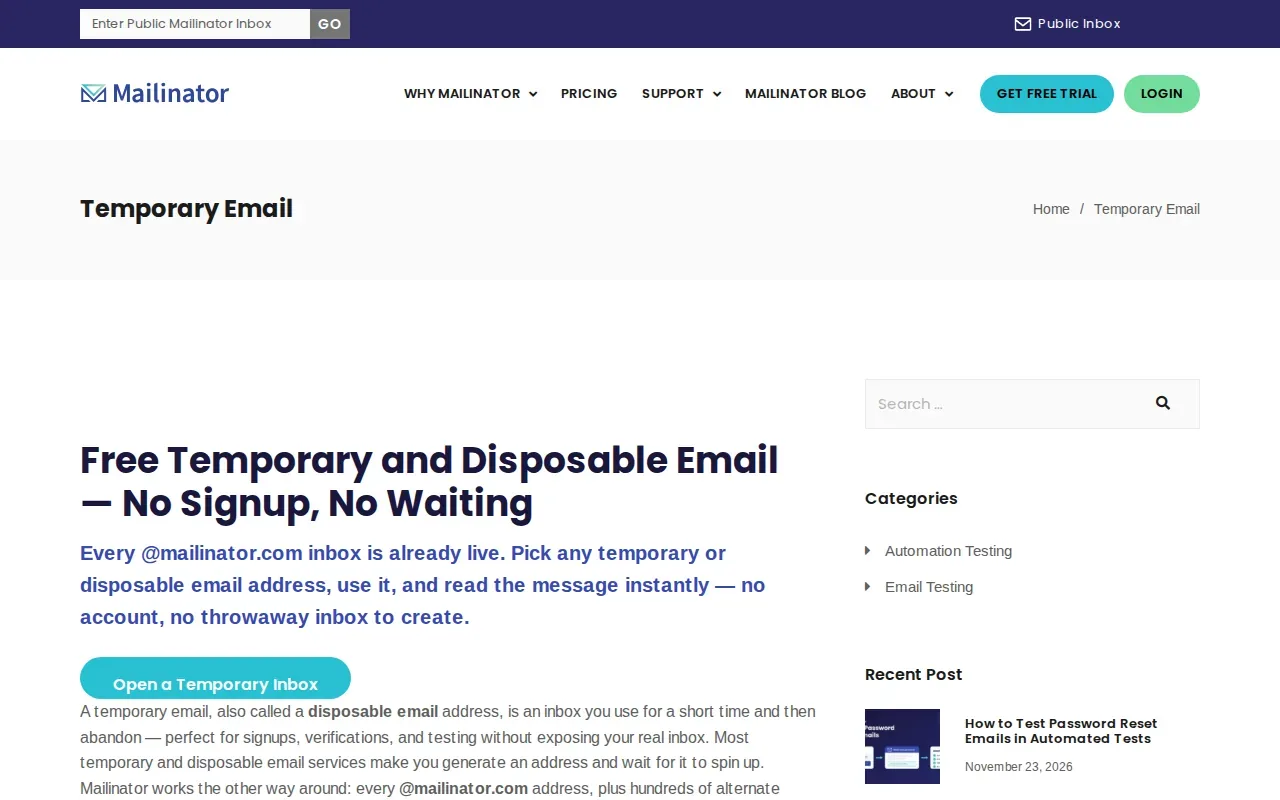
For a basic test, a developer can enter a chosen address in a signup form, trigger a confirmation message, then open that inbox. Mailinator also has API access, so a test script can check for messages instead of relying on someone to refresh a page. That can help teams test email flows as part of their software checks.
Public inboxes have a clear privacy limit: anyone who knows the address can read messages there. Use a public inbox for test data, not for a personal account, a password reset, or anything sensitive. Teams testing real product flows should keep private test data out of shared inboxes.
Mailinator has API access.
Choose it when the main job is checking whether a message arrives during a test. Don’t treat a public address as a private mailbox.
3. Guerrilla Mail: Fast, account-free verification
Guerrilla Mail is a free service for short-lived verification when you don’t want to create an account. It suits a one-off sign-up where you only need to receive a code or link, then move on.
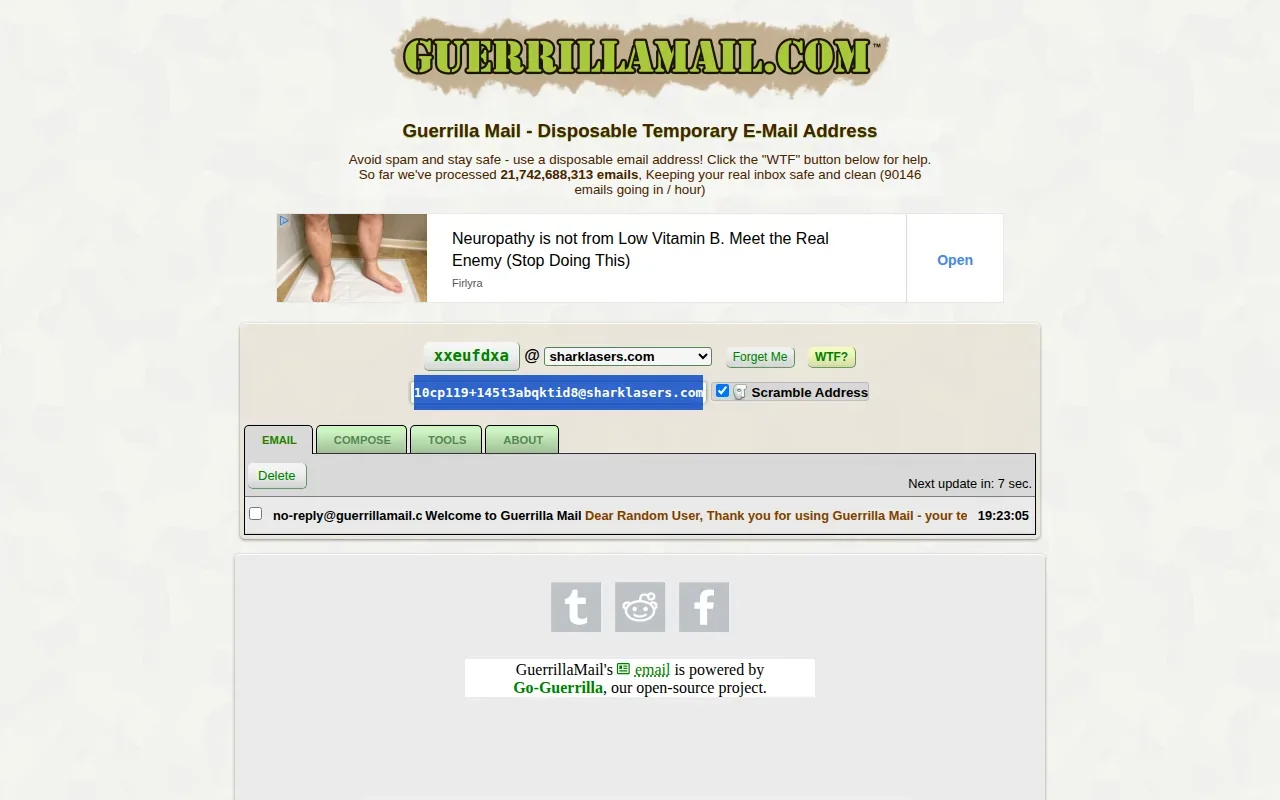
Guerrilla Mail lets you compose and send email. That may help if a short task requires a reply, though a disposable address still isn’t a good choice for an account you expect to keep.
Keep the use low stakes. A verification email can get you through a sign-up, but you may need that same inbox later to reset a password or confirm an account change. If you might return to the service, choose an address you can keep using instead.
Some sites block disposable email domains. A fresh address can still be rejected, so don’t assume any temporary inbox will work on every signup page. Use another address you control when the account matters or the form refuses the disposable one.
Guerrilla Mail makes sense when you want a free, quick inbox without account setup. Its short-term role is the point, not a substitute for ongoing email access.
4. Maildrop: Disposable inbox with a paid option
Maildrop is listed for situations where a short-lived email address is needed for an account. That may be relevant when you want to keep a one-time signup separate from your regular inbox. Think about whether you will need the inbox again after signing up and whether you can recover the account another way.
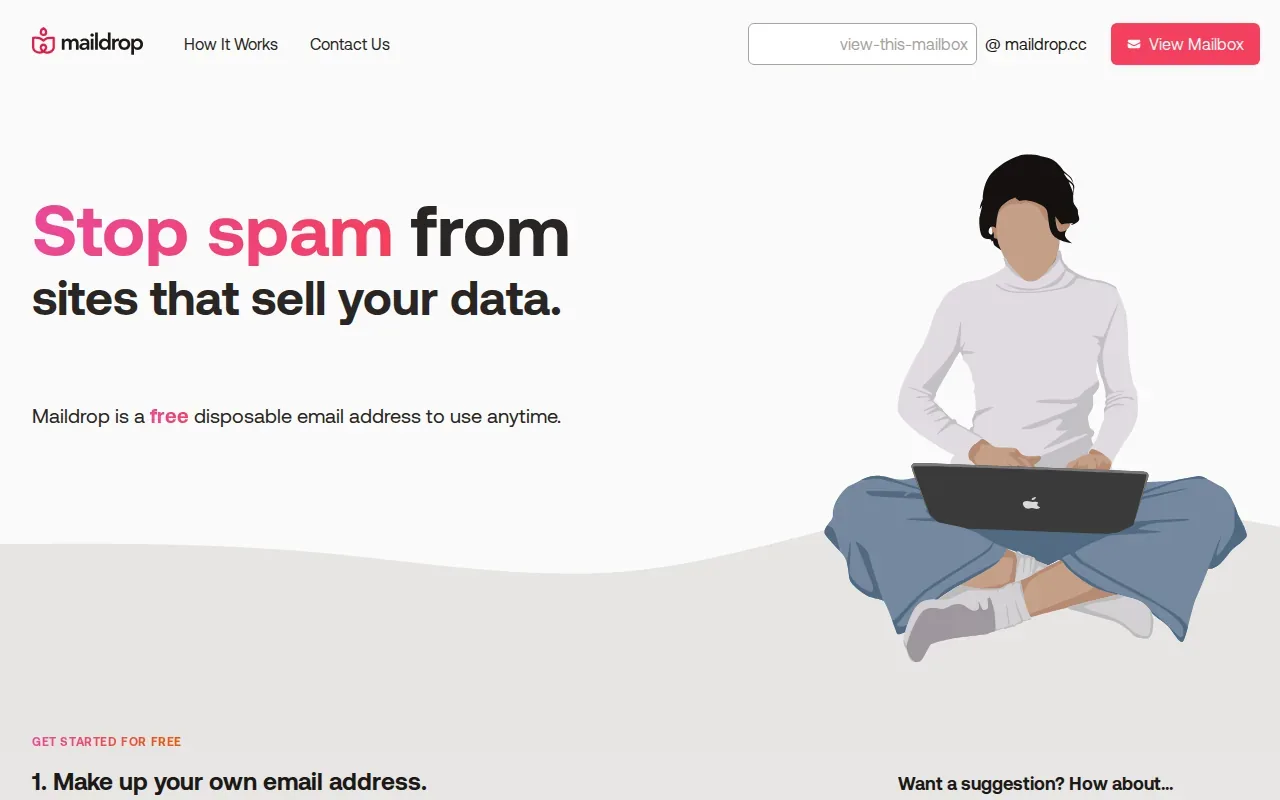
Maildrop’s starting price is $5 per month. If you’re weighing the paid option, check the current plan terms before deciding; the starting price alone doesn’t establish which features are included. A disposable address may be a poor fit for banking or any account you can’t afford to lose. Keep account recovery details somewhere you can access later.
5. EmailOnDeck: Quick throwaway inbox access
EmailOnDeck is a quick disposable inbox for individuals who need an address for a sign-up or a short verification wait. Its address generator takes two steps: complete a captcha, then select “Get Email.”
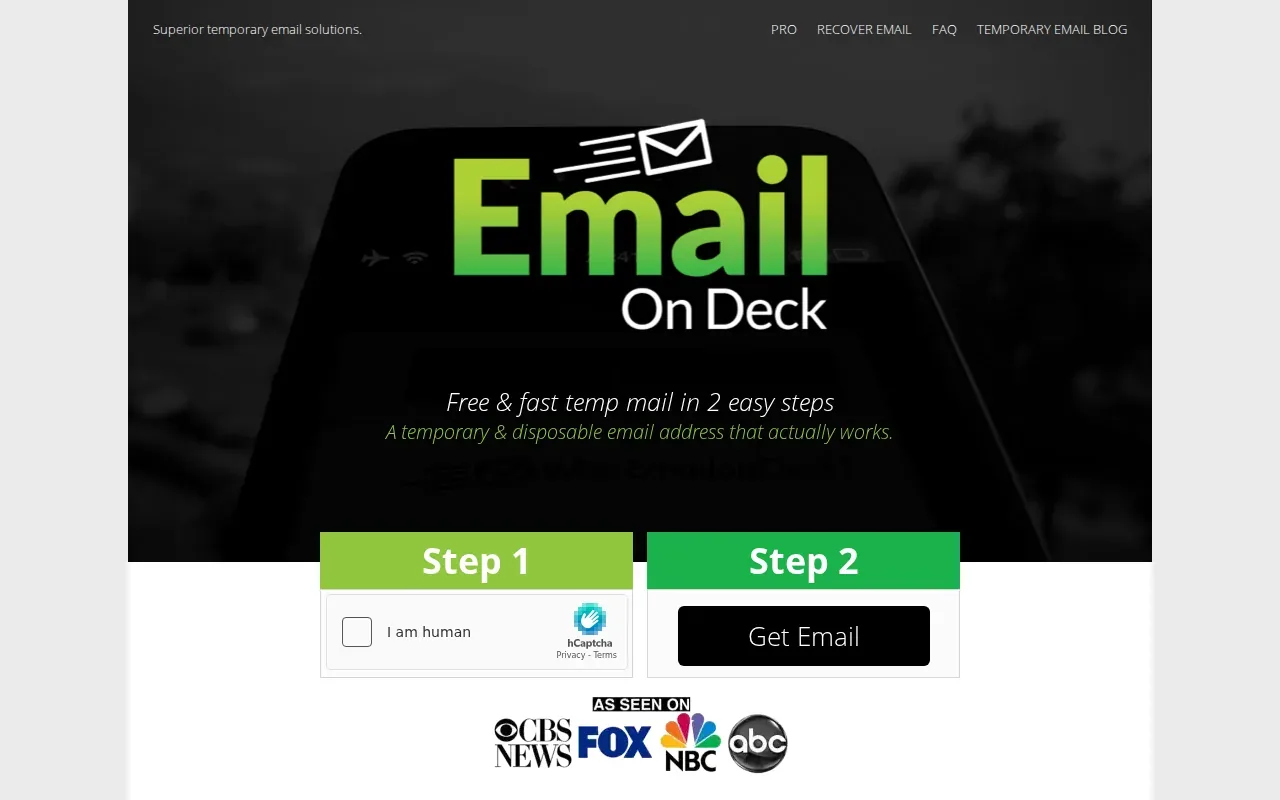
The free service is ad-supported, and it supports verification email. You can read incoming messages on the site without creating an account. EmailOnDeck says it doesn’t store IP addresses, a privacy claim readers should consider alongside the service’s own privacy terms.
EmailOnDeck has a Pro plan available, though the details here focus on its free option for receiving a short-lived confirmation message.
Don’t use a throwaway address for an account with purchases, receipts, password resets, or two-factor authentication if you may need to recover it. A temporary inbox is for short-term use, not accounts you intend to keep.
It’s a straightforward pick when speed matters more than ongoing access. If a service turns into something you rely on, change the account to an email address you control.
6. Tmailor: Temporary email for quick sign-ups
Tmailor is a receive-only temporary email service for quick, low-risk sign-ups. Its inbox can receive verification emails, while messages are automatically deleted 24 hours after arrival.
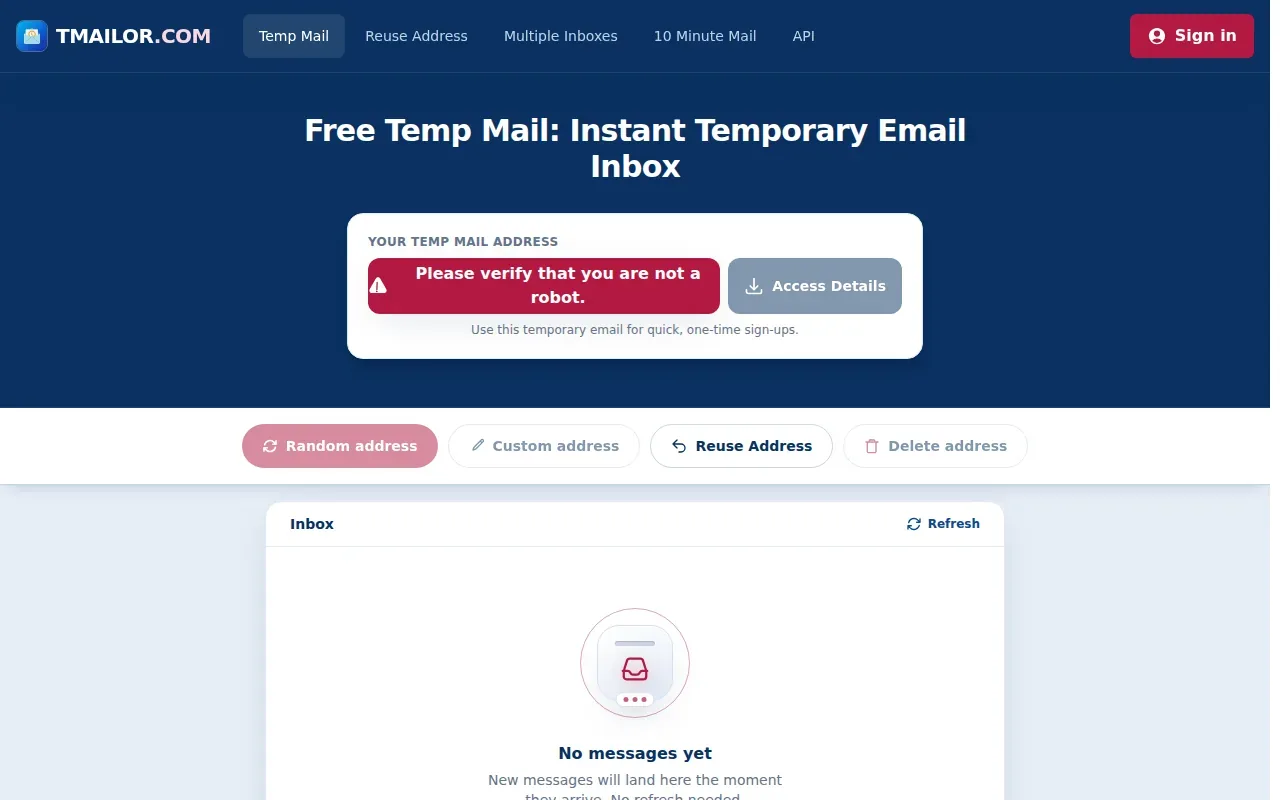
A useful detail is that you can reopen the same address later if you save its access token. The token is the key to returning to the inbox. If you lose it, you may lose access after closing the session or switching devices. Save it in a secure place if you expect to check the inbox again.
The address can be reused with the token, but messages still follow the 24-hour retention window. That makes Tmailor different from an inbox you can treat as permanent storage. It also doesn’t support forwarding messages to your regular email account.
Tmailor says its core use is free and that basic use doesn’t require personal identity details. Disposable addresses may be blocked by some sites. A saved token helps you return to an inbox, but it doesn’t make every site accept the address.
Use it for short tasks where you might need to revisit a message within a day. For an account you plan to keep, choose a durable address instead.
7. Temp Postal: No-sign-up disposable inbox
Temp Postal is a no-sign-up disposable inbox for quick sign-ups. It provides an address in about half a second, with free inbox messages available for 48 hours.
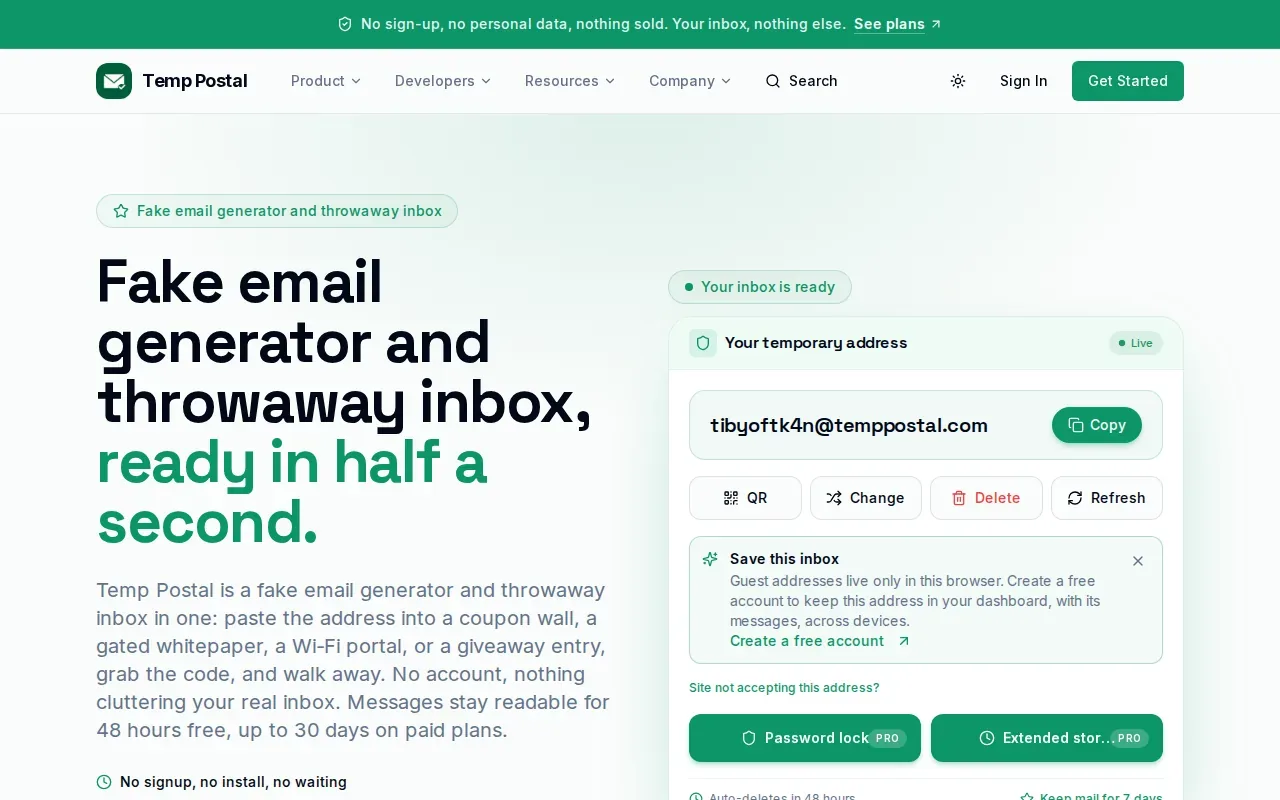
That retention window can help if a confirmation email is delayed or you need to check it again later the same day. It’s still short-term access, not a safe place to store messages tied to an account you value.
Paid plans can extend retention for up to 30 days. Treat any provider statements about performance or compatibility as claims, not as a guarantee that every message or signup will work the same way.
For developers, check whether the service meets your integration needs before building a test around it.
Keep the address for the task at hand, then avoid relying on it for future account recovery.
8. Clean Temp Mail: Multiple domain choices
Clean Temp Mail is a browser-based disposable inbox service with a Chrome extension. It may suit you if you want to create an address and see new messages without keeping a separate inbox tab open.
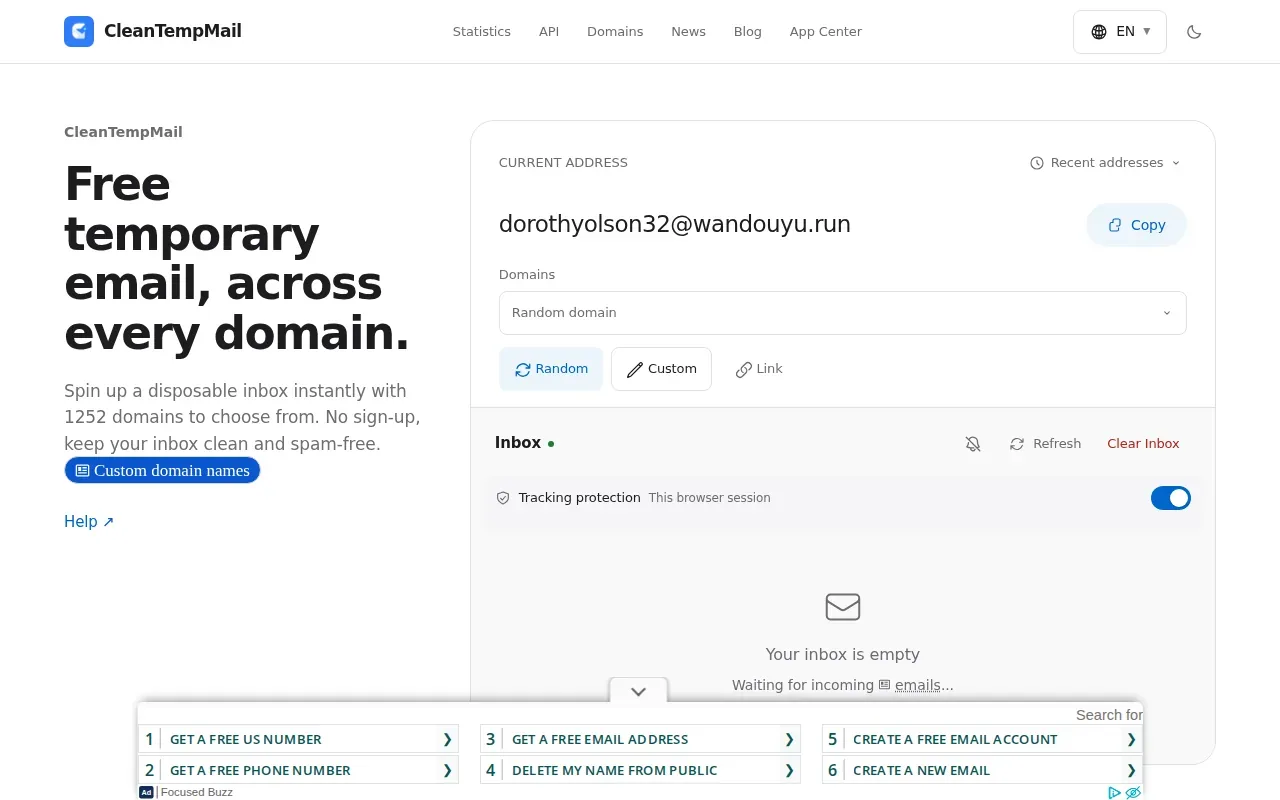
The extension can generate a random address or let you choose a custom address from available domains. You can view a message preview in the extension popup or Chrome side panel. The full message and attachments open in the web inbox.
It can also save a preferred address for a website and keep recent addresses available for quick switching. That’s useful when you visit the same site again and want to find the address you used.
Optional desktop notifications can alert you to new mail, and the extension asks for notification permission only when you enable that feature.
Clean Temp Mail’s extension can speed up form entry, but it doesn’t turn a temporary inbox into an account-recovery mailbox. Keep long-term accounts tied to an address you can continue to access.
9. Temp Mail Pro: Disposable email with security claims to verify
Temp Mail Pro is a free temporary email service that claims to use AI and virus scanning to protect against spam. It’s an option for a quick disposable address, but its security language deserves careful reading.
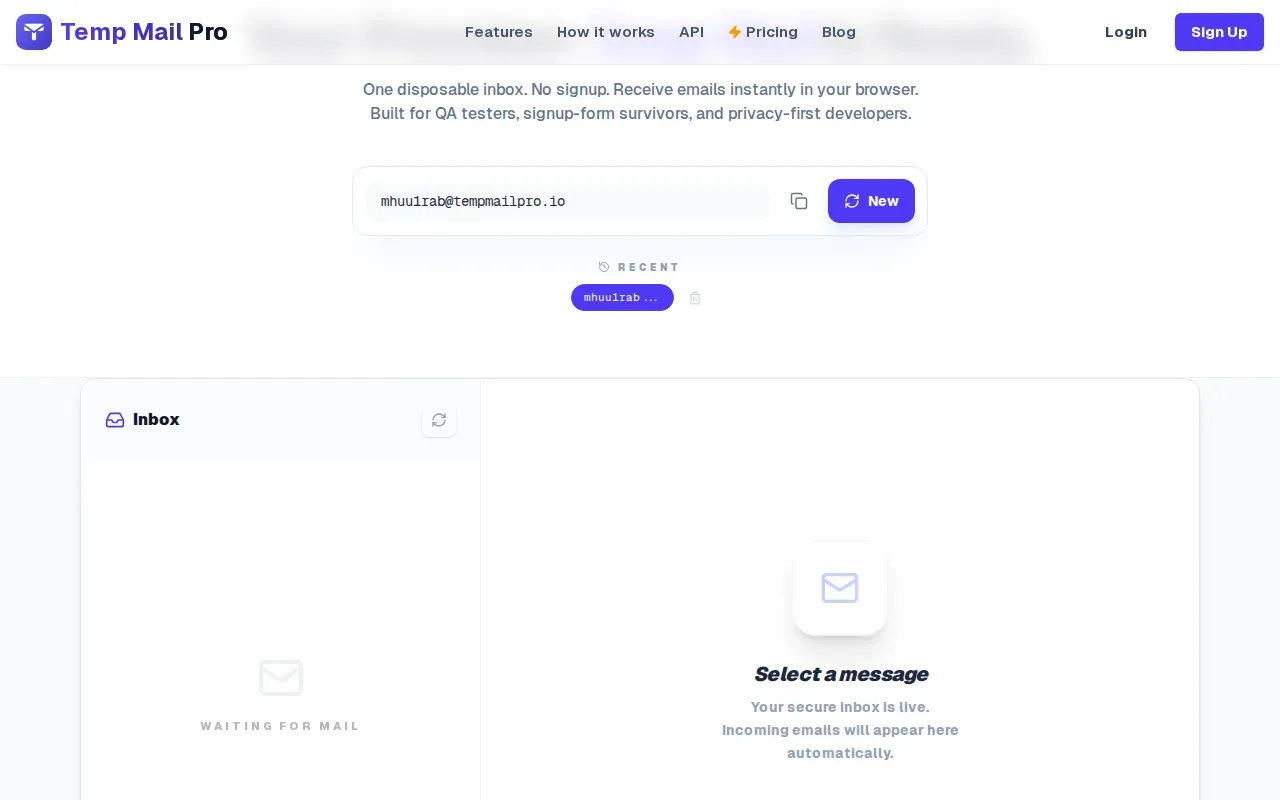
Temp Mail Pro makes claims about encryption, anonymity, and data storage. Those are claims from the service, not independent proof of how its systems work. Before using any temporary inbox for sensitive messages, check the service’s privacy terms and avoid sending personal or confidential information there.
Temp mail is best for low-risk sign-ups where you only need an incoming verification message. It isn’t a replacement for a private email account, and it shouldn’t be used for banking, government services, or accounts you need to recover later.
One more caveat: disposable addresses can be blocked by signup forms. If the form rejects the address, don’t keep cycling through addresses for an important account. Use an inbox you control and can return to.
Consider Temp Mail Pro only for a short-lived task, and verify any security claim that matters to your decision.
10. SecureTempMail: Disposable email with API access
For a developer, API access can be useful when a workflow needs programmatic interaction rather than a person opening a page each time. Review the current documentation and test whether the service fits your workflow before relying on it.
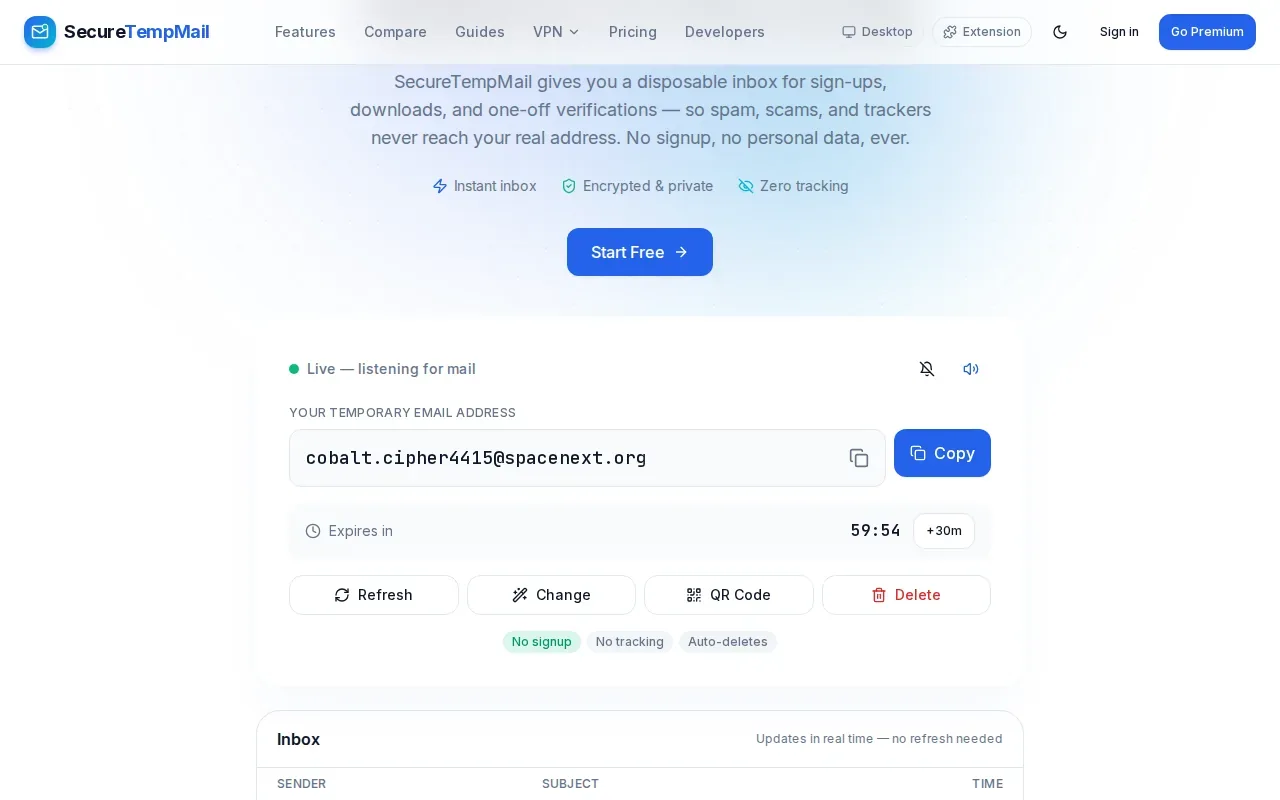
If a workflow handles sensitive test data, keep real customer information out of disposable inboxes.
SecureTempMail is worth considering when your task needs an API. For a simple personal sign-up, that developer feature may not matter.
Side-by-Side Comparison of the 10 Services
The best fit depends on what you need the inbox to do. Use the table to narrow the options by task, access style, and the main point to keep in mind.
| Service | Best fit | Access detail | Keep in mind |
|---|---|---|---|
| TempoMailUSA | Private sign-ups and verification | Free tier; Pro supports multiple inboxes and longer retention | Pro unlocks every message |
| Mailinator | Team testing | Public inboxes and API access | Anyone who knows the address can read a public inbox |
| Guerrilla Mail | Short-lived verification | Free; can compose and send | Some signup forms block disposable addresses |
| Maildrop | One-off tests and sign-ups | No registration; $5 per month starting price | Messages are deleted automatically |
| EmailOnDeck | Quick personal sign-ups | Free, ad-supported; Pro plan available | Use a lasting address for accounts you may need to recover |
| Tmailor | Short-term sign-ups | Free; saved token can reopen an inbox | Messages are deleted after 24 hours |
| Temp Postal | No-sign-up inbox access | Free inbox retains mail for 48 hours | Longer retention is a paid-plan feature |
| Clean Temp Mail | Chrome-based inbox use | Extension previews messages; full mail opens on the web | Messages are normally retained for about three days |
| Temp Mail Pro | Short-lived disposable address | Free address; security features are service claims | Review security terms before using it for sensitive mail |
| SecureTempMail | Inbox API workflows | Free inbox; premium adds API access | Check which plan includes the feature your workflow needs |
For an individual trying a disposable inbox, TempoMailUSA keeps the free starting point clear and adds paid options for more inboxes or longer use. For automated testing, compare API access and privacy boundaries first. A public inbox may be fine for a blank test message, but it isn’t the place for a real customer’s information.
How to Match a Service to Your Privacy and Inbox Needs
First decide whether you need a burner inbox or an address that lasts. A burner is short-lived and fits a one-time code, a download gate, or a low-risk trial. A persistent alias forwards mail to an inbox you control and can be turned off later. The term disposable email address refers to a short-term option; don’t confuse that with long-term access.
If you expect to use an account again, use an address you can keep. That includes shopping accounts with receipts or password resets. For a one-off checkout, look for a guest checkout option before creating an account. If you do create an account, use a lasting address if you may need to return to it.
For developers, match the tool to the test. A browser inbox may be enough for a person checking one email. API access is more useful when software needs to read a verification message as part of a repeatable test. Email moves between mail systems, and an API is an extra layer that lets a test script interact with an inbox.
Check the limits before you rely on a service: message retention, number of inboxes, and whether the inbox is public. Don’t treat encryption, a security badge, or a short-lived address as a promise that every message is private. MFA protects account access; it doesn’t make a disposable mailbox safe for recovery.
TempoMailUSA is the clearest fit in this shortlist if you want to start free, then add inbox capacity or longer retention. For a quick no-account verification, a free burner may be enough. The right choice is the one that won’t leave you locked out later.
Frequently Asked Questions
What is a disposable email service?
A disposable email service gives you an alternate inbox for short-term use. You can use it to receive a verification code or link without giving a site your main address. Some inboxes are public, and some delete messages after a set time. Don’t use one for an account you may need to recover later.
Are temporary email services safe?
Temporary email can help keep unwanted sign-up mail away from your main inbox, but it isn’t automatically private. Some inboxes are public, so another person who knows the address may read the messages. Don’t use a temporary inbox for sensitive information, banking, or account recovery.
Can I use a disposable email for a verification code?
Yes, many disposable inboxes can receive verification emails and codes. A signup form may still reject a disposable domain, and delivery can vary by site. For an account you’ll keep, use an address you control so you can receive password resets or future security messages.
What’s the difference between a burner email and a persistent alias?
A burner email is a temporary inbox that may expire after a short period. A persistent alias is an address meant to keep working and route messages to an inbox you control. Use a burner for a one-time task. Pick a lasting address or alias when you expect to use the account again.
Should I use a temporary email for online shopping?
Use one only for a low-stakes purchase where you won’t need receipts, shipping updates, or account recovery later. If you expect to track an order or return to the account, use an address you can keep accessing. Guest checkout can also help you avoid creating an account when a store allows it.
Conclusion
For a flexible disposable inbox with a free starting tier and paid options for longer retention or more inboxes, start with TempoMailUSA. Review TempoMailUSA’s disposable email service overview if you want to compare its use cases before choosing a plan.
Need a disposable temporary email?
Protect your real inbox from spam and promotional clutter instantly and free.
Received a suspicious email, text, or charge alert?
Verify whether the sender domain is disposable, spoofed, or unverified before clicking links.