
Temp Email for Hulu Signup: The 5-Minute Code, the MyDisney Login, and the Household Check That Kills It
Hulu will probably let you sign up with a temp email. That sentence is true, and it is also the least useful true sentence in this post, because signing up was never the hard part of a Hulu account. The hard parts are the three things that happen after signup, and all three run through the email address on the account: a verification code that lives for five minutes, a MyDisney login shared with Disney+ and ESPN+, and a household check that texts or emails a passcode to the address on file whenever Hulu doubts where you are watching from. A disposable inbox can survive the signup form. It cannot survive the account.
That is the short version. The long version is worth reading if you are about to pay $11.99 a month for Hulu (With Ads) — $18.99 without ads — on an email address that stops existing in ten minutes. The money is small. The annoyance is not: a Hulu account that locks you out of your own living room TV because the household verification code went to an inbox that expired in November is the kind of problem that takes an afternoon of support chats to fix, and it is entirely avoidable.
Hulu is not one signup anymore — it is a MyDisney account
The first thing to understand is that you are no longer creating a Hulu account. You are creating a MyDisney account that happens to have a Hulu subscription attached to it. Hulu now signs in through MyDisney, one email address and password shared across Hulu, Disney+, and ESPN+. The same login that opens Hulu opens Disney+, and the same email verification that protects one protects all three.
That changes the temp-email math in a way the older advice never caught up with. The guides that tell you to use a disposable address for Hulu were written when Hulu was a standalone account you could abandon without losing anything else. Today the address on your Hulu account is also the address on your Disney+ account, and during 2026 Hulu is being folded into the Disney+ app entirely — the standalone Hulu app is being retired across platforms, and the catalog already lives inside Disney+. An inbox you throw away after signup is now an inbox tied to two streaming services and a bundle, not one.
The billing side makes it messier. Plenty of people do not pay Hulu directly. They pay through Roku, Apple, Amazon, Spotify, Verizon, or T-Mobile, and the email tied to the billing partner is often not the email tied to the Hulu login. Hulu's own troubleshooting pages flag this as one of the most common reasons verification fails: you type the address you pay with, Hulu looks for the address you signed up with, and the two do not match. The Spotify post in this series ran into the same split — the student bundle that includes Hulu is billed by Spotify, and the Hulu login still needs its own reachable address. Add a temp email to that mix and you now have three addresses in play: the one you pay with, the one Hulu thinks is yours, and the one that no longer exists.
None of this means a temp email gets rejected at the form. It means the form is the wrong place to judge the idea. The question is not whether Hulu accepts the address. The question is whether you want the recovery address for a MyDisney account — with a subscription, a payment method, and a viewing history attached — to be an inbox with an expiry date.
The 5-minute code
Here is the number that decides most temp-email attempts before anything else does: Hulu's verification codes are valid for only five minutes. Password reset links last three hours. And Hulu's own verification emails can take up to 15 minutes to arrive, often landing in spam, promotions, or a filtered folder first.
Read those three numbers together and the trap is obvious. You sign up with a 10-minute inbox, Hulu sends a code that dies in five minutes, and the email takes seven minutes to show up. The code is dead before you ever see it. You request another one, the same thing happens, and after a couple of rounds Hulu's system starts treating the repeated requests as suspicious activity — which can lock the MyDisney account within about four hours and sign out every active session. You have not been blocked for using a temp email. You have been timed out by arithmetic.
The 10-minute inbox is the worst offender here, but it is not the only one. Even a 60-minute inbox is tight if you sign up on your phone, get distracted, and come back to a code that expired while you were doing something else. And the code is not a one-time event. Hulu sends a fresh one-time code whenever it wants to confirm it is really you: signing in after a long gap, changing account details, recovering a password, confirming a household. Every one of those moments replays the same five-minute race, and the inbox has to win it every time, months after signup, not just once on day one.
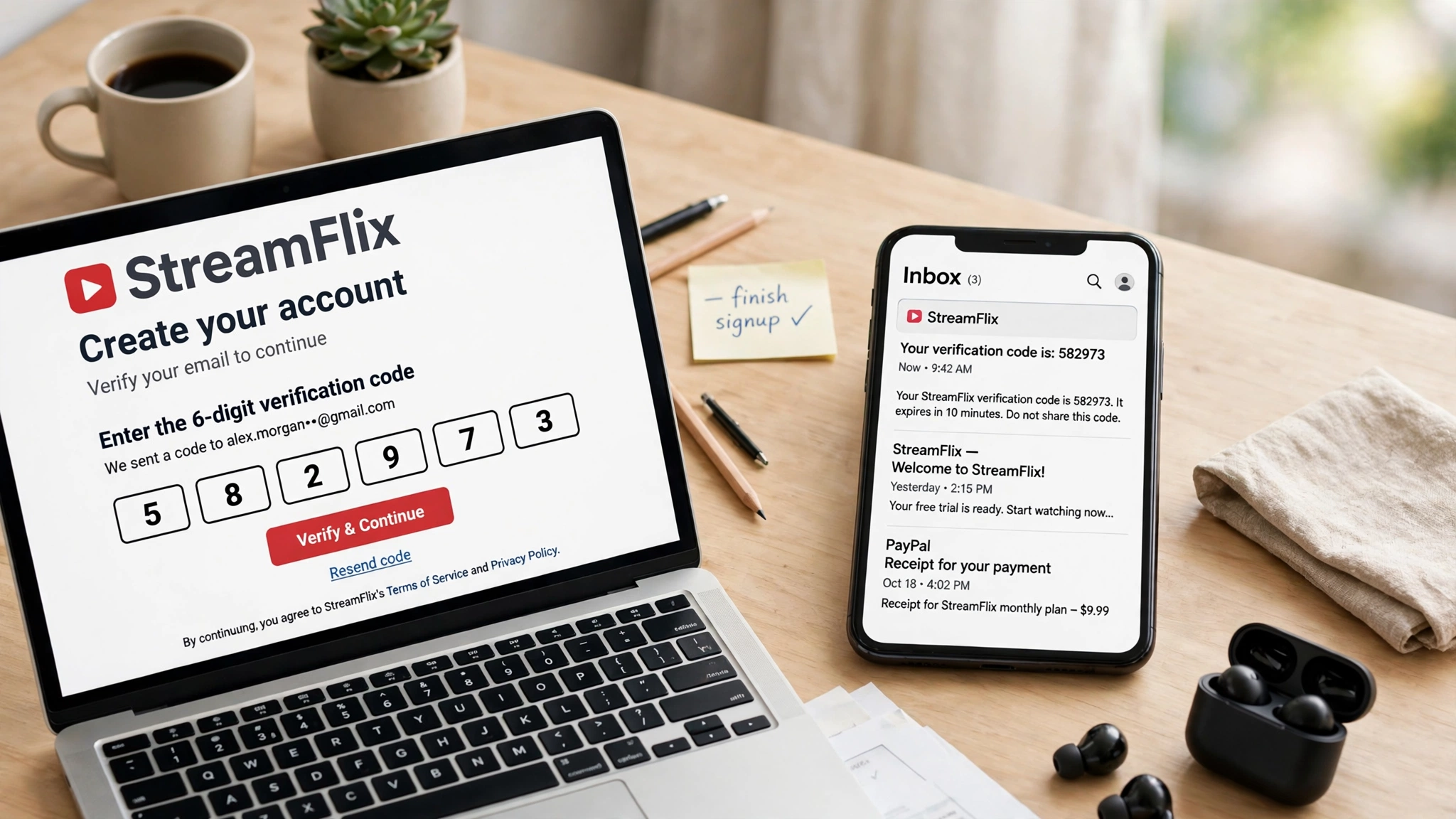
There is a practical fix that does not involve a temp email at all, and it is the one Hulu's own troubleshooting pages keep recommending: use a regular address from a mainstream provider, check spam before requesting a second code, and mark the message as not spam when you find it there. That advice sounds boring. It is also the difference between a signup that takes two minutes and one that eats an evening.
Does Hulu block disposable domains?
This is the question most people actually typed to get here, so here is the straight answer: Hulu publishes no blocklist of disposable domains, and I am not going to invent one. What Hulu's troubleshooting guidance does say, in plain language, is that Hulu may reject email addresses that appear invalid, temporary, disposable, or risky, and that you should use a regular address from a trusted provider such as Gmail, Outlook, Yahoo, or iCloud. Several independent troubleshooting guides repeat the same point: disposable, alias, or forwarding addresses may be rejected at signup or may silently drop automated mail.
That wording — "may be rejected" and "may silently drop" — is doing a lot of work, and it is worth taking seriously precisely because it is vague. Hulu does not have to publish a list to reject your address. Disposable domains get added to blocklists constantly, and a domain that worked last month can fail this month without any announcement. Worse, the failure mode is not always a clean error message. Sometimes the signup form accepts the address and the verification mail simply never arrives, because it was dropped somewhere between Hulu's mail servers and the disposable service. You are left guessing whether the problem is the address, the spam folder, or Hulu itself, and every guess costs you another five-minute code.
There is also a second gate that has nothing to do with email at all. Hulu is a U.S.-only service, and it verifies your geographic location as part of sign-in. Sign up or sign in over a VPN or proxy and Hulu cannot confirm you are in the United States — error code P-EDU101 — and verification fails along with playback. The temp-email crowd overlaps heavily with the VPN crowd, and the two tools fail together: the anonymized connection blocks the location check while the disposable address blocks the email check. If you are signing up for Hulu, do it from your real connection, on a network Hulu can see, with an address Hulu can reach. The privacy tools that help everywhere else on the internet are the two things Hulu's signup is specifically built to distrust.
The household check is where a temp inbox actually costs you
If the five-minute code is the trap at signup, the household check is the trap that costs you months later, and it is the reason this post ends the way it does. Hulu does not allow sharing outside your household unless you pay for an Extra Member add-on — $6.99 a month on the with-ads plan, $9.99 on the no-ads plan — and it enforces that rule by watching your subscription activity, your linked devices, and your internet connection, among other factors it does not spell out. When it suspects a device is outside the household, it sends a verification code to the account email or by SMS, and you have to confirm you are away from home or update where your household is. Hulu warns you can only do that a limited number of times.
Picture the scene. You signed up with a temp email in November. In February, your kid opens Hulu on the TV at their other parent's house, or you open it on a hotel TV on a work trip, and the screen says the TV does not seem to be part of the Hulu Household for the account. The fix is a code sent to the email on the account. That inbox expired three months ago. There is no code to receive, no household to confirm, and no way to watch until you get back to your home network — or until support untangles it, which starts with proving you own an account whose recovery address you no longer control.
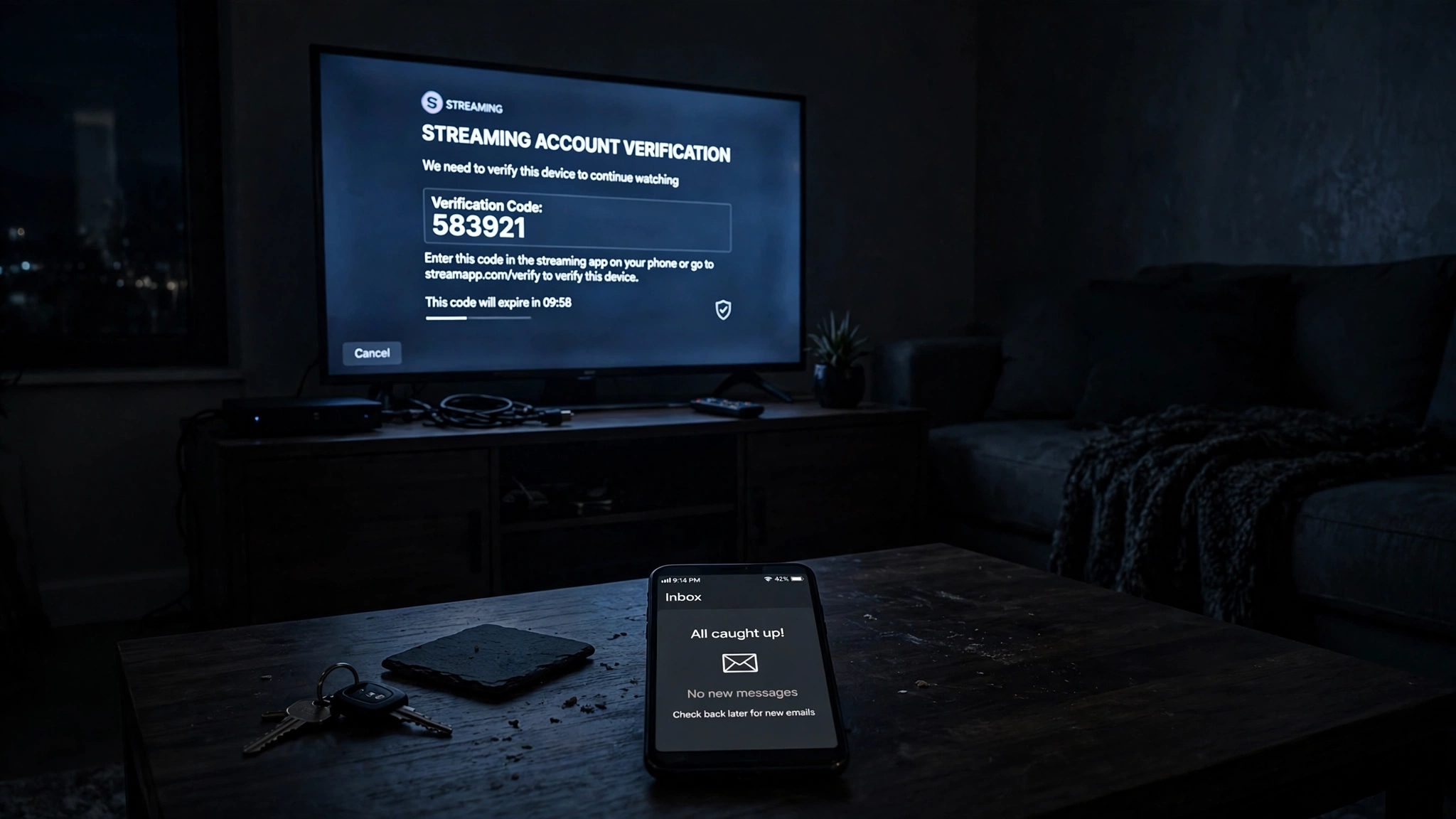
Live TV subscribers get the stricter version of this. Hulu + Live TV, from $89.99 a month, ties your account to a home network location, and devices are expected to check in from that home network periodically. Go too long without doing so and Hulu asks you to reverify or restricts the account. On-demand-only plans are enforced more loosely, mostly through device counts and viewing patterns, but the mechanism is the same in both cases: the email on the account is the channel Hulu uses to ask whether you are who you say you are, and a temp address closes that channel.
The comparison with the other streamers in this series is instructive. Disney+ ties your account to a Household the same way, and every household check there also sends a passcode to your email — same trap, same dead inbox, because it is the same MyDisney account underneath. Netflix charges $7.99 per extra member and sends device verification codes to the account email too. The streaming industry converged on the same design: the email address is the household's proof of identity, and a disposable address is a proof of identity that self-destructs.
The one-month test: where a temp email still works
There is one honest use case, and it is narrower than the guides admit but real. If you are buying exactly one month of Hulu, paying with a card, watching a specific show, and cancelling before the month ends, a temp email can work — because the account's risk window is thirty days, and most of the failure modes need more time than that to bite. The household check usually needs a second location to trigger. The password reset needs you to forget the password. The billing dispute needs a charge you did not expect. In a single month, on one TV, in one house, with the password saved in your browser, the odds are in your favor.
But notice what that use case gives up. You cannot watch on a second TV at another address without risking the household check. You cannot recover the account if you forget the password, because the reset link goes to the dead inbox. You cannot dispute a charge with receipts you never received, because the billing emails went to the same dead inbox. And you cannot keep the account past the month without migrating it to a real address first — which requires confirming the change at the old address, the one that no longer exists. A one-month account on a temp email is a rental with no renewal option.
The test that sorts honest uses from bad ones is the same one the Roblox post in this series landed on: a temp email is fine for an account you can walk away from, and a bad idea for an account that holds anything you would miss. A one-month Hulu subscription you plan to cancel is an account you can walk away from. A Hulu account with a year of watch history, a bundle, and a payment method attached is not. The line between them is not the signup form. It is time.
The setup that actually works
The setup that survives the five-minute code, the MyDisney login, and the household check is unglamorous, which is why it works. Use a permanent email address you control for the Hulu account — a dedicated alias just for Hulu is the best version of this, because it keeps the verification codes, the billing mail, and the household checks in one place without exposing your primary inbox to marketing. Set a password you store in a password manager, not one you type from memory, because the password reset is one of the three things that runs through that email. Keep access to the inbox: if you switch email providers, change the address on the MyDisney account while the old inbox still works, because the change needs confirmation at the old address first. Sign up from your real connection, not a VPN, so the location check passes the first time. And if someone outside your household genuinely needs access, pay for the Extra Member add-on instead of handing them your password — it gives them their own profile and their own login, one device at a time, without putting your account's recovery path in someone else's hands.
If you pay through a bundle or a billing partner, do one extra check that most people skip: confirm which email Hulu has on file for the login, and make sure it matches the address you can actually open. The Amazon signup post in this series covers the same billing-email trap from the other side — when the company that charges you is not the company that emails you, the address that matters is the one the streaming service has, not the one the store has. A temp email is the worst version of that mismatch: an address nobody can open, on an account everyone in the house shares.
Frequently asked questions
Can I sign up for Hulu with a temp email?
Probably yes — Hulu publishes no disposable-domain blocklist. But Hulu's own guidance says it may reject addresses that appear temporary or disposable, and verification mail may silently never arrive. The signup is the easy part. The five-minute code, the MyDisney login, and the household check are the parts that punish a disposable address later.
How long do Hulu verification codes last?
Five minutes. Hulu's verification emails can take up to 15 minutes to arrive, which means a code can expire before you ever see it. Password reset links last three hours. If your inbox only lives for ten minutes, the arithmetic is against you from the start.
Does Hulu send a verification code to my email?
Yes. Hulu sends a one-time code to the email on the account when you sign up, sign in after a long gap, change account details, or need to confirm a device is part of your household. If Hulu suspects off-premise use, the code goes to the account email or by SMS. A dead inbox means no code, and no code means no access.
Can I share my Hulu account with someone outside my household?
Not without paying for it. Hulu's rule is that sharing is limited to your household, and the official way to add one person outside it is the Extra Member add-on — $6.99 a month on the with-ads plan, $9.99 without ads. That person gets their own profile and login and can stream on one device at a time. Password sharing outside the household violates the subscriber agreement and can lead to suspension.
What happens if I lose access to the email on my Hulu account?
Password resets, household verification codes, and billing emails all go to that address. A lost inbox means no self-service reset and no household confirmation. Your remaining path is Hulu Support, which starts by asking you to prove you own the account — harder when the recovery address is one you no longer control. Change the email while the old inbox still works, not after.
Should I use a VPN when signing up for Hulu?
No. Hulu is a U.S.-only service and verifies your location at sign-in. A VPN or proxy hides that location, which triggers error code P-EDU101 and blocks verification and playback together. Sign up from your real connection, and keep the VPN off for Hulu.
The honest answer
A temp email will almost certainly get you through Hulu's signup form, and for a single paid month on one TV in one house, that is enough. For anything longer, it is the wrong tool — not because Hulu blocks it, but because Hulu built three separate systems that all depend on the email address staying reachable: a five-minute verification code, a MyDisney login shared with Disney+ and ESPN+, and a household check that asks the email on the account to vouch for the TV in front of you. A temp inbox fails the first on timing, weakens the second by tying two services to an address that expires, and breaks the third exactly when you are away from home and need it most. Put a real address on the account — a dedicated alias if you want the privacy — and keep the temp inbox for the signups you can afford to lose.
Need a disposable temporary email?
Protect your real inbox from spam and promotional clutter instantly and free.
Received a suspicious email, text, or charge alert?
Verify whether the sender domain is disposable, spoofed, or unverified before clicking links.