

Temp Email for Amazon Signup: The Store That Rejects Your Email First
Amazon is the strictest signup in this entire series, and it does not hide it. LinkedIn makes you prove who you are after you sign up. ChatGPT mostly waves you through. Amazon says no at the email field itself, before you have seen a single product, because for Amazon the email address is not a contact detail. It is the first line of a fraud system that protects hundreds of billions of dollars of transactions, and disposable addresses are the exact thing it was built to catch.
That makes this post different from the others. There is no clever workaround here, no domain rotation trick that makes a temp email a good idea for a main Amazon account. The honest answer is that Amazon blocks most disposable domains outright, and the narrow places where a temp email still works are all around Amazon, not inside it. What follows is where the wall is, why it is there, and the small honest uses that remain.
The rejection happens at the email field
Amazon's account creation flow checks your email domain against known disposable providers before anything else happens. Enter an address from a well-known temp-mail domain and the form stops with a message like "We're sorry, we cannot create an account with this email address" or "Please use a different email." There is no code to wait for, no resend button to press, no phone step to fall back on. The signup is over before it starts.
The reason is not snobbery. It is arithmetic. Disposable emails are heavily used for review manipulation, repeated Prime trial abuse, and fraudulent returns — three problems that cost Amazon real money at a scale no other platform in this series faces. A single famous temp-mail domain can be behind thousands of throwaway accounts, so Amazon treats the domain as the signal and the individual user as collateral. That is why the advice you see everywhere — "just generate a fresh address on a different domain and try again" — works worse here than anywhere else. A quieter domain may slip through once, but the account it creates is born under suspicion, and Amazon's systems keep watching it. Our piece on how websites detect disposable domains explains the machinery: blocklists, reputation scores, and behavior signals, all deciding your fate before a human ever looks. Amazon runs the most aggressive version of that machinery on the consumer internet.
There is also a structural fact that makes Amazon different from a social app. Amazon allows one account per unique email address, and the email is the account. There is no username to fall back on, no social login that bypasses the address, no "continue with Google" door that lets a temp email stay out of the picture. The address you register is the key to everything that follows — orders, payments, returns, subscriptions — and Amazon will not let that key be disposable.
The three gates after the email
Suppose the domain passes. Amazon still has three gates waiting, and a temp email helps with none of them.
The first is the phone. Amazon often requires phone verification during account creation, sending a six-digit OTP by SMS to a mobile number and asking you to enter it before the account opens. A temp email does nothing for a phone check, and the numbers people reach for next — free virtual numbers, VoIP numbers, numbers already used on other accounts — are flagged the same way disposable emails are. If the SMS code does not arrive, the usual causes are the same ones that plague every strict platform: a flagged number, a VPN or public Wi-Fi IP with a bad reputation, or too many attempts in a short window shutting the channel down.
The second is the payment method. An Amazon account without a payment method is a browsing account, and the moment you try to buy anything — or start a Prime trial — Amazon wants a real card. Not a prepaid card, not a corporate line of credit, not a checking account: a current, valid credit or debit card. The card is verified against the name and address on the account, and a mismatch is itself a flag. A temp email never touches this gate, and no temp-mail service can help you through it.
The third is the invisible one: device, IP, and behavior. Amazon's systems flag signups from VPNs, from public Wi-Fi networks that have hosted many previous signups, and from IP addresses associated with suspicious activity. Incomplete or inconsistent details — a name that does not match the billing information, an unusual email format — can reject the application on their own. Create the account and then behave like a bot in the first hour — rapid browsing, multiple failed payments, immediate high-value orders — and the account can be held for review before it has bought anything. The email was only the first filter. It was never the only one.
Prime: the trial that needs a real card
Prime is where most people actually meet the temp-email wall, because the trial is the thing they wanted the disposable address for in the first place: thirty days of fast shipping and Prime Video without paying, and without the account being traceable to their real inbox. Amazon designed the trial to defeat exactly that plan.
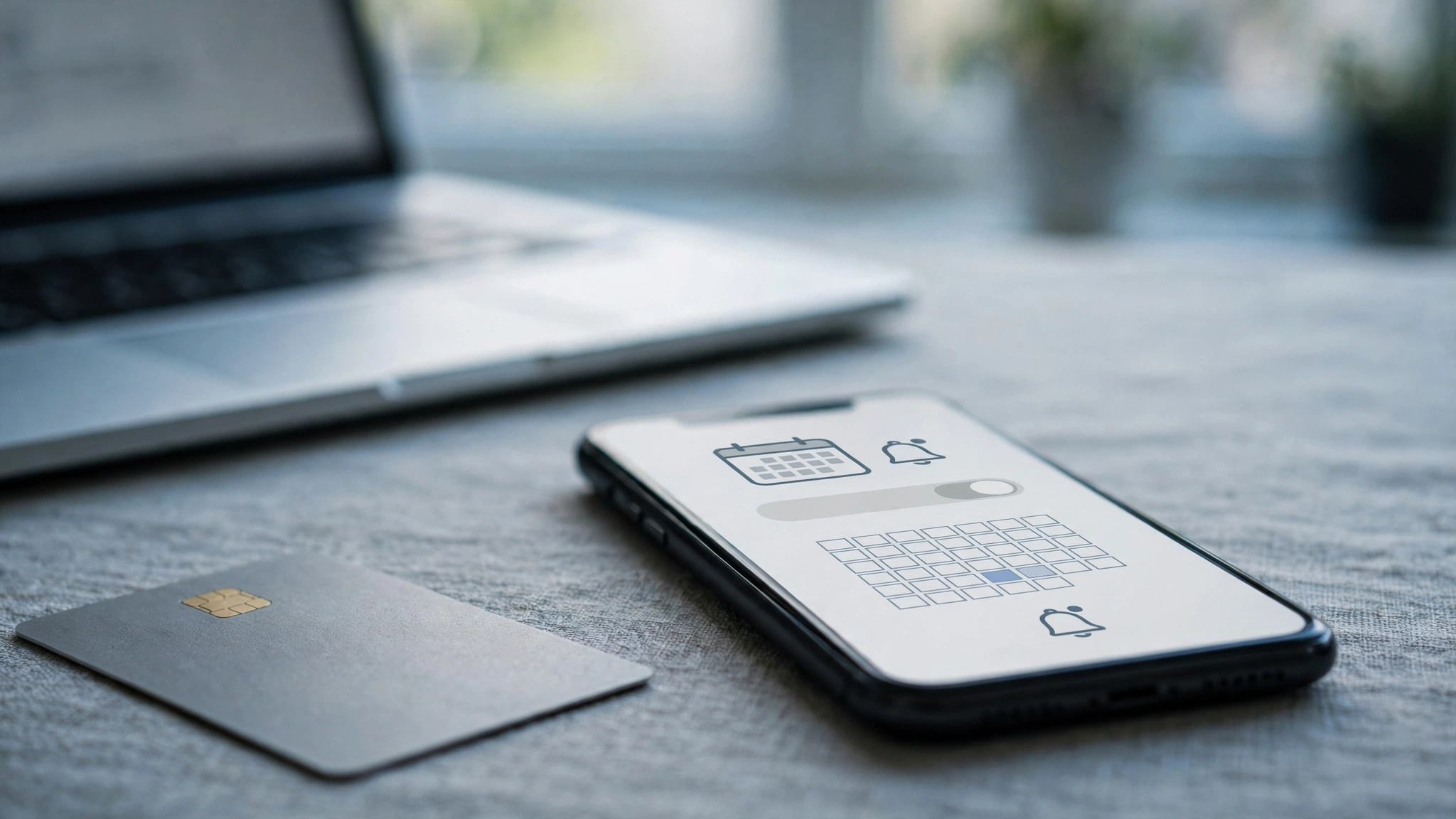
The terms are plain. The trial lasts 30 days and gives full Prime benefits. To start one, your account must have a current, valid credit or debit card on file — Amazon's own help pages name the payment methods that do not count, including prepaid credit cards, checking accounts, and the Amazon.com Corporate Line of Credit. You are not eligible if you have had Prime in the last 12 months, and the trial converts automatically into a paid membership at the end of the 30 days — $14.99 a month or $139 a year — unless you cancel first. One trial per account, and the eligibility check runs against your account history, not just your email address.
That last detail is the one that kills the temp-email strategy outright. A fresh disposable address does not reset your Prime history, because Amazon tracks eligibility by account, payment method, device, and address — not by the string before the @ sign. Repeated Prime trials with different temp emails is against Amazon's terms, and accounts caught doing it get banned, taking their order history and any digital purchases with them. The trial was never free in the way people imagine: it is free only for a genuine new customer with a genuine card, and the card is the proof. Set up authenticator-app two-factor authentication on the account the moment it exists — our piece on temp email and two-factor authentication explains why it keeps login checks answerable after an inbox dies, even though it cannot restore a forgotten password.
There is a narrow honest exception worth naming. Prime for Young Adults gives eligible new members six months free, then $7.49 a month or $69 a year, but it requires proof of age or school enrollment. Prime Access costs $6.99 a month after a 30-day trial for people receiving qualifying government assistance, and it requires income verification and yearly re-verification. Both are real ways to pay less. Neither accepts a disposable identity, because both are built on verifying who you actually are.
What a temp email can still do around Amazon
So what is left? The honest list is short, and every item on it sits outside Amazon itself.
First, third-party Amazon tools. Price trackers, FBA calculators, PPC managers, and deal-alert sites ask for an email to send you alerts, and they are not Amazon — they do not run Amazon's blocklist. A temp address works fine for a price-drop alert on a product you are watching, and when the alert stops mattering, the inbox dies with it. That is the temp-email idea working exactly as designed.
Second, seller-side testing. If you sell on Amazon, Seller Central sandbox and test environments sometimes need a spare address for a test account, and a disposable inbox is a reasonable tool for a throwaway test that will never hold money or inventory. Keep it far away from your real seller account, which holds your payouts and your business identity.
Third, the diagnostic use: confirming for yourself that a domain is blocked, so you stop wasting time on a signup that will never work. One attempt, one rejection, one answer — then use a real address.
What is not on the list: a main shopping account, a Prime trial, a Vine account (which requires a real account plus purchase history), and anything that holds money, orders, or digital purchases. Amazon's own ecosystem is closed to disposable addresses by design, and the closures are layered — email, phone, payment, device — so beating one layer just meets the next one. The contrast with the friendly end of this series is the point: our look at temp email for ChatGPT signup shows a platform that tolerates a disposable address for a free trial, and our look at temp email for LinkedIn signup shows one that demands a government ID when things go wrong. Amazon sits further out than both: it refuses the address before the account exists.
The order that never arrives: recovery, refunds, and returns
The cost of a disposable address on Amazon is not the signup. It is everything after it. Orders, shipping notifications, delivery codes, return labels, refund confirmations, account security alerts, and subscription reminders all go to the email on the account. A temp inbox that expired last week cannot receive the return label for the package that arrived broken today, and it cannot receive the email telling you a refund was issued — or the one telling you it was not.
Returns are where this bites hardest. Amazon's return flow sends the label and the refund status to the account email, and a return started from an account whose inbox is dead leaves you with a package, a deadline, and no label. Account recovery is the same story: a forgotten password, a new device, or an "account on hold" security check all route through the email and the phone on file. Lose both and the recovery path is a support conversation in which you must prove you own an account that Amazon already suspects — because it was created on an address its own systems flagged.
There is a second-order cost too. Amazon's recommendations, Subscribe and Save schedules, digital purchases, and Kindle libraries all live on the account, and they are all anchored to the email. People who built a library on a throwaway address discover the price of that choice years later, when the address is gone and the books are not portable. The address is not a login detail. It is the deed to everything you bought.
The setup that actually works
Here is the setup I would actually recommend, and it is the same split this series keeps coming back to, sharpened for a store that holds your money: disposable address for the alerts around Amazon, durable address for the account itself.
Use a secondary real email as the account's primary — not your main inbox, a second address you control and will still own in five years, checked weekly. That gives you the separation you wanted from the temp email without the expiry date and without the blocklist. Add a phone number you control, because Amazon leans on it for verification, recovery, and delivery codes, and there is no disposable substitute that survives a security check. Turn on two-factor authentication on day one, while every recovery path still works.
Then put the temp email to work where it actually helps: price-drop alerts on the tracker of your choice, deal newsletters from sites that watch Amazon prices, and the throwaway signups on Amazon-adjacent services that never touch your money. And if you start a Prime trial, set a calendar reminder for day 28 — the trial converts automatically on day 30, and the reminder is worth more than any disposable address ever was. Our guide to temp email for selling on secondhand marketplaces makes the same point from the seller side: the payout lives in the inbox, so the inbox has to outlive the sale.
Frequently asked questions
Can I create an Amazon account with a temp email?
Usually not. Amazon checks email domains against known disposable providers at signup and rejects most of them with a message like "We cannot create an account with this email address." A quieter domain may occasionally pass, but the account is created under suspicion and still faces phone verification, payment verification, and behavior checks.
Does Amazon need a phone number to sign up?
Often, yes. Amazon frequently requires phone verification during account creation, sending a six-digit OTP by SMS. Virtual and VoIP numbers are flagged the same way disposable emails are, and a number already used on other accounts can block the signup.
Can I get an Amazon Prime free trial with a temp email?
No, not honestly. The 30-day trial requires a current, valid credit or debit card — prepaid cards, checking accounts, and corporate lines of credit do not count — and eligibility is tracked by account and payment history, not by email address. Repeated trials with different temp emails violate Amazon's terms and get accounts banned. The trial converts automatically to $14.99 a month or $139 a year unless you cancel first.
Why did Amazon say my email address is not supported?
That message means your address's domain is on Amazon's disposable-domain blocklist. It is a domain-level rejection, not a judgment on you — Amazon blocks disposable domains because they are heavily used for review manipulation, Prime trial abuse, and fraudulent returns. Use a durable address instead.
What happens if my temp inbox expires while my Amazon account is active?
You lose order notifications, delivery codes, return labels, refund confirmations, and the password-reset path. Returns and account recovery both route through the email on file, so a dead inbox can strand a return and lock you out of an account that holds your orders and digital purchases.
Can I use a temp email for Amazon price alerts?
Yes — for third-party tools, not for Amazon itself. Price trackers, deal-alert sites, and FBA calculators ask for an email but do not run Amazon's blocklist, so a temp address works fine for alerts you want to stop receiving later.
Is there a cheaper Prime option that does not need a real identity?
No. Prime for Young Adults (six months free, then $7.49 a month or $69 a year) requires proof of age or school enrollment, and Prime Access ($6.99 a month after a 30-day trial) requires income verification and yearly re-verification. Both are genuine discounts, and both verify who you are.
The bottom line
Amazon is the hardest no in this series, and it is the most honest one. The store does not pretend a disposable address is welcome and then punish you for it later — it refuses the address at the door, tells you why in plain language, and asks for a phone number and a real card before it trusts you with anything. That is not a flaw in the temp-email idea. It is the idea meeting its limit: disposable for disposable things, durable for the store that holds your money, your orders, and your refunds. Use a temp email for the price alert. Build the account on an address you will still own in five years, because on Amazon that address is the deed to everything you bought.
Need a disposable temporary email?
Protect your real inbox from spam and promotional clutter instantly and free.
Received a suspicious email, text, or charge alert?
Verify whether the sender domain is disposable, spoofed, or unverified before clicking links.