

July 2026: The Hotel WiFi Itself Got Hijacked
You know the ritual. You land after a long travel day, open your laptop, click "Hotel_Guest," and a login page blooms asking for your email address before it lets you online. Four seconds of typing. Nobody thinks about it twice — least of all me, until this summer.
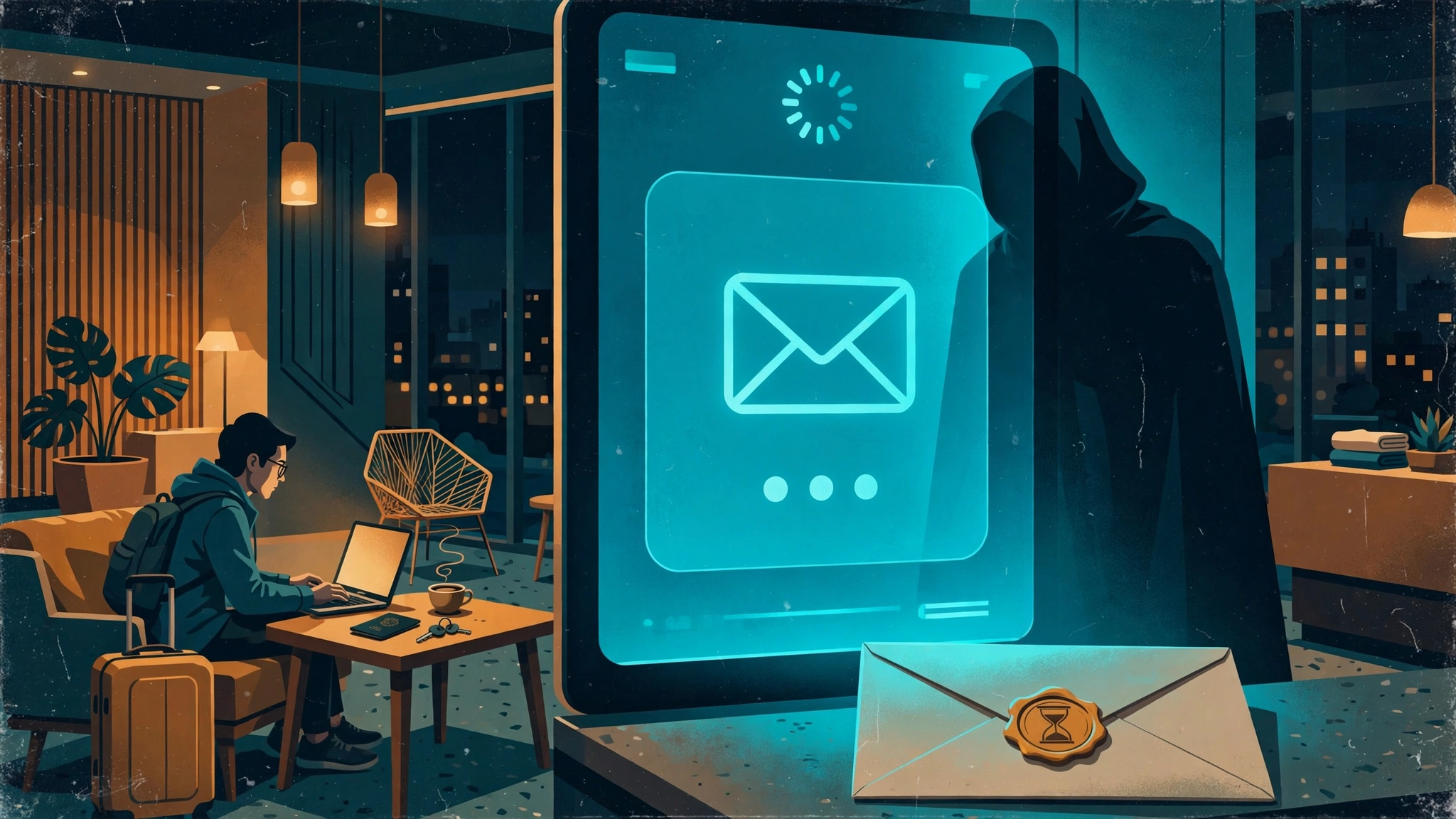
On July 31, 2026, Microsoft Threat Intelligence published an advisory that changed what that login page means. They named the campaign CaptiveCrunch. A cluster they track as Storm-2945 — a sub-group of Midnight Blizzard, the Russia-linked actor also known as APT29 or Cozy Bear — had been manipulating DNS and HTTP traffic on hotel and conference WiFi networks since early May 2026. Guests connecting through a compromised network's captive portal were redirected to phishing pages impersonating Microsoft 365 sign-in, device-code phishing pages abusing Microsoft Entra ID, and fake browser update pages pushing malware — including a Go-based trojan called CornFlake with keylogging and webcam surveillance.
That inverts everything travel-security advice assumed. The threat was not someone in the lobby sniffing traffic. The captive portal itself — the official-looking page your own hotel's network shows you — was the attack surface. Security firm ReliaQuest had flagged part of the activity on July 23, tracing compromised captive portal gateways to hotels across multiple US cities plus India and Saudi Arabia, aimed at corporate travelers' accounts. And it is not over: on September 29, 2026, Microsoft flagged renewed activity through the same upstream portal providers.
Microsoft's guidance now reads like a surrender note from the industry: treat hotel, conference, and airport wireless as untrustworthy, prefer cellular or eSIM, never install software offered through a captive portal.
I am not going to pretend a disposable email address protects you from CaptiveCrunch. It does not. But this summer changed the economics of what you hand to a captive portal. The email field sits at the intersection of two different problems — one about your inbox, one about your device — and most guides only talk about the first. Here is both.
The Email Field Is a Harvest, Not a Lock
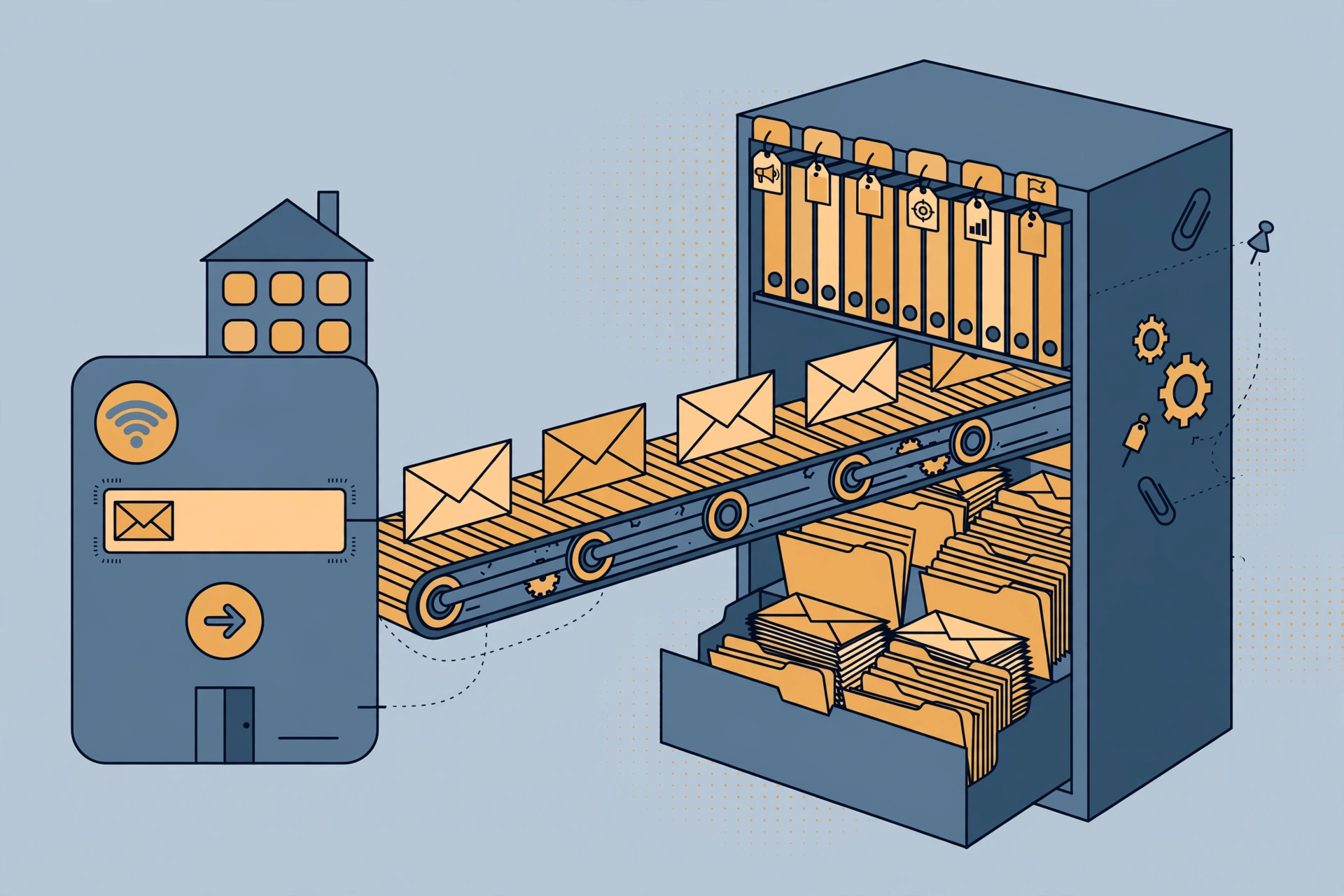
Why does a hotel want your email before letting you online? Not for security. An email address authenticates nothing — you can type anything shaped like an email and get the same internet.
It wants your email because the login page is a data-capture business. WiFi marketing vendors sell hotels the whole pipeline: the captive portal collects your address, the property's CRM stores it, and the automation starts. MyWiFi Networks' 2026 comparison of captive portal login methods lays the vendor logic bare — the email form gets a "High (owned channel)" marketing value rating with 55–70% opt-in, precisely because nobody reads the checkbox. SMS verification scores higher on data quality (every contact verified, zero fakes — at a few cents per SMS to the venue), which is why sharper portals now push you toward your phone number instead. Every method on that page is priced in *your contact data*, not in security.
Hotel Tech Report's vendor comparisons tell the same story from the hotel side: platforms like Hotelinking sell properties guaranteed guest-data capture of 70% or more, plugged into property management systems to build guest profiles for loyalty and marketing. The vendors know a chunk of the emails are fake — MyWiFi rates the email form's data quality "Medium (fake email risk)" — but hotels tolerate it because the real addresses are worth more than the cost of storing the fakes. When you type your real address, you are the product that makes the free WiFi profitable: the "we miss you" campaign in February, the newsletter in March, the partner offers indefinitely.
A disposable address opts you out cleanly. It gets you past the form, the hotel gets an inbox that exists for exactly as long as you need it, and their CRM row is a dead end. No judgment on the vendors — it is just business. But it is business you can skip with a ten-second detour to a temp mail tab.
The Portal Page Is the Attack Surface Now
Here is the second problem, and it should have changed travel advice for good.
"Look for the padlock" used to be the whole sermon. That advice is now actively misleading. The FBI warns that attackers register legitimate SSL certificates for fake networks — the padlock on a captive portal proves the connection is encrypted, not that the person on the other end is your hotel. After CaptiveCrunch, a correctly padlocked portal can be the compromised one.
Then there is the evil twin: someone broadcasts "Hotel_Guest" from a laptop in the lobby, your phone sees a stronger signal than the real router, and you authenticate into the attacker's equipment. In August 2026 this made the news in brazen form — passengers on Delta Flight 591 from Las Vegas to Atlanta set up an unauthorized hotspot named "Delta WiFi Fast" with a phishing landing page built to harvest credentials. The crew disabled the plane's real WiFi for about thirty minutes; the FBI's Atlanta field office confirmed it was investigating. If attackers will run an evil twin at 35,000 feet surrounded by two hundred witnesses, your airport lounge is not special.
The CaptiveCrunch twist is the genuinely new part. The evil twin assumes an attacker in the room; CaptiveCrunch needed none. Microsoft found "notable commonalities in the equipment and management systems" across affected networks — the compromise appeared to sit in shared captive portal infrastructure, upstream of the hotels themselves. You could type the exact network name from the front desk and still land on a poisoned portal, because the poison sat behind the hotel's own router. That is why Microsoft's guidance now says to treat these networks as untrustworthy by default.
A temp email fixes none of this, and I want that explicit: a disposable address protects your *inbox*, not your *connection*. It keeps your address out of a marketing database and denies a credential page an identity-tied email. Your device, your files, and your logins are protected by different habits — the next two sections.
Your Phone Connects Itself — and That's the Bug
Your phone is the weakest link in this story, and it has nothing to do with your email.
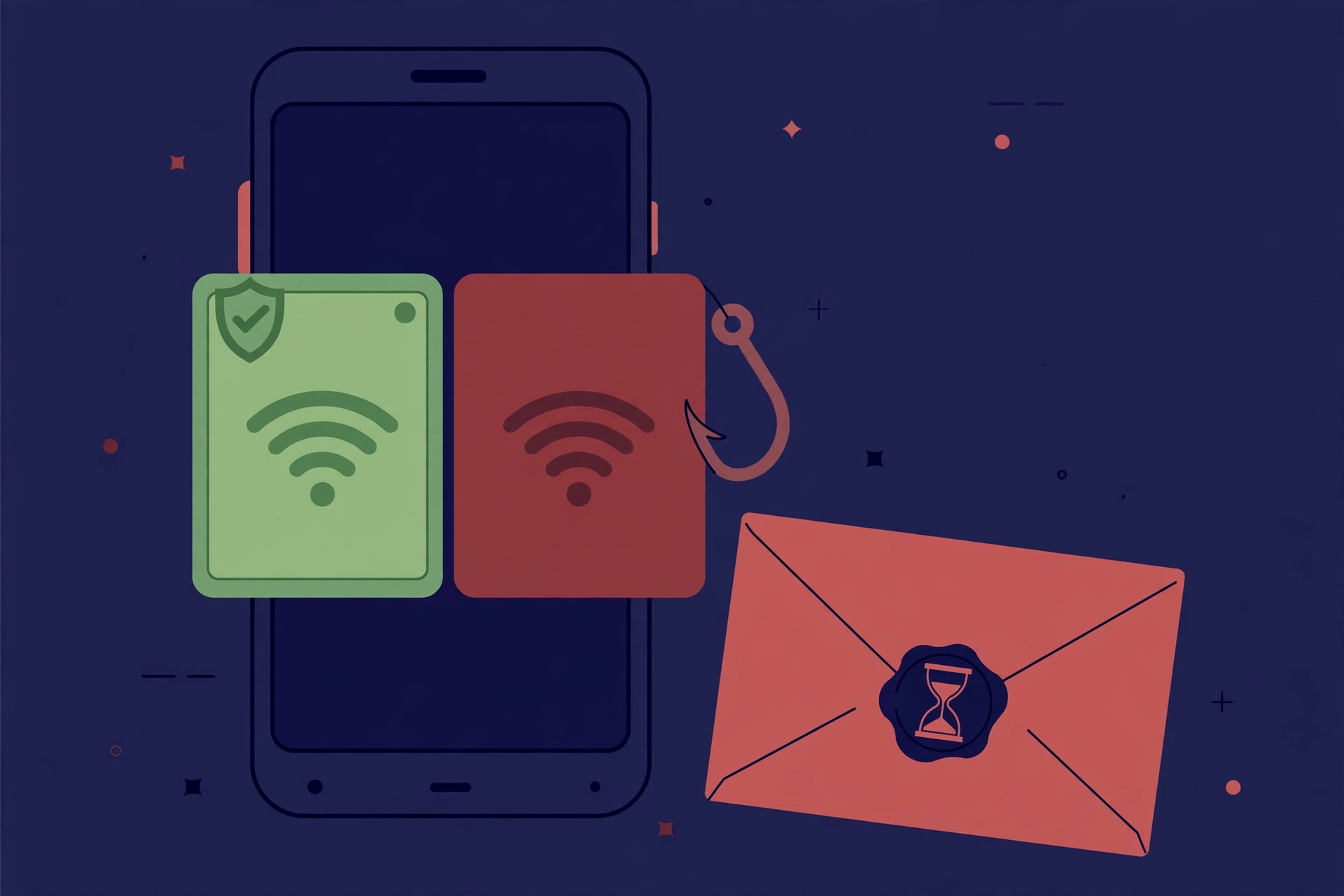
Every device you own remembers network names. Join "Hotel_Guest" once, and your phone files it away. Next trip, it sees an attacker broadcasting "Hotel_Guest" and connects automatically, silently, in the background — before you have even looked at the screen. The attacker does not have to trick you; your phone does the tricking on their behalf.
The fix costs nothing and takes ten seconds: open your saved networks and delete every hotel, airport, cafe, and conference network you have ever joined. On iPhone: Settings → WiFi → Edit, then remove them. On Android: Settings → Network → WiFi → Saved networks. Make it a post-trip ritual, like unpacking. Disabling auto-join per network works too, but forgetting is cleaner — a forgotten network cannot be impersonated to you. I carried around forty saved hotel networks until this summer. They are gone now. It felt oddly satisfying, like clearing out a drawer.
The 60-Second Ritual Before You Join Any Guest Network
My actual practice now, in order, about a minute:
Decide whether you need the hotel WiFi at all. Microsoft's guidance is blunt for a reason: your phone's cellular connection or hotspot is the safest network in the room. Use hotel WiFi for the big download or the laptop work session; use data for everything else.
Verify the network name with a human. Ask the front desk — not the elevator sign, which can be photographed. After the Delta flight incident, "ask the crew" is no longer paranoid; it is the single best evil-twin check a normal traveler has.
Have your disposable address ready before the portal opens. Open a temp mail tab in advance and keep it open — some portals send an access code to the address you typed, and you want the inbox live when it arrives. (If OTP codes do not arrive, our guide to temp mail not receiving OTP codes covers the common causes — weak signals and throttled resends happen on hotel networks too.)
If the portal demands your phone number via SMS, pause. That is the portal upgrading its data harvest — a verified number is worth more than an email to their CRM. A temporary phone number for the verification code keeps your real number out of the database.
Connect, do what you need, disconnect. Do not camp on a hotel network all week out of habit. And when you check out, forget the network.
Where a Disposable Address Fits — and Where It Doesn't
This is where most temp-mail advice gets sloppy, so let me draw the line precisely.
A disposable address fits: one-off WiFi at hotels, airports, cafes, conferences; any portal where the email is just a toll booth; anywhere you will never need the venue to contact you again. It fits portals that send a one-time access code — your temp inbox is live for the session, you read the code, you get online, it expires later. That is the scenario disposable email was built for.
It does not fit: accounts tied to your stay. If the hotel links your reservation, folio, or receipts to the email you give the portal, use a real address — or a persistent alias you control. A temp inbox cannot receive next week's "issue with your bill" email. It also does not fit portals that block known disposable domains; if you hit that wall, our piece on why websites block temp mail explains what is happening on their end.
The middle path: for travel, a longer-lived alias (Firefox Relay, Apple's Hide My Email) gives portal access plus a kill switch later. Temp mail is the fastest zero-signup option; aliases are the durable one. For a two-night stay, temp mail wins. For the loyalty program you actually use, neither — use your real address, because you will want the miles.
For the bigger picture on where email still matters as an identity key, our piece on passkeys vs email OTP maps the shift — useful if you are rethinking which addresses you hand out at all.
Three Things You Never Type Into a Captive Portal
Plainly, because almost no travel guide says it:
1. Your email password. A captive portal never needs your email password — only your email *address*. If a hotel login page asks you to "sign in with your email account" and shows a password field, especially styled like Gmail or Outlook, close the tab. That is a credential harvest, and in the CaptiveCrunch pattern it is exactly what the attackers' fake pages were built to collect.
2. Any other account password. No exceptions: not your bank, not your Apple ID, not your Microsoft 365 login. If a "browser update required" page appears before you are even online, that is the ClickFix lure Microsoft described — the update is the malware. Never install software a captive portal offers you. Real hotels do not distribute software at check-in.
3. Payment details for "premium" WiFi you did not ask for. Upsell portals exist legitimately, but a captive page demanding card details on an unfamiliar-looking domain is a card-harvesting setup until proven otherwise. Buy the paid tier through the hotel's official site or at the desk.
These three rules cost nothing and close the exact attack paths that made the news this year. The sophisticated part of CaptiveCrunch was the infrastructure compromise; the part that harvested credentials was the oldest trick in the book — a login page that looked official.
The CaptiveCrunch-Era Traveler Checklist
- Prefer cellular. Your phone's data connection is the safest network in the room. Use hotel WiFi only when you need it. - Ask a human for the network name. Front desk, not the elevator sign. After the Delta incident, this is table stakes. - Forget every travel network after every trip. Auto-join is the evil twin's best friend. - Hand the portal a disposable address, never your primary email. Keep the temp inbox open in a tab in case an access code arrives. - Guard your number like your email. If the portal pushes SMS verification, use a temporary number. - Never type passwords or install anything from a captive page. No email password, no bank login, no "required update." Watch for Microsoft 365 lookalikes — device-code phishing pages were one of CaptiveCrunch's three attack paths.
The hotel WiFi login page is not going away. Neither is the industry that buys what you type into it — nor the attackers who learned that the page itself is the perfect delivery vehicle. You do not need to be a security researcher to travel through it safely. You need a disposable address, a forgotten network list, and the discipline to never type a password into a page whose only job was getting you online.
Frequently Asked Questions
Is it safe to use my real email address on hotel WiFi? The technical risk is low; the aftermath is the problem. Portal-collected emails land in hotel CRM and marketing databases — email-form logins get 55–70% opt-in precisely because nobody reads the checkbox (MyWiFi Networks, 2026). Expect marketing email for a long time. A disposable address gives the portal what it needs and your inbox nothing to clean up.
Why do hotels and airports ask for my email before letting me online? Lead generation. The captive portal is a signup form dressed as a login screen: your email becomes a CRM contact for newsletters, promotions, and partner offers. Vendors sell hotels guaranteed guest-data capture rates (70%+) because the contact database is the product.
What happens to the email address I type into a captive portal — do they sell it? It goes into their marketing database and can be shared with marketing partners under the terms nobody reads before clicking "connect." Assume any address you hand to a portal will receive brand and partner marketing for a long time. The single best reason to use a disposable address. (The network operator can separately see connection metadata — which domains you visit, timing, data volume — regardless of the email you give. A temp email hides the "who"; a VPN hides the "what.")
Does a disposable email work on hotel WiFi login pages? Almost always. Most portals never validate the address — anything shaped like an email gets you online. Portals that send a verification code work fine as long as your temp inbox is open when it arrives. The exception is portals that block known disposable domains over strict fraud settings.
Can a fake hotel WiFi network steal my passwords even with HTTPS? Yes. HTTPS encrypts your connection to *whoever you connected to* — on an attacker's evil-twin network with a legitimately registered SSL certificate (the FBI warns this is now standard), the padlock says nothing about their identity. The attacker then serves fake login pages, like the "Delta WiFi Fast" phishing page on Flight 591, to harvest credentials directly. Verify the network name with staff; never enter passwords on captive pages.
Should I type my email password into the hotel's login page? Never. A legitimate portal asks for your email *address*, not your *password*. Any portal page with a password field — especially styled like Gmail or Microsoft 365 — is a credential harvest. Close it, forget the network, tell the front desk.