

Temp Email for HBO Max Signup: The First Episode Plays in Minutes — Then Your Household, Your Extra Member, and Your $229.99 Year All Answer to One Inbox
The signup minute: email, password, card — and no free trial waiting for you
Signing up for HBO Max takes about three minutes, and the form asks for exactly three things: an email address, a password, and a payment method. Credit or debit card, PayPal, or your app store billing account. There is no phone number field, no identity check, no waiting room. You pick a plan, you type an address, you pay, and the home screen opens.
That is the whole pitch for using a temp email here. HBO Max publishes no rule against disposable addresses that I could find anywhere in its help pages — no blocklist notice, no "use a real email" warning at checkout. The form will take any address that can receive mail, and the first episode starts playing before HBO Max has any reason to care which inbox you used.
The catch is the second thing the form tells you, which is nothing at all: there is no free trial for most new US subscribers. HBO Max's own help centre puts it plainly — "most HBO Max subscription providers do not offer a free trial to new subscribers." If a trial appears at your checkout, it is a specific promotion, not the default, and it still demands a payment method up front and renews automatically unless you cancel before the billing date. So unlike the services where a temp email buys you a free week and then disappears, here the temp email is attached to a paid subscription from minute one. The address you type is not a throwaway key to a free sample. It is the billing contact for a recurring charge, and HBO Max will treat it that way from the first receipt onward.
That changes the stakes before you have watched a single minute. A temp email is a fine tool for a signup you will never return to. HBO Max is a signup you return to every night, and it charges you every month for the privilege.
The price board, October 2025 to now
HBO Max sells three US plans, and the prices have held since the across-the-board increase on October 21, 2025. Checked against the company's own pages through October and November 2026, they are:
| Plan | Monthly | Yearly | Streams | Ads | Downloads |
|---|---|---|---|---|---|
| Basic with Ads | $10.99 | $109.99 | 2 | About 6 minutes per hour | None |
| Standard | $18.49 | $184.99 | 2 | None on demand | Up to 30 |
| Premium | $22.99 | $229.99 | 4 | None on demand | Up to 100 |
A few details in that table do more work than the prices. The yearly plans cost exactly ten months' price, which is the whole discount: you save about 16 percent, but only if you actually keep HBO Max for eleven or twelve months. Standard is the plan most people should look at — ad-free on-demand viewing, 30 offline downloads, and live sports — while Premium is the only tier with 4K UHD and Dolby Atmos, and its four streams drop to two for live sports. Basic with Ads streams in Full HD on two devices and downloads nothing, which matters more than it sounds like it should, because downloads are the feature that turns a subscription into something you carry around with you.
The price board also explains why the email matters. At $10.99 a month, a lost account is an annoyance. At $229.99 prepaid for a year of Premium, a lost account is a $229.99 problem with no phone number to call and no branch to walk into. Every dollar figure on this page is attached to the inbox you typed at signup, and HBO Max's billing system does not know or care that the inbox was designed to self-destruct.
The household rule: the part of HBO Max that changed in August 2025
For years, sharing an HBO Max password was something the terms forbade and the product ignored. That ended in the United States in late August 2025, when HBO Max switched from warnings to enforcement, and in February 2026 the company told investors the same limits would roll out to its international markets during the year. The rule itself is one sentence, quoted from HBO Max's own account-sharing help page: accounts are intended for the account owner and the people they live with. Asked directly whether you can share with someone who does not live with you, the same page answers: "No."
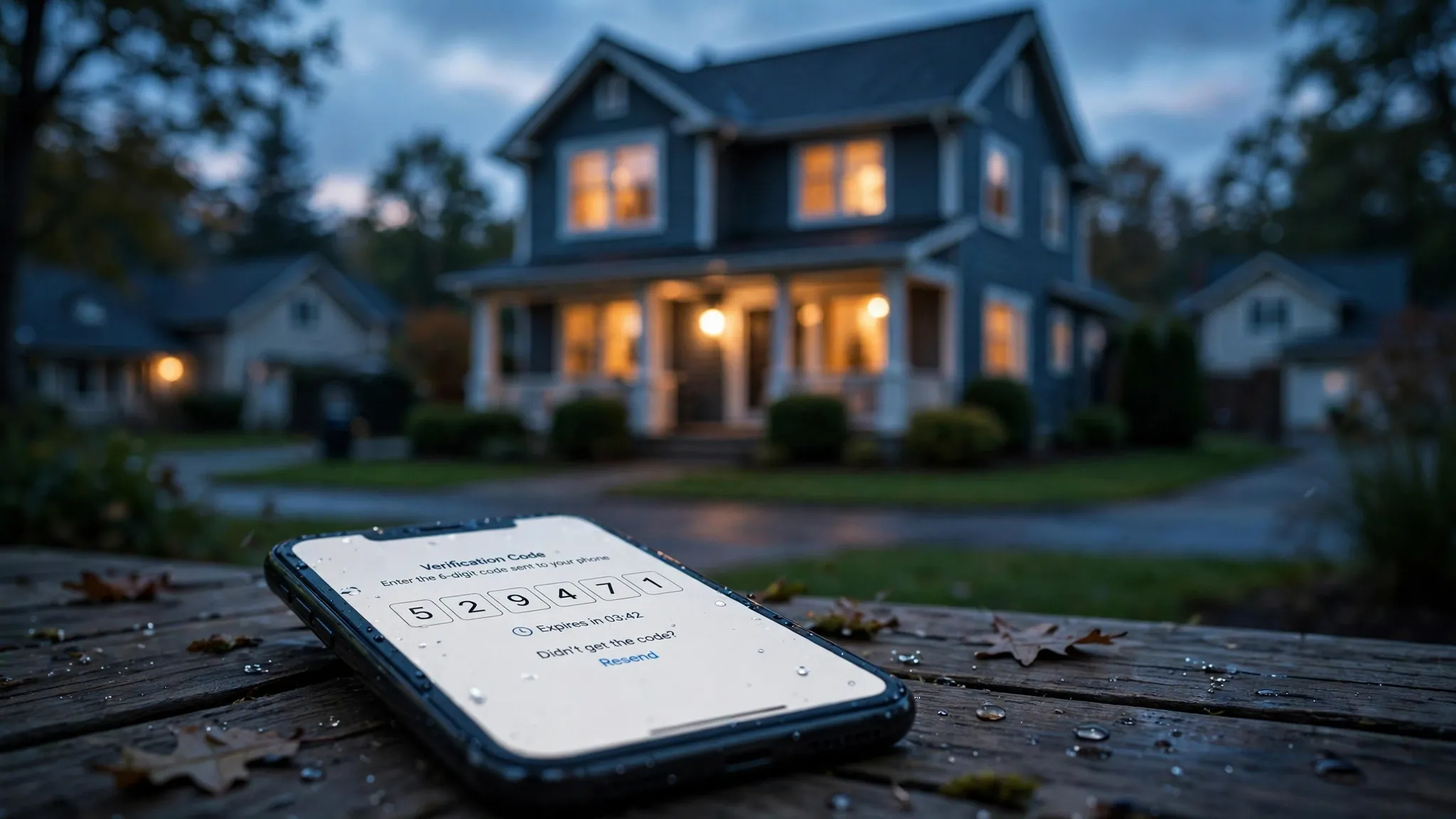
Enforcement runs on the data HBO Max already collects: IP addresses, device fingerprints, and viewing activity, used to decide where "home" is. Netflix enforces the same household rule, with the same extra-member fee and the same verification codes, and the lockout plays out the same way there. When a device shows up somewhere that does not look like home, HBO Max can ask it to verify — the Home or Traveling check that readers of the help pages will recognise — and the number of times you can make that choice is limited. This is the part of the service that turns an email address into a household anchor. The account is no longer just a login. It is a declaration of an address, in both senses of the word, and the email on the account is the channel every verification, warning, and household decision travels through.
How HBO Max decides where home is
It does not ask you. It watches. The sign-in location, the devices, the viewing patterns — together they form the picture of a household, and a TV that lights up every night in a different city from the account's usual devices is the kind of pattern that triggers the check. The verification itself arrives as a code, and the code goes to the account email. Lose the inbox and you do not just lose a password reset. You lose the ability to tell HBO Max that yes, this new TV in this new apartment is still you.
That is the first of three lockouts in this post, and it is the one people walk into without noticing, because it does not happen on signup day. It happens six months later, on a new device, in a new place, when the account suddenly wants proof.
The $7.99 extra member, and the math that embarrasses it
HBO Max's answer to sharing is the Extra Member add-on: $7.99 a month, launched in the US in April 2025, letting the account owner add one person who lives elsewhere. The terms are narrow, and they are worth reading before you do the arithmetic:
- One extra member per account. There is no second slot at any price.
- US subscribers billed directly by HBO Max only. If you pay through a TV provider, an app store, or a bundle, the add-on is not available to you.
- The extra member must be 18 or older and in the same country where the owner signed up.
- The extra member gets their own login, their own password, one profile, and one device at a time — with the owner's plan features, so a Premium extra member streams in 4K with no ads.
- A profile can be transferred to the extra member, watch history included.
Now the math. On Premium, the add-on is a reasonable deal: $22.99 plus $7.99 is $30.98 for two households with 4K, against $45.98 for two separate Premium plans. On Standard it is defensible: $18.49 plus $7.99 is $26.48 for two households with ad-free viewing, against $36.98 for two Standards. But on Basic with Ads, the add-on is a trap dressed as a discount: $10.99 plus $7.99 is $18.98 a month, while the person you are sharing with could buy their own Basic with Ads plan for $10.99 and control their own account, their own email, and their own cancellation. You would pay $8 a month extra, every month, for the privilege of keeping someone else's viewing attached to your inbox.
When the add-on wins
It wins on Standard and Premium, for exactly one person, when the owner is billed directly and both people are in the same country. It wins when the extra member's profile transfer matters — years of watch history moving to their own login without starting over. That transfer is the one genuinely thoughtful piece of the whole system, and it is also the piece that depends entirely on the account email working: the invite, the transfer, and the new login all route through inboxes on both ends.
When a second account wins
It wins everywhere else. On Basic with Ads, always. When there are two people outside the household, because the cap is one. When the owner pays through a provider or a bundle, because the add-on does not exist for them. And it wins whenever the relationship behind the sharing is the kind that ends — a breakup, a move-out, a falling-out — because untangling a shared account is a customer-service conversation, and the account email is the only proof of ownership HBO Max will accept.
Profiles, downloads, and everything that quietly accumulates
A streaming account does not stay a login for long. It becomes an archive, and HBO Max's archive is stickier than most. Five profiles per account, each with its own Continue Watching, its own My List, its own recommendations tuned over months of viewing. Up to 30 downloads on Standard, 100 on Premium, sitting on phones and tablets for flights and commutes. Live sports on Standard and Premium. A viewing history that knows what you watch at 11pm on a Tuesday better than you do.
None of that lives anywhere except behind the account email. There is no export button for a My List. There is no way to move downloads to a new account. The profile transfer to an extra member is the only sanctioned exit, and it runs through the inbox. So the honest way to value the email on an HBO Max account is to price the archive: the months of recommendations, the downloaded episodes for a trip, the kids' profiles with their viewing history. A temp email that expires in an hour can hold all of that hostage by simply ceasing to exist, and HBO Max has no other way to reach you.
Compare that with the services where the archive is thin. A temp email for a newsletter signup costs you nothing when it dies, because there was nothing in it. A temp email for HBO Max costs you the record of everything you watched, and the only way to get any of it back is a password reset link sent to an address that no longer exists.
The student price is real — and it is the one discount with a catch
Verified college students at US-accredited schools can get Basic with Ads for $5.49 a month, half price, with enrollment verified through UNiDAYS. It is the cheapest legitimate way into HBO Max, and it is the one discount in this post with a condition that matters to temp-email users: verification runs through a school email. A disposable address cannot pass UNiDAYS, because the whole point of the check is proving you are a real student at a real institution.
That is a useful tell about how HBO Max thinks. The company is perfectly happy to take any email at signup and charge it $10.99 a month. It only insists on a real, verifiable email when it is giving something away. Keep that asymmetry in mind, because it runs through everything else in this post: HBO Max is relaxed about your inbox exactly until the moment it needs to prove something about you, and then there is no flexibility at all.
The email-only recovery chain
Here is the complete list of ways back into a locked HBO Max account, as far as the company's own help pages describe them: the password reset link, sent to the account email. The billing notices, sent to the account email. The household verification codes, sent to the account email. The extra member invite, sent to the account email. There is no SMS fallback named anywhere in the help pages I checked, no authenticator app, no backup code you can print and stick in a drawer. The Terms of Use put it on the owner in plain language: you are responsible for all activity under your account, and for maintaining the confidentiality of your account details, including your email, password, profile PIN, and parent code.
That is a single point of failure, and it is the same single point of failure I found on the Spotify signup, where the reset is also email-only with no SMS fallback. The difference is what sits behind it. Spotify holds your playlists. HBO Max holds your household: the profiles, the downloads, the extra member, the prepaid year. A temp email that worked perfectly for signup becomes a locked door the first time any of those things need attention, and the lockout does not announce itself. It arrives as a verification code for an inbox that expired in July, for an account you have paid for through next March.
If you are going to use a temp email for HBO Max anyway — and plenty of people will, because the signup form lets them — the minimum viable version is an address you control for as long as the subscription runs. A 10-minute inbox for a 12-month subscription is not privacy. It is a countdown.
The annual plan: $229.99 now, and the cancellation rule that matters
The yearly plans are the best value on the price board and the worst idea on a disposable inbox. Basic with Ads is $109.99 a year, Standard is $184.99, Premium is $229.99 — each exactly ten months' price, which means the discount only pays off if you keep the service for eleven or twelve months. You pay the whole year up front, on the card attached to the account, and the receipts go to the account email.
Cancellation follows the rule HBO Max states in its own terms: a subscription renews automatically each billing period until you cancel it, and to avoid the charge you must cancel before your next billing date. Cancel mid-year and you keep access until the end of the period you already paid for. That is a fair rule, and it is also a rule that assumes you can still get into the account to cancel it. The cancellation button lives behind the login, the login lives behind the password, and the password reset lives in the inbox. An expired temp email does not just lock you out of watching. It locks you out of cancelling, and the renewal charge does not care that you cannot log in.
My opinion, stated plainly: nobody should prepay $229.99 for a year of anything on an address designed to disappear. Monthly billing at $22.99 is the same service with twelve chances to walk away instead of one. If the privacy matters enough to use a temp email, it matters enough to keep the billing monthly, so the worst case is one month, not twelve.
What a temp email actually gets right here
Credit where it is due. A temp email does three real things for an HBO Max signup, and they are the same three things it does everywhere. It keeps HBO Max's marketing mail out of your real inbox — and HBO Max sends a lot of it, because a streaming service with a new prestige drama every Sunday has something to announce every week. It keeps your real address out of a database that, like every database, can be breached, sold in a merger, or shared with a partner you never agreed to. And it lets you test the service without handing over the address you use for your bank, your work, and your family.
Those are genuine wins, and they are the reason the temp-email habit exists at all. The signup form takes any working address, HBO Max publishes no disposable-email rule, and the first episode plays in minutes. HBO Max is not the only streamer where the signup is the easy part — the same pattern holds on Disney+ and Hulu, where the first month is simple and the account grows roots afterwards. For a one-month look at the catalogue — the classic rotate-in, watch the season, cancel move — a temp email works exactly as advertised, provided you cancel before the inbox expires and you do not care about keeping the watch history.
What it gets wrong — the three lockouts
The case against a temp email for HBO Max is not theoretical. It is three specific lockouts, each tied to a real feature, each arriving months after signup.
Lockout one: the household verification code
You buy a new TV, or you move, or you spend a month at a family member's house, and HBO Max asks the new device to verify it belongs to your household. The code goes to the account email. If that inbox expired, you cannot complete the check, and the device stays unverified. This is the lockout most people meet first, because it is triggered by ordinary life: a move, a new device, a long trip.
Lockout two: the extra member invite
You pay $7.99 a month to add someone who moved out, and the invite goes to their inbox — fine — but every change to that arrangement routes through yours. The extra member's profile transfer, their login setup, any billing question about the add-on: all of it assumes the owner's email works. An expired owner inbox turns a $7.99 convenience into a support ticket you cannot authenticate.
Lockout three: the payment failure
Cards expire, banks flag recurring charges, PayPal sessions lapse. When HBO Max cannot charge you, the notice goes to the account email, and the clock starts. Miss it and the subscription lapses, the profiles go dark, the downloads stop working, and the prepaid annual plan you bought in January becomes a receipt in an inbox that no longer exists. A real inbox would have caught the notice in seconds. A temp inbox catches nothing, because there is nothing left to catch with.
The household test: scorecard and verdict
Every post in this series ends with the same test, applied to the service in front of me. Patreon failed it the same way, with the membership and the payout both answering to one inbox. HBO Max fails it in a specific way: the signup is the easiest part of the whole relationship, and everything after signup assumes an inbox that lasts as long as the subscription does.
| Test | Temp email result | Risk |
|---|---|---|
| Signup and first episode | Works in minutes, no published disposable-email rule | Low |
| Monthly billing at $10.99–$22.99 | Works, receipts go to the temp inbox | Medium — one month at a time |
| Household verification on a new device | Code goes to the account email | High — new TV, new home, or travel can lock you out |
| Extra Member add-on at $7.99 | Invite and changes route through the owner's inbox | High — one slot, and the owner is the only admin |
| Annual plan at $109.99–$229.99 | Works at checkout, then the receipt and the renewal live in the temp inbox | Severe — up to a year prepaid behind a dead address |
| Password reset and account recovery | Email-only, no SMS fallback named in the help pages | Severe — no second way back in |
| Cancelling before renewal | Cancellation lives behind the login | High — an expired inbox can cost you an extra billing cycle |
| Keeping profiles, downloads, and history | No export, no transfer except to an extra member | High — the archive dies with the inbox |
The verdict is narrower than the scorecard looks. Use a temp email for HBO Max if you are doing a one-month test drive on monthly billing, you will cancel before the inbox expires, and you do not care about keeping the profile. That is a legitimate use, and the signup form will not stop you.
Do not use a temp email for HBO Max if you are prepaying for a year, adding an extra member, sharing with a household, or building a profile you want to keep. The household rule turned this account into something that needs its email the way a house needs its address: not for the day you move in, but for every day after. A disposable inbox is a fine front door for a service you will never visit again. HBO Max is a service you visit every night, and the front door has to still be there in March.
If privacy is the goal — and it is a good goal — the better move is not a disappearing inbox but a permanent alias you control: an address that receives HBO Max's mail, keeps the marketing out of your real inbox, and still exists when the household verification code arrives six months from now. The signup takes the same three minutes either way. Only one of the two addresses is still there when it matters.
Frequently asked questions
Can I sign up for HBO Max with a temp email?
Yes. HBO Max's signup form asks for an email, a password, and a payment method, and the company publishes no rule against disposable addresses. The account works normally at first. The risk is not signup — it is everything after: household verification codes, password resets, billing notices, and the extra member invite all go to that same inbox, and there is no SMS fallback named in the help pages.
Does HBO Max offer a free trial in 2026?
Usually not. HBO Max's help centre says most subscription providers do not offer a free trial to new subscribers. If a trial appears at your checkout it is a specific promotion, and it still requires a payment method and renews automatically unless you cancel before the billing date. Assume the subscription is paid from the start unless the checkout screen shows you a trial in writing.
How much does HBO Max cost per month in 2026?
Basic with Ads is $10.99 a month, Standard is $18.49, and Premium is $22.99. Yearly billing is $109.99, $184.99, and $229.99 — exactly ten months' price. Prices have held since the October 21, 2025 increase. Verified college students pay $5.49 a month for Basic with Ads through UNiDAYS.
What is the HBO Max Extra Member add-on?
It costs $7.99 a month and lets the account owner add one person who lives elsewhere, with their own login, one profile, and one device at a time. It is available only to US subscribers billed directly by HBO Max, only one extra member per account, and the extra member must be 18 or older and in the same country as the owner. On Basic with Ads it is poor value — a separate $10.99 plan is cheaper than $10.99 plus $7.99.
Is HBO Max the same as Max?
Yes. The service rebranded back from Max to HBO Max in 2025, and HBO Max's own help centre describes it as a name-only change: the app, the plans, and the pricing were unchanged, and existing subscribers did not need to cancel, resubscribe, or re-enter payment details.
How many people can watch HBO Max at once?
Two simultaneous streams on Basic with Ads and Standard, and four on Premium — except live sports, which are limited to two streams even on Premium. Downloads are separate from streams: none on Basic with Ads, up to 30 titles on Standard, and up to 100 on Premium.
Need a disposable temporary email?
Protect your real inbox from spam and promotional clutter instantly and free.
Received a suspicious email, text, or charge alert?
Verify whether the sender domain is disposable, spoofed, or unverified before clicking links.