
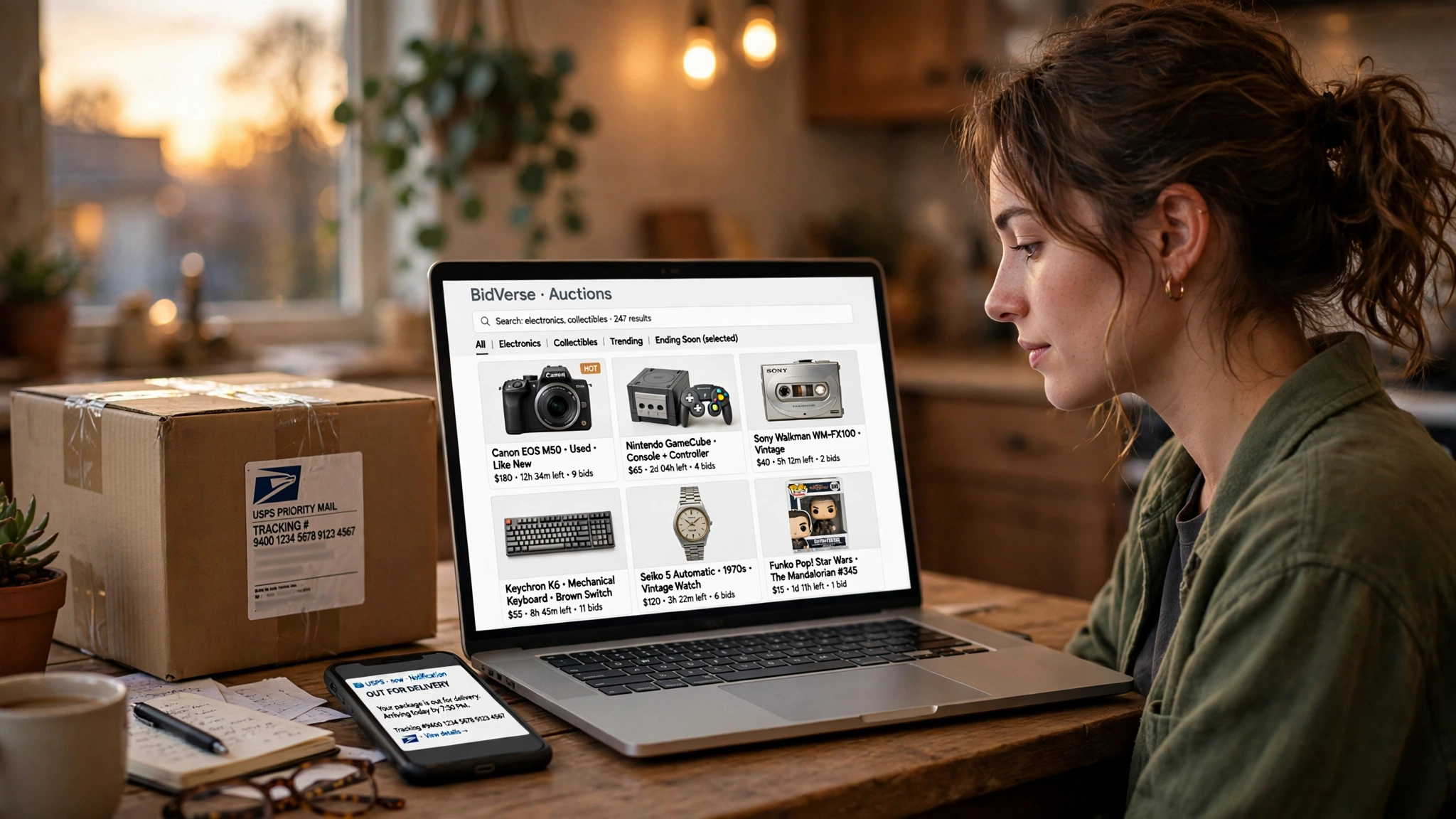
Temp Email for eBay Signup: The Door Opens Easily — Then Your Money, Your Disputes, and Your Payouts All Live in That Inbox
eBay is the oldest trick in the temp-email playbook, and the one most likely to punish you for it. The signup form takes almost anything you type. The marketplace underneath does not forget what you typed. Every purchase, every dispute, every refund, and every seller payout routes through the address you register — and eBay has had thirty years to build systems that assume that address still exists when something goes wrong. This post is about the gap between those two facts: getting in is easy, living with the account afterward is where a disposable inbox starts charging rent.
The short answer: signup is the easy part, and that is the trap
Yes, you can usually create an eBay account with a temp email. The registration form asks for an email address, a name, and a password, and a working disposable inbox receives the confirmation message like any other address. Most of the time, that is the whole story at the door.
The trap is what the door opens onto. eBay is not a newsletter or a free trial. It is a marketplace with about 134 million active buyers, roughly 2.4 billion live listings, and around $80 billion in goods changing hands in a year, according to eBay's own reporting. Money moves on every transaction, and money creates disputes, refunds, holds, and tax paperwork. All of it is addressed to the inbox you signed up with. A temp email is a fine key for a door you walk through once. It is a bad key for a house you keep your money in.
What eBay actually asks for when you register
The form itself is short: email, first and last name, password. Then eBay usually asks for a phone number, and this is where the first surprise lands. Registration often triggers an SMS verification code, especially for new accounts, certain regions, or accounts that trip a risk signal. A temp email does nothing for that step. If you do not have a phone number eBay will accept, the signup stalls no matter how good your disposable inbox is.
There is a second gate that is quieter. eBay, like most large platforms, keeps a blocklist of known disposable domains. A famous temp-mail domain can be refused at the form with a generic error, while an obscure one sails through. Which provider and which domain you pick changes the result, and there is no published list to check in advance. If your address is rejected, that is what happened — retrying the same domain will not fix it.
None of this is a wall. It is friction, and most people get past it on the first or second try. That is exactly why the rest of this post matters: the people who get in easily are the ones who assume the hard part is over.
The buyer ledger: disputes, refunds, and the 30-day clock
Buying on eBay is where a temp inbox starts costing real money. eBay's Money Back Guarantee covers you when an item never arrives or arrives different from its description — but the guarantee is a process, not a promise, and the process runs on email. Case updates, requests for more information, return labels, and refund confirmations all go to your registered address. Miss one because the inbox expired, and the case can close against you.
The clock is the part people underestimate. You generally have 30 days from the delivery date to open a case. That sounds generous until you map it onto a real purchase: a seller ships late, a package sits in transit for two weeks, you open the box on a weekend and find the wrong item. By the time you are ready to file, a temp inbox that lived for an hour is long gone — and the verification code eBay sends to confirm it is really you has nowhere to land.
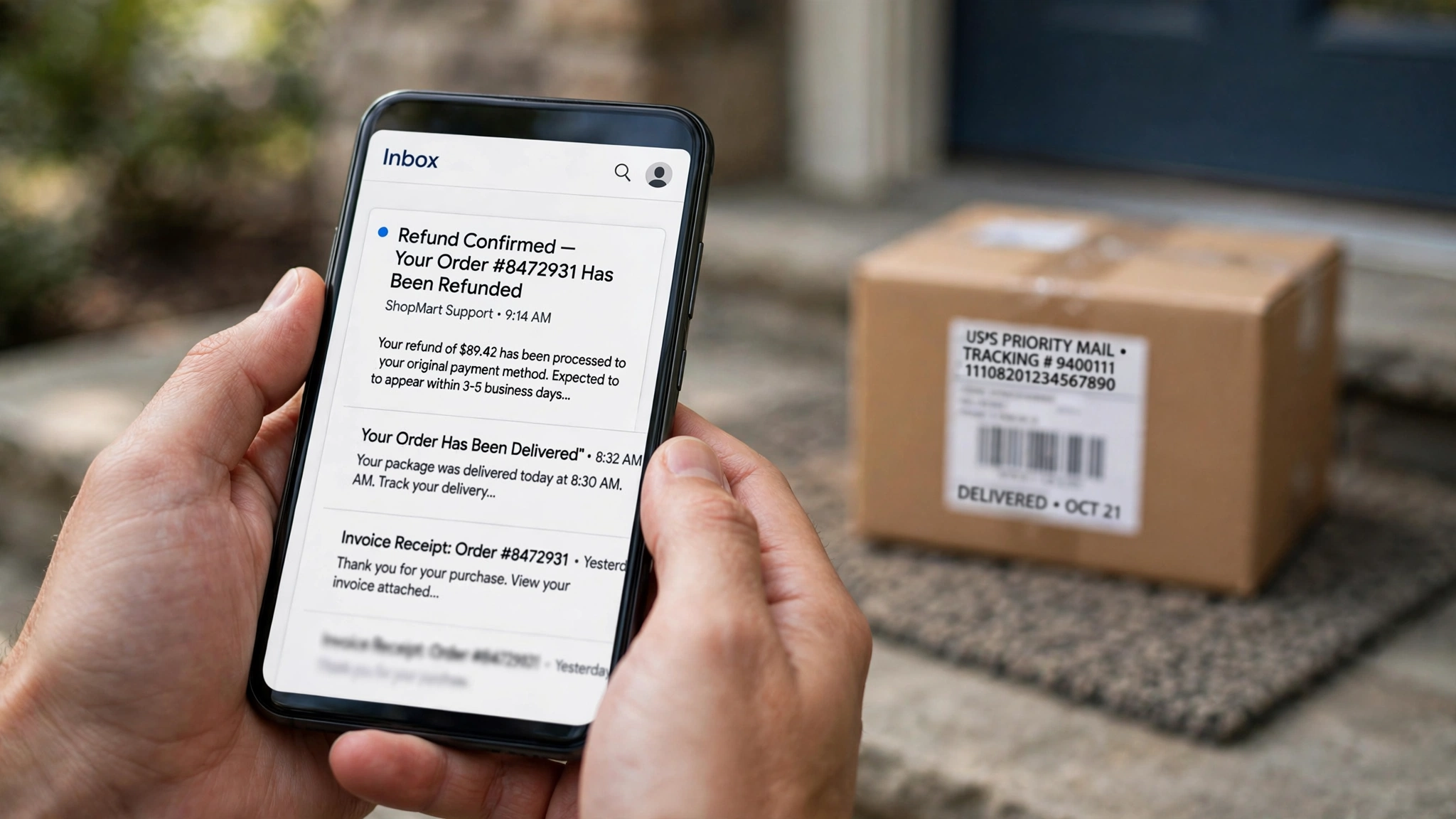
There is a nuance worth stating plainly, because it cuts both ways. eBay Messages — the in-account inbox where you talk to sellers — lives inside your eBay account, not your email. If you can still log in, you can still read your messages. The problem is everything around the messages: password resets, security confirmations, and two-step verification codes all go to the registered email. Lose the inbox and forget the password in the same month, and the account is effectively sealed. You can see the door. You cannot open it.
This is the same pattern I found across the whole signup series: the platforms that look email-first are often phone-first underneath. Uber's signup works the same way — the code goes to your phone, not your inbox — and the lesson transfers directly. Email was never the thing being verified. It was the thing you type while the platform verifies everything else.
The seller ledger: payouts, holds, and tax forms
Selling is where a temp email goes from risky to reckless. eBay runs Managed Payments, which means buyer money lands with eBay first and eBay pays you out to a linked bank account. Payouts are usually initiated within a couple of business days — but for new sellers, or accounts with a thin history, eBay can hold funds for up to 21 days while it confirms the buyer is happy. During a hold, every notice about the hold, every request for tracking information, and every release confirmation goes to your registered email.
The table below is the whole argument in one glance: everything the inbox holds, split by which side of the transaction you are on.
| What the inbox holds | Buyer | Seller |
|---|---|---|
| Order and shipping confirmations | Yes — your proof of purchase | Yes — your proof of shipment |
| Money Back Guarantee case updates | Yes — 30-day window | Yes — respond or lose the case |
| Payout and hold notices | Not applicable | Yes — up to 21-day holds for new sellers |
| Tax documents (Form 1099-K) | Not applicable | Yes — sent once you cross the IRS reporting threshold |
| Password resets and security codes | Yes — the only way back in | Yes — the only way back in |
| Account restriction warnings | Yes | Yes — listings can end early |
The tax row deserves a sentence of its own. Once your sales cross the IRS reporting threshold, eBay sends a Form 1099-K, and the notices about it go to the email on the account. A seller who registered with a temp address and then did real volume has built a business on an inbox that no longer exists — and the first sign of trouble is usually a restriction notice they never see. eBay's own help pages are blunt about this: if eBay cannot verify your account information, it restricts the account, and it tells you by email and by in-account message. Miss the email, and the restriction can escalate while you assume everything is fine.

If you sell anything at all, this is the line: do not register a seller account with an address you do not control permanently. The privacy gain is small and the downside is your income. The same logic applies to PayPal, where your money and your identity sit behind one inbox — and eBay's Managed Payments era made the two inseparable. A dedicated permanent mailbox, used only for selling, gives you nearly all the separation with none of the lockout risk.
The phone check that ignores your email entirely
It is worth isolating the phone step, because it is the single most common reason a temp-email eBay signup fails — and the step no email trick can solve. eBay asks for a mobile number during registration or shortly after, and the code goes by SMS. Some signups sail through on email alone; others demand the phone before the account is usable. The difference depends on signals you cannot see: region, device, network, account history.
This is also where the account-recovery story gets worse. If you registered with a temp email and later lose your password, eBay's recovery flow leans on the phone number and the email together. One of the two being dead is survivable. Both being dead — the inbox expired, the number was a one-time SMS service — is usually the end of the account. Losing the recovery address on a two-factor account is a known way to lock yourself out of your own data, and eBay gives you two recovery paths that both assume you kept at least one of them.
Can you change the email later? Yes — and it is not the rescue it sounds like
Here is the one piece of genuinely good news, and the reason this post is less severe than the Claude one: eBay does let you change the email address on your account. From your account settings you can replace the registered address, and eBay confirms the change through the new address.
But read that sentence again, because the rescue has a catch. Changing the address is easy while you still control the account. It does not help you after you are locked out — and the change itself is a security event, which means eBay may ask you to confirm it through the old address or a phone check first. The practical rule is simple: if you signed up with a temp email, change it to a permanent address now, today, while you can still log in. Every week you wait is a week in which a forgotten password turns a five-minute settings change into a support ticket that asks you to prove you are the person who owns an inbox that no longer exists.
Amazon's signup has the same shape — the email is the account, and the account outlives the inbox — but Amazon's change flow is famously fiddly, while eBay's is straightforward. That is a real difference, and it is the reason the advice here is "fix it now" rather than "start over." Use the escape hatch while it is open.
The scenario nobody plans for: the dispute that arrives after the inbox dies
Let me make this concrete, because abstract warnings do not change behavior and one specific story does. You buy a used camera lens for $340 with a temp email, because you did not want eBay marketing in your real inbox. The lens arrives. It looks right. Three weeks later you mount it and discover the autofocus motor is dead — a defect invisible in the listing photos. You open a Money Back Guarantee case. eBay asks the seller for a response, then asks you to confirm the return shipment. Both messages go to the temp inbox, which expired eleven days after signup. The case times out. The seller keeps the $340. You keep a broken lens.
Nothing in that story is exotic. Every step is ordinary eBay behavior, and every step assumes the inbox works. The temp email did not cause the defective lens. It caused the silence that made the defect unfixable. That is the honest way to think about the risk: not "will eBay block me," but "what happens the first time something goes wrong, and who hears about it?"
Guest checkout: the honest way to buy once without an account
There is a better tool for the job most temp-email eBay users actually have. If you want to buy one thing without creating an account, eBay's guest checkout lets you do exactly that: you pay, you give an email for the order confirmation, and no account is created. Use a temp email there and the worst case is bounded — one order, one confirmation, nothing that needs to exist next month.
Guest checkout has limits, and I will not hide them: no order history, no watchlist, no Money Back Guarantee case management through an account dashboard, and some sellers and categories do not accept it. But for a single purchase from a seller with strong feedback, it is the honest version of what people are trying to do with a temp-email account — buy the thing, leave no trail, move on — without building a permanent record on a temporary foundation. If your plan was "one purchase, then forget eBay exists," guest checkout is the plan. An account is for people who plan to come back.
Where a temp email genuinely works on eBay
Fairness requires saying where the tool fits, not just where it breaks. A temp email is genuinely useful for the low-stakes edges of eBay: browsing price history without signing up for marketing, receiving a one-off alert for a watched item you will decide on this week, or testing whether a particular listing category sends you anything worth reading. The common thread is time: the value arrives while the inbox is alive, and nothing you need survives past its expiry.
Watchlists deserve a specific warning inside this permission. A watchlist only works if the account survives to the day you buy. Saving a rare item to a temp-email account and coming back in three weeks is the same mistake as the dispute story, just slower. If the item matters enough to watch, the account matters enough for a permanent address. That is how email blocklists work at the platform level, and eBay applies the same logic to trust: an account whose address bounces reads as an account whose owner has vanished.
The verdict
A temp email gets you into eBay. It does not get you through eBay. Buying ties your protection to an inbox that must survive at least 30 days past delivery. Selling ties your payouts, your holds, and your tax paperwork to an inbox that must survive as long as you sell. The phone check can stall you at the door, and the password reset can lock you out months later. The only genuine rescue is eBay's email-change setting — and it only works while you can still log in.
My recommendation, without hedging: use a temp email for guest checkout or a one-week browse, and never for an account you will buy from twice or sell from once. If you already registered with a temp address, change it to a permanent mailbox today. That one settings change converts every warning in this post from a live risk into a story about a mistake you caught in time.
If you use a temp email anyway: the five-minute checklist
Do the signup while the inbox is alive, and finish everything in the same session: confirm the email, complete the phone check, and save the password in a password manager before you close the tab. Buy nothing you cannot afford to lose the dispute on, and avoid high-value items entirely on a temp-email account. If you sell, stop — use a permanent address, no exceptions. And set a reminder for the day the inbox expires: that is the day the account stops being yours in any practical sense, and the day to change the registered email if you have not already. The full list of accounts that should never get a temp email is worth reading before you register anywhere that holds your money.
Frequently asked questions
Can I sign up for eBay with a temporary email?
Usually yes. The registration form accepts most working addresses, including disposable ones, and the confirmation email arrives normally. Some well-known temp domains are blocked, and eBay often asks for phone verification during or shortly after signup, which a temp email cannot satisfy.
Can I change the email on my eBay account later?
Yes. eBay lets you change the registered email from your account settings, and confirms the change through the new address. Do it while you can still log in — after a lockout, the change flow itself may ask you to verify through the old address.
Does eBay require a phone number to sign up?
Often, but not always. eBay frequently asks for a mobile number and sends an SMS code during registration, especially for new accounts or higher-risk signals. Email alone sometimes works, but you cannot predict which path your signup will take.
Is guest checkout a better option than a temp-email account?
For a single purchase, yes. Guest checkout buys the item without creating an account, so there is no permanent record tied to an expiring inbox. You lose order history and account-based dispute management, so it suits one-off buys from well-reviewed sellers, not regular shopping.
Should I use a temp email to sell on eBay?
No. Selling ties payouts, holds of up to 21 days for new sellers, and tax documents to the registered email. A temp inbox puts your income behind an address that will stop existing. Use a dedicated permanent mailbox for selling.
Need a disposable temporary email?
Protect your real inbox from spam and promotional clutter instantly and free.
Received a suspicious email, text, or charge alert?
Verify whether the sender domain is disposable, spoofed, or unverified before clicking links.