
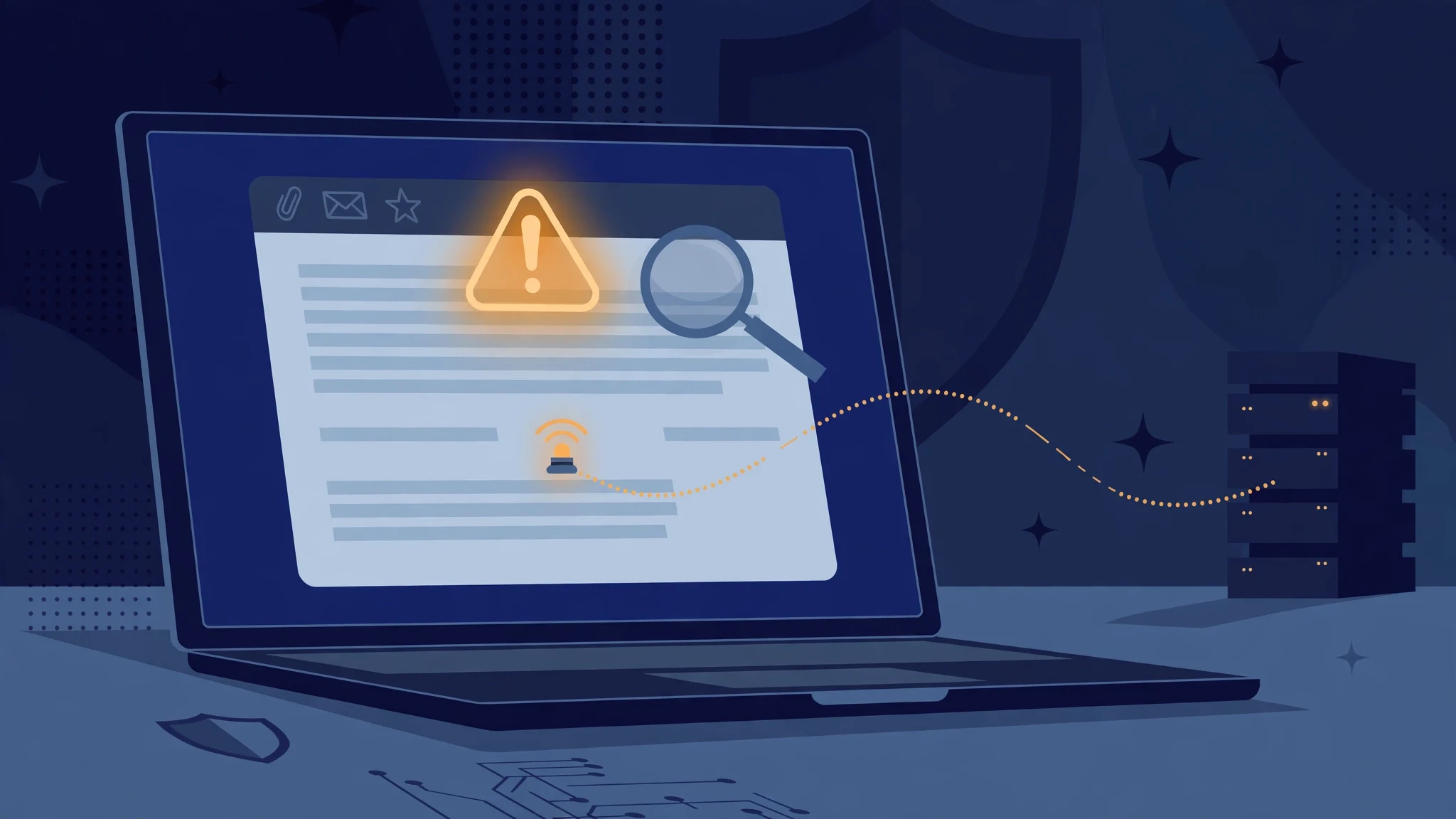
What Happens If You Open a Spam Email? The First 60 Seconds, Then the Next 30 Days
What Happens If You Open a Spam Email? The First 60 Seconds, Then the Next 30 Days
You tapped it. Maybe the subject line was a parcel you were not expecting, or a warning that your account will be closed, or just a curiosity you could not leave alone. The message is open on your screen now, and the question in your head is the right one: what did I just do?
Here is the short answer, before the detail earns it: opening a spam email, on its own, almost never infects your device. Modern mail apps do not run code from a message body. But "almost never" is doing a lot of work in that sentence, and the open itself does set things in motion — a remote image loads, a server somewhere notes that your address belongs to a real person who reads mail, and the next wave of messages gets a little smarter about you. The damage, when it comes, comes from the second tap: the link, the attachment, the reply.
The first 60 seconds: what actually happens when the message opens
Forget the Hollywood version, where a message opens and a virus immediately starts eating files. The real sequence is quieter, and it is worth knowing in order, because each step has a different fix.
Second zero: the message renders. Your mail app draws the text, the layout, the logos. Nothing executes. Email bodies are not programs. Gmail, Outlook, Yahoo and Apple Mail all display messages in a sandbox that strips or neuters scripts, and that protection has been standard for years. Reading the words on screen cannot, by itself, install anything.
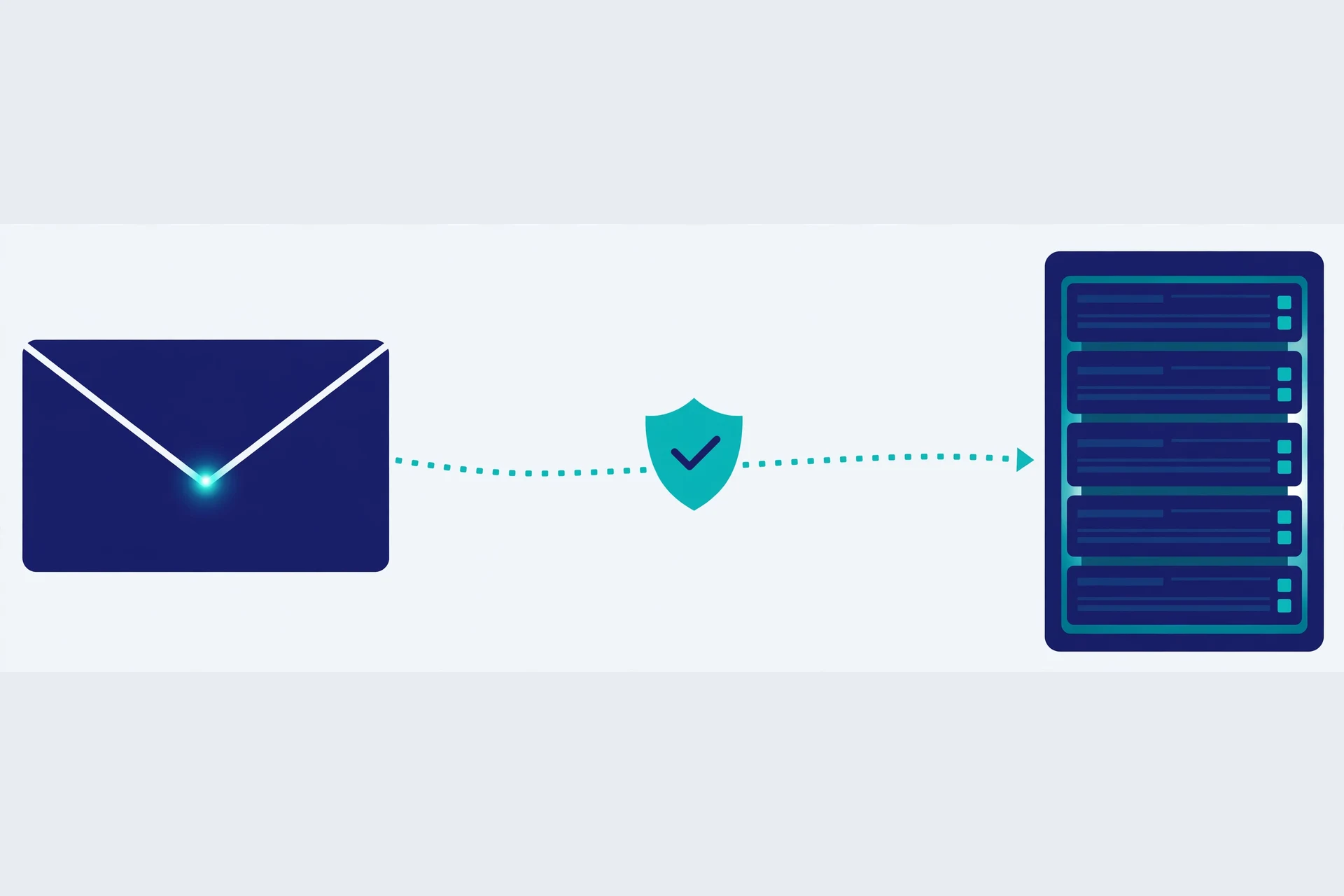
Second one: remote content loads. This is the step most people never see. A spam message is rarely self-contained. Its images — the logo, the banner, sometimes a single invisible pixel — live on the sender's server, and your mail app fetches them when the message opens. That fetch is a request to a stranger's server, and it carries information: that somebody opened this message, at this time, from this rough location, on this kind of device.
Second two: your address gets promoted. Before you opened it, your address was one entry in a list of millions, of unknown quality. The sender did not know whether it was real, abandoned, or a trap set by a spam filter. The open answers that question. A live address — one that a human actually reads — is worth more than a dead one, and it gets sold onward, shared between lists, and mailed more often. This is the most common consequence of opening spam, and it is also the least dramatic: not a hack, but a slow increase in volume over the following weeks.
Second thirty: nothing else happens. No file downloads itself. No password leaves your device. No money moves. The message sits there, inert, waiting for you to do something. The danger from here on is entirely in your hands — which is good news, because it means the fix is also in your hands: close it, report it, move on.
Not all spam is the same spam: three messages, three answers
The advice "never open spam" is repeated so often that it sounds like a law of nature. It is not. It is a shortcut, and like most shortcuts it is wrong in the cases that matter. A bulk advertisement, a phishing lure and a malware delivery are three different messages that happen to share an inbox, and opening each one means something different.
| Message type | What it wants | Opening it does | Where the real risk lives |
|---|---|---|---|
| Bulk ad or newsletter you never joined | A click to an affiliate offer | Fires the tracking pixel, confirms your address is live | Almost none — expect more mail |
| Phishing lure | Your login or payment details | Fires the pixel, and puts a convincing fake login one tap away | The link: one click to a page built to steal credentials |
| Malware delivery | You opening the attachment | Fires the pixel; the payload stays dormant until you open the file | The attachment: a document, ZIP or fake invoice carrying malware |
The distinction matters because your response should change with it. A plain advertisement for a miracle cure is annoying, not dangerous — report it and delete it. A message pretending to be your bank is dangerous the moment you trust the link inside it. And a message with an attachment from a sender you do not recognise is the one to treat as radioactive: do not open the file to see what it is. Curiosity is the payload's delivery mechanism. Most spam comes from a small set of domains, and the same names recur for months — our list of the most common spam email domains in 2026 separates the domains spammers actually send from from the ones they merely pretend to be, and recognising a name on it is often enough to stop the tap before it happens.
The tracking pixel, without the scare stories
The tracking pixel is the part of this story that gets exaggerated in both directions. It is described, variously, as harmless and as a spy in your inbox. Both descriptions miss the point, so here is the plain version.
A tracking pixel is a tiny image — often one pixel by one pixel, transparent — embedded in a message and hosted on the sender's server. When your mail app loads the message's images, it fetches that pixel, and the fetch tells the sender's server three things: that the message was opened, roughly when, and roughly from where, based on your IP address and device details. That is all it tells them. A pixel cannot read your files, cannot see your password, and cannot install software. It is a tripwire, not a burglar.
What makes it worth caring about is not what it steals but what it decides. Spammers run their lists like a business, and an address that opens mail is a customer worth mailing again. The pixel is how they find out. Open one spam message and you may notice the volume creeping up over the next month — not because you were hacked, but because your address graduated from "unverified" to "live and reading".
The four taps that actually do the damage
If opening is the tripwire, these are the traps. Each one is a separate decision, and each one has a different cost.
The link. A phishing link leads to a page that looks like your bank, your mail provider, or a delivery company, and asks you to sign in. The page is a copy; the credentials you type go to the attacker. From there it is the usual chain: your inbox, then password resets on your other accounts, then whatever those accounts protect. One click does not do this — one click plus typing your password does. That is why the rule is not "never click" but "never sign in from a link inside a message". Type the address yourself, or use the app you already have. Our guide to stopping phishing emails shows how the lure is built and what gives it away before you tap anything.
The attachment. This is the one genuinely dangerous tap. A document with macros, a ZIP file, an "invoice" that turns out to be an executable — these are the delivery vehicles for malware, ransomware and keyloggers. Your mail app scans attachments, but it does not catch everything, and it cannot protect you from a file you deliberately open after the warning. If a stranger sends you a file you did not ask for, there is no safe way to find out what is inside it. Delete it.
The reply. Replying tells the sender two things: the address is live, and the person behind it answers strangers. That second fact is valuable, because the most profitable scams are conversations, not single messages — the "wrong number" text, the helpful support agent, the romance that needs a gift card. A reply is an invitation to the next stage. Silence is the correct answer to a stranger.
The unsubscribe link — in spam you never signed up for. In a newsletter you actually joined, unsubscribing works, and it is a legal requirement in most places. In bulk spam from a sender you do not recognise, the same link is often a trap: CISA has warned that unsubscribe options in spam are frequently just a way to collect working addresses. Report it instead. Our spam email blocker guide tested the free options for keeping this mail out of the inbox — most of them are not really blockers, and the honest result is worth knowing before you install one.
I opened a throwaway inbox and watched what happened
Advice is cheap; a live check is better. So at about 2 a.m. IST on November 24, I opened tempomailusa.com to see the starting point — the inbox a spam message would land in if you used a disposable address instead of your real one. A temporary address, olnjp77@rover.info, was already on screen when the page loaded. No signup, no wait, no form. The inbox showed empty, auto-refreshing, with an expiry of 29 days, 16 hours and 39 minutes — free inboxes last 30 days. The page also states the catch plainly: your first message is free to read, and reading every message needs Pro.
That last detail is the one that matters for this article. The whole point of opening suspicious mail in a throwaway inbox is that the tracking pixel, if it fires, confirms an address you can abandon. A pixel that tells a spammer "someone opened this" is harmless when the address it confirms expires in a month and was never connected to your name, your bank, or your real inbox. The same open, in your main inbox, hands them your real address on a plate.
Two honest limits on this test. I could not send a live spam message into that throwaway inbox from this machine — the Gmail account was not connected in this run, and outbound mail from the machine was blocked — so the pixel mechanics here are described from how mail clients handle remote images, not from a pixel I watched fire. What I did verify first-hand is the setup itself: the address, the empty inbox, the 30-day clock, and the first-message gate.
Already opened it? The ten-minute fix
If you are reading this because you already opened one — maybe clicked something too — do not panic. Panic is what the message is designed to produce, and it makes people click more, not less. Work the list in order. It takes ten minutes.
- Close the message. Do not click anything else inside it, including the unsubscribe link.
- Do not download the attachment. If you already did, do not open it. Delete the file.
- If you clicked a link and typed a password, change that password now — from a separate tab, by typing the site's address yourself. Then turn on two-factor authentication on that account. Do the same for any other account that shares the password.
- If you entered card details, call your bank. Tell them what happened. A compromised card is a phone call, not a catastrophe, if you make it early.
- Run a scan. Your operating system's built-in scanner is fine for this — a full scan, not a quick one — and delete anything it flags.
- Check your sent folder and recent account activity. Look for messages you did not send and logins you do not recognise. If something moved without you, tell your mail provider.
- If it arrived at a work address, tell your IT team. They can check whether colleagues got the same message, and they would much rather hear it from you than discover it from a compromised account.
- Report it, do not just delete it. In Gmail, select the message and click Report spam; in Outlook, Report junk or Report phishing; in Yahoo, Mark as spam. Every report trains the filter, and the filter is what keeps the next one out of your inbox. Our spam emails guide covers the full routine that stops the pile from growing back — reporting, blocking, and switching off automatic image loading.
- Block the sender if it comes back. Reporting handles the pattern; blocking handles the repeat offender. Block the domain, not just the address — spammers rotate addresses inside a domain far more often than they rotate domains.
- Turn off automatic image loading for unknown senders. Gmail proxies images for you; Outlook, Yahoo and Apple Mail let you disable them. This is the one setting that makes the next accidental open harmless.
The short version
Opening a spam email is not the disaster the warnings imply, and it is not the nothing the shrugs imply either. The open itself is usually safe: your mail app does not run code from a message body, and no virus downloads itself because you read a paragraph. What the open does is quieter — it loads a tracking pixel, confirms your address is live, and buys you more mail over the next month. The damage lives one tap further in: the link, the attachment, the reply, the unsubscribe link. Close the message, report it, and if you clicked something, work the ten-minute list. And the next time a form asks for your email and you do not fully trust it, give it an address you can throw away.
FAQ
What happens if you open spam email?
In most cases, very little in the moment: the message renders, any remote images load, and a tracking pixel — if the message has one — tells the sender your address is live and being read. No virus installs itself from the open alone. The risk comes from what you do next: clicking a link, opening an attachment, or replying. If you did none of those, close the message, report it as spam, and move on.
Can opening a spam email give you a virus?
Almost never from the open alone. Modern mail apps display messages in a sandbox that does not run scripts from the body, so reading a message cannot install malware. The virus arrives through the attachment or the link: a document with macros, a ZIP file, or a fake invoice you open yourself. That is why the rule is never to open attachments from unknown senders, however boring they look.
Can spammers tell if I opened their email?
Yes, if the message contains a tracking pixel and your mail app loads remote images. The pixel's server logs the open, the time, and your rough location from your IP address. Gmail blunts this by loading images through its own proxy, so the sender sees Google's address instead of yours. Outlook, Yahoo and Apple Mail let you switch off automatic image loading for unknown senders, which stops the pixel firing at all.
Should I delete a spam email or report it?
Report it. Deleting removes one message; reporting trains the filter that decides what reaches your inbox next. In Gmail, select the message and click Report spam; in Outlook, Report junk or Report phishing; in Yahoo, Mark as spam. If the same sender keeps coming back after you report it, block the domain as well.
Is it safe to open a spam email in a temporary inbox?
Safer than in your real inbox, and that is the whole point of a disposable address. The tracking pixel can only confirm the temporary address, which expires — TempMailUSA's free inboxes last 30 days — and was never connected to your name or your accounts. You still should not click the link or open the attachment: the malware does not care which inbox it came through. But the address-confirmation cost of opening drops to zero, because the address itself is throwaway.
Need a disposable temporary email?
Protect your real inbox from spam and promotional clutter instantly and free.
Received a suspicious email, text, or charge alert?
Verify whether the sender domain is disposable, spoofed, or unverified before clicking links.