

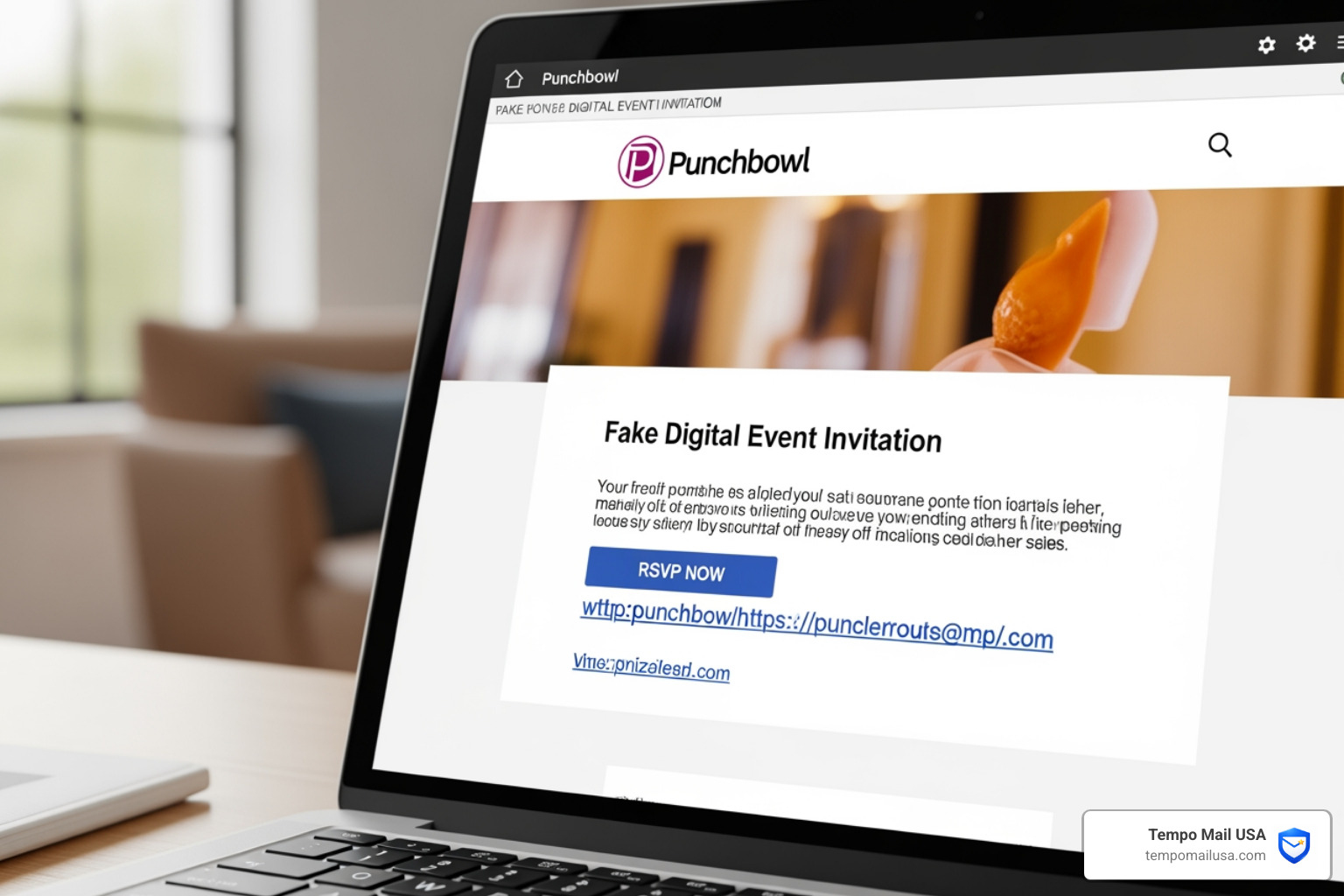

The Punchbowl Invitation Scam Is Targeting Inboxes Right Now
The punchbowl invitation scam is a phishing attack where cybercriminals send fake digital event invitations that look like they came from the legitimate Punchbowl platform — tricking you into clicking a malicious link that can steal your data or install malware on your device.
Quick answer: Is that Punchbowl invite real or a scam?
- Check the sender email. Legitimate Punchbowl emails come from addresses like
mail@mail.punchbowl.comorhelp@punchbowl.com— not Gmail, Yahoo, or random domains. - Check the link. Real Punchbowl links always start with
https://www.punchbowl.com. Anything else is a red flag. - Ignore "open on desktop" warnings. Legitimate invitations open fine on mobile. That instruction exists to help malware run on your device.
- Don't click if you weren't expecting it. Contact the supposed sender directly through a known phone number or message thread to verify.
The scam works because it feels personal. You see a name you recognize, a polished-looking invitation, and a simple call to action. That emotional familiarity is exactly what scammers count on.
Impersonation scams caused over $2.7 billion in losses in 2023, and digital invitation lures are an increasingly common delivery method. Punchbowl is a well-known, trusted brand for e-cards and party invites — which makes it the perfect disguise.
What makes this particularly dangerous is how the scam spreads. In some cases, the invitation appears to come from someone actually in your contact list — because their account was already compromised. One click, and the cycle continues.
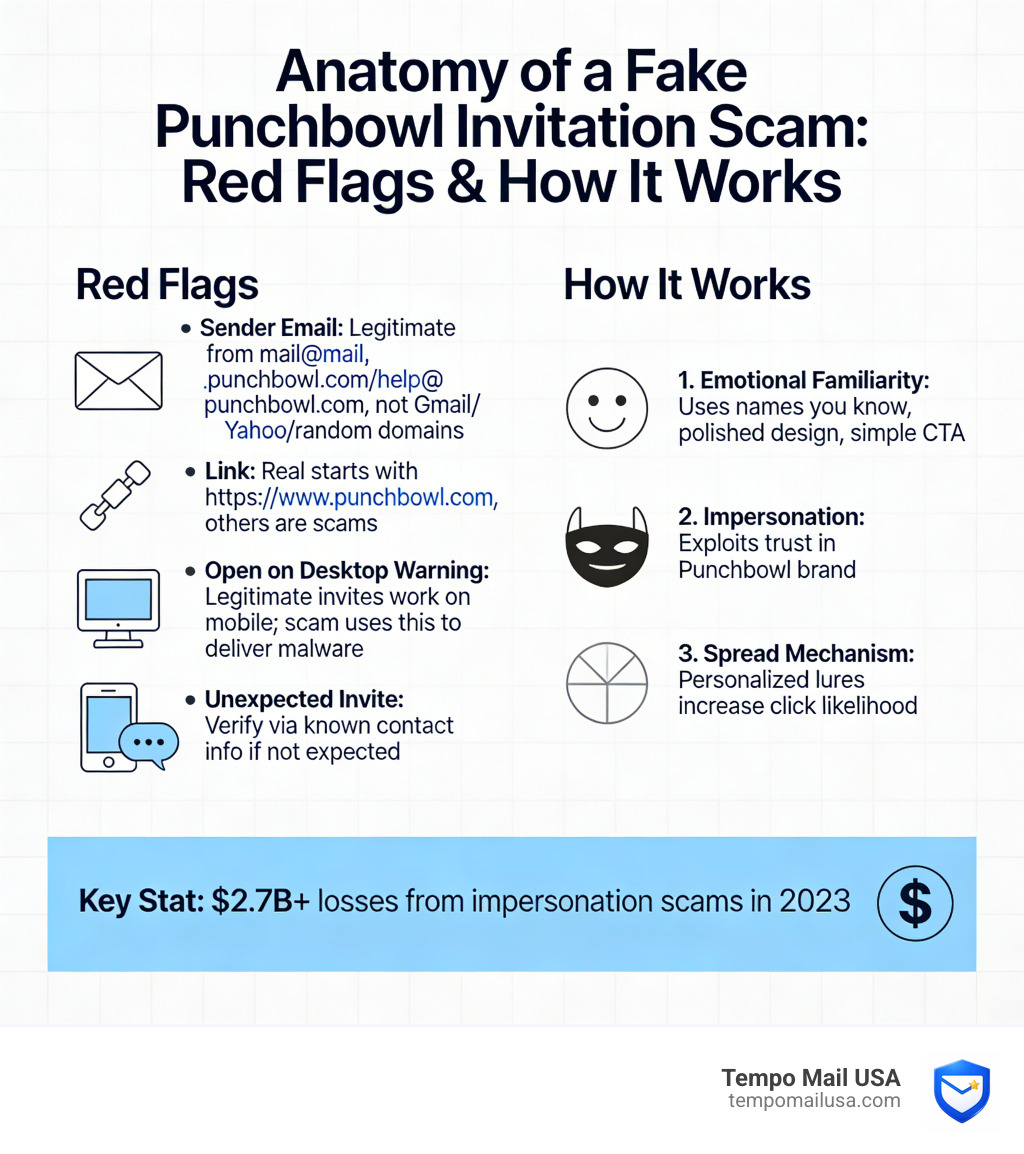
Anatomy of a Punchbowl Invitation Scam
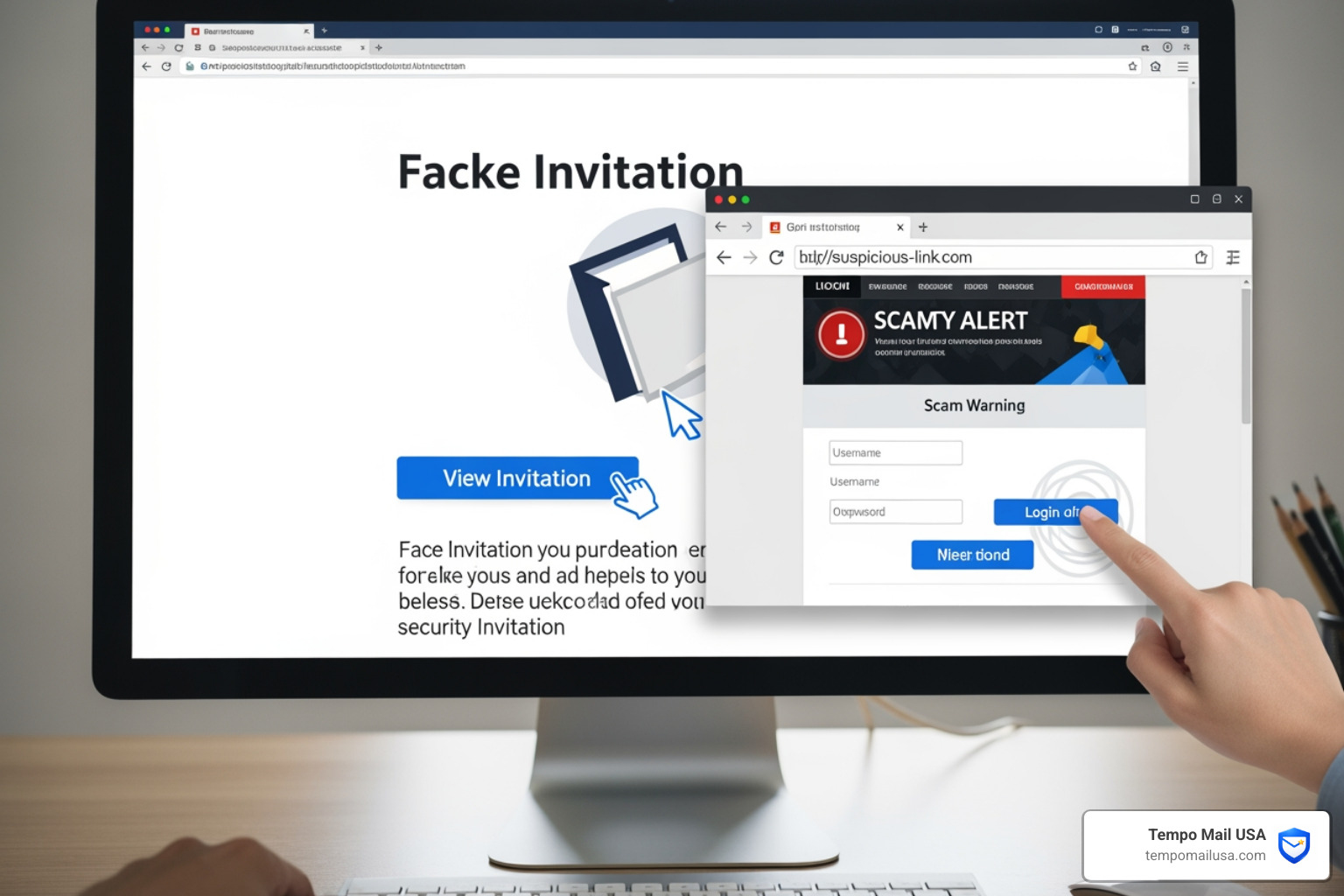
To protect ourselves, we first need to understand the mechanics of the trap. The punchbowl invitation scam isn't just one single trick; it is a multi-layered attack designed to exploit our curiosity and social obligations.
When you receive a fake invitation, the primary goal is usually one of two things: malware delivery or credential harvesting.
- Malware Delivery: In this version, clicking the "View Invitation" button doesn't take you to a party page. Instead, it triggers a background download. Security experts have noted that these links often point to external domains that host Remote Access Trojans (RATs). These are nasty pieces of software that give a hacker total control over your computer, allowing them to see your screen, access your files, and even log your keystrokes.
- Credential Harvesting: Other versions of the scam use a Punchbowl Phishing Attack Explained method. You are redirected to a very convincing login page that looks exactly like a standard Punchbowl, Microsoft, or Google login. If you enter your email and password to "see the invite," the scammer now has your credentials. They can sell these on the dark web or use them for What is a Phishing Scam? Protect Yourself maneuvers like identity theft and financial fraud.
Why Scammers Target the Punchbowl Invitation Scam
Why choose Punchbowl instead of just sending a random spam link? It all comes down to human psychology.
- Brand Trust: Punchbowl is a leader in the digital invite space. We are used to seeing their logos and layouts, so our "scam radar" is naturally lower.
- Social Proof: Scammers often use the names of real people. If an email says "Sarah invited you to her Baby Shower," you are much more likely to click than if it said "Claim your free prize."
- Event Urgency: Invitations are time-sensitive. We feel a social pressure to RSVP quickly, which leads to "fast clicking" without checking for red flags.
- Seasonal Surges: During graduation season, weddings, or the holidays, our inboxes are flooded with real invites. Scammers hide their fakes in the high volume of legitimate traffic.
Critical Red Flags: How to Spot a Fake
Spotting a punchbowl invitation scam is easier when you know exactly where the scammers cut corners. They are often clever, but they rarely get every detail right. We recommend looking for these specific discrepancies.
| Indicator | Legitimate Punchbowl Invite | Fraudulent/Scam Invite |
|---|---|---|
| Sender Address | mail@mail.punchbowl.com | Gmail, Outlook, or odd domains (e.g., info@party-time.ru) |
| Link URL | Always starts with https://www.punchbowl.com | Random strings or lookalike domains (e.g., punchbowl-rsvp.com) |
| Device Request | Works perfectly on mobile and desktop | Often insists on using a "Desktop or Laptop" |
| Visual Quality | Professional, high-res logos, and clear fonts | Broken images, pixelated logos, or weird spacing |
| Tone | Warm and standard | ALL CAPS warnings or aggressive urgency |
| Attachments | Never includes attachments | May include a "PDF" or "HTML" file to open |
Identifying a Fake Punchbowl Invitation Scam Email
The most important thing you can do is verify the sender. A real Punchbowl email will almost always come from mail@mail.punchbowl.com. If the sender is a personal Gmail account or a domain you don't recognize, it is a scam.
Always practice Master How to Spot Phishing Emails techniques like hovering over the link. On a desktop, move your mouse over the button (without clicking!) and look at the bottom corner of your browser. It should show a URL starting with https://www.punchbowl.com. If it points anywhere else, delete the email immediately.
What Happens if You Click the Link?
If you do click a link in a punchbowl invitation scam, the consequences can be immediate or slow-burning.
Initially, you might see a "loading" screen that never finishes, or you might be redirected to a generic-looking error page. While you are waiting, the malicious site may be attempting to install software. This leads to device compromise, where your personal files, saved passwords, and banking information are at risk.
Another major risk is secondary targeting. Statistics show that 68% of users who clicked a Punchbowl spam link within 24 hours later received targeted spear-phishing attempts. Why? Because by clicking, you’ve "verified" to the scammer that your email address is active and that you are susceptible to invitation-style lures. They will then send even more convincing, personalized scams your way.
If you suspect you've been hit, you should look into FBI IC3 Reporting to help authorities track these domains. You can also follow our guide on How to Report Phishing Emails in 5 Easy Steps to clean up your digital footprint.
Immediate Steps to Take if You’ve Been Targeted
Don't panic! If you’ve clicked a link or entered your info, we recommend these steps to lock down your digital life:
- Change Your Passwords: Change the password for the email account that received the invite. If you entered a password on a fake login page, change that password on every site where you use it.
- Activate Two-Factor Authentication (2FA): This is your best line of defense. Even if a scammer has your password, they can't get in without the code from your phone.
- Scan for Malware: Run a full system scan using reputable antivirus software to ensure no Remote Access Trojans were installed.
- Revoke Third-Party Access: Check your Google or Microsoft account settings to see if any new "apps" have been granted permission to read your emails or contacts.
- Contact the "Host": If the invite came from a friend, call them. Their account was likely hacked, and they need to warn their entire contact list before the scam spreads further.
In the future, we suggest considering Why You Should Use Temporary Email for Safe Signups. By using an alias, you keep your primary inbox clean and ensure that if a service's data is leaked or exploited, your real identity remains shielded.
Frequently Asked Questions about Punchbowl Scams
Why do fake invites ask me to use a desktop or laptop?
This is one of the biggest "tells" of the punchbowl invitation scam. Legitimate digital invitations are designed to be mobile-friendly because most people check their mail on their phones. Scammers, however, often use malware that is specifically designed to run on Windows or macOS. By telling you that the invite "looks better on desktop" or "requires a laptop to view," they are trying to get you onto a device where their malware can actually execute and take control.
Are Punchbowl text messages legitimate?
Punchbowl does send text messages, but they follow strict rules. In the U.S., legitimate texts come from the short code 90403. If you are outside the U.S., they typically use 877-642-0804. If you receive a text from a standard 10-digit mobile number containing a link to a "party," be extremely cautious. Always look for the https://www.punchbowl.com prefix in the link.
How can you verify an invite if you don't recognize the sender?
If you receive a surprise invitation, the best policy is "Verify, then Click." You can check the How Do I Know if the Punchbowl Invitation or Card I Received is Real or Spam? page on the official help center for the latest list of official sender addresses. If you still aren't sure, reach out to the person who supposedly sent it via a different platform (like a text or a DM) and ask, "Hey, did you just send me a Punchbowl invite?"
Conclusion
The punchbowl invitation scam succeeds by turning our kindness and social connections against us. By staying vigilant, checking sender addresses, and refusing to click on suspicious "open on desktop" links, we can keep our data safe.
At Tempo Mail USA, we believe the best way to stop a scam is to prevent the scammer from ever reaching your real inbox. Using secure email aliases acts as a firewall, shielding your personal PII from services and ensuring that your primary identity stays private. Practice good digital hygiene, use identity shielding tools, and never let a fake "party" ruin your security.
Stay safe out there, and remember: if an invitation feels off, it’s probably a scam. For more tips on protecting your privacy, visit us at https://tempomailusa.com.