


Fundamental Steps for Email Account Security
The first step in any security journey is taking a look at where you currently stand. For most of us, our Google Account is the hub of our digital existence. Google provides a centralized "control panel" to manage your safety, and the most important tool in that kit is the Security Checkup.
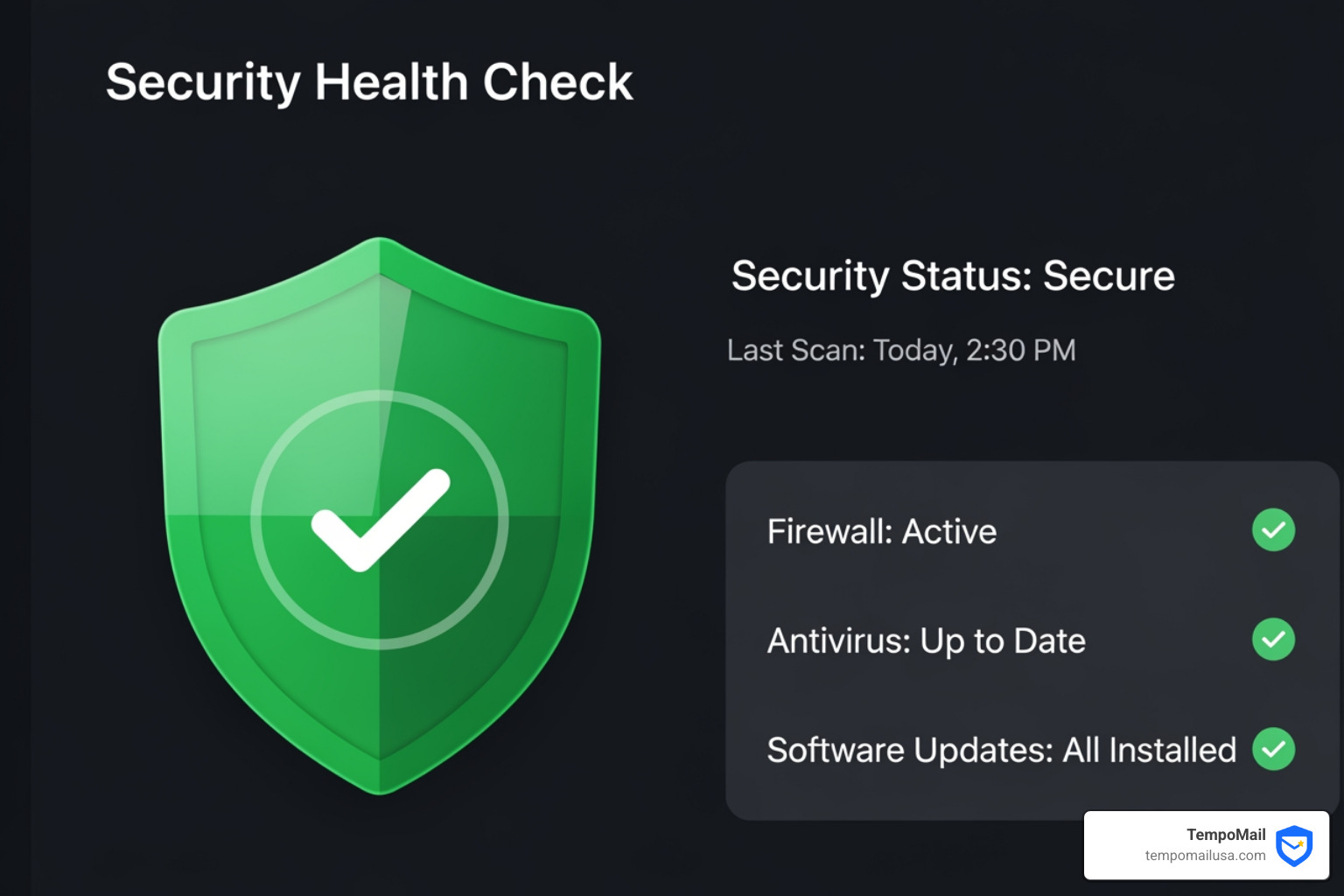
Performing a Security Checkup is like giving your account a physical exam. It identifies "Recommended actions" based on your specific usage. Google uses color-coded icons to help you prioritize: blue for tips, yellow for important steps, and red for urgent threats that need immediate attention. If you see a green shield, you’re in good shape!
To get started, you should Start my Security Checkup and focus on these critical areas:
- Account Recovery Options: This is your safety net. If you ever get locked out or if a hacker tries to change your settings, your recovery phone number and email address are the primary tools used to verify your identity and alert you to suspicious activity.
- Recent Security Activity: Check for any logins from devices or locations you don't recognize. If you see a login from a different country while you're sitting on your couch, that's a red flag for unauthorized access.
- Device Management: Review which phones, tablets, and computers are signed into your account. If you sold an old phone and forgot to sign out, remove it immediately.
Strengthening Access with 2-Step Verification
If you only do one thing after reading this guide, let it be this: enable 2-Step Verification (2SV), also known as Multi-Factor Authentication (MFA).
Password theft is rampant, but 2-Step Verification ensures that even if a hacker steals your password, they still can't get in without a second "factor." We recommend the following methods, ranked from most to least secure:
- Security Keys: Physical USB or NFC keys (like YubiKeys) are the gold standard. They are virtually immune to phishing.
- Google Prompts: A simple "Yes, it's me" tap on your phone when you try to sign in.
- Authentication Apps: Apps like Google Authenticator generate time-sensitive codes.
- Biometrics: Using your fingerprint or face ID on your device.
- Backup Codes: Always print these out and keep them in a physical safe! They are your last resort if you lose your phone.
Managing Passwords and Third-Party Access
We’ve all been guilty of it: using "Password123" for five different sites. But here's the reality—if one of those sites has a data breach, hackers will use "credential stuffing" to try that same password on your email.
To maintain high-level email account security, you must use unique, long, and unpredictable passwords for every single service. Since nobody can remember 200 complex strings of gibberish, you should Try 1Password or another reputable password manager to generate and store them for you.
Furthermore, we often grant "Sign in with Google" permissions to random apps without thinking. Over time, these apps become a security risk. You should regularly review third-party apps and services with access to your account. If you haven't used that "Photo Editor" app from 2019, revoke its access. Also, ensure you turn off access for "less secure apps" that don't use modern sign-in technology.
Advanced Protection and Technical Defenses
For those of us who are high-profile targets—like journalists, activists, or business leaders—standard security might not be enough. Google offers the Advanced Protection Program, which mandates the use of physical security keys and provides even more rigorous defense against phishing and unauthorized downloads.
On a more technical level, email account security isn't just about your login; it's about the "plumbing" of the email system itself.
| Protocol | What it Does | Why it Matters |
|---|---|---|
| SPF (Sender Policy Framework) | Lists authorized IP addresses that can send mail for your domain. | Prevents basic spoofing. |
| DKIM (DomainKeys Identified Mail) | Adds a digital signature to your emails. | Ensures the email wasn't tampered with in transit. |
| DMARC | Tells receiving servers what to do if SPF or DKIM fails. | The ultimate defense against domain impersonation. |
These protocols build "sender trust." Without them, a hacker could easily pretend to be your bank or your boss, a tactic known as Business Email Compromise (BEC).
Enhancing Email Account Security with Encryption and Confidential Mode
Encryption is the process of scrambling your message so that only the intended recipient can read it. While most modern email uses TLS (Transport Layer Security) to protect mail while it's moving, you can add more granular control using Gmail Confidential Mode.
When you use confidential mode, you can:
- Set expiration dates for your messages (they vanish after a week, for example).
- Require a passcode sent via SMS to open the mail.
- Disable forwarding, copying, downloading, and printing.
This is a fantastic way to protect PII (Personally Identifiable Information) when sending sensitive documents. You can manage these features within your Gmail Security and Privacy Settings.
Utilizing Secure Email Gateways and AI Monitoring
In a corporate environment, we often deploy a Secure Email Gateway (SEG). Think of an SEG as a digital bouncer that stands in front of your email server. It performs malware scanning on every attachment and uses AI-driven threat detection to spot anomalies.
Modern SEGs use Natural Language Processing (NLP) to analyze the tone of an email. If an email claims to be from the CEO but uses language that doesn't match their usual style, the AI flags it as a potential impersonation attempt. Automated incident response then kicks in, quarantining the message before the employee even sees it, significantly reducing the "window of exposure."
Defending Against Phishing and Social Engineering
The most advanced firewall in the world can't stop a user from clicking a "Reset Password" link in a fake email. Phishing is the art of deception, and it's the #1 way email account security is compromised.
Always follow these Gmail security tips:
- Check the Sender: Hover over the sender's name to see the actual email address. If it's "support@g00gle.com" instead of "google.com," delete it.
- Inspect Links: Point to a link without clicking to see the web address in the bottom corner of your browser.
- Report Scams: Use the "Report Phishing" button. This helps train Google's AI to protect others.
Your browser is also an ally. Chrome and Search are designed to warn you about suspicious content and unwanted software before you even land on a malicious page.
Maintaining Email Account Security on Mobile and Remote Networks
We are more mobile than ever, but that convenience comes with risks. Accessing your email over Public Wi-Fi is a major vulnerability; hackers can perform "Man-in-the-Middle" attacks to intercept your data.
To stay safe while remote, we recommend:
- VPN Usage: Encrypt your connection whenever you aren't on a trusted network.
- Mobile Device Management (MDM): For businesses, this allows for remote wiping of a device if it's stolen.
- Software Updates: Never ignore that "Update Available" notification. These Software updates often contain critical security patches for your browser and OS.
- Automatic Lockouts: Ensure your phone requires a PIN or biometric to open, and set it to lock after 30 seconds of inactivity.
Frequently Asked Questions about Email Security
What should I do if my email is part of a data breach?
First, don't panic. Visit a site like "Have I Been Pwned" to check your data breach history. If you've been compromised:
- Immediately reset your password for that account.
- Change the password on any other accounts where you reused that same password.
- Enable 2FA if you haven't already.
- Monitor your financial statements for any unusual activity.
How can I identify a sophisticated phishing attempt?
Hackers are getting better, but they still leave clues. Look for:
- Urgent or Threatening Language: "Your account will be deleted in 2 hours!"
- Generic Greetings: "Dear Valued Customer" instead of your name.
- Mismatched URLs: The link text says "bankofamerica.com" but the actual destination is "login-verify-secure.net."
- Unusual Attachments: Be wary of .zip, .exe, or even .docx files from people you don't know. Gmail often flags these, but stay alert.
Why are secure email protocols like SPF and DMARC necessary?
Without these protocols, the "From" field in an email is as easy to fake as a return address on a physical envelope. SPF and DMARC protect your domain's reputation. If you don't have them, your legitimate emails might end up in your customers' spam folders, and hackers could send thousands of fake emails appearing to be from your company.
Conclusion
Securing your digital life starts with email account security. By following the steps in this guide—enabling 2-Step Verification, using a password manager, and staying vigilant against phishing—you can effectively "bulletproof" your inbox.
At TempoMail, we believe the best way to protect your data is to never give it away in the first place. We specialize in identity proxying, providing you with secure email aliases that act as a digital firewall. By using an alias instead of your real email address for online services, you protect your Personally Identifiable Information (PII) from data breaches and trackers.
Stop leaving your digital footprint everywhere you go. Protect your identity with secure email aliases and take control of your privacy today. Stay safe out there!