



True online privacy starts by separating your main inbox from the constant stream of unwanted messages, tracking pixels, and phishing scams. This guide lays out a two-step approach you can use today: prevent exposure with temporary (disposable) email addresses, and use AI-powered spam tools to diagnose and optimize what still reaches you. You’ll learn how spam harms personal data, why disposable addresses block long-term profiling, how AI improves detection and deliverability, and when to use both strategies together for the best protection. Practical examples, a technical comparison of AI methods, and clear privacy-first recommendations are included so you can act immediately. Throughout, we use terms like temporary email, disposable email, AI spam email checker, and SpamShield to explain real-world options that keep you anonymous and reduce profile-building.
How Does Spam Threaten Your Online Privacy?
Spam isn’t just annoying — it’s a pipeline for data collection, tracking, and account takeover. Messages can hide tracking pixels, malicious links, or fake login forms that turn routine signups into long-term profiling or security incidents. Modern campaigns mix mass sends with targeted social engineering, so a single careless click can expose multiple accounts. Knowing how these attacks work makes it clear why prevention and good inbox hygiene matter: they shrink your attack surface and limit the data attackers can collect.
What Risks Do Spam Emails Pose to Your Personal Data?
Spam creates both immediate and lasting risks. Phishing emails impersonate services to steal credentials attackers then reuse across sites. Link-based malware can steal files or install persistent access. Tracking pixels in newsletters and ads quietly report opens and locations, feeding detailed behavior profiles. Recognizing these threats lets you prioritize controls — like disposable addresses and stronger verification — that contain damage and reduce future exposure.
- The three most immediate privacy risks from spam are credential theft, tracking/profiling, and malware delivery.
- Stolen credentials let attackers move laterally across accounts and cause financial harm.
- Tracking pixels and list-building erode anonymity by creating durable behavioral profiles.
Those risks explain why breaking the direct link between your primary email and external services is a core privacy tactic, and why tactics that block tracking and credential leaks matter. temporary email
How Have Spam and Phishing Attacks Evolved in 2024?
In 2024, spam has become more personalized and scalable. Attackers use breached data and AI to craft convincing messages and to quickly change subject lines or sender details to evade filters. They also reuse third-party leaks to fill templates with personal information, making social-engineering harder to spot. These changes mean defenders need adaptive tools that focus on prevention (fewer exposed addresses) and smarter detection that learns behavior rather than relying only on static signatures.
- Personalization and AI-generated content boost phishing success.
- Breached data lets attackers tailor messages that beat generic heuristics.
- Effective defenses combine prevention with machine-learning that spots subtle patterns.
That evolution shows why static, rule-based filters aren’t enough — temporary addresses plus AI detection create a stronger, layered defense.
Why Are Temporary Email Services Essential for Privacy Protection?
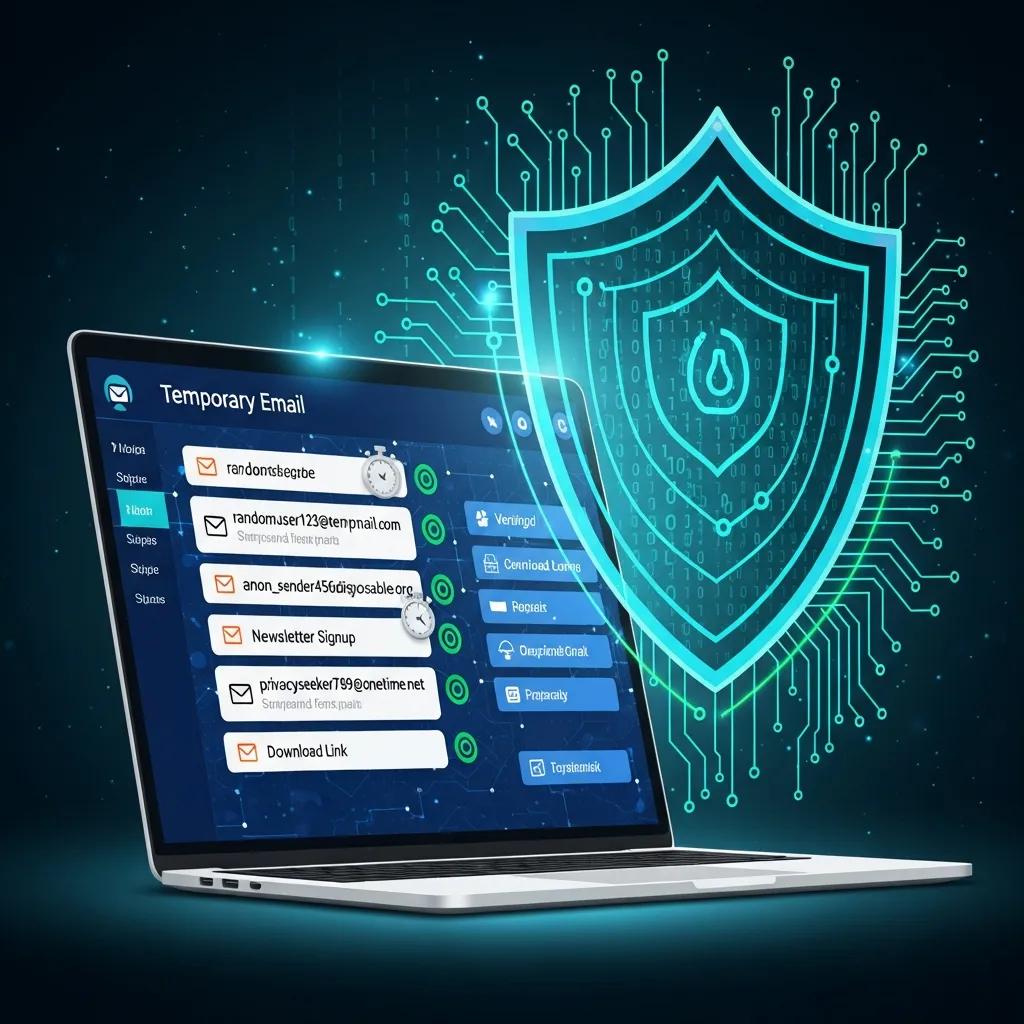
Temporary email services are a straightforward prevention layer: they give you one-time or short-lived addresses for verifications and signups so your real inbox stays private. Disposable addresses break the long-term link between your identity and outside services by avoiding persistent identifiers and minimizing stored personal data. Route trials, one-off signups, and unknown sites to a temporary inbox and you avoid subscription lists, tracking pixels, and targeted marketing that can be stitched back to your core accounts. temporary email
How Do Disposable Email Addresses Shield Your Identity?
Disposable emails create a transient channel that severs the persistent connection between a service and your main contact details. Because many temporary addresses require no signup and expire automatically, they prevent long-term retention and profiling. That reduces the value of a single breach and stops advertisers and scrapers from building durable profiles. Using disposable aliases for untrusted services keeps your primary inbox focused on trusted communications and lowers the chance of cross-service correlation.
- Disposable addresses remove persistent identifiers and curb profiling risk.
- Automatic deletion shortens the window for any leaked messages to be misused.
- One-time emails for unknown services help keep your main inbox confidential.
These protections lead to cleaner inboxes and fewer vectors for phishing campaigns aimed at long-term account compromise.
What Are the Benefits of Using Temporary Email for Signups and Verifications?
Temporary email is practical for everyday tasks: signing up for trials, accessing gated content, or running developer tests without cluttering your main inbox. For verifications and signups, disposable addresses give instant, anonymous access and stop future marketing and tracking from reaching your primary account. Developers and QA teams also use disposable addresses to run safe, repeatable tests without exposing real-user data. In short, temporary email saves time, cuts clutter, and limits the places your core address appears.
- Protects Inbox Cleanliness: Keeps newsletters and promotions out of your primary account.
- Reduces Profiling: Stops third parties from linking activity to an identifiable address.
- Supports Testing and QA: Lets teams test safely without using real user data.
Using disposable addresses for these common scenarios is an easy preventive step that pairs well with detection tools and strengthens your overall privacy posture.
After covering how disposable email works, a short, practical example shows the typical user flow and the privacy guarantees you get.
How Does AI-Powered Spam Detection Enhance Email Security?
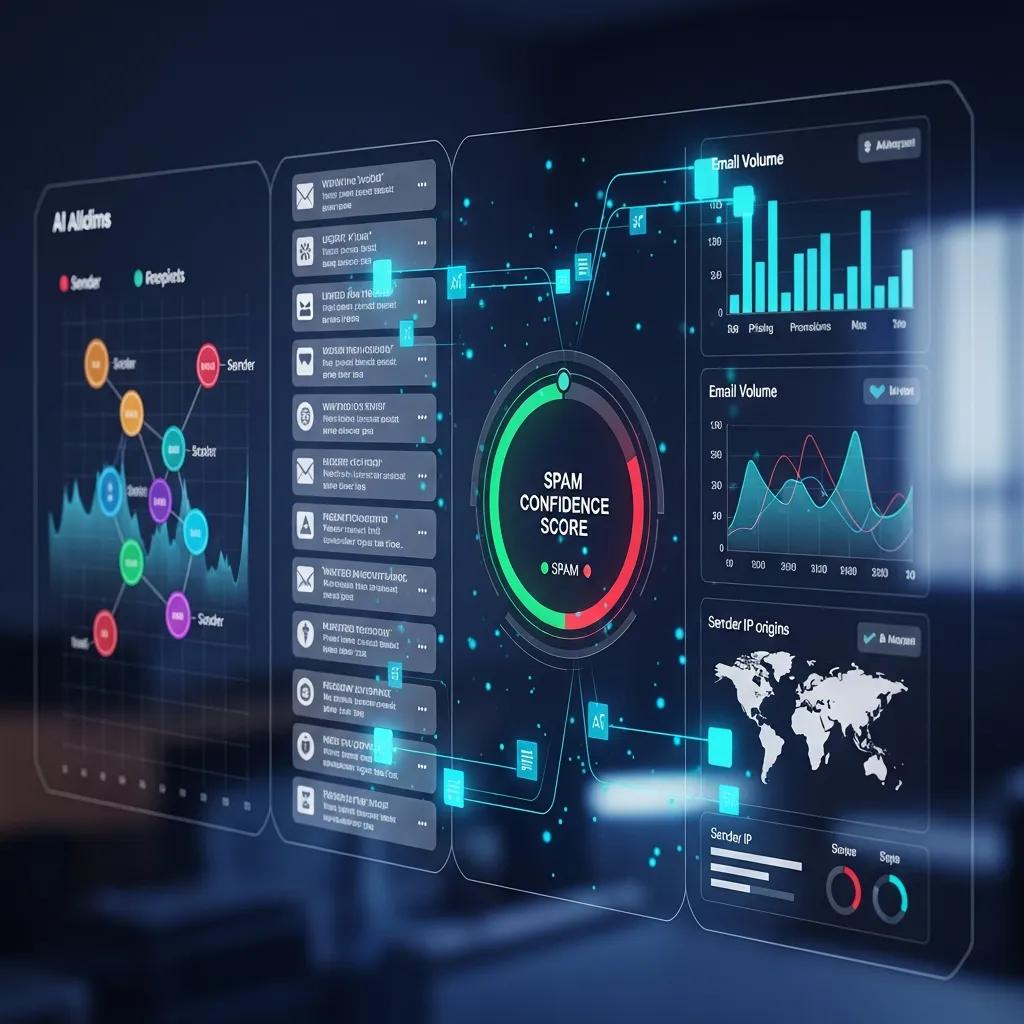
AI-powered spam detection uses machine learning and natural language processing to spot patterns in content, headers, and sender behavior that static rules miss. These systems learn from diverse signals to identify phishing, scams, and unwanted marketing as tactics change. The payoff: better detection, fewer false positives, and smarter recommendations that improve deliverability. When you pair AI detection with temporary email, you get a layered defense that blocks threats and reduces exposure.
What Makes AI Spam Email Checkers More Effective Than Traditional Filters?
AI checkers beat rule-based filters by learning complex, evolving patterns through continuous training and probabilistic scoring. Models can spot semantic oddities, stylistic fingerprints, and sender-behavior anomalies that fixed blacklists miss. Properly trained AI reduces manual tuning and reacts faster to new threats, improving accuracy while lowering false positives. For example, some tools report very high accuracy — one implementation, SpamShield, reports a 99.7% accuracy figure, illustrating what modern models can achieve.
| Technique | Characteristic | Typical Impact |
|---|---|---|
| Supervised ML classifiers | Trained on labeled spam/ham datasets | High accuracy for known patterns |
| NLP semantic analyzers | Evaluate content meaning and intent | Detects phishing phrasing and impersonation |
| Behavioral anomaly detection | Monitors sender behavior over time | Flags unusual sending patterns quickly |
Combining multiple AI techniques gives broad coverage across content and behavior, strengthening security and complementing prevention tools like temporary email.
How Does AI Optimize Email Deliverability and Reduce Spam?
AI improves deliverability by scoring outgoing messages and recommending edits that reduce spam likelihood while keeping your message intact. Typical workflows analyze subject lines, sender signals, and message structure, produce a spam score, and suggest changes to boost inbox placement. AI also helps routing, quarantine rules, and feedback-loop handling so legitimate mail gets through and malicious content is suppressed. These changes cut false positives, reduce friction, and support a healthier sender reputation for both individuals and organizations.
- AI offers content edits to lower spam scores and improve inbox placement.
- Scoring and routing reduce unnecessary quarantines and false positives.
- Continuous learning keeps deliverability rules aligned with evolving filters.
Below is a brief technical comparison to help choose between AI approaches based on accuracy, latency, and false-positive behavior.
| Approach | Key Attribute | Typical Value |
|---|---|---|
| Supervised Classifier | Accuracy | 90–99% depending on data |
| NLP Semantic Model | False Positive Rate | Low to moderate with tuning |
| Real-time Anomaly Detection | Latency | Milliseconds to seconds |
This table gives a concise view of trade-offs so practitioners can pick models that fit their operational needs.
What Makes TempoMailUSA the Best Choice for Privacy-Conscious Users?
TempoMailUSA offers a free, instant disposable email service that generates temporary addresses without signup — a simple, privacy-first design that keeps data collection to a minimum. We emphasize automatic deletion and short retention windows to lower profiling and leak risk, putting the disposable-email benefits into practice. TempoMailUSA also pairs prevention with an AI-powered SpamShield checker that scans messages for spam indicators with high reported accuracy. Together, these tools help you avoid unwanted exposure while using AI to catch risky mail.
How Do TempoMailUSA’s Free and Instant Temporary Emails Protect Your Privacy?
Our design choices are focused on reducing privacy risk: no signup friction, no personal data required, and automatic message deletion after a short window. Generating a disposable address needs no account, so there’s no persistent identifier to link across services. Automatic deletion shrinks how long intercepted or leaked messages remain accessible, lowering breach impact. These practical features let you sign up or verify quickly while keeping your main email private and untracked.
| Feature | What it Does | User Benefit |
|---|---|---|
| No signup | Generates addresses without accounts | Reduces personal data collection |
| Automatic deletion | Removes messages after a short window | Limits exposure from breaches |
| Instant generation | Creates aliases immediately | Enables fast, anonymous signups |
This table summarizes how TempoMailUSA’s features translate into practical privacy advantages.
What Real-World Use Cases Demonstrate TempoMailUSA’s Privacy Advantages?
Disposable addresses are helpful in many everyday situations where you don’t want long-term exposure. Use temporary emails for trial signups to avoid future marketing, for one-off marketplace communications, or for QA and automated testing to keep test accounts from polluting real inboxes. Privacy-conscious users also use temporary addresses when visiting unfamiliar sites. These simple use cases show how a free, instant tool can reduce tracking and inbox clutter.
- Trial signups: Get access without inviting future marketing.
- Marketplace transactions: Share a temporary contact to keep your main inbox private.
- Developer testing: Create test accounts safely without exposing real user data.
These examples show how temporary email cuts exposure and reduces the need for later cleanup.
How Do TempoMailUSA’s Solutions Compare to Traditional Spam Filters?
Temporary email and AI-assisted detection serve different but complementary roles compared to server-side and client-side spam protections: prevention, detection, and remediation. Temporary email is preventive — it stops unwanted messages from reaching your main inbox. AI tools like SpamShield classify and manage messages that still arrive. Server-side filters block threats at the gateway; client-side tools give end users local control. Understanding these roles helps you build a privacy-first strategy that combines prevention with intelligent detection.
Why Does Free Temporary Email Outperform Paid Spam Blockers for Privacy?
Free temporary email often wins on privacy because it minimizes data collection by design instead of scanning a linked personal account. Some paid blockers require registration and may scan messages or store metadata, creating another profiling surface. Disposable addresses avoid the need for post-delivery scanning by keeping unwanted mail away from your primary inbox entirely. For users focused on anonymity, data minimization offers stronger protection with simpler setup and less ongoing exposure.
| Solution | Prevention vs Remediation | Privacy Impact | Cost | Setup Complexity |
|---|---|---|---|---|
| Temporary Email | Prevention | Low (high privacy) | Free | Minimal |
| Server-Side Filter | Remediation/Prevention | Moderate (central scanning) | Varies | Moderate |
| Client-Side Filter | Remediation | Moderate to High (local scanning) | Varies | User-managed |
This comparison highlights trade-offs and shows when each solution fits based on privacy needs and operational constraints.
What Are the Differences Between Server-Side and Client-Side Spam Protection?
Server-side protection inspects messages at gateways or cloud layers before delivery, applying broad filters and reputation checks to block threats at scale. Client-side protection runs in your email app, offering more granular control but relying on device updates and local resources. Server-side scanning can be efficient for organizations but may raise privacy concerns because content is processed centrally. Client-side filters give users more control but can be inconsistent and vulnerable if a device is compromised. Using disposable addresses along with both server- and client-side tools builds layered resilience.
- Server-side filters are strong for organizational enforcement and large-scale blocking.
- Client-side filters offer user-specific customization and immediate in-app control.
- Temporary email reduces reliance on post-delivery filtering by preventing unwanted mail from ever reaching your primary address.
Knowing these differences helps engineers and privacy-minded users design defenses that limit exposure and centralized data processing.
What Are Best Practices for Maintaining Online Privacy Beyond Spam Filtering?
Good privacy is a habit. Use unique passwords, enable two-factor authentication, limit what you share during signups, and separate accounts by role. Regularly audit app permissions, minimize the number of services tied to your main email, and use a password manager to avoid reuse. Add routine software updates, careful link handling, and prompt reporting of suspicious messages. Together, these habits form a resilient posture that reduces the impact of spam, phishing, and mass data collection.
How Can You Protect Your Digital Identity from Phishing and Data Breaches?
Protecting your identity starts with verification and quick action: check sender domains, don’t click unexpected links, and confirm credential requests through a separate channel. If you suspect a breach, change passwords, enable 2FA, and watch account activity for signs of unauthorized access. Report phishing to providers and follow breach notification steps to contain damage. Combined with disposable addresses for risky interactions, these practices reduce both immediate and long-term harm.
- Verify sender identity before clicking links or entering credentials.
- Enable two-factor authentication on important accounts to prevent takeover.
- Monitor accounts and change passwords promptly after any suspected exposure.
These steps pair well with temporary email and AI detection to shorten the lifecycle of successful attacks and limit lasting damage.
What Is the Future of Spam and AI Defense in Email Security?
Email security is heading into an AI arms race: defenders will use stronger models while attackers leverage generative tools to craft convincing scams. Privacy-preserving approaches like on-device inference and federated learning will grow in importance to balance accuracy with data minimization. Going forward, combine prevention (fewer exposed addresses), principled AI detection, and fast incident response. Continuous monitoring, selective data sharing, and privacy-first services will be essential to stay ahead of evolving threats.
- AI-driven detection will keep evolving, requiring continual retraining and threat intelligence sharing.
- Privacy-preserving models will gain traction, cutting centralized data exposure while staying effective.
- Prevention-first tools like disposable email will remain valuable, removing stable identifiers attackers rely on.
These trends show why technical measures and user habits must evolve together to maintain strong email privacy.
Frequently Asked Questions
What are the key features to look for in a temporary email service?
Look for instant address generation, automatic message deletion, and no signup requirements. A good service should let you create disposable addresses quickly without giving personal details. Also prioritize a clear privacy policy, support for multiple domains, and a simple interface. These features help protect your privacy and reduce tracking.
Can temporary email services be used for business purposes?
Yes. Temporary emails are useful for testing, managing projects, or one-off client communications where you don’t want to expose your main account. They’re handy for creating throwaway contacts for feedback forms or trial signups. Make sure their use fits your company’s privacy and compliance rules, especially when handling sensitive customer data.
How do I know if my temporary email address has been compromised?
Watch for unexpected messages or spam arriving after you used a temporary address — that may indicate a leak. You can also use breach-monitoring services that alert you if an address appears in public leaks. Regularly rotate disposable addresses to reduce risk and limit potential exposure.
Are there any limitations to using temporary email services?
Yes. Temporary emails are usually not meant for long-term communication because addresses expire. That can be a problem for ongoing notifications or account recovery. Some sites also block disposable addresses during signup. Weigh those limits against your privacy needs and use temporary email where it makes sense.
How can I enhance my email security beyond using temporary emails?
Strengthen security by using unique passwords, enabling 2FA, auditing account permissions, and being careful about what you share online. Keep software updated, use reputable antivirus software, and learn common phishing tactics so you can spot suspicious emails. Together with disposable emails, these steps provide robust protection.
What should I do if I receive spam in my primary inbox despite using a temporary email?
If spam reaches your main inbox, the temporary address you used may have leaked or the service you signed up with may have sold your data. Consider changing your primary address if necessary and tighten privacy practices going forward. Report spam to your provider, use filters or blocks, and switch to disposable emails for future risky signups.
Conclusion
Using temporary email alongside AI-powered spam detection gives you a practical, layered approach to online privacy. Disposable addresses prevent long-term exposure, and smart AI tools catch what slips through — together they keep your primary inbox cleaner and safer. Adopt these strategies, follow basic security habits, and you’ll regain control over your digital identity. Start using disposable email and AI detection today to strengthen your online privacy.