

Hotmail Email Generator: What You Actually Get (I Tested Three Kinds)
Hotmail Email Generator: What You Actually Get (I Tested Three Kinds)
Search "hotmail email generator" and the first page hands you tools, not answers. A Python library on PyPI. A Chrome extension. A page that generates Outlook and Hotmail addresses with one click. A code tutorial for generating random addresses in Python. Every result assumes you already know what kind of generator you want, and none of them says the one thing that matters: most of these tools do not give you an email address that can receive mail.
I spent an evening clicking through them so you don't have to guess. The phrase covers four genuinely different products, and the difference between them is the difference between a working inbox and a string of characters that looks like an email address and does nothing. Here's what each one actually produces, what I observed when I ran three of them live, and the workflow I'd use if I needed a Hotmail-flavoured address for a signup today.
The four things "Hotmail email generator" can mean
This is the fork the search results never explain, so let's settle it first. When someone types this phrase, they usually want one of four things, and the tools that answer it fall into four buckets that barely overlap.
1. A fake-address string generator. This is the most common kind and the least useful. You click a button and get something like `k5m9x2z3vq@hotmail.com` — a random local part bolted onto a real domain. It looks right in a form field. It cannot receive anything, because no mailbox exists behind it. The Go tool AIO-Email-Generator says this plainly in its own documentation: the addresses it generates "are completely fake and cannot be used to receive actual emails." The Chrome Web Store extension in the results works the same way, generating 12-character Gmail or Hotmail addresses for "work management" — strings, not inboxes. If all you need is a plausible-looking address to paste into a form that never sends a verification code, this is enough. The moment a site sends a code, it isn't.
2. A plus-address generator. This is the clever middle ground, and the one I tested most carefully. A service takes a real mailbox it controls — in the case of TempHotmail, an @hotmail.com mailbox — and generates an address like `name+randomtoken@hotmail.com`. The `+tag` part is a standard email feature: mail sent to the tagged address lands in the base mailbox, and the service shows it to you in a browser inbox. You get a real, working @hotmail.com address that can receive mail, for about an hour, without creating any account.
3. A real-account generator. The PyPI library `outlook-account-generator` sits in this bucket: it wraps an API that creates actual Microsoft Outlook and Hotmail accounts, with inbox access over JSON and an OTP-fetching helper. It needs a paid API key from RapidAPI, and it is explicitly a developer tool — "designed for educational purposes, software testing, and automation development," in its own words. This is the only kind that produces a genuine, permanent @hotmail.com account you own. It is also the only kind that costs money and requires code.
4. A temp-mail alias service. Services like TempMailg's Outlook temporary email generate disposable Outlook/Hotmail-style addresses from a pool of connected Microsoft accounts, with an inbox on their site, forwarding to Telegram, and no Microsoft login of your own. These are the closest thing to a normal temp-mail service, except the domain is Microsoft's instead of a disposable domain — which is exactly why some sites accept them where they'd block a throwaway domain.
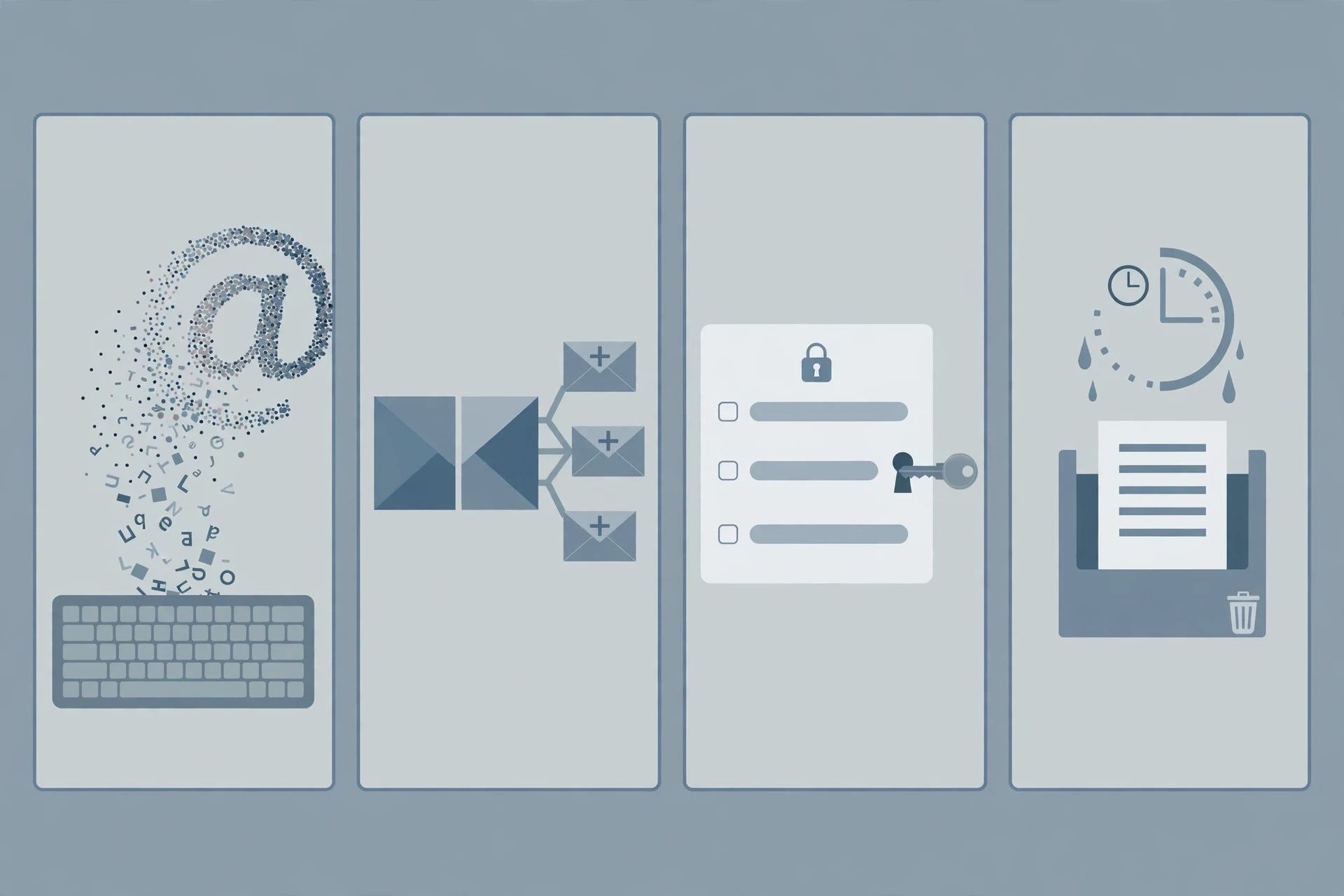
Knowing which bucket you're in changes every decision after it. A fake string is free and instant and useless for verification. A plus-address is free and instant and works for about an hour. A real account costs money and lasts, but needs an API key and code. An alias service sits in between. The rest of this post is about what the two free, no-code kinds actually do when you run them, because that's where nearly everyone searching this phrase ends up.
I tested the plus-address kind: a working inbox, for 60 minutes, that anyone can read
TempHotmail's temporary Gmail generator lets you pick Gmail, Outlook, or Hotmail, then generates a random plus-address with one click. I picked Hotmail. It produced `teitelrigler061+g183tyza22@hotmail.com` — a base name, a `+`, a random token, and @hotmail.com. The panel lit up "READY TO RECEIVE," the inbox showed zero messages, and the page said it was waiting for incoming emails.
The limits are stated on the page itself, and they're worth reading before you use it for anything that matters. The header says "Encrypted browser session · 60 minutes." The generated panel said my browser session would end around 1:37 AM, and that "message delivery and storage are not guaranteed." The FAQ puts it plainly: each visit lasts up to 60 minutes, you can save the address and a recovery code to reopen the same inbox later, and the address only works while the underlying mailbox is available.
Two warnings on that page deserve more attention than they get. First, it does not create a Microsoft account — the FAQ says so directly: "This creates a temporary email address for receiving mail. It does not create a Google or Microsoft account or provide sending or provider sign-in." You cannot send mail from it, and the introduction warns that some sites may reject plus-addresses. Second, and more important: "This address has a public inbox on the upstream mail service. Anyone who knows the address may read its messages." A plus-address on a shared mailbox is not private. It is a public pigeonhole with your name on it. Use it for a newsletter signup or a throwaway test account and that's fine. Use it for anything tied to your identity, your money, or your account recovery, and you've handed the keys to anyone who guesses the address.
That is the honest shape of the plus-address kind: genuinely useful, genuinely free, genuinely temporary, and genuinely public. It receives real mail at a real @hotmail.com address for an hour. It is not an account, it is not private, and it is not yours to keep.
I tested the temp-inbox kind: our own generator, and the 30-day clock
The other free, no-code option is a disposable inbox service, so I tested the one on this site. Opening tempomailusa.com auto-generated an address immediately — `artextest42@rover.info` — no signup, no form, no waiting. Clicking "New Inbox" produced a second one, `olnjp77@rover.info`. The format is a random lowercase alphanumeric local part on the site's free domain, and the page offers a custom-name field and a domain chooser with 467+ domains for anyone who wants something less random-looking.
The inbox view loaded at once — "Live Disposable Inbox — Instant OTP & Email Refresh" — showing two Dropbox messages timestamped today. The page also states its terms plainly: "your first message is free to read" and "Go Pro to read every message," which is the site's freemium line, and the inbox itself carries a live expiry countdown. The page says Pro inboxes last 365 days and free inboxes last 30 days; the countdown I saw read "Expires in 28d 18h 1m 16s," already ticking below 30 days when I looked.
Compare that with the plus-address generator and the trade-off is clear. A disposable inbox gives you 30 days instead of 60 minutes, a private inbox instead of a public one, and a domain nobody mistakes for a personal address — `rover.info` is obviously temporary, which is a feature when you want a site to know it's disposable, and a drawback when a form insists on a big-name domain. The Hotmail plus-address gives you the trusted @hotmail.com domain and a one-hour window. Neither gives you an account you own. If you need the Hotmail domain specifically — because a form rejects disposable domains, or because you want the address to look like a personal mailbox — the plus-address wins. If you need time and privacy, the disposable inbox wins. I would not use either for account recovery, and neither would let you.
Can you still get a real @hotmail.com address?
This is the question underneath the whole search, so let's answer it directly. Hotmail as a brand is gone — Microsoft folded it into Outlook.com years ago — but @hotmail.com addresses still exist, still receive mail, and still work as Microsoft accounts. The question is whether you can create a new one.
I checked Microsoft's own signup page to find out. The first step of signup.live.com, as it loaded for me, offers no domain choice at all: a single free-text "Email" field under the instruction "Enter your email address," a Next button, and a sign-in link. The words "hotmail" and "outlook" do not appear anywhere on that first step. I did not enter any details or proceed further, so I can't report from this check whether a domain dropdown appears on a later step — and I won't guess. What I can say is that Microsoft's front door no longer advertises @hotmail.com as an option, which is consistent with how the company has treated the brand for a decade: existing Hotmail addresses keep working, new accounts are steered toward @outlook.com.
That leaves three realistic ways to hold a real @hotmail.com address in 2026: keep using one you created years ago; use the API-wrapper route above, which creates real accounts through a paid API; or accept that a new personal address will be @outlook.com and use a plus-address or disposable inbox when you need Hotmail-shaped anonymity for a single signup. Anyone selling you a "new Hotmail account generator" that promises a free, permanent, private @hotmail.com address with no API key and no signup is selling you one of the other three buckets with better marketing. The generator isn't the product — the mailbox behind it is, and free generators don't own mailboxes.
The workflow I'd actually use

If I needed a Hotmail-flavoured address for a signup tonight, here's the sequence I'd follow — and the reasoning for each step, because the reasoning is the part that keeps you out of trouble.
1. Decide whether the address needs to receive a code. If the form never verifies the address, a fake string generator is enough and nothing else is worth your time. If it sends a code, skip straight to step 2 — a fake string will burn the signup and possibly lock the username you wanted.
2. Try a disposable inbox first. Generate one on tempomailusa.com, use it for the signup, and read the code when it arrives. You get 30 days, a private inbox, and no account creation. Most verification flows complete in minutes, so the 30-day window is far more than you need. If the site accepts the address, you're done — this is the cheapest path in time and risk.
3. Switch to a Hotmail plus-address only if the form rejects disposable domains. Some services block known temp-mail domains. That's the one situation where the @hotmail.com domain earns its keep: open the plus-address generator, copy the address, finish the signup inside the 60-minute window, and save the recovery code it shows you. Remember the inbox is public — don't reuse that address anywhere else, and don't let a password reset go to it later.
4. Never attach it to anything you need to recover. A temporary address — plus-address or disposable — is a one-way door. The day you forget a password and the reset link goes to an inbox that expired last month, the account is gone. If the signup matters, create the account with a real address you control, or create a throwaway email you can keep for exactly as long as the account lives and then delete. The burner email guide on this site draws that line well: temporary for trials, permanent for anything with a password you might one day forget.
5. If you need a permanent @hotmail.com address, pay for the real thing. The API-wrapper route is the only no-signup-form path to a genuine account, and it costs an API key. The free path is a Microsoft account signup, which will most likely hand you @outlook.com. Either way, "free permanent Hotmail account, no signup" is a promise no generator can keep, because permanence is a property of the account, not the generator.
Where each kind breaks
Every generator in this post fails somewhere, and knowing where saves you from discovering it mid-signup.
Fake-string generators break the moment verification exists. They also train a bad habit: pasting plausible-looking addresses into forms teaches you to treat the address field as decoration, and one day the form will be a bank, a tax portal, or a password reset.
Plus-address generators break on privacy and on acceptance. The public-inbox warning is real — anyone who knows the address can read its mail. And some sites reject plus-addresses outright, because the `+tag` format is a known disposable pattern. The 60-minute window also breaks any flow that takes longer than an hour, including the common case where a verification email is delayed.
Real-account generators break on cost and complexity. You need a RapidAPI key, you need to write code, and you're creating accounts through a third-party API wrapper — which means trusting that wrapper with the credentials to accounts in your name. For a developer testing signups, that's a reasonable trade. For a one-off signup, it's absurd overkill.
Temp-mail alias services break on trust and on the domain question. You're reading mail through a third party's inbox, and the address you get is obviously disposable to any service that checks. The services that accept them are the ones that don't care; the ones that care will block them.
None of this makes generators useless. It makes them specific. A tool that is perfect for testing a signup flow is terrible for creating an account you'll still need in a year, and the only mistake is using one where the other belongs.
The bottom line
A "Hotmail email generator" is four products wearing one name, and the search results will happily sell you the wrong one. The fake-string kind gives you text. The plus-address kind gives you a real @hotmail.com inbox for an hour that anyone can read. The real-account kind gives you a genuine account for money and code. The temp-mail kind gives you a private disposable inbox for 30 days on a domain that says what it is.
I tested the two free ones live, and both did exactly what their pages promised — which is more than I can say for most tools in this niche. The plus-address generator produced a working @hotmail.com address in one click and told me, in its own FAQ, that the inbox was public and the session would end in an hour. Our own generator produced a working inbox in zero clicks and told me, on the page, that free inboxes last 30 days. The dishonest part of this market isn't the tools; it's the framing that pretends a generated string is an account. Once you know which kind you're holding, the choice is easy: use the disposable inbox for most signups, the plus-address when a form demands a Hotmail domain, and a real Microsoft account for anything you ever want back.
If you want the broader picture — which random email generators are worth your time, and which disposable domains sites actually block — the temp mail websites guide on this site ranks the services I keep coming back to. And if you're setting up verification flows of your own, the email OTP guide explains why the code delivery step is where most signups actually fail.
FAQ
Is a Hotmail email generator free? The string generators and plus-address generators are free — TempHotmail generated my @hotmail.com plus-address in one click with no signup. Real-account generators need a paid RapidAPI key, and temp-mail services are free with paid tiers for longer inboxes and more domains.
Can a generated Hotmail address receive emails? It depends on the kind. Fake-string generators cannot receive anything — no mailbox exists. Plus-address generators can: mail sent to the tagged @hotmail.com address lands in the service's mailbox and shows in your browser inbox for about 60 minutes. Temp-mail alias services can too, in their own inbox. Always check which kind you're using before relying on it for a verification code.
Is it safe to use a Hotmail email generator? For low-risk signups, yes — with one condition: treat a generated address as public unless the service tells you otherwise. TempHotmail warns that anyone who knows the address may read its messages. Never use a generated address for banking, healthcare, government services, or any account whose password reset you'd need later.
Can I create a real @hotmail.com account in 2026? Existing @hotmail.com addresses still work as Microsoft accounts. Creating a brand-new one is harder: Microsoft's signup page no longer offers @hotmail.com as a visible choice on its first step, steering new accounts to @outlook.com. API-wrapper services can create real Hotmail accounts, but they need a paid API key and code.
How long does a generated Hotmail address last? A plus-address lasts for the browser session — TempHotmail gives you 60 minutes, with a recovery code to reopen the inbox later while the underlying mailbox exists. A disposable inbox on tempomailusa.com lasts 30 days free. A fake string lasts forever and receives nothing. A real account lasts until you delete it.
Will websites accept a generated Hotmail address? Usually, but not always. Plus-addresses are sometimes rejected because the `+tag` format is a known disposable pattern, and some services block temp-mail domains entirely. If a form rejects your generated address, the fix is usually a different kind of generator — not a different random string from the same one.
Need a disposable temporary email?
Protect your real inbox from spam and promotional clutter instantly and free.
Received a suspicious email, text, or charge alert?
Verify whether the sender domain is disposable, spoofed, or unverified before clicking links.