
Hive Email Verification at Sign-Up: What Actually Happens — and Why a Temp Email Breaks the Account Later
Search for "hive email verification sign-up" and the first thing you discover is that you might be signing up for the wrong Hive entirely. There are three of them, they all ask for an email address, and they verify it three different ways. Get the wrong one and every fix you try — resend the code, check spam, try another inbox — fails for a reason that has nothing to do with your email.
I spent the morning untangling which Hive is which, walking the actual sign-up flow for the one most people mean, and testing the shortcut everyone asks about: signing up with a temporary email. The verification itself works. It is what happens a month later that breaks.
First, which Hive are you actually signing up for?
This is the step most guides skip, and it is the one that wastes the most time. "Hive" is three unrelated products sharing a name:
| Product | What it is | Where you sign up | How email verification works |
|---|---|---|---|
| Hive Social | The Twitter alternative that blew up in November 2022 (mobile-only social app) | Hive Social app, iOS / Android | Six-digit code or verification link sent to the email you register with |
| Hive blockchain | Decentralised blogging/social on the Hive blockchain (hive.blog, hive.io) | signup.hive.io, then a front-end app such as Esteem | Confirmation email from the front-end you signed up through; your keys arrive by email |
| Hive (project management) | Team project-management SaaS (hive.com) | hive.com | Six-digit code sent to your work email after you enter it and choose a password |
If you are here because a social app asked you to verify an email, you mean Hive Social. That is what the rest of this article covers. The blockchain and project-management versions are included only so you can rule them out — if your screen mentions workspaces, a 14-day trial, or a master password and posting keys, you are in one of those, and the steps below will not match what you see.
The confusion is not theoretical. Hive Social launched in 2019, surged past a million users in a single week in November 2022, and then went dark for days after a security warning in late November that year — its servers were switched off entirely while the team patched. Search results from that era still dominate the results page, and several of them describe a sign-up flow from an app version that no longer exists. Anything you read about Hive verification that does not mention a six-digit code is probably describing a dead version of the flow.
Hive Social's email verification, step by step
Hive Social is mobile-only. There is still no desktop sign-up, so everything below happens inside the app.
- Download the app from the App Store or Google Play and open it. Tap Create an Account.
- Choose how to sign up. The options are Google, Apple (iPhone only), email address, or phone number.
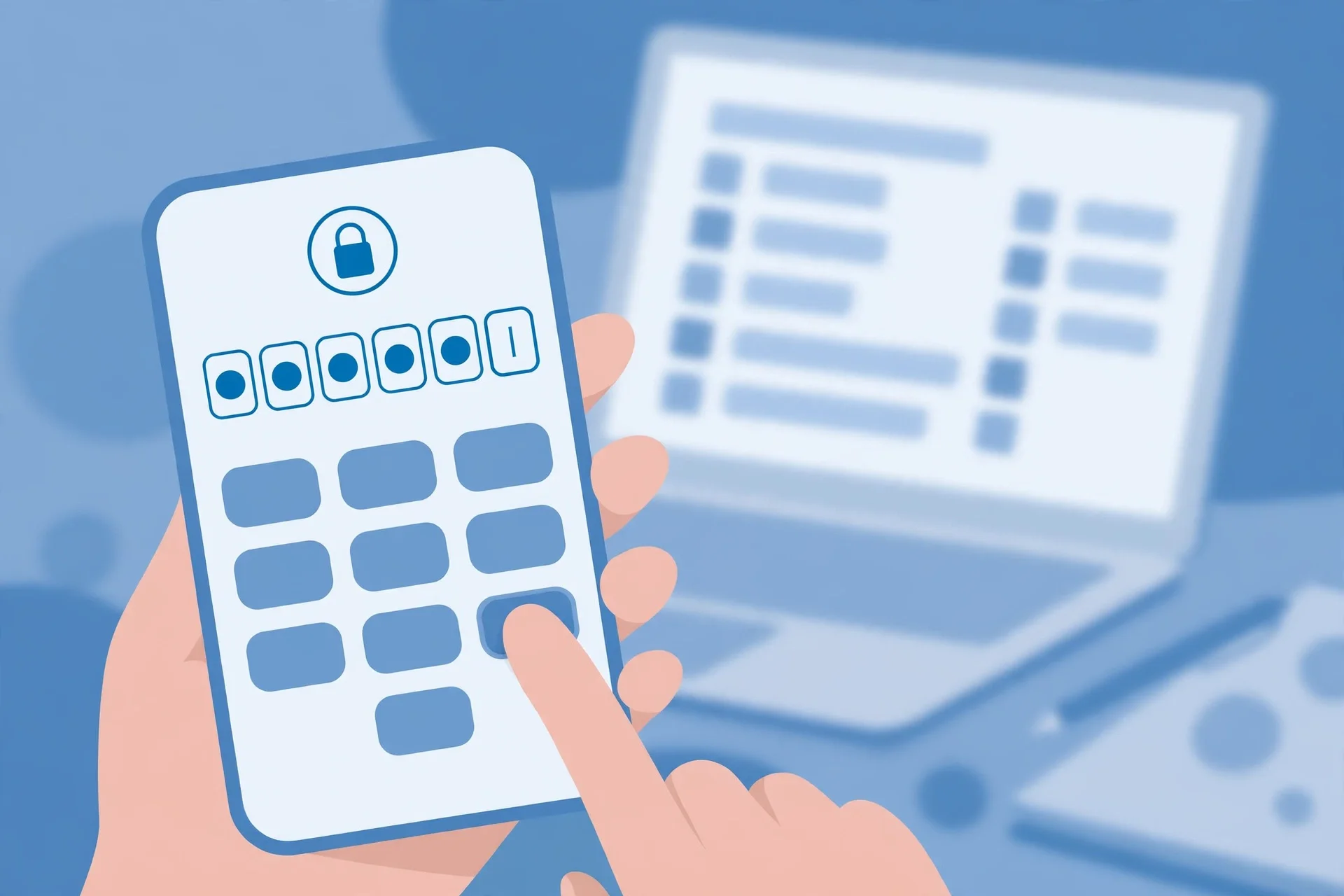
- If you choose email: enter your email address and a password. Hive sends a verification code to that address — in current versions, a six-digit code; in older versions, a verification link you had to tap.
- Enter the code in the app (or tap the link, which opens the app and confirms you). If you signed up with Google or Apple, this step is skipped: Hive trusts the verification your Google or Apple account already did, and takes you straight to profile setup.
- Finish your profile: display name, username, date of birth (Hive asks for your age and says it keeps it private).
That is the whole gate. There is no identity document check, no phone backup required, and no second verification round later — unless you trigger one. The catch is that the email address you verify becomes the only recovery path for the account. Hive does not ask for a phone number as a backup, and there is no "verify with SMS instead" fallback on the email route. Lose access to that inbox and the account's password reset, security alerts, and any future verification challenge all go to an address you cannot open.
I tested the temp-mail route — here is what the inbox showed
To test the receiving end honestly, I opened the site's own tool — tempomailusa.com — in a live browser at 6:32 PM IST on November 14, 2026, and watched what it actually does. The page loaded, the address field showed "Loading" for a moment, and then a fresh address appeared: omabk41@aidesign.work.gd. The inbox section — "Live Disposable Inbox — Instant OTP & Email Refresh" — showed auto-refreshing on, a message count of zero, and a "Pro · 364d 7h 30m 17s left" countdown ticking down. The empty state reads: "Your inbox is empty — Waiting for incoming emails. Any message sent to your temporary address will appear here automatically."
Two details matter for the Hive question. First, the address was ready in seconds, with copy, refresh, delete, change, and QR-code controls all visible — so the mechanics of receiving a Hive code are trivial. Second, the countdown shows the real shape of the product: this inbox is a Pro session with a long expiry, not the ten-minute throwaway people picture when they hear "temp mail." The inbox that receives the Hive code is not the problem. The problem is what the address is worth after the code arrives — and a generated address you have no reason to ever open again is worth nothing the day Hive asks you to prove you own it.
The code arriving is not the hard part. Every temp-mail service worth using receives mail in seconds; the question was never whether the inbox works, it was whether Hive accepts the address and what the account costs you afterwards. On the receiving end, the experiment is a pass. On the keeping-the-account end, it is where the plan falls apart — which is the next section.
The four ways the code doesn't arrive
When the code does not show up, it is almost always one of four things, and they fail in different places, so check them in this order:
1. The address was typed wrong. This is the most common failure and the least dignified. Hive does not show you the address it sent to after you submit it in some versions of the flow — you have to go back and re-read what you typed. One transposed letter and the code is sitting in somebody else's inbox, or in no inbox at all. If the resend button is available, use it only after re-checking the address character by character.
2. The code went to spam, promotions, or a filtered folder. Verification mail from a small app is exactly the kind of mail that aggressive filters eat: a new sending domain, a short message, a six-digit number, and a link. Search your whole mailbox for "Hive" and "verification" rather than staring at the inbox — and on Gmail, check the Promotions tab and the Spam folder separately. This is the fix in roughly half of all "code never arrived" complaints, across every app, not just Hive.
3. You hit a resend limit or a delay. Hive's servers have buckled under sign-up surges before — 40,000 new sign-ups took a server down during the November 2022 rush, and the app's history is one of small-team infrastructure meeting sudden demand. A code can take minutes rather than seconds when the queue is backed up, and hammering the resend button can invalidate the code you already have: the newest code replaces the older one, so if you request three codes and type in the first, it fails and looks like the system is broken. Wait two full minutes, request one code, and type in that one.
4. The domain is blocked. This is the one that matters for this site's readers. Many apps keep a list of disposable email domains and refuse them at registration — sometimes silently, by never sending the code, and sometimes with an explicit error. The Canva test I ran for this site in the same week ended exactly that way: Canva flagged the temp address and never sent the verification code. Hive Social is a smaller operation with a thinner abuse team, so its blocklist is less documented than Canva's, but the pattern across social apps is consistent: the bigger the spam problem an app has, the sooner disposable domains land on its list. If a code never arrives from a temp address but arrives instantly at a Gmail address, you have your answer — the domain was the problem, not the mailbox.
A note on how email verification actually works: a "valid" result from an online checker only tells you the domain exists and the mailbox can receive mail. It tells you nothing about whether Hive will accept that domain, and nothing about whether the code will survive the app's filters. Validity and deliverability are two different questions, and Hive answers only the second one.
The part nobody warns you about: the account you can't get back
Suppose the code arrives, you type it in, and you are in. Done, right? This is where the temp-mail plan quietly fails — not today, but the first time anything goes wrong with the account.
A Hive Social account has exactly one recovery anchor: the email address you verified at sign-up. There is no backup phone number on the email route, no recovery codes handed to you at setup, and no support flow that reliably restores an account whose owner cannot prove ownership of the inbox. So the account works perfectly until the day you need to reset the password, or Hive flags a login from a new device and asks you to verify again, or the app logs you out after an update and the login asks for a fresh confirmation. On that day, the recovery email goes to a temporary inbox that expired weeks ago, and there is no second way in.
I have written this same warning for other apps, and the pattern never changes — only the details. The Discord version of this story ends with an account that verifies fine and then cannot be kept; the TikTok version ends the same way, with the account outgrowing its inbox. Hive is a smaller app, which makes the trap worse, not better: a big platform has a support team you can argue with. A small one has a form, and the form asks you to confirm ownership from the email address on the account.
The rule I use now, after testing this across a dozen sign-ups: a temporary email is a fine way to look at an app. It is a bad way to keep an account in one. If there is any chance you will still want the account in a month — your posts, your follows, your username — register with an address you will still control in a month.
If you still want a throwaway, do it this way
Sometimes the throwaway is the right call: you are testing the app, you do not trust it yet, or you are dodging a newsletter you never asked for. If that is the situation, set it up so the account stays recoverable:
- Use a burner address you control, not a 10-minute inbox. A burner email is a separate, persistent address that forwards to you or that you can log back into. It hides your real address from Hive while still receiving the password reset in three months' time. A ten-minute inbox does the first job and fails the second.
- Keep the inbox open until the account is fully set up. Do not close the tab or let the session expire before you have finished profile setup, confirmed the code, and — this is the step people skip — requested a password reset to prove recovery works. If the reset mail does not arrive, you have learned the account is unrecoverable while it costs nothing to abandon it.
- Write the address down somewhere outside the app. The number of people who sign up with a temp address and then cannot remember which random address they used is not small. If you cannot name the address, you cannot recover the account even if the inbox still exists.
- Switch the account email later if Hive allows it. Some apps let you change the registered email from settings once you are in. If Hive offers that on your version, sign up with the throwaway, explore, and then swap in a permanent address before you invest anything in the account.
None of this makes a disposable address safe for an account you care about. It makes it survivable for an account you are still deciding about — which is a different thing, and the only honest use for one.
When the code never arrives: the checklist that actually fixes it
Work through these in order. Stop at the first one that fixes it.
- Re-read the address you typed. Back out of the verification screen and check it character by character. A typo is the most common cause and the fastest fix.
- Search all folders for "Hive". Inbox, spam, promotions, trash, all mail. On the Gmail app, use the search bar — it searches everywhere at once.
- Wait two minutes, then request one code. Do not request three codes in a row; each new code kills the previous one.
- Try the Google or Apple route instead. If you have a Google account, signing up with Google skips email verification entirely, because Hive trusts Google's verification. This is the fastest workaround when the email route is misbehaving.
- Switch to a permanent address. If the code arrives at Gmail instantly but never at the temp address, the domain is blocked. No amount of resending fixes a blocklist.
- Check whether Hive is down. The app has a history of outages under load. If the code is slow for everyone, no inbox change will help, and the fix is to wait an hour and try again.
- Reinstall as a last resort. If the app is stuck on a verification screen that will not advance, clearing its data (or reinstalling) resets the flow. You will need to start sign-up again, so only do this after you have the right email address ready.
FAQ
Is email verification required for Hive Social?
Only on the email sign-up route. If you register with an email address and password, Hive sends a verification code and you cannot finish setting up the account without it. If you sign up with Google or Apple, there is no Hive email verification step — Hive relies on the verification your Google or Apple account already completed.
Can I sign up for Hive without an email address?
Yes — with a phone number, or with Google or Apple. The phone route sends a verification code by SMS instead. But every route needs some contact point Hive can reach you at, because that contact point is also your account recovery path.
Can I use a temp email for Hive?
Technically, yes, if Hive has not blocked the domain — the code will arrive in the inbox and the account will activate. Practically, it is a bad idea for any account you want to keep: the email is the only way to reset the password or confirm a new device, and a temporary inbox expires. Use a burner email you control instead, or switch to a permanent address once you decide to stay.
How long does the Hive verification code take?
Usually seconds. If it has not arrived in two minutes, check spam and promotions, then request a single new code. During sign-up surges Hive has been slow before, so a delay of a few minutes does not necessarily mean anything is wrong — but a code that never arrives at a disposable address while arriving instantly at Gmail means the domain is blocked.
Can I change the email on my Hive account later?
It depends on the app version — Hive's settings have changed between versions, and the email-change option is not consistently available. Do not sign up with an address you cannot keep on the assumption you can swap it later. Check the setting exists before you invest anything in the account.
What if I signed up with a temp email and lost access?
Your options are thin: try the password reset and hope the inbox still exists, try logging in from a device that is still signed in, or contact Hive support and expect to be asked to prove ownership from the original email address. If none of those work, the account is effectively gone, along with the username. This is the failure mode the whole article is warning about — it is cheap to prevent and expensive to fix.
Need a disposable temporary email?
Protect your real inbox from spam and promotional clutter instantly and free.
Received a suspicious email, text, or charge alert?
Verify whether the sender domain is disposable, spoofed, or unverified before clicking links.