

Temp Email for TikTok Signup: The Test Account That Outgrows Its Inbox
TikTok asks for your email twice, for two different jobs
Most signups ask for your email once: prove you own it, move on. TikTok asks twice, and the two asks do completely different jobs, which is why a throwaway address behaves so strangely here. The first ask is the signup itself — the address that receives the verification code and becomes the account's login identity. The second ask comes later, quietly, every time something about the account needs to change or be recovered: a password reset, an email change, a suspicious-login check, a deletion you want to undo. That second ask is the one people forget when they paste in a disposable address, because at signup time the account has nothing worth recovering yet.
That split is the whole story of this post. A temp address is fine at the first ask and often fatal at the second, and the gap between the two can be months. You sign up in November to watch videos without handing TikTok your real address. By March the account has a following, a saved collection, and drafts you care about, and the inbox that opened it is long gone. TikTok's recovery machinery is built around the assumption that the original address still exists. My honest position, after watching this pattern across every social signup we have covered: TikTok is one of the worst places to learn this lesson late, because its recovery paths are slow by design and its deletion clock is unforgiving.
There is a version of this that works, and it starts with a decision before signup: is this account a test you can abandon, or something you might keep? Never let the two categories trade places without changing the email first, while you still can.
The signup screen: what "Use phone or email" actually commits you to
TikTok's signup screen offers a choice that looks casual and is not: sign up with a phone number or an email address, or continue with Google, Facebook, or Apple. Pick email, and TikTok sends a code to that address. Enter it, pick a birthdate, choose a username, and the account exists. Nothing on that screen warns you that the address you just used is now the account's anchor. One email address can be linked to only one TikTok account, so the address you burn on a test account is occupied until that account is gone for good — and, as I explain below, "gone for good" takes a full month after you ask.
TikTok publishes no list of which disposable domains it accepts or blocks, so any claim that a particular temp provider "works with TikTok" is a snapshot, not a promise. A domain that receives codes today can be filtered tomorrow, and the failure mode is rarely a clean rejection. More often the form accepts the address and the code simply never arrives, or arrives after you have requested a second one that invalidates the first. The signup options also vary by device and region, so advice built on one screen can mislead you on another. If the code does not arrive within a couple of minutes, do not hammer the resend button: repeated requests are exactly the pattern that triggers stricter checks, and each new code usually kills the previous one.
One more signup detail that matters more than it looks: the birthdate. TikTok restricts accounts by age, and the birthdate you enter at signup is difficult to change later. A test account made with a throwaway birthdate can lock you out of features, or out of the account's proper age settings, in ways that have nothing to do with email. If there is any chance the account becomes a real one, enter a birthdate you can stand behind.
The first week: the quiet ways a throwaway TikTok account breaks
Assume the code arrives and the account is live. For the first week, everything feels fine, and that is the trap. A throwaway TikTok account rarely fails loudly. It fails in small ways you only connect afterward. The first is the second-device login: you create the account on your phone, then try to log in on a laptop or a new phone, and TikTok, seeing an unfamiliar device, wants to verify you through the email you no longer control. The account is not locked, exactly. It is just asking for proof from an address that no longer exists, and every failed attempt makes the next check stricter.
The second quiet failure is the password reset you did not plan to need. People create test accounts with passwords they do not save, because the account was supposed to be disposable. Then the app logs them out after an update, or they clear their browser data, and the reset link goes to a dead inbox. At that point the account is stranded: still visible to everyone, still holding its username, and no longer yours in any practical sense. Stranded accounts are worse than deleted ones, because the username you wanted is occupied by an account you cannot enter, and TikTok will not free it without proof of ownership you cannot provide.
The third failure is notification drift. TikTok sends security alerts, login notices, and account updates to the signup email. On a temp address, you never see them, so you never learn that someone tried to log in or that TikTok flagged the account. You find out weeks later, when you try to use the account and discover it is not the account you left. A real address would have told you the day it happened.
The phone-number wall, and why email alone rarely finishes the job
Sooner or later, most TikTok accounts hit the phone-number wall. TikTok recommends adding a phone number so you can recover the account if you lose access to your email, and it uses phone verification for two-step verification and suspicious-activity checks. A temp email service is receive-only for email. It cannot receive an SMS code, and no email inbox substitutes for a phone number when TikTok asks for one.
This is where the "email-only test account" plan usually stalls. You can create the account on email alone, watch videos, follow creators, and save drafts. The moment TikTok decides the account needs stronger proof — a new device, a location change, a report, a feature that requires verification — the path forward runs through a phone number you never added, or through the dead email you cannot open. People then do the thing that makes everything worse: they try to swap the email, and discover the next rule.
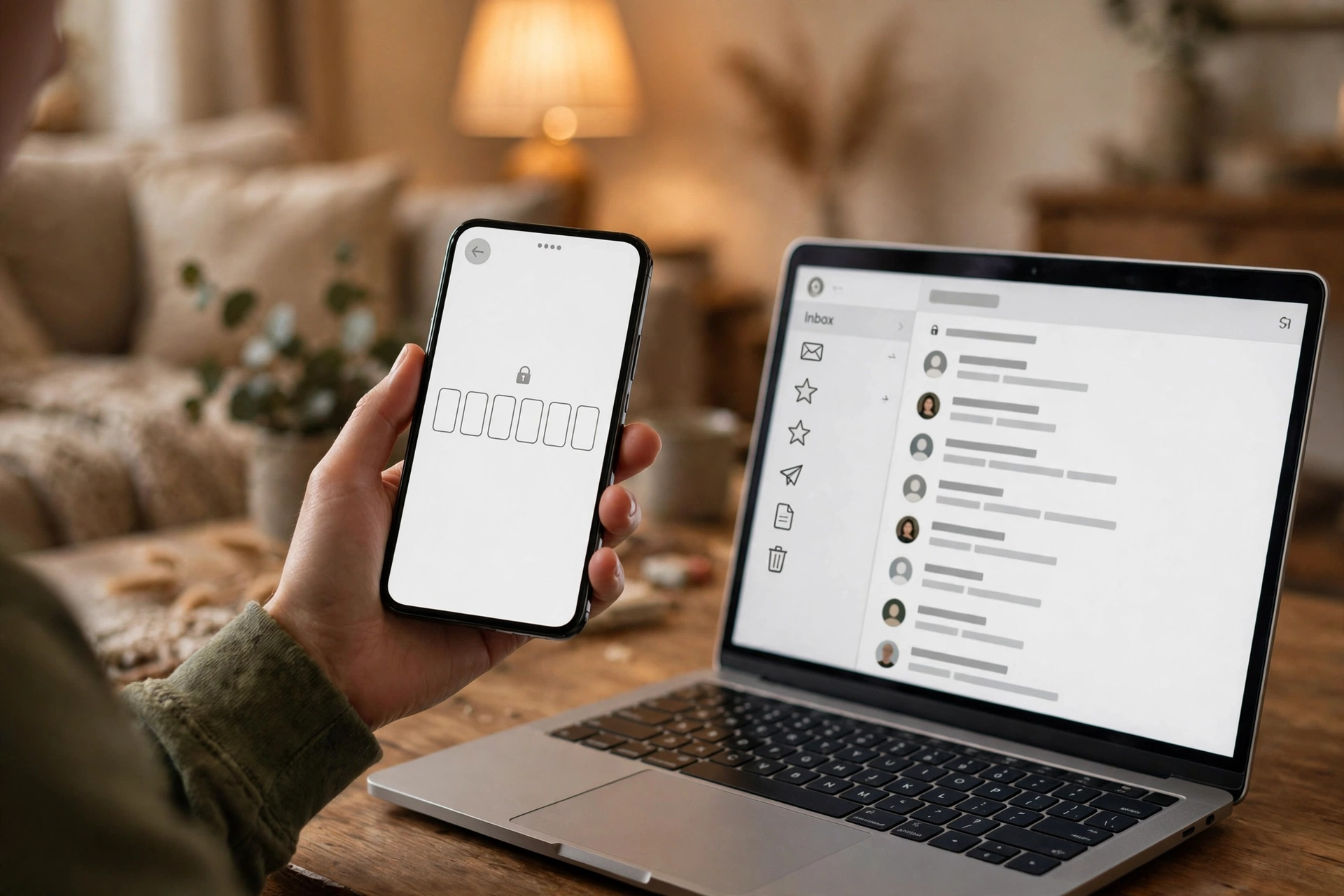
Changing the email on a TikTok account requires both the old address and the new one to work, because TikTok sends verification codes to both sides of the change. That is a sensible security rule, and it is the exact rule that turns a dead temp inbox into a permanent lock. If you still control the old address, the change takes minutes. If you do not, there is no self-serve shortcut: TikTok routes you to an identity-verification form, a process its help documentation says can take up to 30 days. Thirty days is a long time to wait for an account you created in thirty seconds.
If your situation is the common one — a test account on a temp address, no phone number attached — my advice is blunt. Do not add your real phone number to rescue it unless you have decided the account is worth keeping, because attaching a real phone number to a throwaway account merges the two identities you were trying to keep apart. Either let the account go, or migrate it properly while you still have the session: change the email from inside the account, confirm the new address, and add a phone number you control. Changing the email after you are locked out is a support case. Changing it while you are logged in is a settings page.
The creator fork: the day a test account becomes worth something
Every test account has a fork in its future, and TikTok's fork arrives faster than most platforms'. A throwaway account made to watch videos can, in a single evening, become an account with a video that takes off, a follower count worth keeping, or a business inquiry in its messages. The joke account, the anonymous experiment, the niche page started on a dare, suddenly has an audience, and the person behind it realizes the account is worth more than the inbox it was built on.
That is the moment the temp address turns from a privacy tool into a liability, and it is also the moment when the rule from our guide on when not to use a temp email bites: the moment value attaches to an account, the email stops being disposable. A TikTok account with followers, drafts, a creator fund application, or a brand deal is a reputation account, and reputation is the one asset on these platforms that cannot be recreated. A new account takes minutes. A following takes months. If the account's recovery address is dead, one password problem or security flag can take the whole thing away, and the appeal process will ask you to prove ownership through the very inbox you abandoned.
The business side sharpens the point. A TikTok account used for a shop, a service, or a client is a commercial asset, and its messages are a conversation — inquiries, orders, disputes. Temp inboxes are receive-only, so you can read a brand inquiry but cannot answer it from that address. Keep test accounts and business accounts on separate rails from day one, and never let a test account graduate into a business account without a full migration first: new email, phone number, saved backup codes, and a password stored somewhere real.
There is a related trap worth naming: using one temp address for TikTok plus other platforms to keep things simple. TikTok allows only one account per email, so the multi-account version of this shortcut fails immediately, but the cross-platform version succeeds just enough to hurt. One shared disposable address across TikTok, a forum, and a shopping account rebuilds exactly the profile the disposable address was supposed to prevent, which is the argument in our post on reusing the same temp email. One address per purpose, or the privacy gain is mostly theatre.
The 30-day trap: deleting, reactivating, and the address you cannot reuse
Deletion is where TikTok's design is least forgiving to temp-email users, so understand it before you need it. When you delete a TikTok account, it is not erased immediately. It is deactivated for 30 days, and during that window logging back in with the original credentials reactivates it, with its videos, followers, and messages restored. After those 30 days, the account is permanently erased, and only then can the email address be used for a new account.
Every half of that rule punishes a temp address. Reactivation requires the original credentials, which for an email signup means access to the original email for any verification step along the way. If the inbox is gone, the 30-day window is a door you can see but cannot open. And the email is held for the full 30 days even if you want a clean start: you cannot delete a test account on Monday and reuse its address for a fresh account on Tuesday. People who discover this mid-cleanup usually do the worst possible thing, which is to create the new account on yet another throwaway address, starting the whole cycle again with a second stranded account.

The trap has a mirror image too. Suppose you delete a test account, wait out the 30 days, and the address frees up — but the address was a temp address that has itself expired or been recycled. On some public temp services, inbox names can be claimed by other people, which means someone else could later claim the name of your old inbox and receive mail meant for your account. Private, recovery-key-based inboxes avoid the worst of this, but the general rule stands: an address you cannot control for 30 days after deletion is not an address you should build anything on.
My rule for deletion is simple. Before deleting any TikTok account, decide whether you want its email back. If yes, change the account's email to an address you control first, or accept that the address is unavailable for a month. If the account was a pure test and you do not care about the address, delete and walk away — but do not plan a new account around that address until the month has passed. And download anything worth keeping before you tap delete, because TikTok itself warns that you lose access to your data once deletion goes through. The 30-day window is a safety net for regret, not a storage service.
A test-account setup that does not paint you into a corner
Here is the setup I would actually use, and it has one decision at the start that does all the work. Before signup, answer one question honestly: is this account allowed to become something I care about? If the answer is no — a pure test, a weekend of watching without an algorithmic profile attached to your real identity, an account you will abandon on purpose — then a temp address is a fine tool, with three conditions. Keep the session alive on one device and do not log in elsewhere. Do not post anything you would mind losing, and do not build a following you would mind abandoning. And when you are done, delete the account deliberately rather than letting it strand, so the username and the address are not left in limbo.
If the answer is yes, or even maybe — you might post, you might keep it, you might one day want the username — then do not start on a temp address at all. Start on a durable secondary address, one you control and check, that is not your primary personal or banking address. That gives you nearly all the privacy benefit: TikTok does not get your main inbox, your main inbox does not get TikTok's marketing mail, and the account still has a recovery path that works in a year. A secondary real address is the correct middle tool here, and it is the tool most temp-mail guides skip because it is less dramatic than a burner. Less dramatic is the point. It survives the second ask.
For the middle case — an account that started as a test and is turning into something real — migrate now, while you are still logged in, and treat the migration as a checklist, not a vague intention. Change the email from inside the account settings and confirm the new address. Add a phone number you control. Save the password in a password manager. Download any videos or drafts worth keeping. Only after all four are done should you start investing real effort in the account. Two minutes per step while the inbox is alive beats a 30-day identity-verification form after it is dead, and that asymmetry is the entire economics of this post: cheap now, expensive later, and the price is charged in the currency you have least of when things go wrong, which is time.
One last distinction, because it decides whether any of this advice applies to you. Watching TikTok without an account, or with an account you never post from, is a low-stakes use, and a temp address serves it well. The stakes rise the moment you post, follow, message, or monetize, because each of those turns the account from a window into a record. Windows can be disposable. Records cannot. Decide which one you are building before you type the address, and the rest of the decisions make themselves.
Frequently asked questions
Can I sign up for TikTok with a temp email?
Usually, yes, if TikTok accepts the domain and delivers the code — but TikTok publishes no list of accepted disposable domains, so acceptance is not guaranteed and can change. Treat a successful signup as the start of a fragile account, not proof the setup is safe: the account will still need that inbox for recovery, email changes, and deletion.
What happens if my temp inbox expires before I need it again?
You lose the recovery path, not necessarily the account itself. As long as you stay logged in on a device, you can often keep using it, but a logout, a new device, or a password reset can lock you out. If the inbox is still alive, change the account email from inside the settings immediately. If it is already gone, recovery runs through TikTok's identity-verification process, which can take up to 30 days.
Can I change a TikTok account's email from a temp address to a real one?
Yes, while you are logged in and still control the old address: TikTok sends verification codes to both the old and the new address, so both must work. If you have already lost the old address, there is no self-serve shortcut, and you will need TikTok's identity-verification form instead. Do the change before you lose access, not after.
Can I delete a TikTok test account and reuse the email right away?
No. Deletion deactivates the account for 30 days, during which logging back in reactivates it, and the email can only be attached to a new account after the account is permanently erased at the end of that window. Plan a month ahead if you intend to reuse an address, and download anything worth keeping before deleting.
Is a temp email safe for a TikTok creator or business account?
No. Creator and business accounts hold followers, content, messages, and sometimes income — all of which depend on the signup email for recovery. Use a durable address you control, add a phone number for recovery, and keep a temp address for what it is good at: testing, watching, and low-stakes signups you can abandon without regret. The full reasoning is in our guide to why some websites reject temp email outright.
Need a disposable temporary email?
Protect your real inbox from spam and promotional clutter instantly and free.
Received a suspicious email, text, or charge alert?
Verify whether the sender domain is disposable, spoofed, or unverified before clicking links.