
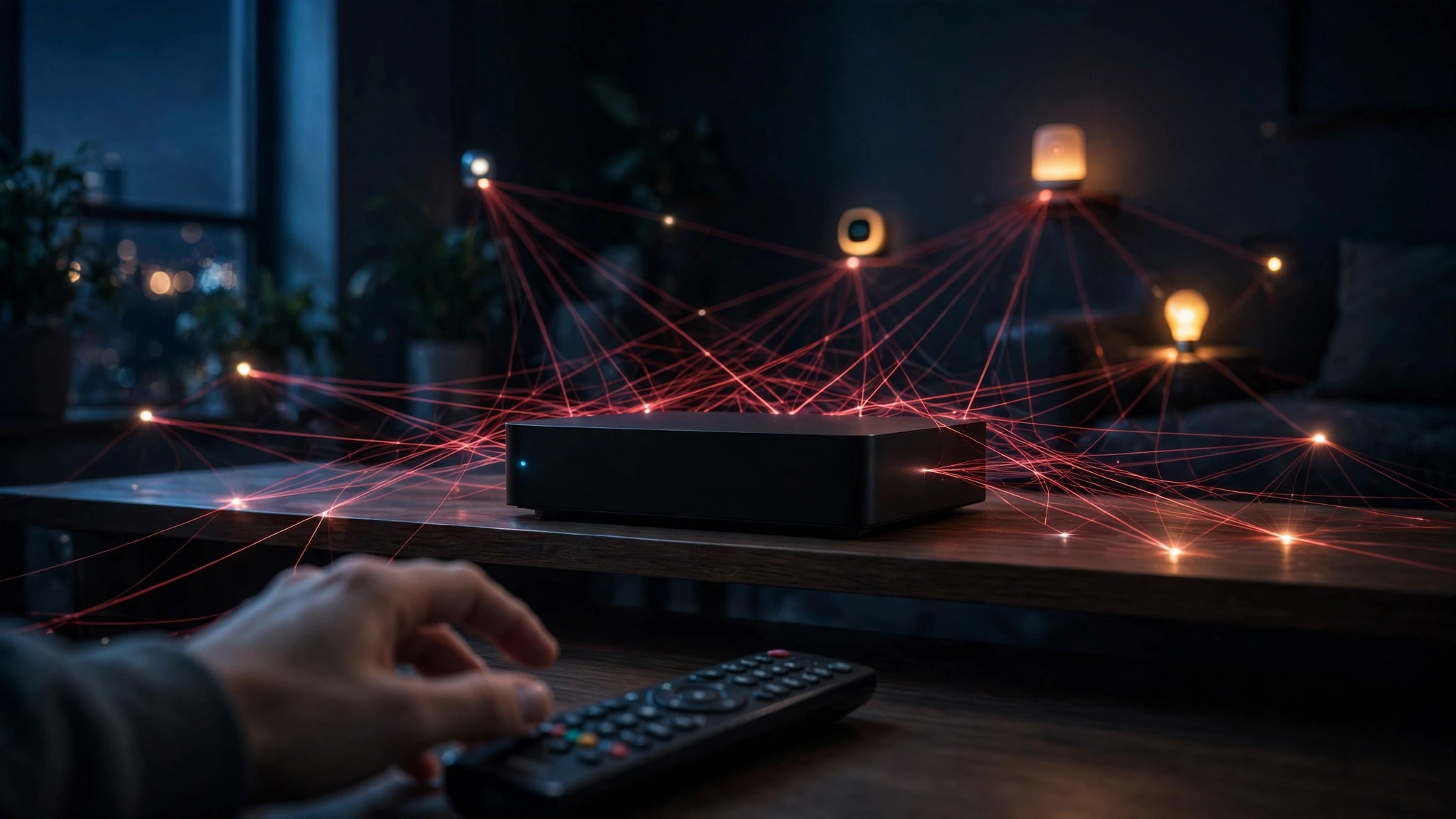
Google Just Took Down a 1.3 Million-Device Android Botnet. Your Email Is the Part You Can Actually Control
There is a kind of security news that leaves people alarmed and helpless in equal measure. You read it, you nod, and then you do nothing, because the problem lives somewhere you cannot reach: inside a device you already own, in firmware you did not write, installed before the box ever reached your living room. The XCPE story, which broke on November 2, 2026, is exactly that kind of story. Google and its partners dismantled a botnet of more than 1.3 million Android TV set-top boxes, and the backdoor behind it had been built into the devices' firmware by the manufacturer itself.
That last clause is the one worth sitting with. This was not users clicking the wrong link. According to Google's Threat Intelligence Group, which assessed the attribution with high confidence, the manufacturer Videostrong Technology deliberately built, deployed, and operated the backdoor, known as x.cpe or com.oemservice, for financial gain. It ran with Android system privileges, preloaded in the firmware partition, across many models and brands over several years. Google has banned Videostrong and any future subsidiaries or affiliates from building or supplying software for certified Android devices. The takedown also targeted the command-and-control domains of more than a dozen affiliate malware families loaded through the backdoor, which Google estimates will sever criminal access to at least 10 million additional compromised devices, separate from XCPE's own 1.3 million.
I am not going to pretend this post fixes that. It does not. A disposable email address does not clean firmware, does not remove a system-level implant, and does not make a compromised TV box safe. Anyone who tells you otherwise is selling something. But XCPE still has a practical lesson, and it concerns the one part of the chain you do control: the email address you hand to every app, service, gadget registration, and streaming trial that asks for one. The box was compromised before you bought it. Your inbox does not have to be the single master key that ties everything else together.
The takedown, in one paragraph
Google announced on November 2, 2026 that it had disrupted XCPE, a botnet built on a backdoor preinstalled in Android TV set-top boxes, most of them budget boxes sold under many brand names. Videostrong, a Shenzhen-based company that makes Android TV boxes under its MECOOL brand and builds devices for other labels, is the manufacturer Google blames. The operation was carried out with Japan's National Police Agency and security firms including Lumen, HUMAN Security, Plume, Synthient, and TrendAI. Legal action took down the domains and servers used to control the botnet and deliver its modules. TrendAI counted 1,472,554 infected devices across 206 models, which shows why "more than 1.3 million" is a floor, not a precise census. Most infections were TV boxes, but researchers also found affected telehealth equipment, karaoke machines, and digital signs. That spread tells you how far "Android device" now reaches: it is not just phones and tablets anymore. It is the screen in the waiting room and the sign in the shop window.
This also follows a pattern. Google previously took legal action against BadBox 2.0, which affected more than 10 million uncertified Android devices, and disrupted the NetNut residential proxy network in July 2026. Cheap connected hardware, sold at a price that leaves little room for long-term security support, keeps turning up with the same disease. The names change. The business model behind the compromise has not, or at least it has not yet.
The uncomfortable part: the backdoor was already inside
Most security advice assumes a clean starting point: install the update, use a strong password, do not click the suspicious attachment, and you will be fine. XCPE breaks that assumption. The backdoor was not downloaded by the owner or smuggled in through a dodgy app store. It sat in the firmware partition, with system privileges, from the factory. That means it could survive a factory reset, and the usual consumer remedies — uninstall the app, change the password, run a scan — do not reach it. Reporting on the takedown has been blunt: the malicious software remains hidden in the firmware even after the control servers were taken down, and owners cannot remove the implant themselves.
Read that twice, because it reframes the whole purchase. When you buy a no-name streaming box, you are not just buying hardware. You are buying a trust decision about a manufacturer you have never heard of, a supply chain you cannot inspect, and a firmware update policy that may not exist. The price tag tells you what the seller thinks the box is worth. It tells you nothing about what your data is worth to someone else in that chain. I have no objection to cheap hardware in principle; plenty of good, honest products are cheap. But cheap plus unknown plus always-connected plus an account tied to your main email is a combination that deserves a pause, and XCPE is the latest reason why.
There is a second uncomfortable part, and it is scale. A single compromised phone is a personal disaster. A million compromised TV boxes is infrastructure. According to Google's account, infected devices were used for ad fraud, data exfiltration, and routing unauthorised network traffic. Your living-room box, quietly and without your knowledge, can become someone else's relay and someone else's way of hiding. Nothing on screen changes. That invisibility is the product, from the attacker's point of view.
What a takedown does not do
Takedowns are good news, and they deserve to be reported as such. Cutting the control servers and banning the manufacturer are real actions with real effects. But a takedown is not a cleanup, and confusing the two is the most common mistake people make after news like this.
First, a takedown removes the remote control, not necessarily the implant. If the backdoor is still in the firmware, a new controller can in principle be stood up. Researchers have seen botnets regrow before; reporting on XCPE notes that an earlier, different Android TV botnet grew from 74,000 devices in 2023 to more than 10 million by 2025. History does not guarantee a repeat, but it argues against declaring victory and going back to sleep. Second, a takedown does not tell you whether your specific box is affected. Videostrong built devices under many brands, and affected models run into the hundreds. If you own a budget Android TV box and are not sure who actually made it, "Google took down a botnet" is not the same as "your box is clean." Third, a takedown does not undo whatever data already left. If credentials or personal details were exfiltrated while the backdoor was live, severing the connection today does not recall them. This is where the email question becomes concrete rather than theoretical.
Why your email is the blast radius
Think about what happens when you set up a new gadget or streaming app. The setup screen asks for an email address, almost always. That address then becomes the account's recovery address, the password-reset destination, and the place where receipts, renewal warnings, and new-sign-in alerts all land. Over a year of normal life, that one address quietly becomes the keyring for dozens of services: the TV box account, the streaming trials, the warranty registration, the app store account, the smart-home app, the delivery app, the forum where you asked why the box keeps buffering.
Now imagine one of those services is compromised, or one of those devices is phoning data home, or one of those signups is sold onward to a marketing list you never agreed to. The damage does not stay inside that one service. Because the same email unlocks password resets elsewhere, because the same address appears in breach after breach, and because attackers correlate addresses across leaks, a compromise in one corner spreads. Your email is not just a mailbox. It is an identifier, and identifiers are how profiles get stitched together.
This is the argument for compartmentalisation, and it is the least glamorous and most effective privacy habit I know. You do not need a different email for every single thing you ever touch. You need a small number of compartments, with a clear rule for what goes where, and you need to be honest about which compartment a new signup belongs in before you type anything. A streaming trial on a box you are not sure about? That is not a main-inbox signup. A warranty registration for a gadget from a brand you cannot verify? Also not a main-inbox signup. A bank, a doctor, a government portal, your child's school? Those are never throwaway signups, and anyone who tells you otherwise is giving dangerous advice.
That distinction — audition versus commitment — is the whole discipline. When you are trying something out, use an address you can abandon. When you decide to keep it, move the account to an address you control for the long term, with proper recovery options, before the account accumulates anything you would miss. Most people do the opposite: they sign up with the main address because it is fastest, and then discover, months later, that they cannot leave without losing the thing they built.

Where temp mail helps here, and where it honestly does not
Let me be specific, because vague privacy advice is worse than useless. A temporary email helps in exactly these XCPE-adjacent situations. First, auditioning a new app or service that a cheap device pushes at you: a streaming trial, a "free" channel bundle, a companion app for a gadget. You get the verification code, you test whether the service is worth keeping, and if it turns out to be junk, the address dies with it instead of living on in a marketing database. Second, registering a gadget you do not fully trust yet. Product and warranty registrations are a classic case: you want the receipt and the warranty record, but you do not want the manufacturer to own your main address for the next decade of "special offers." Third, one-off signups that exist only to unlock a download, a coupon, or a quote. The value of the signup ends the moment you get what you came for, so the address should end there too.
A temporary email does not help in these situations, and I want this stated plainly so nobody over-relies on it. It does not protect a device that is already compromised at the firmware level. If the box itself is harvesting data, the address you typed into it is the least of your problems, and no inbox trick fixes the box. It does not protect accounts that need long-term recovery: banking, primary email, password managers, health services, anything where losing access costs you money, medical records, or identity documents. It does not make an untrustworthy service trustworthy; it only limits what that service learns about you and what it can do with your address afterwards. And it does not replace the boring fundamentals: updates on the devices that do offer them, unique passwords, and two-factor authentication on the accounts that matter.
If you want the longer version of the audition idea, the guide to getting a disposable inbox in seconds, and knowing exactly when to walk away is the one I would point a friend to first. And if you have ever wondered why a code arrived that you never asked for, that is a different symptom with a different playbook: what an unsolicited verification code means, and what to do in the next 10 minutes.
The cheap-box checklist, before you plug anything in
I am not going to tell you never to buy a budget streaming box. Some people need a cheap box, and some cheap boxes are fine. But XCPE gives us a short checklist that costs nothing and takes about ten minutes, and it should become a habit before any unknown gadget joins your home network.
Start with the manufacturer. Can you find a real company behind the brand, with a real support page and a real firmware history? If the brand name on the box, the name on the seller's page, and the name in the settings menu all disagree, that is a warning sign, not a quirk. Next, check whether the device is actually certified. Google's ban on Videostrong specifically covers certified Android devices, which is why certification status matters: an uncertified box has already stepped outside the checks certification is supposed to provide. Then, before you sign in to anything on it, put it on a guest network if your router offers one. A guest network does not make a compromised box safe, but it does keep it off the same network segment as your laptop, your phone, and your network storage.
Then comes the account step. Do not sign in with your main address during setup. Use a disposable address for the first week, while you decide whether the box is staying. If the box demands an account just to show you the home screen, that demand itself is information: a media player should not need your identity to play media. Finally, watch what the box does when you are not watching it. A box that is warm when idle, that shows unexplained network activity, or that pushes apps you did not install is telling you something, even if it never shows you a warning. Believe it over the marketing.
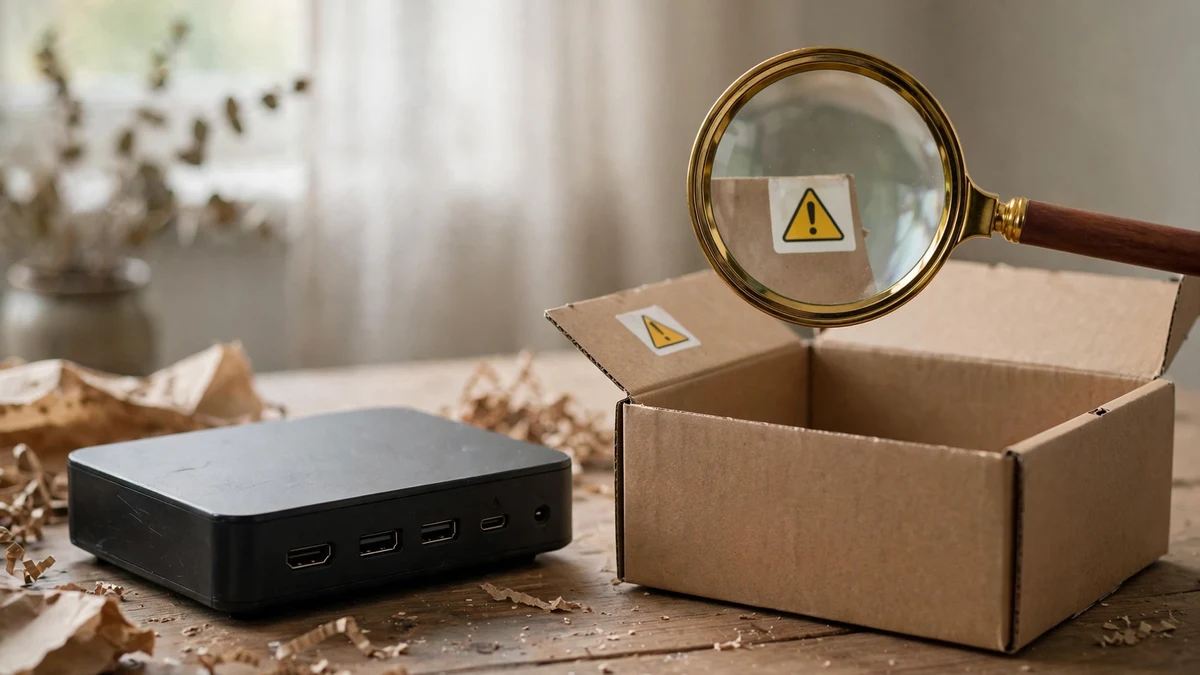
A 15-minute cleanup you can do tonight
News like XCPE is useful only if it changes one concrete behaviour, so here is the cleanup I would actually do tonight, without buying anything. First, list the gadgets on your home network that you did not buy from a brand you can name: the TV box, the cheap camera, the smart plug from a marketplace seller, the old tablet acting as a photo frame. If you cannot name the maker, put it on the suspect list. Second, for each suspect gadget, change the account password, turn on two-factor authentication where you can, and remove any payment method you attached during setup and no longer need. Third, move the suspect gadgets to a guest network, or unplug the ones you have not used in a month. An unplugged gadget cannot phone home, and a gadget you have not used in a month is not earning its network access anyway.
Fourth, audit the signups that came with those gadgets. Search your main inbox for the brand names and the "welcome" messages. Every one of those is a service holding your main address because of a gadget decision you made in a hurry. Where the service is dead — a trial that ended, an app you deleted, a box you gave away — close the account or, at minimum, change its email to an address you do not use for anything important. Fifth, check that your main email itself has two-factor authentication turned on, with an authenticator app rather than SMS where the service allows it. The whole compartment strategy collapses if the main compartment is protected by nothing more than a password you have reused somewhere.
One more habit, and it is the one people resist most: stop reusing the same disposable address everywhere. A throwaway that you reuse across twenty signups stops being a throwaway and becomes a second profile, just as linkable as the first. The post on why reusing the same temp email rebuilds your profile makes this case in full, but the short version is simple: one audition, one address, then let it go. Fresh addresses are free. Your identity is not.
Frequently asked questions
Does using a temp email protect me from the XCPE botnet? No, not directly. XCPE lives in device firmware, and no email choice removes it. What a temp email does is limit the blast radius of the accounts you create around an untrusted device: if that service's database leaks, the address that leaks is one you can abandon, not the address that resets your bank password.
Should I throw away my Android TV box after this news? Not automatically. Check whether your box's manufacturer and model are among those reported as affected, check for a genuine firmware update from the manufacturer, and move the box to a guest network while you decide. If the manufacturer is Videostrong or an unknown brand with no update path, and you cannot verify the device, unplugging it is the honest answer, not paranoia.
Is a Gmail alias the same as a temp email? No. A Gmail alias still routes to your real inbox and still identifies you to anyone who knows how aliases work. A disposable address is a separate inbox you can abandon entirely. The comparison in how Gmail's throwaway mode actually works, and where it falls short is worth reading before you decide which tool fits a given signup.
Can I use temp mail for a gadget warranty registration? Yes, for the audition phase, with one condition: if you decide to keep the gadget and the warranty matters, move the registration to a long-term address you control before you need to make a claim. A warranty tied to a dead inbox is a warranty you cannot prove. The same rule applies to any registration where the record outlives the trial: register the gadget, not your inbox.
What should I do if I already signed up for a suspect service with my main email? Change the account's email to a dedicated alias where the service allows it, change the password to a unique one, turn on two-factor authentication, and remove any saved payment method. Then watch for follow-on effects: unexpected password-reset emails, new sign-in alerts, and marketing from brands you never contacted are all signs that the address has travelled further than you intended.
The bottom line
XCPE is a story about a manufacturer that betrayed its customers before they even opened the box, and about a takedown that did real damage to a criminal network without fully cleaning up the devices it infected. Both halves of that sentence matter. Celebrate the takedown, but do not mistake it for a cleanup, and do not wait for the next takedown to change a habit you can change tonight. You cannot audit firmware. You cannot force a manufacturer you have never heard of to behave. You can decide, signup by signup, which address a new service gets, and that small decision, repeated consistently, is what keeps one bad gadget or one bad signup from becoming a master key to everything else you own.
Need a disposable temporary email?
Protect your real inbox from spam and promotional clutter instantly and free.
Received a suspicious email, text, or charge alert?
Verify whether the sender domain is disposable, spoofed, or unverified before clicking links.