

Temporary Email Generator: Get a Disposable Inbox in Seconds — and Know Exactly When to Walk Away

Something odd is happening in American search right now, and it tells you more about the internet than any single product launch could. When we checked Google Trends for the United States on the morning of November 2, 2026, the query "temporary email" carried a Rising list that was almost entirely Breakout — the label Trends uses when a query's growth is so sharp it passes 5,000 percent. "Temp mail," "temporary mail," "temp email," "temp mail org," and "temporary email generator" were all Breakout. "Temporary email inbox" was up 50 percent. Five different ways of asking for the same thing, all surging at once, is not a coincidence. It is a lot of people, independently, deciding they are done handing their real address to every form on the internet.
This post is for those people — including, probably, you, since you are reading a guide about generators rather than a review of one. It explains what a temporary email generator actually gives you, what it quietly does not, and the exact line between a signup worth a throwaway and an account that deserves your real inbox. I have a firm opinion on that line, and it is stricter than most generator homepages admit: a disposable inbox is a superb tool for auditions and a terrible foundation for anything you will ever need to get back into.
What pressing "generate" actually gives you
Strip away the marketing and a temporary email generator does exactly three things. It invents an address, usually a random string in front of a domain the service controls. It opens an inbox for that address in your browser, with no account, no password, and no registration step. And it waits for mail to arrive, displaying whatever lands so you can copy out a code or click a confirmation link. That is the whole product. There is no mailbox to configure, no app to install, and nothing to remember — which is precisely the point, and also precisely the risk.
The no-account part is what makes generators different from simply creating a second Gmail address. A spare Gmail account still belongs to you: it has a password, a recovery path, and a history Google keeps. A generated inbox belongs to nobody in particular. Anyone who knows the address can usually open the same inbox, which is why you should never let anything sensitive arrive there. On TempoMailUSA, the setup we checked on November 2, the free tier works exactly this way: one free domain, rover.info, a full working inbox, no account and no card. The homepage counter on the day we looked showed 458,358 emails created and 609,968 messages received — numbers that tell you the scale of throwaway traffic, not the quality of any single inbox.
The other thing a generator gives you is speed. A real email account takes minutes to create and forever to defend. A generated address takes seconds and costs nothing to abandon. That asymmetry is the entire value proposition, and it is real. The mistake is treating speed as safety. A fast inbox is not a private inbox, and a disposable address is not an anonymous identity. Both confusions cause real losses, and both are avoidable once you see the machinery clearly.
Five breakout searches, decoded
The five Breakout queries are worth reading individually, because each one reveals a different person with a different problem. "Temp mail" is the shorthand of someone who already knows the category and wants the fastest route to an inbox. "Temporary mail" and "temp email" are the same person in different words — the phrasing varies, the intent does not. "Temp mail org" is someone looking for a specific well-known service by name, or at least trying to, which tells you how much of this market runs on one or two famous brands. "Temporary email generator" is the newcomer: someone who has heard the concept and wants a tool that makes one, not an explanation of what one is. And "temporary email inbox," up 50 percent, is the most interesting of all, because it is the query of someone who already generated an address and now wants to get back into the inbox — the exact moment when disposability starts to bite.
Read together, the pattern is a funnel. People discover the idea, search for a generator, generate an address, and then — sooner than they expected — search for the inbox again. That last step is where most generator guides go quiet, because it exposes the trade at the heart of the product: the easier an inbox is to create, the harder it is to keep. A service that lets you recover a closed inbox with a token, as TempoMailUSA's recovery-key feature claims to, softens this. A service that ties the inbox to a browser tab does not. Before you generate anything, find out which kind you are dealing with, because you will discover the answer at the worst possible moment otherwise.
The 60-second test: generate, paste, verify, walk away
Here is the honest workflow, timed the way it actually runs. Open the generator and copy the address it shows you — do not type it by hand, because one mistyped character sends your verification code to someone else's inbox or nowhere at all. Paste it into the signup form of the service you are testing. Keep the generator tab open and watch for the code or link, which on a healthy service arrives in seconds, not minutes. Copy the code, complete the signup, and then decide immediately whether this account matters. If it does not, close the tab and forget the address ever existed. That is the whole test, and it should take about a minute of your attention plus whatever the service itself demands.
The discipline is in the last step, the walking away. Most people generate an address for a quick test and then, because the test went well, keep using the account as if the throwaway foundation had quietly become permanent. It has not. The account still sits behind an inbox you cannot recover, cannot secure, and may not be able to reopen next week. A clean test looks like this: try a task app on a throwaway first, judge the app on its merits, and move to a real address the moment you decide to stay. Our walkthrough of that exact pattern on a to-do app shows what a good audition looks like — temp mail for Todoist signup — and the shape transfers to almost any tool: test free, decide fast, move before anything valuable accumulates.
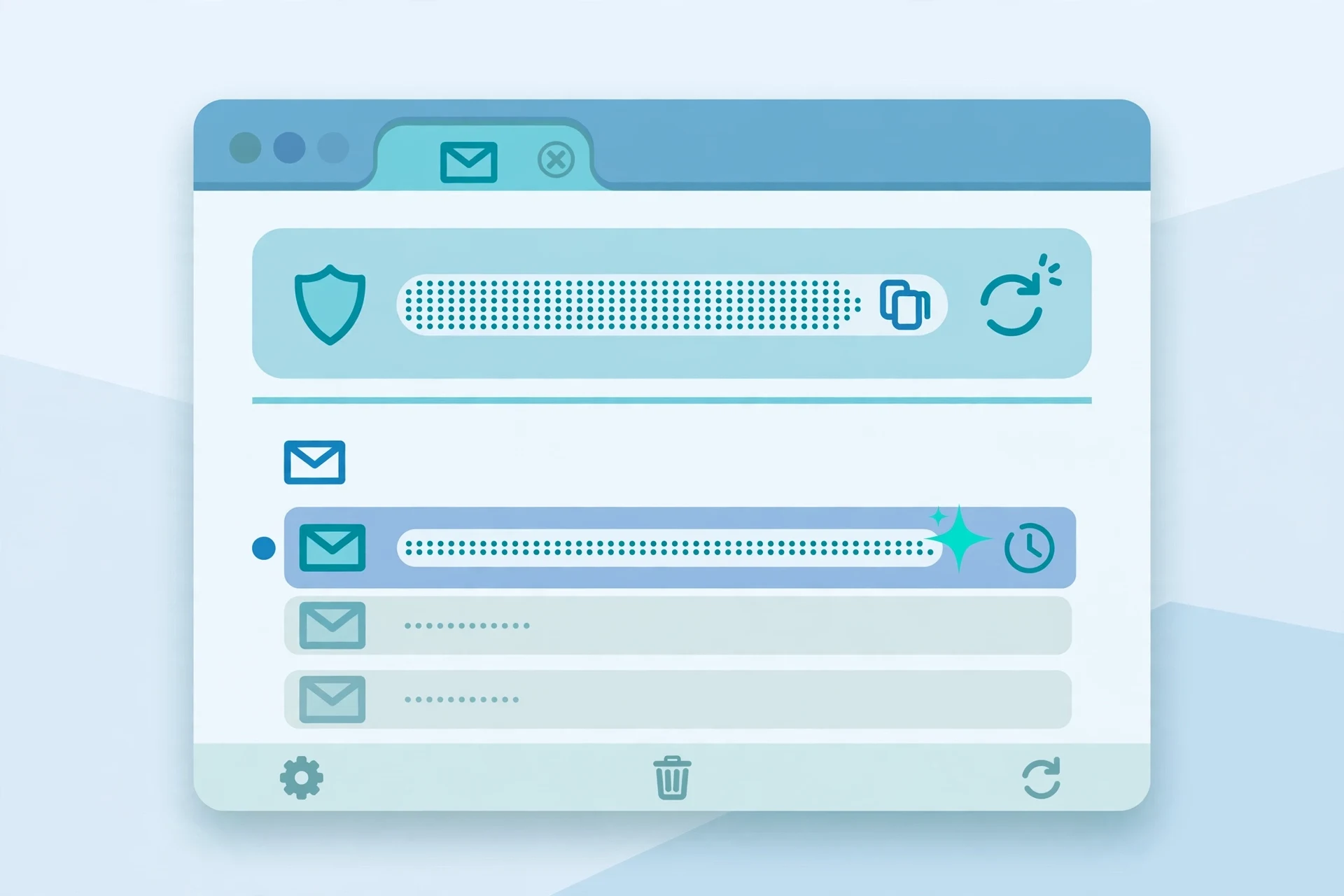
One practical detail that saves more signups than any other: generate the address before you start the signup, not during it. Signup forms time out, verification codes expire, and some services invalidate a code if the page reloads. Having the inbox already open, already refreshing, means the code lands in front of you instead of in a race against a countdown. And if the code does not arrive within a couple of minutes, do not sit there refreshing for half an hour. Either the service blocks the generator's domain — see the rejection section below — or the mail is delayed, and in both cases your next move is a different address or a different approach, not patience.
The inbox clock: two different expiries
"Temporary" hides two different clocks, and confusing them is the most common way people lose accounts. The first clock is the address itself: how long the address keeps accepting mail. Some generators recycle addresses after minutes, some after hours, and some let an address live indefinitely until you abandon it. The second clock is message retention: how long an individual email stays readable once it arrives. A service can accept mail for a week while deleting each message after an hour, or it can kill the address in ten minutes while keeping its messages forever. Both clocks matter, and a generator's homepage usually advertises only the friendlier one.
This is why "temporary email inbox" is rising. People return to an inbox expecting the message to still be there and find either the address gone, the message purged, or the tab's session expired. Before you rely on a generated inbox for anything beyond a single code, check both numbers: address lifetime and message retention. If the service does not state them plainly, assume the shorter end of the range — ten minutes for the address, an hour for the message — and plan accordingly. Copy codes out immediately. Screenshot or save anything you might need later, because "later" is exactly what a temporary inbox is designed not to provide.
There is a second, subtler expiry: the session. Many generators tie your inbox to a browser session or a cookie. Close the tab, clear cookies, switch devices, and the address may still technically exist while you have no way back into it. Recovery keys and saved tokens are the workaround some services offer, and they are worth using when they exist — save the key somewhere real, like a password manager, the moment it is offered. An inbox you can recover is no longer fully disposable, which is a trade-off, not a contradiction: you are choosing recoverability for one specific account while keeping your real address out of the signup. That is a reasonable deal, as long as you make it deliberately.

Where generators get rejected, and the 30-second check that saves a signup
Not every service accepts a disposable address, and the rejection is rarely announced politely. Some forms accept the address, claim to have sent a code, and never deliver one. Some reject it outright with a vague error about an invalid email. Some accept it at signup and then block the account later, when you try to change a password or enable two-factor authentication. All three failures share one cause: the service checks the address's domain against a list of known disposable domains, and the generator's domain is on it.
The 30-second check is simple. Before you commit to a signup on a generator, consider whether the service has any reason to care about your identity. Banks, payment services, government portals, schools, and employers care, and they will block or punish a disposable address. Free tools, newsletters, forums, beta programs, and one-off downloads usually do not. If the service offers a free tier with no payment and no recovery-sensitive data, a generator will usually work. If it will ever hold money, identity documents, coursework, health information, or anything you would panic about losing, do not even test it on a throwaway — test it on a spare real address instead, because the test itself can create an account you later need.
Domain choice matters more than most guides admit. A generator with one heavily abused public domain gets blocked faster than one with many cleaner domains, which is why services advertise domain counts at all. TempoMailUSA's free tier offers a single public domain, rover.info, with hundreds more behind its paid tier — a structure that tells you, honestly, that the free domain is the one most likely to be recognised and blocked, while the paid domains are the ones kept clean. If a signup rejects your generated address, switching to a different domain from the same generator sometimes works, and switching generators sometimes works, but if two domains fail, take the hint. The service does not want disposable signups, and fighting it with a third domain only builds an account on a foundation the service is actively trying to remove.
What a generator does not hide
This is the section generator homepages skip, so read it twice. A temporary email address hides your real inbox address from the service you sign up for. It does not hide your IP address, your browser fingerprint, your device, or your location from anyone who cares to look. It does not encrypt your traffic, and it does not make you anonymous to the generator itself, which necessarily sees every message that arrives in your inbox. If you would not want the generator's operator reading the email, do not let that email arrive in a generated inbox.
It also does not hide you from yourself. Reusing the same generated address across many services rebuilds exactly the profile you were trying to avoid: one address, many accounts, all linkable by anyone holding the address. Our earlier post on this exact trap — reusing the same temp email — makes the case in detail, but the short version is blunt: a throwaway used everywhere is not a throwaway, it is an identity with worse security than your real email. Generate a fresh address per signup. It costs seconds, and it is the entire point.
Finally, a generator does not protect the account after signup. Password resets, security alerts, and "was this you?" warnings all go to the address on file. If that address is gone, you cannot reset the password, cannot confirm the alert, and cannot prove ownership. Some services let you change the account email later, and that is the escape hatch the next section is about — but many do not, or they require confirmation from the old address to approve the change, which is exactly the address you no longer control. Check whether the service allows an email change before you sign up with a throwaway, not after.
Five signs the account has outgrown the throwaway
Move to a real address the moment any one of these becomes true, and do not wait for all five. First, you have paid anything — a subscription, a one-off purchase, an in-app item. Money attached to an unrecoverable inbox is money you cannot defend. Second, other people depend on the account: a shared list, a party, a team workspace, a booking link someone else holds. Third, the account holds work you cannot recreate — notes, documents, a character you have levelled for months. The game example is the clearest version of this: temp mail for Habitica signup shows how a throwaway hero becomes a liability the moment a party depends on it. Fourth, you have enabled anything security-sensitive on the account, like two-factor authentication tied to that email. Fifth, you catch yourself thinking "I will move it later." Later is the moment the inbox expires. Move it now, while you can still receive the confirmation at the old address.
The move itself is usually simple: account settings, change email, confirm from the old inbox, confirm from the new one. Do it in one sitting, with both inboxes open, and verify the new address actually receives mail before you close the old tab. Then, and only then, let the throwaway go. If the service will not let you change the email, you have learned something valuable about that service — it considers the signup address permanent — and your options are to keep the throwaway alive deliberately (with a recovery key, if offered) or to start over on a real address while the account is still young and cheap to abandon.
Picking a generator without getting burned
With five Breakout queries chasing this category, new generators appear constantly, and not all of them are safe to use. Judge one in under a minute with this checklist. It must generate an address without asking you to register, because a generator that demands your real email to give you a fake one has missed the point. It must show a real inbox that refreshes on its own, not a page you have to reload and hope. It must state its address lifetime and message retention somewhere findable — vagueness here is a warning, not a detail. It must not ask you to install anything, enable notifications you did not request, or download an attachment to "activate" the inbox. And it should let you copy the address with one click and generate a fresh one just as fast, because friction at either step pushes people toward reusing one address everywhere.
Then compare that checklist against what you actually need. If you test apps the way this site's signup guides do — one app at a time, deciding fast — a single clean domain and a fast inbox are enough, and the free tier of a reputable generator covers it. The shared-list trap is the example to keep in mind: temp mail for Any.do signup shows how a planner's shared lists turn a throwaway into a commitment, and no generator feature fixes that — only moving to a real address does. Pay for a generator only when you have a specific reason: cleaner domains that pass stricter filters, longer retention for a testing workflow, or an API for developers running signup tests. Paying for privacy theatre — a "premium" badge on an inbox that still expires — is the one purchase in this category that is never worth it.
My honest verdict, after watching this category surge and watching the "inbox" searches follow it: generators are the best tool in the privacy drawer for a narrow job, and the worst tool for every other job. Use them constantly for auditions, downloads, newsletters you distrust, and forms you will never revisit. Never use them for money, identity, work, or other people. The search surge tells me millions of people are discovering the first half of that sentence right now. The second half is the part that saves them, and it is the reason this guide exists.
FAQ
Is a temporary email generator free?
Usually, yes, for the basic version: an address and an inbox with no registration and no card, funded by a paid tier or advertising. TempoMailUSA's free tier, checked November 2, offers one domain, rover.info, with more domains behind its Pro plan. Be suspicious of any generator that asks for payment before showing you a working inbox.
Can I receive OTP codes with a temporary email?
Yes, when the service accepts the generator's domain. Verification codes are the single most common use of generated inboxes, and on a healthy service they arrive in seconds. If a code does not arrive within a few minutes, the service is probably blocking the domain, and no amount of refreshing will fix it.
How long does a generated email address last?
It depends on the service, and on which clock you mean. Some addresses last minutes, some hours, some indefinitely until abandoned, while individual messages may be deleted much sooner. Check both the address lifetime and the message retention before relying on an inbox for anything beyond one code.
Is using a temporary email legal?
Yes, for ordinary signups. There is nothing unlawful about using a disposable address to receive mail. What can get an account closed is violating a specific service's terms — many services prohibit disposable addresses explicitly — so the risk is losing the account, not breaking the law. Never use a throwaway to impersonate someone, commit fraud, or evade a ban; that is a different matter entirely.
Can someone else open my temporary inbox?
Often, yes. Many generated inboxes are public by design: anyone who knows or guesses the address can view its mail. Never let passwords, reset links, financial information, or anything personal arrive in a generated inbox, and never use one for an account where a stranger reading your mail would matter.
What should I do when a service rejects my temporary email?
First try a different domain from the same generator, then a different generator. If both fail, stop and use a spare real address instead. Repeated rejection means the service actively blocks disposable domains, and an account built by sneaking past the filter sits on a foundation the service may remove later.
Need a disposable temporary email?
Protect your real inbox from spam and promotional clutter instantly and free.
Received a suspicious email, text, or charge alert?
Verify whether the sender domain is disposable, spoofed, or unverified before clicking links.