

AI Email Generator: I Tested the Free Ones Live — Here's What Actually Works in 2026

Here is the question nobody writing about AI email generators seems willing to answer straight: if these tools are so good, why does every AI-written email you receive read like it was written by the same nervous intern?
I spent a morning with the free tier of one of the most recommended AI email generators, fed it a real scenario, and read what came back. The result was usable. It was also interchangeable with ten thousand other emails sent that same morning. That gap — between usable and worth sending — is the whole story of this category. This guide is about closing it.
What an AI email generator actually does (and the three kinds nobody labels)
Strip away the marketing and every AI email generator does the same thing: it takes a short instruction and returns a full draft — subject line, greeting, body, sign-off. Underneath, nearly all of them call the same large language models. The differences are in the wrapper, not the engine, and the wrapper decides whether the tool fits your day.
Drafters are standalone writing tools. ChatGPT, Claude, Copy.ai, Rytr. You open a tab, describe the email, copy the result into your inbox. Maximum flexibility, zero integration — you do the moving between apps.
Wrappers live inside Gmail or Outlook. Mailmeteor, Gmelius, MailMaestro. They generate drafts right in your compose window. Less flexible, far less friction. If you write twenty emails a day inside Gmail, this is the shape that actually saves time.
Clients replace your inbox entirely. Superhuman and Shortwave rebuild email around AI triage, drafting, and prioritisation. Powerful, expensive, and a commitment — you are moving house, not buying a tool.
My opinion, after using all three shapes: start with a drafter. It costs nothing, it teaches you what good prompts look like, and you will know within a week whether you write enough email for a wrapper or a client to earn its price. Most people never get past the drafter stage, and that is fine — the drafter is where the quality lives anyway, because the prompt is the product.
I tested a free AI email generator live — here is exactly what happened
Claims are cheap, so I ran the test. The tool: ContentStudio's free AI email writer, picked because it asks for no login and no email address — you open the page and generate. That matters, and I will come back to why.
The scenario I gave it was deliberately ordinary, the kind of email millions of people actually need: a follow-up after a job interview for a marketing role. Thank the hiring manager, restate interest and relevant experience, ask about next steps. Sender "Alex Smith", receiver "Hiring Manager", tone professional, length medium. One click, under a minute.
It returned two drafts, 59 and 58 words. The subject lines were "Thank You for the Opportunity" and "Follow Up on Marketing Role Interview". The bodies were correct, polite, and completely forgettable. The first draft said the candidate's "experience in digital marketing aligns well with your needs". The second was marginally better — it named "marketing strategy and campaign execution" — which is the only sentence in either draft that could not have been written for any applicant to any job.
Three honest observations from that test:
- No login, no cap, no catch — this time. The page says free with no usage cap and no sign-up, and in my run that was true. No account wall appeared, no word counter stopped me. That is rarer than the listicles admit: most "free" AI email tools in this category ask for an email address before the first generation, and that address is the price.
- The output is a first draft, not an email. Both drafts were grammatically clean and structurally sound. Neither said anything only Alex could say. Sent as-is, either one tells the hiring manager that the candidate used a generator — not because AI is detectable, but because the email contains zero specifics.
- The difference between the two drafts was one concrete detail. The second draft's mention of strategy and campaign execution is the entire quality gap. That is the lesson of this whole category in one line: specificity is the only thing the model cannot invent for you, and it is the only thing the reader actually notices.
So does the free tier work? Yes — as a drafting machine for people who then edit. No — as a send button. Anyone selling you the second claim is selling you the tool, not the outcome.
The free tier trap: what "free" actually costs you
Every comparison table of AI email generators lists a free tier. Almost none of them lists what the free tier takes in return. Here is the honest accounting:
- Your email address. The most common price. A tool that demands signup before generating is buying your inbox access with a demo. Before handing your real address to yet another AI tool, use a disposable inbox for the trial — generate a temporary address, take the confirmation code, and decide later whether the tool deserves your real one. That is exactly what a temporary email generator is for: a real inbox that exists for ten minutes and then disappears, so the trial cannot follow you home.
- Your data. Free tiers train on inputs unless the terms say otherwise. Never paste confidential work material — client names, deal terms, internal disputes — into a free generator. The paid tier of a reputable tool usually carries a no-training promise; the free tier usually does not.
- Your output quality. Free tiers run smaller or older models. ChatGPT's free tier, for example, is genuinely useful for email, but it is not the model doing the best work. The gap shows up in exactly the places that matter: tone control, following multi-part instructions, and not repeating your own words back at you.
- Your time, in caps. Rytr's free plan allows 10,000 characters a month. Copy.ai's gives 2,000 words. That sounds generous until you are rewriting a six-email sequence and the counter hits zero on email four.
My rule: a free AI email generator is worth using when it asks for nothing — no account, no email, no card. The moment it asks for your address, route it through a disposable inbox and treat the tool as guilty until proven useful.
The prompt is the product: a framework that makes any generator write better
The ranking pages all say "learn to prompt". Almost none of them show you a prompt. Here is the framework I use, and it works on every tool I have tried, free or paid:
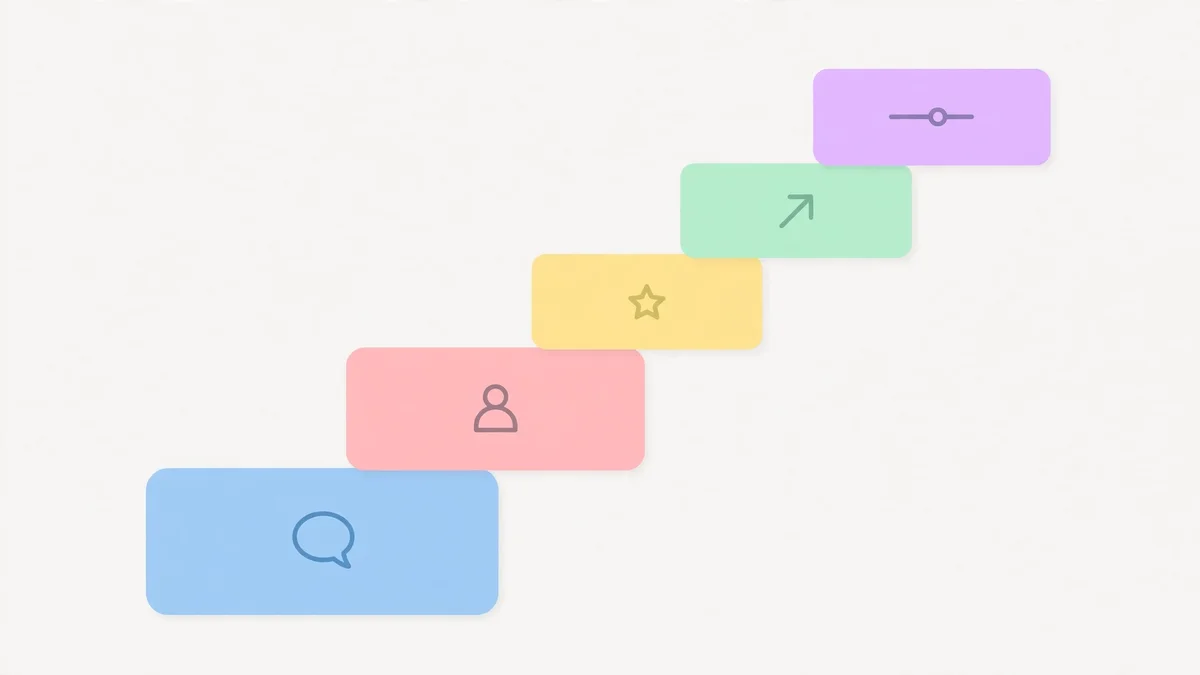
Context + recipient + one fact + one ask + tone. Five ingredients, in that order, and the one fact is non-negotiable.
A bad prompt: "Write a follow-up email after an interview." That prompt produced the two bland drafts in my test — because it gave the model nothing to be specific about.
A good prompt: "Write a follow-up email to Sarah, the hiring manager at a B2B SaaS company, after my final-round interview for a content marketing role yesterday. Mention that I grew organic signups 40% in my last role. Ask for a decision timeline. Warm and confident, under 120 words."
The difference is not length. It is that the second prompt hands the model a fact (40% signup growth), a person (Sarah), and a constraint (under 120 words) — three things it cannot guess. Every vague sentence in an AI email traces back to a missing ingredient in the prompt.
Two more habits that pay off immediately: ask for two versions and pick the better one instead of regenerating endlessly, and always end your prompt with "keep it under X words" — without a length cap, generators pad, and padding is where the corporate filler lives.
Where AI email generators fall apart
A fair guide names the failure modes, not just the wins. These are the emails I would never let a generator write unsupervised:
- Apologies. An AI apology reads like a press release. If you actually harmed a relationship, write it yourself — the awkward, specific, human sentences are the apology.
- Negotiations. Generators concede too early and too politely. They will offer the discount before you asked them to. Draft the position yourself; let the AI polish the wording.
- Anything with legal or financial stakes. Terms, prices, commitments, deadlines. A generator will happily invent a number that sounds right. Verify every figure it writes, every time.
- Cold outreach at scale. This is where most buyers actually use these tools, and it is where they do the most damage. A hundred AI-written cold emails do not get a hundred replies — they get a hundred deletions, and they teach spam filters what your domain smells like. If you send AI-written outreach, verify the address first — our guide to verifying an email address walks through five methods that catch bad data before you hit send — and send fewer, better emails.
There is also the detection question, and the honest answer is boring: recipients rarely detect AI from the text alone. They detect it from the absence of anything specific. "I am very interested in joining your team" is not an AI tell. It is a nothing sentence, and humans write those too. The fix is the same either way: put one real detail in every email.
Which tool for which job
Forget the ten-tool listicle. Here is the short decision version, based on what the free tiers actually do:
- You write a few emails a week and want free: ChatGPT's free tier, or a no-login tool like the ContentStudio writer I tested. ChatGPT is more flexible; the no-login tool is faster and asks for nothing. Either is fine — the prompt matters more than the choice.
- You live in Gmail and send in volume: Mailmeteor. Fifty free emails a day, drafts inside the compose window, mail merge built in. The free tier is genuinely generous, and the Gmail-only limitation is only a problem if you are not a Gmail person.
- You sell for a living: Lavender or a similar sales coach. It scores your draft against what gets replies and coaches the rewrite. It costs real money ($29/month and up), and for a working salesperson that is the only tool in this list where the price is obviously worth it.
- You need brand-consistent marketing copy: Jasper or Copy.ai, paid. The brand voice features — a stored voice, a style guide, a knowledge base — are the only reason to pay for a marketing-focused generator instead of using a general chatbot.
- You just need a better reply to one email: Grammarly's free tier or your chatbot of choice. Paste, rewrite, send. Do not buy a subscription for a one-email problem.
If you are still unsure which of these fits your work, step back from brand names and search by the job instead — we tested an AI tools directory by typing in jobs, not brand names, and the results were more useful than any top-ten list.
The verdict
An AI email generator is a drafting machine, and a good one. It turns a blank page into a structured draft in seconds, and for routine emails — confirmations, follow-ups, reschedules — that is most of the job. What it cannot do is know your reader, your history, or the one fact that makes an email worth opening. That part is still yours, and it takes about ninety seconds: one specific detail, one clear ask, one edit pass.
Use the free tools freely, but on your terms. Never pay for a trial with your real inbox — a temporary email costs nothing and keeps the follow-up marketing out of your life. Never paste anything confidential into a free tier. And never send the first draft. The generator writes the email; you make it yours. That division of labour is the whole trick, and it is the only one that works.
Frequently asked questions
What is an AI email generator?
An AI email generator is a tool that turns a short instruction — who the email is for, what it is about, what tone you want — into a complete draft with a subject line, greeting, body, and sign-off. Most run on large language models; the differences between tools are in the interface, the free limits, and whether they live inside your inbox or in a separate tab.
Are AI email generators free?
Many have a genuinely free tier, but "free" usually means one of three things: no login and no cap (rare, and the best deal), a free tier with character or word limits (Rytr, Copy.ai), or free until it asks for your email address and then starts marketing to you. Read the limit before you rely on the tool, and use a disposable inbox when a signup is required just to try it.
Can recipients tell an email was written by AI?
Usually not from the text alone — but they can tell when an email says nothing specific. The giveaway is generic phrasing with no names, numbers, or details. One concrete fact about the recipient or your shared history removes the suspicion entirely, because it proves a human was involved.
Is it safe to paste work emails into a free AI email generator?
Treat free tiers as untrusted with confidential material. Do not paste client names, deal terms, salaries, or internal disputes. Free plans often reserve the right to use inputs for training; paid plans from reputable vendors usually promise not to. When in doubt, anonymise the details before generating.
Do I still need to edit what an AI email generator writes?
Yes — always. In my live test, the free tool produced two correct, polite drafts in under a minute, and neither was worth sending unchanged. The edit pass is where you add the one specific detail, cut the filler, and check every number. Budget two minutes for the edit; it is the highest-value two minutes in the whole workflow.
Which AI email generator is best in 2026?
There is no single best tool — it depends on the job. ChatGPT's free tier is the most flexible all-rounder, Mailmeteor is the best free option inside Gmail, Lavender is the strongest for sales, and no-login tools like ContentStudio's writer are the fastest way to draft a single email without handing over your address. Pick by your workflow, not by a ranking table.
Need a disposable temporary email?
Protect your real inbox from spam and promotional clutter instantly and free.
Received a suspicious email, text, or charge alert?
Verify whether the sender domain is disposable, spoofed, or unverified before clicking links.