
Cloud Support Team Spam Email: The Sender That Names No Company — and the Three Tests That Expose It
Cloud Support Team Spam Email: The Sender That Names No Company — and the Three Tests That Expose It
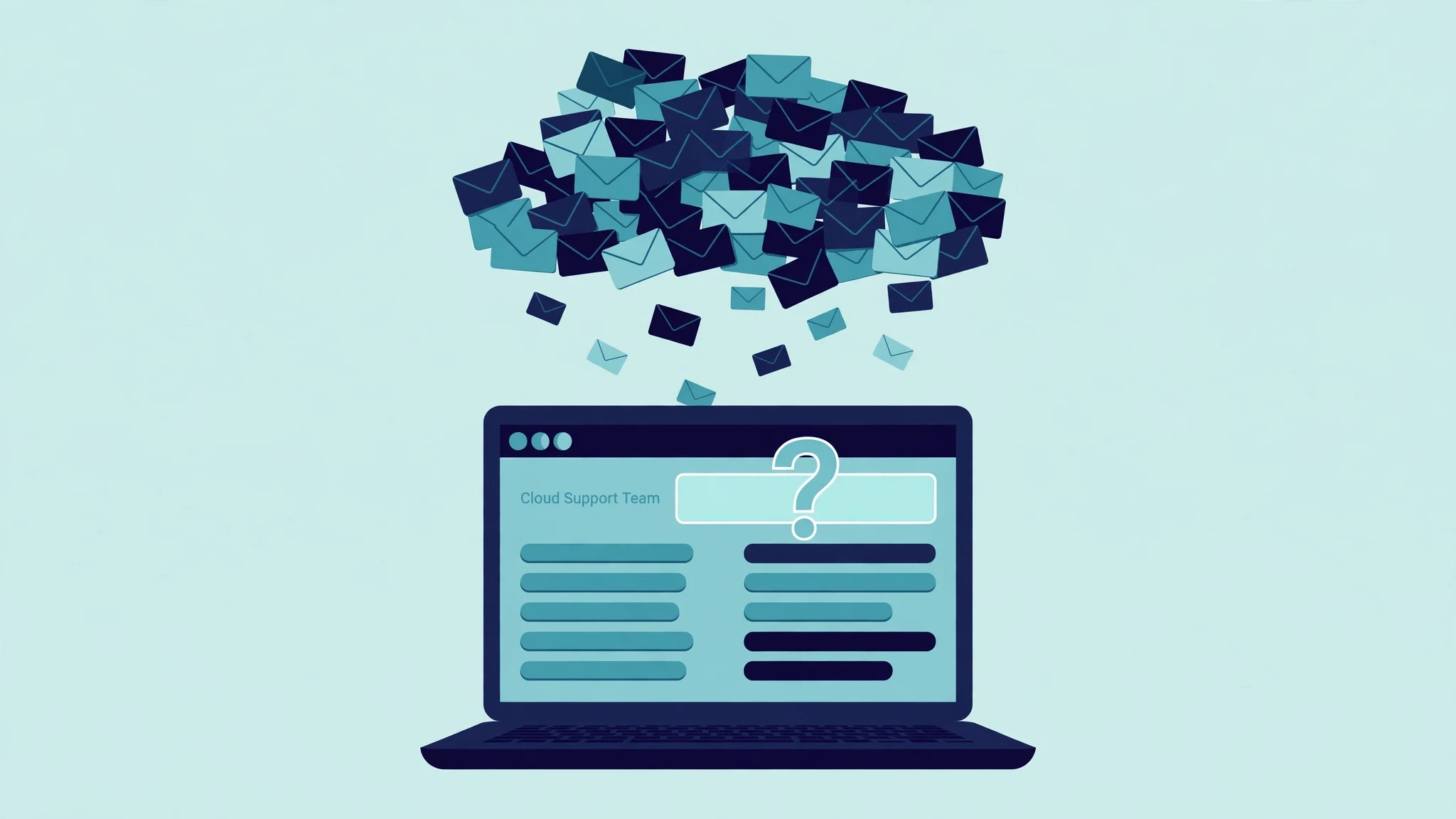
Read the sender line of the email again. Not the subject, not the logo, not the red warning bar — the sender. It says "Cloud Support Team." Which cloud? Which company? Which team?
That blank is not sloppy writing. It is the entire scam.
A real support team works for a real company, and a real company puts its name on its mail, because the name is the one thing that lets you check the claim. "Cloud Support Team" names nothing, which means there is nothing to check — and that is exactly what the sender wants. The email borrows your own memory to fill in the blank: you use iCloud, or Google Drive, or OneDrive, so you supply the brand yourself, and by the time you reach the button you have already decided which company is warning you. The scammer never had to pick one. One template reaches every cloud user on Earth.
I spent this morning reading the live reporting on this campaign — the most-shared guide on this exact scam was updated in September 2026, and the Google Cloud variant made the news in January — and what struck me is how little the email actually has to say to work. It needs a fear (your files will be deleted), a clock (hours, not days), and a price so small it feels rude to question ($2.99). Everything else in the message is decoration. So this guide is not another list of red flags. It is about the three faces this sender wears, what the real companies' support teams actually do, and three tests that settle any version of the email in under two minutes.
Face one: the storage warning and the $2.99 card harvest
This is the version most people meet. The subject line says "Storage 100% Full," "We've Blocked Your Account," "Payment Failed," or "Final Deletion Notice." The body says your photos, videos, documents, contacts, or backups will disappear unless you update your payment information, and it shows you a storage meter stuck at full and a deletion date a few days away.
The button is labelled "Update Payment," "Secure My Account," "Expand Storage," or "Prevent Deletion." The label does not matter; the destination does. It opens a page that repeats the storage threat and offers an inexpensive rescue — $2.99, or something close to it — and asks for the cardholder name, card number, expiry date, and security code. Sometimes it asks for your email password first, and if you have two-factor authentication on, it may ask for the one-time code too, which would approve the criminal's live login session in real time.
Here is the part the September guide documents that most warnings leave out: the small charge is bait, not the theft. Once the form has your full card, the scammers can run larger transactions, sell the details, or enrol the card in a recurring subscription you never agreed to. And after you submit, the page often redirects you to the genuine provider's site — your real iCloud or Google account, looking exactly as it should — so the whole thing feels like it worked. No extra storage appears, because a phishing page cannot change your real plan, but by the time you notice, the card is already being tested. In other variants the page shows an error and asks you to try a different card, which hands the attacker a second complete payment method while you assume the first attempt failed.
Two details in this version are worth naming because they recur in almost every specimen. First, the message mixes brands without embarrassment: iCloud wording next to Google or Microsoft graphics, a blue cloud icon instead of a precise logo. A real Apple email does not arrive wearing Google's logo. Second, the greeting never uses your actual account name. A company that holds your files knows your name; a campaign that bought your address on a list does not.
Some versions of this email do not arrive as email at all, in the usual sense. They arrive as calendar invitations, which your calendar app displays automatically — the interface belongs to your calendar provider, but the event title, description, links, and organiser all come from an untrusted stranger. A "storage deletion" event sitting in your calendar feels official because the calendar itself is official. It is not. It is the same email wearing your calendar's clothes.
Face two: the phone call comes first, then the email
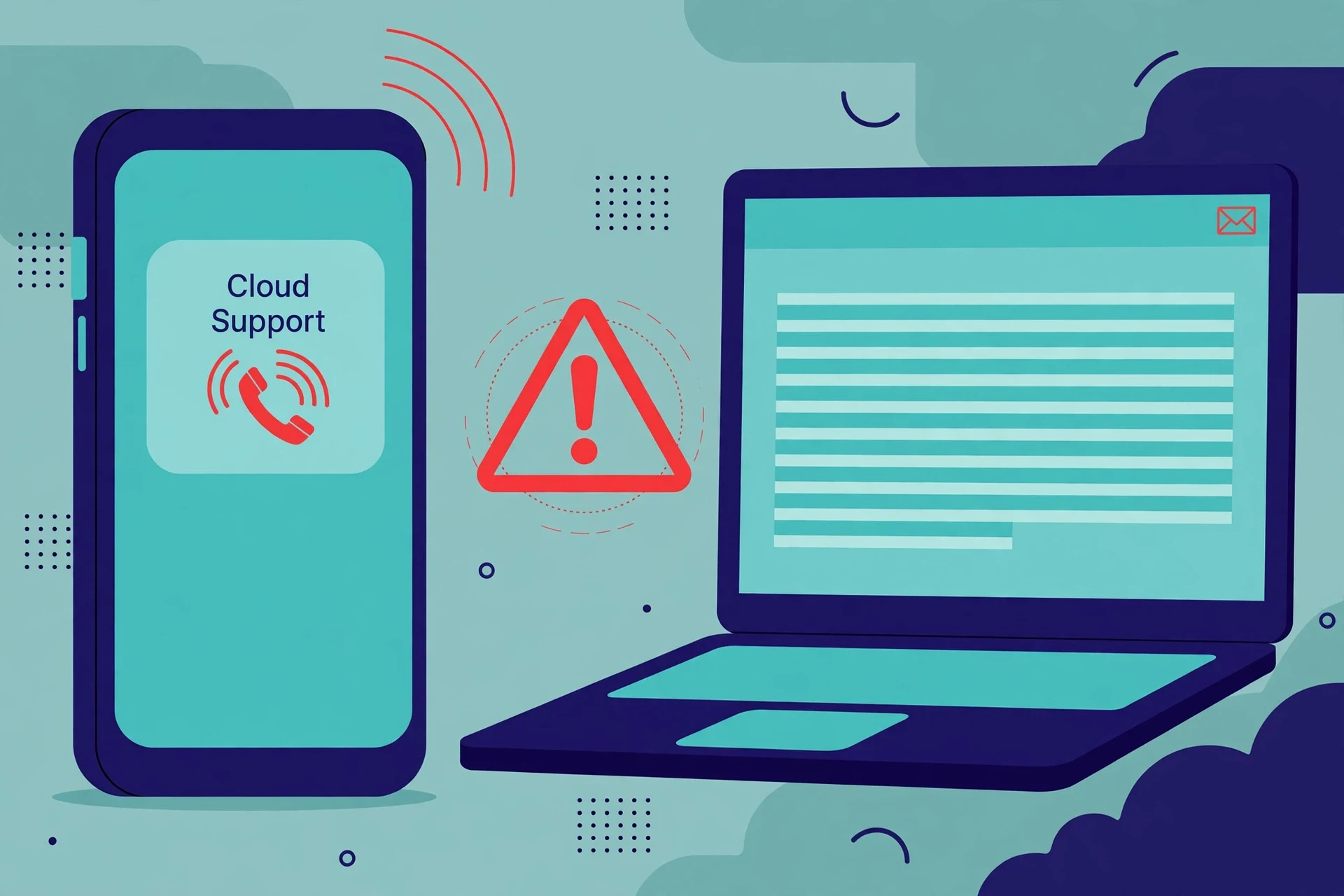
The second face is newer, more expensive to run, and considerably harder to spot — because it starts with a human voice. In January 2026, a Google Cloud user named Dmitry Smilyanets posted on X about a scam that began with a phone call: someone claiming to be Google Cloud Support, who knew his name, who quoted a specific case number for a supposed problem with his account, and who sounded, in his words, like they were part of Google Support. After the call, a follow-up email arrived in a Google Cloud-branded template, with the same case number — #66568145 — and links that appeared to lead to the standard Google Cloud Console.
This is the version that should worry you, because it defeats the advice most guides give. "Check the sender" does not help when the sender's email looks right and the case number matches the call you just took. "Look for bad grammar" does not help when the template is a pixel copy of the real one. The links in that email appeared to point to console.cloud.google.com, and only careful character-by-character reading would have shown the slight spelling variations.
The defence here is a single fact, and it is worth memorising: Google will never initiate contact through an unsolicited phone call about a technical issue on your account. Not to warn you, not to open a case, not to walk you through a fix. If someone calls you claiming to be Google support about a problem you did not report, the call is the scam — and the polished email that follows it is just the second act. The same rule holds for the other providers: cloud companies do not cold-call you about your storage. Support begins when you open a ticket, never when a stranger dials your number.
If you get a call like this, hang up, open the provider's console yourself, and check whether any case with that number exists. It will not. Then report the number. The case number is the tell, once you know the rule: a real case number is one you created, in a ticket you opened. A case number handed to you by a caller is a prop.
Face three: the Microsoft and Azure "Support Team" variant
The third face wears Microsoft's clothes, and it is the one that fills Microsoft's own support forums. People post screenshots of emails from a "Support Team" warning them about their Microsoft or Azure account, and the answers from Microsoft's own advisors are blunt: do not trust any email from a sender whose domain is not microsoft.com, Microsoft does not typically send emails asking you to validate your account through a link, and do not click anything in the message.
The details in those forum threads are worth reading, because they show how the trick adapts. In one case, the email came from a privately registered Microsoft 365 account owned by the scammer — the address ended in onmicrosoft.com, which looks official to anyone who has seen Microsoft's admin domains. Microsoft's advisors point out the fact that settles it: Microsoft does not send messages from @onmicrosoft.com addresses to customers. In another, the email included a phone number and told the recipient to call it. Microsoft support would never include a phone number in an email like that.
The real Microsoft support domains, as Microsoft's own advisors list them, are microsoft.com, microsoftsupport.com, and mail.support.microsoft.com. That is the whole list that matters. A domain containing the words cloud, storage, helpcenter, or account does not become official by describing the service. And the same character-by-character rule applies to links: added hyphens, extra words, unusual endings, and nested subdomains are how a link that belongs to someone else pretends to belong to Microsoft.
I keep coming back to the same sentence: the sender name is the scam. "Support Team," "Cloud Support Team," "Account Services," "Backup Department" — these are job descriptions, not companies. A company that wants your money can afford to say its name.
What real support teams never do
By now the pattern is clear enough to state as a rule. A real cloud support team never does any of the following, and any one of them is a verdict, not a clue:
- It never contacts you first about a problem you did not report. Support starts with your ticket.
- It never asks you to update payment details from inside a warning email. Apple, Google, and Microsoft all handle billing inside your account settings, and all three show the same problem when you open the app. If the problem is real, it is visible in the app. If it is only visible in the email, it is not real.
- It never asks for your password, your one-time code, or your full card number by email or by phone. A one-time code triggered by a login you did not start should never be copied into a page reached from an email.
- It never gives you a deletion deadline measured in hours on a first notice. A real deletion deadline is the last step in a long sequence: warnings in the app, emails from the provider's real domain, a grace period measured in weeks.
- It never sends a first notice that is also a final notice. "Final Notice" for a subscription you may never have had, with a removal date days away, is not how any storage company talks to a paying customer.
My colleague dissected the storage-scam family in detail — three real specimens, line by line, including the $1.95 "50 GB" offer and the campaign that sells you real McAfee through affiliate links — in Cloud Storage Scam Emails: Three Real Ones, Dissected Line by Line. If this post is about the sender, that one is about the specimens. Read them together and you will recognise the next one in either costume.
The two-tab test: settle any version in under two minutes
Forget memorising red-flag lists. You need one procedure, and it fits in two browser tabs.
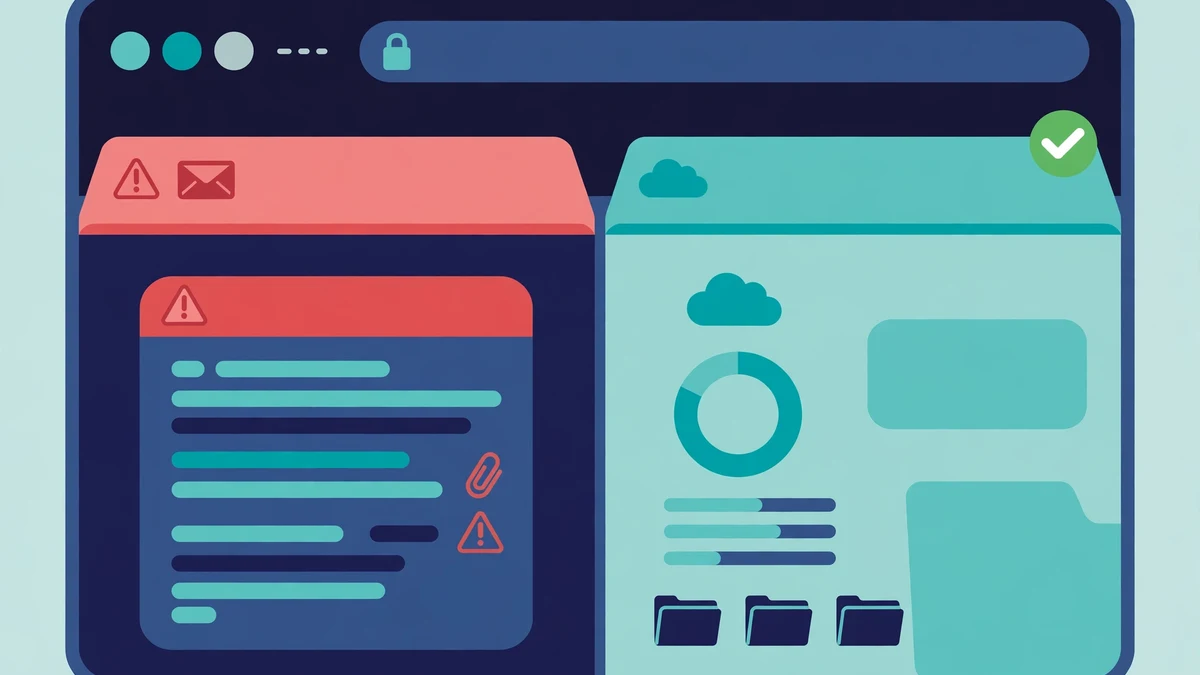
Tab one: the email. Open it, read the sender address in full — not the display name, the whole address — and ask two questions. Does the sender name a company you can check? And does the email's claim name a plan you actually have? If the sender is "Cloud Support Team" and the plan is "Cloud Storage," there is nothing to verify, because there is nothing there. Close the tab. You are done.
Tab two: the real account. Open the provider's app yourself, or type its domain into the address bar yourself — never from the email. Check storage, billing, and recent security activity inside the account. Then compare numbers, not colours. A message claiming 50 GB of 50 GB used should agree with the dashboard. The real numbers, checked against the providers' own pages: Google gives you 15 GB free, shared across Gmail, Drive, and Photos; iCloud gives you 5 GB; OneDrive gives you 5 GB; Dropbox Basic gives you 2 GB. If the email describes a plan that does not exist — a free tier of 50 GB, a one-time $2.99 storage purchase, a "250 GB" subscription with no product name — the email is fake, whatever the logo says.
If the dashboard agrees with the email — genuinely full, genuinely failed payment — renew inside the account, on the provider's own billing page, with no email involved. The email has still contributed nothing; the account told you everything.
Two extra rules for the edge cases. If the message arrived as a calendar invitation, delete the event and check your calendar's settings for automatically adding invitations from strangers. If you got a phone call first, do not use any number, link, or case number the caller gave you; open a ticket yourself through the provider's help menu, and quote the caller's number there.
That is the whole test. It works because it never asks you to judge the email's design — clean grammar, convincing layouts, HTTPS, and familiar icons are all easy to reproduce — and instead asks the one party that cannot be faked: your own account.
The address that keeps the next one out
Reporting and blocking help, but they do not stop the next "Cloud Support Team." Your address is on lists — it leaked in a breach, appeared on a public page, was sold by a data broker, or was typed into a signup form for a service you used once years ago — and once scammers have it, they keep using it, because sending a million emails costs them almost nothing. Blocking one sender does nothing, because the next message comes from a different address on a different domain. Reporting as phishing is better, because it teaches the filter the pattern instead of the sender — but the filter is always learning, and the campaigns change their wording faster than the filter adapts. A spam email blocker is three tools sharing one name, and only one of the three — the filter — is doing the work here.
So the durable fix is not a better filter. It is an address the scammers never get. That is what a burner email is for: a disposable address you hand to signups you do not trust, so that when — not if — that address ends up on a spam list, the list points at an inbox you can abandon, and your real address stays clean.
I tested the setup live this morning before writing this, on TempMailUSA, and the numbers are worth quoting because they are the whole argument. The tool settled on the address 6yszqy026j@rover.info, with a free inbox that lasts 30 days — the countdown read "Expires in 29d 1h 29m 45s" and was ticking down live — and a domain picker offering 468 domains, of which exactly one, rover.info, is free and the other 467 are Pro. The page counters read 491,530 emails created and 609,973 messages received. Two honest nits from the same test: the banner at the top of the page says "427 domains" while the picker says 468, so the marketing copy is behind the product by 41 domains — the same gap a colleague found three days ago — and the messages-received counter reads exactly what it read then, so treat that counter as decorative rather than live. The product itself did exactly what it promised: a working address in seconds, no signup, no personal data, and nothing to clean up afterward. That is the correct tool for every signup where you would otherwise hand over the address your cloud storage warnings are sent to.
The rule I use, and the one I would give anyone who has ever paid a fake $2.99: your real address goes to your bank, your cloud provider, and your government. Everything else — the free trial, the download, the "support" form on a site you have never heard of — gets the disposable one. The next "Cloud Support Team" will still arrive. It will arrive in an inbox you can delete.
If you already answered the call, clicked, or paid
Do not panic, and do not blame yourself. The phone-call version fooled a Google Cloud user who writes about security for a living. Act quickly, in this order.
If you clicked a link but typed nothing, close the tab and run a malware scan. Clicking alone rarely installs anything on a modern phone or browser, but a scan costs nothing and settles it.
If you typed a password, change it immediately — from the provider's real site or app, not from any link in any email — and change it everywhere else you used the same one. Then turn on two-factor authentication, check the account's sessions and connected devices, and inspect mailbox rules: attackers who get into a cloud account sometimes add forwarding rules or hide security alerts, and those rules survive a password change.
If you answered a call and gave the caller a code, treat it as a live session: change the password, end all sessions, and check for anything the intruder did while they were in — shared links created, files opened, recovery information changed.
If you paid, call your card issuer now, dispute the charge, and ask for the card to be replaced. A $2.99 charge is small enough to ignore, and that is precisely why it works: the scammers are not after the three dollars, they are after the card number, and the recurring charges come later. Do not keep trying cards on the same page if it shows an error — each attempt hands over another complete payment method.
Then report the email as phishing in your mail app, delete it, and move on. If money changed hands in the United States, report it at ReportFraud.ftc.gov. Reporting does not get your money back, but it is how these campaigns get counted, and counted campaigns get taken down. If you want the wider routine — the filter, the blocklist, and the inbox setup that stops the next wave — I wrote it up in How can I stop phishing emails?.
FAQ
Is "Cloud Support Team" a real company?
No. The phrase is generic and does not identify one provider. There is no universal Cloud Support Team that manages every consumer storage service. Judge the full sender domain, and verify the storage status inside the actual Apple, Google, Microsoft, or other service you use.
Will my photos be deleted when the email's deadline passes?
Not because the sender says so. A criminal cannot establish an account deadline by putting a date and a red warning in an email. Check the real storage dashboard for plan limits and retention rules. If the dashboard says you have space, the email is lying; if it says you are full, it will also offer you the upgrade on the provider's own billing page.
Why did the scam start with a phone call?
Because a call defeats the usual checks. The caller knows your name, quotes a case number, and sounds official — then the follow-up email, in a copied template, feels like confirmation. Remember the rule: Google, Microsoft, and Apple do not cold-call you about a technical issue on your account. Support begins when you open a ticket.
What if the email appeared in my calendar?
Scammers send event invitations that calendar services display automatically. The calendar interface is real; the event title, description, links, and organiser all come from an untrusted stranger. Delete the event, do not click its links, and check your calendar settings for automatically adding invitations.
Is the $2.99 renewal offer safe?
A small price is used to lower resistance. If the offer comes from an unverified link, the form may steal the complete card or start recurring charges. Upgrade only inside the provider's official account. No major storage provider sells a one-time $2.99 storage rescue by email — iCloud+ starts at $0.99 a month, Google One at $19.99 a year, Microsoft 365 Basic at $1.99 a month.
Can an email look professional and still be phishing?
Yes. Clean grammar, convincing layouts, HTTPS, and familiar icons are easy to reproduce. Independent account status, the exact domain, and the requested action are more useful checks than visual polish. The Geek Squad version of the same pressure script — a fake $499 renewal and a 24-hour deadline pushing you toward a phone call — is worth reading if the storage version fooled you for a second: Geek Squad scam email: the fake $499 renewal, the refund trap, and the inbox rule that stops the next one. The product changes; the clock does not.
A "Cloud Support Team" email works because it asks you to do its thinking for it — to supply the company, the account, and the urgency yourself. Refuse the job. Name the company, or there is no company. Check the account, or there is no problem. And keep your real address out of the hands of the lists that feed these campaigns, because the email you never receive is the one that can never fool you.
Need a disposable temporary email?
Protect your real inbox from spam and promotional clutter instantly and free.
Received a suspicious email, text, or charge alert?
Verify whether the sender domain is disposable, spoofed, or unverified before clicking links.