

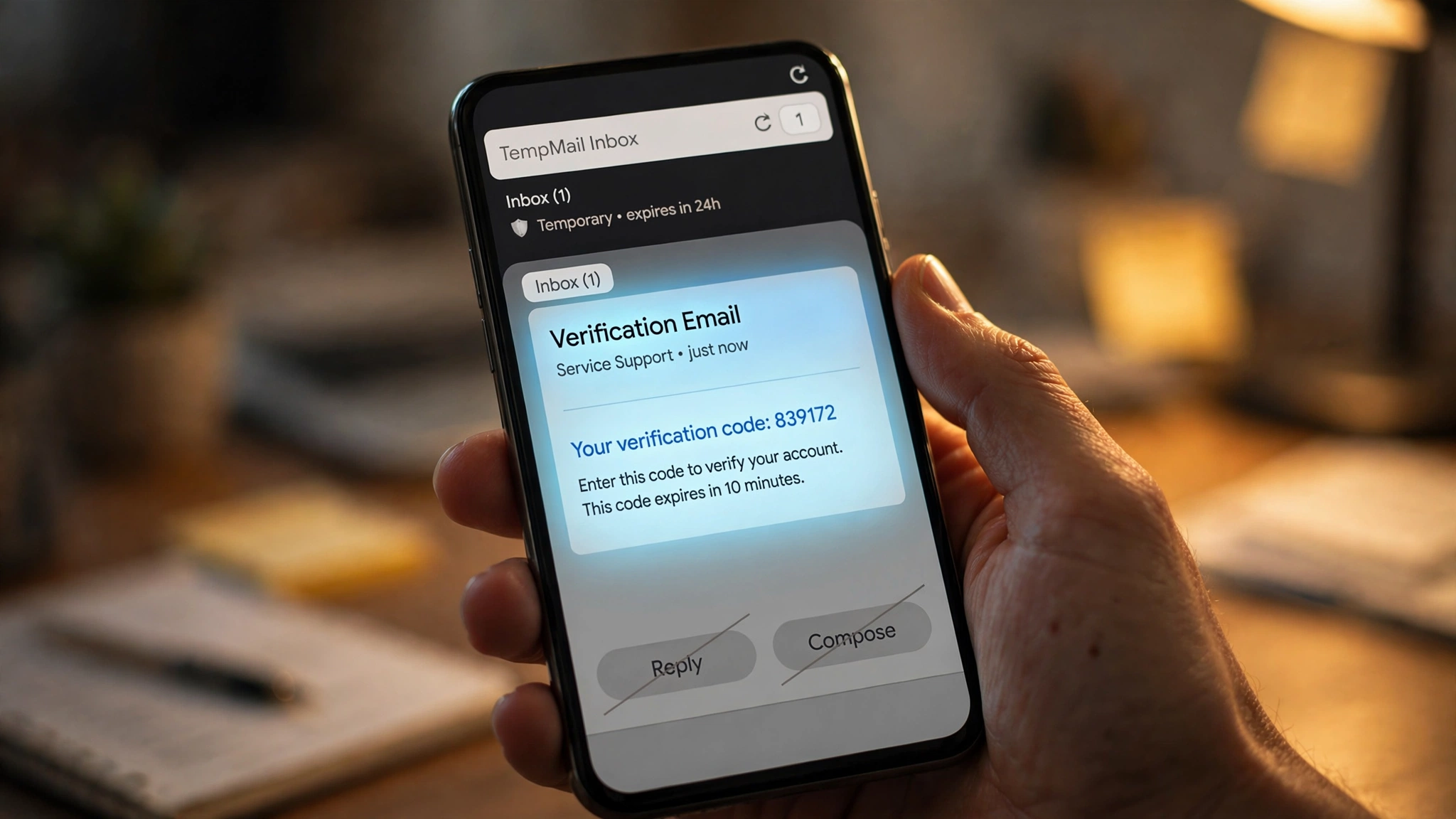
Here is the moment that teaches you this lesson. You sign up for something with a temp address, and the confirmation email lands in the inbox just fine. Then the site asks you to reply to the email to confirm, or customer support writes back asking a follow-up question, or you realize you need to forward a receipt to your real inbox. You look for the reply button. There isn't one. There is no compose window either. The inbox reads mail beautifully and sends nothing at all.
I run a temp mail service, so I will give you the straight version: on the overwhelming majority of disposable email providers, the answer is no. You cannot reply from a temp email, you cannot compose a new message, and you cannot forward what you received. The inbox is a one-way street, and it was paved that way on purpose. Here is why, who the exceptions are, and what to do about the five everyday tasks that break on a one-way inbox.
The ten-second answer
Almost every temp mail service is receive-only. You get mail in; nothing goes out. That is not a missing feature waiting to be built — it is the business model. A handful of providers allow limited outbound mail, and exactly one of them is famous for it. Everything else in this post is the detail behind that sentence: the exception, the provider roll call, the economics of why the send button stays dead, and the workarounds for the tasks that genuinely need two-way mail.
The one famous exception: Guerrilla Mail's compose button

Guerrilla Mail has been running since 2006, which makes it older than the iPhone and one of the longest-lived disposable email services anywhere. Open it and you get the standard deal: a random address, a public inbox that holds mail for 60 minutes, a "scrambled address" option that makes your address harder to guess. And then, above the inbox, a compose panel — a real one, with a To field, a subject line, a body, and attachment support.
It is the only mainstream temp service where the send button is not greyed out, and it comes with two catches you need to know about.
The first catch is the missing record. When we checked, the composer sends the message, but the sent folder stays empty. There is no log of what you wrote, to whom, or when. That is deliberate — Guerrilla Mail keeps logs minimal as a privacy stance — but it means a temp-mail reply is a message you can never prove you sent. If the other side says "we never got your email," you have nothing to show. Their own help material is blunt on this point: if you need a paper trail, a disposable email is the wrong tool.
The second catch is deliverability, and it is the same catch that kills the feature everywhere else. Mail from a disposable domain carries the reputation of everything that domain has ever sent. Guerrilla Mail's public domains absorb enormous volumes of junk mail, and receiving servers know it. A message composed from a temp address is far more likely to land in spam — or be silently rejected — than the same message from a normal provider. The compose button exists. Trusting it with anything that matters is a different question.
Provider roll call: who can send, who can't
Claims drift over time, so here is what the providers themselves say right now, checked this month.
Tmailor — receive-only, hard. No compose window, no reply button, and their own FAQ states it flatly: nothing can be sent from a Tmailor address. Attachments do not even come through — inbound files are stripped before they reach the inbox, so you see the message text but never the file. Messages live about 24 hours. If a task needs you to answer an email, Tmailor's own documentation says a temp address is the wrong tool for it.
Temp-mail.io — receive-only, and they explain why. Their help page gives three stated reasons for keeping outbound switched off: spam prevention (open anonymous sending would be abused instantly), reputation protection (providers would block the domains for outgoing mail), and simplicity (an instant inbox with zero setup). Their own framing is honest about the tradeoff: most of what you need temp mail for — verification codes, reading messages, downloading attachments — works fine without sending.
TempMail.now — receive-only, no custom domains. Their FAQ answers "Can I send emails?" with a no to both sending and custom domains. The site picks a domain from its own pool; you use what you get, and you use it to receive.
10 Minute Mail — receive-only. Ten-minute countdown, one-click extension up to 100 minutes total, and no sending functionality at all. The timer is the whole product: get in, grab the code, get out.
Mailinator and FakeEmail.net — receive-only. Mailinator's inboxes are public by design — you would not want to send from them anyway — and FakeEmail.net describes its own service as receive-only on its feature pages.
The pattern: Guerrilla Mail stands alone among the big names. Everyone else made the same calculation, and the next section is why that calculation always comes out the same way.
Why the send button stays dead: the three reasons
This is the part most temp-mail blogs wave their hands at. The reasons are concrete, and they are economic, not technical. Any of these providers could flip on outbound mail tomorrow. Here is why they do not.
1. An anonymous send button is a spammer's dream, and spammers show up in minutes. A receive-only inbox can be abused, but the abuse is bounded: someone can read mail, not blast it. Open outbound mail with no account, no identity check, and no cost, and you have built the perfect spam cannon. Every disposable service that has ever experimented with sending has learned this within days. The cost is not theoretical — it is immediate, industrial-scale abuse that lands on the provider's servers and their abuse-contact inbox.
2. Outbound spam poisons the domain, which kills the receiving that everyone came for. This is the reason that actually decides it. Disposable domains live or die by deliverability: if Gmail, Outlook, and Yahoo stop accepting mail to a temp domain, the service's core product is dead. Outbound spam from that same domain is the fastest way to get the whole domain blocklisted. Temp-mail.io says this explicitly — it is why their domains stay functional for receiving. Every send-enabled experiment risks the one thing the service cannot survive losing.
3. Two-way mail needs accounts, and accounts kill the product. The moment you allow sending, you need rate limits, abuse queues, a sent folder, and — the fatal one — some form of identity to ban when abuse happens. Each of those is a step away from "open the page, get an inbox in two seconds." The simplicity that makes temp mail work is incompatible with the machinery that makes sending safe. Tmailor's team phrases it as a design philosophy: free, anonymous, and lightweight means intentionally minimal features.
My opinion, since you asked for honesty rather than marketing: the providers are right about this one. A send button on a temp inbox would be used badly by a tiny minority and would degrade the service for everyone else within weeks. The one-way street is not a limitation to be fixed. It is the load-bearing wall.
Five everyday tasks that break on a one-way inbox — and the workaround for each

Knowing the theory does not help when you are staring at a support ticket that says "please reply to this email to continue." Here are the five situations where the missing send button actually bites, with what I would do in each.
1. "Reply to this email to confirm your account." Some services still verify by reply, not by link. A temp inbox cannot comply, full stop. Workaround: there is none inside the temp inbox. Use a real address for any signup whose verification flow you have not seen before — click-through links work with temp mail, reply-to-confirm does not. When the flow is unknown, assume the worst.
2. Answering a support agent. You filed the ticket with a temp address, support replied with a question, and now you are stuck. Workaround: most support systems accept replies through their web portal or ticket link even when the email reply fails. Open the ticket in the browser and answer there. And take the lesson: support conversations are two-way by nature, so they were never a temp-mail job. Next time, use an authenticated alias that forwards to your real inbox — the alias-vs-temp-mail breakdown covers which services do this well.
3. Forwarding a receipt or code to your real inbox. The invoice is in the temp inbox, you want it where you will find it in six months. Workaround: there is no forward button, so do it by hand — copy the text, download any attachments the provider allows, and paste them into an email from your real account. It is inelegant and it works. The deeper fix is the same as above: anything you might need in six months should never have gone to a temp address. The deletion timelines explain why — your mail has a shelf life whether you forward it or not.
4. "Confirm by replying STOP / YES / CONFIRM." SMS-style confirm flows sometimes leak into email, especially with older services and mailing lists. Workaround: none — the reply literally cannot be sent. If you are managing mailing-list subscriptions with a temp address, this is also your sign to stop: public inboxes and mailing lists are a bad combination for a separate reason.
5. Sending yourself a file. It feels natural: attach the file, send it to the temp address, download it on the other machine. Workaround: Guerrilla Mail is the one provider whose compose panel handles this, with attachment support — but remember the deliverability caveat. For anything else, use a file-transfer service, not email. And note that some receive-only providers strip inbound attachments too (Tmailor does), so even the receiving half of this trick fails on certain services. Check before you depend on it.
The sent-folder problem nobody talks about
Even where sending works, there is a second, quieter limitation: no record. Guerrilla Mail's empty sent folder is not a bug — it is the privacy model. But it collides with every real-world use of email that assumes a paper trail: receipts, agreements, confirmations, "per my last email."
This is worth stating plainly because it reverses the usual advice. People worry about receiving sensitive mail on temp addresses, and they should — but sending from one is worse in a specific way. A received code is at least visible in the inbox until it expires. A sent message from a temp address exists nowhere: not in your records, not recoverable, not provable. If a dispute ever turns on "did you send that email," the answer from a temp address is unknowable by design.
My rule: if the message would matter in an argument — money, agreements, cancellations, anything with a deadline — it does not go out from a disposable address. That is not a temp-mail limitation. That is what temp mail is for: the messages that do not matter.
So when is a temp inbox still the right tool?
Almost always, honestly — as long as the job is one-directional. Grab the verification code, read the confirmation link, download the gated file, then leave. The signup flows that dominate real temp-mail usage are all inbound: the site talks, you listen. When codes do not arrive, the problem is almost never the missing send button — it is one of six receiving gates, and that diagnosis covers them.
The line is simple enough to tape to the monitor: if the task needs you to talk back, use a real inbox. If it only needs you to listen, temp mail is perfect. The one-way street is a feature, not a flaw — it is what keeps the domains clean, the inboxes instant, and the whole system working. The providers did the math. Now you have it too.
FAQ
Can you reply to an email from a temp mail address?
On almost all services, no. Temp inboxes are receive-only by design — there is no reply button and no compose window. Guerrilla Mail is the one mainstream exception, with a compose panel that supports attachments, but it keeps no sent record and deliverability is unreliable.
Why can't temp mail send emails?
Three reasons the providers state themselves: open anonymous sending would be abused by spammers immediately, outbound spam would get the domain blocklisted (killing the receiving service everyone uses), and safe sending requires accounts and identity checks that would destroy the instant, no-signup product.
Can I forward emails from my temp inbox to my real email?
Not automatically — receive-only inboxes have no forward function. Copy the text manually and download any attachments the provider allows, then send them from your real account. Some providers (like Tmailor) strip inbound attachments, so check before relying on this.
Does the sent email from Guerrilla Mail leave any record?
No. The sent folder stays empty after you hit send — there is no log of what you wrote or to whom. If you need proof you sent something, a disposable address is the wrong tool.
What should I use instead when I need two-way anonymous email?
Authenticated email aliases — Apple's Hide My Email, Firefox Relay, or SimpleLogin — give you a mask address that forwards to your real inbox behind a password gate, so you can reply normally. They are the right tool for ongoing conversations; temp mail is the right tool for one-off receiving.