

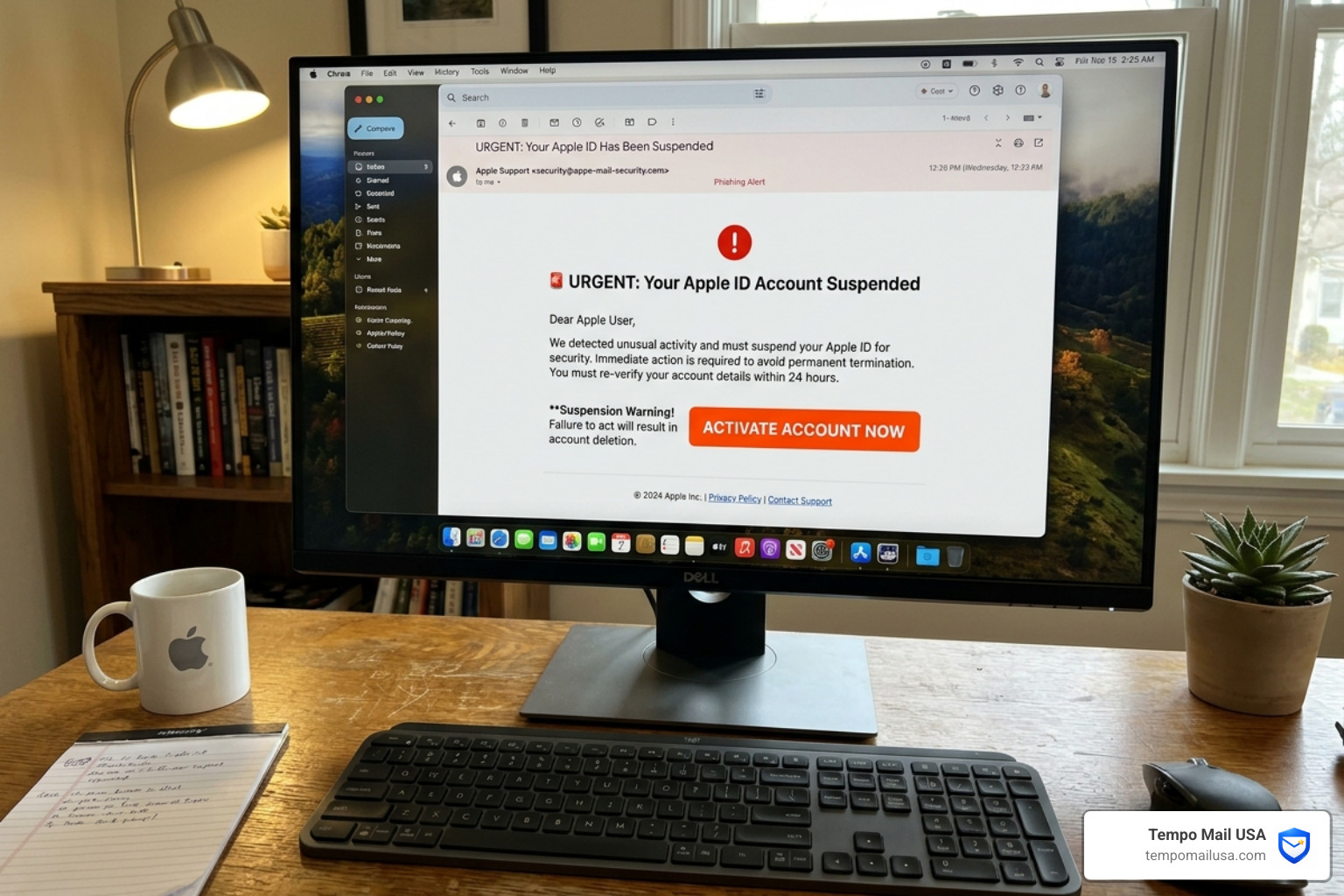

Understanding the Threat: What is an Apple ID Phishing Scam?
At its core, an Apple ID phishing scam is a form of social engineering. Instead of hacking into Apple’s incredibly secure servers, cybercriminals find it much easier to "hack" the human being behind the device. By using deception, impersonation, and manipulation, they trick you into handing over the keys to your digital kingdom: your Apple ID password and two-factor authentication (2FA) codes. To proactively block these malicious sites before they even load, many users rely on advanced threat protection tools like NordVPN.
With over 2 billion active Apple devices worldwide, the "attack surface" for these criminals is massive. Whether it is an email claiming your iCloud storage is full or a text message warning of an unauthorized purchase, the goal is always credential theft. According to official Apple Support guidance on recognizing social engineering, these attacks often mimic the branding, fonts, and "voice" of Apple to create a false sense of security.
The reality is that phishing and other suspicious emails are the primary delivery method for malware and identity theft. Once a scammer has your Apple ID, they can access your synced photos, private notes, device backups, and even your Apple Pay and credit card information.
Common Tactics Used in an Apple Scam Email: How to Identify and Protect Your Apple ID From Phishing Attacks
Scammers rely on a psychological toolkit to make you act before you think. The most common tactics include:
- Spoofing: Making the "From" name appear as "Apple Support" or "Apple Billing" even if the underlying email address is a random string of characters.
- Urgency: Using phrases like "Your account will be deleted in 24 hours" or "Unauthorized login detected—Action Required."
- Fear: Threatening the loss of your precious photos or the locking of your expensive hardware.
- Fake Invoices: Sending a receipt for a high-dollar item (like a $499 App Store gift card) that you didn't buy, hoping you'll click a "Cancel Transaction" link that leads to a phishing site.
To stay safe, it is vital to understand the broader landscape of how to protect yourself and avoid phishing.
The Rise of MFA Bombing and Support Call Impersonation
In 2026, we are seeing a shift toward "multi-channel" attacks. One of the most annoying and effective methods is MFA Bombing. This happens when a scammer triggers dozens of "Allow" or "Don't Allow" password reset prompts on your iPhone. They hope you will eventually tap "Allow" just to make the notifications stop.
This is often paired with a follow-up phone call. A scammer might call you using a "spoofed" number that shows up on your screen as "Apple Support." They may even use real Apple-generated emails to gain your trust, referencing actual case IDs and providing fake chat transcripts to make the interaction feel 100% legitimate.
Why Scammers Target Your Apple Account and the Risks of Exposure
Your Apple ID is a "Gold Mine" for identity thieves. Because Apple products are premium devices, the users behind them are often perceived as having higher credit limits and more valuable data.
The risks of exposure are catastrophic:
- Identity Theft: Your full name, birth date, and address are often stored in your Apple account.
- Financial Fraud: Access to Apple Pay and stored credit cards allows for immediate fraudulent purchases.
- Ransomware: Scammers can use "Find My" to remotely lock your Mac or iPhone and demand a ransom to unlock it.
With 184 million passwords leaked in recent global breaches, many users are already at risk because they reuse the same password for their Apple ID as they do for other less-secure sites. This is why we always recommend staying safe by combatting phishing effectively across all your financial and tech accounts.
Potential Consequences of a Compromised Apple ID
If a bad actor gains access, the damage happens fast. They can download your entire iCloud Photo Library, read your private iMessages, and even wipe your devices. Furthermore, they can use your account to send phishing messages to your contacts, using your trusted identity to scam your friends and family. This highlights why preventing data leaks instantly is the most important step in modern digital hygiene.
Apple Scam Email: How to Identify and Protect Your Apple ID From Phishing Attacks in 5 Steps
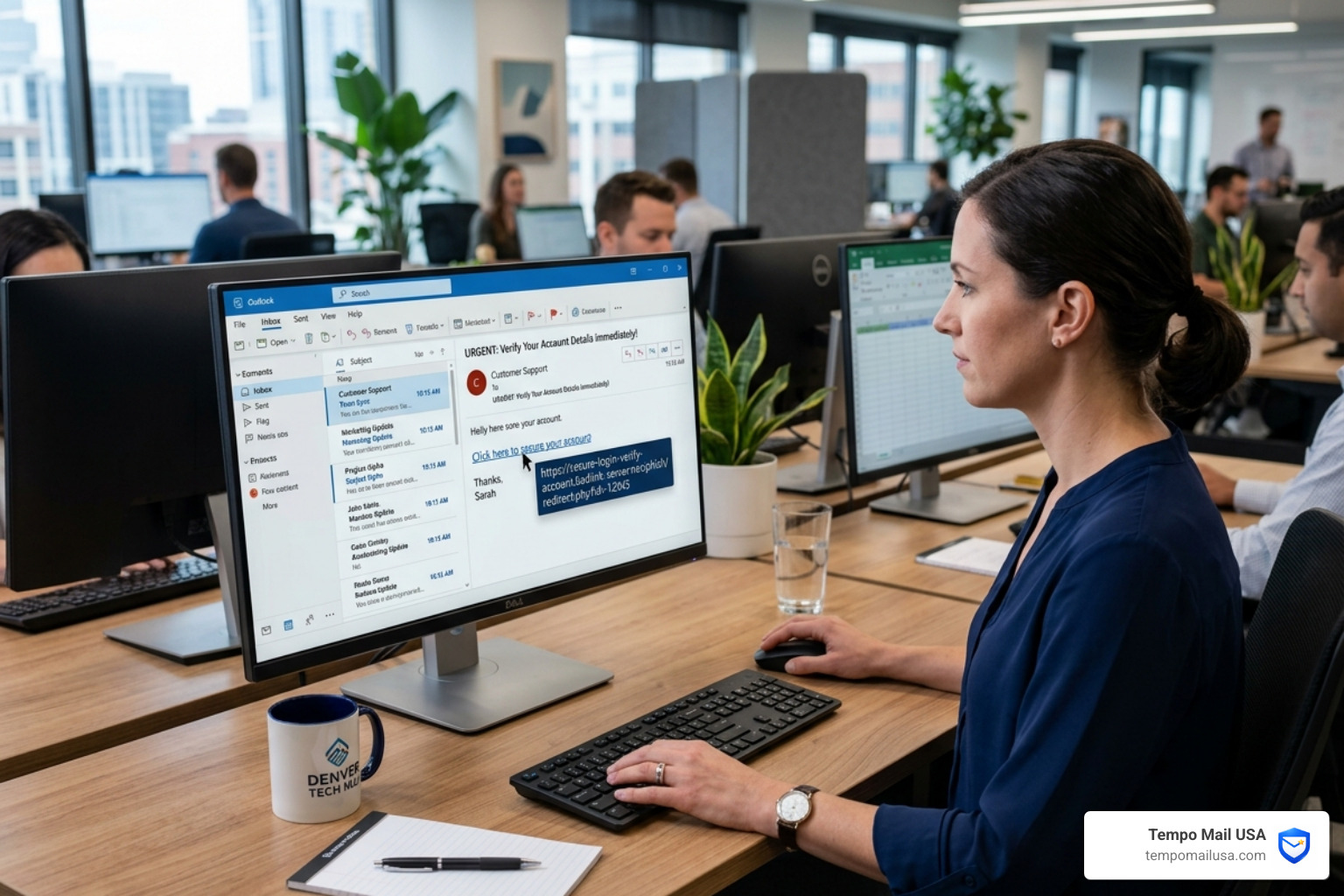
Identifying a fake is easier than you think if you know where to look. Apple provides specific tips to identify legitimate emails from the App Store or iTunes Store, and we have distilled them into these five actionable steps.
Step 1: Verify the Sender Address
On a desktop, hover your mouse over the sender's name. On a mobile device, tap the sender's name to reveal the actual email address behind the display name.
- Legitimate:
no_reply@email.apple.comorappleid@id.apple.com. - Scam:
support@apple-verify-secure.comor a random Gmail/Outlook address. Look for the BIMI checkmark (Brand Indicators for Message Identification) in your inbox, which many providers now use to verify official brands. For a deeper dive, check out how to identify Apple phishing emails.
Step 2: Look for Personalized Information
Apple knows who you are. Legitimate purchase receipts from Apple will almost always include your current billing address, which scammers are unlikely to have. Scammers often use generic greetings like "Dear Customer," "Dear User," or simply your email address (e.g., "Dear jsmith@gmail.com"). If the email doesn't use your real name, be extremely cautious. Many Apple phishing guides highlight this as the #1 easiest red flag to spot.
Step 3: Inspect Links and Attachments Without Clicking
Never click a link to "verify" your account. Instead, hover your cursor over the link to see the destination URL in the bottom corner of your browser. If the link doesn't lead to a domain ending in .apple.com, it's a trap. Be wary of attachments like PDFs or .zip files claiming to be "invoices." These often contain malware designed to log your keystrokes. This is similar to the tactics we discuss in our guide on verifying Microsoft security alerts.
Step 4: Analyze the Language and Tone
Apple spends millions on marketing and communications; they do not send emails with glaring typos, poor grammar, or awkward phrasing. If an email sounds frantic or makes threats about your account being "permanently suspended" if you don't act in the next hour, it’s a scam. This "fear-ware" approach is a staple of McAfee scam alerts and fake popups as well.
Step 5: Cross-Reference with Official Apple Channels
If you get an email saying you bought an app for $99, don't click the link in the email. Instead:
- Open the App Store app on your iPhone.
- Tap your Profile Picture.
- Tap Purchase History. If the transaction isn't there, the email is 100% fake. You can also check your account status directly at account.apple.com.
Immediate Actions: What to Do if You Receive a Suspicious Message
If you’ve spotted a apple scam email how to identify and protect your apple id from phishing attacks, don't just delete it—report it.
- Forward it to Apple: Send the email to
reportphishing@apple.com. On a Mac, it is best to "Forward as Attachment" so Apple can see the technical headers. - Report to the authorities: In the U.S., use the FTC fraud reporting site.
- Mark as Junk: This helps your email provider's AI learn to block similar scams for everyone else.
For a more detailed breakdown, follow our 5 easy steps to report phishing.
Recovery Steps for a Compromised Apple ID
If you think you entered your password into a fake site:
- Change your password immediately via the "Settings" app on a trusted device or at iforgot.apple.com.
- Check your "Trusted Devices": Go to Settings > [Your Name] and look for any devices you don't recognize. Remove them instantly.
- Update your 2FA: Ensure your trusted phone number is correct. For a complete recovery checklist, see our guide on reporting phishing to the FTC and FBI.
Choosing Your Defense: Comparison of Security Tools
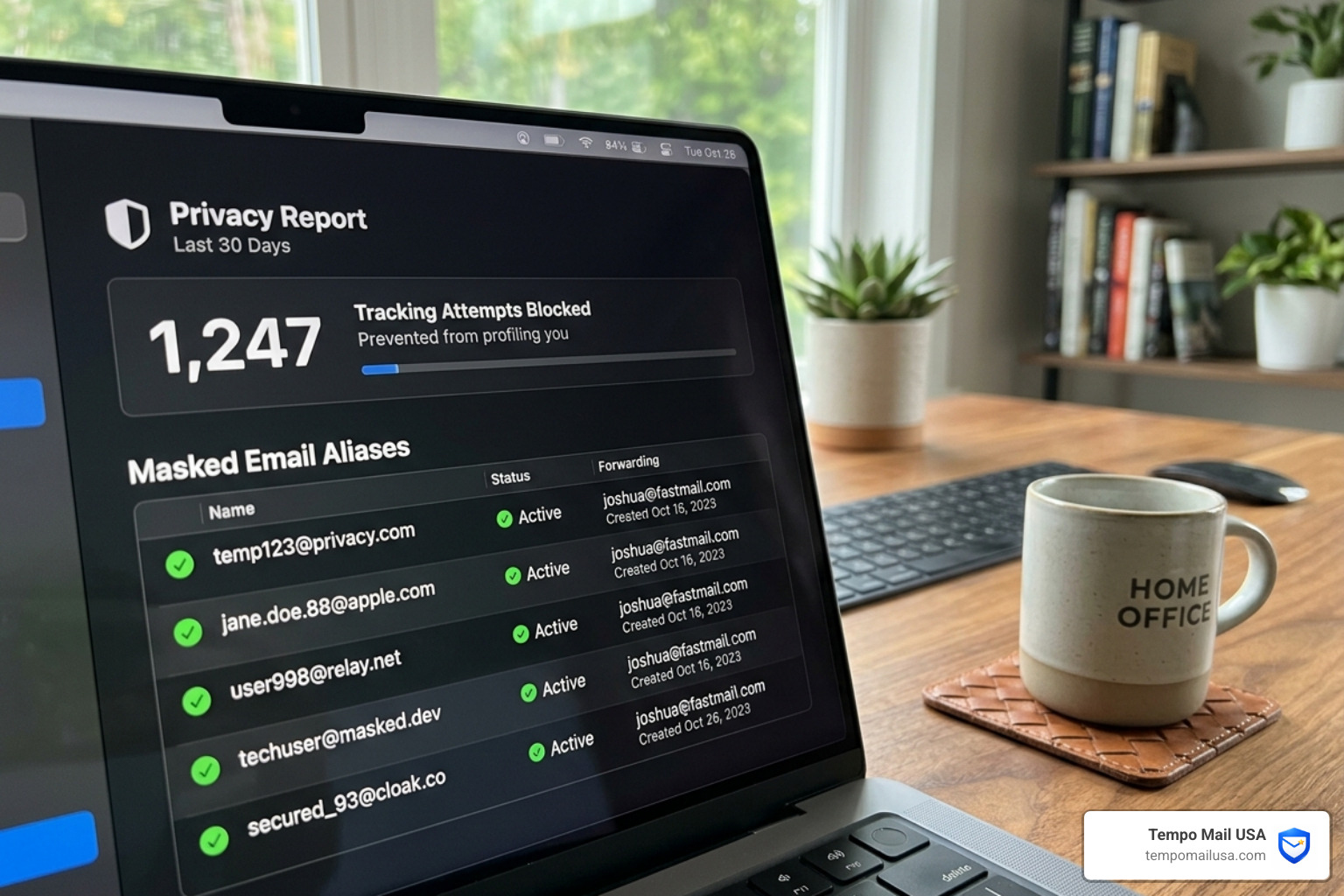
In 2026, being "careful" isn't enough. You need a multi-layered defense system. We recommend a "PII Firewall" approach to your digital life.
| Feature | Built-in Apple Security | Third-Party Privacy Tools (e.g., VPN/Tempo Mail) |
|---|---|---|
| Email Privacy | Hide My Email (iCloud+ only) | Tempo Mail USA (Instant aliases for any service) |
| Connection Security | Private Relay (Basic) | NordVPN (Full 256-bit encryption + Threat Protection) |
| Password Management | iCloud Keychain | Dedicated Password Managers |
| Phishing Block | Safari Warnings | Real-time DNS Filtering & Threat Protection |
Advanced Tools to Stop an Apple Scam Email: How to Identify and Protect Your Apple ID From Phishing Attacks
To truly shield your Apple ID, you should minimize how often you use your "real" Apple ID email address online.
1. Use Tempo Mail USA as a PII Firewall: The best way to prevent phishing is to keep your real email address off the "dark web" lists that scammers use. Tempo Mail USA provides temporary email aliases that act as a proxy for your identity. By using a temporary email when signing up for newsletters or one-time services, you ensure that if those services are ever breached, the scammers only get a "dead-end" alias, not the email linked to your Apple ID.
2. Deploy NordVPN Threat Protection: We highly recommend using NordVPN Threat Protection. It works in the background to block malicious websites and phishing links before they even load in your browser. It’s like having a security guard for your internet connection.
Frequently Asked Questions about Apple Phishing
How can I tell if an Apple email about a purchase is real?
Check for your billing address. A real Apple receipt will always include your current billing address and will never ask for sensitive data like a CVV or SSN via email. Always verify transactions via your official "Purchase History" in the App Store settings on your device.
Does Apple ever ask for my password or 2FA code via email?
No. Apple will never ask for your Apple ID password, verification codes, or device passcode through an email, text message, or unsolicited phone call. If anyone asks for this information claiming to be "Apple Support," they are a scammer. Hang up or delete the message immediately.
What should I do if I clicked a link in a suspicious Apple email?
Change your password immediately. If you entered your Apple ID credentials, go to appleid.apple.com immediately and reset your password. If you provided financial information, contact your bank to freeze your cards and monitor for unauthorized charges.
Conclusion
The apple scam email how to identify and protect your apple id from phishing attacks is a threat that isn't going away, but it is one you can defeat with a little bit of knowledge and the right tools. By staying vigilant, verifying every "urgent" request, and using proactive privacy tools like NordVPN and Tempo Mail USA, you can keep your digital life secure.
Remember: Apple will never rush you into a panic. If an email feels "off," it probably is. Trust your gut, check your official settings, and never share your codes. Stay safe out there!