

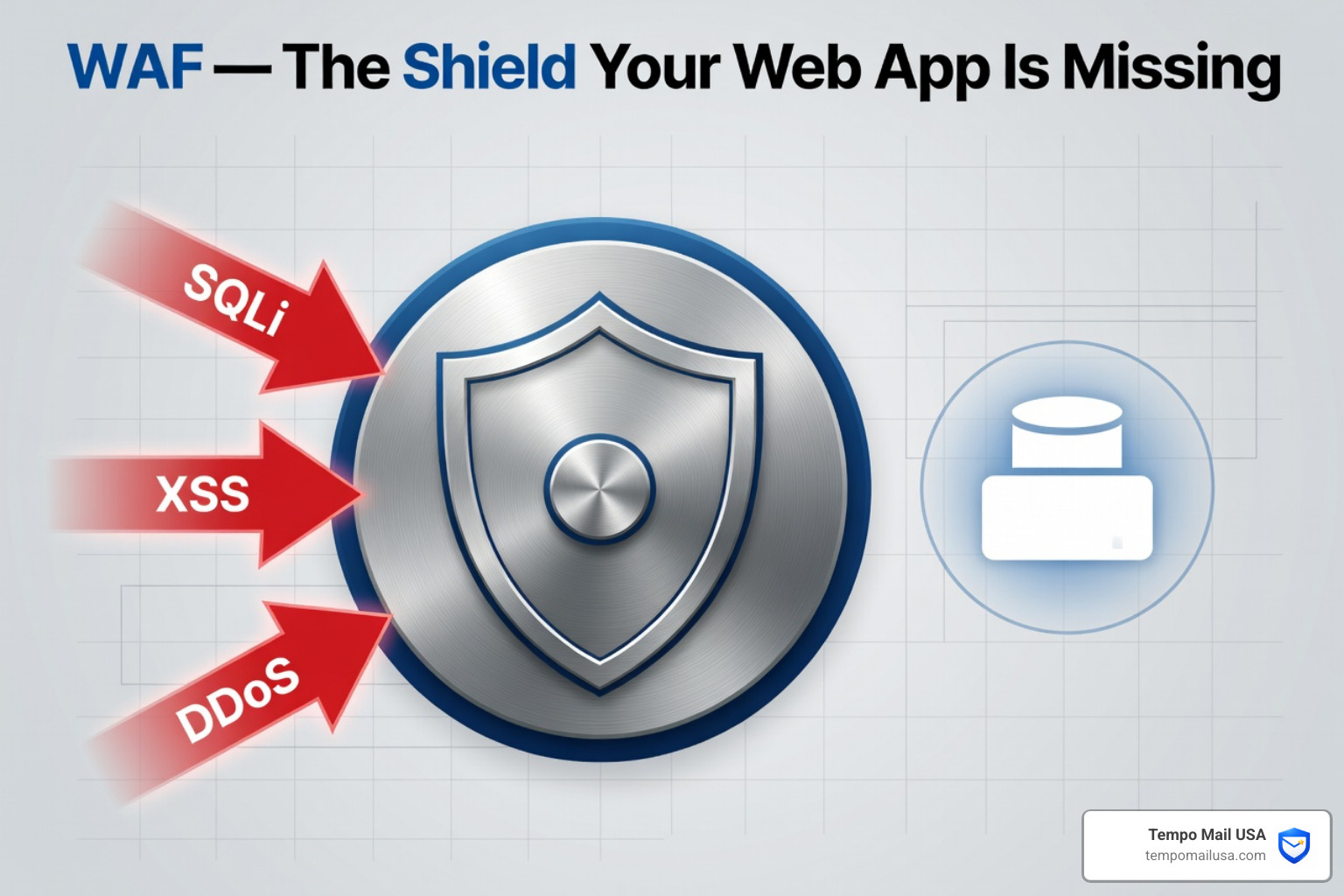

Why WAF Cyber Security Is Essential for Every Web Application
WAF cyber security is the practice of protecting web applications from malicious HTTP traffic using a Web Application Firewall — a specialized security layer that sits between users and your web server.
Here's a quick summary of what you need to know:
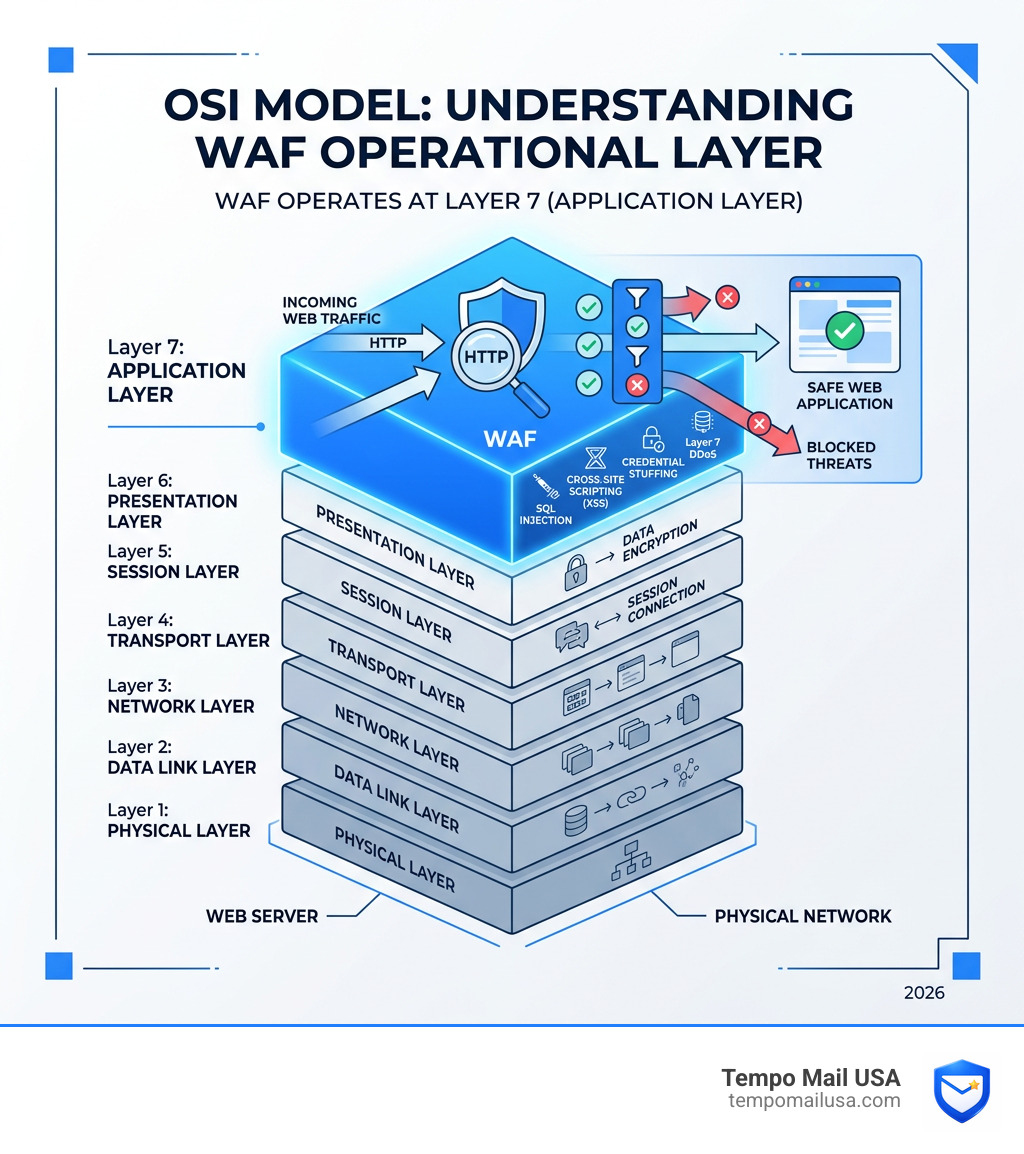
- What it is: A WAF monitors, filters, and blocks web traffic at Layer 7 (the Application Layer) of the OSI model
- What it stops: SQL injection, cross-site scripting (XSS), credential stuffing, brute force attacks, and Layer 7 DDoS
- How it works: It inspects every HTTP request — headers, query strings, and body — against a set of security rules
- Who needs it: Any business or individual running a website, web app, or API that handles user data
- Deployment options: Network-based, host-based, or cloud-based (cloud is easiest for most)
Web applications are everywhere. Online banking, healthcare portals, social media, e-commerce — they all run on web apps. And attackers know it.
According to Fortinet's 2025 web application security report, 30% of organizations experienced attempts to steal credentials through web application attacks. That's nearly one in three.
Traditional firewalls weren't built for this. They protect lower network layers but can't read the content of an HTTP request. A WAF can.
Think of a WAF like a security guard who reads every message coming into a building — not just checking ID at the door, but inspecting what's inside the envelope too.
For privacy-conscious users, this matters personally too. Every time you sign up for a service online, your personal data passes through that app's infrastructure. If the app has no WAF, your email address, password, and other details are far more exposed to theft and misuse.
What is WAF Cyber Security and How Does It Work?
At its core, WAF cyber security functions as a high-tech filter. While a standard network firewall acts like a bouncer checking IDs at the entrance of a club, a WAF is more like a specialized security team inside the VIP lounge, monitoring the actual conversations and behaviors of the guests to ensure no one is up to no good.
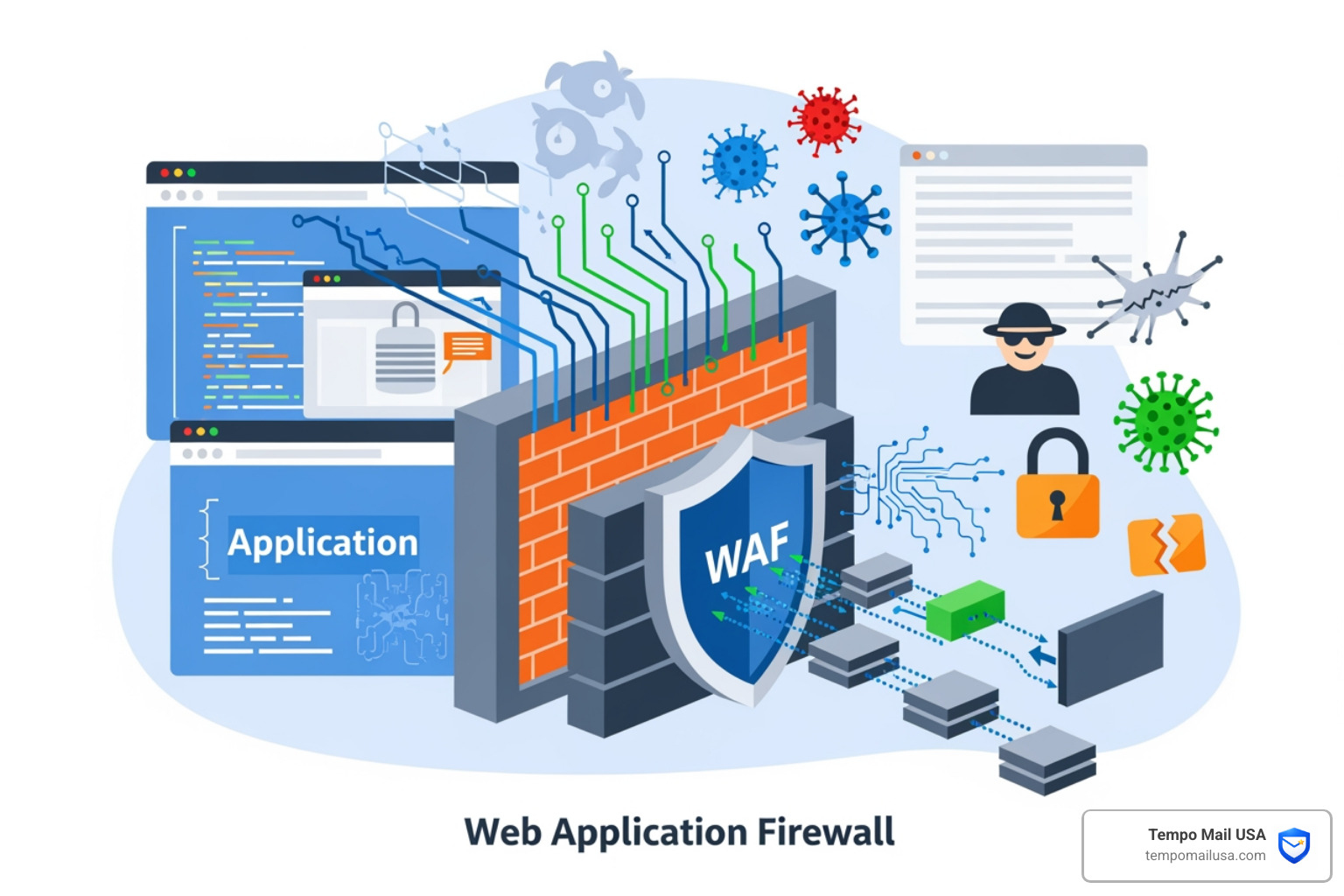
Technically, a WAF operates as a reverse proxy. This means it sits in front of your web servers and intercepts all incoming HTTP/HTTPS traffic before it ever reaches your application. It acts as a shield, protecting the server from direct exposure to the wild west of the open internet.
The Mechanism of Protection
When a user (or a bot) sends a request to your website, the WAF doesn't just let it through. It performs a deep-dive inspection of several components:
- HTTP Methods: It analyzes whether the request is a GET (asking for data), POST (sending data), PUT, or DELETE.
- Headers and Cookies: It checks for hidden malicious code tucked away in the metadata of the request.
- Query Strings and Request Body: This is where most web application security risks hide, such as malicious SQL commands or scripts designed to hijack a user's session.
By using pattern matching, the WAF compares the incoming data against a database of known attack signatures. If the traffic looks like a known exploit, the WAF blocks it instantly. If it looks safe, it passes it along to the web server.
The Role of WAF Cyber Security in Modern Defense
In today's landscape, a WAF is no longer a luxury; it’s a necessity. Modern web applications are complex, often relying on dozens of APIs and third-party integrations. This complexity creates "blind spots" that attackers love to exploit.
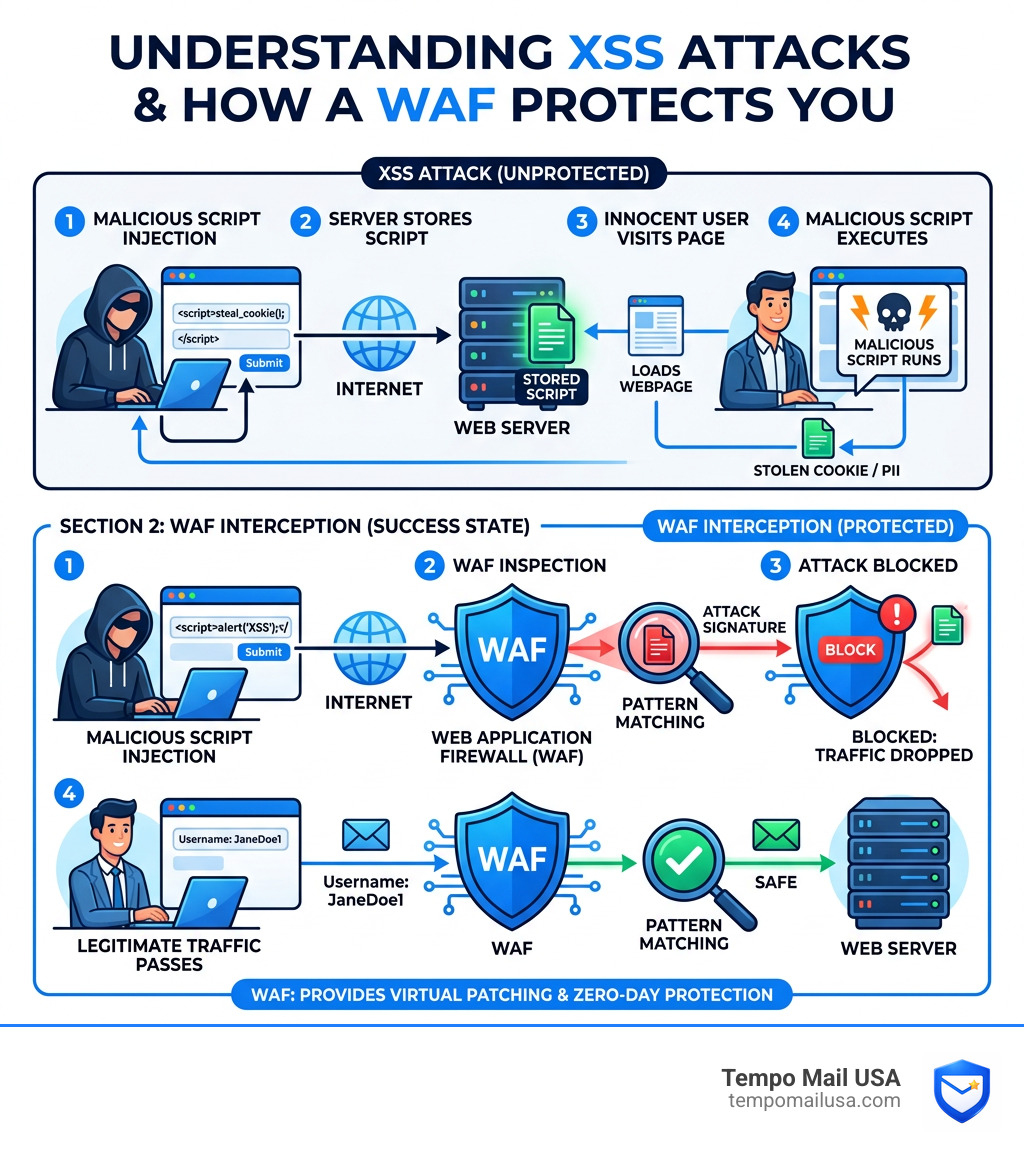
One of the most critical roles of WAF cyber security is providing zero-day protection. When a new vulnerability is discovered in a popular software (like a CMS or a plugin), it can take weeks for a developer to release a patch. A WAF allows security teams to implement "virtual patching"—creating a rule that blocks the exploit immediately without needing to change the application's underlying code.
Furthermore, modern WAFs are essential for bot management. Not all bots are bad (like Google's search crawler), but many are designed for malicious tasks like credential stuffing—where they try millions of leaked username/password combinations to break into accounts. A WAF can distinguish between a human user and a malicious script, stopping the bot in its tracks. This is a digital version of physical security; just as you'd understand tailgating security risks and how to prevent unauthorized people from following employees into a building, a WAF prevents unauthorized digital "tailgaters" from slipping into your database.
Positive vs. Negative Security Models
WAFs generally operate using two different logic models, and often a mix of both:
- Blocklist (Negative Security Model): This is the "Club Bouncer" approach. The WAF has a list of "known bad" signatures (like a dress code or a banned list). If the traffic matches something on the list, it's blocked. It's great for stopping common, well-known attacks but might miss brand-new, creative exploits.
- Allowlist (Positive Security Model): This is the "Exclusive Guest List" approach. The WAF only allows traffic that it knows is safe. For example, if your login page only expects numbers and letters, any request containing a semicolon or a bracket is automatically rejected. This is much more secure but requires more effort to maintain as your app changes.
Most modern solutions use hybrid models, combining signature-based detection with behavioral analysis to reduce false positives (blocking legitimate users by mistake) while maintaining a high level of security.
Common Attacks Prevented by Web Application Firewalls
To understand why WAF cyber security is so effective, we have to look at the specific "monsters" it keeps under the bed. The OWASP Top 10 provides a roadmap of the most dangerous vulnerabilities, and a WAF is the primary defense against many of them.
SQL Injection (SQLi)
This is the "classic" web attack. An attacker types malicious SQL code into a form field (like a search bar or login box). If the app isn't protected, that code goes straight to the database, potentially allowing the attacker to view, change, or delete sensitive data. A WAF prevents this by recognizing the specific patterns of SQL commands in places they shouldn't be.
Cross-Site Scripting (XSS)
In an XSS attack, the "victim" isn't the server, but the user. The attacker injects a malicious script into a webpage. When an innocent user visits that page, the script runs in their browser, potentially stealing their login cookies or PII.
Layer 7 DDoS Attacks
While traditional DDoS attacks try to "clog the pipes" with raw traffic volume, Layer 7 DDoS attacks are more surgical. They mimic real user behavior—like hitting a "Search" button thousands of times a second—to overwhelm the server's processing power. Because a WAF understands HTTP traffic, it can spot these repetitive, non-human patterns and apply rate limiting to stop the assault without affecting real customers.
Mitigating Vulnerabilities with WAF Cyber Security
Beyond these "big name" attacks, a WAF provides a safety net for several other risks:
- CSRF (Cross-Site Request Forgery): Tricking a logged-in user into performing an action they didn't intend (like changing their password).
- File Inclusion: Preventing attackers from "tricking" the server into running malicious files hosted elsewhere.
- Brute Force Mitigation: Stopping attackers from guessing passwords by limiting login attempts from a single IP address.
Just as businesses must learn how to prevent tailgating attacks in cybersecurity to protect their physical premises, using a WAF is the essential step for protecting digital "entry points."
Comparing WAF Deployment Models and Other Security Tools
Not all WAFs are built or deployed the same way. Depending on your organization's size, budget, and technical expertise, you'll likely choose one of three main models:
| Feature | Network-Based (Hardware) | Host-Based (Software) | Cloud-Based (SaaS) |
|---|---|---|---|
| Location | Local data center | On the web server itself | Distributed global cloud |
| Cost | High (CapEx) | Moderate | Low/Subscription (OpEx) |
| Latency | Lowest | Moderate | Low (if using a CDN) |
| Maintenance | High (Internal team) | High | Low (Provider managed) |
| Scalability | Limited by hardware | Limited by server resources | Near-infinite |
Network-Based WAF
These are physical hardware appliances installed locally. They are incredibly fast and offer the lowest latency, making them a favorite for massive enterprises or government bodies with sensitive on-premises workloads. However, they are expensive to buy and require a dedicated team to maintain.
Host-Based WAF
This is software integrated directly into the application's server. It’s highly customizable and can be cheaper than hardware, but it consumes the server's CPU and RAM, which could slow down your application if traffic spikes.
Cloud-Based WAF
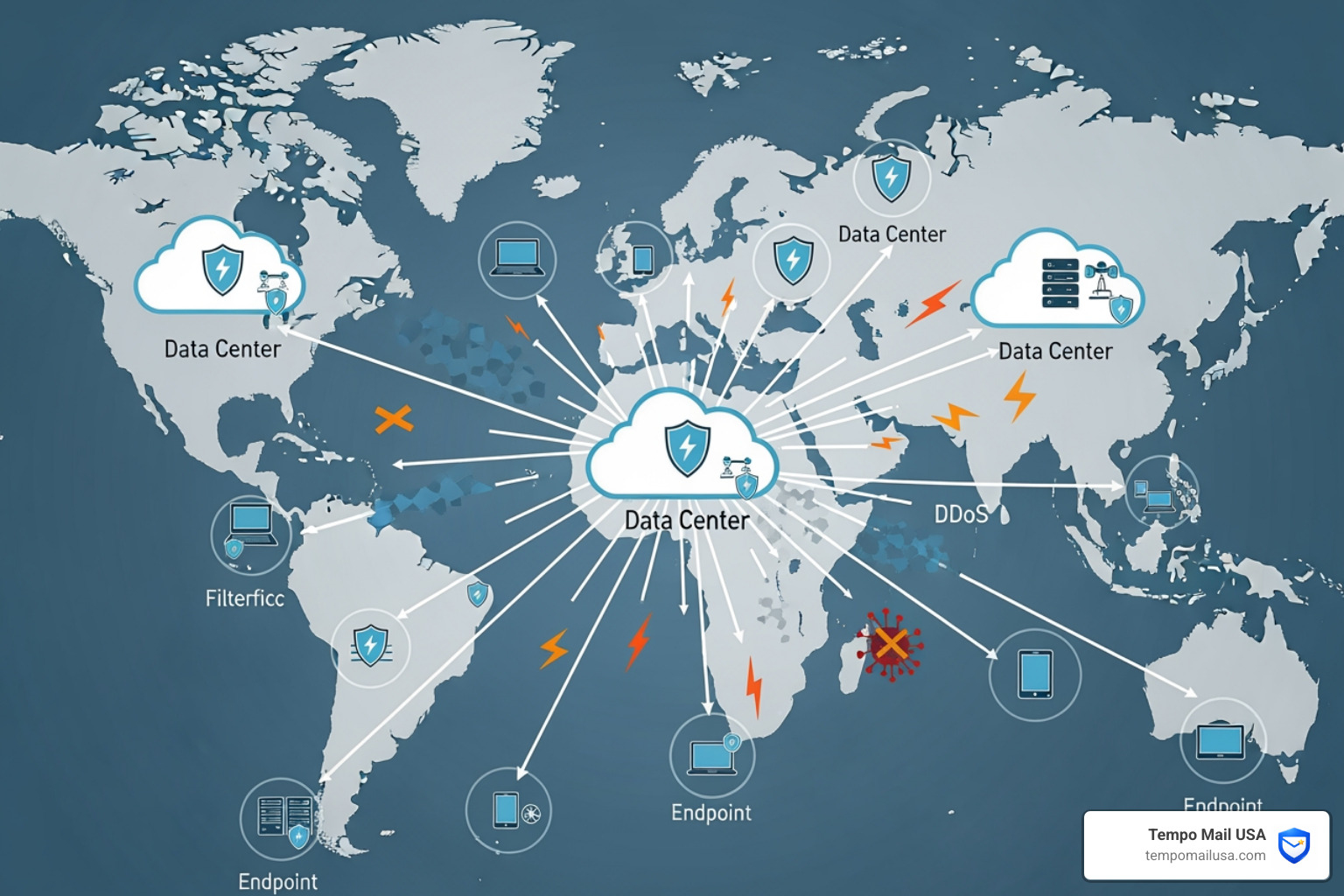
For most modern businesses, cloud-based WAF cyber security is the winner. These are managed services (SaaS) that are incredibly easy to deploy—often just a simple DNS change. They offer a "turnkey" solution where the provider handles all the updates and threat intelligence. Since they run on global networks, they also offer built-in DDoS protection and scalability.
WAF vs. NGFW and IPS: What's the Difference?
It's easy to get confused by the alphabet soup of security tools. Here is the breakdown:
- Traditional Firewall: Filters traffic based on IP addresses and ports (Layer 3 & 4). It doesn't know what is being said, only who is talking.
- IPS (Intrusion Prevention System): Monitors traffic across many protocols (DNS, SMTP, etc.) for known exploits. It's broad but often lacks the deep "understanding" of web-specific HTTP traffic that a WAF has.
- NGFW (Next-Generation Firewall): A "super-firewall" that includes IPS and some application awareness. However, it often lacks the granular control needed for complex web app protection.
- WAF: Specifically designed for Layer 7. It understands the nuances of HTTP, cookies, and web sessions.
Think of it this way: An IPS is like a general security patrol for the whole neighborhood. A WAF is the specialized security system for your specific house. For total protection, you often need both, along with beyond the basics: essential online privacy software to protect your personal identity.
Best Practices for Implementing a WAF
Simply "turning on" a WAF isn't enough. To get the most out of your WAF cyber security investment, you need a strategy.
- Rule Optimization: Don't just use the default settings. Every web application is different. A rule that is perfect for a WordPress blog might break a custom-built banking app. Regularly review your logs to identify and fix false positives.
- Continuous Monitoring: Threats evolve. Attackers are constantly finding new ways to bypass filters. Use a WAF that integrates machine learning and real-time threat intelligence feeds to stay ahead of "zero-day" exploits.
- Logging and Reporting: If an attack happens, you need to know exactly what occurred. Ensure your WAF is integrated with your SOC (Security Operations Center) or a central log management system.
- Compliance is Key: For many, a WAF isn't just a good idea; it’s a requirement. For example, PCI DSS (the standard for handling credit cards) specifically mandates the use of a WAF or regular application code reviews. Using cybersecurity compliance software: best tools alongside your WAF can help automate the proof of security needed for audits.
- SSL/TLS Inspection: Most web traffic today is encrypted. If your WAF can't "unzip" that encryption to look inside, it’s blind. Ensure your WAF is properly configured to terminate and inspect HTTPS traffic.
Frequently Asked Questions about WAF
Does a WAF replace a traditional network firewall?
No. They protect different things. A network firewall protects the "perimeter" of your network from unauthorized access to ports and services. A WAF protects the "content" of your web application. You need both for a layered defense strategy.
How does a WAF contribute to PCI DSS compliance?
Requirement 6.6 of the PCI DSS states that organizations must either perform manual/automated code reviews or install a web-facing firewall (WAF) to protect against common vulnerabilities. For most companies, a WAF is the more cost-effective and reliable way to meet this requirement.
What is the difference between a WAF and an IPS?
An IPS (Intrusion Prevention System) is a general-purpose tool that looks for signatures of attacks across a wide range of network traffic. A WAF is a specialized tool that focuses exclusively on web traffic (HTTP/S). Because a WAF "understands" web applications, it can stop much more sophisticated, application-specific attacks that an IPS would miss.
Conclusion: Building a Multi-Layered Defense
In the digital world, there is no such thing as a "silver bullet." WAF cyber security is an incredibly powerful tool, but it works best when it's part of a larger, proactive security posture.
At Tempo Mail USA, we understand the importance of layered security. Just as a WAF acts as a "PII firewall" for your web applications—filtering out malicious requests before they reach your server—our service acts as a PII firewall for your personal identity.
By providing secure email aliases, we proxy your identity and shield your real personal information from the services you sign up for. Even if a web application's defenses are breached, having used a temporary alias ensures your primary email and identity remain protected and out of the hands of bad actors.
Whether you are a developer looking to protect your latest app or an individual looking to safeguard your online presence, security is about making it as difficult and expensive as possible for an attacker to succeed. Implementing a WAF is a giant leap in that direction.
Protect your data, protect your users, and protect your peace of mind.