
United Airlines Outage: The Flights Are Moving Again — Now Watch Your Inbox for the Fake Rebooking Emails
United Airlines Outage: The Flights Are Moving Again — Now Watch Your Inbox for the Fake Rebooking Emails
United Airlines fixed its outage on Monday evening. The planes are moving, the departure boards look normal again, and the news cycle has already moved on. That is exactly when the second half of this story starts — because the people who got stuck on Monday are about to get emails about it, and not all of those emails will be from United.
I have watched this pattern play out after every major outage this year: the system breaks, the airline fixes it, and then the scammers move in while everyone is still anxious, still checking their phones, and still expecting a message from the airline. An outage is the one moment when a fake email from an airline does not feel fake at all. You are waiting for it. That is what makes this week dangerous, and it is also what makes it easy to defend against — once you know what the real messages look like and what the fake ones always get wrong.
What actually happened on Monday
Short version: United's own technology broke, its departures stopped for about 90 minutes, and then it was fixed. The longer version matters, because the details are what the fake emails will twist.
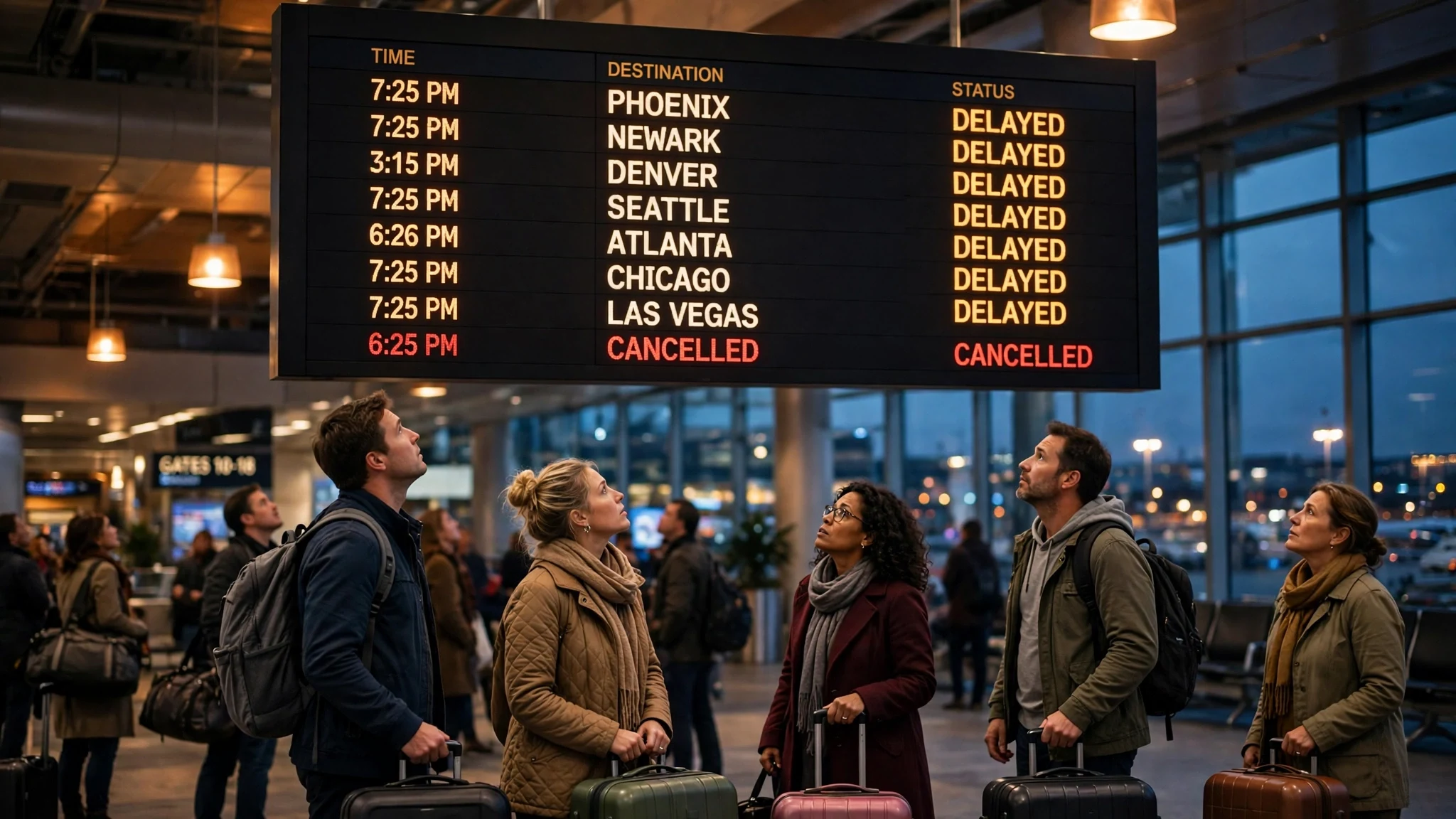
On Monday afternoon, United's departure systems stopped working properly. Pilots began reporting problems to air traffic controllers, and United confirmed it was troubleshooting a technology issue affecting departing flights. The disruption lasted roughly an hour and a half before United said it had resolved the problem, around 6 p.m. ET. FlightAware counted 645 delayed United flights by Monday evening — about a fifth of the airline's schedule — and 25 cancellations. Earlier in the afternoon the count stood at 418 delays and 21 cancellations, which tells you how fast the backlog grew while departures were frozen.
United's statement was short and specific, and it is worth reading in full because every word of it will show up, distorted, in a scam email this week: "We have resolved a technology issue that delayed flight departures. While some flights were delayed, there was no impact on flights in progress, or on United Express flights. There is no indication that this was a cybersecurity-related issue."
Two details in that statement deserve attention. First, flights already in the air were never affected, and neither were United Express regional flights. If you were on a plane on Monday, your flight was fine; the problem was getting new ones off the ground. Second, United said there was no indication of a cybersecurity link — and US Transportation Secretary Sean Duffy said the same thing on Fox News that evening: "This is not an FAA system-wide problem."
What actually broke? United did not name the system. But pilots told air traffic controllers the problem involved a system that helps determine a plane's final weight — the weight-and-balance calculation every departure needs before it can legally push back. An internal memo from United's pilots union, seen by Reuters, described a companywide web-based outage affecting multiple applications pilots use, including crew communications. A weight calculation sounds like a small thing until you realise nothing leaves the gate without it. That is how a single internal system can freeze an entire airline's departures while its planes sit fuelled, crewed, and ready.
This was not the FAA ground stop — stop mixing the two up
The reason Monday felt bigger than it was is that it came three days after a genuinely historic failure. On Friday, a malfunction in the Federal Aviation Administration's network forced a nationwide ground stop of departing flights — the longest since the September 11, 2001 attacks, according to the reporting at the time. A newly installed router had malfunctioned and overwhelmed parts of the ageing air traffic control system.
Monday's United outage was a different event, in a different system, owned by a different organisation. United's problem was United's. The FAA's problem was the FAA's. Duffy said so explicitly, and United said so explicitly. But your feed did not make that distinction, and that is the first opening the scammers get: when two big aviation failures land in the same week, people stop checking which one an email is about. They see "United" and "outage" and "refund" and they click.
Here is the clean version to keep in your head. Friday: FAA network failure, nationwide ground stop, every airline affected. Monday: United's internal departure system failed for about 90 minutes, United only, fixed the same evening. By Tuesday, United's operation was running close to normal. If an email this week blames the FAA for your United refund, or claims United was hacked, it is already lying to you — and that lie is the tell.
The second outage is already in your inbox
Here is the part the news coverage skips, because it happens after the cameras leave. Every airline outage produces a second wave, and it arrives by email.
The mechanics are simple and, from the scammer's side, almost elegant. An outage creates hundreds of thousands of people who are (a) expecting an email from their airline, (b) stressed and in a hurry, and (c) owed something — a rebooking, a refund, a voucher, an apology. That is a perfect audience for phishing. The scammer does not need to convince you that United had an outage. You already know it did. They only need to convince you that this particular email is the one sorting it out.
The same thing happened after the bank outage that dominated searches this week — Chase blamed a software bug, and within hours the fake "verify your account" emails were circulating. I wrote about that pattern in detail when it happened, and the playbook is identical here: a real event, a real sense of urgency, and a fake message that arrives while your guard is down. The only thing that changes is the logo.
What makes airline outages especially good hunting ground is the refund. People who were delayed or cancelled are genuinely owed money or vouchers in many cases, and most of them do not know exactly how much or how it arrives. That uncertainty is the product. A scammer who emails you saying "your $347 refund is ready, confirm your bank details" does not need you to believe the number. They need you to believe the process. And because real refunds really do involve forms and links, the fake process looks plausible right up until the moment it asks for something real airlines never ask for by email.
The five fake United emails to expect this week
These are not five emails I have personally received and screenshotted — I am not going to invent that. They are the five shapes this scam takes after every airline outage, built from the patterns security researchers document every time, matched against what United actually does. If one of them lands in your inbox, you will recognise it.
1. The rebooking fee. "Your flight UA-____ was cancelled. Pay a $49 rebooking fee to confirm your new seat." United does not charge a rebooking fee by email link. Rebooking after an airline-caused cancellation is handled in the app, at the gate, or on the phone — and the airline does not send you a payment link for it. Any email that turns your disruption into a payment is fake.
2. The refund form that wants your bank login. "Your refund of $347.00 is approved. Confirm your bank account to receive it." Real refunds go back to the original payment method. United will not ask you to type your bank credentials, your card's full number, or a one-time code into a form linked from an email. A form asking for banking details is not a refund process; it is a theft process.
3. The voucher with a countdown. "Claim your $200 travel voucher — expires in 2 hours." The countdown is the whole trick. It exists to stop you thinking. Real vouchers from United arrive through your MileagePlus account or the app, they do not expire in two hours, and they are never distributed through a link that demands you "verify" first. Urgency plus a link is the oldest combination in phishing, and it works because it is aimed at the part of your brain that is still standing in an airport.
4. The MileagePlus "verification". "Unusual activity on your MileagePlus account — verify now or lose your miles." Your miles are a target in their own right: they are a currency, and stolen accounts get drained quietly. United will not threaten to delete your miles by email, and it will not ask you to log in through an emailed link. If you are worried about your account, open the app yourself and look. That is the entire check.
5. The fake customer-service number. "Call 1-800-___-____ immediately to rebook." Search results and social media replies are full of these after an outage — numbers that route to a call centre that will "helpfully" take your card details to rebook you. United's real number is on your booking confirmation and in the app. If a number reaches you through an email, a search ad, or a stranger's reply to your complaint post, do not dial it.
The 60-second check before you click anything
You do not need security software or a course in phishing to survive this week. You need one habit, applied to every airline email until the news cycle moves on: stop, look at the sender, and never follow the email's own path to the airline.
First, look at the sender address properly — not the display name, the actual address. Real United mail comes from united.com. Not united-airlines-support.com, not united-refunds.net, not united.com.security-check.org. Scammers register domains that look right at a glance, and glance is all they need. Expand the sender field and read the domain character by character.
Second, hover over any link before you click it. On a phone, long-press it. If the link text says united.com but the real destination is anything else, delete the email. That mismatch is the single most reliable tell in phishing, and it takes three seconds.
Third, and most important: never reach United through an email. If an email says your flight changed, your refund is ready, or your account needs attention, close the email and open the United app, or type united.com into your browser yourself. Check your booking there. If the email was real, the same information will be waiting for you in your account. If it was fake, nothing will be there — and you will have lost nothing but a minute. This is the same rule I use for bank messages, and it is the same rule I wrote about when the fake Apple ID security texts were circulating: the real company is always reachable through the front door, and the front door is never an emailed link.
Fourth, check the thing the email claims before you act on it. United's own flight status page and app will tell you whether your flight was actually delayed or cancelled. If the email describes a flight that flew on time, it is not about you at all — it is a mass mailing that happened to find someone who flew United recently.
What to do if you already clicked
If you are reading this after clicking something you now regret, do not panic and do not freeze. The fix is a short list, and it works best if you do it now rather than after you have "thought about it."
Change your MileagePlus password, and change it from the app or the real site — not from any link in the email. If you entered a password anywhere else using the same one, change that too, starting with your email account itself, because your email is the key to everything else.
Check your MileagePlus account for bookings or redemptions you did not make, and check your bank and card statements for charges you do not recognise. If you entered card details, call your bank and tell them exactly what happened; they have heard this story before and they have a process for it.
If you entered personal information, go to United through the app and report it — the airline tracks these campaigns and the reports genuinely help — and forward the phishing email to phishing@united.com, which is the address United publishes for exactly this. Then delete the email from your inbox so you cannot click it again by accident tomorrow.
None of this is punishment. It is maintenance. The people who get hurt by these campaigns are rarely the ones who clicked — they are the ones who clicked and then did nothing for a week.
The inbox habit that makes the next outage boring
Here is the honest part, and it is the reason this post is on this site rather than a travel blog. The single best defence against outage phishing is not vigilance. Vigilance fails when you are tired, and you will be tired the next time your flight is cancelled. The best defence is making sure the scam mail never reaches the inbox you actually care about.
When you book travel, sign up for fare alerts, or fill in a refund form, the form asks for an email address. Most people type their real one, because it feels like the safe choice — it is the address they check. But that is exactly the address the airline's systems, its partners, its breach history, and every form you ever filled in will keep using. And it is the address the scammers already have, because airline passenger lists and booking data leak constantly.
The alternative is to give travel signups an address you can throw away. I tested this on our own site while writing: I opened tempomailusa.com at 15:05 UTC today and it handed me a working disposable inbox in seconds, no account, no card, no personal details. The site's own counter showed 482,712 inboxes created and 609,972 messages received at the time I checked. That is the whole workflow: generate an address, use it for the booking or the refund form, read the confirmation, and let the address die when the trip is over. The scam emails still get sent — they just go to an inbox that no longer exists, instead of the one holding your bank statements.
There are limits, and I will not hide them. Do not use a disposable address for the booking itself if the airline needs to reach you about a gate change, and do not use one for your MileagePlus account, your payment confirmations, or anything you need to recover later. A throwaway inbox is for the forms, the fare alerts, the newsletters, and the refund requests — the places where a real address buys you nothing and costs you a permanent spot on a marketing list. If you want to know which services actually work rather than just claim to, I tested nine of them properly — the ones that deliver, the ones that block, and the ones that were already full.
And if the outage was your bank's rather than your airline's, the same habit applies there too. The bank outage this week produced the same scam wave, the same fake verification emails, and the same rule: the real bank is reachable through its own app, never through an emailed link.
FAQ
Was the United Airlines outage a cyberattack? No — at least, nothing indicates one. United said there was "no indication that this was a cybersecurity-related issue," and Transportation Secretary Sean Duffy said it was not an FAA system-wide problem. The cause appears to have been an internal system failure, reportedly involving the weight-and-balance system pilots use before departure. That is an embarrassing IT failure, not a hack, and the distinction matters: a hack would mean your data was at risk, while an IT failure means your inbox is at risk — from scammers exploiting the confusion, not from United's systems. The same inbox-first pattern sits behind this week's malware surge, where every story led back to email.
Is my flight still affected? Almost certainly not. The outage lasted about 90 minutes on Monday evening and United said it was resolved the same night. By Tuesday, operations were running close to normal. If you are flying this week, check your flight status in the United app — that is the only source that knows about your specific flight. Do not trust an email that tells you otherwise.
Will United email me about a refund? Possibly, if you were delayed or cancelled and are owed one. But the refund goes back to your original payment method, and United will not ask you to confirm bank details, enter a one-time code, or pay a fee through an emailed link. If an email about a refund asks for any of those things, it is fake. Check your booking in the app instead.
How do I know a United email is real? Three checks: the sender domain is united.com; any link in the email actually goes to united.com when you hover or long-press it; and the same information appears in your booking when you open the United app yourself. If any one of those fails, treat the email as fake. If all three pass, it is almost certainly genuine.
Should I use a temp email for my United booking? Not for the booking itself — United needs a working address to reach you about your flight. Use a disposable address for the surrounding forms instead: fare alerts, refund requests, partner offers, and anything where a confirmation email is all you need. That keeps the marketing mail and the scam mail out of your real inbox while your booking stays reachable.
What should I do with a fake United email? Do not click anything in it. Forward it to phishing@united.com, then delete it. If you already clicked a link or entered details, change your MileagePlus password from the app, check your bank statements, and tell your bank if you entered card details.
The bottom line
Monday's outage was real, short, and fixed the same evening: 645 delayed flights, 25 cancellations, a weight-and-balance system that stopped working, and an airline that said plainly it was not a cyberattack and not the FAA's problem. That is the whole story of the outage itself.
The story that is still running is the one in your inbox. Every major outage is followed by a wave of fake rebooking fees, refund forms, voucher countdowns, and MileagePlus warnings, and the only reason they work is that the victims are expecting mail from the airline. You are expecting it right now.
So expect it — and then check it. Sender domain, hovered link, and the app you opened yourself. Sixty seconds, three checks, and the entire campaign falls apart. And the next time a form asks for your email before it will tell you anything, give it an address you can throw away. The outage will happen again. Your real inbox does not have to be there when it does.
Need a disposable temporary email?
Protect your real inbox from spam and promotional clutter instantly and free.
Received a suspicious email, text, or charge alert?
Verify whether the sender domain is disposable, spoofed, or unverified before clicking links.