

Temp Mail for Any.do Signup: Audition the Daily Planner on a Throwaway, But Never Let It Hold Your Shared Lists
Any.do is not a project tool that happens to hold tasks. It is a life-admin app: the dentist appointment, the milk, the electricity bill, the birthday you keep forgetting, and the work deadline all live in the same account, next to the same calendar. That is the whole pitch, and it is why the throwaway-email question lands differently here than it did for the work tools in this series. A work board holds other people's projects. Any.do holds your household's routines. The account you test with is, within a week, the account that knows what your family eats and when your mother expects a call.
So can you sign up for Any.do with a temporary email? Yes, for the audition — and the audition is worth doing, because Any.do's free plan is genuinely usable rather than a timed demo. But the app has three commitment layers that a throwaway account should never touch: shared lists, WhatsApp and location reminders, and calendar sync. Each one quietly connects the disposable account to something real — other people, your phone number, your actual calendar — and each one is the reason this post draws its line where it does.
What the free plan actually gives you
Start with the money, because it decides whether a throwaway is even necessary. Any.do's Personal plan is free forever, with no credit card, and it covers tasks and lists, reminders, the calendar, the daily planner, and sync across devices. That is the whole test, free, with no trial clock. The vendor's own pricing page says so plainly, and the comparison pages checked in November 2026 agree on the shape of it: a free tier you can live in, not a demo that expires.
Premium is $4.99 a month billed annually, or $7.99 month to month, and it adds recurring tasks, WhatsApp reminders, AI-powered features, color tags, and location reminders. Family is $8.33 a month for four members billed annually, or $9.99 monthly, and it adds a shared family space, a shared grocery list, and shared projects (up to four). Teams is $4.99 per member per month billed annually. Premium and Teams also offer free trial periods, per the vendor's pricing page.
Two things follow. First, there is no card to dodge and no trial expiry to beat, so the throwaway is not saving you money — it is saving your real inbox from another sender, and giving you a clean room to judge the app. Second, the free plan's ceilings are generous enough that a week of honest testing tells you nearly everything: whether the daily planner ritual fits your mornings, whether tasks-plus-calendar in one view beats the separate apps you use now, and whether you actually open the app a second time. A free plan this complete does not need a month-long audition. It needs a real week.
Signup asks for an email, then immediately asks for your life
Any.do's signup is the usual set of doors: an email address and password, or Google or Apple sign-in. The email route is the one this post is about, and a temporary inbox can receive whatever account mail Any.do sends at signup. So far, so ordinary — the same shape as the plainer task apps, and the same clean test: temp mail for Todoist signup.
What makes Any.do different is what happens in the first hour after signup. The app does not ask you to build a project. It asks you to hand over the rest of your life: sync your Google Calendar or Outlook calendar so tasks and events sit side by side, turn on reminders for the things you must not forget, and share a list with the people you live with. Every one of those steps is the product working as designed. Every one of them is also a connection from a disposable account to something you cannot afford to treat as disposable. The signup form is the least important part of this post. The permissions you grant after it are the post.
That is the framing to carry through the test: the email address is the smallest thing you give Any.do. The calendar, the phone number, and the household are the big ones, and the throwaway only protects the smallest.
The one-week test that tells you everything
A week is enough, and it should be a real week, not a toy week. Put your actual tasks in: the real dentist appointment, the real grocery run, the real bill dates. Then watch for three answers.
First, does the daily planner — Any.do's morning ritual that walks you through the day's tasks and lets you schedule, reschedule, or drop each one — actually change your mornings, or does it become one more screen you swipe past before coffee? This is the feature reviewers keep naming as Any.do's signature, and it is also the feature you cannot judge from screenshots. You have to live through five or six mornings of it to know whether it feels like planning or like homework.
Second, does tasks-plus-calendar in one view help or hurt? Any.do's pitch is that your to-do list and your calendar events sit side by side, in daily, three-day, weekly, and agenda views. Some people find that one view replaces two apps. Others find it noisy, and discover they preferred their calendar and their list apart. A week of real events answers it.
Third, do the reminders fire when they should, on the devices you actually carry? Basic reminders are free; the fancy ones are not, which is the next section's problem. But even the basic test matters: a reminder app that nags at the wrong time is worse than no reminder app, and you learn that only by trusting it with something real.
If the week ends and Any.do has not earned a permanent address, delete the test account and walk away. The throwaway did exactly what it was for, and your real inbox never heard about it. If it has earned one, do not keep building on the throwaway. Move, using the plan near the end of this post, before the three commitment layers below get their hooks in.
The shared grocery list is the trap
Here is the section I would not skip, because it is the one that looks harmless and is not.
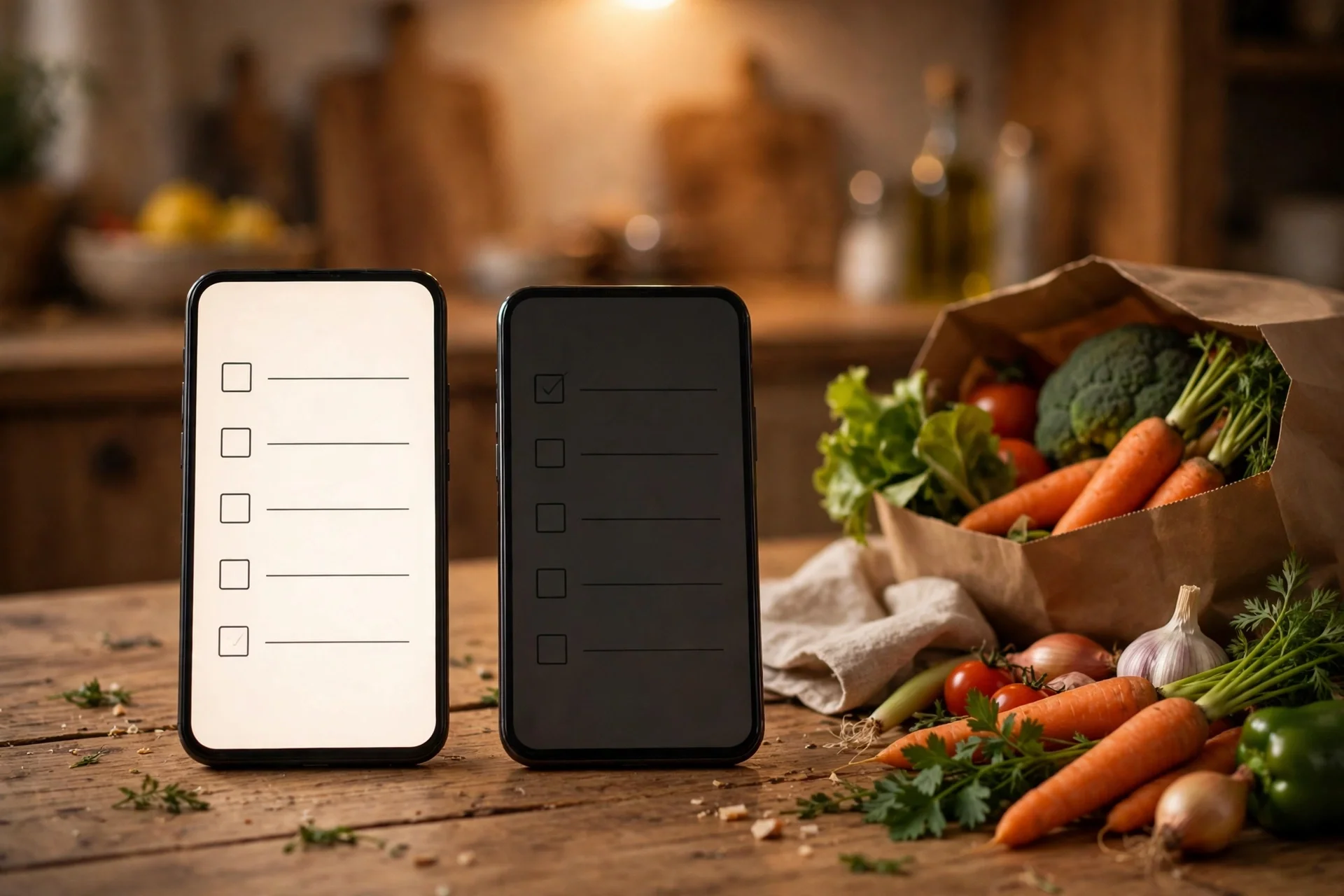
Any.do's shared lists are genuinely good: create a grocery list, share it with the people you live with, and watch them add items in real time. Family plans formalize it with a shared family space and shared projects. And the moment you share a list from a throwaway account, your test account becomes load-bearing for someone else's routine. Your partner adds milk to a list owned by an address that will expire. Your housemate plans the week's shopping around a list whose owner cannot be reached, recovered, or re-invited once the inbox dies.
This is the household version of the party problem in the gamified tracker we covered this morning — a character other people relied on, held by an address nobody owns: temp mail for Habitica signup. The shape is the same, the stakes are more domestic, and the embarrassment is worse: nobody will write a post about the week the grocery list vanished, but your household will remember it.
The rule is blunt: never share a list from a throwaway account. Test solo. The solo app is complete — tasks, lists, calendar, daily planner, reminders — and it tells you everything you need to know about whether Any.do fits your life. Sharing is a commitment you make with a real address, after the audition, when you know you are staying. The Family plan makes this sharper, not softer: it is fixed at four members, and those four seats are a household decision, not a test configuration.
The two Premium reminders that quietly de-anonymize you
Premium's two most interesting reminders are also the two that defeat the point of a throwaway, and this is the part most signup guides miss because they stop at the email field.
WhatsApp reminders send your task nudges through WhatsApp. That means the account is now tied to your phone number — the one identifier a temporary email was supposed to keep out of the experiment. You have not anonymized anything at that point; you have given the app your number through a side door, attached to an account whose email you do not control. If the account later locks you out, the reminders and the number stay connected in ways you cannot cleanly undo from outside the account.
Location reminders are the same problem in physical form. They fire when you arrive at or leave a place — the grocery store, the pharmacy, the office — which means the account holds a map of where you go and when. That is sensitive data sitting behind a disposable address, in an account you plan to abandon. An abandoned account is not a deleted account, and location history is not the kind of data you want sitting in one.
Neither feature is available on the free plan, which is convenient: the test week does not need them, and the test week should not touch them. Judge Any.do on the free tier's reminders, which are time-based and stay inside the app. If WhatsApp or location reminders are the reason you would pay, that is a decision for the real account, after the move, when the phone number and the places belong to an identity you actually own.
Calendar sync connects the throwaway to your real calendar
The third commitment layer is the one that feels most like a feature and behaves most like a leak. Any.do syncs with Google Calendar, Outlook, and your phone's calendar, so tasks and events share one view. During a test, that sync pulls your real calendar — real appointments, real attendees, real locations — into an account behind a temporary address.
Think about what that means if the test account is abandoned rather than deleted: a copy of your calendar's shape, and the connections to it, sitting in an account you no longer control, reachable only through an inbox that no longer receives mail. And think about what it means if the account is compromised: the attacker does not just get your tasks. They get the calendar you synced into it.
So during the test week, do not sync your real calendar. Either skip calendar sync entirely and judge Any.do on its tasks and daily planner alone, or sync a blank test calendar and judge the side-by-side view on fake events. The side-by-side view is worth judging — it is half the pitch — but it does not need your real dentist appointment to prove itself. Sync the real calendar only after the move to a real address. This is the same discipline as the shared list: the connection goes on the keeper account, never on the test account.
The honest limits, stated plainly
No post in this series would be honest without the limits, and Any.do's are familiar with one twist.
First, some services block disposable domains outright, and Any.do may or may not accept the particular temporary domain you try. If signup fails or the verification message never arrives, that is the service's spam defense doing its job, and Any.do is far from the only service that does it: which sites block temp mail. Try a different temporary domain once; if it still fails, use a real address with a filter, or a dedicated alias, rather than fighting the block.
Second, password recovery goes to the signup address. If you forget the password on a throwaway account and the inbox has expired, there is no support ticket that fixes it. Write the password down during the test, even for an account you plan to abandon. It costs nothing and it preserves the one recovery path you have while the inbox still lives.
Third, never pay on a throwaway account. Premium's trial periods and the Family plan's flat pricing are for the keeper account. Billing questions, subscription management, and receipts all tie back to the account email, and a subscription on a disposable address turns every billing issue into a dead end. The free plan is the whole test; the paid layers are for the account you keep.
Fourth, the twist: Any.do's streak problem is not a streak at all. TickTick's version of this trap is the habit chain — days of kept promises with no export: temp mail for TickTick signup. Any.do's version is quieter and more domestic: the household routine. The grocery list, the shared chores, the family calendar shape — these are not streaks you can restart. They are other people's expectations, built on your account, and they are the thing that makes an abandoned throwaway account embarrassing rather than merely lost. Test solo, move early, and never let the household depend on an address that expires.
The move plan, in order
Here is the plan, and it takes one week plus an evening.
Start on the temporary address. Use it daily for seven days, with real tasks, the daily planner every morning, and no shared lists, no WhatsApp or location reminders, and no real calendar sync. Notice the three answers from the test section: does the morning ritual help, does the combined view help, do the reminders fire right?
At day seven, decide. If Any.do is not for you, delete the test account and walk away. The throwaway did exactly what it was for.
If it is for you, do not keep going on the throwaway. Create a second account on your real address and rebuild the week's tasks by hand. Rebuilding sounds annoying, and it is, but a week of tasks rebuilds in an evening, and the lists you rebuild are only a week old. That is the trade at its cheapest. Wait three months and the same rebuild costs a household routine, a synced calendar, and shared lists other people already use — the things that cannot be rebuilt without an awkward conversation.
Only after the move should you share a list, turn on WhatsApp or location reminders, sync your real calendar, or start a Premium or Family trial. The social, phone, calendar, and paid layers are the commitment layers, and commitments go on the address you will still own in a year. Then delete the throwaway account, so no second copy of your task life floats behind an address you do not control, and no future password-reset mail for a forgotten account goes to an inbox that may belong to someone else by then.
Finally, set the real account up properly: a strong unique password, and whatever recovery options Any.do offers, tied to an address you will still own in a year. The test taught you whether the planner is worth it. The real account is where you run your life on it.

When to skip the throwaway entirely
There are three cases where you should just use your real email from the start.
The first is if you are joining a Family plan on day one. If your household is setting Any.do up together, the shared space is the reason you are signing up, and the shared-list rule above applies immediately: a family account is a real account.
The second is if you need calendar sync on day one. If the whole point is seeing your real calendar next to your tasks, testing without sync tests a different app than the one you will use. Sign up real, sync real, and skip the throwaway.
The third is if you already know you will stay. If you used Any.do before, or you are returning after a break and you know the daily planner works for you, the throwaway adds friction to a decision you have already made, and it risks exactly the recovery failure described above. Skip it. The audition is for the curious, not the convinced.
For everyone else — curious, cautious, or just tired of task apps that feel like second jobs — the one-week throwaway audition is the right call, and not a day longer. Test the planner, learn whether the morning ritual helps or nags, and move your lists to a real address before the household, the phone number, or the calendar make the move expensive.
Frequently asked questions
Can I sign up for Any.do with a temporary email?
Yes, for a test account. Any.do's email signup asks for an email address and password, and a temporary inbox can receive the account mail. Google and Apple sign-in are also offered, but they anchor the account to a real identity instead of a disposable one. Some disposable domains may be blocked; if verification never arrives, try another temporary domain once before falling back to a real address.
Is Any.do really free, or is there a trial?
The Personal plan is free forever, with no credit card, and it covers tasks and lists, reminders, the calendar, the daily planner, and sync across devices. Premium ($4.99 a month billed annually, $7.99 monthly) and Teams offer free trial periods, per the vendor's pricing page, and Family costs $8.33 a month for four members billed annually ($9.99 monthly). There is no trial clock on the free plan itself.
What happens to my lists if my temporary email expires?
The lists stay in the account, but you lose the recovery path. Password resets and account mail go to the signup address, so an expired temporary inbox plus a forgotten password means a locked account — including any lists, routines, and synced calendar connections inside it. That is why this post recommends moving to a real address after one week, before the account accumulates anything you would miss.
Can I share a grocery list from a temp-mail Any.do account?
Technically yes, but you should not. A shared list makes other people's routines depend on your test account, and if the inbox behind it expires, the list's owner cannot be reached or recovered. Test solo on the throwaway, and share lists only after moving to a real address.
Do WhatsApp and location reminders work on a throwaway account?
They are Premium features, and using them defeats the throwaway's purpose: WhatsApp reminders tie the account to your phone number, and location reminders tie it to the places you go. Judge the free tier's time-based reminders during the test week, and decide on WhatsApp and location reminders only after moving to a real address.
Should I sync my real calendar during the test week?
No. Syncing pulls your real appointments into an account behind a temporary address, and an abandoned test account would keep that calendar connection in an account you no longer control. Test with no sync, or with a blank test calendar, and sync your real calendar only after the move.
Need a disposable temporary email?
Protect your real inbox from spam and promotional clutter instantly and free.
Received a suspicious email, text, or charge alert?
Verify whether the sender domain is disposable, spoofed, or unverified before clicking links.