

Temp Mail for Wrike Signup: Test the Workspace on a Throwaway, But Never Let One Own It
Wrike's trial page does not ask for "your email." It asks for "your business email." That one word tells you what kind of product Wrike thinks it is: not a personal app you try on a whim, but a work system that expects to live inside a company, with colleagues, clients, approvals, and a bill attached. A disposable address can still open the door — signup starts with an email, then asks for a name, a company name, and a few questions about your team size and work — but the gap between "the form accepted my address" and "this workspace is safe to build in" is wider in Wrike than in most tools, and this guide is about that gap.
The honest summary first: a throwaway is a reasonable way to spend an hour deciding whether Wrike's way of organising work suits you. It is a bad way to run anything other people depend on, to start a paid trial, or to hold a workspace you might pay for. Wrike's structure — Spaces that hold Folders that hold Projects that hold Tasks — is designed to accumulate. A workspace that accumulates on an identity that evaporates is a specific kind of mess, and it is worth seeing it clearly before you type an address into the form.
"Business email" is a filter, not a form field
Most signup forms treat the email field as plumbing: somewhere to send the confirmation. Wrike's wording signals something else. A business email is an address tied to a domain, a company, and a person who can be found again. When a tool asks for one, it is quietly sorting its trials into people evaluating a tool for their team and everyone else. That sorting shapes what happens after signup: the trial follow-up, the end-of-trial reminders, the sales outreach, the billing notices all go to that address, and all of it assumes the address will still exist when the decision is made.
Wrike's commercial shape is worth stating plainly, because it decides what the throwaway test can even be. There is a free plan at $0, described across pricing roundups as essential task management for small teams. Team runs $10 per user per month billed annually and adds custom fields and workflows, interactive Gantt charts, shareable dashboards, and automation. Business runs $25 per user per month billed annually and adds resource planning, time tracking, and workload charts. Higher tiers are sales-led. Paid plans also carry a 14-day free trial that needs no credit card to start. I am deliberately not printing a feature table with per-plan limits, because pricing pages change and secondary roundups disagree on details; check Wrike's own pricing page before you budget. What the sources agree on is enough: a genuinely free tier exists, the paid tiers are per-seat, and the trial is a two-week clock.
That clock is the first reason a throwaway fits poorly here. A trial is not a sandbox; it is a commercial conversation with a deadline. The vendor needs to reach you at day ten to say the trial is ending and at day fourteen to say it ended. A disposable inbox you check twice, then abandon, receives none of that. You will not be cheated out of anything — the trial needs no card, so there is no surprise charge waiting — but you will make the pay-or-stop decision blind, or not at all, while a workspace full of half-built projects sits in limbo.
What a throwaway can actually evaluate in an hour
None of that makes the throwaway test useless. Wrike is a dense product — Gantt charts, request forms, proofing, automation, dashboards, and now AI features — and density is exactly what a short, focused test is good at judging. You are not trying to learn Wrike. You are trying to answer one question: does this way of organising work feel natural to you, or does it feel like paperwork?
Start with the hierarchy, because it is the product's spine. After signup, Wrike organises work into Spaces — department or team-level containers — which hold Folders and Projects, which hold Tasks. Test that nesting with real work, not demo data. Take a project you are actually running this week and build it: a Space for the area of work, a Project for the deliverable, Tasks for the steps, with dates and one or two uninvited placeholders for owners. If the nesting feels like a map of how your team already thinks, Wrike will probably stick. If every task feels like it needs three levels of container before it can exist, that friction will not disappear on a paid plan. It is the product's opinion about how work should be structured, and you are allowed to disagree with it.
Then test the two views that separate Wrike from lighter tools. Open a Gantt view on your test project and drag a date; watch how dependencies behave. Open a dashboard and see whether the overview — tasks by status, overdue items, workload — tells you something you did not already know. These are the features the paid tiers charge for, and they are also the features that look impressive in a demo and feel like clutter in daily use, depending on the team. A throwaway hour is enough to learn which side of that line you fall on. Our guide to signing up for Basecamp with temp mail covers the opposite philosophy — a deliberately plain tool — and comparing the two tests is a good way to discover whether you want structure or simplicity, because Wrike and Basecamp disagree about that on purpose.
One blind spot to note: Wrike integrates with email and sends notifications about workspace activity, and a product that centralises work still leans on the inbox to pull people back in. On a throwaway you will not feel that pull at all, so you cannot judge whether Wrike's notification volume is tolerable for your team from an inbox you never open. Note that as a limitation of the test, not as a finding.
The workspace has more owners than you think
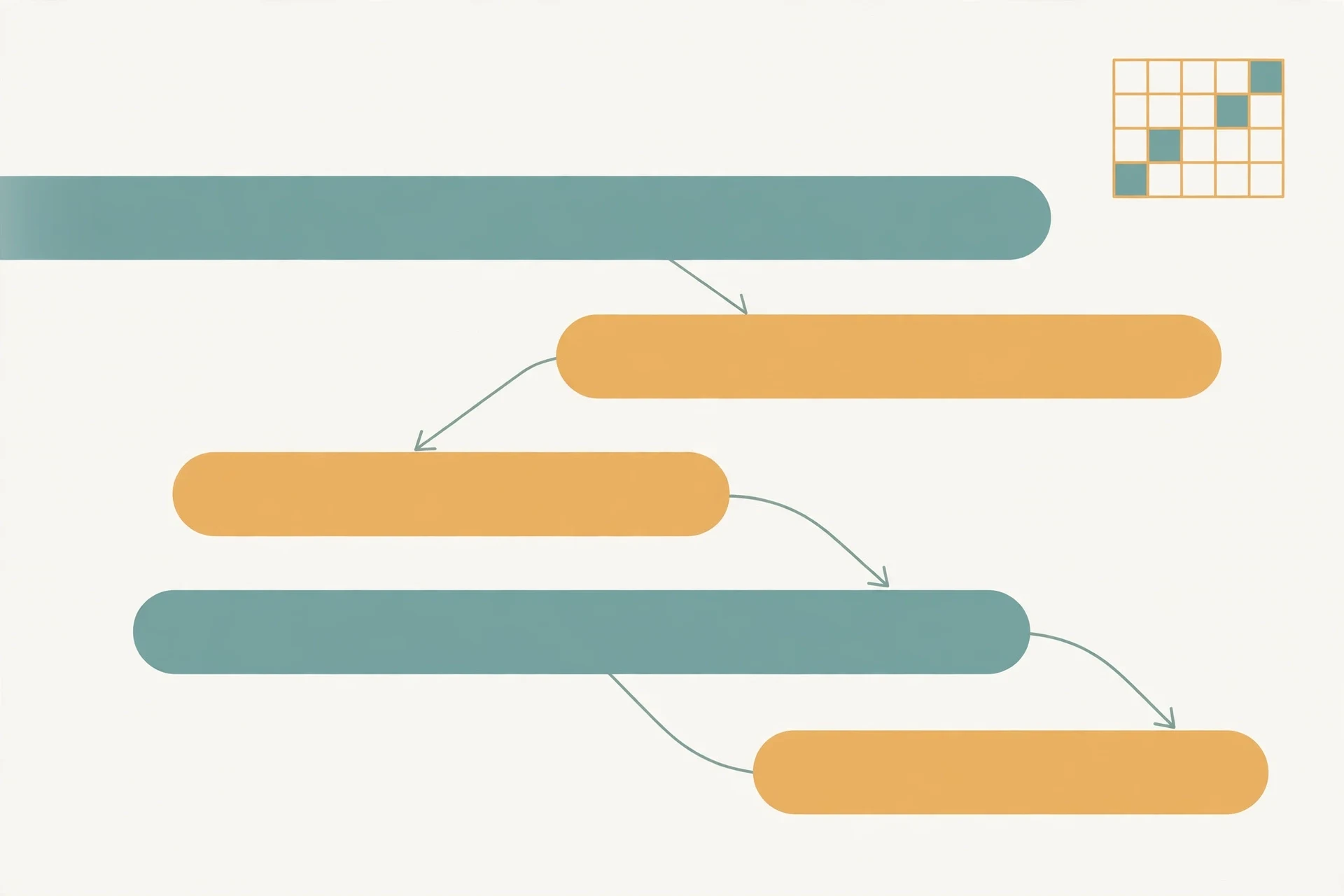
Here is the detail that turns a harmless test into a liability, and it is subtler than the billing problem. A Wrike workspace is not a private notebook. It is a shared surface, and sharing takes several forms that all assume reachable identities. You invite teammates by email. You submit and receive work through request forms. Reviewers mark up documents, images, and video in proofing workflows, with comments attached to people. Dashboards summarise work across the team. Every one of those mechanisms points at an email address and expects that address to answer.
A throwaway owner breaks that chain the way a dead link does: nothing errors, nothing warns you, the work just stops reaching the person it was meant for. Invite a colleague from a disposable-owned workspace and they join a project whose owner will not exist next month. Accept a request-form submission on it and the requester is now waiting on a person who cannot be emailed back. Assign work to a throwaway identity and the assignment sits unclaimed when the inbox dies, with no bounce message to tell anyone why. The pattern is familiar from other tools — our guide to signing up for Linear with temp mail describes the same rot in a product where the login itself is an emailed link — but Wrike's version is worse in one way: because Wrike is built for cross-team coordination, the blast radius of a dead identity is not one person's tasks. It is a shared board, a request queue, and a proofing thread, all pointing at someone who has vanished.
The rule follows from the structure: if a second human being will ever touch the workspace — as a teammate, a client, a reviewer, or a requester — the throwaway phase is over. Test alone, with your own real project, and invite no one from the disposable account. The moment collaboration enters the picture, the account needs an address that will still work when the project ends, because the project will outlive the test that created it.
The trial clock runs on email

People confuse the free plan with the paid trial, and the confusion costs people workspaces. They are different things with different clocks.
The free plan, at $0, is a permanent tier with limits. It does not expire. A throwaway test of the free plan is a test of the product's shape, and if you walk away, nothing is lost except an afternoon. The paid trial is a fourteen-day window on the full feature set, and it ends with a decision: pay per seat, or step down to whatever the free tier allows. That decision needs a reachable owner, because the vendor communicates it by email and the billing relationship that follows needs an address that receives invoices, failed-payment warnings, and renewal notices.
Starting a paid trial on a disposable address creates the most ordinary failure in SaaS evaluation: the trial lapses while nobody is watching, the workspace steps down to the free tier's limits, and the person who built it cannot be reached to confirm what survived. Wrike's paid features — the Gantt charts, the dashboards, the automation, the resource planning — are exactly the things that make a workspace feel complete, and they are exactly the things that go away or degrade when a trial ends unanswered. If the workspace mattered, that is a bad way to find out.
So the rule for trials is stricter than the rule for the free plan. A throwaway is acceptable for kicking the tyres of the free tier, alone, for a few days. A throwaway is not acceptable for starting a paid trial, because a trial is a commercial relationship with a deadline, and a commercial relationship needs a reachable owner. If you want the trial, start it on an address you own, put a calendar reminder three days before it ends, and make the pay-or-stop decision while you can still receive mail about it.
Two-step verification and the lockout problem
There is a third, quieter reason the disposable owner is fragile, and it comes from Wrike's own security posture. Pricing reviews note that Wrike offers enterprise-grade security even on the free plan, including two-step verification and SAML single sign-on on higher tiers, alongside Google Workspace authentication. Security features are good, and they are also identity features: they bind the account more tightly to its owner, and they make recovery depend on reaching that person through trusted channels.
That binding cuts both ways for a throwaway account. If you enable two-step verification on an account whose recovery route runs through a disposable inbox, you have locked a door and thrown away one of the keys. If a password reset is ever needed, or support ever needs to verify that you are the owner, the verification path runs through the email on file. A throwaway owner cannot pass that check. You are not a customer with an access problem; you are a stranger describing someone else's workspace.
This is also why "I am still signed in, so I am fine" fails. An active session is not ownership. Sessions end — devices are replaced, browsers are cleared, apps are reinstalled — and the day the session ends is the day the account's real owner is decided by email. A disposable address that died last month decides that question against you, silently, months after the test felt successful.
A 45-minute throwaway evaluation plan
If you want the audition without the drift, run it like an experiment with an end time. Keep the temp-mail tab open for the whole session — closing it is the most common way people strand themselves mid-test — and write down the exact disposable address you used.
- Minutes zero to five: sign up and note the friction. Did the form accept the disposable address without comment? Did any verification step appear? Did the company-name and team-size questions feel like a sales funnel or a setup wizard? Write down what it asked, because that is data about the product's intentions.
- Minutes five to twenty: build one real project. A Space, a Project, ten tasks with real dates, two uninvited placeholders for owners. Open the Gantt view and move a date. Open a dashboard and read what it says about your week. This is the core loop, and your reaction to it is the verdict: does the structure feel like a map or like paperwork?
- Minutes twenty to thirty-five: test the edges that matter to you, without involving real people. Submit a request through a request form and see what the intake looks like from the other side. Open a proofing view on a file if your work involves review. Look at the account, notification, and billing pages and note what they assume about the owner.
- Minutes thirty-five to forty-five: write down your verdict in one sentence and make one decision. The sentence is whether Wrike's structured hierarchy fits your work. The decision is whether to create the real workspace today or abandon the test. If the answer is "maybe later," abandon it. A maybe workspace on a throwaway is the exact object you will regret in three months when someone asks about it and you cannot sign in.
Moving a keeper workspace to a real address before anyone else joins
If the audition goes well, do not keep building on the throwaway while telling yourself you will migrate soon. Soon is how people end up with the launch plan in a workspace owned by nobody. Migrate early, while the workspace is still small enough to rebuild by hand, and do it before the first invite goes out, not after.
The cleanest move is a fresh start, and I recommend it over clever workarounds. Create the real account under an address you own directly — ideally a personal address you control, not a work address you could lose in a job change, and not an address on a domain you do not control. Recreate the Space and Project that earned their keep in the test, and copy over only the tasks that still matter. Most test content does not, and re-entering the survivors forces a useful cull: half of what felt urgent during a test turns out to have been curiosity.
If you tested with the team already in the room, check whether Wrike's account settings let you change the login email while the throwaway inbox is still alive, and confirm the new login works before you stop using the old one. Do it in that order: add the real address, confirm it can sign in, and only then walk away from the throwaway. Our guide to signing up for Notion with temp mail walks through the same rescue order for a different product, and the order matters there for the same reason: the rescue only works while the old inbox still receives mail. Never give up the only working login before its replacement is proven, and never start the rescue after the old inbox has already died.
A practical tripwire: if the test workspace gains a second human being, a client, a deadline anyone else depends on, a request form anyone else submits to, or a file nobody else has a copy of, the audition is over. Migrate that week. Those five triggers are the moments a toy becomes infrastructure, and infrastructure on a disposable identity is a liability, not a shortcut.
When the confirmation never arrives
Sometimes the throwaway test fails before it starts: the confirmation or invitation email never shows up in the disposable inbox. Before concluding that Wrike blocks temp mail, work through the boring causes first, because they account for most failures.
Wait a full two minutes and refresh the disposable inbox; temp-mail inboxes sometimes lag behind the sender, and requesting the same email twice in impatience creates two messages, of which only the newest may be valid. Check the spam or filtered view if the service has one, and confirm you typed the disposable address exactly — a single mistyped character sends the message to an inbox nobody owns. Try a different disposable domain if the service offers one, since some receiving domains are filtered more aggressively than others. And if a link arrives but is expired by the time you click it, ask the sender to resend it rather than retrying the dead link; confirmation and invite links are meant to be used once.
If none of that works, the honest conclusion is narrow: this particular disposable domain did not deliver for this signup, at this time. It is not proof that Wrike blocks all disposable mail, and it is not proof that it accepts it either. Wrike, like most services, does not publish a list of accepted or blocked email domains, and acceptance can vary by domain and by abuse patterns that change over time. For the broader picture on delivery failures, see our guide to the best temp mail for OTP codes and our honest directory of sites that block temp mail. Treat a failed delivery as a signal to use a real address for the test, not as a puzzle to solve by cycling through disposable domains until one slips through. The latter approach builds an account on the shakiest possible foundation.
The verdict
Use temp mail for Wrike the way you would use a viewing for an office: to walk the rooms, check the light, and see whether the layout fits your team — not to move the furniture in. A disposable address is a fine way to spend forty-five minutes answering whether Wrike's structured hierarchy, its Gantt views, and its dashboards match the way your team actually works, and the free tier gives that test plenty of room. But Wrike asks for a business email because it expects a reachable owner, its workspaces are shared surfaces where a dead identity leaves holes other people fall into, its paid trial is a fourteen-day clock that needs someone to answer it, and its security features bind the account to an owner who must be provable by email.
So test alone on a throwaway if you like. Then, before the workspace holds anything you would miss — before a second person joins, before a request form goes live, before a trial clock starts, before a card is attached — rebuild it under an address you own. The forty-five minutes you spend on the move are the cheapest insurance in the whole evaluation. Everything else is just hoping a disposable inbox outlives the workspace you parked in it.
Frequently asked questions
Can I sign up for Wrike with temp mail?
You can try: Wrike's signup starts with an email address, then asks for a name, a company name, and questions about your team and work, and a working disposable inbox can receive whatever confirmation the flow sends. Whether a given disposable domain is accepted can vary, and Wrike does not publish an allow or block list. Treat any success as a temporary test, not a permanent account.
Is Wrike free, and what does the free plan include?
Wrike has a free plan at $0, described across pricing roundups as essential task management for small teams. Paid plans start at $10 per user per month billed annually for Team and $25 for Business, with higher tiers on sales-led pricing. Check Wrike's own pricing page before budgeting, since plan details change.
How long is Wrike's free trial?
Paid plans commonly carry a 14-day free trial that needs no credit card to start. The trial is a clock, not a permanent tier: when it ends you decide whether to pay per seat or step down to the free plan, so start a trial only on an address that will still receive mail on day fourteen.
Can I invite teammates to a Wrike workspace on a throwaway account?
Technically you can invite people by email, but you should not run a shared workspace from a disposable owner address. Invitations, request forms, proofing comments, and assignments all assume a reachable owner, and a dead owner identity leaves holes across the whole workspace, not just one person's tasks.
What happens if I lose access to the temp-mail inbox?
If you are still signed in, you can keep working until the session ends, but you lose the password-reset route, the invitation route, and the billing route for that account, because all three run through the email on file. Support cannot verify you as the owner through an address you no longer control, and two-step verification makes that lockout harder, not easier.
Can I change the email on a Wrike account later?
Account settings may allow a login-email change, but the safe sequence is to add and verify the real address while the original inbox still works, confirm the new login, and only then stop using the old one. Never give up the only working login before its replacement is proven, and never start this rescue after the old inbox has already died.
Need a disposable temporary email?
Protect your real inbox from spam and promotional clutter instantly and free.
Received a suspicious email, text, or charge alert?
Verify whether the sender domain is disposable, spoofed, or unverified before clicking links.