
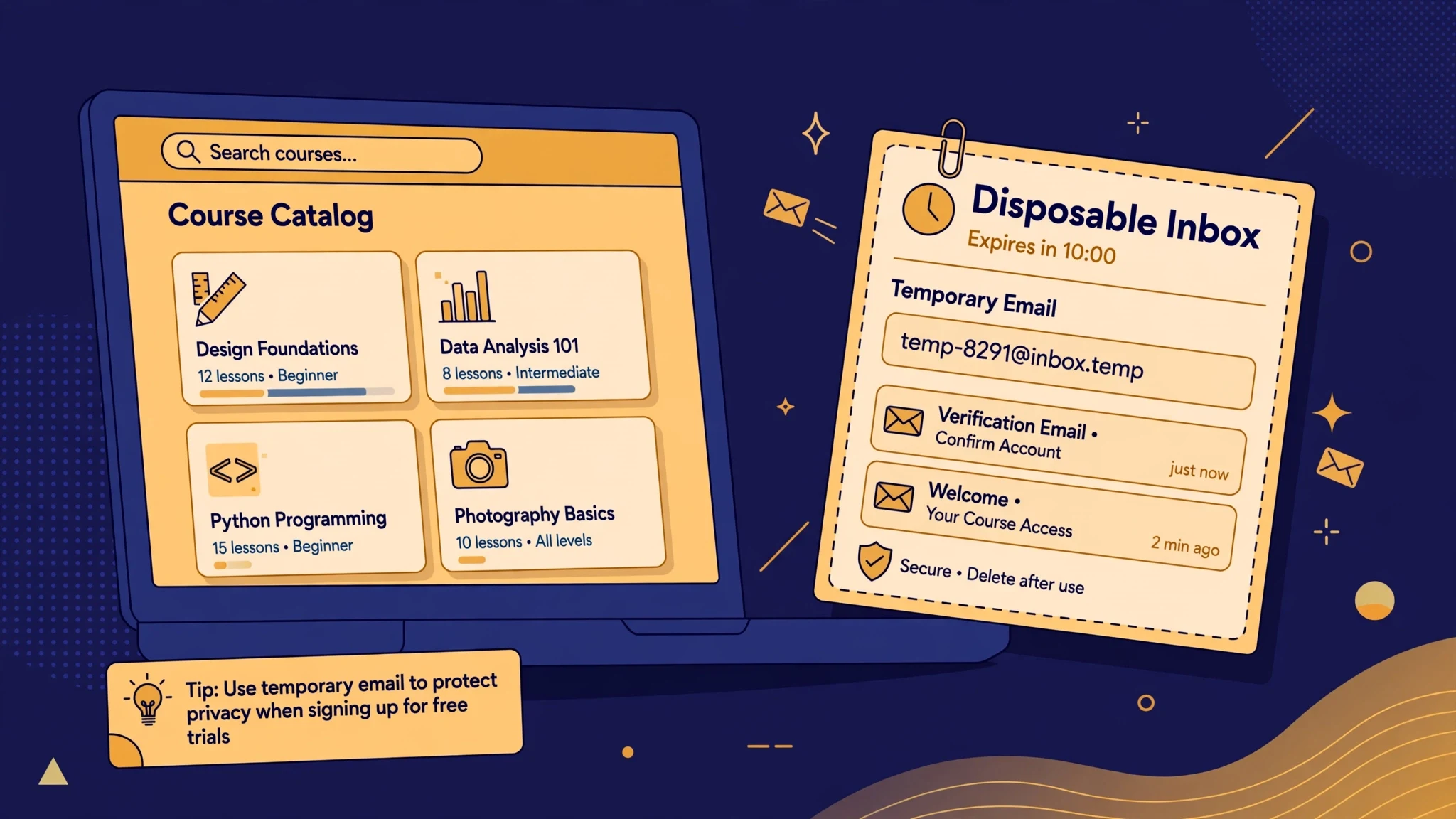
Temp Mail for Udemy Signup: Browse the Sale Bin on a Throwaway, But Never Buy a Course on One
Short answer first: a temporary email is a good way to window-shop on Udemy and a bad way to own anything you buy there. That split is sharper on Udemy than on most learning platforms, because Udemy is not really a school with a curriculum. It is a marketplace. You do not enrol; you shop. And shopping leaves a paper trail — receipts, refunds, instructor replies, download rights — that all runs through the email address on the account. A throwaway inbox handles the browsing half of that beautifully and the owning half terribly, and most temp-mail guides never make the distinction, because they stop testing at the signup form.
I have watched people make this mistake in both directions. One friend signed up for Udemy with his real address just to look at a Python course, then spent two years unsubscribing from sale emails he never wanted. Another bought a course during a flash sale with a disposable address, finished half of it on his phone, lost the phone, and discovered that "lifetime access" meant the lifetime of an account he could no longer open. Both of them were rational. Both of them used the wrong address for the job they were actually doing. This guide is about telling those two jobs apart before you pick an inbox.
Udemy's Inbox Is a Shop Window That Never Closes
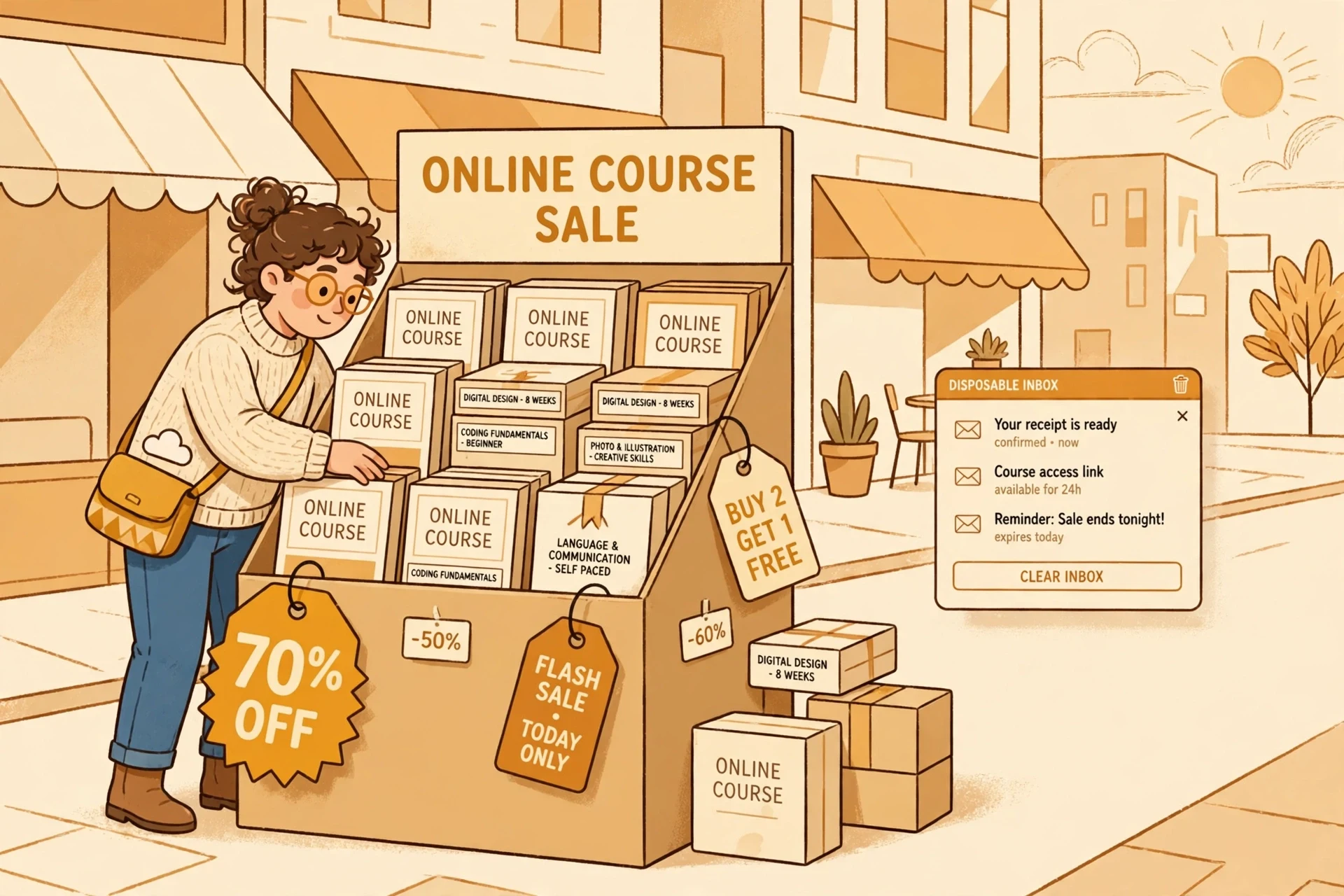
Udemy's business model explains why its emails feel different from a normal platform's. Courses are sold individually, by independent instructors, in a marketplace that runs sales constantly. If you have ever browsed Udemy, you know the rhythm: a course listed at a full price that almost nobody pays, a sale price that looks like a bargain, and a countdown timer suggesting the bargain will vanish. Whether the discount is real or theatre, the practical effect is the same — Udemy wants your attention repeatedly, and email is how it keeps it.
That is the first honest reason to use a temporary address here, and it is a better reason than privacy in the abstract. Hand Udemy your main inbox to browse one course and you have invited a shop window into your home that never closes. Sale announcements, "we miss you" nudges, recommendations based on a course you merely previewed, price-drop alerts for a subject you have already forgotten — they arrive for months, because the marketplace has no reason to stop. A disposable address absorbs all of that. You browse, you compare, you walk away, and the noise dies with the inbox. For pure browsing, temp mail is not a hack. It is proportionate.
But notice what this reason is not. It is not about hiding from Udemy, and it is not about the signup itself. The signup is the easiest part of Udemy. The question that matters is what happens the day browsing turns into buying, because Udemy's sales machine is designed to make that turn happen fast. The countdown timer, the "limited time" banner, the course you have had open in a tab for a week — the whole marketplace is built to convert a browser into a buyer in one impulsive click. And that click is exactly where a throwaway address stops being clever.
A Course You Buy Is a Receipt, a Library, and a Mailbox
Here is the mental model that decides everything else. When you buy a Udemy course, you are not buying a video file. You are buying three things that all hang off one email address.
First, a receipt. The purchase confirmation, the payment record, and any refund correspondence all go to the account email. Udemy's published refund window for most courses is 30 days, and a refund request is an email conversation: you ask, they confirm, the money moves. If the inbox behind the purchase is gone, you are not just missing a receipt. You are missing the channel the refund runs through.
Second, a library. Udemy describes purchased courses as lifetime access, and that phrase does a lot of quiet work. It means the course stays in your account, not on your device. You can return to it in a year, on a new laptop, after a phone dies, because the library lives in the cloud under your login. But a library you can only enter through an email you no longer control is not a library. It is a storage unit whose key you threw away. Every device switch, every forgotten password, every "confirm this is you" prompt routes back to that address. The lifetime in "lifetime access" is the lifetime of the account, and the account is only as durable as its inbox.
Third, a mailbox for the humans attached to the course. Instructors answer questions, post announcements, and update course material, and those messages reach you through the account. None of this is dramatic on its own. It is mundane, which is precisely why it bites: the value of a course is not just the videos, it is the updates, the corrections, and the answers, and all of them arrive at an address that has to still exist when they are sent.
None of this makes Udemy hostile to temp mail. It makes Udemy a marketplace, and marketplaces assume the buyer is reachable. The signup form will likely accept a disposable address without complaint. The rest of the system will simply assume, forever after, that the address works. That assumption is fine until the day you need it to be true.
Free Courses: The Honest Temp-Mail Zone
There is one part of Udemy where a temporary address is genuinely the right tool, and it is worth naming clearly so the rest of this guide does not read as a blanket ban. Udemy offers free courses alongside paid ones, and a free course is a different transaction from a purchase. There is no money attached, no refund to request, and nothing you will need to prove in a year. You watch a few lectures, decide the instructor is not for you, and walk away. If the inbox dies, nothing of value dies with it, because nothing was bought.
The same logic covers pure previewing of paid courses: watching the free preview lectures, reading the curriculum, checking whether the instructor's teaching style suits you before any money moves. This is the browsing half of the job, and a throwaway handles it perfectly. Keep the inbox tab open while you preview, because you may need a verification message to get in, and judge the course on its first few lectures, not its sale price.
The discipline is in the boundary. A free course you start "just to look" has a way of becoming a course you finish, and a finished free course has a way of becoming a certificate of completion you want to show someone. The moment a course becomes something you will point to — a completed course on a profile, a skill you claim in a job application — it has crossed from the browsing zone into the owning zone, and the address on it should have crossed with it. Decide that crossing deliberately, not by accident, and make the switch while the temp inbox still works.
The Refund Email Is the One You Will Actually Need
People planning a temp-mail signup worry about the verification email. They should worry about the refund email instead, because verification is a one-minute problem and refunds are a thirty-day one.
Consider the most common Udemy regret: you buy a course in a sale, watch the first two sections, and realise the instructor reads slides aloud for four hours. This is not a rare failure mode; it is the normal way people discover a course is not for them, and it is exactly what the refund window exists for. The refund conversation runs through email — the request, the confirmation, any follow-up if the payment method changed. A buyer on a dead inbox is a buyer arguing with support while unable to receive support's replies, which is a special kind of frustration: the platform is willing to help, and the channel to receive that help no longer exists.
There is a second, quieter money problem. Udemy accounts accumulate purchase history, and that history is what lets you re-download a course, prove you own it, or sort out a billing question months later. A purchase made on a throwaway address is a purchase whose proof of ownership evaporates on the inbox's schedule, not yours. If a charge is ever disputed, or a payment method is ever questioned, the first thing anyone asks for is the receipt in the account email. "The inbox expired" is not an answer that moves a billing conversation forward.
None of this means you should fear buying on Udemy. It means you should buy on an address you will still own when the refund window, or the billing question, or the device switch arrives. The sale price that tempts you into a fast purchase is the same sale price that makes a careful address choice feel like an unnecessary delay. It is not. It is the cheapest insurance in the whole transaction, and it costs nothing.
Instructor Messages and the Q&A You Lose
The part of a paid course that temp-mail buyers miss most is rarely the videos. It is the conversation around them. Instructors answer questions in the Q&A section, post announcements when they update a course, and sometimes reply directly to students. Those messages are tied to the account, and the notifications for them go to the account email. On a throwaway address, you do not lose the Q&A — you lose the knowledge that anyone answered.
This matters more on Udemy than on a platform with a fixed curriculum, because Udemy courses are living products. Instructors revise them, fix errors, add sections when a tool changes version, and announce those changes to enrolled students. A programming course bought in 2024 and updated in 2026 is a different course from the one you bought, and the update notice is how you find out. An account on a dead inbox never hears about it. You keep watching the old version, unaware that the fix you needed was posted months ago.
There is also the certificate of completion, which deserves a plain sentence. Udemy issues certificates for completed courses, and a certificate is only useful if the account behind it is yours to show. A certificate on an account you cannot open is a screenshot at best and an embarrassment at worst, if anyone ever asks to verify it. The same timing lesson shows up across learning platforms: our Coursera guide draws the audit-versus-certificate line in full, and Udemy's version of that line is simpler — free preview, throwaway fine; paid course or certificate, real address.
Changing the Email Later: The Escape Hatch, and Its Catch
If you already bought a course on a temporary address and the inbox still works, there is an escape hatch, and you should use it today, not next week. Udemy lets you update the email on your account from its settings, and the change is verified against the new address. Do it while both inboxes are open, confirm the new address, sign out, and sign back in with the new address to prove the account moved. Only then let the temp inbox expire.
The catch is the same one that runs through every guide in this series: the escape hatch is only open while the old inbox is alive. Account recovery, password resets, and sensitive changes all route through the address on file. Once that address is gone, you are not updating an account; you are petitioning support to believe you are its owner, with whatever purchase evidence you still hold. That sometimes works and often takes weeks, and it is a strange price to pay for a purchase that was supposed to be convenient.
If the inbox is already dead, gather what you have before contacting support: the payment receipt from your bank or card statement, the approximate purchase date, the course name, and the name on the account. That evidence is your only leverage, and it is much weaker than a working inbox. The lesson is not that Udemy is unforgiving. It is that every platform's forgiveness assumes a reachable address, and a throwaway is, by design, unreachable after its time runs out.
There is also the blocking caveat, stated honestly. Some disposable domains are refused at signup, and acceptance varies by domain and by day. A rejection is information about that domain, not a puzzle to brute-force with ten more addresses. Our directory of sites that block temp mail explains the general pattern, and the same advice applies here with a shopping twist: if Udemy refuses a domain, the marketplace is telling you it would rather have a reachable buyer, and for a paid course it is right.
A Safe Sequence: Browse, Decide, Then Buy on an Address You Own
None of this means handing Udemy your main inbox before you know whether a course is worth anything. There is a middle path, and it is better than either extreme.
- Browse and preview on a temporary address. Open a fresh inbox, keep the tab open, sign up, and watch the free preview lectures of any course you are considering. Let the sale emails pile up in the throwaway where they belong.
- Decide before you buy, not during the countdown. A course that is only attractive because a timer is running is not a course you have evaluated. Close the tab, sleep on it, and see whether you still want it tomorrow.
- Buy on a permanent address you control — ideally a dedicated alias separate from your main inbox, so sale emails still do not reach your primary mail, but the account itself is recoverable. Create the buying account on that alias, or move the preview account to it before paying.
- If you already bought on a temp address, move it now while the inbox works: update the account email, confirm from both inboxes, sign out and back in with the new address, and only then let the throwaway die.
- Keep the receipt somewhere outside the inbox. A payment confirmation saved in a password manager or a files folder is proof of ownership that survives any inbox, and it turns a support conversation from a plea into a reference number.
Step three is the whole guide in miniature. A dedicated alias gives you everything temp mail promised — no sale spam in your main inbox, no marketing list with your primary address — without the expiry date. The alias is the adult version of the throwaway: private, separate, and still yours next year. For anything you pay for, that combination beats a disposable address on every axis except one, which is that it takes two minutes to set up. Spend the two minutes.
The same timing lesson applies to the verification step itself. Our guide to OTP delivery with temp mail covers what happens when a code has nowhere to go, and Udemy's signup and password-reset emails fail in exactly that way when the inbox is gone — not with an error, but with silence.

Frequently Asked Questions
Can I sign up for Udemy with a temporary email?
For the standard email signup, usually yes: the form takes an email address and a password, and a working temp inbox can receive the verification message. Whether a specific disposable domain is accepted varies by domain and by day, and a rejection means that domain is not accepted, not that you should cycle through domains until one slips through.
Will I lose courses I bought if my temp inbox expires?
You lose reliable access to them, which amounts to the same thing in practice. The courses stay attached to the account, but password resets, login verifications, and account recovery all route through the account email. If you cannot receive those messages, you cannot reliably get back into the account, and support recovery without a working inbox is slow and uncertain.
Is it safe to use temp mail for Udemy's free courses?
Yes, for genuinely free courses you will not need later. There is no payment, no refund, and no credential attached, so an expiring inbox costs nothing. The boundary to watch is a free course that becomes something you want to show someone — at that point, move the account to a permanent address.
Can I change my Udemy account email from a temp address to a real one?
Yes, while the temp inbox still works: update the email in account settings, confirm the new address, and verify by signing out and back in with the new address. Do it before the inbox expires, because recovery and sensitive changes route through the address currently on file.
Does Udemy block disposable email domains?
Udemy does not publish a disposable-domain blocklist, and results vary by provider and over time. Some temp domains pass the form and others are rejected. Do not plan a purchase around one domain working today, and do not hammer the form with repeated attempts, which can trigger behaviour filters beyond the domain check.
Should I use temp mail to browse Udemy sales at all?
Yes, for browsing and previewing. That is temp mail's best use on a marketplace: it absorbs months of sale emails while you compare courses, and it costs nothing when you walk away. Just keep the browsing account and the buying account separate in your head — preview on the throwaway, pay on an address you own.
The Verdict
Use temp mail to shop on Udemy, not to own on Udemy. The marketplace's sale machine is exactly why a throwaway is useful for browsing — it keeps the countdown timers and price-drop emails out of your real inbox while you decide — and exactly why it is dangerous for buying. A purchased course is a receipt, a library, and a mailbox, and all three assume an address that will still exist when the refund window opens, the instructor posts an update, or a new device asks you to prove who you are. So preview on the throwaway, sleep on the sale, and when you are ready to pay, pay on an address that will still be yours when the course is finished. The bargain is only a bargain if you can still open it.
Need a disposable temporary email?
Protect your real inbox from spam and promotional clutter instantly and free.
Received a suspicious email, text, or charge alert?
Verify whether the sender domain is disposable, spoofed, or unverified before clicking links.