



Type "temp Gmail" into Google and you will find an entire shadow industry pretending to sell you one: sites that promise to generate a disposable Gmail address in seconds, generators that print out random @gmail.com addresses, tools that hand you the login to a "shared" Gmail account. It is a confident, busy little marketplace built around a product that does not exist and structurally cannot exist.
That is not a dig at the people searching. The search reveals a real, reasonable desire — it just aims it at the wrong company. People who type "temp Gmail" usually want one of three things: a throwaway address for a signup they do not trust, a Gmail inbox that cannot be spammed, or an address they can walk away from without consequences. All three are legitimate needs. None of them is "a Gmail account that deletes itself," because Google will never build that. Once you understand why, the whole landscape of alternatives snaps into focus — including which ones are scams.
I run a temp mail service, so I have a professional interest in this question. Here is the honest version: what Google actually does at signup, where every temp-Gmail attempt dies, the four substitutes ranked by honesty, and the scam anatomy of the generators — so you stop wasting time on the ones that will burn you.
Why a disposable Gmail contradicts Google's entire business
Start with incentives, because they explain everything that follows. Gmail is free to you, and a Gmail account is permanent until you delete it — there is no self-destruct timer, no expiration, no "disposable Gmail" product. That is not an oversight Google forgot to fix. It is the point.
A Gmail address is not just an inbox; it is an identity anchor. It is your YouTube login, your Android backup, your Drive, your ad profile, your recovery path for everything else. Google's business is knowing, with high confidence, that the person behind an account is a specific real human who persists over time. A self-deleting Gmail would be a hole drilled straight through that model: an identity product that destroys identity. Companies do not build products that unmake their own core asset.
This is why every anti-abuse mechanism in the signup flow — the phone verification, the recovery email prompt, the "unusual activity" flags — exists to anchor the account to a persistent human, not to make it easier to spin up and abandon. The whole system is designed as the opposite of temporary. When people ask why Google "won't just add" a disposable mode, the answer is that it would be asking a company to sabotage its own foundation. Apple can offer Hide My Email because Apple sells hardware; Google sells the identity graph. Different business, different product, different answer.
My opinion, stated plainly: waiting for Google to ship a temp Gmail is waiting for a product the vendor is economically allergic to. The sooner you stop asking "which temp Gmail service is real" and start asking "what do I actually need," the sooner you get a working answer.
The phone-number gate: where every attempt actually dies
Here is the part most "how to get a temp Gmail" guides bury: the attempt almost never fails at an email field. It fails at the phone field.
Creating a Google account starts normally enough — name, desired username, password, birthday. Then Google's risk engine decides how much it trusts you, and that decision is invisible. On a trusted device, a familiar IP, a clean browser fingerprint, the phone step may be optional or skippable. On anything that smells like automation, a datacenter IP, or rapid repeat signups, the phone step is mandatory — and this is where disposable ambitions go to die.

Google's phone verification is not a formality; it is an anti-abuse system with teeth. Per verification-service documentation, it checks the number's reputation (has this number verified accounts before? was it flagged?), validates carrier data (numbers from known virtual or VoIP providers get deprioritized or rejected outright), and enforces per-number account caps. The commonly reported ceiling is four to six accounts per phone number — multiple independent write-ups land in that range, though Google publishes no official number, so treat any exact figure as observed rather than guaranteed. Virtual and disposable numbers fare worse: providers report that Google frequently rejects them as VoIP, and a recycled number that hits the cap becomes permanently useless for new verifications.
So the real mechanics of "make a temp Gmail" are: you would need a fresh, carrier-grade phone number Google has never seen, on a trusted device and IP, and you would burn one of that number's handful of lifetime verifications — for an account that, the moment Google links it to suspicious activity, gets suspended along with everything else created from the same device and IP. Google's systems are extremely good at linking accounts by device and network; one suspension tends to cascade. This is not a loophole you slip through. It is a wall with a number on it.
The four things people try instead, ranked by honesty
Since Google will not give you a disposable Gmail, here are the substitutes people actually reach for — in the order I would recommend them, with the catches nobody mentions.
1. A second real Gmail account. The boring, correct answer for identity separation. Google lets you hold multiple accounts; you can switch between them in one browser. It is free, it never expires, and it works everywhere a Gmail is expected. The catch is that it is not disposable: it is a second permanent identity, still tied to you through whatever phone number or recovery info you attached. Use it for an ongoing alter-ego (freelance work, a side project, a newsletter identity) — not for a signup you want to evaporate.
2. Gmail's own aliases: plus-addressing and the dot trick. Gmail ignores dots in usernames (y.o.u.r.name@gmail.com lands in yourname@gmail.com) and honors plus-addressing (yourname+shopping@gmail.com filters neatly into its own label). Both are native, free, and instant. The catches: aliases do not hide your real address — anyone can strip the +tag and see the base account — and many signup forms reject the plus sign outright, which makes the dot variation the more compatible of the two in practice. Good for sorting and tracking who sells your address. Useless for anonymity.
3. Temp mail for the verification step. This is what temp mail is actually built for: receive the code or link, finish the signup, let the address die. It shines when the signup's email step is the only gate — no phone verification, no recovery requirement. The catch that matters: never put a temp address in the recovery email field of an account you care about. A recovery address you cannot access is an account you cannot recover — we have watched users learn this the expensive way, and the failure mode is permanent. If the form ever rejects your temp domain at signup, that is the disposable-domain detection machinery doing its job, not a bug; rotate to a fresher domain or accept the site wants a real address.
4. "Fake Gmail generators." The scam anatomy, because this corner of the internet deserves sunlight. When researchers looked at sites promising to "generate" a temp Gmail, they found three species, none of which gives you a real Gmail inbox you own: random-name makers that print a plausible address like john.smith482@gmail.com with no inbox behind it (if the address happens to exist, it belongs to a stranger); shared-account lists that post one real Gmail login used by hundreds of people at once — anyone can read your mail, change the password, and lock you out; and phishing pages that ask you to sign in with your real Google account to "link" a temp address, which simply steals your login. The shared-account type is the most common and the most dangerous: a code sent to that inbox can be read by anyone else watching it, and the moment you tie anything real to it, you lose it. Skip all three. And the one rule that covers every variant: never type your real Google password into any site that is not google.com. No legitimate temp mail tool needs it, and no honest one will ask.
The "Shielded Email" rumor, handled honestly
You may have seen reports that Google is building an Apple-style masked-email feature — often called "Shielded Email" — that would generate aliases for signups. Here is the honest status: Google has published no official Help Center page, no blog post, no product announcement for such a feature. Until it does, treat every report as unconfirmed rumor, not something you can use today. The temp-mail industry has a bad habit of writing guides for rumored features as if they shipped; I would rather tell you it is vapor than sell you a tutorial for a button that does not exist. If it ever launches, it will be aliasing (like plus-addressing with a nicer name), not a disposable Gmail — the business-model argument from earlier still applies.
What I would actually do
Enough theory. Here is the decision tree, the one I would hand a friend:
- One risky signup, one download, one free trial? Use a temp mail address, finish the signup immediately, let it expire. This is the job it was built for.
- An ongoing second identity (side business, public-facing persona)? Create a second real Gmail. Accept that it is permanent and manage it like one.
- Sorting the firehose of one real inbox? Plus-addressing and dots, with filters. Free, native, honest about what it does.
- Testing signup flows as a developer? Temp addresses per test run — standard practice, completely legitimate.
- Never: shared-account "generators," random-name printers, or any site asking for your Google password. And never a temp address as the recovery email on anything you would miss.
One more practical note from the support trenches: if you paste a temp address into a signup form and the verification code never arrives, do not immediately blame the inbox. The three real causes — dead inbox, sender-side drop, burned domain — take about thirty seconds to triage, and the 90-second fix walkthrough covers all of them. Half of "temp Gmail doesn't work" complaints are really "the code went to SMS, not email" — a channel mismatch no inbox can fix.
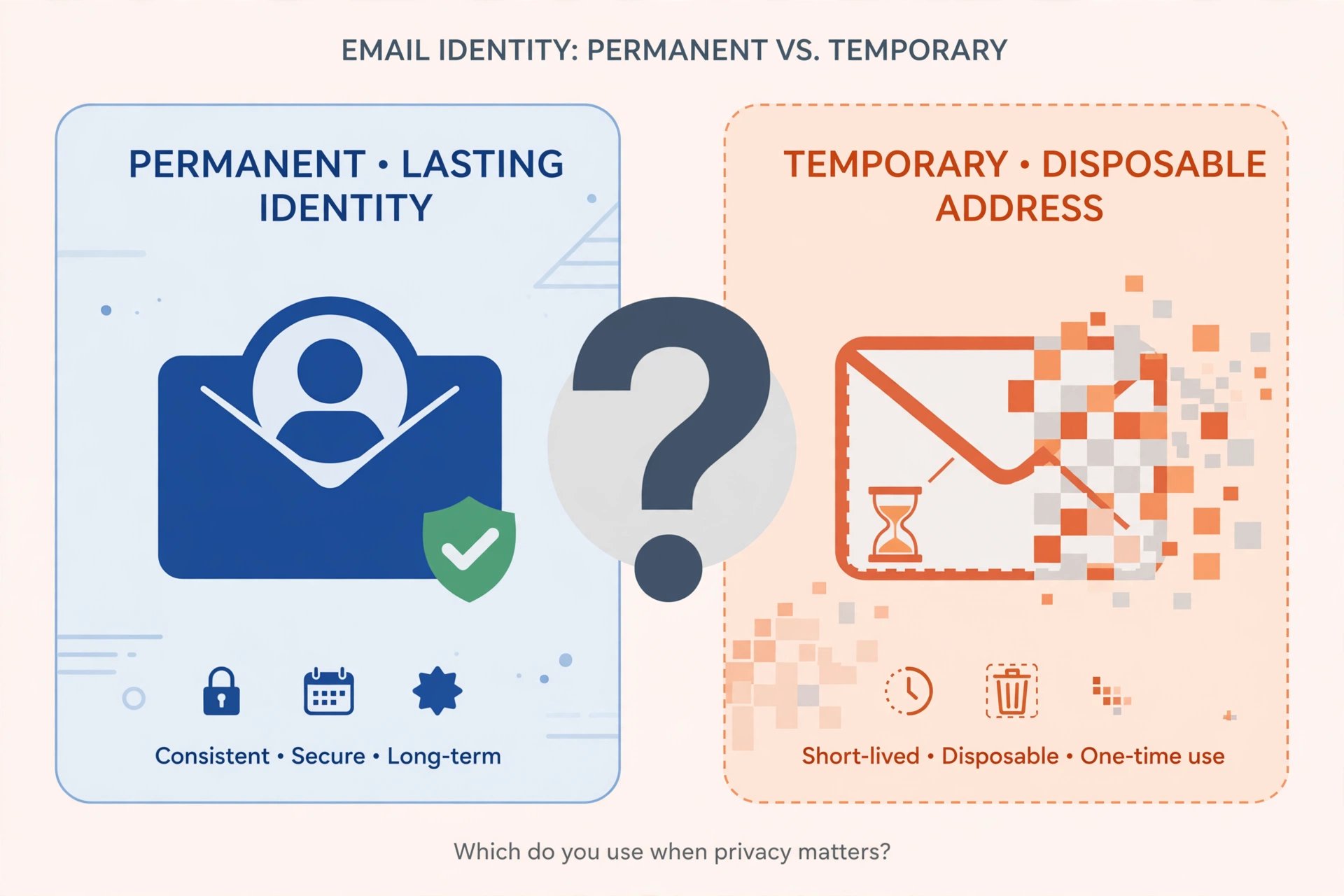
The search for a temp Gmail ends the way it should: not with a trick, but with a clearer picture of what you needed all along. Google sells permanent identity; temp mail sells clean exits. They are different products for different jobs, and the sooner you match the tool to the job, the less time you spend fighting a wall that was never going to move.
Frequently Asked Questions
Can I create a Gmail account using a temp email address?
No — and the question contains a category error. A Gmail account is an email address; there is nothing for a temp inbox to stand in for during account creation. Google creates the address itself and verifies you (usually by phone), not the other way around. A temp address can serve as an optional recovery email on a new Google account, but since temp inboxes expire, it is useless for actual recovery.
Does Google block disposable email domains at signup?
Yes. Google maintains lists of known disposable domains and rejects them in signup and recovery flows. This is layered on top of the phone-verification system, so even a domain that slipped past the list would still face the phone gate.
How many Gmail accounts can I verify with one phone number?
Google publishes no official limit, but independent reports consistently land at four to six accounts per number, after which the number is refused for further verifications. Virtual and VoIP numbers are frequently rejected outright, so the practical ceiling for disposable numbers is lower — often two or three before flagging.
Can I create a Gmail account without phone verification?
Sometimes. Google's risk engine occasionally makes the phone step optional — typically on trusted devices, familiar IPs, and clean browser fingerprints — but it is never guaranteed, and Google may demand verification later during a security check. There is no reliable method to skip it on demand.
What is the difference between a temp Gmail and a Gmail alias?
A temp Gmail does not exist. A Gmail alias (plus-addressing like you+tag@gmail.com, or dot variations) is a real feature, but it is not disposable: every alias delivers to your permanent inbox and is trivially traceable to your base address. Aliases organize mail; they do not provide anonymity or expiry.
Are "free Gmail generator" sites safe?
No. They fall into three buckets — fake addresses with no inbox, shared logins hundreds of strangers can read, and phishing pages harvesting Google credentials. None gives you a private, working Gmail. Never enter your real Google password anywhere except google.com.
A disposable Gmail does not exist — but a clean exit from any risky signup does. Grab a fresh temp address here whenever the next throwaway signup comes along.