
Temp Email for Snapchat Signup: The Account That Disappears Faster Than Its Messages
A camera account is not a feed account
Snapchat is the wrong platform to judge by its signup screen, because almost nothing that makes Snapchat matter lives on that screen. Instagram is a feed you scroll. TikTok is a feed you watch. Snapchat, for most of its users, is a camera pointed at the people in the room, a streak kept alive day after day, and a private archive of moments that were never meant to be posted anywhere else. That difference changes what an email address does.
When you open a throwaway account on a feed app, the worst loss is usually a following list and some saved posts. When you lose a Snapchat account, you lose a different kind of thing: the conversation threads that only exist inside that account, the streaks that took months to build, the Memories you saved instead of posting, and the friend list that is, for many younger users, simply their social circle with usernames attached. A feed account is replaceable in an afternoon. A Snapchat account, once it has a few months of life in it, is not, and that is the whole argument of this post in one paragraph.
My position, stated before the detail so you can hold me to it: a temporary email can open a Snapchat account, and for a short, deliberate test that is a reasonable use of it. But Snapchat is one of the least forgiving places to discover, months later, that the account you built on a disappearing inbox has become an account you care about. The app is designed around disappearance. Its messages vanish by design. Your account should not vanish by accident, and a temp inbox makes that accident more likely, not less.
The signup fork: phone first, email instead
Snapchat's signup asks for a name, a birthdate, a username, and a password, and then it wants a way to reach you. The default path is a phone number. Underneath it, competitor walkthroughs we checked describe a "Sign up with email instead" option, and that option is real and important, because it changes the shape of the account from the start.
Choose phone, and your recovery path is the phone in your pocket. Choose email, and your recovery path is that inbox, for as long as the account exists. Snapchat does not ask you to choose carefully. It asks you to choose quickly, on a small screen, at the moment you are least thinking about six months from now. That is normal app design, and it is also the trap.
There is a second, quieter fork inside the same screen: the birthdate. Snapchat's minimum age is 13, and the birthdate you enter gates features and, in some regions, what the account can do at all. A test account made with a careless birthdate can sit in the wrong age band for years, and unlike an email address, a birthdate is not something you casually swap later. If there is any chance at all that the account becomes a real one, enter a birthdate you can stand behind, even on a test account. The email field gets all the attention in temp-mail guides. The birthdate field does more lasting damage when it is wrong.
One more thing the signup screen does not tell you: a disposable domain is not a guarantee, in either direction. Snapchat, like every large platform, maintains defenses against heavily abused domains, and the domain that receives a code today can be filtered tomorrow. The honest framing, the same one we used for other social signups, is that a failed code usually means that domain, on that day, from that network, not a blanket ban on temporary email. If the code does not arrive in a couple of minutes, switching providers is a better first move than hammering resend, because repeated requests look like exactly the automated pattern Snapchat's defenses are built to stop.
Three clocks, running at different speeds
Most temp-mail advice talks about one clock: the inbox expiry. Snapchat runs three, and they do not line up, which is why the failure feels sudden even though it was predictable.
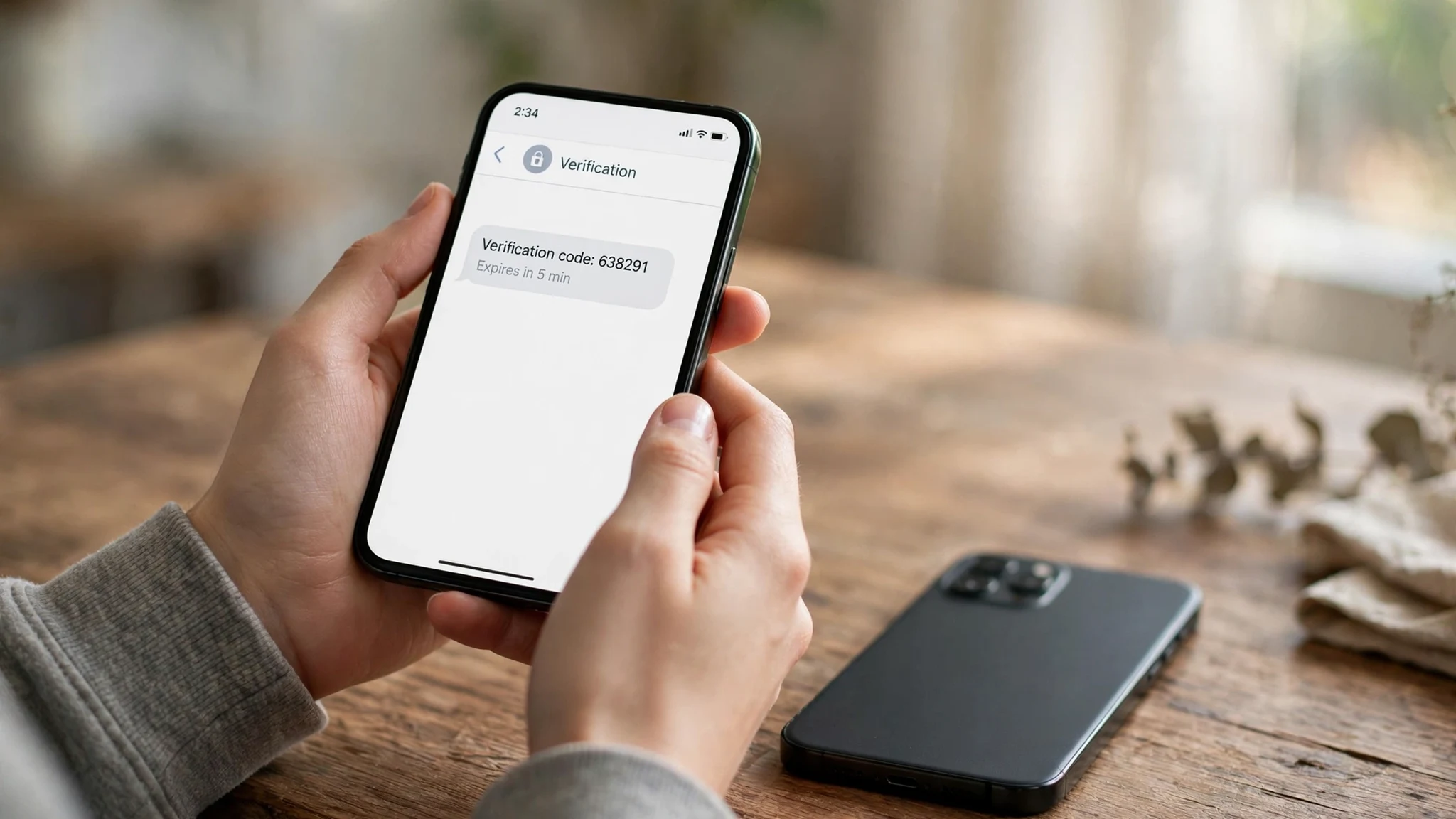
The first clock is the code itself. A verification code is only useful for minutes. That is the easy clock, because you are sitting there watching it. Keep the inbox tab open beside the signup, enter the code in the same session, and this clock almost never hurts you.
The second clock is the inbox. A temporary inbox lasts hours, days, or a browser session, depending on the provider. Snapchat, meanwhile, keeps sending things to that address for as long as the account lives: password resets, security notices, login verifications, and the occasional "was this you?" check when you sign in from a new device. The account outlives the inbox by months or years. That mismatch is the central mechanical fact of this post, and it is the same mismatch that breaks TikTok test accounts and Instagram accounts built on throwaways. Snapchat just makes the bill come due in more personal ways, because what is at stake is not a feed but a friend list.
The third clock is deletion, and it is the one people get most wrong. When you delete a Snapchat account, it is not erased at once. Snapchat deactivates it for 30 days first, and only then deletes it permanently. During those 30 days, logging back in reactivates it. That sounds generous, and it is, for an account whose owner still controls the login. For an account built on a dead inbox, the 30-day window is a door you can see and cannot open: reactivation may demand a verification step that routes to an address that no longer exists, and after the window closes, the account, its Memories, and its streaks are gone for good. The address, meanwhile, stays tied up for the full window. You cannot delete a test account on Monday and reuse its address for a fresh start on Tuesday.
Three clocks, three speeds, one lesson: decide the account's lifespan before you pick the inbox, because the inbox will decide it for you if you do not.
Memories, My Eyes Only, and the passcode that is not a password
Here is where Snapchat stops behaving like the other social apps we have covered, and where a temp inbox does damage that no other platform quite matches. Snapchat has a feature called Memories: snaps and stories you chose to save inside the app rather than letting them vanish. For many users, Memories is the real product. It is a camera roll that lives inside Snapchat, holding birthdays, trips, and ordinary days that were never posted anywhere else.
Memories are tied to the account, not to the phone. Change phones, log back in, and Memories come back with the account. Lose the account, and Memories go with it. There is no export button that quietly saves you at the last minute, and there is no local copy on the new phone unless you deliberately saved each snap to your camera roll as well. People who treat Snapchat as ephemeral forget that they have been building an archive inside it for years, and the archive only survives as long as the account does.
My Eyes Only sharpens the point further. It is a locked section inside Memories, protected by its own passcode, separate from the account password. Snapchat's own help pages are blunt about this: if you forget the My Eyes Only passcode, the locked content cannot be recovered, even by Snapchat. That is a deliberate security design, and it is a good one, but it means the account has two different keys, and losing either one locks a different door. A temp inbox does not directly break a My Eyes Only passcode, and I will not claim otherwise. What it breaks is the account recovery around it. If you are locked out of the account itself because the recovery email is dead, the passcode question never even arises, because you cannot reach the vault at all.
The practical rule that follows is simple and worth stating plainly: never let a Snapchat account become the only copy of anything you would miss. If a snap matters enough to save to Memories, it matters enough to save to your camera roll too. If a My Eyes Only item matters, the passcode belongs in a password manager, not in your memory and not in an inbox that expires. Temp mail did not create this fragility. It just removes the recovery net underneath it.
The friend graph problem
Losing a feed account costs you content. Losing a Snapchat account costs you people, in a specific and awkward way that is worth spelling out.
Snapchat friendships are not public. There is no public follower list to rebuild from, no profile page a friend can search to find your new account unless you tell them the new username. Your streaks, which for many users are a daily ritual with specific friends, reset to zero on a new account. Group chats you were part of do not migrate. A friend who only knows you by a username has no way to know that the new account with a similar name is you, and no reason to trust it if they do.
That is why the "just make a new account" advice, which is almost free on other platforms, is expensive here. A new TikTok account costs you a following you can rebuild by posting again. A new Snapchat account costs you a social graph that was built one added friend at a time, often in person, often with a snap code scanned across a table. Rebuilding it means messaging people from outside Snapchat, which is exactly the channel the temp account was supposed to keep private.
There is also a quieter version of the same problem. Snapchat accounts accrue trust over time. A brand-new account adding dozens of friends quickly, sending snaps at volume, or joining groups looks, to automated defenses, like the spam accounts Snapchat spends enormous effort fighting. A two-year-old account doing the same things looks like a person. So the replacement account does not just start with zero friends. It starts with less trust, and it earns suspicion faster. The old account's age was an asset you did not know you had until you lost it.
This is the same line we drew in our guide on when not to use a temp email: the moment value attaches to an account, the email stops being disposable. On Snapchat, value attaches faster than on most platforms, because value here is not followers or money. It is friends, streaks, and saved moments, and those start accumulating on day one.
Two-factor, new devices, and the email that comes back
People who sign up with a phone number sometimes assume they have escaped the email problem entirely. They have not, because Snapchat's security machinery brings email back through the side door.
Turn on two-factor authentication, as you should, and Snapchat offers an authenticator app or SMS codes, plus recovery codes to save somewhere safe. Save those recovery codes somewhere that is not the temp inbox, because an inbox that expires takes the codes with it, and recovery codes stored in a dead inbox are not recovery codes at all. They are a note you wrote to an address you no longer own.
Then there is the new-device check. Sign in from a new phone, which is the most ordinary event in a phone's life, and Snapchat may ask you to verify that it is really you. The verification route depends on what contact information the account holds. An account with only a dead email and no phone has no route. An account with a phone number has one. An account with a durable email and an authenticator app has two. The number of working routes is the whole security story, and a temp inbox reduces it to zero at exactly the moment a new phone arrives, which is also the moment you are least patient with a support form.
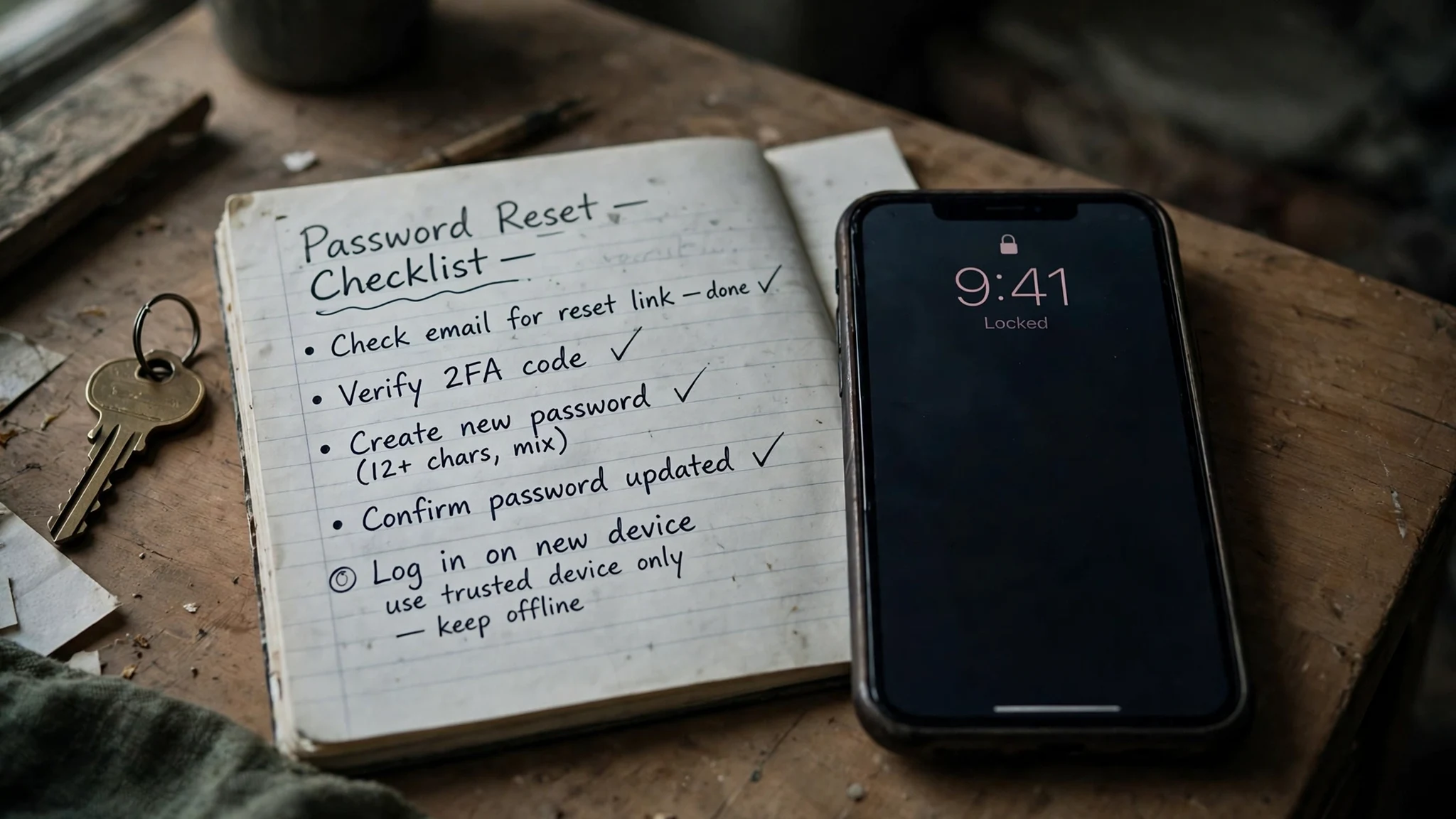
The same logic applies to changing the email later, which is the rescue move everyone plans and almost nobody completes in time. Changing the email on an account usually requires confirming from the old address, or at least having a live session and a working verification path. Do it while the temp inbox is still alive and you are still logged in, and it is a settings page. Do it after the inbox has expired and you are logged out, and it is a support case, and support's first question will be how you prove you own an account whose recovery address you cannot open.
The test account that stays a test
None of this means a temporary email has no place in Snapchat at all. It means the place is narrow, and honesty about the narrowness is what makes it work.
A temp address is a reasonable tool for a pure test: you want to see what Snapchat's onboarding looks like from a fresh account, you want a second account for a weekend event that you will abandon on purpose, or you want to look at a public story or lens without attaching your real identity. In each case the account has no streaks you care about, no Memories worth saving, and no friends you would miss. If it dies in six weeks, nothing is lost, because nothing was ever put into it. That is temp mail's home turf, and I will not pretend otherwise to make the warning sound stronger.
The rule that keeps a test account a test account is a set of three decisions made before signup, not after. First, decide in advance that nothing saved in this account will be the only copy of anything. Save anything worth keeping to your camera roll the same day. Second, do not let the test account accumulate a friend graph you care about. The moment a friend you actually want to keep is added, the account has stopped being a test, whether you admit it or not. Third, delete deliberately when you are done, rather than letting the account strand. A deleted test account is a clean ending. A stranded one is a username occupied by an account nobody can enter, holding a friend list nobody can reach.
For anything beyond a test, the better tool is not a temp address but a durable secondary address: a real inbox you control, used only for social accounts, that is not your primary personal or banking address. That gives you nearly all the privacy benefit, because Snapchat does not get your main inbox, and it keeps every recovery path working in a year. It is less dramatic than a burner, and that is the point. It survives the second ask, the new phone, and the 30-day window. The same middle tool is the one we recommended for Discord accounts that might matter, and it holds here for the same reason: compartmentalization without fragility.
If the account already matters, migrate while you are logged in
If you are reading this with a sinking feeling because a Snapchat account you care about is sitting on a temp address right now, do not wait for a reason to act. The migration only works while the inbox is alive and the session is fresh, and both of those are perishable.
First, check whether the inbox still exists. Open the temp-mail tab or restore the browser profile. If the address loads and shows mail, you are inside the rescue window. If it is gone, skip to the support step below, because the self-serve path is closed.
Second, while you are still logged in, change the account email to a permanent address you control, and confirm the new address from that inbox. Do not stop at changing the email. Add a phone number you control if you are willing to trade a little anonymity for a working recovery path. Turn on two-factor authentication with an authenticator app, and save the recovery codes somewhere offline, somewhere that is not any inbox at all. Save your Memories to your camera roll, and write down the My Eyes Only passcode in a password manager if you use that feature.
Third, if the inbox is already dead, be honest with support about what happened. "I used a temporary email and lost access" is a story support teams have heard many times. It is slow, it may require identity proof, and it may fail, because Snapchat cannot hand an account to someone who cannot prove ownership through the contact details on file. But honesty is faster than a story that falls apart on the second question.
Fourth, audit the rest. Run the same test over every other account on a disposable address, and migrate the failures now, while nothing is on fire. Two minutes per account when the inbox is alive beats a support ticket and a month of waiting when it is not.
The verdict, without the usual hedge
Snapchat is a camera, a friend list, and an archive disguised as a disappearing-message app, and that disguise is what makes a temporary email dangerous here. The signup works. The code arrives. The account opens. Everything after that slowly, quietly, and then all at once stops working, because every recovery path, every new-device check, and every deletion window routes back to an inbox that was designed to disappear.
Use a temp address for a test you will abandon on purpose, with nothing saved only inside it and no friends you would miss. For anything else, even an account that only might matter, start on an address you will still own in a year. The privacy gain from a throwaway is real, but on Snapchat it is bought with the one thing the app actually holds for you: the people, the streaks, and the moments you saved because you did not want them to disappear.
FAQ
Can I sign up for Snapchat with a temporary email?
Yes, in many cases. Snapchat offers an email signup path alongside phone signup, and a disposable address can receive the verification code and complete the account. Success depends on the specific domain, the network, and Snapchat's current abuse defenses, so a failed code usually means that domain on that day, not a permanent ban on temporary email.
Will Snapchat ask for my phone number later if I signed up by email?
It can. Snapchat may ask for additional verification when it sees risk signals such as a new device, an unusual location, or suspicious activity. An account with no phone number on file has fewer ways through that check, which is why an email-only account built on a dead inbox is fragile at exactly the moment a new phone arrives.
What happens to my Memories if I lose access to my Snapchat account?
Memories are tied to the account, not to the phone. If you cannot recover the account, you cannot reach its Memories either, unless you also saved those snaps to your camera roll. Save anything worth keeping outside Snapchat as well as inside it.
Can I recover My Eyes Only content if I forget the passcode?
No, according to Snapchat's own help pages. The My Eyes Only passcode is separate from the account password, and forgotten passcode content cannot be recovered, even by Snapchat. Store the passcode in a password manager, not in an inbox that expires.
How long does Snapchat take to permanently delete an account?
Snapchat deactivates a deleted account for 30 days first, during which logging back in reactivates it. After those 30 days, the account is permanently deleted. The email address stays tied to the account for the full window, so you cannot reuse it for a fresh account until the window closes.
Can I change the email on my Snapchat account later?
Yes, while you are logged in and the original inbox is still reachable. Change it from inside the account settings and confirm the new address. If the original inbox has already expired and you are logged out, the change becomes a support case, and support will ask you to prove ownership through contact details you may no longer control.
Is using a temporary email for Snapchat against the rules?
Using a disposable email for one legitimate account is not what Snapchat's rules target. They target spam, impersonation, ban evasion, and automated account farming. Creating multiple accounts to evade a ban or run automation violates the terms regardless of which email you used. The email is not the offense. What the account does is.
Need a disposable temporary email?
Protect your real inbox from spam and promotional clutter instantly and free.
Received a suspicious email, text, or charge alert?
Verify whether the sender domain is disposable, spoofed, or unverified before clicking links.