

Temp Email for Zoom Signup: The Verification Arrives — Then the Account Outgrows the Inbox
Most temp-email questions start with the signup form. Zoom starts somewhere else: with the meeting link. Before you type any email address into Zoom, there is a question worth asking first, because it decides whether the whole exercise matters at all. Are you joining a meeting, or hosting one?
If you are joining, you almost certainly do not need an account. Zoom's own support pages say so plainly: you do not need a Zoom account to join meetings as a participant. Click the link, type your name, and you are in as a guest. No email, no verification, no inbox to protect. The only exceptions are meetings where the host turned on authentication requirements, which forces every participant to sign in. That is the host's choice, not Zoom's default.
So the temp-email question only bites when you want to host — schedule meetings, control the waiting room, record, change settings, upgrade. And that is where the story gets interesting, because Zoom is the rare big platform where the front door is genuinely easy and the trap sits further down the hallway. The verification email arrives. The account works. Then, weeks later, the account starts asking for the inbox back, and the inbox is gone.
Do you even need the account? The guest door is wide open
This is the part of the Zoom story that most temp-mail guides skip, and it changes the calculus completely. Joining as a guest is not a workaround or a loophole. It is the designed path. Zoom's support documentation, updated September 2026, states that a participant needs no account and no sign-in, and that an account only becomes necessary when you host or schedule, when the host requires authentication, or when you want to manage personal settings or a subscription.
That means the largest group of people searching for a temp email for Zoom — the ones who got a meeting link for a job interview, a class, a doctor's appointment, a family call — should stop before they start. There is nothing to sign up for. The guest flow asks for a display name and nothing else, and the host sees exactly what they would see from a signed-in participant. Your privacy exposure as a guest is limited to the name you type and whatever your camera shows.
The exception matters, so be honest about it. If the host enabled "only authenticated users can join," guests are blocked and you need a signed-in account. Corporate and university meetings do this routinely. If that is your situation, you need an account — but a temp email is the wrong tool for it anyway, for reasons this post gets to below. The right move is a real address or a forwarding alias, because an authenticated meeting is, by definition, a meeting where someone wants to know who you are.
What signup actually asks for
For the people who do need an account, the signup flow is short. Zoom asks for an email address and your date of birth, then sends a verification email. Click the link in the message, set a password, and the account is live on the free Basic plan. You can also sign up with Google or Facebook, which skips the email verification step entirely because the provider has already confirmed the address.
Two details in that flow deserve attention. The first is the age gate: Zoom requires users to be at least 16 in the United States, and entering a younger age during signup produces a rejection. The second is Zoom's most confusing error message: "You are not eligible to sign up for Zoom at this time." That message shows up for a handful of documented reasons — geographic restrictions, the age gate, an email address that is already tied to an existing account, and domains belonging to a school or company that already has a Zoom account under that domain. It is a blunt message that does not say which reason applies, and it sends people hunting for the wrong fix.
Here is the honest part, and it is the opposite of what the GitHub story taught us. Zoom does not publish a disposable-domain blocklist, and there is no documented wave of temp-mail rejections at its signup form. OpenAI's signup rejects known disposable domains outright, and GitHub checks the domain before it sends a code. Zoom, as far as anyone can verify from public documentation and user reports, does not. A temp email will usually get past the form, and the verification email will usually arrive. If you are judging the idea purely on whether signup works, temp mail passes the test on Zoom. The problem is that signup is the wrong test.
The door is open — and that is the trap
A platform that blocks disposable domains at signup is, in a strange way, doing you a favor. It tells you no before you invest anything in the account. Zoom's openness does the opposite. It lets you build on sand and only reveals the problem when the account has accumulated something worth keeping.
Consider what a Zoom account becomes after a month of real use. It holds your scheduled meetings and their links — the links you have already sent to clients, students, or colleagues. It holds your personal meeting ID, the one number people have saved. It holds your host settings: the waiting room, the recording preferences, the authentication rules, the cloud recording library if you ever upgrade. It holds your profile, your display name, your contact list. And it holds the billing relationship if you ever pay for Pro, which costs $14.16 per user per month billed annually, or $16.99 month to month, as of October 2026.
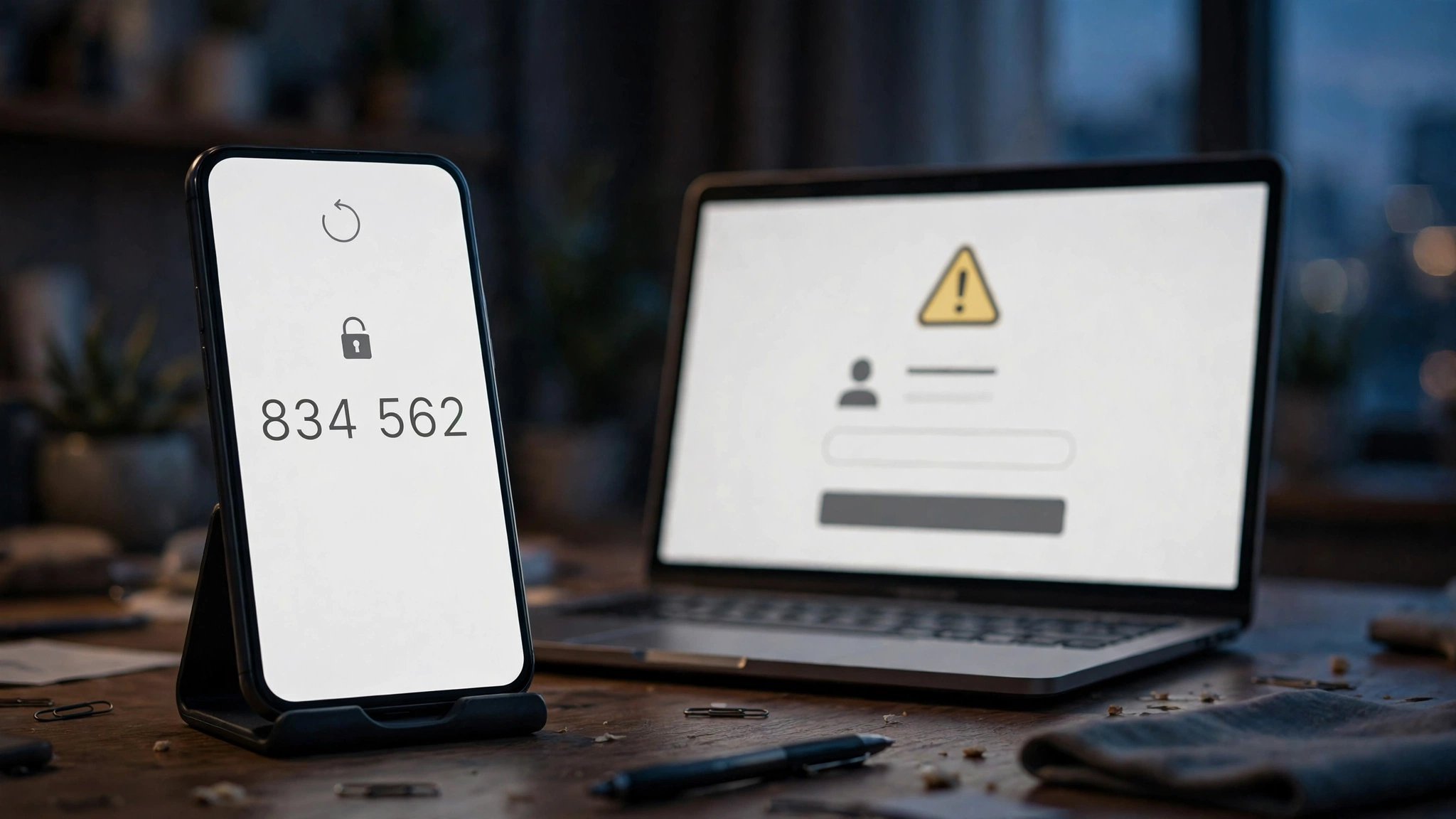
Every one of those things is anchored to the email address. Change the email and you can keep them; lose access to the email and you cannot prove you own the account when something goes wrong. A temp inbox that expires in ten minutes or an hour gives you an account that works perfectly right up until the first moment it needs its email. That is not a hypothetical. Zoom sends a one-time passcode to your email every time you sign in from a new device or a new location — a security feature it added with client version 5.9.0 and has kept ever since. The first time you open Zoom on a new laptop, a borrowed computer, or a phone you just replaced, the code goes to the address you signed up with. If that inbox is dead, you are locked out of your own meetings.
The host owns the meeting — and the email owns the host
There is a second, quieter way the email matters, and it has nothing to do with security. It is about ownership. On Zoom, the host is the person who scheduled the meeting, and the host controls everything: who gets in from the waiting room, who can share a screen, whether the meeting is recorded, when it ends. The host is identified by the account, and the account is identified by the email.
That matters in a way it does not on a streaming service or a store. If you schedule a weekly team call, a class, or a client session from a temp-email account, the meeting link belongs to that account. Lose the account and you lose the link — and everyone who has the old link saved is now knocking on a door nobody owns. You cannot transfer a scheduled meeting to another account. You cannot hand the host key to a new email address. You start over, send new links, and explain to everyone why the recurring meeting moved.
The recordings make the point sharper. The free Basic plan offers local recording — the video saves to your own computer, so the recording itself survives the account. But the meeting metadata, the scheduled series, the cloud recordings on any paid plan, and the AI Companion summaries (three hosted-meeting summaries a month on Basic, as of October 2026) all live in the account. The account is the filing cabinet. A dead email address is a filing cabinet with the key thrown away.
The new-device check is where the throwaway inbox dies
Zoom's one-time passcode on unfamiliar sign-ins is the single biggest reason a temp email fails on this platform, and it is worth understanding precisely, because it is not a punishment for using temp mail. It is a security feature that protects every account, and it happens to be fatal to disposable ones.
Here is how it works in practice. You create the account on your laptop with a temp address. The verification email arrives, you click, you are in. A week later you open Zoom on your phone to join a call from the car. Zoom does not recognize the device, so it emails a six-digit code to your signup address and waits. The temp inbox expired days ago. There is no code to read, no way to receive it, and no fallback — the code is the fallback. Your options at that point are the account recovery flow, which also runs through email, or Zoom support, which will ask you to verify ownership of the account through the same email address you no longer control.
The same trap sits behind password resets, suspicious sign-in alerts, and billing notices. Our two-factor recovery guide makes the general point: the recovery email is the account. On Zoom the point is sharper than most, because the new-device check fires during ordinary use, not only in emergencies. You do not need to forget your password. You only need to sign in from a second device, which is something almost everyone does within the first week.
The 40-minute clock has nothing to do with your email
One thing a temp email will never fix, and one thing people wrongly blame on it, is the 40-minute limit. Zoom's free Basic plan caps group meetings at 40 minutes with up to 100 participants. The cap applies to meetings with two people as well as ten — Zoom's own help article lists "1 host, 1 or more participants" among the capped configurations, and pricing pages checked in October 2026 confirm the limit across the board. One-on-one calls are not exempt. When the timer ends, the meeting ends, and everyone is dropped.
That limit is the free plan, not a penalty for the email you used. A real Gmail address gets the same 40 minutes. The only way past it is a paid plan: Pro at $14.16 per user per month billed annually lifts the cap to 30 hours, adds cloud recording, and unlocks the full AI Companion. And here the email comes back into the story, because upgrading means billing, and billing means receipts, invoices, renewal notices, and payment failure alerts — all of which go to the signup address. A temp-email account cannot be upgraded in any durable sense, because the first failed payment or expired card notice goes to an inbox that no longer exists, and the subscription lapses without you knowing.
Compare that with the competition for a moment, because it changes whether the account is even worth the trouble. Google Meet and Microsoft Teams both give free group calls 60 minutes, against Zoom's 40. If your use is a regular hour-long call with a small group, Zoom's free tier is the worst of the three, and no email trick changes that. The right question is not how to sign up for Zoom with a throwaway address. It is whether a free Zoom account does the job at all, and for an hour-long call, it does not.

Joining vs. hosting: the honest verdict
The whole question collapses into a two-row table once you separate joining from hosting. Most people asking about temp mail for Zoom are joiners, and joiners do not need an account at all. Hosts need an account, and hosts need an email that survives.
| Situation | Temp email works? | What to do instead |
|---|---|---|
| Joining a meeting from a link | You do not need any email — join as a guest | Click the link, type your name, join |
| Joining a meeting that requires sign-in | No — the host wants a verified identity | Use a real address or a forwarding alias |
| Hosting one-off meetings for a day | Yes, briefly — signup works and the code arrives | Accept that the account dies with the inbox |
| Hosting recurring meetings | No — links, settings, and recordings belong to the account | Real address, or a forwarding alias |
| Testing Zoom's host controls | Yes — this is the legitimate use | Delete the account when done |
| Upgrading to Pro, or any billing | No — receipts and renewal notices need a live inbox | Real address, or a forwarding alias |
The one legitimate use of a temp email on Zoom is the same narrow one that applies everywhere: testing. If you are building an integration, running a classroom demo where thirty students need host accounts for an hour, or checking how the host controls behave before you commit, a throwaway account is the cleanest tool for the job. The rules are the same as they are on every platform: no meetings you care about, no recordings you need to keep, no payment method, and delete the account when you are done.
What to use instead
For anything you intend to keep, the choice is not between a temp email and your personal inbox. There is a middle ground, and on Zoom it is better than both, because Zoom accepts it without complaint.
A forwarding alias — SimpleLogin, AnonAddy, Apple Hide My Email, or Proton Pass — gives you an address that looks permanent, so it passes any domain check, and the mail still reaches your real inbox, so recovery works and billing notices arrive. If you sign up with Google instead, Zoom skips email verification entirely, and the account is anchored to a Google account you already maintain. A custom domain you own is the strongest version of the same idea: no blocklist will ever contain a domain only you use.
And if you already created a Zoom account with a temp email, fix it now, while you still can. Zoom lets you change the primary email in your profile settings: add a new address, verify it, and make it primary. Do it before the old inbox dies, because once it is gone you cannot receive the verification code for the change, and the account is stuck on a dead address. The fix takes two minutes. The recovery, once the inbox is gone, does not exist.
If you are unsure where the line falls for other services, read our guide on when not to use a temp email at all — and if you want the mechanics of why websites reject temp email in the first place, we covered the blocklists in detail. Zoom is the unusual case where the blocklist is not the problem. The account itself is. And one more habit worth breaking: reusing one temp address across accounts makes the failure worse, because a single dead inbox becomes the single point of failure for everything attached to it.
Frequently asked questions
Can I sign up for Zoom with a temp email?
Usually, yes. Zoom does not publish a disposable-domain blocklist, and the verification email normally arrives in a temp inbox. Signup is the easy part. The problem comes later: new-device sign-ins, password resets, and billing all route to that inbox, and a dead inbox locks you out of the account.
Does Zoom block disposable email domains?
There is no documented disposable-domain block at Zoom signup, unlike GitHub or ChatGPT. Zoom's "You are not eligible to sign up for Zoom at this time" error is documented for other reasons: age under 16, geographic restrictions, an address already tied to an account, or a school or company domain that already has a Zoom account.
Do I need a Zoom account to join a meeting?
No. You can join most meetings as a guest with just the link and a display name, no account and no email required. You only need an account if you are hosting or scheduling, if the host requires authenticated sign-in, or if you want to manage personal settings or a subscription.
What happens to my Zoom account when the temp inbox expires?
The account keeps working until Zoom needs to reach you by email — a sign-in from a new device or location, a password reset, a suspicious sign-in alert, or a billing notice. At that point the one-time passcode or reset link goes to an inbox that no longer exists, and there is no fallback. Scheduled meetings, recordings, and settings stay locked inside the account.
Can I change the email on my Zoom account later?
Yes. In your profile settings you can add a new email address, verify it, and set it as primary. Do it while the old inbox still works, because the verification code for the change is sent to the new address and the confirmation touches the old one. Once the temp inbox is gone, the account is stuck on a dead address.
Does the 40-minute limit apply if I sign up with a real email?
Yes. The 40-minute cap on group meetings is a limit of the free Basic plan, not a penalty for the email you used. It applies to one-on-one calls as well as groups, and to every free account regardless of address. Only a paid plan — Pro at $14.16 per user per month billed annually — lifts the cap to 30 hours.
Is it legal to use a temp email for Zoom?
Using a temporary email is not illegal. Creating accounts to abuse the platform — spam meetings, harassment, evading bans — violates Zoom's terms of service and will get the account closed. Keep temp mail to legitimate testing, and the question never comes up.
The bottom line
Zoom is the friendliest big platform to a temp email at signup, and that friendliness is the trap. The verification arrives, the account works, and nothing warns you that you have built on sand. Then you sign in from a new device and the one-time passcode goes to a dead inbox. Then the recurring meeting link you sent to everyone belongs to an account you cannot get back into. Then the 40-minute clock reminds you that the free plan was never the right tool for an hour-long call anyway.
Use temp mail for the hour-long test and the classroom demo, and join meetings as a guest whenever you can — that needs no email at all. For anything you host more than once, put a real address, a forwarding alias, or a Google sign-in on it. The account you build on Zoom is worth more than the ten minutes a disposable inbox saves, and unlike the signup form, the recovery flow never gives you a second chance.
Need a disposable temporary email?
Protect your real inbox from spam and promotional clutter instantly and free.
Received a suspicious email, text, or charge alert?
Verify whether the sender domain is disposable, spoofed, or unverified before clicking links.