
Temp Email for Nintendo Signup: The Email Is About to Become the Only Key — and a Disposable One Locks You Out
On November 11, 2026, Nintendo announced something that changes the answer to the question in this post's title. Starting January 26, 2027, you will no longer be able to sign in to a Nintendo Account with Google or Apple. New accounts will need an email address and a password, and existing accounts that only ever used a Google or Apple button will need an email address and a password too. The email address on a Nintendo Account is about to stop being one of several ways in and become the way in — along with a Sign-In ID or a passkey, neither of which helps you if the inbox behind the account is gone.
That timing matters, because the usual temp-email question assumes the inbox is a throwaway detail. With Nintendo, it never was, and after January it will be even less so. A Nintendo Account is not a newsletter signup you can abandon. It holds the games you bought, the Nintendo Switch Online membership you paid for, the save data Nintendo keeps in its cloud, the family group your kids' accounts sit inside, and the purchase history that proves the account is yours when something goes wrong. Every one of those things is reached through the email address on the account. A disposable address gets you through the front door and then quietly takes the key with it when it expires.
This post is not a yes-or-no. The signup will probably take a temp email — Nintendo publishes no blocklist of disposable domains, and its own troubleshooting for a rejected address just tells you to try a different provider. The honest question is what the address is worth to you after signup, and on a Nintendo Account the answer is: more than on almost any other gaming account in this series, because Nintendo keeps recovery deliberately narrow and because the January change removes the Google and Apple escape hatch that used to bail people out.
What Nintendo announced on November 11 — and what actually ends
The announcement is short, and the details are what matter. Nintendo said that as of January 26, 2027, it will no longer be possible to link a Google account or an Apple account to a Nintendo Account, and the sign-in buttons for both will stop working. New Nintendo Accounts will be created with an email address and password directly on Nintendo's site. Existing users are told to sign in with the email address or Sign-In ID and password, or with a passkey. Nintendo added that the exact end time may slip depending on how the system work goes, so January 26 is a date to plan around, not a minute to watch.
Three things do not end, and the distinction is worth stating plainly because panicked posts about the change keep blurring it. Your games do not disappear. Your Nintendo Switch Online membership does not disappear. Your account itself does not disappear. What ends is a sign-in method. The risk is not that Nintendo deletes anything — it is that the next time a sign-in screen appears, on a new console, a reset Switch, the web eShop, or a phone app, the only way back in runs through an email address and a password, and if the email address was a temp inbox that closed months ago, there is no password reset to receive.
That is the frame for everything below. A temp email for a Nintendo Account is not a question about whether the signup form accepts it. It is a question about whether you want the recovery address for a library of purchased games to be an inbox with an expiry date, in the same month Nintendo removes the alternative way in.
The signup itself: what Nintendo asks for, and what the inbox does
Creating a Nintendo Account is a short form: date of birth, email address, password, nickname. Nintendo sends a verification email to the address you entered, and that email is the first test a temp inbox has to pass. Nintendo's own support page says the verification email should arrive within thirty minutes and expires one hour after it is sent. Thirty minutes is generous — most arrive in seconds — but the one-hour expiry is the real number. A temp inbox that is open for ten minutes, which is the default on several popular disposable services, can expire before you even finish the form if you get distracted, and then the code is dead and the address is burned for that attempt.
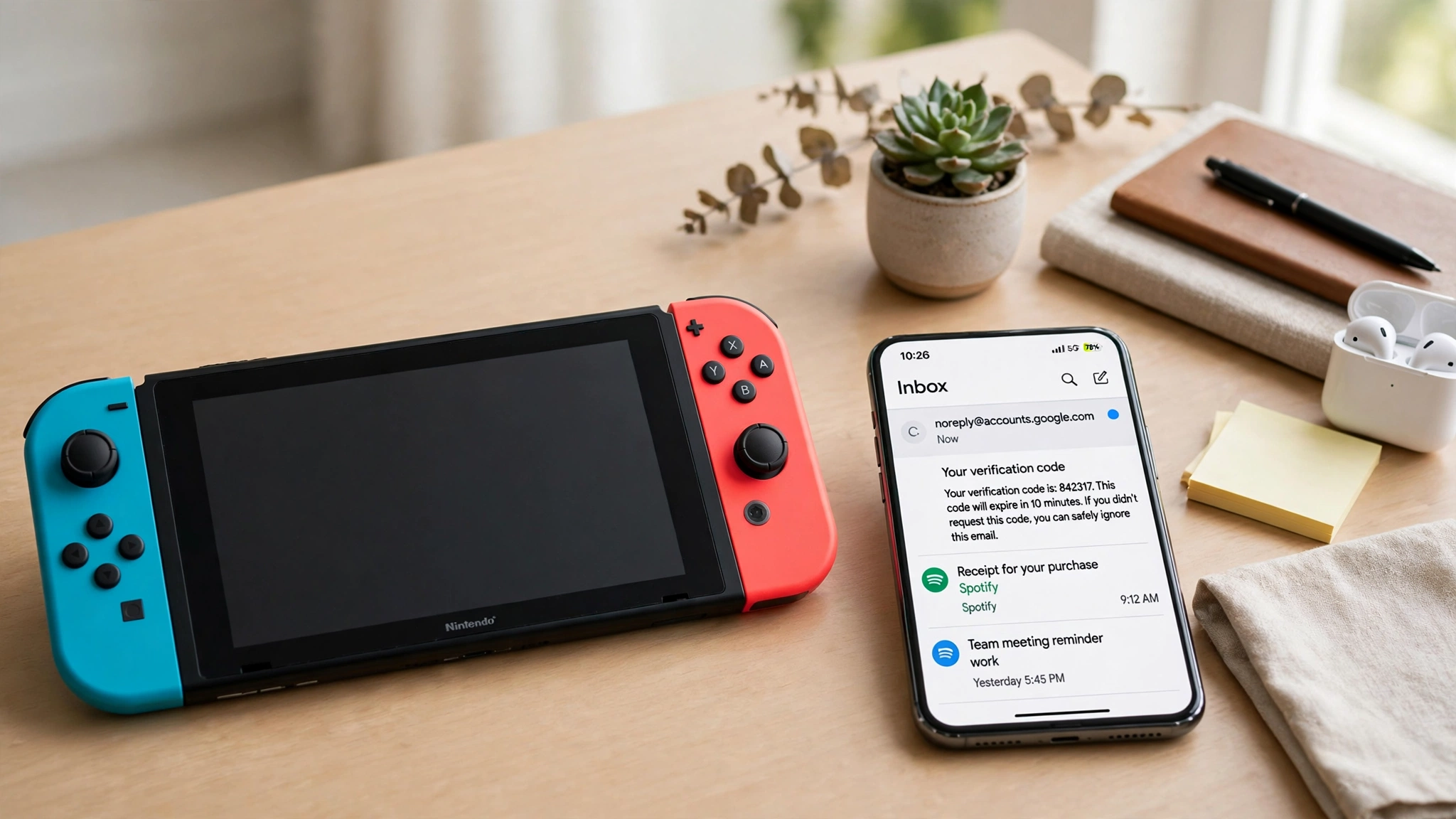
The verification mail comes from no-reply@accounts.nintendo.com, and Nintendo's troubleshooting tells you to add that address to your contacts and check spam before anything else. That is routine advice, but it is also a hint about how much of the account's life runs through email: the verification code at signup is the first of several emails Nintendo will send to that address, and the address has to keep working for years, not minutes.
One more rule from Nintendo's own FAQ belongs here, because it quietly kills a common plan. An email address can be linked to only one Nintendo Account. If you try to create a second account with an address that already has one, Nintendo refuses it. That matters for the second-region trick later in this post — each region account needs its own working address — and it matters for anyone who has already used their real address on an old account they forgot about. The fix for that is a password reset to the old address, which is exactly the recovery path a temp inbox cannot provide.
The three jobs your Nintendo email does after signup
Most signups ask an email address to do one job: receive a code. A Nintendo Account asks it to do three, and the second and third are where temp inboxes fail.
The first job is verification, covered above: the signup code, and the identity-verification codes Nintendo sometimes sends when you sign in from somewhere new or change account details. If you have registered a phone number on the account, Nintendo lets you verify by text message instead, which is a genuine escape route — but only if you registered the number before you needed it, and the number is still yours.
The second job is receipts and purchase records. Every eShop purchase, every Nintendo Switch Online renewal, every My Nintendo Store order sends mail to the address on the account. Those receipts are not decoration. When you contact Nintendo Support about a charge, a missing game, or an account problem, the first thing they ask for is proof tied to the account — and purchase history is the proof that carries weight. An inbox that expired in 2026 cannot produce a receipt from 2025, and a support agent cannot verify ownership from an address you no longer control.
The third job is recovery, and it is the one that ends accounts. Forgot your password, and Nintendo sends a temporary sign-in link to the email on the account. Lose access to your authenticator app for two-step verification, and the backup codes Nintendo gave you when you set it up are your way back — codes most people store in the same inbox they are trying to protect. Change the email address on the account, and Nintendo sends a confirmation to the old address first. In every case the email address is the anchor, and Nintendo's support pages are blunt about what happens when the anchor is gone: you contact support and prove ownership with console serial numbers and purchase history, a slow manual process with no guaranteed outcome.
That is why the comparison with other gaming accounts in this series is instructive. Steam ties your library to an email too, but Steam also gives you a mobile authenticator and a long support-recovery tradition built around purchase receipts you can forward from any address. Xbox accounts sit on a Microsoft account, which has its own recovery machinery, alternate emails, and phone numbers. PlayStation Network leans on the same email-first model as Nintendo, and the same warning applies there. Nintendo is the thinnest of the four: one email, one account, an authenticator app for two-step verification, and a support process that starts by asking what you bought and when. A temp inbox is a bad fit for a thin recovery system.
Where a temp email genuinely works: the second-region account
There is one honest use case, and it is the reason this post does not end with a flat no. Nintendo's eShop is split by region, and some games, demos, and sales only exist in one region's store. The standard way to reach another region's eShop is a second Nintendo Account set to that country, linked to a second user profile on the same Switch. Guides for making a Japanese Nintendo Account have recommended a temporary email generator for years, because the account needs an address and the account itself is a utility: it exists to buy or download region-locked games, not to hold your main library.
That use works, with two limits that the guides usually leave out. First, the payment method has to match the region — an American card generally does not buy games in the Japanese eShop, so the second account is mostly useful for free demos, free-to-play games, and purchases made with eShop cards for that region. Second, the account still needs its inbox alive for as long as you want to keep the games on it. A region account that holds ten purchased games is no longer a utility; it is a second library, and it deserves the same permanent address the main one gets.
The rule that falls out of this is simple and it holds for the whole series: a temp email is fine for an account you can walk away from, and a second-region account you use for free demos is exactly that. The moment the account holds anything you paid for, the address stops being disposable. The same test is what made the Roblox post end where it did — an account with nothing in it is safe to lose, and an account with purchases in it is not.
Where it breaks: the four moments a dead inbox costs real money
If the region account is the one place a temp email works, the main account is where it breaks, and it breaks at specific moments rather than all at once. That is what makes it dangerous: everything works fine for months, and then one ordinary event exposes the missing inbox.
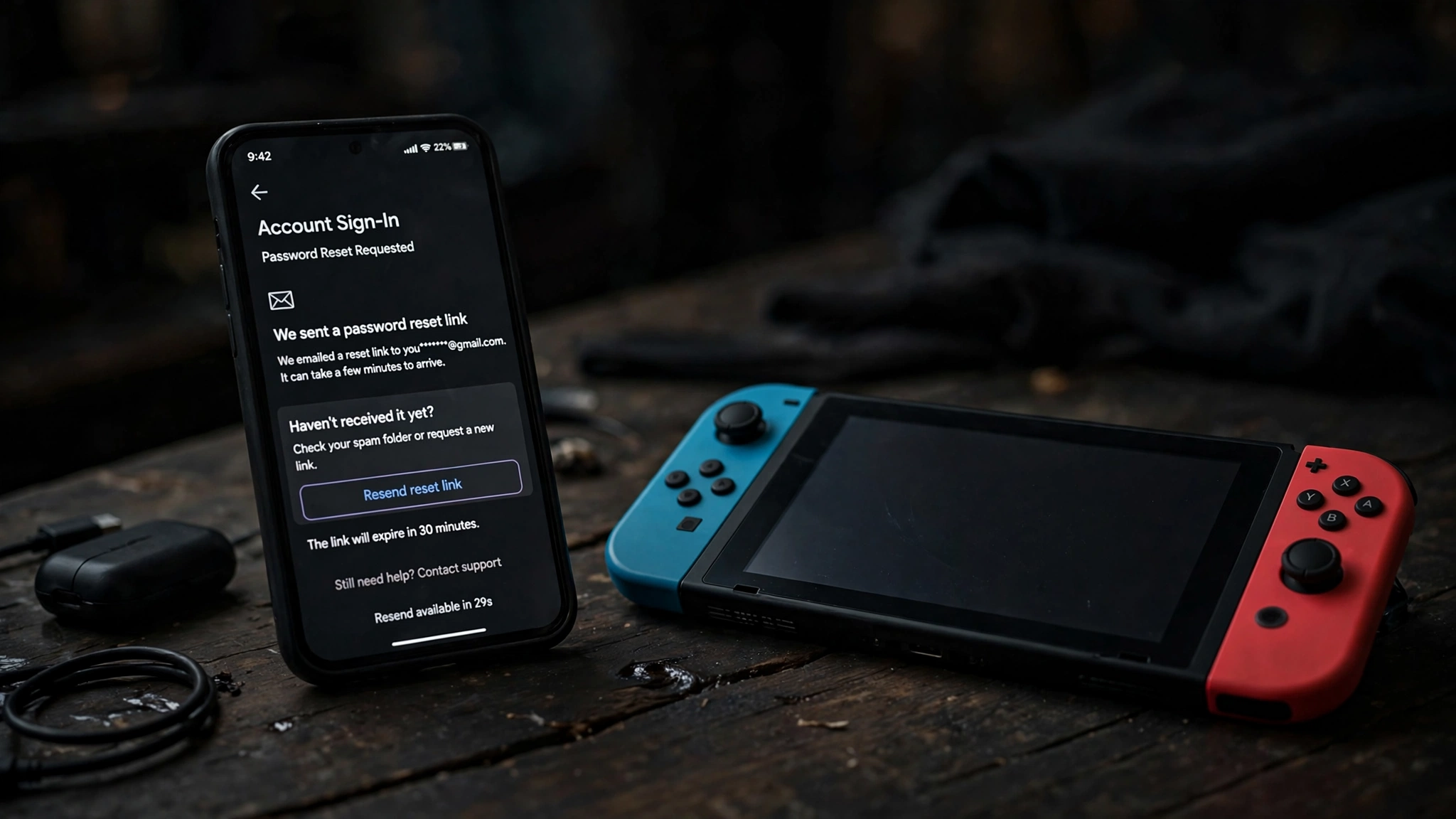
The first moment is the password reset. You get a new phone, you factory-reset the Switch, you try to sign in on the web eShop, and the password you typed from memory is wrong. Nintendo sends the reset link to the address on the account. A temp inbox that closed in November cannot receive a reset link in March, and there is no other self-service way to get one. The account is not deleted — it is just unreachable, which for a library of digital games amounts to the same thing until support sorts it out.
The second moment is two-step verification. Nintendo's two-step verification runs through the Google Authenticator app, not through email, which sounds like good news for a temp inbox — until you lose the phone with the authenticator on it. Then the recovery path is the backup codes Nintendo showed you when you set it up, and most people keep those codes in an email to themselves. If that email went to the temp address, the backup codes died with the inbox, and the authenticator died with the phone. Two independent losses, one shared cause.
The third moment is the family group. A parent or guardian manages child accounts through a family group, and the parent's email address is the anchor for the whole group: it receives the purchase notifications, the spending-limit alerts, and the approval requests when a child wants to buy something. A child account itself does not need its own email address — a parent can create one without one — but the parent's address has to be real and reachable, because it is the control panel for every account in the group. A temp address on the parent account hands the control panel to an inbox that expires.
The fourth moment is the quiet one: the account gets flagged. Nintendo sometimes asks for an identity-verification email when you sign in from a new place or change account details, and if you have a phone number registered you can verify by text instead. But the phone option only exists if you set it up in advance, and the email option is the default. A flag that arrives while the inbox is dead turns a routine sign-in into a support ticket, and support tickets about accounts you cannot prove you own move slowly.
Does Nintendo block disposable domains?
This is the question most searchers actually typed, so it deserves a straight answer: there is no published evidence that Nintendo blocks disposable email domains at signup, and I am not going to invent a blocklist that does not exist. Nintendo's own support page for an address that "is not valid or can't be used" offers three suggestions — check the spelling, try an address from a different provider, or create the account with Google or Apple instead — and that last option disappears on January 26, 2027. The page reads like a generic troubleshooting article, not a policy statement, and no test I could find from a reliable source shows a specific disposable domain being rejected by Nintendo's form.
That does not mean any disposable domain will work forever. Disposable domains get added to blocklists constantly, and Nintendo can reject an address without telling you why. It also does not mean a domain that works at signup keeps working: Nintendo does not re-check your address after signup, so a domain blocked later does not lock you out by itself — what locks you out is the inbox expiring, which happens on a schedule regardless of any blocklist. The blocklist question is the wrong question. The expiry question is the right one, and the answer to it is fixed: temp inboxes expire, and the account does not.
For contrast, Epic Games is explicit about account security in a different way — its recovery also runs through the email on the account, and the same expiry logic applies. The pattern across this whole series is consistent: the signup form is the easy part, and the recovery system is the part that punishes a disposable address. Nintendo is not special in blocking temp email. It is special in how much of the account depends on the email after signup, and how few alternatives it offers when the email is gone.
Frequently asked questions
Can I sign up for a Nintendo Account with a temp email?
Probably yes — Nintendo publishes no disposable-domain blocklist, and the verification email only needs an inbox that stays open for about an hour. The signup is the easy part. The problem is everything after it: password resets, purchase receipts, and identity checks all go to the address on the account, and a temp inbox expires. Use a permanent address for any account that will hold games you paid for.
Does Nintendo send a verification code by email?
Yes. Nintendo sends a verification email from no-reply@accounts.nintendo.com when you create the account, and it should arrive within thirty minutes and expires one hour after it is sent. Nintendo also sends identity-verification codes by email when you sign in from a new place or change account details, unless you have a phone number registered and choose text verification instead.
What happens if I lose access to the email on my Nintendo Account?
Password resets go to that email address, so a lost inbox means no self-service reset. Changing the address also requires confirmation at the old address. Your remaining path is Nintendo Support, which asks for proof of ownership such as console serial numbers and purchase history — a slow manual process. If you used Sign in with Google or Apple, fix this before January 26, 2027, when those buttons stop working.
Can I use the same email for two Nintendo Accounts?
No. Nintendo allows one email address per Nintendo Account. A second account — for another region's eShop, for example — needs its own address. A child account is the exception: a parent can create one without giving the child a dedicated email address, because the parent's address anchors the family group.
Is two-step verification on Nintendo tied to my email?
No, and that is a genuine strength. Nintendo's two-step verification uses an authenticator app, so the code does not depend on your inbox. But the backup codes you receive when you set it up are your recovery path if you lose the authenticator, and most people store those codes in email. Keep the backup codes somewhere that outlives any inbox.
Should I use a temp email for a Japanese eShop account?
For a second-region account used only for free demos and free-to-play games, a temp email is a reasonable fit — that is the use the guides have recommended for years, and the account holds nothing you would miss. The moment that account holds purchased games, switch it to a permanent address. A region account with ten paid games is a second library, not a utility.
The setup that actually works
The setup that survives January 26 is unglamorous, which is why it works. Use a permanent email address that you control for the Nintendo Account — an alias is fine, and in fact a dedicated alias just for Nintendo is the best version of this, because it keeps the purchase mail and the reset links in one place without exposing your primary inbox to marketing. Set a password you store in a password manager, not one you type from memory. Turn on two-step verification with an authenticator app, and store the backup codes on paper or in the password manager, not in an email to yourself. Register a phone number on the account while you still have access, because Nintendo lets you verify by text when the email path is unavailable. And if your account was created with Google or Apple, do the migration now: find the email address on the account, set a password through the forgot-password flow, and confirm you can sign in with email before the January deadline forces the issue.
None of that is a trick, and that is the point. The temp-email question is usually asked by someone looking for a shortcut, and the honest answer is that the shortcut works at signup and charges interest later. Nintendo's January change removes the one alternative that used to rescue people from the shortcut — the Google or Apple button — and leaves the email address as the single key to a library of games. A key you rent by the hour is not a key. Put a real address on the account, and keep the temp inbox for the signups you can afford to lose.
The honest answer
A temp email will almost certainly get you through Nintendo's signup form, and for a throwaway second-region account used for free demos, that is enough. For the account that holds your games, your membership, and your purchase history, it is the wrong tool — not because Nintendo blocks it, but because Nintendo's recovery system is built around the email address and offers almost nothing else when that address is gone. The January 26, 2027 change makes the point sharper: when Google and Apple sign-in disappear, the email address becomes the only way back into the account, and an inbox with an expiry date is a way back in that expires with it.
Need a disposable temporary email?
Protect your real inbox from spam and promotional clutter instantly and free.
Received a suspicious email, text, or charge alert?
Verify whether the sender domain is disposable, spoofed, or unverified before clicking links.