

Temp Email for Epic Games Signup: Fortnite Says Yes, Then the Free Games Become the Trap
Most platforms that block temp email do it loudly. The signup form rejects the address, or a support page lists disposable domains as banned. Epic Games does neither, and that silence is exactly what makes it dangerous. People read the quiet as permission, create an Epic account with a disposable inbox, and only discover the cost months later, when the account has grown into something worth keeping and the inbox that created it no longer exists.
My position, stated up front: a temp email works for Epic Games signup. Epic's own help page documents the reasons an address can be refused, and disposable email is not one of them. For a throwaway account that will only ever play Fortnite for a weekend, that is the whole story and it ends well. For any account that will collect the weekly free games, buy V-Bucks, or play competitively, the signup is the easy part and the email is the part that owns you afterward. The question is never whether Epic lets you in. It is whether you can still get back in six months from now.
Epic does not ban temp email — its own help page says so
Start with what Epic actually publishes, because it is unusually specific. Epic's support page lists three reasons an email address can be refused at signup: the address is a sub-address using a plus sign or a dot in the local part, the email provider has been blocked by Epic for abusive behavior, or the account is being created from a country under United States trade restrictions. Disposable email appears nowhere on that list. Epic's terms of service and the Epic Games Store end-user agreement name no disposable, temporary, or burner address type either. Epic can block a provider, in its own words, "for abusive behavior," but that is a judgment about the provider's history, not a rule against temporary inboxes.
The plus-address detail is worth pausing on, because it catches people who think they have found a clever middle ground. Addresses like yourname+fortnite@gmail.com and dotted variants are refused outright. Epic names plus signs and dots directly. If your plan was to hide behind a tagged Gmail address instead of a disposable one, Epic has already closed that door, and the refusal message will not explain why.
Compare that with the machinery most platforms use. Our piece on how websites detect disposable domains walks through blocklists, reputation scores, and behavior signals — and Epic runs the same machinery. The difference is only where the line sits. Epic does not ban the category. It bans providers that have earned a ban through abuse, which means your signup succeeds or fails on the reputation of the specific domain you happen to generate, not on the fact that it is temporary.
The weekly free game is how a throwaway account gets valuable
Here is the part of Epic that people underestimate, because it does not look like spending money. The Epic Games Store hands out a free game nearly every week. Claim it and it stays in your library permanently. Do that for a year and you own dozens of games you never paid for. None of them cost you a cent, and the library still has real value: the replacement cost if you had to buy those titles, the hours of entertainment sitting in it, and the simple fact that you would notice if it vanished.
That is the trap, and it is quieter than Steam's version of it. Our piece on temp email for Steam signup covers an account where the library is built from purchases, so the value is obvious from the first receipt. On Epic the library is built from free claims, so the value stays invisible until the day you cannot reach it. A throwaway account that claims one free game a week stops being a throwaway account around the third or fourth claim. It just does not tell you that it stopped.
Fortnite makes the same point from the other direction. The game itself is free, and an Epic Games account is required to play it. What accumulates inside a Fortnite account is not a library but progress: a locker full of skins, a battle pass history, friends, and competitive rankings. None of it has a price tag until you try to sell or trade the account — which Epic prohibits — but all of it has value to the person who built it. The email on file is the recovery factor for all of it, and a disposable inbox is a recovery factor with an expiry date.

Verified email is the key that unlocks two-factor authentication
Epic's design ties the email to features, not just to security. Verifying your email unlocks two-factor authentication, and two-factor authentication unlocks gifting, competitive Fortnite play, and some free Epic Games Store titles. That chain matters because it turns the email from a contact field into a gate. An unverified account is a limited account: you can play, but you cannot send a gift, you cannot enter competitive events, and some free games will not even claim until the email is verified and 2FA is on.
The lock works in both directions. You cannot disable two-factor authentication without access to your email, to receive the backup code, or to your authenticator app. If the inbox that verified the account is dead, and the authenticator lives on a phone you replaced, the account is sealed from the outside. The backup codes Epic shows when you set up 2FA are the escape hatch, and most people who sign up with a temp email never save them, because at signup the account feels too unimportant to protect.
This is the same loop we covered in our piece on temp email and two-factor authentication recovery, and Epic is one of the clearest examples of it: the email is not the security feature. The email is what lets you recover the security feature when everything else fails. Lose the inbox and you have not lost a contact address. You have lost the only key that opens the lock you put on the account yourself.
The headless account: when there is no email at all
Epic has a second way to end up with an email problem, and it has nothing to do with temp mail. If you first play Fortnite on a console — PlayStation, Xbox, or Switch — Epic creates what it calls a headless account: an account with no email address attached at all. It works fine for playing. It becomes a problem the first time you want to do anything on the website: claim a free game, change settings, enable 2FA, or link the account to a PC. To gain full control you have to attach an email, and the account will not let you do the things that need an email until you do.
People in that situation often reach for a temp email, because they are in a hurry and the account did not feel important five minutes ago. That is the same trap entered from the other direction: the account already holds progress, skins, and friends from months of console play, and the email attached in a hurry becomes the recovery factor for all of it. The headless account is Epic's own reminder that the email question cannot be postponed forever. It arrives either at signup or later, and later is when the account is worth more.
One more Epic rule belongs here: one email address can hold only one Epic Games account at a time. If the disposable address you generate was already used for an account — which happens with shared temp-mail pools where addresses get recycled — Epic will refuse it as already in use. That is a collision, not a block, and generating a fresh address solves it. But it is also a warning about what shared pools are: addresses with a history you cannot see.
Six months with a temp-email Epic account
The honest way to judge a temp email is not the signup. It is a timeline. Here is what six months actually looks like on an account created with a disposable inbox, told straight, because every step is ordinary and every step is documented in Epic's own support pages.
Day one, the signup takes about two minutes. The verification email arrives, you click the link, the account is live. Nothing warns you about what comes next, because there is nothing to warn about yet.
Week two, you claim the first free game. Then the next week's, and the next. The library grows by one title a week and you stop thinking of the account as temporary, because temporary accounts do not have libraries.
Month two, you buy V-Bucks for a battle pass. The receipt goes to the address on file. The inbox that received the verification email expired weeks ago, so the receipt goes nowhere, and you do not notice, because the purchase worked and the game shows your balance.
Month four, you get a new laptop, or you log in from a different network, and Epic asks for a verification code. The code goes to the address on file. The inbox is gone. The login stalls, and the account is unreachable from the new machine until support intervenes.
Month six, you forget the password. The reset link goes to the dead inbox. You open a support ticket, and support asks for proof of ownership: the original email, purchase receipts, the payment method used for the V-Bucks. The receipts went to an inbox that no longer exists. Support can still help — account recovery is a real process, not a dead end — but it is slow, it is manual, and it is not guaranteed. The same shape shows up across the platforms we have covered. Our piece on temp email for Twitch signup walks through an account where the thing accumulating inside is a channel and a community instead of a library, and the recovery problem is identical.
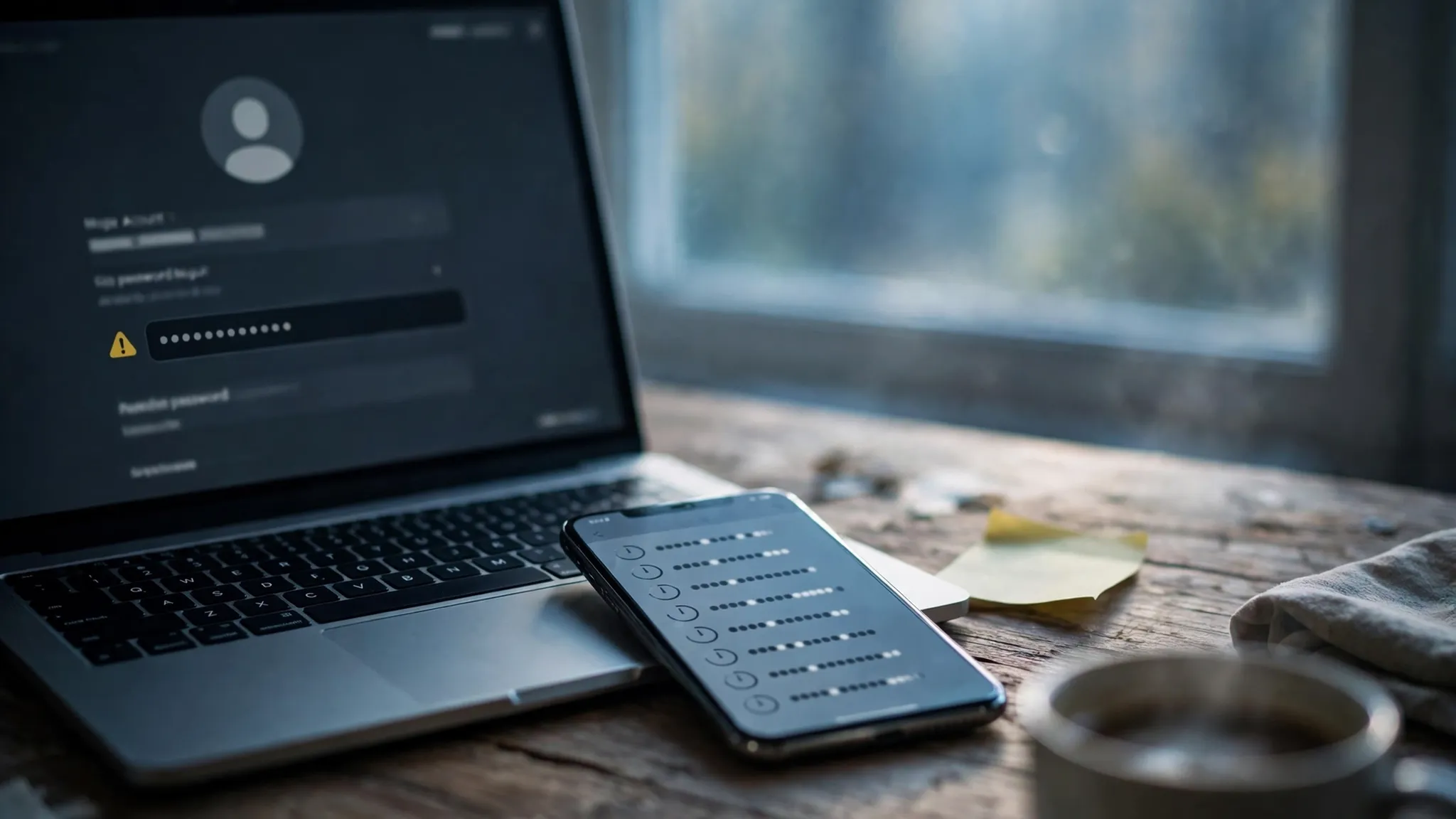
None of this is a punishment Epic designed. It is the ordinary consequence of building an account on an address that was designed to disappear. The signup worked exactly as advertised. The account worked exactly as advertised. The recovery failed exactly as it had to.
Where a temp email genuinely works on Epic
None of this means a temp email is useless on Epic. It means the use has to match the account's future. There are four situations where a disposable inbox is genuinely the right call.
First, claiming one free game on an account you will never open again. The game sits in a library nobody will miss. The account is a shelf, and a temp email is a perfectly good shelf for a shelf.
Second, trying Fortnite before committing. A weekend of play to see whether the game is for you costs nothing, and a temp email keeps that experiment separate from the inbox that holds everything else you own.
Third, beta keys and giveaways. Publishers hand out beta access through email-gated forms, and the confirmation only needs an inbox that lives long enough to catch the key. Our piece on temp email for game beta invites covers that flow in detail.
Fourth, keeping a second account separate. Some players run a second account for a different friends group or a fresh start. A temp email gives that account its own identity without linking it to the inbox that holds the main account. Just remember that Epic prohibits buying, selling, or transferring accounts, and that its rules allow only one account per email — the disposable inbox hides nothing from Epic's own linking, it only hides the account from its owner when recovery is needed.
The domain lottery, Epic edition
If Epic does not ban disposable email, why do people report that their temp address was rejected? The answer is the domain lottery, and Epic's own language gives it away: a provider gets blocked "for abusive behavior." That is a reputation judgment, and reputation is earned by volume. A disposable provider whose domains were used to spin up thousands of bot accounts gets burned. A fresh domain from the same provider, or a domain from a provider with a large rotating pool, sails through.
The practical test is the same one that applies everywhere. Generate a fresh address on a different domain and try again. If two or three domains fail in a row, that is a signal, not a bug. Epic is telling you that disposable addresses from that provider are burned, and cycling through ten more is not going to change the answer. Use a domain that looks like an ordinary email provider rather than one that advertises itself as disposable, because Epic's filters weigh the domain's history, and a famous ten-minute-mail domain is known to every abuse filter on the internet by name.
There is also the deletion rule to know before you start over. Epic enforces a 14-day waiting period after you submit an account deletion request, and you cannot merge two Epic accounts — support will not do it for you. If you create a second account because the first one is locked behind a dead inbox, you are starting over for real: the library, the skins, and the progress stay on the old account. That is the price of the fresh start, and it is worth knowing before you pay it.
A safer setup that keeps the separation
If you want the privacy of a separate inbox without the recovery trap, there is a middle path, and it takes about ten minutes.
Start with the temp email for signup and verify the account. Then, while the inbox is still alive, swap the account email to a permanent address you control — ideally a dedicated alias or a secondary inbox you actually check, not your primary personal email. Do the swap the same day, not next month, because changing the email requires access to the current address for verification. If the temp inbox has already expired, the swap itself needs support, which is the trap you were trying to avoid.
Next, turn on two-factor authentication with an authenticator app and save the backup codes somewhere durable — a password manager, not a screenshot on the same phone. Those codes are the only way back in if the authenticator is lost, and Epic will not hand them out a second time.
Finally, save the credentials: the username, the password, the backup codes, and the email now on file. The entire point of this setup is that the account survives a forgotten password, a lost phone, and a new computer, and none of those survive on a temp inbox.
Frequently asked questions
Can I create an Epic Games account with a temp email?
Yes, if Epic has not blocked that provider. Signup asks for an email, a display name, and a password, then sends a verification email. A temp inbox receives it like any other inbox. Epic documents three refusal causes — plus-sign or dot sub-addresses, providers blocked for abusive behavior, and US trade restrictions — and disposable email is not among them.
Will Epic ban my account for using a temp email?
Epic does not ban accounts for the email domain itself. Bans and suspensions come from behavior: cheating, fraud, inaccurate registration information, or buying, selling, or transferring accounts. What a temp email does is remove your recovery path, so a hijack, a forgotten password, or a lost authenticator becomes much harder to reverse.
Can I play Fortnite with a temp email account?
Yes. Fortnite runs on an Epic Games account, and email verification is part of signup. Competitive play and gifting need a verified email with two-factor authentication turned on, so an account that never verifies stays limited to casual play.
Can I buy V-Bucks on a temp-email account?
Yes, purchasing works normally, and the receipts go to the address on file. That is the problem: the receipts, the verification codes, and the password resets all go to an inbox that will expire. Buying V-Bucks on a temp-email account means building a paid balance on a foundation that disappears.
Can I change the email on my Epic account later?
Yes, in account settings, and Epic sends a confirmation to the new address. Do it while the temp inbox is still alive, because changing the email requires access to the current address for verification. If the inbox already expired, contact Epic Support with proof of ownership.
What happens if I lose access to the email on my Epic account?
Password resets, two-factor backup codes, and hacked-account recovery all route through the address on file. If it is gone, Epic Support is the only path, and they will ask for proof of ownership such as purchase receipts or the original email. Recovery is possible but slow and manual, and it is not guaranteed.
Does Epic Games accept plus-addressed emails like name+epic@gmail.com?
No. Epic explicitly refuses sub-addresses: plus signs and dots in the local part of the address are listed as an invalid-email cause. The address you register must be an ordinary name@domain format.
The honest summary
Epic Games is the most honest platform in this series, and that is what makes it the most misleading. It never bans temp email, it never hides the rules, and it publishes the exact reasons an address can be refused. The signup works in two minutes and the account works perfectly — until the week you claim a free game you want to keep, buy V-Bucks you want to spend, or log in from a machine Epic does not recognize. Use a temp email for a weekend of Fortnite and it will never cost you anything. Use it for the account that holds your library and you are building a collection with a key you threw away.
Need a disposable temporary email?
Protect your real inbox from spam and promotional clutter instantly and free.
Received a suspicious email, text, or charge alert?
Verify whether the sender domain is disposable, spoofed, or unverified before clicking links.