
Temp Email for Kimi Signup: the Email Door Works, but Which Kimi Are You Signing Up For
The verdict first: the email works, the platform is the question
Yes, a temporary email address works for Kimi signup — on the international door. You paste in a temp address, Kimi sends a verification code, the code lands in seconds, you type it in, and you are chatting with one of the most capable open-weight models on the planet. No credit card, no phone number, no waiting room. That is the honest short answer, and it is also the least important thing about signing up for Kimi, because Kimi is not one product with one front door. It is two products wearing one name, and the door you walk through decides what your account can ever become.
That split is what this post is actually about. On most AI tools in this series, the email step was the story: DeepSeek runs an allowlist that refuses disposable domains before any code is sent, Lovable grades your domain against a blocklist, Gamma lets you in and then strands you on credits you cannot move. Kimi is different. As far as anyone can publicly verify, Kimi publishes no disposable-domain blocklist at all, and its international signup takes a global email address without complaint. The trap is not the inbox. The trap is picking the wrong Kimi — the mainland-China one that wants a Chinese phone number and a WeChat scan — and discovering, weeks later, that the two accounts can never be merged, the two API platforms do not share keys, and the work you built on one side does not exist on the other.
So the question is not whether a temp email works. It works. The question is which Kimi you are signing up for, what the free tier actually gives you once you are in, and whether an account built on an inbox that expires in ten minutes is an account you will ever be able to keep. The rest of this post answers those three questions in that order, with the numbers Moonshot AI itself publishes.
Kimi is two products wearing one name
Kimi is the chatbot built by Moonshot AI, a Beijing startup founded in March 2023 that launched Kimi publicly in November 2023 as a long-context chatbot. Since then the model line has moved fast: K2 in July 2025, a 1-trillion-parameter mixture-of-experts model released under a modified MIT license; K2 Thinking that November; K2.5 in January 2026, which added native vision, agent swarms, and the Kimi Code coding assistant; K2.6 in April 2026, open-sourced and aimed at long-horizon coding; K2.7 Code in June; and K3 on July 16, 2026, a 2.8-trillion-parameter model that one independent tracker calls the largest open-weight model to date.
The product surface grew just as fast. One account now spans web and app chat, the Kimi Code coding assistant, the Kimi Work desktop agent, the Kimi Claw cloud agent, an API platform, and an enterprise tier. That sounds like a single ecosystem, and on either side of the split it is. The split is the part nobody tells you about before signup: there are two Kimi platforms, and they do not talk to each other.
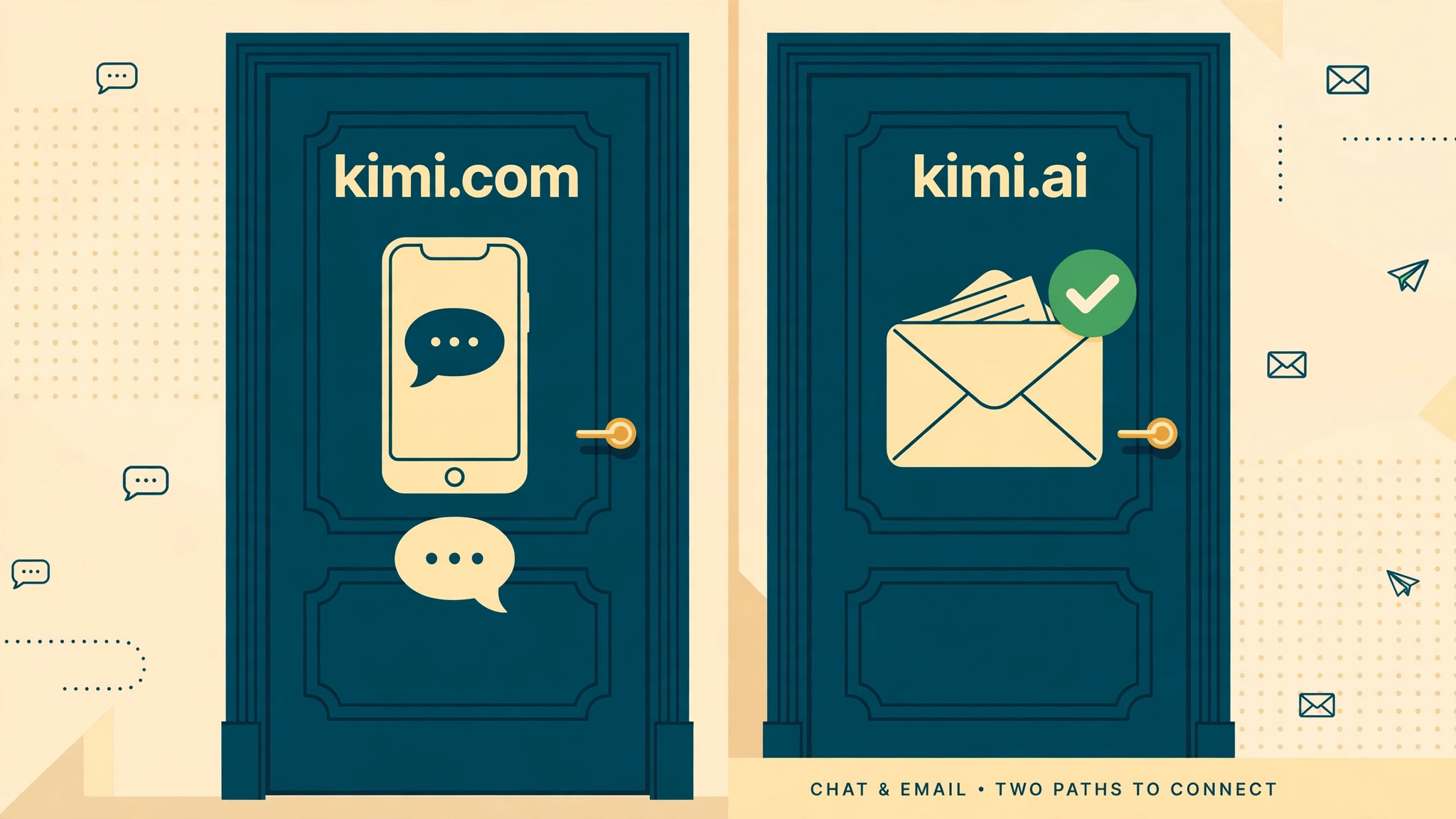
The mainland platform lives at kimi.com. It accepts a WeChat QR scan or a mainland-China phone number by SMS, and its terms require users to be 18 or older or have guardian consent. The international platform lives at kimi.ai, and it accepts a phone number or a Google account — and, as a guide that tested the flow in May 2026 put it, signup there "uses a global email address — Gmail, Google, or Yahoo — no Chinese phone number required." The same guide confirmed a US App Store listing in May 2026 and an English interface at kimi.com/en. An independent product tracker that re-checked both doors in September 2026 recorded the same split: kimi.com takes WeChat or a mainland-China phone, kimi.ai takes a phone number or a Google account.
The API side is split the same way, and here the separation is documented in error messages rather than marketing copy. The international API platform is platform.kimi.ai, operated by the Singapore entity Moonshot AI Pte. Ltd. The mainland platform is platform.moonshot.cn. Accounts, billing profiles, and API keys are not interchangeable across the two, and using a key from one platform against the other returns a 401 invalid_authentication_error. That is not a bug or a temporary migration state. It is the architecture.
For a US user, the practical meaning is simple: you want kimi.ai, the international platform, and the email door on that platform is the one this post tests. If you somehow land on kimi.com — a search result, an old bookmark, a link from a Chinese-language guide — the signup form will ask for things a temp inbox cannot provide, and no clever choice of disposable domain fixes that, because the gate is a phone number, not an email domain.
The international door, step by step
Here is the signup on kimi.ai as it runs for a US user, based on the flows documented by independent guides through 2026. Open kimi.ai and choose to sign up. The form offers an email address, a phone number, or a Google account. Pick email. Type the address — this is where the temp inbox goes in — and Kimi sends a verification code to it. The code lands in seconds on a working inbox, you type it into the form, and the account opens. No credit card is asked for, no second identity check follows, and the free tier starts immediately.
That is the whole gate, and it is worth saying plainly why it is so light. Kimi does not need to interrogate your email address because the email is not where Kimi's trust lives. The trust lives in the phone number on the other platform and in the paid tiers on this one. A disposable inbox passes the only check the international door runs, which is: can this address receive a code right now. A temp inbox can. Nothing in the flow asks whether the address will still exist next month, and nothing warns you that it should.
There are two details worth getting right before you type. First, make sure you are on the international platform. The URL matters more than anything else on this page: kimi.ai, or the English interface at kimi.com/en, not the mainland kimi.com login. Second, remember which method you used. Kimi's own account guidance warns that signing up by email and later trying a third-party sign-in may not resolve to the same account — the routes do not automatically merge. Write down the method in your password manager the moment the account opens, because "I think I used Google" is not a recovery strategy.
If the code does not arrive, the fix list is short and honest: recheck the spelling and the country code if you used a phone, look in spam and filtered folders, wait several minutes, and use the official Resend control after about five minutes rather than hammering the button. Kimi's guidance also states that only supported regions are accepted and that VoIP numbers and landlines are not supported for phone verification. That last point matters for the phone route: a virtual number from a public pool is likely to fail, and the failure will look like a missing code rather than a refusal.
The China door, and why a temp inbox cannot open it
The mainland door deserves its own section because it is the door most people hit by accident, and because its failure mode looks exactly like a temp-email failure when it is nothing of the sort.
On kimi.com, signup accepts a WeChat QR scan or a mainland-China mobile number that receives an SMS code. There is no email-only route on that platform, no Google sign-in, and no way to substitute a disposable inbox for the phone step. A US user without a mainland number simply cannot complete it, and the form will not explain that in friendly language — it will just keep asking for a number it accepts. Guides that tested this through 2026 are consistent: full registration on the mainland platform requires a Chinese phone number for most users, and the international version is the only route that works with an email address alone.
This is the mirror image of the DeepSeek case we covered earlier in this series. DeepSeek refuses disposable domains at the email step because it keeps an allowlist of four mainstream providers. Kimi's mainland platform never reaches the email question at all, because the phone step comes first and the phone must be a real mainland mobile. A temp inbox is useless there not because the domain is blocked, but because the inbox is answering a question nobody asked. If you find yourself staring at a phone field on a Kimi signup page, you are on the wrong platform, and the fix is to close the tab and open kimi.ai — not to try a different temp-mail service.
There is a second, quieter cost to the wrong door. New users who register on the mainland platform with a mainland-China phone number and complete real-name verification receive a voucher worth 15 yuan, valid for three months and not usable for K3. That is a real perk, and it is also a marker of which side of the split you are on: vouchers, yuan pricing, and WeChat login belong to one Kimi, and dollar pricing and Google login belong to the other. You do not get to collect perks from both.
What the free tier actually gives you
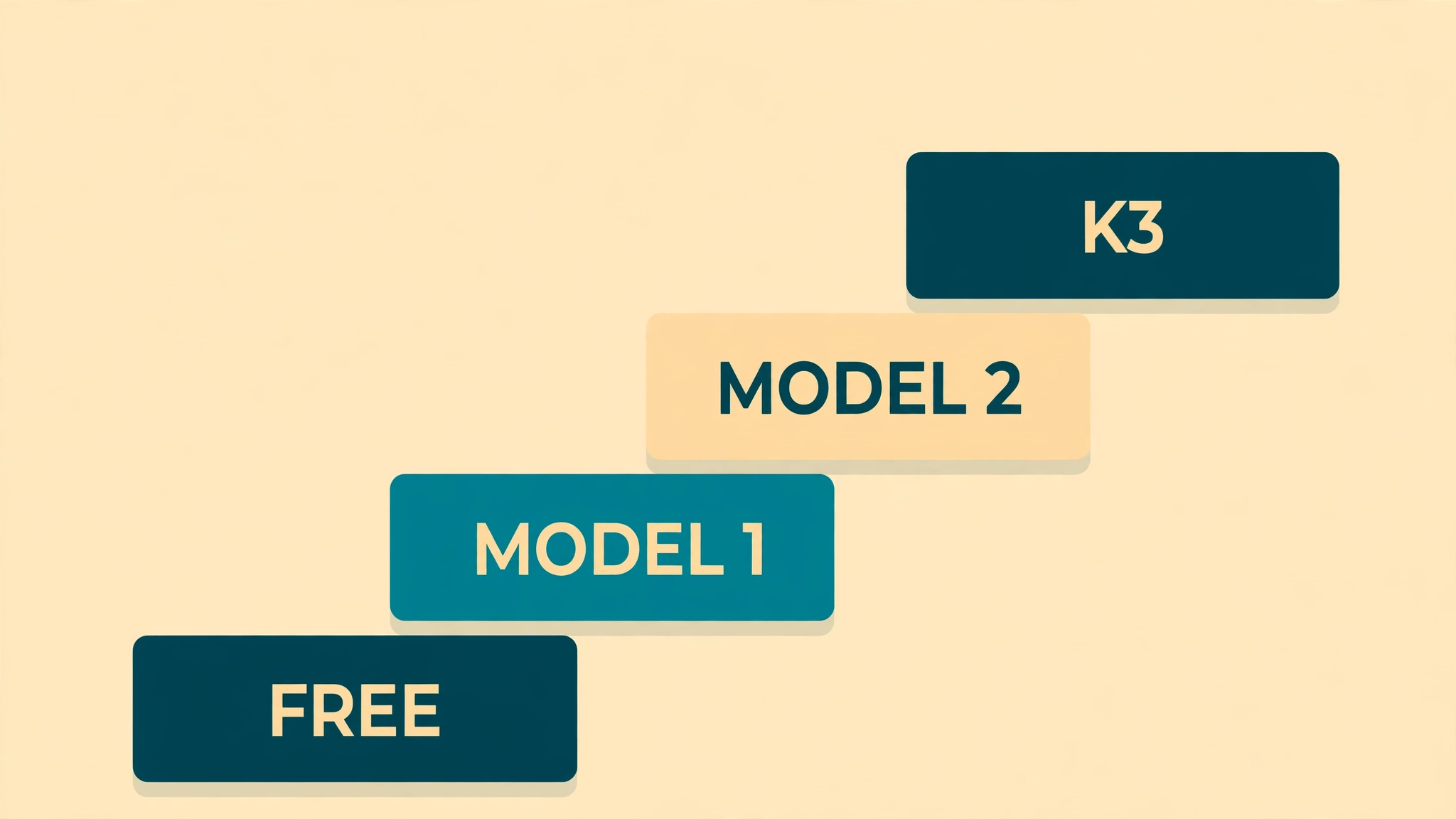
Kimi's free tier is more generous than most of its rivals, and the generosity is specific enough to be worth stating exactly. As documented in May 2026, the free tier runs an older, lighter model — not K2.6 — with no daily message cap and free file upload. Read that again, because it is unusual in this series: no daily message cap. Lovable gives you five build credits a day that never roll over. Gamma gives you 400 credits once, and then the meter is empty forever. Kimi's free tier does not count your messages by the day. It counts them by which model answers.
That is a real difference, and it changes the temp-email calculation. A throwaway Kimi account is not a crippled account. You can genuinely test the product — long documents, file uploads, multi-turn conversations — without paying and without watching a daily allowance drain. The 1-million-token context window that Kimi is famous for is real, roughly 750,000 words, and it is the reason people reach for Kimi when they have a document too long for anything else. But the fine print matters: the top-tier 1-million-token ultra-long conversations are reserved for the highest membership tier, and the flagship K3 model sits behind the paid ladder. The free tier gives you the long-context shape of the product with an older engine inside it.
So the honest verdict on the free tier is split, and it stays split. If you want to try Kimi for an afternoon, a temp inbox costs you nothing and the free tier does not punish you for it. If you want K3, agent swarms, or the full 1-million-token conversations, you will pay, and paying means billing, and billing means the account needs an email address that still exists when the receipt and the renewal notice arrive. The free tier is the one place in this series where a disposable inbox and a usable product genuinely overlap — and the overlap ends exactly where the paid tiers begin.
The paid ladder, in two currencies
Kimi charges in two currencies because it serves two markets, and the two price lists do not match. The international tiers, as documented in May 2026, are named after musical tempos: Moderato at $19 a month, Allegretto at $39, Allegro at $99, and Vivace at $199. The mainland tiers, as listed in September 2026, are 49, 99, 199, and 699 yuan a month, with annual billing working out to 39, 79, 159, and 559 yuan a month. The names are the same idea in both markets — four steps, same shape — but the numbers, the currency, and the billing entity are different, and an account created on one side cannot pay on the other.
| Tier | International (USD/month) | Mainland (CNY/month) |
|---|---|---|
| Step 1 | Moderato $19 | 49 yuan |
| Step 2 | Allegretto $39 | 99 yuan |
| Step 3 | Allegro $99 | 199 yuan |
| Step 4 | Vivace $199 | 699 yuan |
What the money buys is access to the newer models and the longer contexts. K2.6 handles fast questions with roughly a 128K-token single-turn context, text output only. K3, the most capable tier, can produce editable PowerPoint, Word, spreadsheet, and PDF files end to end, and its K3 Swarm mode targets massive search and batch tasks — officially up to 300 sub-agents and more than 4,000 parallel tool calls. Those are the capabilities that make Kimi interesting to people who build with it rather than chat with it, and they are all on the paid side of the line.
My judgment: the $19 Moderato step is the honest price of finding out whether Kimi is your daily tool, and it is cheap enough that a temp inbox was never the right way to save money on it. The temp inbox saves you from marketing mail, not from a bill. If you are going to pay $19 a month for a model, pay it from an account you can recover, because the renewal notice, the receipt, and the failed-payment warning all go to the address on file — and a dead inbox turns a $19 subscription into a locked account with an active charge.
What the email owns once you are in
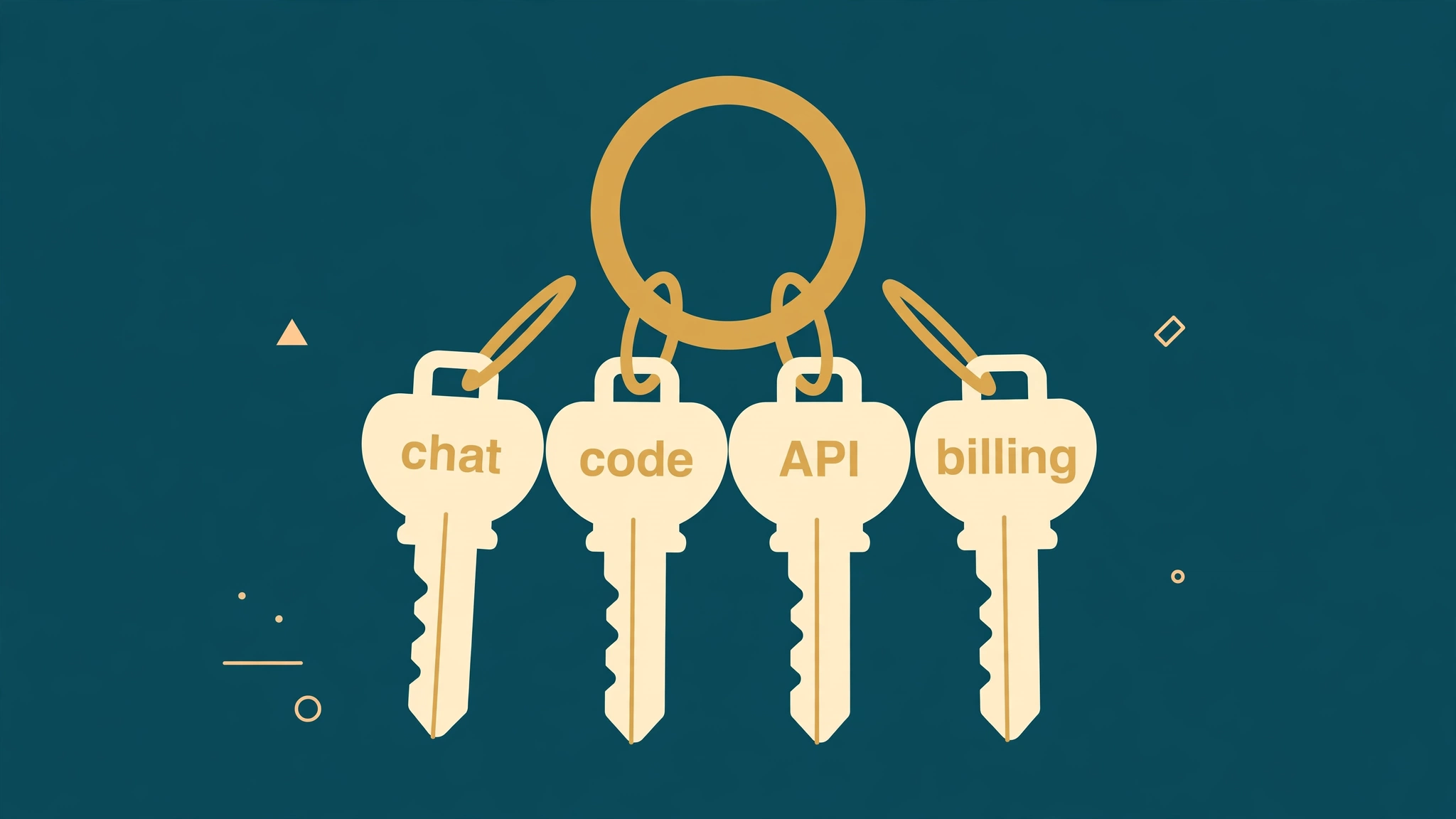
The email address you sign up with becomes the key to everything Kimi sells, and the list is longer than it looks. One account spans web and app chat, the Kimi Code coding assistant, the Kimi Work desktop agent, the Kimi Claw cloud agent, the API platform, and the enterprise tier. That is the point of the account: a single identity that follows you from a quick question in the browser to a coding session to an API key that bills by the token. It is also the reason the email choice matters more than the signup flow suggests. Every one of those surfaces authenticates against the same account, and the account is recovered — or not — through the same inbox.
Compare that with the tools we have covered that keep their surfaces separate. On Grok, the email owns your chats, your plan, and your way back in, and we said so plainly because the code that opens the account is the only key to it. Kimi is the same shape with a wider surface: the key does not just open the chat, it opens the coding assistant, the desktop agent, and the API billing profile. Lose the inbox and you do not lose one app. You lose the whole workshop, including any API keys that were billing to a card you still own.
There is also the question nobody asks until it bites: the email you registered with is the address that receives password resets, login codes, and account notices for the life of the account. Kimi's signup guidance treats the sign-in method as a decision to record and keep, not a detail to improvise. If you signed up with a temp inbox, there is no second recovery path waiting behind it — no phone number on the international door, no alternate email on file, no support flow that will hand the account to someone who cannot receive mail at the registered address. The account is yours exactly as long as the inbox is.
What dies with the inbox
Say it plainly, because the list is short and final. When the temp inbox expires, you lose the password reset. You lose the login code if Kimi ever asks you to re-verify the device, and Kimi, like every service in this series, reserves the right to ask. You lose the billing notices and the failed-payment warnings if you ever upgrade, which means a card problem becomes a suspended account before you hear about it. You lose the API billing profile if you ever generate a key, and with it the usage history that tells you what the key cost. And you lose the account itself in the practical sense: an account you cannot receive mail for is an account you cannot prove you own, and support teams do not take "trust me, it was my temp inbox" as identification.
What does not die is everything Kimi already has. Your chats, your prompts, your uploaded files, and your usage history stay on Kimi's servers under the account you can no longer open. That is the worst combination in this series: the data persists and the access does not. It is the same shape as the DeepSeek lock-in, where the bound email cannot be changed and the account outlives the inbox, except that on Kimi the lock-in arrives without any warning at signup, because the signup itself was so easy.
The one genuine exception is the pure test drive. If you opened Kimi to ask it three questions, compare its answer with another model, and never return, then the inbox dying is not a loss — it is the plan working as intended. The account held nothing you needed to keep. That is the correct use of a temp email on Kimi, and it is the only use where the expiration is a feature rather than a slow failure.
Three ways to play it
There are three honest ways to use a temp inbox with Kimi, and they map to three different intentions. Pick the one that matches what you actually want from the account, not the one that feels most private.
The afternoon test drive. Open a temp inbox, sign up on kimi.ai, ask Kimi the questions you actually have, upload the document you actually need summarized, and compare the answers with whatever you use now. Do not save anything you need, do not start a project, do not upgrade. Close the tab when you are done and let the inbox expire. This is the use the free tier was built for, and the no-daily-cap design means the test is a real test rather than a five-message teaser.
The alias on a real mailbox. If you want the separation without the expiration, use an alias on a mainstream provider — a Gmail plus-address or an Outlook alias — instead of a disposable domain. Kimi's international door accepts a global email address, and an alias is still Gmail or Outlook as far as any domain check is concerned, so it passes. Your main inbox stays clean because you can filter on the plus-tag or the alias, and the address is permanent and recoverable, which is what the account needs the moment you save work or pay money. This is the option I would pick for any Kimi account I planned to keep.
The dedicated permanent mailbox. A second, permanent free mailbox on a major provider, used only for AI tools. It takes five minutes to create, it is on every allowlist that matters, and it keeps Kimi's mail in a separate bucket from your life. It costs nothing, it never expires, and it gives you a recovery path that actually works. The trade is the obvious one — it is still a real address tied to a real identity — but for an account that holds your work, that trade is the right one to make.
What does not belong on this list is the fourth option people reach for: a temp inbox for a keeper account. That combination fails in slow motion. The signup works, the free tier works, the first week works, and then one day Kimi asks for a code, or a payment fails, or a device needs re-verification, and the account is gone behind an inbox that no longer exists. A tool used against its design is not a clever workaround. It is a future support ticket you cannot file.
When a temp email is the wrong call
There are four situations where a temp inbox is simply the wrong tool for Kimi, and they are worth naming because each one looks reasonable until it breaks.
First, if you plan to pay for any tier. Billing notices, receipts, renewal reminders, and failed-payment warnings all go to the registered address. A dead inbox turns a billing problem into a locked account with an active charge, and there is no phone number on the international door to fall back on.
Second, if you plan to use the API. An API key is a billing instrument, and the billing profile lives on the account. Keys generated under a temp-email account are keys you cannot recover, cannot rotate through a reset flow, and cannot audit once the inbox is gone. If the key leaks, you will find out from a bill you never receive.
Third, if you plan to build anything in Kimi Code or Kimi Work. Those surfaces exist to hold work across sessions — code, documents, agent runs — and work that lives in an account you cannot reopen is work you have already lost. The desktop agent and the cloud agent make this worse, not better, because they run while you are away and report back to an inbox that is not there.
Fourth, if you are signing up from a region or network where Kimi asks for extra verification. A device check, a CAPTCHA loop, or a re-verification prompt all assume an inbox that answers. A temp inbox answers once, on the day it is created, and then it stops answering forever. The account that needed one more code is the account that dies.
None of this is an argument against temp mail. It is an argument for using it where it fits: a test drive, an afternoon, a question you do not need to keep. Kimi's international door is one of the friendliest in this series to a disposable inbox, and the free tier is genuinely usable without paying. The mistake is confusing a friendly door with a safe home. Walk through it, look around, and if you decide to stay, come back with an address that will still exist next year.
FAQ
Does Kimi accept a temp email at signup?
Yes, on the international platform at kimi.ai. You enter the address, Kimi sends a verification code, and the code lands in seconds on a working inbox. We found no published disposable-domain blocklist for Kimi, which puts it on the friendly side of this series — the opposite of DeepSeek, which refuses disposable domains before any code is sent. The mainland platform at kimi.com is a different story: it wants a WeChat scan or a mainland-China phone number, and no inbox of any kind opens that door.
Do I need a Chinese phone number for Kimi?
Only if you use the mainland platform at kimi.com. The international platform at kimi.ai accepts a global email address or a Google account, and independent guides that tested it in 2026 confirm no Chinese phone number is required there. If a signup form asks you for a mainland number, you are on the wrong platform — close it and open kimi.ai instead.
What is the difference between kimi.com and kimi.ai?
They are two separate platforms run by the same company. kimi.com is the mainland-China service, with WeChat login, mainland phone verification, yuan pricing, and the platform.moonshot.cn API. kimi.ai is the international service, with email and Google sign-in, dollar pricing, and the platform.kimi.ai API. Accounts, billing profiles, and API keys are not interchangeable between them, and using a key from one against the other returns a 401 error.
What does the free tier actually include?
An older, lighter model with no daily message cap and free file upload, as documented in May 2026. You can genuinely use it for long documents and multi-turn conversations without paying. What it does not include is the flagship K3 model, agent swarms, or the top-tier 1-million-token ultra-long conversations — those sit behind the paid tiers, which run from $19 to $199 a month internationally.
What if the verification code never arrives?
Check the spelling of the address, look in spam and filtered folders, wait several minutes, and use the official Resend control after about five minutes rather than requesting codes repeatedly. If you used a phone number, check the country code. Kimi's guidance notes that VoIP numbers and landlines are not supported for phone verification, so a virtual number from a public pool is likely to fail silently rather than show an error.
Is Kimi free?
The chat is free to start, with no daily message cap on the free tier. The paid tiers run Moderato $19, Allegretto $39, Allegro $99, and Vivace $199 a month internationally, and 49 to 699 yuan a month on the mainland platform. The free tier runs an older model; the newest models and the longest contexts are paid.
Does one Kimi account work across the web, the app, and the API?
Within one platform, yes. A single kimi.ai account spans web and app chat, the Kimi Code coding assistant, the Kimi Work desktop agent, the Kimi Claw cloud agent, the API platform, and the enterprise tier. But that unity stops at the split: a kimi.ai account does not work on kimi.com or platform.moonshot.cn, and a mainland account does not work on the international side. Pick the platform first, because the choice is permanent.
Need a disposable temporary email?
Protect your real inbox from spam and promotional clutter instantly and free.
Received a suspicious email, text, or charge alert?
Verify whether the sender domain is disposable, spoofed, or unverified before clicking links.