
Temp Email for DoorDash Signup: The Code Goes to Your Phone, Not Your Inbox — What a Disposable Address Can and Cannot Do
The pitch is obvious. You want tacos, not three promotional emails a week for the next four years. DoorDash is the biggest food-delivery app in the country, and its signup form opens by asking for your email — so for about ten seconds, a disposable inbox looks like the perfect answer. It is not. Not because DoorDash is clever about email domains, but because the email field is the least important thing on the form. The real check arrives by text message, and no inbox on earth can receive it.
This is the honest version of the DoorDash signup: what a temp address actually gets you, where the process stops caring about email entirely, and the three specific moments — all of them after the food arrives — when a dead inbox turns a working account into a locked one. There is also the Dasher side, which is a different universe with a government ID, a selfie, and a background check on file. If you are signing up to order, read the first half. If you are signing up to deliver, the second half is the one that matters.
The signup form asks for your email. The code goes to your phone.
Here is the actual customer flow, step by step. Open doordash.com or the app, hit Sign Up, and choose email registration or continue with a Google, Facebook, or Apple account. Enter your name, an email address, and a password. Then comes the phone screen: enter a mobile number, and DoorDash sends a six-digit code by SMS. Enter that code to continue. The signup code is never sent to your email. DoorDash does not offer email delivery for this code, and a landline number does not work — the number has to receive text messages.
Read that again, because it decides everything else in this post. Choosing "sign up with email" does not make email the verification channel. It only chooses which address goes on file. The verification channel is SMS, full stop, regardless of which signup option you picked.
So a temp inbox passes the first screen and stalls at the second unless you have a real, SMS-capable phone number to give DoorDash. The disposable address is never rejected — it is simply irrelevant to the only check that matters. That distinction decides what you should do next. If you have a phone number you are willing to verify, the temp email still has a job: it keeps the promo mail out of your real inbox. If you do not, no inbox fixes signup, and no amount of inbox-switching will. DoorDash is not the first app to put the real check on the phone — Uber's signup works the same way, and the lesson carries over exactly: the email field is the decoy, the phone is the gate.
Two doors into DoorDash, two different walls
DoorDash has two kinds of account, and people conflate them because both start at the same signup screen. They should not. Everything after the email field diverges, and the table below is the whole story in one glance.
| What the signup demands | Customer account | Dasher account |
|---|---|---|
| Email address | Yes, any working address | Yes, any working address |
| Phone SMS code | Required, six digits | Required |
| Government ID | No, unless a check is triggered | Yes, photo plus live selfie |
| Social Security number | No | Yes, for the background check |
| Background check | No | Yes, Checkr, 3 to 7 business days |
| Payment details | Card or PayPal at checkout | Bank info for payouts, 1099 tax form |
| What kills the account | Losing the email | Failing ID or the background check |
The customer door is a phone check. The Dasher door is an identity investigation. A temp inbox is a small, sensible tool for the first door and a meaningless one for the second — the email is the least-verified thing about a Dasher, and everything that actually matters about that account is a document, a number, or a database search.
What your email actually does once the account exists
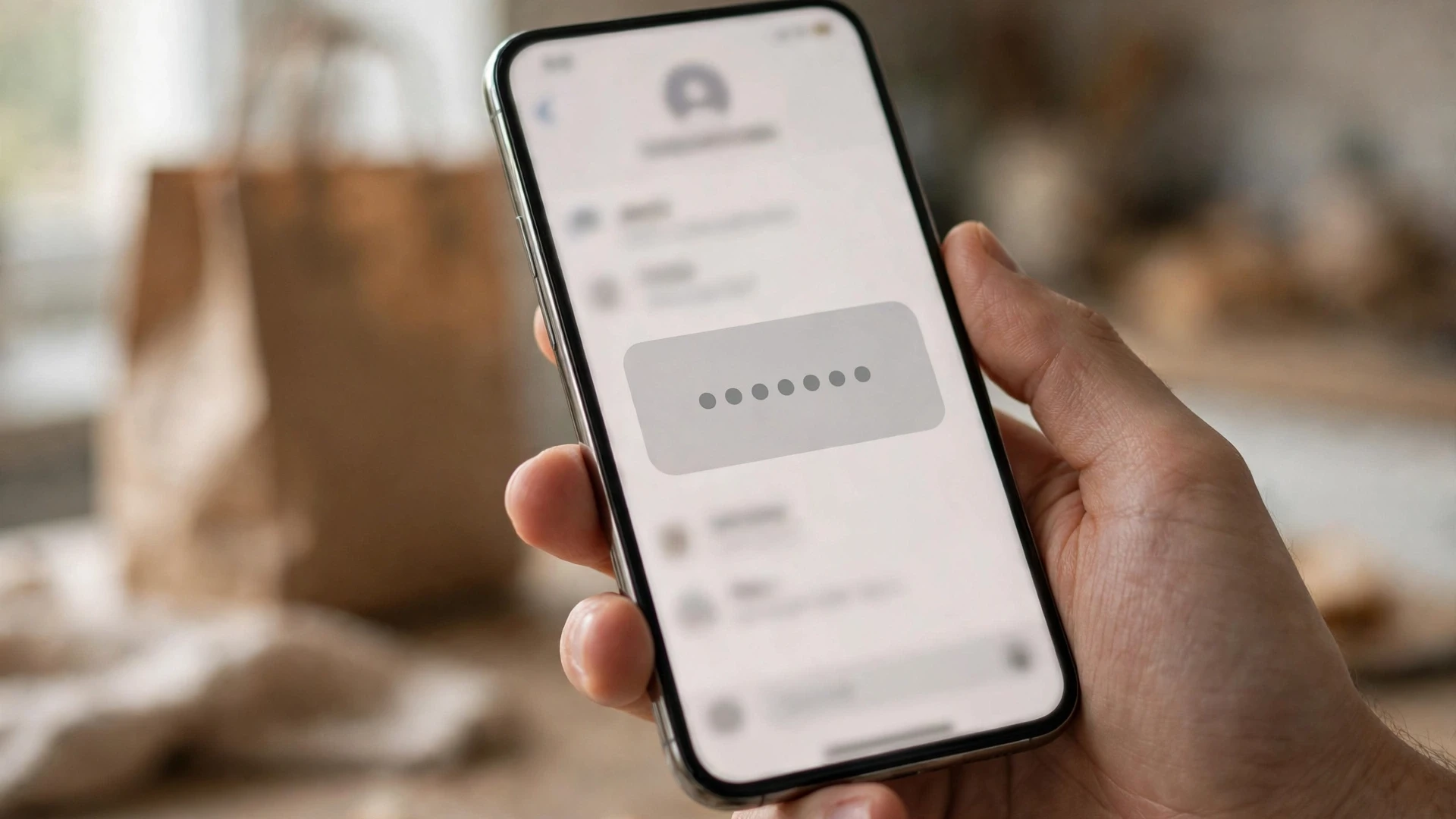
Once the account exists, the app handles the live stuff. Order tracking, driver messages, and delivery updates arrive as push notifications, and most people never open an email from DoorDash while the food is on its way. Email is the record, not the conversation: order confirmations, receipts, refund notices, promo codes, password resets, account-change confirmations, and — for Dashers — payout summaries and tax documents. The app is the present tense. The inbox is the memory.
That is why the temp-email question is really a question about how long you need the memory to last. A disposable inbox that lives for an hour covers the order itself. It does not cover the refund that posts three days later, the charge you do not recognize next week, or the password reset in six months. Shopping apps tie orders and refunds to the inbox the same way: the address that received the confirmation is the address the company trusts when something goes wrong.
There is a second, quieter job the email does. If the account ever asks for a second factor — a new phone, a new device, a security flag after an unusual login — the recovery path runs through the inbox. A temp address and a recovery flow are a bad combination, because the recovery email lands in an inbox that no longer exists, and the account has no other way to know it is you.
Three ways a dead inbox bites you after the food arrives
The lockout never happens at signup. It happens later, at the exact moment you need the account to prove something. Three versions of that moment come up again and again.
First, the password reset that goes nowhere. You sign out, get a new phone, or DoorDash logs you out after a security flag, and the reset link goes to an inbox that expired weeks ago. Changing the email on the account requires being signed in, and support will ask for order details you cannot pull up without the receipts that went to the dead address. You are not locked out by a password you forgot. You are locked out by an inbox you threw away.
Second, the refund you cannot prove. Wrong order, missing items, a charge you do not recognize: the paper trail is the confirmation email and the refund email. Without them you are describing a meal from memory to a support agent who works from ticket numbers and order IDs. DoorDash refunds to the original payment method, so the money itself is not lost — but the conversation about it gets much slower and much harder when you cannot forward the receipt.
Third, DashPass and the promos evaporate. Renewal reminders, DashPass benefits, and the "we miss you" credits all route through email. An account on a dead address quietly loses its perks, and you only notice when the delivery fee comes back on an order that used to be free. It is a small loss, but it is the kind that repeats every week until you notice.
None of this is a reason to fear DoorDash. It is a reason to match the tool to the job: a disposable inbox is a shield for your real address, not a home for an account. It is the same trap as a payment app, where the email is the recovery key, and the fix is the same in both places — use the temp address for the look, and a permanent address for the account you plan to keep.
The Dasher side is a different universe
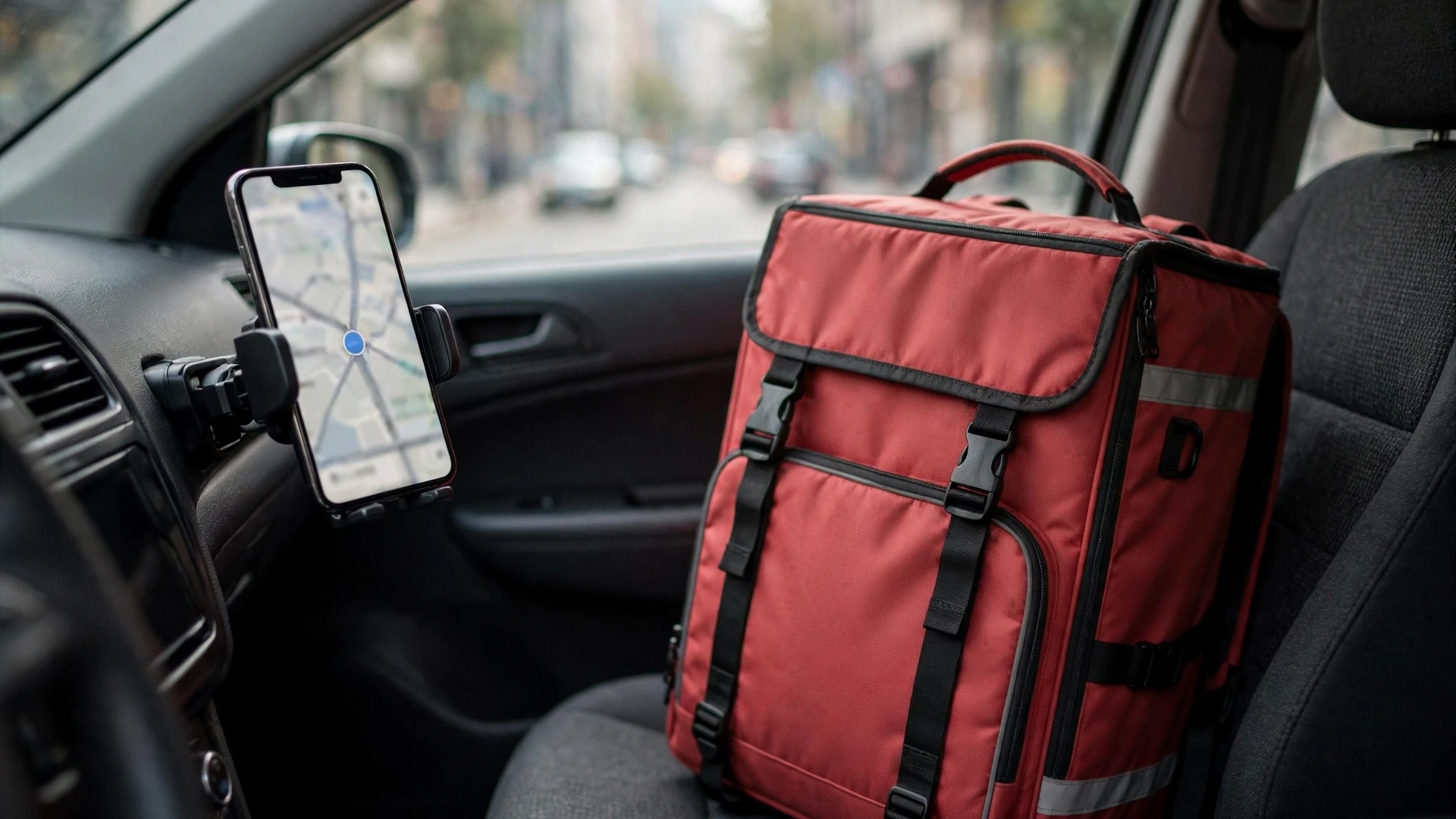
Becoming a Dasher starts the same way — zip code, email, phone number, a profile with your full legal name — and then it leaves the customer flow behind entirely. You pick a vehicle type and give your home address. Then comes identity verification: upload a photo of a government-issued ID and take a live selfie so DoorDash can match you to it. Then the background check, run by Checkr: criminal history, a motor vehicle record for drivers, and a Social Security number trace. Most checks clear in three to seven business days. Only then does the account activate.
The requirements are specific and non-negotiable. Dashers must be at least 18 in most states, 19 in thirteen states, and 21 in California for new applicants. Car dashers need a valid driver's license, personal auto insurance, and vehicle registration; there is no vehicle-age requirement, so any working car qualifies. Bike and foot delivery in select markets needs only a government-issued ID — no license, no insurance. Everyone needs a smartphone and a Social Security number, because the background check and the 1099 tax form both run on it.
A temp inbox is irrelevant here in the most literal sense. The email field will accept it, and nothing about the Dasher flow will stop you — but the flow is not checking your email. It is checking your identity, your driving record, and your legal right to work, and your payouts and tax mail go to whatever address is on file. Using a disposable address for a Dasher account is the wrong tool for the job, and the job will punish you for it at tax time, when the 1099 goes to an inbox that expired in November.
When a temp inbox actually makes sense for DoorDash
So where does that leave the temp inbox? It still has four legitimate uses — with rules attached, because the uses only work if the inbox is alive when it matters.
First, browsing. Checking menus, prices, and whether a restaurant delivers to your address, without signing your real inbox up for the promo list. Look all you want. The moment you order, the account should live on an address you control.
Second, a one-off order you genuinely do not need to track later. Keep the inbox alive until the food is in your hands and the charge has cleared your card — a refund window of a few days, not an hour. If the order matters enough to dispute, it matters enough for a real address.
Third, testing a new address or a new city before you commit your real email. Moving to a new apartment, visiting a friend, checking delivery coverage in a neighborhood: a temp inbox keeps the experiment separate from the account you will actually use there.
Fourth, separating a shared-household order from your main inbox — a roommate's birthday dinner, a one-time group order — with the switch done the same day: change the account email to a permanent address before the delivery is even scheduled, so the receipts land somewhere that still exists tomorrow.
And the rules that hold all four together: use a real SMS-capable number you control, because the six-digit code is not optional; keep the inbox alive until delivery plus the refund window has passed; switch the account email to a permanent address before ordering anything you might need refunded; and never use a disposable address for DashPass, scheduled orders, or alcohol delivery, where an ID check at the door meets an account nobody can verify. The full list of accounts that should never sit on a disposable address is the same logic, applied wider: anything with money, identity, or recovery attached belongs on an inbox you own.
The honest verdict
A temp email gets you through DoorDash's front door and no further. The phone code is the gate, the inbox is the account's memory, and a memory that expires takes your order history, your refunds, and your recovery path with it. Use it for a look around. If you are staying for dinner, bring a real address.
Questions people actually ask
Can I sign up for DoorDash with a temp email?
Yes for the email field, no for finishing signup on the inbox alone. DoorDash accepts any working email address at registration, then sends a six-digit code to your phone by SMS — the code is never sent to email. You need a real, SMS-capable mobile number to complete the account, whatever address you typed in first.
Does DoorDash block disposable email domains?
We found no evidence of domain blocking at the email field. The signup form accepts a disposable address, and the wall you hit is the phone step, not the domain. That can change — platforms update their filters quietly — but as of now the phone code, not a blocklist, is what stops a temp-only signup.
What happens if I lose access to the email on my DoorDash account?
Password resets, refund mail, promo credit, and support verification all go to the address on file. If that inbox is gone, change the email in Account settings while you are still signed in, and verify the new address immediately. If you are already locked out, support will ask for order details and payment information to confirm the account is yours — which is much harder without the receipts that went to the dead address.
Can I use a temp email to become a Dasher?
The email field will accept it, but the rest of the flow makes it pointless. Dasher signup demands a government-issued ID, a live selfie, a Social Security number, and a Checkr background check, and your payouts and 1099 tax form go to the email on file. A disposable inbox hides the least important part of the application and breaks the part that pays you.
Can I change the email on my DoorDash account later?
Yes. You can update the email address in Account settings, and DoorDash will ask you to verify the new address. Do it while you still have access to the account, and do it before you need a refund or a password reset — not after. An account whose email you control is an account you can recover. An account whose email expired is an account you are renting from your own forgetfulness.
Need a disposable temporary email?
Protect your real inbox from spam and promotional clutter instantly and free.
Received a suspicious email, text, or charge alert?
Verify whether the sender domain is disposable, spoofed, or unverified before clicking links.