
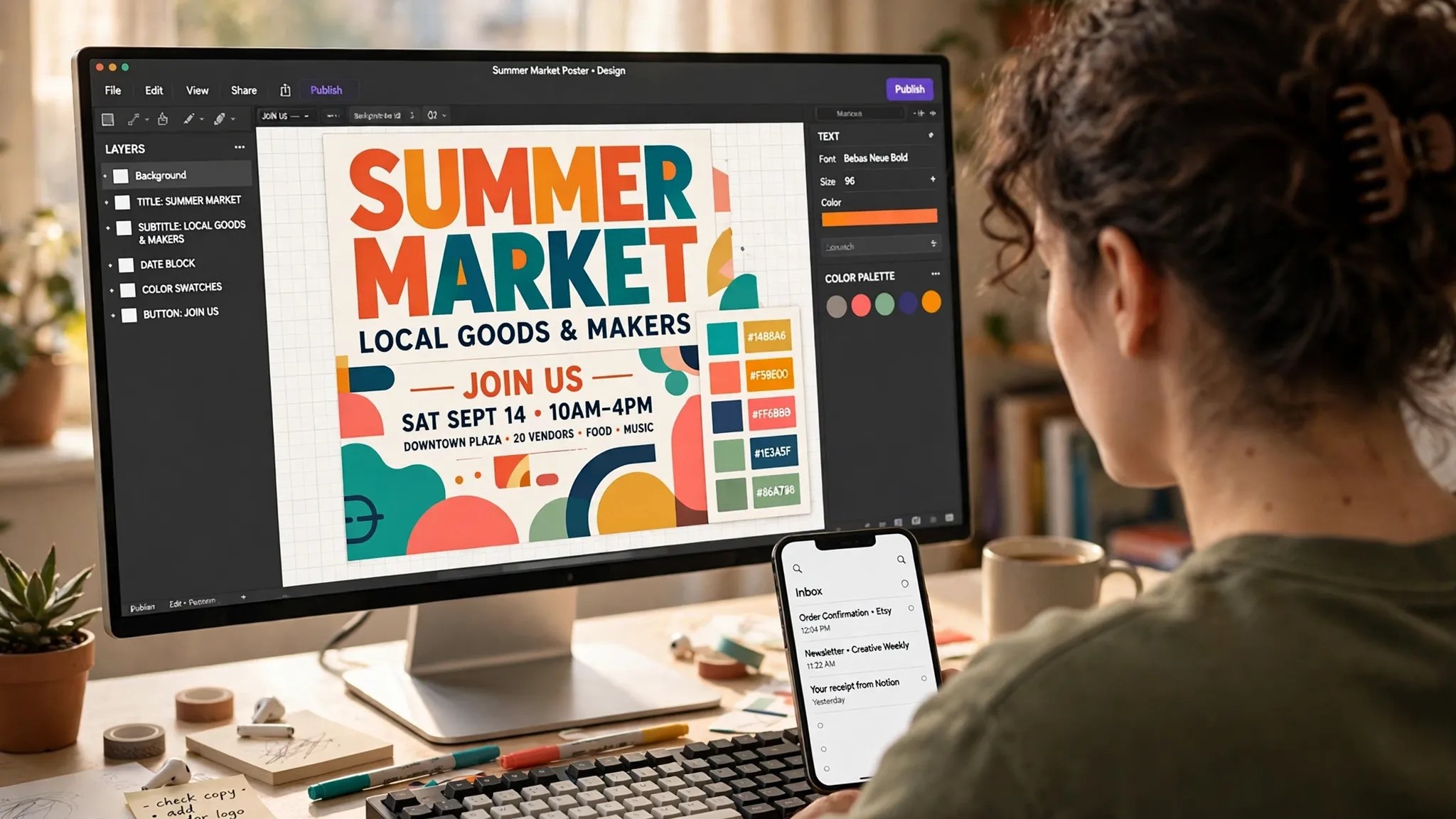
Temp Email for Canva Signup: Canva Rejects Throwaway Addresses — What Works Instead
It usually starts with a small, time-boxed job. A flyer for a bake sale on Saturday. A resume that needs to look like it was made by someone who owns a suit. A birthday invitation, a menu for a food stall, a thumbnail for a video going up tonight. You open Canva, because Canva is where that kind of job gets done in twenty minutes, and the editor sits behind a signup wall. Your real inbox is already a landfill of newsletters you never asked for, so the disposable address in your other tab looks like the obvious move: paste it in, grab the code, design the thing, walk away.
Canva has an answer to that plan, and the answer is no — written down, in its own help pages, twice over. Temporary and disposable email addresses are not allowed when you create an account, and they are not allowed when you change the email on an existing account either. Most temp-mail guides will not tell you that, because most of them are trying to sell you on the trick working. This post does the opposite. I worked through what Canva actually does, what happens in the cases where the check misses, and where a disposable address still has a legitimate use — because the honest answer is more useful than a yes or a no, and the stakes are higher than they look. A Canva account is not a burner login. It is where your designs live.
Canva's rule, in plain language
Canva does not hide its position. Its help documentation states that temporary or disposable email addresses are not allowed, and the rule shows up in two places: at first signup, and again if you try to update the email on an account you already own. That second part matters more than people expect. It means you cannot sign up with a real address, build a library of work, and then quietly swap the contact email for a throwaway later. The door is checked both ways.
The enforcement is a domain check, not a human judgment. When you type an address into the signup form, Canva checks the domain against lists of known disposable providers. If the domain is a familiar one — the big public temp-mail services everyone names in their guides — the form rejects it before a verification code is ever sent. If the domain is new, obscure, or freshly rotated, it may slip through, because no blocklist is ever complete. That gap is real, and it is also the reason so many guides claim the trick works: the person writing the guide happened to use a domain that had not been listed yet, on the day they tried it.
There is one more wrinkle worth knowing before you plan around the gap. Accounts created through Google or Apple sign-in stay tied to that provider. You cannot later detach them onto a disposable address, and Canva will not let you swap the underlying email for a throwaway either. The social login that feels like the easy way in is also the one that locks the email question shut the hardest. If privacy is the reason you wanted a temp address, the SSO route gives you less control over it, not more.
Why Canva bothers to block a throwaway address
It is tempting to read the block as hostility to privacy. I think that reading is wrong, and understanding the real reasons makes the whole picture easier to predict — including where the check will get stricter next.
The first reason is money, and it is the one that decides policy at every large platform. Canva's Pro plan runs roughly 120 dollars a year, and the 30-day free trial is the front door to it. A disposable address makes it trivial for one person to claim that trial fifty times. Every trial costs Canva real money to serve — storage, rendering, premium assets — so trial abuse is not a theoretical problem for them. It is a line item. Email-checking company ZeroBounce reported finding more than 5 million disposable addresses in the data it processed in 2025 alone, out of more than 11 billion addresses checked. That is the scale of the traffic platforms are filtering, and it explains why the check happens at the form, before any code is sent, rather than after.
The second reason is fake accounts and the spam they generate. A design tool with hundreds of millions of users is a valuable place to run scams: fake client accounts, phishing templates, mass-produced low-effort content farms. Disposable addresses are the fuel for that, because they let one operator hold thousands of accounts with no durable identity behind any of them. The blocklist is not aimed at you and your bake-sale flyer. It is aimed at the operator, and you are collateral.
The third reason is the least visible and the most legitimate: deliverability. Addresses that expire produce hard bounces, and a high bounce rate damages a sender's reputation with mailbox providers, which then hurts delivery to every real subscriber. Canva sends password resets, team invitations, billing receipts, and renewal reminders by email. If a meaningful share of those go to dead inboxes, Gmail and Outlook start treating Canva's mail as less trustworthy for everyone. Blocking disposable domains protects Canva's ability to reach its real users. That is not a privacy-hostile motive. It is an operational one, and it is why the policy is unlikely to soften.
The three doors into Canva — and which ones a temp email opens
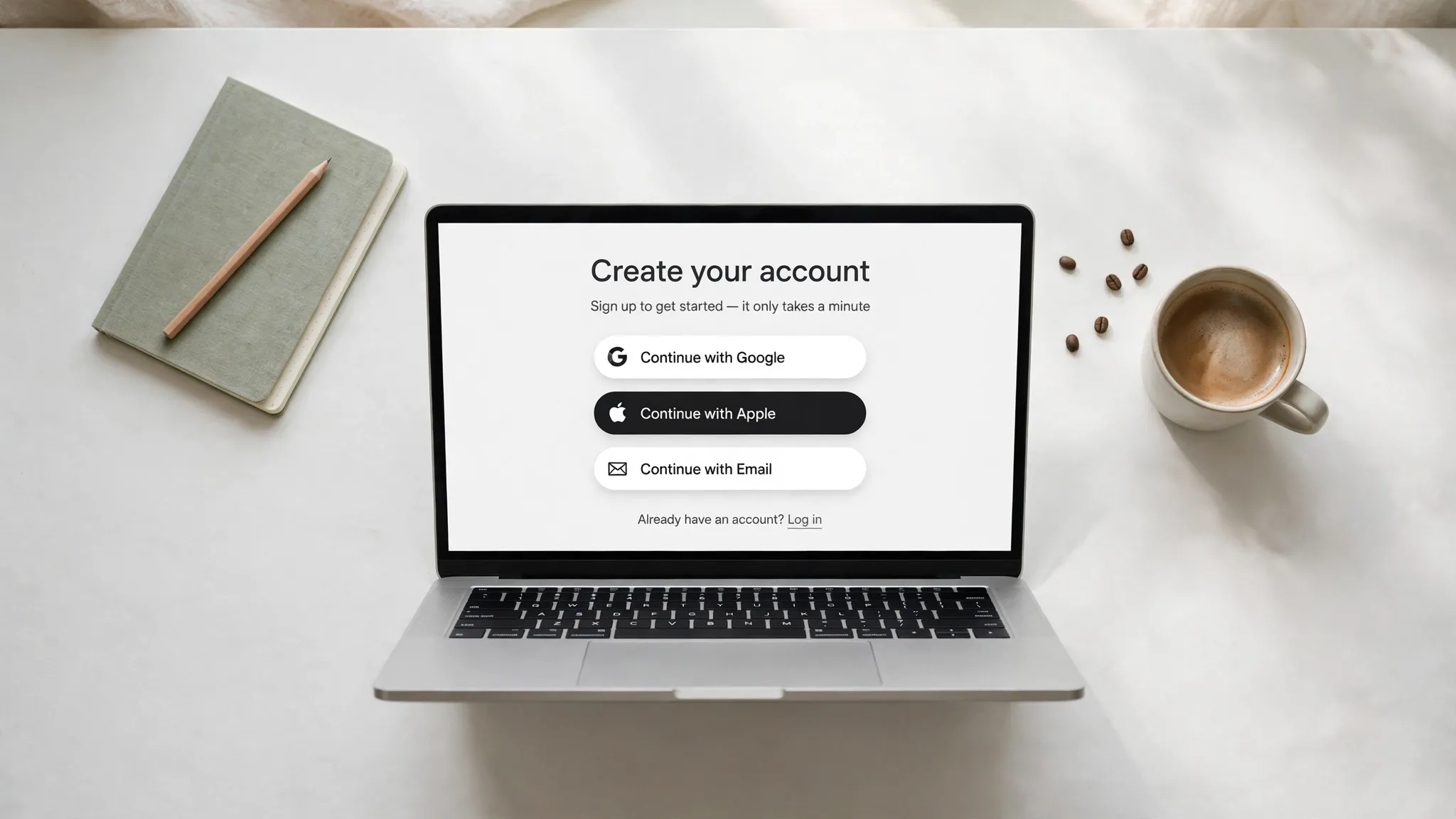
Canva offers three ways in, and they do not behave the same. Treating them as one door is the mistake most temp-mail guides make, because the answer genuinely differs by route.
| Way in | Temp email works? | What breaks later |
|---|---|---|
| Continue with Email | Usually blocked at the form | Verification code never arrives; account unrecoverable |
| Continue with Google / Apple / Facebook | No email typed at all | Account stays tied to that provider; email cannot be swapped for a throwaway |
| Join a team via invite link | Usually yes, for joining | Team ownership, billing, and transfer emails all go to a dead inbox |
The email route is the one the help pages are talking about, and it is the one that fails most visibly. The social-login route sidesteps the email question entirely, which sounds like a win until you realize you have traded a disposable address for a permanent link to your Google or Apple identity — the opposite of the privacy you were after. And the team route is the interesting exception: joining someone else's team with a temp address generally works, because the invite link, not the email domain, is doing the verification. Owning a team is a different story. A team owner receives billing notices, member requests, and ownership-transfer confirmations by email, and all of them stop at an expired inbox.
That table is also the reason the guides disagree with each other. The guide that says it works was probably testing a team invite or a fresh domain on the email route. The guide that says it fails was testing a well-known domain. Both were telling the truth about their own afternoon. Neither was telling you the rule.
What actually happens when you try it anyway
If you ignore the policy and try a disposable address on the email signup route, one of three things happens, and only one of them looks like success at the time.
The first outcome is the honest one: instant rejection. The form checks the domain, matches a known disposable provider, and shows an error asking for a different address. You cannot move forward until you enter something Canva accepts. This is the most common result with the big public temp-mail domains, and it is the best result, because it costs you nothing but a few seconds.
The second outcome is the silent one: the form accepts the address, and the verification code never arrives. The code was sent, or was filtered, or the domain was flagged somewhere between Canva's mail server and your temp inbox — and from your side it just looks like nothing happened. You refresh, you re-request, you wait. Some people try three or four addresses before concluding the service is broken, when in fact the service worked exactly as designed and the address was the problem. Our own 30-day signup experiment with temp email found the same pattern across services: the failure mode is rarely a dramatic ban. It is a code that never shows up.
The third outcome is the one that should worry you, because it feels like a win. A fresh or unlisted domain slips past the check, the code arrives, the account opens, and you design the flyer. Everything works. The problem is what you have built in the meantime: an account whose only recovery route is an inbox that will expire. You cannot reset a lost password without access to that inbox. You cannot confirm a suspicious-login alert. You cannot change the email later, because Canva blocks disposable addresses on email changes too — the same rule, applied at the exit. The account keeps working for exactly as long as you stay logged in and remember the password, and it becomes permanently unreachable the day either of those fails. GitHub's version of the same trap is arguably worse, because the email ends up in your commits, but the shape of the failure is identical: the signup is not the hard part. Keeping the account is.
The Pro trial is the real trap, not the signup
Here is where a temp email stops being a minor gamble and starts being a real financial risk. Canva's free plan needs no payment details at all — no card, no expiry, and it is genuinely usable, not a crippled demo. The Pro trial is a separate, clearly labelled offer, and it is the one with teeth: 30 days of full Pro access on the web (some users see a shorter window, around 14 days, on the mobile app), a payment method required up front, and automatic conversion to a paid plan the day the trial ends unless you cancel first. You are not charged on day one, though your bank may briefly show a small verification hold that clears by itself.
The trap is not the charge. It is the silence around it. Renewal reminders, receipts, and payment-failure notices all go to the registered email address. On a temp-mail account, that address is dead by the time the trial ends, so the reminders never arrive. You can still cancel inside the app while you are logged in — the cancel button does not need your inbox — but the entire safety net that reminds you to press it is gone. The people who get caught by auto-renewal are rarely people who decided to keep Pro. They are people who meant to cancel and forgot, and a dead inbox is the thing that made forgetting easy.
That is also why the trial is the wrong place to test whether a temp address works. A successful trial signup proves nothing about the account's future, and it attaches a payment method to an account you cannot recover. If you want Pro for a month, use a real address, set a calendar reminder for two days before the trial ends, and cancel from inside the app. The reminder is the whole system, and a temp inbox deletes it. If handing over a card for something you might not keep bothers you, skip the trial entirely and use the free plan, which asks for nothing. That is my honest recommendation, and it is the one the trial's own design points to.

Your designs are the hostage, not the account
The framing most people use is wrong. They ask whether the account survives. The account is not the valuable thing. The designs are. A Canva account holds the flyer you spent three hours on, the brand kit with your client's colors, the template set you built across a dozen projects, the team library your whole group shares. Losing the account is annoying. Losing the work inside it is the actual cost, and it is the cost a temp email quietly creates.
The mechanics are simple. Designs stay in the account, and the account stays usable while you are logged in. Once you are logged out — a cleared browser, a new phone, a password you cannot quite remember — there is no password reset, because the reset link goes to an inbox that no longer exists. Export anything you care about the same day you make it, and treat anything left inside a temp-mail account as already lost. That is not pessimism. It is the documented behavior: the designs remain, and you cannot reach them.
Team ownership makes it worse. If you own a Canva team on a temp address, every ownership-transfer confirmation, billing notice, and member request goes to the dead inbox. You cannot transfer the team to a real address without confirming through the registered email, which is the same email you cannot access. A team you built on a throwaway is a team you cannot hand over, sell, or rescue. Joining a team is fine — the invite link does the work — but owning one on a disposable address is a mistake I would not make with anything I cared about.
There is one more corner worth naming, because it catches students. Canva for Education gives students and teachers full Pro access free, with no trial and no card — but it requires a school email or institutional verification. A temp address is useless there by design, and no workaround changes that. If you are a student being offered a "free Pro" invite link from a stranger, check that it points to canva.com and comes from a team you recognize. The legitimate route is an application through Canva's education program, not a link in a comment thread.
The setup that actually works
So what should you do instead? The answer depends on what the account is for, and I will give it to you straight, because the nuance is the whole point of this post.
If the job is a one-off — one flyer, one invitation, one afternoon — a temp email can do it, with two conditions attached. First, use a fresh domain from a provider with a large rotating pool, because the well-known domains are the ones Canva's check catches. Second, export everything the same day, as finished files on your own drive, before you close the tab. Treat the account as a room you are renting for an hour, not a home. If you follow both conditions, the worst outcome is a rejected form and thirty lost seconds.
If the account is for anything you will return to — a side business, a recurring client, a portfolio, a team — use a permanent address, and make it a secondary one. A free alias or a dedicated second inbox gives you almost everything a temp address promises: your primary inbox stays clean, Canva's marketing goes to an address you control, and recovery works, because the inbox still exists when you need it. Forwarding aliases from services like SimpleLogin, AnonAddy, Apple Hide My Email, and Proton Pass are the strongest version of this: they look like permanent personal email, so Canva accepts them, and the mail still reaches your real inbox. A custom domain you own is stronger still, because it can never be blocklisted. The same pattern holds across AI tools — OpenAI tightened its checks the same way — and our broader guide to AI tool signups walks through which services accept aliases and which do not. The principle is consistent: the more an account accumulates, the more durable its email needs to be.
And if you already made a Canva account with a temp address, do not panic, but do not leave it alone either. While you are still logged in, download every design you care about, then change the account email to a permanent address from inside settings — Canva allows the change to a real address, and it will send a confirmation to the new one. Do it today, while the session is alive, because the day you get logged out is the day that option disappears. Instagram's version of the same problem ends the same way: getting in is possible, staying in is the hard part, and the fix is always the same — a real address, added while you still can.
Frequently asked questions
Can I sign up for Canva with a temp email?
Usually no. Canva's help pages say temporary and disposable email addresses are not allowed, and the signup form checks the domain against known disposable providers. A fresh or unlisted domain sometimes slips through, but that is a gap in the blocklist, not permission, and the account it creates cannot be recovered once the inbox expires.
What happens if Canva detects my disposable address?
The form rejects it immediately and asks for a different address. No code is sent, and nothing is created. This is the best failure mode, because it costs you nothing. The worse version is silent: the form accepts the address and the verification code never arrives in the temp inbox.
Can I change my Canva email to a temp address later?
No. Canva applies the same rule to email changes as it does to signups, so a disposable address is blocked when you try to update the email on an existing account. You can change to a permanent address, including a forwarding alias, and Canva will confirm it through the new address.
Does the Canva Pro free trial work with a temp email?
The trial itself can start if the address passes the domain check, but that is the wrong question. The trial requires a payment method up front and auto-converts to a paid plan after 30 days unless you cancel. Renewal reminders go to the registered email, so on a temp-mail account you get no warning before the charge. Use a real address and set your own calendar reminder instead.
I already made a Canva account with a temp email — what should I do?
While you are still logged in, download every design you want to keep, then change the account email to a permanent address in settings. Do it now, not later: once you are logged out, there is no password reset, because the reset link goes to an inbox that no longer exists.
Can I use a temp email to join a Canva team?
Joining a team generally works, because the invite link does the verification rather than the email domain. Owning a team does not: billing, member requests, and ownership-transfer confirmations all go to the registered email, and on a temp address they go nowhere. Never own a team on a disposable address.
What is the best private email setup for Canva?
A permanent secondary inbox or a forwarding alias. It keeps Canva's mail out of your primary inbox, Canva accepts it because it looks like permanent personal email, and recovery works because the inbox still exists. A custom domain you own is the strongest version. A temp address is only for a one-off visit with same-day exports.
The short version
Canva says no to temp email, and it means it — at signup, and again if you try to change your email later. A fresh domain can occasionally slip past the check, but the account it creates is a dead end: no password reset, no recovery, no email change, and a Pro trial that can auto-bill into silence. Use a disposable address only for a one-off design you export the same day. For anything you will return to, use a permanent secondary inbox or a forwarding alias, and change the email on any temp-mail Canva account you already own while you are still logged in.
Need a disposable temporary email?
Protect your real inbox from spam and promotional clutter instantly and free.
Received a suspicious email, text, or charge alert?
Verify whether the sender domain is disposable, spoofed, or unverified before clicking links.