
Temp Email for Bolt Signup: the Link Takes Seconds, the Token Meter Takes the Rest
The verdict first: the email is the easy part
Yes, a temporary email address works for Bolt.new signup. The confirmation link arrives in seconds, you click it, you sign in, and you are building an app before the inbox has had time to feel temporary. That is the honest short answer, and it is also the least useful part of this post, because on Bolt the email step is the only step that behaves the way you expect it to. Everything after it runs on a different economy: tokens, not credits; a daily meter that looks generous until you do the division; and an account that belongs to StackBlitz, Bolt's parent company, not to Bolt itself.
That makes Bolt the odd one out in this series. On Lovable, the email was the trap because you could never change it. On Hinge, the phone number was the gate and the email was a receipt. On Bolt, the email is genuinely the least interesting decision you will make all day — and the one most people overthink while the real decision, how much building a 300,000-token day actually buys, goes unexamined. A temp inbox clears the gate cleanly. The question this post answers is what the gate leads to, what a day of free building really costs, and what happens to everything you build once the inbox that opened the account stops existing.
Bolt lets you start before you sign in — and that is the first trap
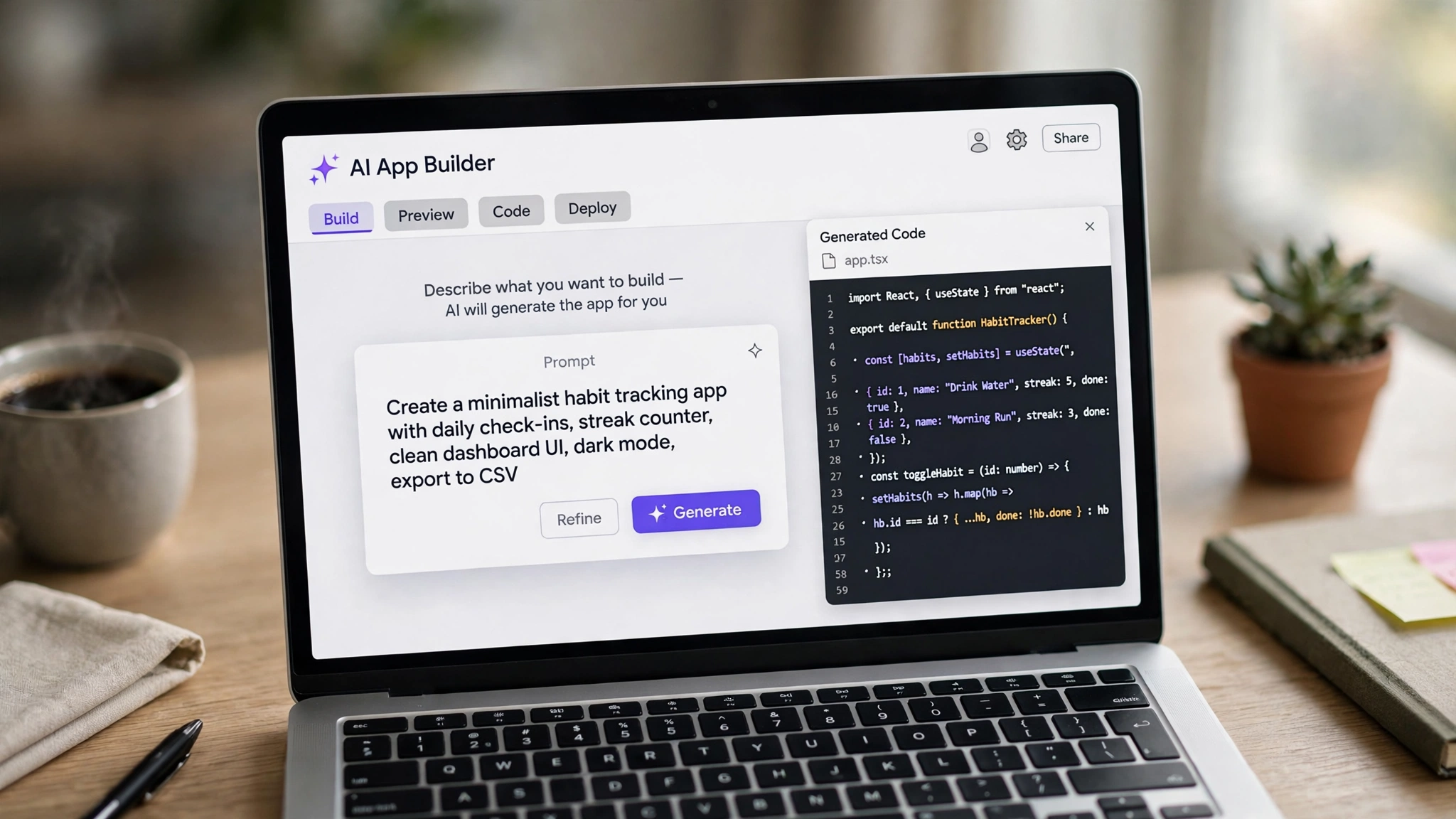
Bolt does something almost no other tool in this series does: it lets you type your first prompt before you have an account at all. Open bolt.new and there is a prompt box in the middle of the screen and a Build Now button underneath it. You can describe the app you want and watch Bolt start building it while you are still, technically, nobody. The account only appears when Bolt wants to save what you just made.
That is a good product decision and a bad habit to walk into with a temp email, because the order of operations hides the stakes. The prompt is the fun part, and by the time the sign-up dialog appears you have already invested in the thing on screen. Bolt's own help pages describe the moment plainly: sign in when prompted, so your project saves to your workspace instead of disappearing when you close the tab. Disappearing is the operative word. An unsaved Bolt project is not parked somewhere waiting for you. Close the tab without an account and it is gone, and no inbox — temporary or permanent — brings it back.
So the practical rule is the reverse of what the interface suggests. Open the temp inbox first, in its own tab, before you type a single word into Bolt. Then go to bolt.new, click Get started or submit a prompt, and choose your route in: Sign up with Google, Sign up with GitHub, Sign up with email and password, or Sign up with SSO for a work email on an Enterprise plan. The email route asks for an email address, a username, and a password. Google, GitHub, and SSO log you straight in. Email and password does not — not until you confirm the address. That confirmation is the whole temp-email question, and it is the shortest section in this post, because it works exactly the way it should.
The confirmation link, the resend, and the provider mix-up
Bolt sends a confirmation message to the address you typed, and the message contains a button that says Confirm your email. Click it, return to Bolt, sign in. There is no six-digit code to transcribe, no second screen to wait for, and nothing in the step that cares whether the inbox is temporary or permanent. If the message does not arrive, or if the link has timed out by the time you get to it, the sign-up dialog has a Resend confirmation email link. Use it once, use the newest message, and do the whole thing in one sitting — a temp inbox and a confirmation link are both clocks, and they do not wait for each other.
Two things can still go wrong here, and neither is the temp inbox. The first is the Cloudflare check that runs at signup. Bolt puts a bot check in front of the form, and if it cannot load — usually because of an aggressive ad blocker or a script-blocking extension — the sign-up stalls before the email is ever typed. If the button will not enable, disable the blocker for the tab and refresh. The second is the provider mix-up, and it is the one that actually strands people. Bolt shares its account system with StackBlitz, and the two services share sign-in methods. If you originally signed up with GitHub, signed out, and later tried to log in with Google on the same email, Bolt answers with "There is already a user associated with this email." That is not a rejection of your address. It is Bolt telling you the email already belongs to a different sign-in method, and the fix runs through StackBlitz: sign in with the original provider, open Settings, open the Credentials tab, and connect the second provider there. Our explainer on why websites reject temp email addresses covers the blocklist side of this in general, but Bolt is a case where the refusal people actually hit has nothing to do with disposable domains. It is two doors into the same account, and Bolt only lets you use one at a time until you link them yourself.
One more detail from Bolt's own docs deserves a line before we move on: signing up with different email addresses creates different accounts, full stop. There is no merge step, no way to fold two Bolt workspaces into one later. If you test Bolt on a temp address and later want the same account under a permanent one, you are starting over — new account, new workspace, projects left behind unless you exported them first. That is the shape of the decision, and it is worth making deliberately rather than discovering it after the third build.
The token meter, read honestly
Here is where Bolt stops being a signup story and becomes an arithmetic story. Bolt does not sell you messages or credits. It sells you tokens, and a token is Bolt's measure of its own effort: every time it reads your prompt, reads your project files, plans, and writes code, the meter moves. The free plan gives you 1 million tokens a month with a 300,000-token daily limit, and neither number rolls over. The daily bar refreshes every day. The monthly bar resets on the first of the month. No credit card is required, the plan never expires, and none of that changes the fact that the daily number is the one you will actually feel.
Three hundred thousand sounds like a lot. It sounds like a lot until you see what a build costs, and Bolt's own numbers make the point better than any warning I could write. The quickstart on Bolt's own site builds a small sample app for about 204,000 tokens, then spends about 70,000 more on a minor title change — and the whole walkthrough lands just under 300,000, which is the entire free daily allowance, spent on a tutorial. An independent reviewer who built a habit tracker on the free plan in November 2026 spent about 66,000 tokens on a first-try success, and a separate test of a simple to-do app came in around 52,000. A landing page with generated images costs more. A second feature costs more again. And because Bolt re-reads your project files every time it works, the same prompt costs more on a big project than on a small one — the meter grows with the app.
So the honest way to read the free plan is not "300,000 tokens a day" but "one serious build a day, maybe two small ones, and then you wait until tomorrow." That is still a real trial — a 66,000-token habit tracker that works on the first try is a genuine thing to have built for free — but it is not a workshop. If you burn the day on a sprawling first prompt and three rounds of fixes, the fourth prompt is tomorrow's problem, and no inbox, temporary or otherwise, resets the meter.
What one build actually costs
The numbers above deserve to sit together, because they are the difference between a free plan that feels generous and one that feels like a trick. Bolt's own quickstart is the most honest advertisement the free plan has: a small sample app, first build, about 204,000 tokens. A title change, about 70,000. The full walkthrough, just under 300,000 — the whole day. Against that, the independent tests look almost restrained: a habit tracker that passed its checks on the first try, about 66,000 tokens; a to-do app, about 52,000. The gap between those figures is the gap between a first prompt that knows what it wants and one that does not, and it is also the gap between a small project and one that has grown enough files for Bolt to re-read each time.
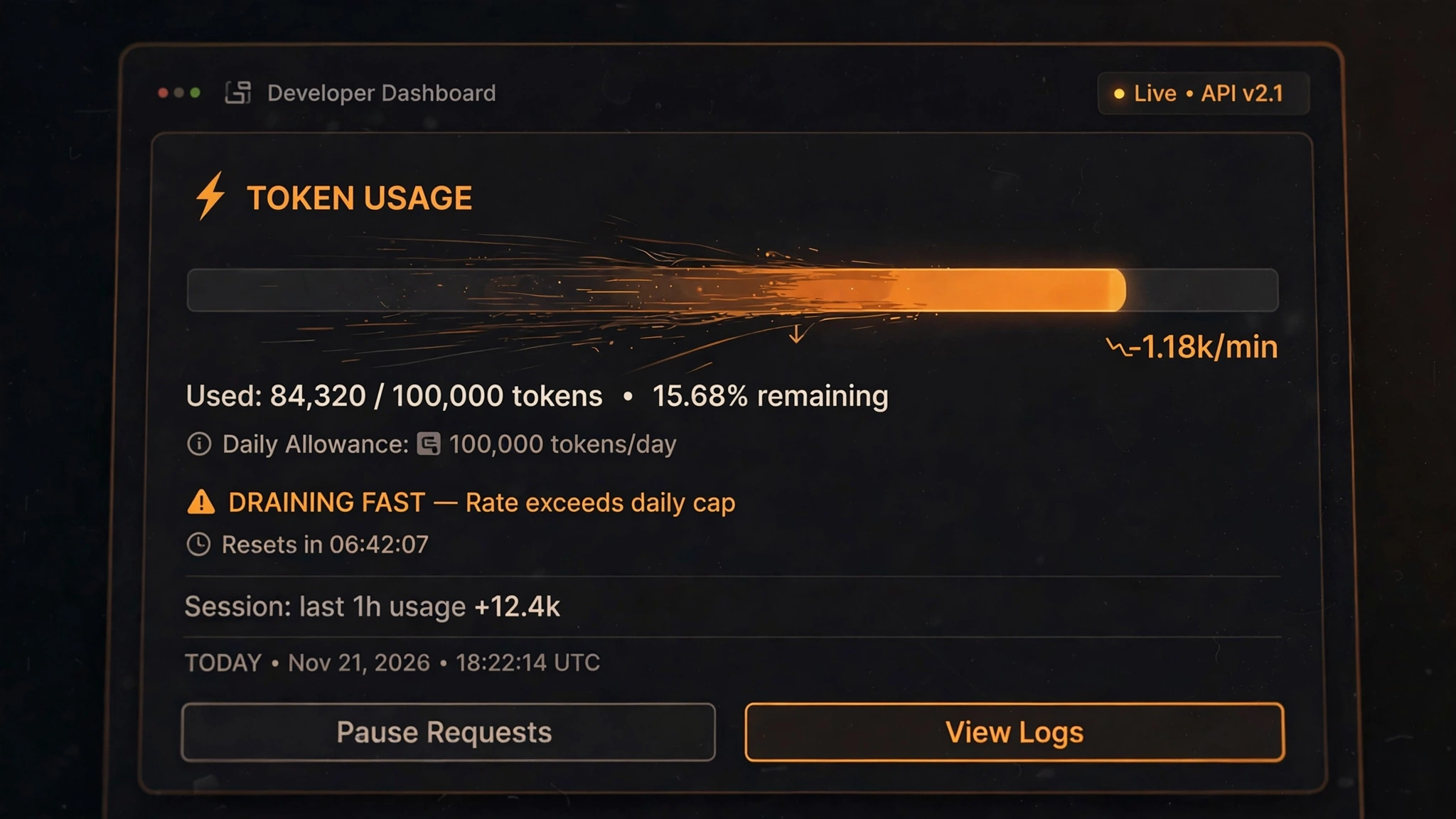
There is one mercy in the design, and it matters if you hit the wall mid-build. Once the daily token allowance is gone, direct edits in Code view are still free. You can open the files Bolt wrote, fix the thing yourself, and keep working without spending another token. That is a real escape valve, and it is also a quiet admission about who the free plan is for: someone willing to read code when the AI runs out of road. If you cannot read the code, the free plan ends when the meter does. If you can, the meter is a budget, not a wall — but it is still a budget, and a day of free building is shorter than the pricing page makes it sound.
The monthly ceiling hides behind the daily number
The daily limit is the constraint you feel first, but the monthly ceiling is the one that decides whether the free plan survives a real project. Three hundred thousand a day reads as roughly nine million a month. The monthly ceiling is one million. At the daily rate, you exhaust the month in a little over three days of full use, and then the plan is done until the first of the next month — not throttled, not slowed, done. The two bars Bolt shows you make this visible if you look: a daily bar that refreshes every day, and a monthly bar that resets on the first. Plan around the monthly number, not the daily one.
The paid plans exist to remove both ceilings at once. Pro starts at $25 a month billed monthly, or $18 a month billed annually, for 10 million tokens a month with no daily limit, and unused tokens roll over for up to two months. It also removes the Bolt branding, adds custom domains and 100-megabyte uploads, and unlocks the Max agent and a choice of database provider. Teams runs $30 per member per month. A $9-a-month Lite plan for the Forge editor closed to new sign-ups in October 2026 — existing subscribers keep it, nobody new joins it. And subscriptions are non-refundable, which is worth knowing before you pay to escape a meter you hit on a Tuesday.
| Free | Pro | |
|---|---|---|
| Price | $0, no card | $25 a month, or $18 a month billed yearly |
| Tokens | 1M a month, 300K a day | From 10M a month, no daily limit |
| Rollover | None | Unused tokens stay up to two months |
| Hosting | bolt.host, 10 GB bandwidth, 333,333 requests a month | 1M requests a month, custom domain |
| Uploads | 10 MB | 100 MB |
| Branding | Bolt badge shown | Removed |
| Agent | Standard | Max |
The hosting row deserves a sentence of its own, because it is a second meter hiding behind the first. Free hosting stops at 10 gigabytes of bandwidth or 333,333 web requests a month, shared across every site on the account, and that is a hard limit — free sites go offline at the cap. A temp-email account that ships something people actually visit can find its site down before the month is out, with the recovery email going to an inbox that no longer exists. That is not a reason to avoid the free plan. It is a reason to know, before you publish, that the free plan has two meters and both of them end.
What lives behind the email: the StackBlitz account
Bolt is not a standalone company with its own login system. It is StackBlitz's AI app builder, and the two share one account. Your sign-in methods, your email address, your username, and your account deletion are all managed in your StackBlitz settings at stackblitz.com — Bolt's own help pages say so in a note box, and they mean it literally. That shared account is the best and the worst thing about a temp-email Bolt signup, and it cuts both ways.
The good way it cuts is the email itself. Unlike Lovable, where the account email is frozen forever, a Bolt email can be changed — through your StackBlitz profile, not through Bolt's own settings, but it can be done. Our walkthrough of signing up for Lovable with a temp email ended on the warning that the only exit from a temp address was a new account and a remix that drops your data. Bolt has no such trap. If you build something worth keeping on a temp address, you can move the account to a permanent email and keep the workspace, the projects, and the token history intact. That single difference makes Bolt the most forgiving builder in this series for a temp-email test drive, and it is the reason I would pick Bolt over Lovable for a first experiment even though Lovable's credits look simpler on paper.
The bad way it cuts is deletion, and the bad way is two places instead of one. A Bolt project and its underlying StackBlitz project are linked, and if you ever want to fully delete a project you have to remove both the chat in Bolt and the associated project in StackBlitz — otherwise a copy lingers. The same linkage applies to the account itself: deletion runs through StackBlitz, not Bolt. None of this is a defect. It is the price of the shared account, and it means the cleanup after a temp-email experiment takes two stops, not one. The other price is support: email support is for paid plans only, and free users get help in Bolt's Discord. If something goes wrong on a free account — a billing question, a missing project — there is no human on the other end of an email, and the account recovery email goes to the address on file, which is the temp inbox you may already have lost.
What dies with the inbox
The confirmation link is the least important email Bolt will ever send you, and it is the only one people plan for. Everything after signup arrives on Bolt's schedule, and it all goes to the address on the account. The list is worth reading in full, because each item is a separate way to lose an account you were still using:
- Password resets. If you signed up with email and password, the "Forgot password?" link sends its instructions to the signup address. Lose the inbox and the reset goes nowhere. Google and GitHub signups are different — the password lives with the provider, and you reset it there — which is one more reason the provider route is safer on a temp address than the email route.
- Billing and receipts. Upgrade to Pro and the receipts, the renewal notices, and the payment-failure warnings all go to the account email. A card that expires on a temp-email account fails quietly, and the first sign of trouble is the plan downgrading under you.
- Token and plan notices. The monthly reset, the usage warnings, and the notice that your free sites hit the hosting cap all travel by email.
- The training opt-out. Content created from October 2026 on an individual account outside the EEA, the UK, and Switzerland may be used for AI training and licensed as de-identified datasets unless you opt out in settings. The opt-out is free on any plan and takes effect within 15 days — but training already done is not undone, and the setting lives in the account you have to stay signed into to change it.
- Support. Free users get Discord, not email. But the account recovery path, the provider-conflict fix, and every "we need to verify this is you" step still run through the inbox.
None of this is a reason not to try Bolt on a temp email. It is a reason to try it with the exit planned: build, decide within the first day whether the account is a keeper, and if it is, move the email to a permanent address through StackBlitz before the inbox expires. Bolt lets you do that. Lovable does not. Use the difference.
The GitHub escape hatch
There is one more reason a temp-email Bolt account is safer than most of the accounts in this series, and it is the strongest one. The code Bolt writes is real code, and it leaves the building. From the project menu you can download the whole project as a zip, open it directly in StackBlitz, or push it to a GitHub repository and carry on editing in Cursor, Windsurf, or VS Code. Connect GitHub and Bolt handles the version control for you: every change that does not break the project becomes a commit automatically, Bolt checks GitHub every 30 seconds for updates made outside Bolt and pulls them in, and the repository lives on GitHub's servers, not in your Bolt workspace.
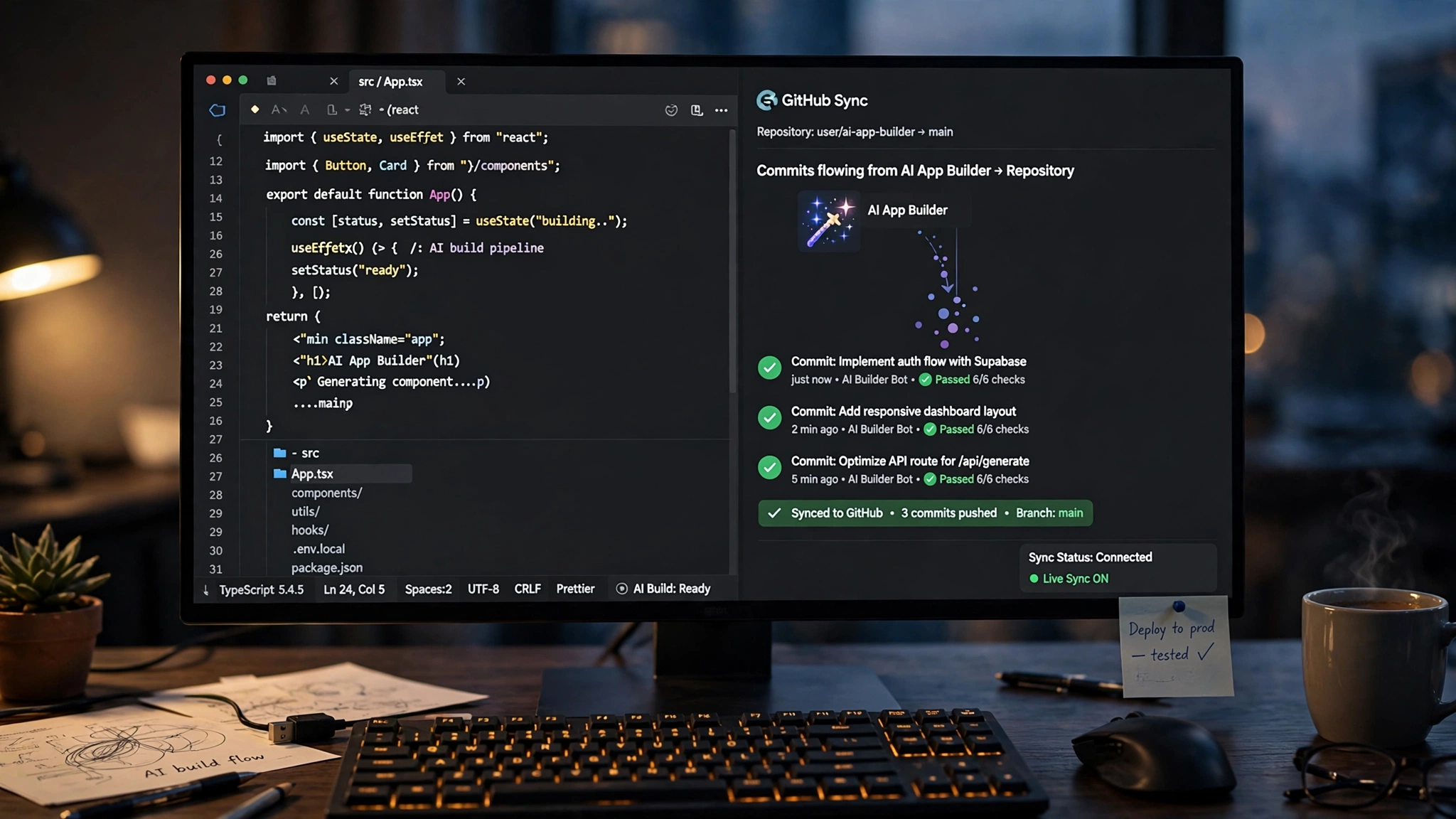
That changes the stakes of the whole experiment. On most services in this series, the thing you build lives inside the account, and losing the account means losing the thing. On Bolt, the thing you build can live on GitHub within minutes of the first prompt, and the account becomes a workshop rather than a vault. Two limits still apply. GitHub sync is tied to the main branch — you can create other branches in GitHub, but you cannot switch the Bolt project to them, and you cannot import an empty repository. And downloading a project as a zip works on desktop only, not on a mobile device. But within those limits, the escape hatch is real, and it is the single best argument for testing Bolt on a temp email: the worst case is not losing your app. The worst case is losing the workshop, and the app is already somewhere else.
Compare that with the other builders we have walked through. Our walkthrough of signing up for Replit with a temp email ran into billing and workspace rules, and its free tier publishes one app that comes down after 30 days. Our walkthrough of Vercel signup with a temp email had its own hosting-shaped traps. Bolt's trap is different in kind: not a locked door, but a meter, and a meter you can walk away from with the code in your pocket.
Bolt against the other builders
A reviewer who re-checked all four builders on November 17, 2026 put the comparison in terms a temp-email user should read carefully, because the free plans are not comparable unit for unit. Bolt gives 1 million tokens a month with a 300,000 daily cap, hosting with Bolt branding, public and private projects, and up to three collaborators, with no card required. Lovable gives five daily build credits capped at thirty a month, plus monthly grants of twenty Cloud credits and four AI credits. Replit's Starter is free with daily Agent credits up to a monthly cap it does not publish, one published app that comes down after thirty days, and a Made with Replit badge. v0 by Vercel gives seven messages a day and a deploy to Vercel.
The same reviewer is the only one of the four comparisons to have actually used Bolt hands-on — a habit tracker built on the free plan on November 17 that passed its checks on the first try for about 66,000 tokens — and the other three refused the test in instructive ways. Lovable denied the free email sign-up on November 11 with "Registration denied due to suspicious activity." Replit and v0 both required phone verification. Bolt asked for none of that. It asked for an email confirmation and a Cloudflare check, and then it let the reviewer build. That is the practical difference between the builders right now: Bolt is the one whose free door is actually open to an email address, and the meter behind the door is the price of that openness.
Our walkthrough of signing up for Gamma with a temp email is the closest parallel in shape — a credit balance tied to an address you cannot move — and Bolt is the mirror image of it. Gamma's problem was the address. Bolt's problem is the meter. Pick the tool whose problem you can live with.
The safe test-drive, on a token budget
If you are going to try Bolt on a temp email, do it with a plan that respects the meter. The signup is the easy part; the discipline is everything after it.
- Open the temp inbox first, in its own tab, and keep it open for the whole session. Bolt's confirmation link and the inbox's own clock are both running from the moment you sign up.
- Sign up with email and password, not Google or GitHub, if you want the account to be a clean test — but know that the email route is the one whose password reset dies with the inbox, and the provider route is the one whose recovery lives elsewhere.
- Before your first prompt, connect GitHub. One click, one authorization, and every working change after that is a commit that lives outside Bolt. Do this before you have anything worth losing, not after.
- Write your first prompt like it costs 200,000 tokens, because it might. One specific thing, one screen, one job — not a platform, not a suite, not "an app like Uber but for dogs." The sample app that ate most of a day was a tutorial. Yours can be smaller.
- Watch the meter after the first build, not before the fifth. Bolt shows you the daily and monthly bars. If the first build took 200,000 tokens, you have 100,000 left today and the monthly bar is already a fifth gone. Decide then whether the second prompt is worth it today or tomorrow.
- If the project matters, move the email before the inbox expires. StackBlitz settings, not Bolt settings — the account email changes there, and the workspace, the projects, and the token history come with it. Do it on day one, not day thirty, because the inbox will not remind you.
- When you are done testing, delete both halves: the chat in Bolt and the project in StackBlitz. Otherwise a copy lingers, and the training opt-out you never set still applies to it.
When a temp email is the wrong call
A temp inbox is the right tool for a test drive, and the wrong tool for anything you intend to keep. Do not build the app your business depends on behind an address that expires. Do not publish a site to bolt.host and share the link while the account email is temporary — the hosting cap notice, the renewal email, and the password reset all go to an inbox that will not be there when you need them. Do not connect Stripe or take payments through a Bolt app on a temp-email account; the billing emails, the dispute notices, and the payout failures all travel by email, and a missed payout email is a missed payout. And do not use a temp address for a team workspace: collaborators spend tokens from their own accounts, which is generous, but the workspace itself belongs to the account email, and a team that loses its owner loses its home.
The honest line is the same one this series keeps returning to, and Bolt makes it easier to honor than most: a temp email is for learning whether the tool fits how you think. Bolt is unusually good for that, because the email can be changed and the code can leave. The moment the answer is yes, the email should be permanent. The tool gives you the exit. Take it before the inbox takes it from you.
Bottom line
Bolt.new accepts a temp email at signup, and the confirmation link is the least interesting part of the story. The signup asks for an email, a username, and a password, sends a link that takes seconds to click, and then hands you a meter: 300,000 tokens a day, 1 million a month, no rollover, no card. One serious build can eat most of a day, and the monthly ceiling is gone in a little over three days of full use. The account behind the email belongs to StackBlitz, which is both the complication and the rescue — the email can be changed, unlike Lovable, but deletion takes two stops, and support on the free plan is Discord, not email. The code, at least, is yours: GitHub sync turns every working change into a commit that lives outside Bolt, and a zip download carries the whole project away. Test it on a temp inbox, connect GitHub first, write the first prompt like it costs 200,000 tokens, and move the email to a permanent address the day you decide the account is a keeper. The meter is the real test. The email was never the hard part.
Frequently asked questions
Does Bolt.new accept a temp email at signup?
Yes. Sign up with email and password, open the confirmation message Bolt sends, and click Confirm your email. The link lands in seconds and a temporary inbox receives it like any other inbox. Google and GitHub signups skip the email step entirely and log you in immediately.
How many tokens does the Bolt.new free plan include?
One million tokens a month with a 300,000-token daily limit, and neither rolls over. The daily bar refreshes every day and the monthly bar resets on the first of the month. A small sample app can cost about 204,000 tokens for the first build, so plan around the monthly ceiling, not the daily number.
Can I change the email on my Bolt.new account?
Yes, and this is the biggest difference from Lovable. The email is managed through your StackBlitz account at stackblitz.com, not through Bolt's own settings, and it can be changed there. The workspace, projects, and token history move with it.
What happens to my projects if the temp inbox expires?
The projects stay in the Bolt workspace — they are not deleted when the inbox dies. What you lose is the recovery path: password resets, billing notices, and hosting-cap warnings all go to the dead address. Connect GitHub first, so the code lives outside Bolt regardless of what happens to the account.
Does Bolt.new require a credit card for the free plan?
No. The free plan is $0 with no card required, and it never expires. You only need a card when you upgrade to Pro, which starts at $25 a month billed monthly or $18 a month billed annually.
Can I publish a website from Bolt.new for free?
Yes. Every project can go live on a free bolt.host address, with 10 gigabytes of bandwidth and 333,333 web requests a month. That is a hard limit — free sites go offline at the cap — and there is no custom domain or badge removal on the free plan.
Is my Bolt.new content used for AI training?
Content created from October 2026 on an individual account outside the EEA, the UK, and Switzerland may be used for AI training and licensed as de-identified datasets unless you opt out in settings. The opt-out is free on any plan and takes effect within 15 days, but training already done is not undone. Teams and Enterprise workspaces are excluded from the default.
Need a disposable temporary email?
Protect your real inbox from spam and promotional clutter instantly and free.
Received a suspicious email, text, or charge alert?
Verify whether the sender domain is disposable, spoofed, or unverified before clicking links.