

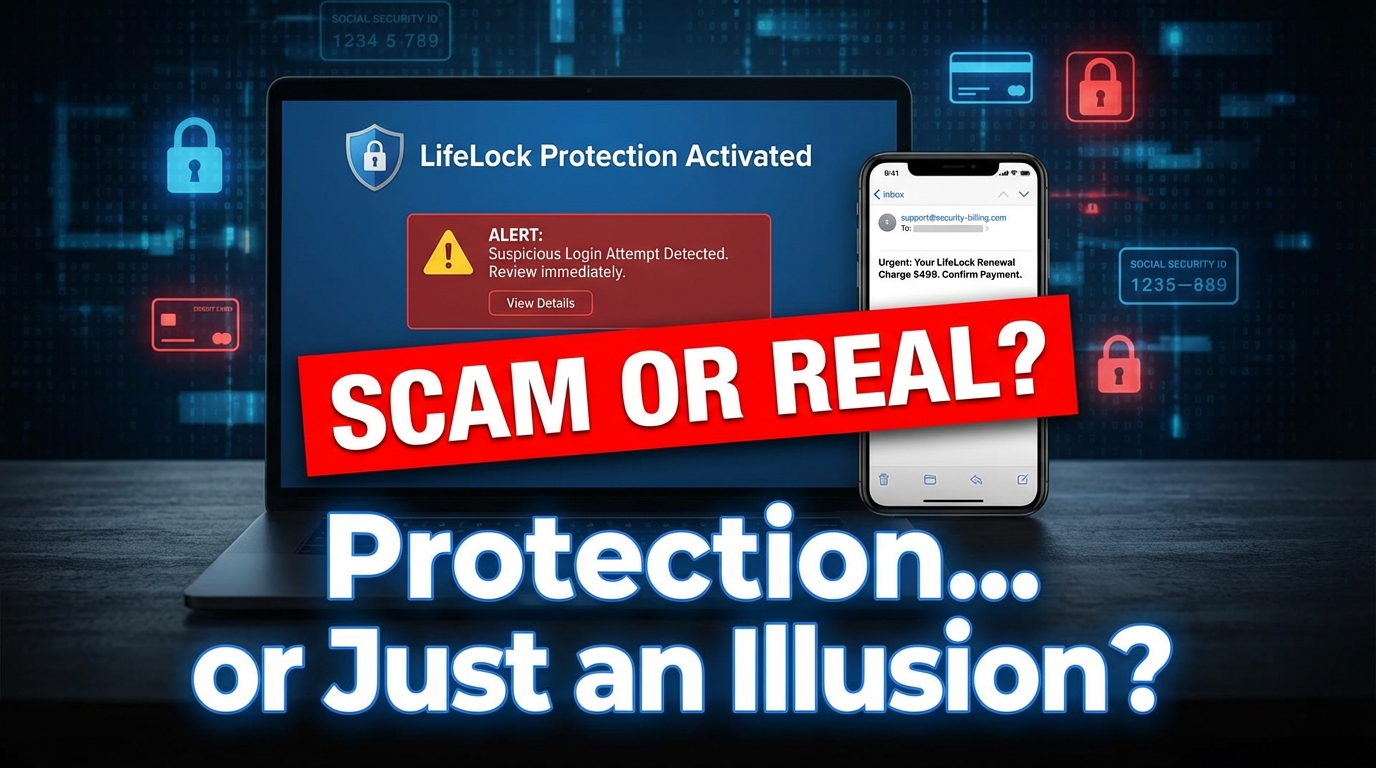

Is LifeLock a Scam or a Legitimate Service? Here's What You Need to Know
The lifelock scam / review question is one worth taking seriously before you hand over your Social Security number to any company.
Here's the short answer:
LifeLock is a real, legitimate identity protection service — not a scam. But it has a troubled history, poor customer ratings, and serious privacy concerns that every consumer should understand before signing up.
Quick verdict at a glance:
| Question | Answer |
|---|---|
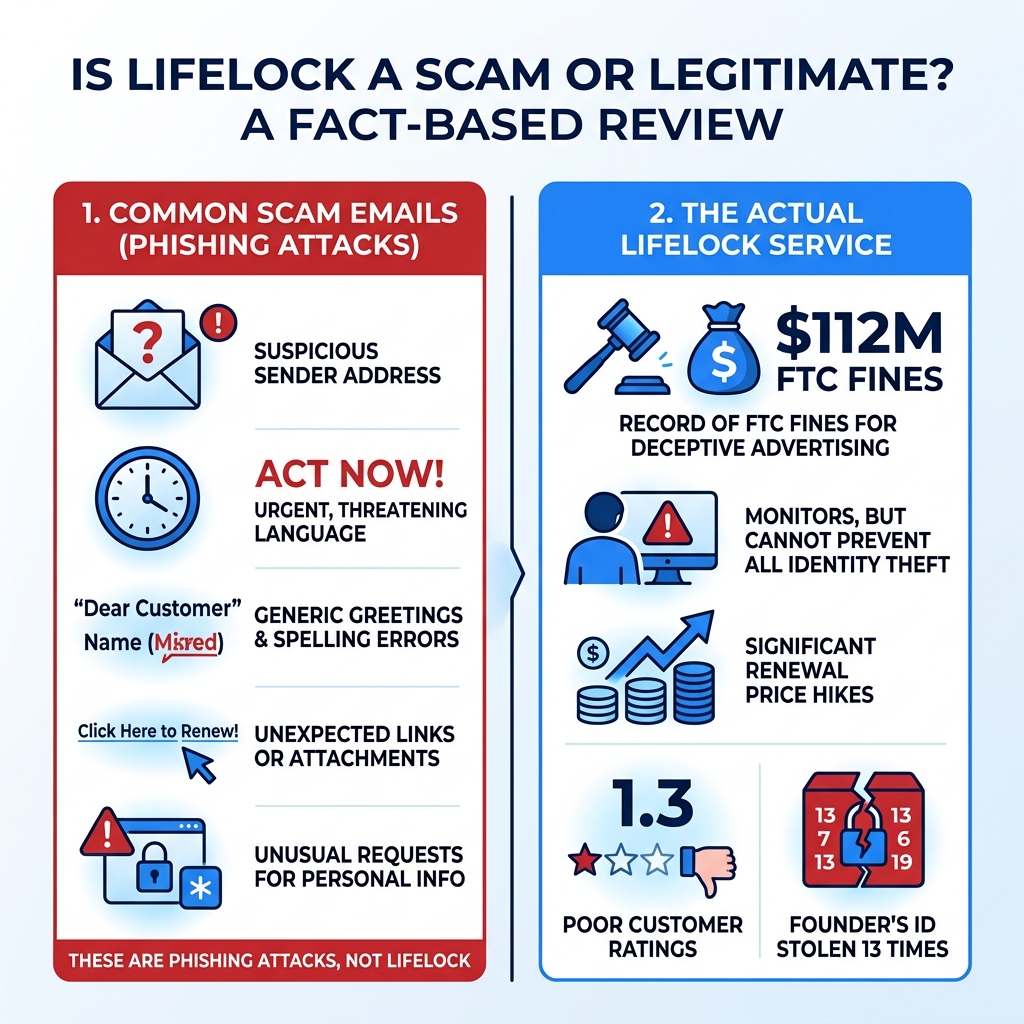
| Is LifeLock a scam? | No, but it has faced $112M in FTC fines |
| Is it effective? | Partially — it monitors, but cannot prevent theft |
| Are the renewal prices fair? | No — prices jump 39–72% after year one |
| Are customer reviews good? | No — 1.3/5 on ConsumerAffairs, 87% one-star |
| Is the "LifeLock email" in your inbox a scam? | Often yes — phishing emails impersonating LifeLock are extremely common |
There are actually two separate problems people search about here:
- Scam emails pretending to be LifeLock — these are phishing attacks, not real LifeLock communications
- Whether LifeLock itself is worth trusting — a legitimate service with real flaws
Both matter — especially if you're privacy-conscious and worried about where your personal data actually ends up.
One telling detail: LifeLock's own founder and CEO publicly posted his Social Security number on billboards as a marketing stunt — and had his identity stolen 13 documented times as a result. That story says a lot about the gap between marketing promises and reality.
This guide breaks down both problems clearly, so you can make a smart, informed decision.
Analyzing the LifeLock Scam / Review: Is It Legitimate?
When we look at the history of LifeLock, "legitimacy" is a complicated word. On one hand, the company is owned by Gen Digital (formerly NortonLifeLock), a massive cybersecurity conglomerate. They provide real monitoring services, they have real employees, and they do pay out insurance claims.
However, the company has a track record that makes many privacy experts wince. One of the biggest red flags in any lifelock scam / review discussion is the history of regulatory fines. In 2010, the Federal Trade Commission (FTC) fined LifeLock $12 million for deceptive advertising. The company had claimed its protection was foolproof—a claim that was proven false when the CEO’s own identity was stolen repeatedly.
It didn't end there. In 2015, the FTC hit them again, this time with a staggering $100 million penalty. Why? Because the company failed to secure customer data as they had been ordered to do five years prior. This remains one of the largest civil penalties the FTC has ever handed down for a privacy violation.
More recently, in early 2023, NortonLifeLock warned that hackers had breached nearly one million password manager accounts through "credential stuffing" attacks. While this wasn't a direct "scam" by the company, it highlights a fundamental irony: a company you pay to protect your identity can sometimes become the very gateway through which your data is exposed. For a deep dive into these historical red flags, you can read more about The LifeLock Controversy (2026): Hacked, Hard to Cancel & $100M FTC Fine.
Recognizing the Norton LifeLock Scam / Review Email Tactics
While LifeLock the company is legitimate, there is a massive wave of "Norton LifeLock" scams currently flooding inboxes. These are phishing campaigns designed to steal your credit card info or gain access to your computer.
We’ve seen these emails take a few common forms:
- The Fake Renewal Invoice: You get an email claiming your "LifeLock Total Protection" has been renewed for an eye-watering amount, usually between $200 and $700. The goal is to make you panic so you call the "support number" listed in the email to "cancel" the charge.
- The Remote Access Trap: If you call that fake number, the scammer will claim they need to "remote into your computer" to process the refund. Once they have control, they may install malware, steal passwords, or even pull the "HTML manipulation" trick.
- The Refund Overpayment: This is a classic. The scammer pretends to "accidentally" refund you $5,000 instead of $500 by editing the HTML code on your banking page while you're watching. They then beg you to send the "extra" money back via wire transfer or gift cards before you realize your actual bank balance hasn't changed at all.
Legitimate companies will never ask for remote access to your computer to process a refund. If you're wondering if that specific message in your inbox is real, check out this guide on Is That Norton LifeLock Email a Scam?.
Is the LifeLock Scam / Review Worth the High Renewal Price?
One of the most common "scam" complaints from actual customers isn't about hackers—it's about the billing department. LifeLock is famous for "introductory pricing" that feels like a bait-and-switch.
During your first year, you might pay a relatively low monthly fee. However, once that year is up, prices typically skyrocket by 39% to 72%. For example, the Ultimate Plus individual plan often jumps from $239.88 to $339.99 upon renewal. Many customers don't notice the fine print and find themselves hit with a massive charge they weren't expecting.
| Plan Tier | First Year Monthly (Approx) | Renewal Monthly (Approx) | Key Difference |
|---|---|---|---|
| Standard | $9.99 | $12.49 | Basic monitoring, $25k insurance |
| Advantage | $19.99 | $24.99 | Adds court records & $100k insurance |
| Ultimate Plus | $29.99 | $34.99 | 3-Bureau monitoring, $1M insurance |
This pricing structure is one reason why so many people leave a negative lifelock scam / review online. They feel the service is "scammy" because of the aggressive price hikes and the notoriously difficult cancellation process, which often requires a long phone call with a "retention specialist" whose job is to prevent you from leaving.
LifeLock Features and Insurance Coverage
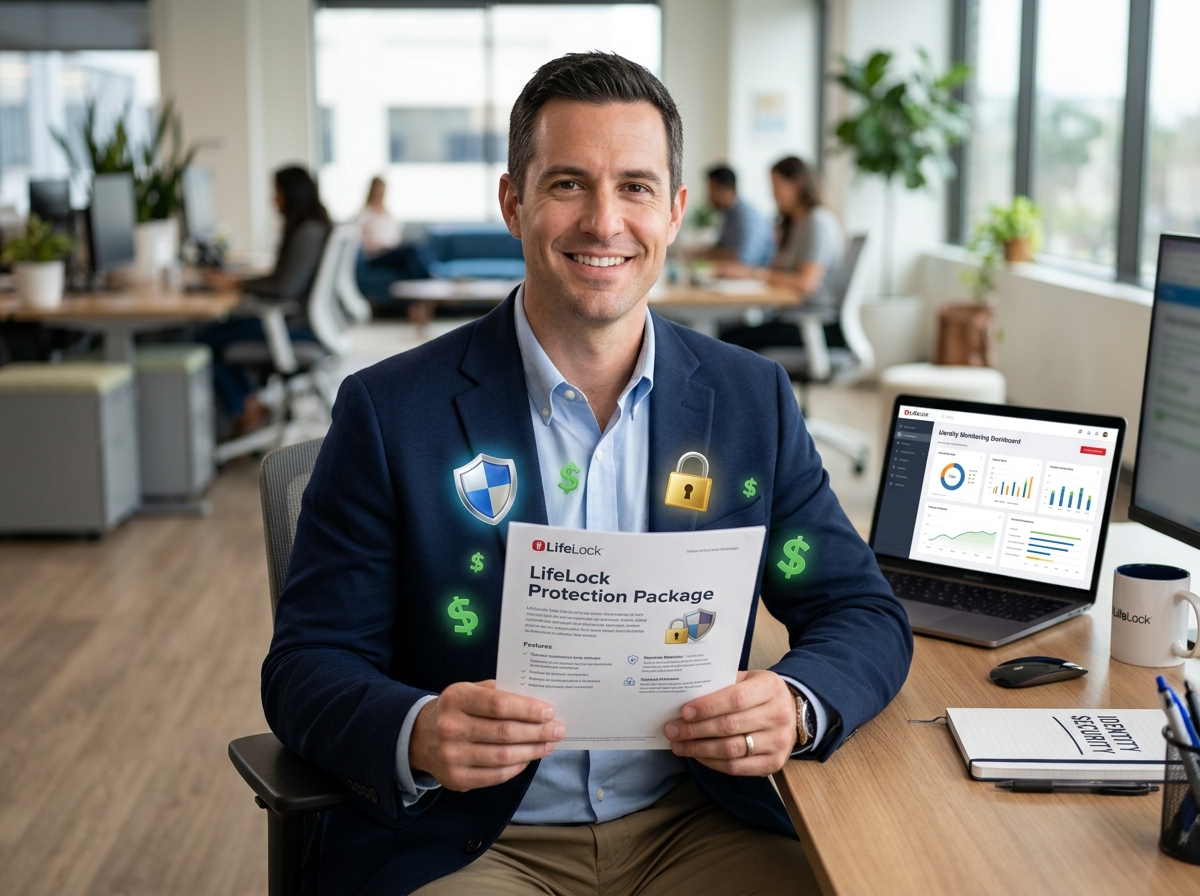
If you can get past the pricing and the phishing emails, what does LifeLock actually do? The core of the service is monitoring and insurance.
The "million-dollar protection package" is their biggest selling point. Depending on your plan, this includes:
- Stolen Funds Reimbursement: Up to $1 million for the top tier (but only $25,000 for the Standard tier).
- Personal Expense Compensation: Coverage for things like lost wages or travel expenses related to fixing your identity.
- Legal Fees: Up to $1 million to pay for lawyers and experts to help restore your name.
It is important to understand that this insurance isn't a "blank check." It typically only kicks in if your identity is stolen while you are a member and if the theft falls under their specific coverage definitions. For a full breakdown of whether these features justify the premium, see this LifeLock Review 2026: Is It Worth the Cost?.
Proactive Detection vs. Post-Facto Monitoring
A common misconception is that LifeLock prevents identity theft. It doesn't. No service can stop a hacker from breaching a database at your doctor's office or a major retailer.
Instead, LifeLock offers "post-facto" monitoring. This means they watch for signs that your identity is already being used. They scan:
- The Dark Web: To see if your email or SSN is being sold on hacker forums.
- Credit Bureaus: To see if someone is trying to open a new credit card in your name.
- Public Records: To see if someone has committed a crime or changed your address using your info.
While this is helpful, we believe the best defense is a proactive one. At Tempo Mail USA, we advocate for shielding your data before it gets into a database. By using temporary email aliases, you create a "PII firewall" that prevents your real identity from being linked to every service you sign up for. This reduces the "attack surface" that services like LifeLock have to monitor in the first place. You can learn more about these layers in our guide on Best Identity Theft Protection Services in the USA.
Common Customer Complaints and Service Issues
If you look at ConsumerAffairs, you'll see a dismal 1.3 out of 5-star rating for LifeLock, with a staggering 87% of reviews being 1-star. The Better Business Bureau (BBB) tells a similar story, with over 1,300 complaints closed in the last three years.
The most common grievances we see in a lifelock scam / review include:
- Delayed Alerts: Some users report finding out about identity issues from their bank days or weeks before LifeLock sends an alert. In fact, a 2025 study found some competitors alerted users in 3 minutes, while LifeLock took over 9 hours.
- Customer Service Hurdles: Reaching a human can be difficult, and many users report being stuck in automated loops or dealing with representatives who are primarily focused on upselling.
- Cancellation Nightmares: To cancel, you often have to call a specific line and endure a high-pressure sales pitch to stay. Some users report being billed even after they thought they had cancelled.
Understanding these service gaps is vital when comparing top identity protection services.
Evaluating LifeLock's Value Proposition
Is LifeLock worth it? To answer that, we have to look at the scale of the problem. Americans Lost $43 Billion to Identity Theft recently, and the numbers are only climbing.
For some, the "peace of mind" is worth the $300+ annual renewal fee. For others, the same results can be achieved for free. You can freeze your credit at all three bureaus (Equifax, Experian, and TransUnion) for $0, which is arguably more effective at stopping new account fraud than any paid monitoring service. You can also get free credit reports at AnnualCreditReport.com.
Who Benefits Most from Paid Protection?
We generally find that LifeLock is best suited for specific groups:
- High-Risk Individuals: People who have already been victims of a major breach and are seeing active fraud attempts.
- Families: LifeLock’s family plans cover children, whose Social Security numbers are often "clean slates" targeted by identity thieves.
- The "Time-Poor": If you don't want to spend time manually checking your credit reports or managing credit freezes, a paid service consolidates everything into one dashboard.
- Those Seeking Restoration Help: The biggest value in LifeLock isn't the alerts; it's the access to a restoration specialist who will spend the hundreds of hours required to fix your identity if it is stolen.
If you fall into one of these categories, you might find the service useful. You can check out an Updated for 2026 LifeLock Review to see if the current features align with your needs.
Steps to Take After Receiving a Suspicious Email
If you've received a "LifeLock" email and you're worried it's a scam, do not click anything. Here is our recommended checklist:
- Verify the Sender: Look at the actual email address, not just the display name. Legitimate emails usually come from
@norton.comor@lifelock.com. If it's a string of random letters or a Gmail address, it's a scam. - Don't Call the Number in the Email: If the email says your account was charged $500, go directly to the official LifeLock website by typing the URL into your browser. Log in there to check your billing status.
- Report the Phishing: Send the suspicious email to
spam@norton.comand report it to the FTC atReportFraud.ftc.gov. - Run a Malware Scan: If you accidentally clicked a link or downloaded an attachment, disconnect from the internet and run a full system scan with a trusted antivirus tool.
- Secure Your Accounts: Change your passwords and enable Multi-Factor Authentication (MFA) on your sensitive accounts.
For more technical details on spotting these fakes, see the LifeLock Identity Theft Protection Review 2025.
Frequently Asked Questions about LifeLock
Does LifeLock prevent identity theft from happening?
No. LifeLock is a monitoring and recovery service. It cannot stop a data breach from occurring at a third party, nor can it stop someone from stealing your physical mail. It is designed to alert you after suspicious activity is detected and help you clean up the mess.
How do I cancel my LifeLock subscription without being charged?
To avoid the high renewal fees, you should cancel at least 30 days before your subscription ends. While you can sometimes start the process online, you often have to call 1-800-543-3562. Be firm, ask for a confirmation number, and monitor your bank statements for the next two billing cycles to ensure the charges have stopped.
What was the $100 million FTC fine for?
The 2015 fine was due to LifeLock violating a previous 2010 court order. The FTC found that LifeLock failed to establish a comprehensive information security program to protect users' sensitive data and that they continued to make deceptive advertising claims about the level of protection they provided.
Conclusion
When navigating the lifelock scam / review landscape, the truth lies somewhere in the middle. LifeLock is a legitimate tool, but it is not a magic shield. It’s a company that has faced massive fines for failing to protect data and one that uses aggressive pricing tactics that leave many customers feeling cheated.
At Tempo Mail USA, we believe the best way to protect your identity is to never give it away in the first place. By using our temporary email aliases, you can sign up for services, newsletters, and trials without exposing your primary, permanent email address. This creates a powerful privacy firewall that shields your personally identifiable information (PII) from data brokers and hackers alike.
Whether you choose a big-name service like LifeLock or decide to manage your security manually, your first line of defense is always your own digital hygiene. Stay skeptical of unsolicited emails, use strong passwords, and consider how Tempo Mail USA's Contribution to Identity Protection can help you stay off the radar of identity thieves entirely.