
How to Verify Professional Identity Online Without Private Emails

How to Verify Professional Identity Online Without Private Emails
Every platform that wants to know you're real asks for the same thing first: your email address. Not your portfolio, not your work history, not a reference — your inbox. And most of us hand it over without a second thought, because the request feels small and the thing we want — the account, the gig, the verified badge — feels bigger.
That trade is worse than it looks. Your private email is the one address that ties everything about you together: your bank, your health insurance, your kids' school, the accounts you opened a decade ago and forgot. The moment you use it to prove who you are to a platform you don't yet trust, you've given a stranger the key that unlocks the map of your digital life — and you can't take it back. Email addresses don't expire. They get breached, sold, scraped, and added to lists that follow you for years.
There is a better way to do this, and it doesn't involve refusing to verify yourself or hiding from the internet. It involves understanding what "verify my professional identity" actually asks for, giving each part the cheapest proof that satisfies it, and keeping your private inbox out of the transaction entirely.
Three different proofs hiding inside one phrase
"Verify my professional identity" sounds like one job. It is three, and they need very different evidence.
Proof one: you are who you say you are. Your name matches a real person, and the person talking is that person. This is the identity part, and it is the only one that sometimes needs a government document — a passport, a driving licence — shown to a platform, never emailed to a stranger.
Proof two: you can do what you claim. Your skills, your history, your work. This is the professional part, and it is proven by things that are already public: a portfolio, a GitHub profile, published work, a LinkedIn history with real recommendations from real colleagues. None of it needs your email address. A hiring manager who reads your portfolio learns more about your competence in five minutes than any inbox check could tell them.
Proof three: you can be reached. The platform needs to send you a code, a link, a notification. This is the only proof that involves an email address at all — and it is also the weakest proof of the three, because all it shows is that someone can open an inbox. It says nothing about who you are or what you can do. Yet it is the proof platforms ask for first, because it is the easiest to automate.
Keeping those three separate changes everything. The mistake most people make is treating the email check as the identity check, and then handing over their real address because the platform made it sound like the two were the same thing. They aren't. An email address proves you can open an inbox. Your work proves you're a professional. Never pay for the second proof with the first one's currency.
Why your private email is the wrong credential
Your private email fails as a professional credential on every count that matters.
First, it is permanent in a way nothing else about your professional life is. You change jobs, you rebrand, you move cities — but the address you gave a platform in 2019 is still in their database, still getting their marketing, still showing up in the breach that hits them in 2026. A credential you can't revoke is a liability, not an asset.
Second, it correlates. Your private address is the same string you use for your bank, your medical portal, and your mortgage. Every time you hand it to a new service, you hand them the thread that ties those accounts together. Data brokers love email addresses precisely because they are the most reliable join key on the internet. A single professional signup is not a privacy disaster on its own. Twenty of them, over a few years, is a dossier you built yourself.
Third, it invites the exact scams this article is partly about. The more places your professional address appears, the more convincing the phishing gets. A fake "verify your identity" email lands differently when it arrives at the address you actually use for work — it looks expected, even routine. Keeping your private address out of professional signups is not paranoia. It is the simplest way to make the scam emails stand out: if it arrives at an address you never gave anyone, it is fake, and you know it in one glance.
The honest summary: your private email is a recovery tool for the accounts that matter and a private channel for the people who matter. It was never designed to be your professional ID card.
The buffer method: verify with an address you can throw away
Here is the method that replaces it. It takes about two minutes, and it works for almost every platform that asks you to verify by email.
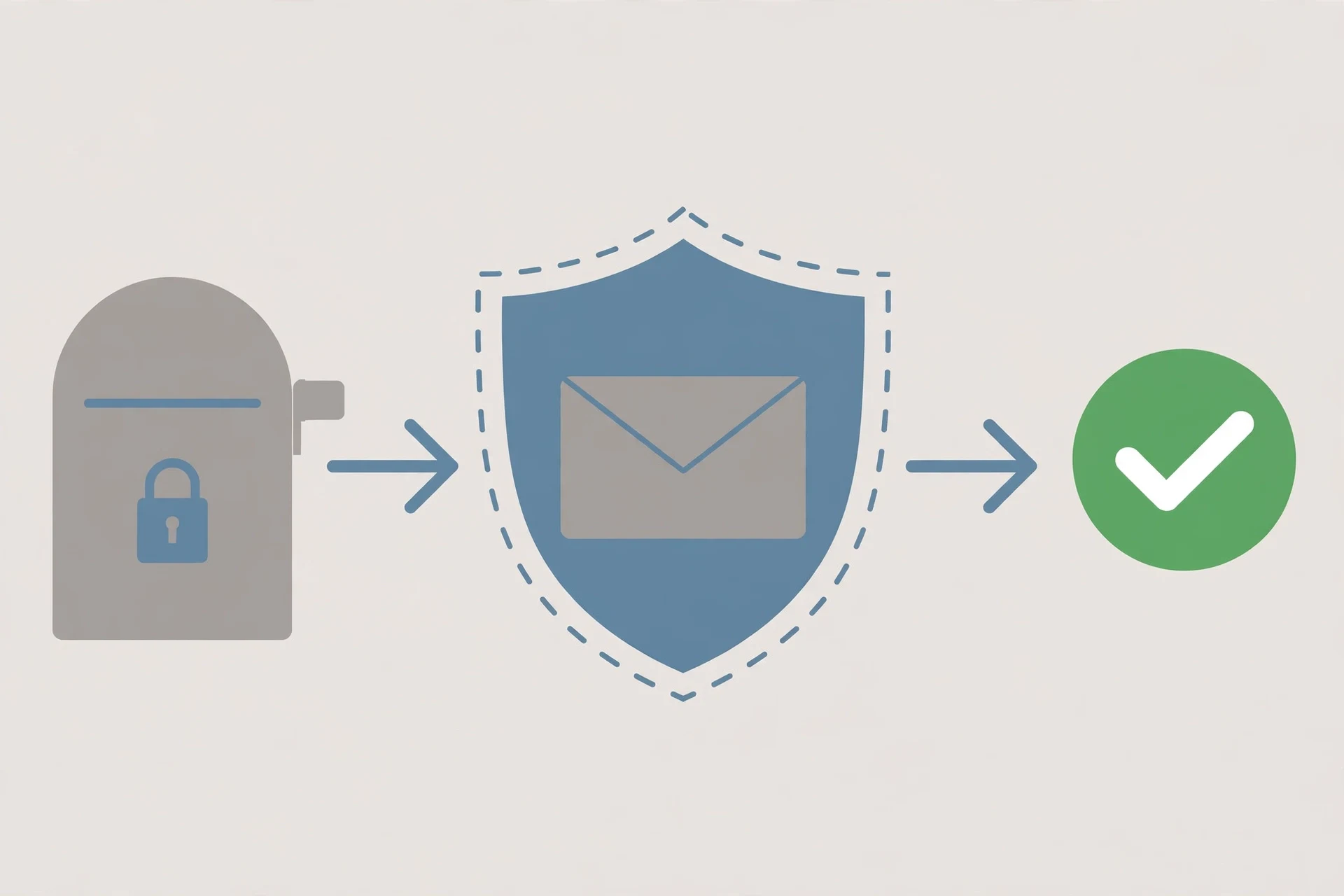
Step one: get a disposable address before you sign up, not after. Open a temporary mail service and take the address it gives you. TempMailUSA's homepage hands you one the moment it loads — no signup, no personal details, just an inbox that exists for a set period. That address is your buffer: the thing the platform talks to, while your real inbox stays out of it.
Step two: use the buffer address for the signup and the verification code. The platform sends its code to the disposable inbox, you read it there, you type it in, the platform marks you verified. From the platform's side, nothing is different — it sent a code, the code came back, the check passed. From your side, the platform now holds an address that stops working when you stop needing it.
Step three: decide, deliberately, whether this service earns your real address. Most of them don't. A freelance marketplace you are testing, a portfolio site you are trying once, a job board you found through a search — none of these need your private email to function. They need to reach you while you use them, and the buffer does that. Only promote a service to your real address when it has earned it: when it holds money, contracts, or a reputation you have built over months. That is a decision you make after the service proves itself, not before.
Step four: keep the proof that matters somewhere else. The verification email is not the proof of your professionalism — your public work is. Link the platform profile to your portfolio, your LinkedIn, your published work. When a client asks "are you real?", the answer they should get is a body of work they can read, not an email address they can spam. A disposable email address is a fine tool for getting through the door. It is a terrible tool for proving you belong in the room — and it was never meant to be that.
One honest limitation, because this method has one: a disposable inbox expires. If you use it to create an account you later need to recover — a password reset, a payout notification, a contract renewal — and the inbox is gone, so is your way back in. That is why step three exists. The buffer is for first contact and testing. Anything you intend to keep gets a permanent address — ideally an alias or a dedicated professional address, not the private one you use for your bank. The rule is simple: disposable for trying, permanent for keeping, private for almost nothing.
The test I ran this morning
I don't trust guides that describe a process nobody ran, so I tested the exact claim at the centre of this article: what does the internet actually learn about a disposable address — and what does it never learn?
First, the homepage. TempMailUSA's homepage showed the saved inbox svhuj35@rover.info — the same inbox from this morning's earlier verification test, not a brand-new address, because the browser keeps the same inbox between visits. One honest note: that means this test re-checks a known disposable address rather than a fresh one, which is the right way to read the next result. The countdown read "Expires in 29d 2h 35m 57s" and ticked down in real time while I watched. The page states the rule plainly: free inboxes last 30 days, Pro inboxes 365. Pricing on the page, in USD: free $0 forever, Pro Monthly $4.19 a month, Pro Yearly $34.99 a year, Lifetime VIP $41.30 once. The site's own counters read 486,306 emails created and 609,973 messages received.
Then the checker. I ran svhuj35@rover.info through Email-Checker.net, a free checker that needs no signup. Verdict: "BAD" — "It's a disposable email address." The tool confirmed MX records were available and noted the domain rover.info has been registered since 2009-08-10. And here is the part that matters for this article: it revealed no owner, no name, no employer, no identity of any kind. A disposable address is detectable as disposable — any platform that wants to block them can — but it is not traceable to a person. That is the whole point of the buffer method: the address can be judged, but you can't be.
Finally, LinkedIn itself. Its help page "Verifications on your LinkedIn profile" lists three things you can currently verify: your identity, your workplace, and your educational institution. Identity verification runs through a partner — CLEAR in the US, Canada, and Mexico, DigiLocker in India, Persona with an NFC-enabled passport in many other countries — and it means a government-issued ID was checked; the partner holds the data, not LinkedIn. Workplace verification is the email route: give your current company email, confirm it through a code sent to that email — or use a Microsoft Entra Verified ID, a company LinkedIn Learning licence, or a Recruiter licence. Educational verification works through a LinkedIn Learning licence from the institution. The badge is optional, free, and removable, and LinkedIn says the information used for verification is only used for that purpose and isn't visible to anyone — except that the issuing country of your ID may show.
Read those three together and the article's argument writes itself. LinkedIn's strongest proof — identity — never involves your email at all. Its email proof — workplace — proves you work somewhere, not who you are. And a disposable address, checked live this morning, proves you can receive a code while revealing nothing about the person behind it. The platforms have already separated these proofs. Your signup habits should too. For the mechanics of the check itself, our guide to verifying an email address walks through the five methods that actually work.
What the big platforms actually accept
The buffer method works because the platforms' own rules are narrower than their signup screens suggest. What each one actually requires is worth knowing before you hand anything over.
LinkedIn is the platform most people mean when they say "professional identity," and its verification system is more layered than most users realise. LinkedIn's own help page lists three verifiable things: identity, workplace, and educational institution. Identity runs through a partner — CLEAR in the US, Canada, and Mexico, DigiLocker in India, Persona with an NFC-enabled passport elsewhere — and means a government ID was checked; the partner holds that data, not LinkedIn. Workplace verification is the email route: give your current company email and confirm it through a code sent to that email, though only at eligible companies. That is a real verification signal — but notice what it proves: employment, not identity, and only as long as you hold that job. It is also the route most worth doing through a buffer mindset: if you leave the job, the verification lapses, and nothing about your private life was involved. Our guide to using temp mail for LinkedIn signup walks through where the email check helps and where it quietly works against you.
Freelance marketplaces — Upwork, Fiverr, and their smaller rivals — verify identity in tiers. The email check is the bottom tier and the easiest to pass. The tiers that actually matter to clients are the ID verification, the payment method, and the work history with reviews. A client choosing between two freelancers does not compare their email addresses. They compare portfolios and ratings. Spend your verification effort there.
GitHub and portfolio sites barely verify identity at all, and that is a feature. A GitHub profile with years of commits is a stronger professional credential than any badge, because it is a public record of actual work that is hard to fake and easy to check. If your profession has a public-work equivalent — writing, code, design, research — that record is your identity verification, and it costs you no personal data at all.
Job boards and application portals are the worst offenders for demanding a private email up front, and the easiest to handle with the buffer method. They need to reach you about the application; they do not need your life's email history. Give the buffer address, and if the conversation turns into an interview, move it to a professional address you control. A recruiter who has already decided to talk to you will not be put off by a change of address. A recruiter who is put off by it was never going to hire you for your work.
The pattern across all of them: the email check is the shallowest proof a platform takes, and the proof clients actually weigh is your public work. Put your effort — and your personal data — in proportion to that.
Verifying someone else: the hiring-manager side
So far this article has been about proving yourself. The other half of the keyword is the person on the other side: you are hiring, or a client is checking you, or a freelancer's profile looks too good and you want to know if they are real. The rules here are the mirror image of the ones above, and they are simpler than the verification industry wants you to believe.
Start with what they published. A real professional leaves a trail: a portfolio, a LinkedIn history with dates that line up, recommendations from people who themselves have real profiles, published work you can read. Check the dates. A profile created last month with ten years of claimed experience and no verifiable work is telling you something, and it is not telling you to run a deeper background check. It is telling you to move on.
Cross-check, don't deep-dive. Compare two or three independent sources — LinkedIn against the company bio, the portfolio against the claimed client list, a certification against the issuing body's public directory. Consistency across independent sources is the strongest cheap signal that exists. The moment you need a paid people-search site or a reverse email lookup to feel comfortable, the cheap signals have already failed, and you should trust that failure instead of buying a more expensive opinion.
Ask them, directly. "Could you send me a link to something you shipped?" is a verification method. So is a five-minute video call. Both are consent-based, both are hard to fake, and both respect the other person's privacy in a way that scraping their data never will. The full ethics of this — what you may check, what needs consent, and where the line sits — is the subject of our guide to verifying email ownership ethically, and the same consent-first rule applies to identity in general.
Never ask for their private email as proof. If someone's professional credibility depends on them handing you the address they use for their bank, your verification process is the problem. A professional address, a portfolio, a video call, a reference — any of these proves more, and costs them less. And never, ever ask anyone to email you a photo of their ID or passport. If a platform needs ID verification, it has a secure channel for it. Your inbox is not that channel.
The red flags: when "verify your identity" is a scam
The phrase "verify your identity" is also one of the most effective phishing lures in circulation, because it borrows the language of the legitimate process described above. Here is how to tell the two apart.
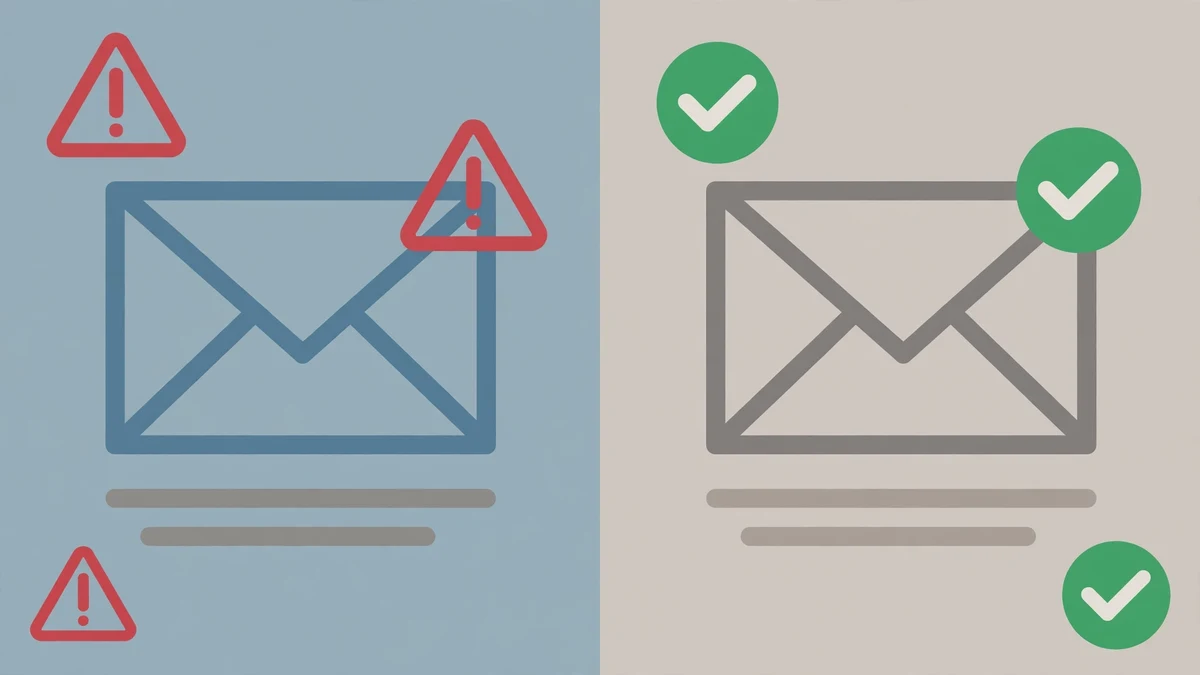
A real verification request comes after you started something. You signed up, you applied, you requested the check. A verification email that arrives out of nowhere — you did nothing, you expected nothing — is not a step in a process. It is the process, invented by a stranger, and the only correct response is to delete it.
A real request never asks for your private email, your password, or a photo of your ID by email. Platforms that verify identity do it inside their own secure flow: a link that takes you to their site, a document upload inside their portal, a code sent to an address you already gave them. Any message that asks you to reply with documents, or to "confirm" your password, or to click a link and log in again, is a phish. The urgency is the tell — "your account will be suspended in 24 hours" is a pressure tactic, not a policy.
A real request matches the domain. A LinkedIn verification email comes from linkedin.com. A message from linkedin-support.net or linkedin-verify.org is not LinkedIn, no matter how good the logo looks. Check the sender domain before you check anything else in the message. If you are ever unsure, don't click — open the platform yourself, in your own browser, and look at your account status there. The five seconds that costs is the cheapest security you will ever buy.
A verification code you didn't request is a warning, not a task. If a code arrives for an account you didn't try to open, someone is trying to get into it. Don't enter the code anywhere, don't forward it, and change the password on that account from a device you trust. If it keeps happening, that account's email address is public somewhere it shouldn't be — which brings us back to the start of this article.
The short version
Your professional identity is your work, your history, and the people who will vouch for it. An email address proves none of those things — it proves you can open an inbox. So stop paying for professional credibility with the one address that ties your whole digital life together.
Use a disposable address for first contact and verification codes. Keep a permanent professional address for the services that earn it. Keep your private address for the accounts and the people that actually matter. And when someone asks you to prove you're real, show them the work. The work is the proof. The inbox was never more than the doorbell.
Frequently asked questions
Can I verify my professional identity online without using my private email? Yes. The parts of professional identity that matter — your portfolio, your work history, your public profiles — need no email address at all. The only part that involves email is the reachability check: receiving a code or a link. A disposable address handles that check, and your private inbox never enters the transaction.
Is it safe to use a temporary email for professional verification? For first contact, testing a platform, and receiving a verification code, yes — that is exactly what temporary mail is for. The risk is not the verification itself but what comes after: if the account becomes something you need to recover later, an expired inbox can't receive the reset link. Use the disposable address to try a service, and move to a permanent professional address once the service has earned a place in your working life.
What is the best way to prove my professional identity to a client? A public body of work beats every badge. A portfolio they can read, a LinkedIn profile with recommendations from real colleagues, a GitHub history, published work with your name on it — these are hard to fake and easy to check. A verification badge proves you passed a platform's check once. Your work proves you can do the job every day.
Does LinkedIn verification require my personal email? No. LinkedIn's verification routes are a government ID, a workplace email, or in some regions a CLEAR identity check. None of them requires your private email address, and the workplace route proves employment rather than identity. Your personal inbox stays out of it either way.
How can I check if a freelancer or job candidate is who they claim to be? Cross-check what they published: LinkedIn against the company bio, the portfolio against the claimed clients, certifications against the issuing body's directory. Ask for a link to something they shipped, and take a five-minute video call. If the cheap public signals don't line up, trust that — don't buy a deeper lookup to override it.
What should I do if I get a verification code I didn't request? Don't enter it anywhere and don't forward it. Someone is trying to access an account tied to that address. Change the password on that account from a device you trust, and if the codes keep coming, assume the address is public somewhere it shouldn't be and start moving important accounts to a fresh one.
Need a disposable temporary email?
Protect your real inbox from spam and promotional clutter instantly and free.
Received a suspicious email, text, or charge alert?
Verify whether the sender domain is disposable, spoofed, or unverified before clicking links.