

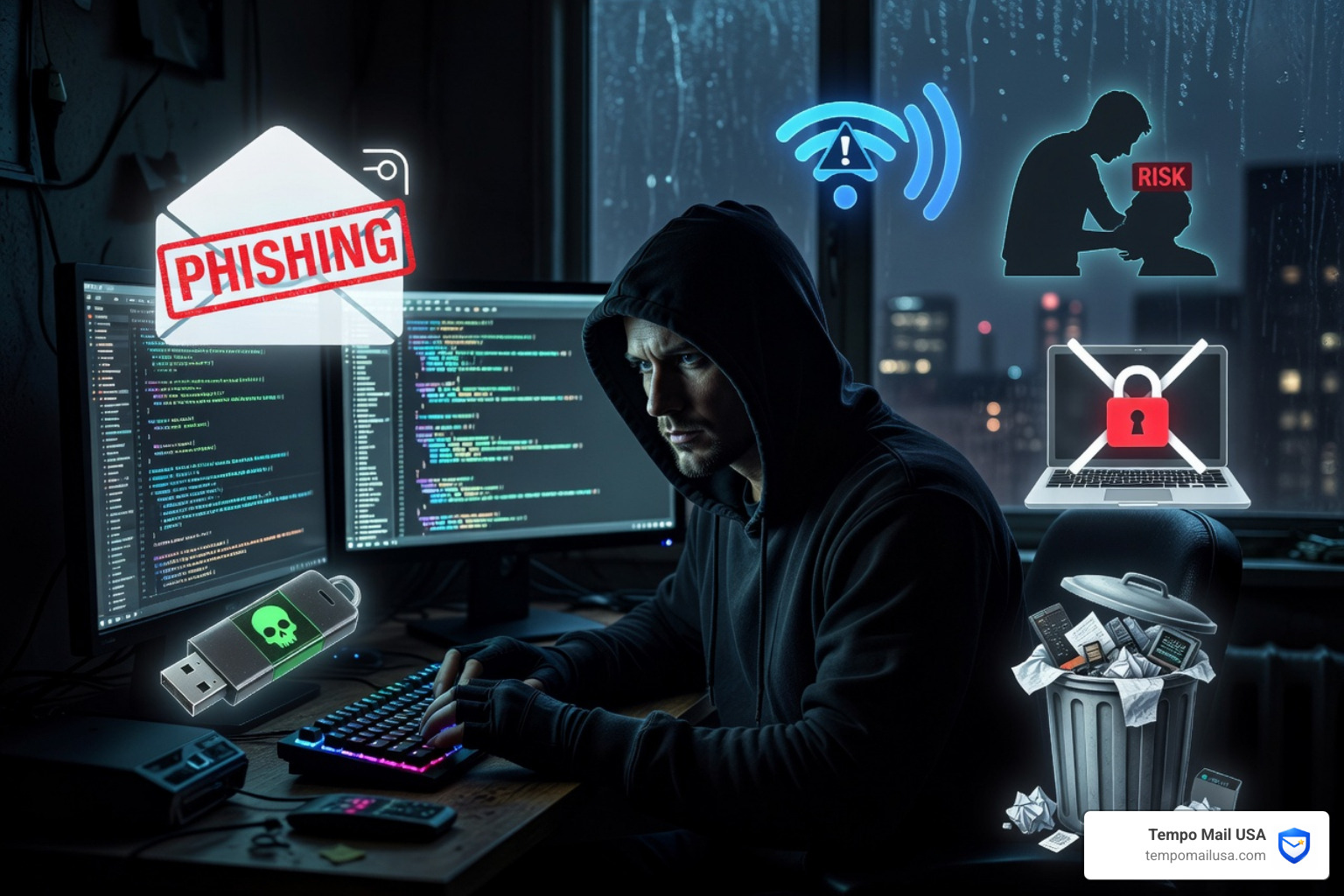

Your Inbox Is a Target: Here's How Scammers Steal Emails
How do scammers steal emails? Scammers primarily steal email addresses and gain account access through data breaches, phishing attacks, automated harvesting bots, and unsecured Wi-Fi networks.
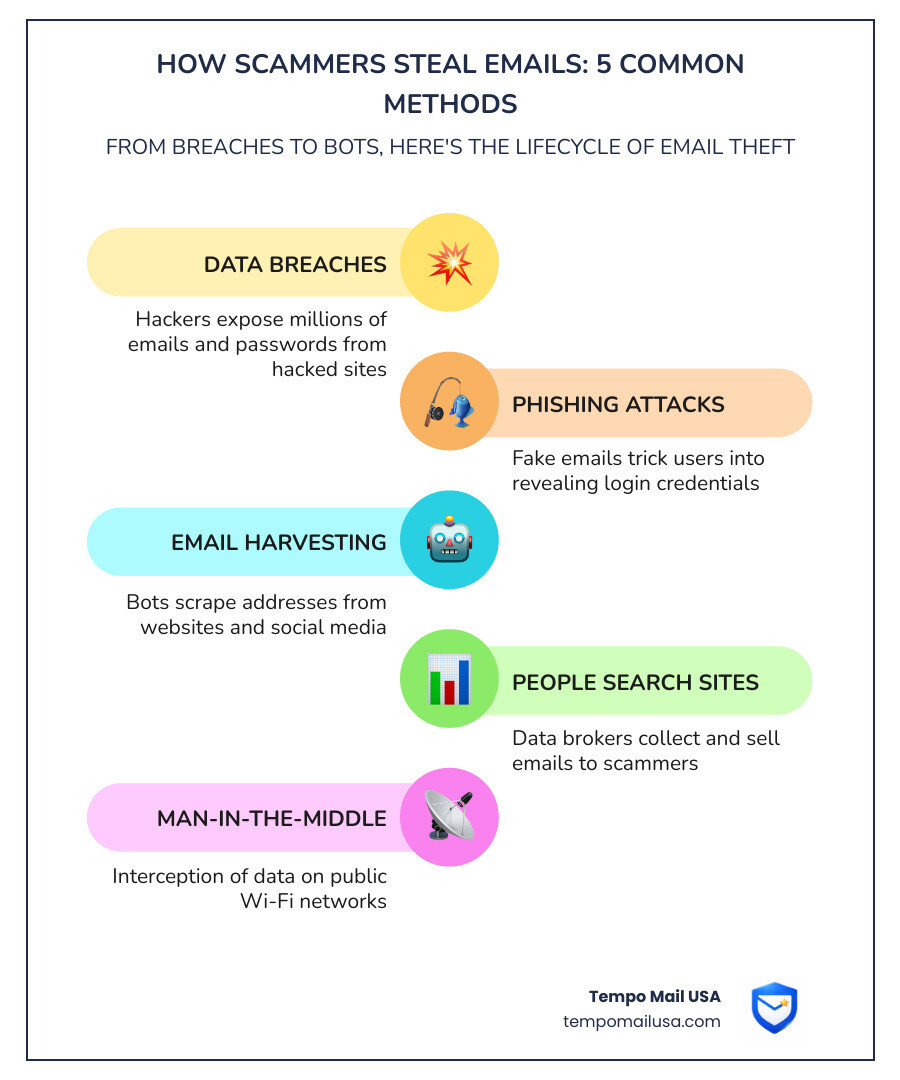
Here's a quick breakdown of the most common methods:
- Data breaches - Your email is exposed when a site you signed up for gets hacked
- Phishing attacks - Fake emails or websites trick you into handing over your credentials
- Email harvesting - Automated bots scrape your address from public websites and social media
- People search sites - Data brokers collect and sell your email to anyone willing to pay
- Man-in-the-middle attacks - Scammers intercept your data over unsecured public Wi-Fi
- Email spoofing - Scammers forge the "From" field to make emails look like they come from you or someone you trust
Many people receive an alarming email — seemingly sent from their own account — claiming their webcam was hacked. In most cases, this is a spoofing attack rather than a true account breach.
According to breach researchers, the Collection #1 through #5 data leaks alone contained over 800 GB of stolen email addresses and passwords. Hackers are reportedly stealing an average of 75 records per second across the internet.
The Anatomy of a Breach: How Scammers Steal Emails
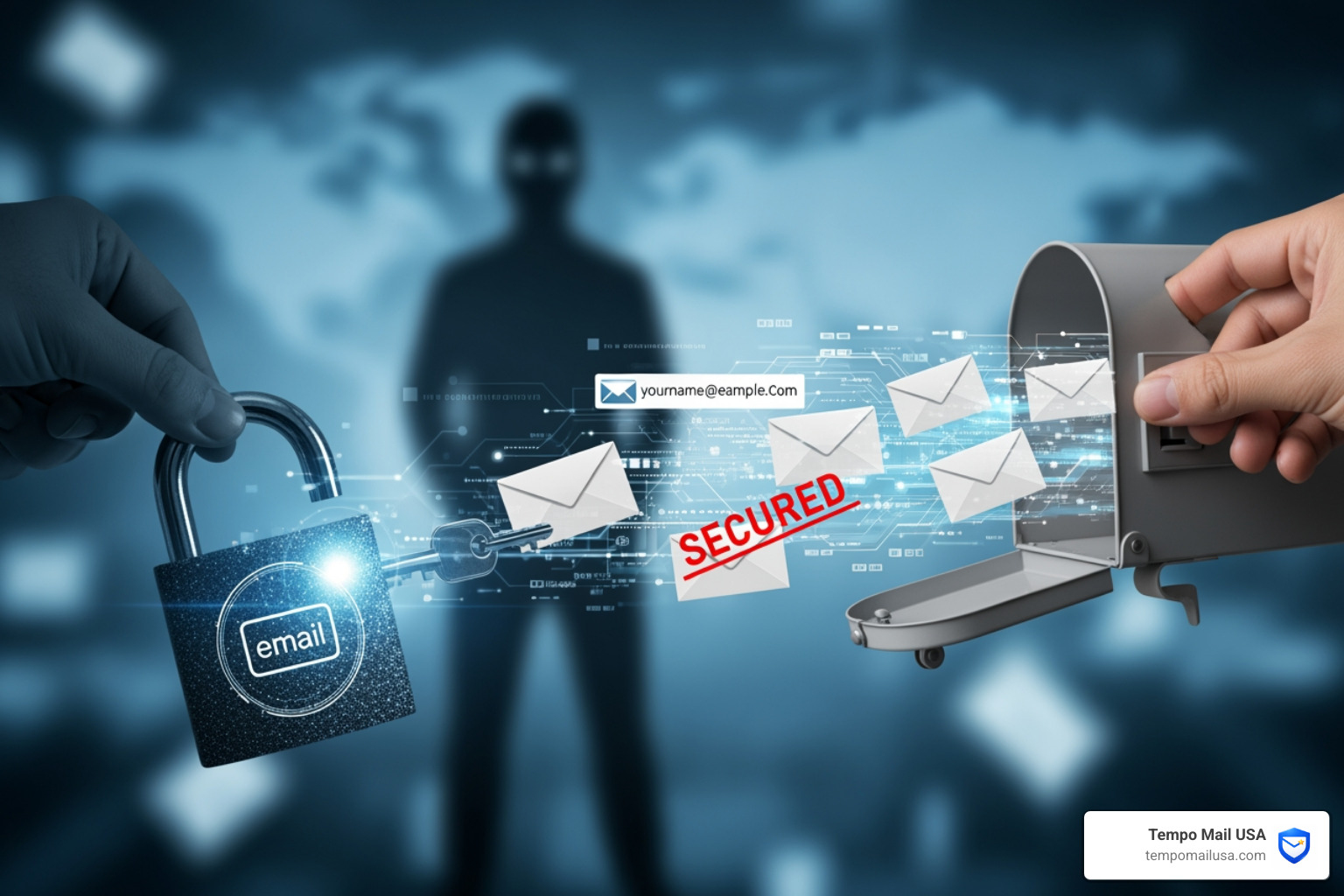
Data breaches are the primary source for stolen emails. When major retailers or social media platforms are hacked, stolen data is sold on the dark web, providing scammers with names, phone numbers, and passwords.
Credential Stuffing and Account Takeover
Scammers use credential stuffing to exploit password reuse. If they obtain your login for a small site, they will immediately try those same credentials on your bank, primary email, and Amazon account. This is why a breach at an "unimportant" site can lead to a total digital takeover.
In the corporate world, this often leads to Business Email Compromise (BEC). To understand why these are so dangerous, you can read more about why BEC attacks stand apart from regular phishing emails.
Email Harvesting and Public Data Scraping
Scammers also "harvest" emails using automated software called "harvester bots." These bots scan:
- Public Forums and Comments: Any email address posted publicly is a target.
- Social Media Profiles: Contact info visible on LinkedIn or Facebook is easily scraped.
- Company Directories: Scammers scrape "About Us" pages for executive emails to launch spear-phishing campaigns.
According to an analysis by Microsoft Threat Intelligence, attackers are increasingly exploiting complex mail routing to ensure their harvested lists receive malicious mail.
Man-in-the-Middle (MITM) Attacks
Man-in-the-Middle attacks typically occur on unsecured public Wi-Fi. Scammers can "sniff" data packets traveling between your device and the internet, allowing them to steal usernames, passwords, or session cookies to bypass security entirely.
Technical Exploits: Spoofing vs. Actual Account Hacking
What is the difference between email spoofing and account hacking? Spoofing involves forging an email's "From" address to deceive the recipient, while hacking involves unauthorized access to the actual email account.
| Feature | Email Spoofing | Actual Account Hacking |
|---|---|---|
| Access | The scammer has NO access to your inbox. | The scammer has full access to your emails. |
| Method | Forging the "From" address in the email header. | Using stolen passwords or session cookies. |
| Risk | Used for phishing and reputation damage. | Used to steal data, reset passwords, and lock you out. |
| Detection | Check email headers for authentication failures. | Check login history and active sessions. |
Actual account hacking is the most dangerous scenario. We’ve put together a guide on preventing email hacking to help you lock down your digital assets.
How Scammers Spoof Your Own Address
Email uses SMTP (Simple Mail Transfer Protocol), which lacks built-in verification for the sender's identity. Scammers manipulate the Header (the "From" field you see) to make an email appear as if it originated from your own account. For a deeper dive into the technical side, check out Microsoft's technical guide on email authentication.
Lookalike Domains and Typosquatting
Scammers use lookalike domains (typosquatting) to trick users. Examples include using a zero instead of an "O" (micros0ft.com) or using "rn" to look like an "m" (rnicrosoft.com).
From Harvesting to Blackmail: The Scammer's Playbook
How do scammers profit from stolen emails? Once a scammer has your email, they use social engineering tactics to steal money or sensitive data.
- Phishing: Mass emails pretending to be banks or services like Netflix.
- Vishing (Voice Phishing): Phone calls pretending to be "Tech Support."
- Smishing (SMS Phishing): Text messages with malicious tracking links.
- Pharming: Redirecting users to fake websites even if the correct URL is typed.
Recognizing these attacks early is key. We have a quick guide on how to spot phishing emails that covers the most common red flags.
Psychological Triggers and Extortion
Scammers rely on urgency, fear, authority, and curiosity to bypass critical thinking. The most common extortion scam involves sending an old password found in a breach to "prove" a hack occurred. If you receive one, read our advice on what to do about ransomware emails.
Red Flags of an Email Scam
- Mismatched Domains: The sender's name doesn't match the actual email address.
- Generic Greetings: Using "Dear Customer" instead of your name.
- Grammar and Spelling: Frequent typos in supposedly professional emails.
- Suspicious Attachments: Files ending in
.zip,.exe, or.html. - The Hover Test: Hover over links to see the real destination URL before clicking.
Advanced Protection: Implementing SPF, DKIM, and DMARC
How can organizations prevent email spoofing? The "big three" protocols for email security are SPF, DKIM, and DMARC.
- SPF (Sender Policy Framework): Lists authorized IP addresses allowed to send email for your domain.
- DKIM (DomainKeys Identified Mail): Adds a digital signature to prove emails weren't tampered with.
- DMARC (Domain-based Message Authentication, Reporting, and Conformance): Instructs servers how to handle emails that fail SPF or DKIM checks.
Microsoft has documented how attackers spoof email addresses to steal corporate funds by exploiting gaps in these protocols.
Proactive Defense with Multi-Factor Authentication (MFA)
Enable MFA on every account. Even if a scammer steals your password, MFA acts as a critical second lock. Use TOTP apps (Google Authenticator) or Hardware Keys (YubiKeys) rather than SMS, which can be intercepted via SIM swapping.
Recovery and Reporting: What to Do After an Attack
What should I do if my email is stolen? If you suspect your account has been compromised or involved in a breach, follow this recovery checklist:
- Change Your Passwords: Update your email, banking, and social media accounts immediately.
- Enable MFA: Add a second layer of security to all accounts.
- Check Breach Exposure: Use
haveibeenpwned.comto identify leaked accounts. - Run a Malware Scan: Ensure no spyware is active on your device.
- Review Identity Theft Steps: Visit IdentityTheft.gov for a recovery plan.
Where to Report Scams
- FBI IC3: Report cybercrime at ic3.gov.
- FTC: Report fraud at ReportFraud.ftc.gov.
- APWG: Forward phishing emails to
reportphishing@apwg.org.
Frequently Asked Questions about Email Theft
Is it safe to open a suspicious email if I don't click anything?
Yes, it is generally safe to open a suspicious email in modern clients, but avoid it if possible. Opening an email can trigger "tracking pixels" that notify the scammer your address is active.
How did a scammer get my email address if I never shared it?
Scammers likely obtained your email through a third-party data breach or automated scraping. Your email is stored in numerous databases (newsletters, stores, social media) that can be compromised or sold to data brokers.
Can scammers steal my email through a phone call or text?
No, scammers cannot directly download your email via a call, but they can trick you into giving up access. They use vishing or smishing to steal passwords or MFA codes. No legitimate company will ever ask for your password over the phone.
Conclusion: How to Stop Scammers from Stealing Your Email
The most effective way to protect your email is to reduce your digital footprint. Scammers cannot steal what they cannot find.
At Tempo Mail USA, we recommend using secure email aliases instead of your primary address for online sign-ups. This acts as a personal firewall; if a service is breached, you can simply deactivate the alias without compromising your main inbox. Protect your inbox now and take control of your digital identity.