

Google Gmail AI Privacy Updates: The October 16 Change That Lets Your Inbox Shape Your Ads — and the 5-Minute Fix
Google Gmail AI Privacy Updates: The October 16 Change That Lets Your Inbox Shape Your Ads — and the 5-Minute Fix
On October 16, 2026, Google edited one sentence in its privacy policy. Eighteen words were added, the change took effect the same day, and almost nobody noticed — until Android Authority spotted the edit on October 23, The Verge and Ars Technica reported it, and searches for "google gmail ai privacy updates" jumped 1,700% in a week, per the Google Trends check I ran on the morning of November 17. I opened Google's privacy policy myself while writing this: the new sentence is right there, verbatim.
Here is the short version: nothing changes if you never connected your Gmail to Google's AI features. If you did — or tapped "Connect" on a setup prompt without reading it — your inbox can now shape the ads you see, and the data drawn from it can also train Google's AI and be read by human reviewers. Below: what changed, what the AI can see, the three reassurances graded honestly, the five-minute check, and why this is the week to stop handing your real Gmail to every website that asks for one.
The sentence that changed
Until October 16, Google's privacy policy said this, flatly: "We don't show you personalized ads based on your content from Drive, Gmail, or Google Photos." The sentence now carries on: "…unless you choose to make data from these services available to other Google services that support personalized ads." That is the whole edit. A second paragraph, added in the same update, names the services involved: "You may choose to allow certain Google services, including services like Search or Gemini Apps, to access data from other Google services you use, such as Google Photos and Workspace apps like Gmail and Drive, in order to provide you with a more personalized experience." And then the part that matters for your ads: "Search may process some of the data that you allow Search to access to personalize content, including ads."
The reason this one stings is the promise it replaces. In June 2017, Diane Greene, then the CEO of Google Cloud, wrote that consumer Gmail content "will not be used or scanned for any ads personalization." That was a bright line, and it held for nine years. On October 16, Google added a note to that same 2017 blog post: "If users choose to enable these new features, data from Workspace Apps will be processed to personalize other Google experiences, and depending on a user's settings, that same subset of data can also be used to show ads." The old post is still online; the new note sits on top of it. The promise was real, and it now has an exception.
Keep the dates straight: the policy took effect October 16, Android Authority found the new wording on October 23, and The Verge and Ars Technica covered it the same week. None of this is a leak — it is a published policy, in force for a month, that most Gmail users haven't heard about because nobody reads privacy policies. The 1,700% spike is people catching up.
Personal Intelligence, in plain English
The feature at the centre of this is called Personal Intelligence. In plain English, it is Google letting its AI read your other Google apps so Search and Gemini give you tailored answers. You have to opt in, it is limited to people aged 18 and over with a personal Google account, and if you never connected anything, the new ads exception does not apply to you. That last part is the most important sentence in this article.
There are two doors in. The first is Google Search, through AI Mode and Ask Maps, which can connect your Gmail, Google Calendar and Google Photos. Connect once, and Google says "all Search services will be permitted to access" them — not just AI Mode, but Search, Discover, Maps, Shopping, Flights, Hotels, Translate and News. The second door is Gemini, which can connect Google Workspace (Gmail, Calendar, Drive, Docs, Sheets, Slides and Keep), Google Photos, YouTube, Google Wallet and Google Search. And the access grows on its own: in Gemini's own words, "if new data is added to these apps in the future, Gemini will have access to that data," so next year's emails and photos are included without another prompt.
Google Photos has one extra gate: Search can only connect after you turn on Face Groups, select your face, and switch on Estimate missing locations. Once connected, Gemini's help page says your Photos data is used "to infer your interests, relationships to people in your photos and where you've been, including by associating your face with corresponding location data and timestamps." That is a specific list of inferences — who you know, where you have been, what you care about — not a vague "we process your data" clause.
Drive is the odd one out. Search cannot connect to it yet — Google's help page says Gmail and Calendar for now, "with other Workspace apps coming soon" — but Gemini can connect to Drive today, and the policy already allows your files to shape your ads once connected. The plumbing isn't finished, but the permission is already written. When Drive arrives in Search, there will be no second policy change to argue about.
What it can actually see — and where it goes
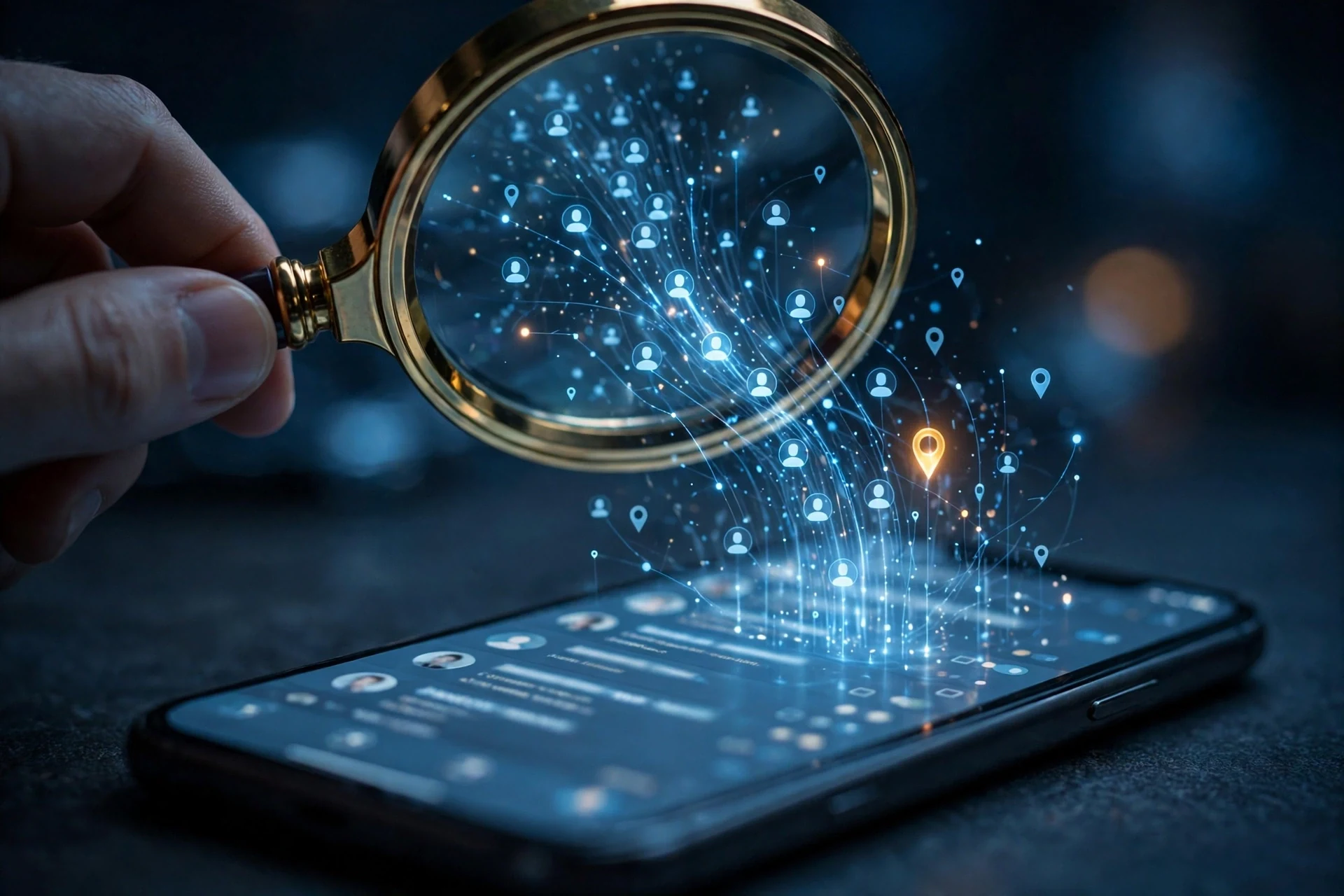
An inbox is a fairly complete record of a life. Receipts say what you buy, flight confirmations say where you go, delivery updates say what is coming to your house. Google's own example is AI Mode reading a hotel booking to suggest restaurants nearby — useful, and exactly the kind of inference a travel-insurance advertiser would like to have. Photos add faces, places and dates; Drive adds contracts and scans. None of this is secret. It is the ordinary content of an ordinary account, and that is precisely why it is valuable.
What Google does with it breaks into three streams. First, ads. Google's help page says ads "will not be based directly" on your inbox or photo library. What it uses instead is the summaries, excerpts and inferences it pulls out to answer your questions, and those "may be used to show you ads." The catch inside the catch: Google says its models learn from summaries, not your whole inbox — but adds that "in some cases, for example, where the email or file is brief or particularly relevant to respond to the inquiry, the summary may just be the email or file." A short email is its own summary.
Second, training. For Search, the help page is direct: "If you choose to connect your content apps to Search services, we may use that data to improve Google services for everyone, including by training generative AI models." In Gemini, training depends on a setting called Keep Activity: on means your activity can train models, off means future chats won't be used for training unless you send feedback. The training is real, it is on by default in the connected state, and the off switch is a setting you have to go and find.
Third, human review. A subset of the data is read by human reviewers, including outside service providers. Google's own advice is blunt enough to quote in full: "Please don't connect your Google content apps if they contain personal or confidential information that you wouldn't want a reviewer to see." For most people, that rules out their entire inbox. Photos get one extra protection — reviewers don't view the media "except for cases of abuse and harm or when you submit feedback" — but they can still see summaries, inferences and generated media based on it.
And disconnecting does not undo any of it. "Disconnecting a connected Google content app or deleting any data in that app doesn't delete any data from your Search Services History," Google's help page says, and that history "can still be used for product improvement, including training generative AI models." Chats already sent for human review are kept, disconnected from your account, for up to three years. The switch turns off the future. It does not recall the past.
The three reassurances, graded honestly
Google's defence of this change rests on three reassurances, and they deserve a fair hearing — because two of them are true, and the third is true in a way that matters less than it sounds.
The first reassurance is that advertisers cannot see your emails or photos. That is true. Google says advertisers won't get access to your inbox or your photo library, and it still bars personalized ads based on sensitive categories such as race, religion, sexual orientation or health. But it protects less than it sounds. Advertisers don't buy your photos; they pay Google to reach people who fit a profile, and building the profile is Google's job. Your files never leave Google's servers, yet what Google concludes from them can still decide which ads follow you around the internet. The wall is between you and the advertiser. There is no wall between you and Google.
The second reassurance is that the sensitive stuff stays out. True for ad targeting — and only for ad targeting. Gemini's help page warns connected data "may relate to topics that you find sensitive, like race, religion and health, or confidential info." The categories are protected at the ad-serving step, not the reading step: Gemini can still read that material, summarise it, and show it to a reviewer. If a stranger reading your medical emails bothers you, the fact that the resulting ad won't mention your condition is cold comfort.
The third reassurance is that it is all optional. True — and the weakest of the three, because "optional" describes the switch, not the experience of encountering it. Personal Intelligence arrives as a setup prompt offering a smarter search: connect your apps, get better answers. It does not arrive as a warning that your hotel receipts will shape your ads, your emails may train a model, and a contractor may read the summary. Most people who are connected never made a considered privacy decision; they tapped through a prompt that sold the benefit and buried the cost. An opt-in nobody understands is an opt-in in name only.
There is also a contradiction inside Google's own pages that tells you how unsettled this is. The Drive privacy page still says Drive "does not use your information for advertising purposes." The privacy policy now says Drive content can shape your ads once you connect it. Both pages are live, both are Google's, and they cannot both be the whole truth. The policy wins in a dispute, but the fact that the product page hasn't caught up is a decent measure of how fast this change moved.
The 5-minute check: are you connected?
You don't need to take my word for any of this. The check takes about five minutes, and it tells you the one fact that decides whether this article applies to you at all.
Step 1 — Search. In your Google Account, go to Data & privacy, then Personalization settings, then Manage Personalized Recommendations in Search Services. Under Additional Personal Intelligence, open Connected Content Apps. If Google Workspace or Google Photos is listed as connected, Search can read your Gmail, Calendar or Photos, and the ads exception applies — disconnect both. To turn the feature off completely, switch off Personalized Recommendations on the same page.
Step 2 — Gemini. Open Gemini's Connected Apps settings and disconnect Google Workspace, Google Photos and anything else you don't want it reading. Then open Gemini Apps Activity and turn off Keep Activity if you don't want future Gemini chats used to train Google's AI. Google notes that Workspace connections become unavailable while Keep Activity is off — that is the trade, and it is worth making deliberately rather than by accident.
Step 3 — delete the history. At activity.google.com, delete your Search Services History and your Gemini Apps activity. This is the step most guides skip, and it is the one that matters, because disconnecting the apps leaves both histories untouched, and the history can still be used for training. Deleting them won't remove chats already sent for human review — Google keeps those, disconnected from your account, for up to three years — but it stops the rest from being used going forward.
Step 4 — ads. In My Ad Center, limit how your activity is used for ads across Google. Google says it is updating these settings, so the labels on your screen may differ slightly from the ones above. If a menu has moved, search the settings page for "Personal Intelligence" and "Connected Content Apps" — those are the terms that matter.
Do this once, and you will know exactly where you stand. If nothing was connected, you spent five minutes confirming a clean bill of health. If something was, you just closed a door you may not have known was open.
Why this is the week to stop handing out your real Gmail
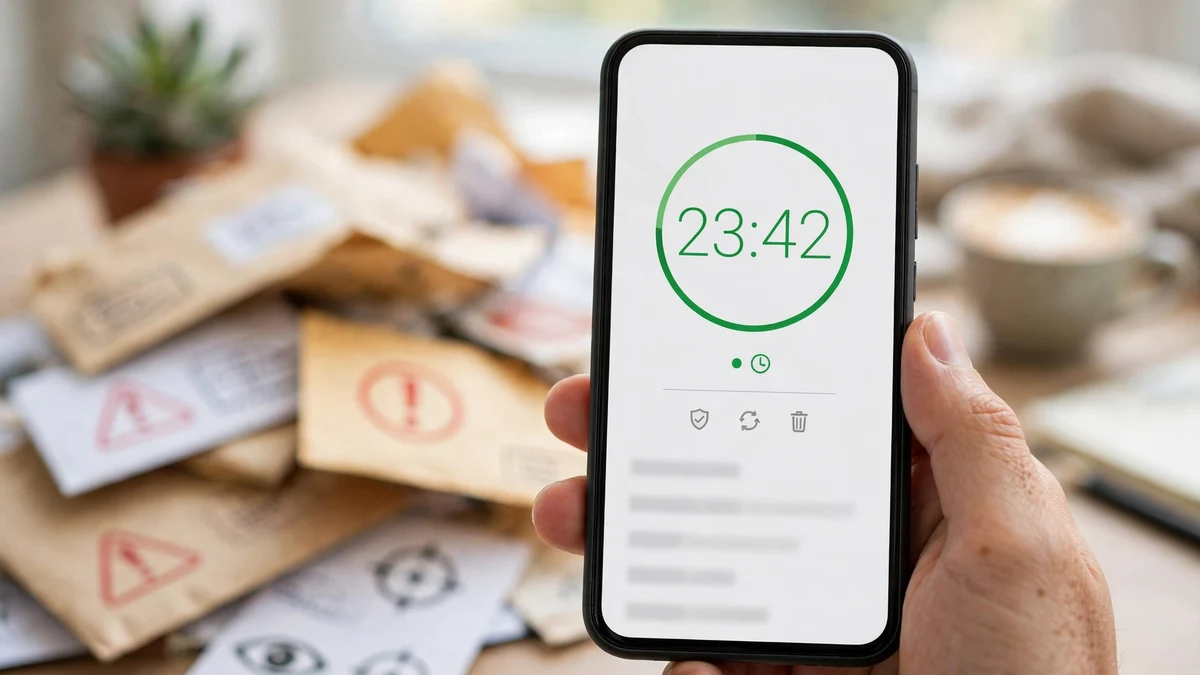
Fixing the connection is half the job. The other half is structural, and it is why this story belongs on a temp-mail site: every time you hand your real Gmail to a website, you add another thread to the profile Google's AI can read. The newsletter signup, the free-trial form, the forum account you will use twice — each ties a new service, a new set of receipts and confirmations, to the same inbox. The policy change didn't create that problem. It raised the price of it.
The fix is to split your email life in two. Your real Gmail is for the things that genuinely need to know who you are: your bank, government services, your password recovery, the handful of accounts where losing access would cost you real money. Everything else — the trial, the download, the one-off signup — gets a disposable address. The point is not secrecy. It is blast radius. When the next policy edit lands, the services that only ever knew a throwaway address have nothing to feed into your profile, because they never had your Gmail in the first place. We wrote about exactly this split in Temp Mail vs Gmail: When to Use Each in 2026, and the rule of thumb there still holds: if losing the account would ruin your week, use the real inbox; if it wouldn't, don't.
I tested the disposable side myself this morning, on our own site, to make sure the workflow is as quick as this article claims. I opened TempoMailUSA and a temporary address appeared on its own, with no click and no form — seven random characters at rover.info — with a countdown ticking down from just under 29 days left of the free 30-day window, and an empty inbox below it waiting for mail. That is the whole signup: there isn't one. If you want the longer version of what a disposable address is and isn't, What Is a Burner Email? covers it, and Temporary Mail Gmail: There Is No Disposable @gmail.com explains why you can't just make a throwaway Gmail instead. One honest caveat: a temp address stops the next hundred signups from feeding your Gmail profile. It does not disconnect Personal Intelligence — that is the five-minute check above, and it has to be done separately. The two fixes solve different halves of the same problem.
If you use a disposable address and later worry you missed something important, ask what that service actually needed your real address for. Usually the answer is nothing — the verification code, the download link, the order confirmation all land in the disposable inbox just the same. And if a service turns out to be one of the few that matters, move it to your real Gmail deliberately, the way you would move anything valuable into a safe. The mistake is not using temp mail. The mistake is using your real address by default and discovering later what it was connected to.
One more practical note, because the timing matters this week. If you have been using your Gmail for signups for years, the profile already exists — the receipts, the trips, the purchases are already in the system. That is not a reason to give up; it is a reason to start the split now, while the policy is new and the settings are fresh. Every signup from today onward is a choice, and a disposable address makes it a cheap one. If your Gmail itself has already been exposed somewhere it shouldn't be, Protect Gmail After Data Breach 2026 walks through locking it down, and the TempGmail service we tested this week is one more option for a throwaway address that receives mail in seconds.
My take: the opt-in defence is thinner than it looks
Google's position, stated plainly, is that nothing here is forced: the feature is optional, the ads aren't built directly from your inbox, and the sensitive categories are off-limits for targeting. Every clause of that is true. And yet I think it misses the point, because it treats privacy as a setting and the user as a rational actor reading policy documents. Nobody reads policy documents. People tap "Connect" because the prompt promises a better search, and they discover the cost a month later in a news article — or a search spike.
The deeper problem is that a privacy promise living in a policy lasts exactly as long as the policy does. The 2017 promise was sincere, specific and nine years old, and it died in an eighteen-word edit that took effect on a Thursday. No technical change was needed, no one had to break into anything. A sentence changed, a note went onto an old blog post, and data that was off-limits for ads became usable. That is what "privacy by policy" means: your protection is a paragraph, and paragraphs can be rewritten.
If you want privacy that survives the next edit, it has to be structural — not a setting you toggle, but data you never handed over. Disconnect the apps you don't need connected. Delete the history. And from today, stop giving your real Gmail to services that don't need it. Those three moves don't depend on Google keeping its word, and that is the whole point.
Frequently asked questions
Does Google now read my Gmail for ads? Only if you connect Gmail to Personal Intelligence in Search or Gemini. If you never connected anything, your Gmail content is not used for ads, and the October 16 update changes nothing for you. If you did connect, Google uses summaries, excerpts and inferences drawn from your mail to shape the ads you see — not your inbox handed to advertisers, but the conclusions drawn from it.
Do advertisers see my emails or photos? No. Google says advertisers never get access to your Gmail inbox or Google Photos, and it does not share information that personally identifies you, like your name or email address, without your permission. Advertisers buy audiences, not files. The privacy question is what Google concludes about you, not what it shows to a buyer.
Is my Gmail training Google's AI? It can be, if you connected your content apps to Search — Google's help page says connected data "may be used to improve Google services for everyone, including by training generative AI models." In Gemini, training depends on the Keep Activity setting: on means your activity can train models, off means future chats won't be used for training unless you send feedback.
I never connected anything. Am I affected? No. The entire change is gated behind the connection. The five-minute check above will confirm it — if Connected Content Apps shows nothing connected, the ads exception does not apply to you, and your only job is to be careful the next time a setup prompt offers to connect your apps.
Does disconnecting delete what Google already saved? No. Disconnecting an app, or deleting an email or photo, does not delete anything already saved in your Search Services History, and that history can still be used for training. You have to delete the history separately at activity.google.com. Chats already sent for human review are kept, disconnected from your account, for up to three years.
Does using a temp email fix this? Half of it. A disposable address stops new signups from tying more services to your real Gmail, which shrinks what Google's AI can infer about you going forward. It does not disconnect Personal Intelligence or erase history — those need the settings check above. Use both fixes, not one.
The bottom line is simpler than the policy: Google changed what your Gmail is allowed to feed, but only after you connect it. Check whether you are connected, disconnect what you don't need, delete the history, and stop handing your real address to services that don't need it. The policy will change again. The less of your life is in the inbox it governs, the less the next edit can cost you.
Need a disposable temporary email?
Protect your real inbox from spam and promotional clutter instantly and free.
Received a suspicious email, text, or charge alert?
Verify whether the sender domain is disposable, spoofed, or unverified before clicking links.