
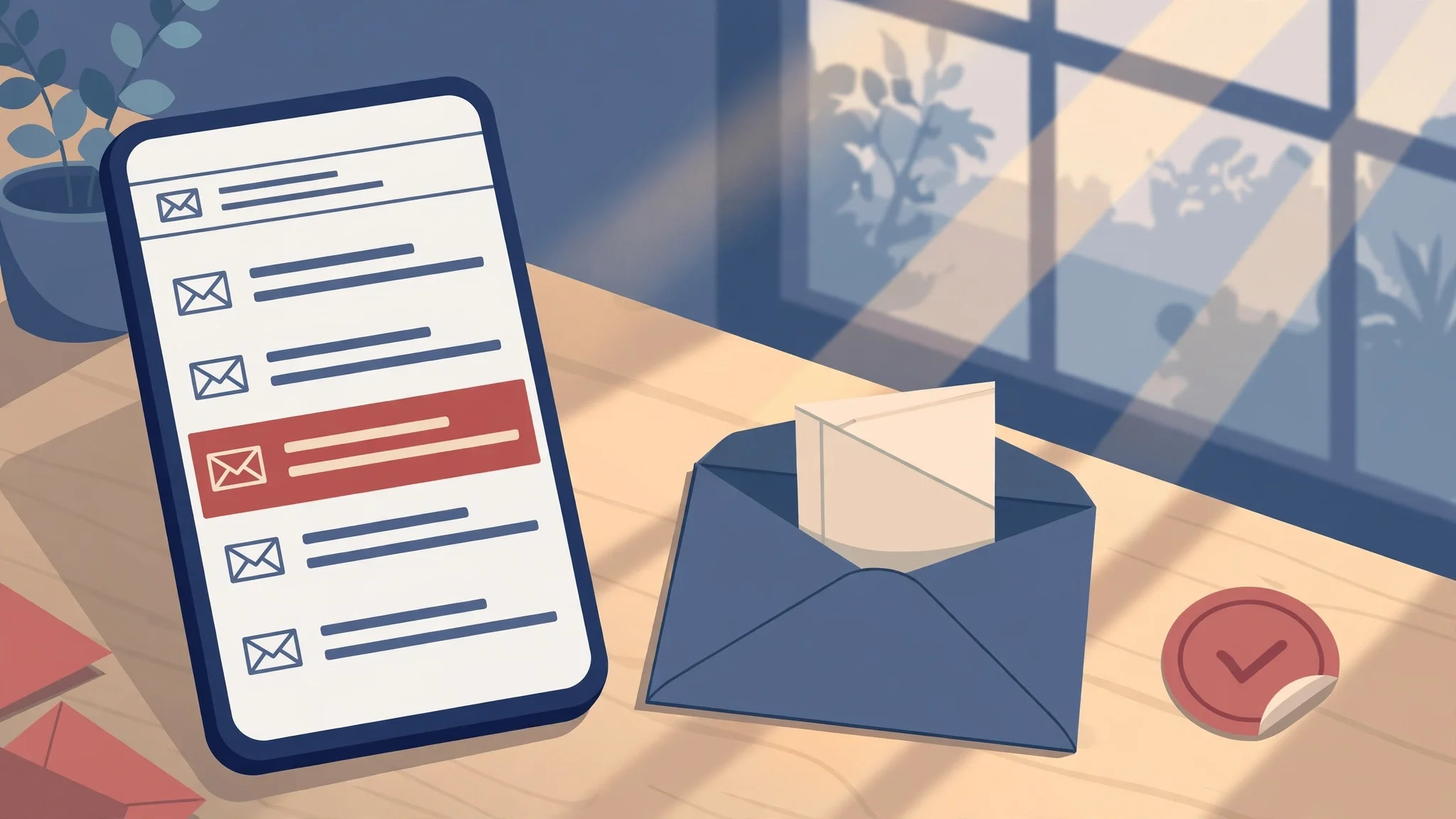
Election Day 2026: The Voting Email You Can Trust — and the Phishing Ones to Delete
America woke up today asking one question. Google's US trending list for November 3, 2026 puts "what is the voting for today" at number seven, right between lottery results and a tornado warning, and the reason is plain: today is Election Day, the midterm general election, and millions of people are trying to work out what is on their ballot before they head out.
Here is the part nobody puts on the trending list. On a day when everyone is searching for voting information, the inbox becomes a second ballot box — one nobody guards. Scammers know you are in a hurry, that you are unsure about a polling place change or a registration status, and that an email with the word "vote" in the subject line gets opened faster than almost anything else this month. So before you click anything with an election label on it today, slow down for the four minutes this post takes. The difference between a real election email and a fake one is usually visible in about ninety seconds, once you know where to look.
Start with the search, not the inbox
The question trending today — what is the voting for today — has an answer that does not require your email address at all. The federal starting point is Vote.gov: pick your state and it routes you to your official state election website, where you can check your registration status, your polling place, and what is on your ballot. Your state or local election office is the authority; Vote.gov is just the front door.
That matters for a practical reason. There is no single national voter lookup, no national registration deadline, and no federal office that emails you to "confirm" your registration. Registration rules are set state by state, and in some states the deadline fell as much as a month before today. If an email claims to be the one national place to fix your registration, that claim alone gives it away: no such place exists.
My habit on any election day is to answer the trending question before I open the inbox at all. Polling place, hours, ballot: official state site, typed in by hand or reached through Vote.gov. Everything after that is triage, not research. Once the facts are settled from an official source, no email can rush you into doubting them.
The inbox version of Election Day
Real election mail is boring, and that is the tell. A genuine message from a county election office or a state election site tends to be short, specific, and undramatic: your mail ballot was received, your polling place moved two blocks, early voting hours changed. It comes from a government domain, it names your jurisdiction, and it does not ask you to re-enter personal details through a link to "stay registered."
There are a few legitimate election-adjacent emails you might actually get today:
- A ballot-tracking notification you signed up for, confirming a mail ballot was mailed, received, or counted. These come from your state or county system, not from a campaign.
- A polling-place or hours notice from your local election office, usually sent well before Election Day, not at 7 a.m. today with a threat attached.
- A newsletter from a campaign or civic group you subscribed to. These are marketing, not administration, and they should never be the thing that tells you where to vote.
Notice what is missing from that list: any message that says your registration is about to be cancelled, that you must verify your identity by email today or lose your vote, or that you have won, qualified for, or been selected for anything. Election offices do not run lotteries. Campaigns do not hand out gift cards for voting. If the email offers a reward for a civic act, it is not civic.
One more honest wrinkle: your registration can genuinely go stale. Vote.gov warns that a registration may be marked inactive if you did not vote in at least two federal elections and did not respond when election officials tried to contact you. That is a real status, and it is fixed through your state or local election office — not through a link in an unsolicited email. If you are worried about it, check the official lookup directly. Do not let a stranger's email be the one that raises the worry and sells the cure.
Five fakes I would delete on sight
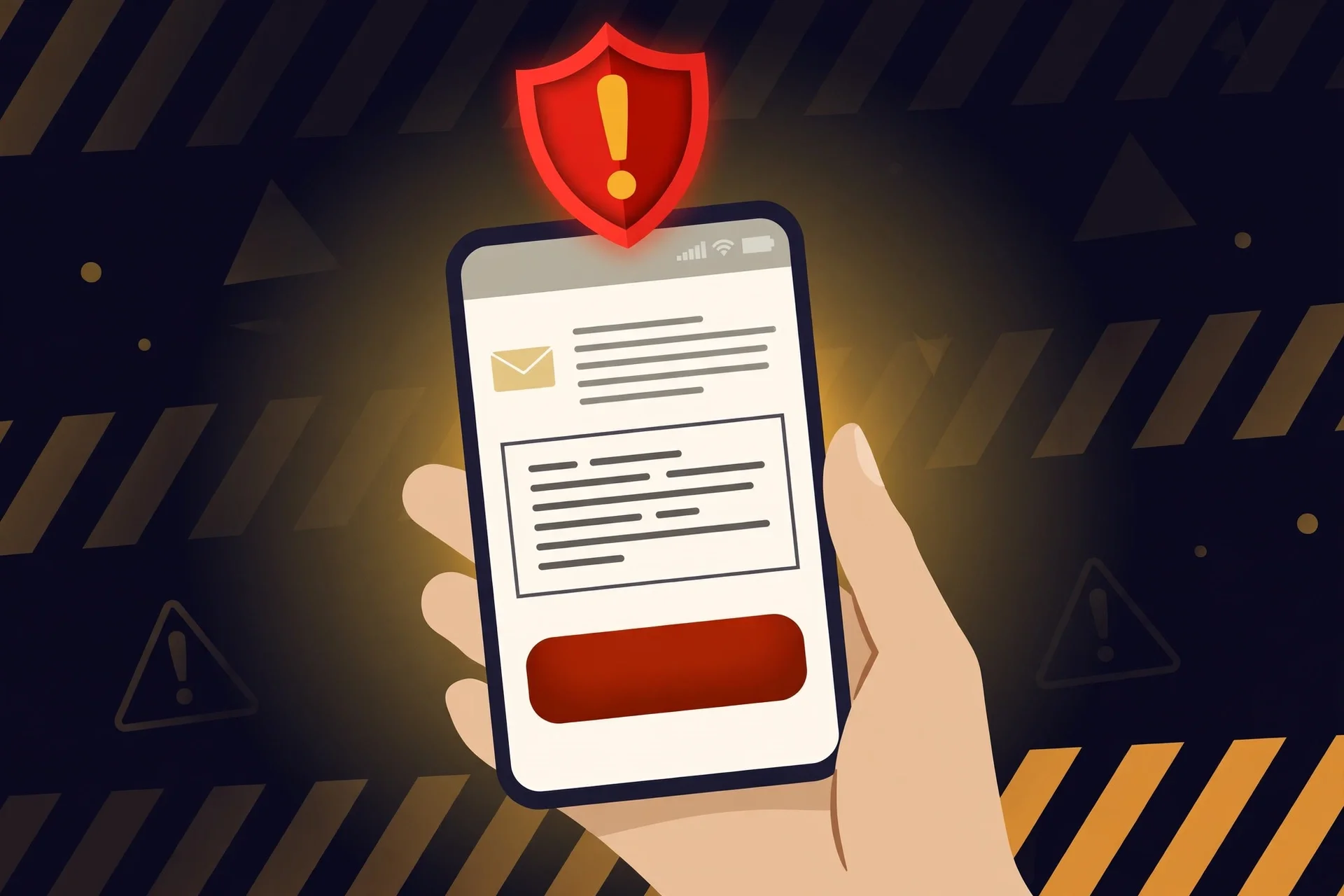
These are the shapes election phishing takes, year after year, with fresh dates pasted in. If a message today matches any of them, delete it and check the official source separately.
1. "Verify your registration now or you cannot vote today." Urgency plus a link is the oldest combination in phishing. A real office does not threaten same-day disenfranchisement by email, and it does not ask you to confirm a Social Security number, driver's licence number, or full date of birth through a web form linked from a message.
2. "Your polling place has changed — confirm here." Polling places do change, which is exactly why this one works. The fake version links to a lookalike site that harvests your name, address, and birth date. The real version is a notice from your county, and the address is verifiable on your state election site in under a minute.
3. "You are registered to vote by mail — download your ballot." Ballots do not arrive as email attachments from strangers, and no legitimate office sends a ballot PDF to an address you never gave it. Attachments on election mail are a hard stop: do not open them, do not forward them to "check."
4. "Vote from your phone — skip the line." There is no phone voting for the general public in US federal elections. Any message offering a link or app to cast a ballot from your phone is not a convenience; it is a credential harvest dressed as one.
5. "You won a voter reward / your donation was matched / claim your election gift card." Money attached to voting is a red flag in both directions. Real campaigns ask for donations through their own sites, and they never promise a prize for voting. A gift card for casting a ballot is not a promotion. It is bait.
The common thread is not sophistication. Most of these fakes are clumsy on close reading — a slightly wrong domain, a greeting that says "Dear Voter" instead of your name, a county you have never lived in. They work because Election Day is a hurry, and hurry is the phisher's best friend.
The 90-second check before you click anything
When an election email makes you pause, run this check instead of clicking to find out:
- Read the sender domain, character by character. A county office ends in .gov. Lookalikes add words around it — vote-county-update.com, county-elections.net, or a .gov buried in the middle of a longer domain. If the domain is not your jurisdiction's official one, stop.
- Hover, do not tap. On a computer, hover over the link and read the real destination in the status bar. On a phone, long-press to preview. If the destination does not match the claimed sender, delete the message.
- Go around, not through. Open your state election site yourself — type it, or reach it through Vote.gov — and check the same fact there. If the polling place really moved, the official site says so. If it does not, the email lied.
- Treat attachments as a verdict. A genuine election office has no reason to send you an unexpected attachment on Election Day. Close it.
- Never reply with personal details. No legitimate election office collects identity documents by email reply. If a message asks, it has already failed the test.
This is the same discipline as handling a code you never asked for. If a verification code lands in your inbox unprompted, the safe move is not to type it anywhere — it is to check your account directly, through the front door, and ignore the message that tried to route you. Election mail deserves the same treatment: trust the office, not the envelope. (Our earlier walkthrough of that exact situation — You Got a Verification Code You Didn't Request — covers the ten-minute version of this check.)
Where a throwaway inbox earns its keep today
Here is where I will be blunt, because this is the part people get backwards. A disposable inbox is a good tool on Election Day and a terrible one, depending on which box you put it in.
Use a throwaway for the noise: campaign newsletters, petition lists, candidate text-to-email signup forms, the "get election updates" box on an advocacy site. Those lists live for months, get sold and shared, and follow you into the next cycle. A temporary address takes the drip campaign and leaves your real inbox alone. That is exactly what a disposable inbox is for — signups you want to sample without adopting their mailing list for life.
Never use a throwaway for the record: voter registration, ballot tracking, a donation account, or any portal that proves who you are. Those systems need to reach you later — a ballot status change, a signature cure notice, a donation receipt for your own records — and a deleted inbox cannot receive any of it. The rule is the same one that applies to student discount checks and other identity verifications: when a system is verifying that you are a real, specific person, a disposable address is the wrong credential, and it will either be rejected or strand you later. (We covered that rejection pattern in detail for student discounts — Temp Email for Student Discounts — and the logic transfers exactly.)
The clean version of today, inbox-wise, is this: real inbox for the county and the state; throwaway inbox for the campaigns and the lists. One address that must survive the election, one that is allowed to die on November 4. Mixing them up is how people lose a ballot-tracking notice and gain four years of fundraising email in the same afternoon.
If you already clicked
Do not panic, and do not compound it. Panic clicks are how one bad link becomes a changed password, a forwarded message, and a form full of personal details. Work this list in order:
- Close the page. Do not enter anything else. If you already entered a password, change that password now, from the real site, typed in by hand — not from any link in the email.
- Check what you gave away. Name and ZIP code alone is a nuisance; a password, a full birth date, or an ID number is a problem worth acting on. If payment details went in, call your bank before you do anything else.
- Report it where it counts. Forward the phishing email to reportphish@apwg.org and to your email provider's phishing report address, then delete it. If it impersonated your election office, tell that office too — they track impersonation waves and warn other voters.
- Verify the real fact separately. Polling place, registration, ballot status: check the official state site directly, so the fake does not leave a false fact sitting in your head on the way to the polls.
- Watch the next 48 hours. Phishing often comes in pairs: the first message harvests, the second, more targeted one spends. A sudden "verification code" you did not request in the next two days is worth treating as a follow-up, not a coincidence.
None of this requires special software. It requires the one thing Election Day tries to take from you: thirty unhurried seconds.
My own rule for today
I keep my election information in exactly two places: the official state site, and my own notes. Everything else — every campaign email, every viral post about a polling place, every forwarded "urgent" message — is a rumour until the official site confirms it. That sounds strict, and it is, but it has a practical payoff: on a day designed to rush you, having one trusted source removes every decision except "does the official site say so?"
And I would rather miss a campaign email than click a fake one. Campaigns will email again tomorrow. A harvested password or a stolen identity will take considerably longer to fix than an election cycle. The inbox is not the ballot box, and nothing in it gets to decide whether you vote.
Frequently asked questions
Does my election office email me about my registration? Rarely, and never with a same-day threat. Offices communicate registration issues by mail or through their official portal, and the fix runs through your state or local election office. An email demanding immediate verification by link is not how that process works.
Can I vote from my phone or by email link? No. There is no public phone or email-link voting in US federal elections. Any message offering it is a fake, whatever logo it carries.
What is the safest way to find my polling place today? Start at Vote.gov, pick your state, and follow the link to your official state election website, or use your county election office's own site. Type the address yourself rather than following a link from a message or a search ad.
Should I use a temporary email for election newsletters? Yes — that is a good use for one. Campaign and advocacy lists are long-lived and widely shared, so a disposable address keeps them out of your real inbox. Do not use one for voter registration, ballot tracking, or donations, where you need the account to survive and be reachable later. (If you are new to the idea, Temporary Email Generator explains the walk-away rule: know what the inbox must outlive before you use it.)
I got a ballot-tracking email I did not sign up for. Is it real? Almost certainly not. Ballot tracking only emails addresses you gave the system. Check your ballot status directly on your state or county election site, and delete the message. If you are unsure, your local election office can confirm in one call.
Why are there so many election emails on Election Day specifically? Because attention is the phisher's raw material, and today it is concentrated. The same pattern shows up around every high-attention event: a trending search, a breaking story, a deadline. We saw the device version of that lesson just yesterday, when Google's takedown of a 1.3-million-device Android botnet showed how much of modern fraud rides on ordinary inboxes and phones — Google Just Took Down a 1.3 Million-Device Android Botnet. Election Day is the inbox version of the same play.
Today's trending search is a good question, and it deserves a good answer: your polling place is on your state election site, your registration status is on your state election site, and your ballot is at the polling place, not in your inbox. Everything else in the inbox today is either noise you can throw away or a fake you should delete. Check the official source, vote, and let the throwaway inbox eat the campaign mail. That is the whole system, and it fits in the time it takes to read one email properly.
Need a disposable temporary email?
Protect your real inbox from spam and promotional clutter instantly and free.
Received a suspicious email, text, or charge alert?
Verify whether the sender domain is disposable, spoofed, or unverified before clicking links.