
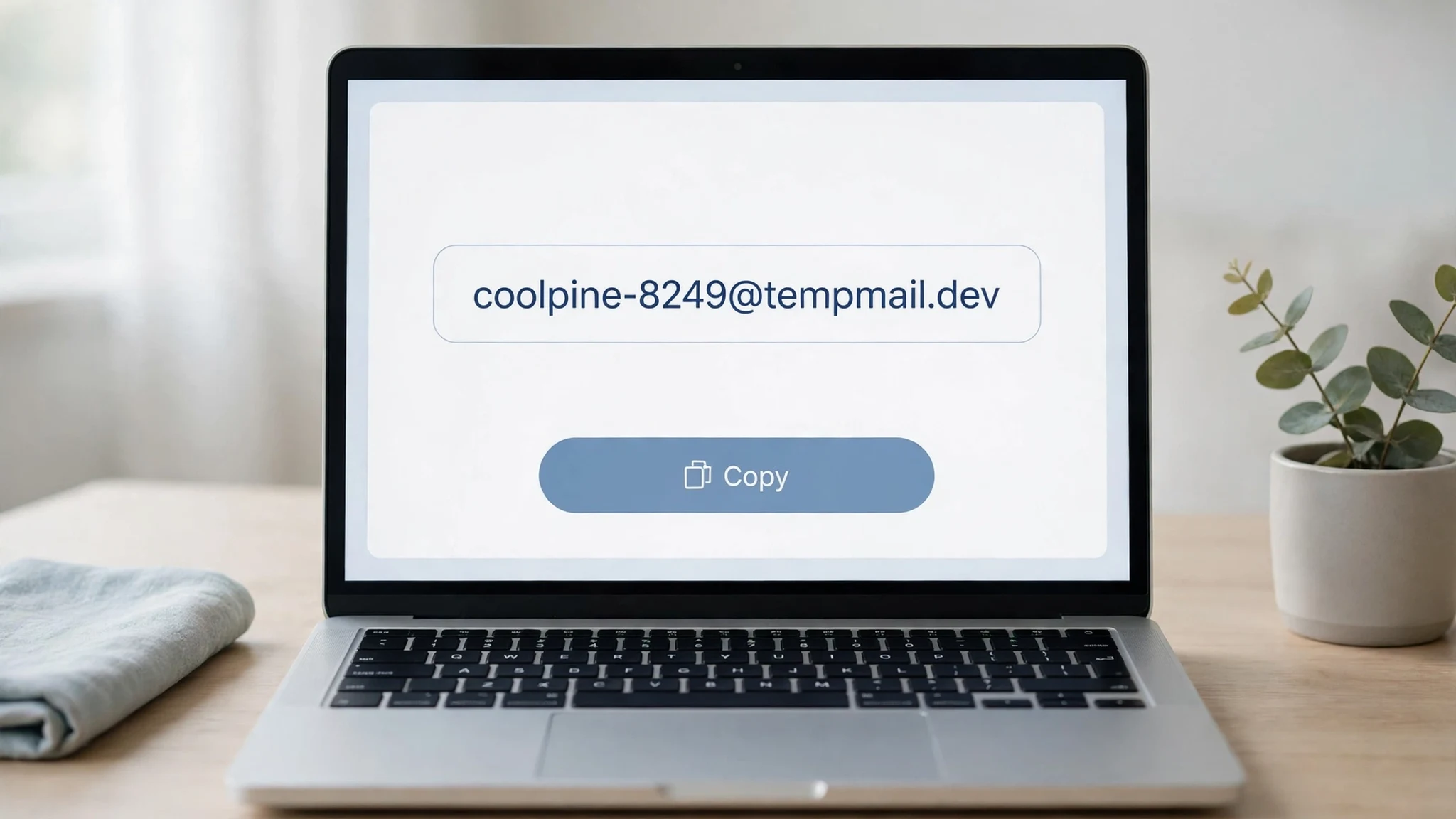
E Mail Generator: The One Test That Separates a Real Inbox From a Fake Address

E Mail Generator: The One Test That Separates a Real Inbox From a Fake Address
Type "e mail generator" into a search box and the results will lie to you — politely, and all at once. The first page mixes three different tools under one name: programs that write emails for you, programs that invent addresses that don't exist, and programs that hand you a working inbox in seconds. They are not the same product. They don't solve the same problem. And the difference only shows up at the exact moment you need the thing to work — when a verification code is supposed to arrive and nothing does.
I spent this post sorting the three apart, because the name on the tin tells you nothing. There is one test, it takes thirty seconds, and it settles the question for any generator you ever meet. Everything else in this article is just the detail around that test: what each kind of generator is actually for, where each one fails, and what happened when I ran the test on TempMailUSA's own generator.
The 30-second test: send the address a message
Here is the test. Generate an address. Then, from your real email, send that address a message — a plain "hello" with a word in it you will recognise. Then wait.
If the message shows up in the generator's inbox, you have a working mailbox. If the generator has no inbox at all, or the message never arrives, you have a string printer: a tool that makes text shaped like an email address, with no mailbox behind it. That is the whole test, and it is the only claim about a generator worth trusting, because every other claim on a generator's landing page is marketing copy. "Instant", "free", "unlimited" — all of those can be true of a tool that receives nothing.
Why does this matter? Because the two kinds of tool fail in opposite directions. A string-only generator fails silently: it gives you an address, you paste it into a sign-up form, the site says "verification email sent", and you wait for a code that can never arrive. You will blame the site, or your connection, or the spam folder. The generator will never tell you it was never a mailbox. A working inbox fails loudly: the code either lands or it doesn't, and you know within a minute.
Run the test before you trust a generator with anything that matters — a trial, a download link, a one-off account. Run it once per generator, not once per address: the answer is about the service, not the address. And if a generator has no visible inbox and no way to receive mail, stop treating it as a mailbox. It is a text tool. Use it for testing forms and filling in dummy data, nothing else.
Three tools wearing the same name
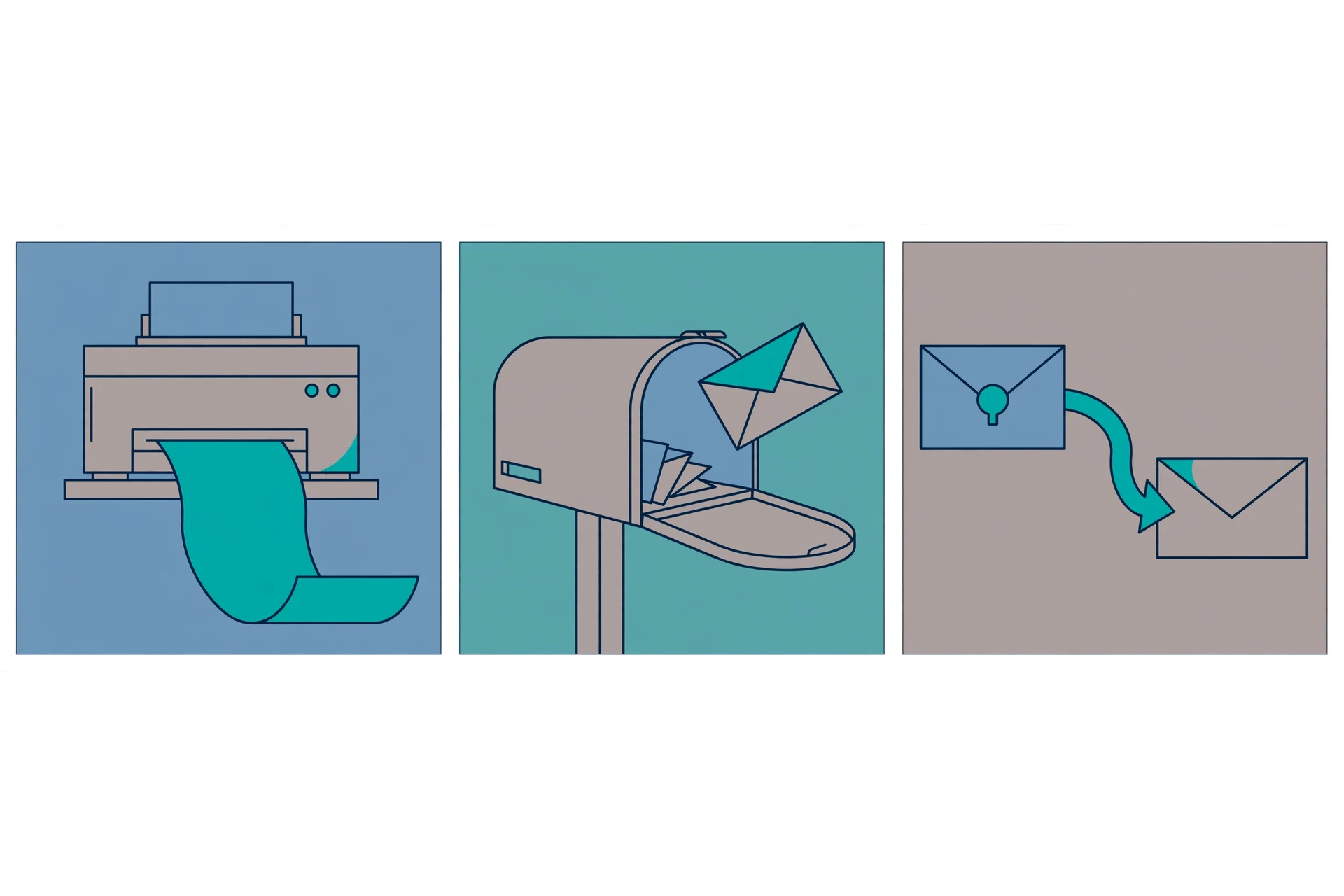
The confusion isn't your fault. "Email generator" is a label that three unrelated products all claimed, and search engines never bothered to separate them. Here is the split, as it actually works in 2026.
| What it makes | Does mail arrive? | What it's for | What to watch out for |
|---|---|---|---|
| A string that looks like an address | No | Testing forms, filling dummy data, screenshots | It will never receive a verification code |
| A working temporary inbox | Yes | Sign-ups, trials, one-off codes | The address expires; some sites block it |
| An alias that forwards to your real inbox | Yes, via forwarding | A permanent mask for your real address | Your real inbox still gets the mail — and the spam |
The string generator. This is the oldest kind, and the most common in search results. You click a button, it prints something like `k7x2p9@example.com`, and that is the entire product. It exists for developers testing a sign-up form and for people who need a plausible-looking address to paste somewhere that never checks it. FastGenerators' email generator is honest about this: it says outright that its addresses typically don't receive mail, and points you to a disposable inbox service if you need to receive anything. That honesty is rare. Most string generators just hand you the address and let you find out the hard way.
The temporary inbox generator. This is what most people actually mean when they search "e mail generator". You land on the page and an address already exists, with a live inbox sitting right there on the screen. You copy the address, paste it into a form, and the reply lands in the inbox in front of you. TempMailUSA works this way, and so does generator.email, which puts it plainly: the address at the top of the page is already live, no sign-up, no password, no phone. The giveaway that you're looking at this kind is the inbox itself — if the page shows you messages arriving, it's a mailbox. If it only shows you an address, it isn't.
The alias generator. This one doesn't create a mailbox at all. It creates a second address that forwards everything to your real inbox — Apple's Hide My Email and Gmail's plus-addressing work this way, and so do services like SimpleLogin. The advantage is permanence: the alias can live for years, and you can kill it when it starts attracting spam. The catch is that your real inbox is still the destination, so this is a mask, not a wall. If your goal is to keep a sign-up away from your real inbox entirely, an alias is the wrong tool.
One more thing the search results will try to sell you: the AI email writer. If you landed here looking for a tool that writes emails — subject lines, replies, whole drafts from a prompt — that is a different product with a similar name, and it has its own post on this site. The short version: the AI tools are for composing, not for addresses, and mixing the two up is how people end up pasting a generated address into a form and wondering why no code ever arrives.
What TempMailUSA's generator actually does
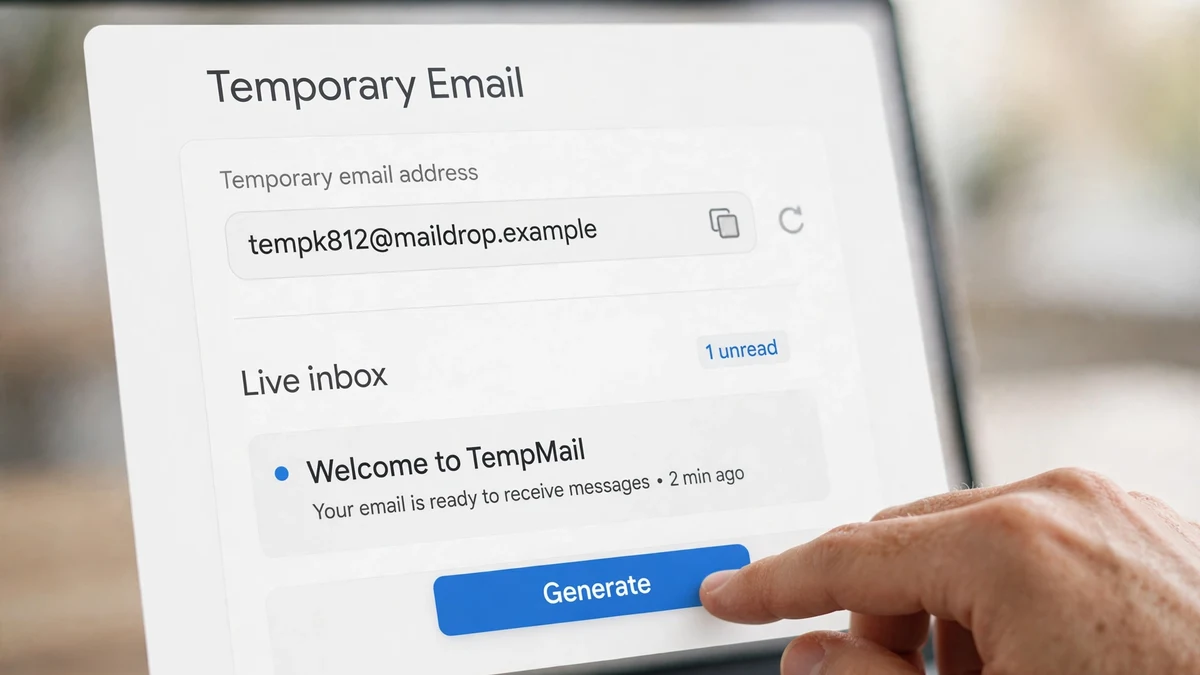
I ran the test on TempMailUSA's own generator on 23 November 2026, and the result is a good illustration of why the 30-second test matters — and of what a generator page does and doesn't tell you.
The page hands you an address the moment it loads: no sign-up, no phone number, no account. The address I got was on `rover.info`, the service's one free domain. The countdown next to it read "Expires in 28 days, 7 hours" — not a fresh 30 days, which tells you the address was already a day and a half into its life when it reached me. Free inboxes last 30 days, Pro inboxes last 365, and the countdown ticks in real time: after I generated a new inbox, the fresh one showed 29 days 23 hours 59 minutes, ticking down second by second.
The domain picker is where the numbers get interesting. The badge says 468 domains. The free plan gets exactly one of them — `rover.info`. The other 467 sit under a "Pro — premium domains" heading, including familiar names like `spam4.me` and `guerrillamail.com`, and Pro costs $4.19 a month. One honest nit: the banner at the top of the page still says "try any of our 427 domains free", while the picker and the pricing section both say 468. The picker is right and the banner is stale — a small thing, but it's the kind of thing you only catch by actually opening the page.
Clicking "New Inbox" did what it promises: a toast announced "New parallel inbox created & activated!", and a fresh address appeared on the same free domain. But here's the catch the toast doesn't mention. The free plan allows one inbox, and the counter stayed at 1/1 — and when I checked "All Inboxes" and History afterwards, the first address was gone. Not listed, not retrievable. On the free plan, generating a new inbox discards the old one. If that old address was holding a verification code you hadn't used yet, it's gone with it. Generate a new address only when you're done with the old one.
The page's own counters moved while I watched: emails created ticked from 488,683 to 488,685 across a reload a couple of minutes apart, while messages received sat at 609,973. People are generating addresses constantly; the counters are live, not decoration.
One thing I could not verify, and I'll say so plainly: I didn't send a test email to the generated address myself, because the browser session had no mailbox to send from. What I did see is the next best evidence — the first inbox already contained a message when it loaded, from support@tempomailusa.com, subject "Your verification code", timestamped 03:10 AM that same day. Mail does arrive in these inboxes; the inbox was already proving it before I touched anything. The new, empty inbox said what you'd hope: "Your inbox is empty — waiting for incoming emails. Any message sent to your temporary address will appear here automatically", with auto-refresh on. One more real detail worth knowing before you use it: your first message is free to read, and reading every message after that is a Pro feature. For a one-code sign-up that's no obstacle at all. For a conversation, it is.
Verdict on this generator: it's a real working inbox, not a string printer — it passes the 30-second test on the evidence available. Its limits are the free plan's limits: one domain, one inbox at a time, and the old address dies when you make a new one. Know those three and it does exactly what it promises.
When a generated address beats your real one
Not every sign-up deserves your real address. The rule I use is simple: if losing access to the account would cost me nothing, the account gets a generated address. If losing it would cost me something, it gets my real inbox.
Generated addresses earn their keep in four places. Free trials that demand an email before showing you anything. Downloads — whitepapers, templates, "free" tools — that charge an address at the door. Newsletters you want to read exactly once. And any form on a site you will never visit again, where the address is a toll, not a relationship. In all four cases the generated address does the same job: it takes the mail, you read what you need, and the spam that follows has nowhere real to go.
There is a second, quieter benefit. A generated address is a tripwire. If a company sells its mailing list or gets breached, the spam arrives at an address that exists only for that company, and you know exactly who leaked it. Your real address never appears in the breach. That is worth more than the convenience, in the long run.
For the disposable side of this — how long these addresses last, and what "burner" actually means — the burner email guide covers the lifecycle in detail.
When it will fail you
A generated address is a tool with edges, and the honest version of this post names them. First, the blocklist problem: plenty of sites refuse sign-ups from known disposable domains. It isn't personal — they maintain lists of domains that exist only to generate throwaway addresses, and they reject them at the form. If a site rejects your generated address, switching to a different domain from the same generator sometimes works, and sometimes the whole service is blocked. The disposable email domains list checked 26 famous domains live and explains why raw domain lists mislead you — worth reading before you blame the generator.
Second, the expiry problem. A temporary inbox dies on a timer, and everything in it dies with it. If you use a generated address for an account you later need to recover — a password reset, a "confirm it's you" check — the reset email goes to an inbox that no longer exists. That is how people lock themselves out of their own accounts. The rule: never use a generated address for banking, government services, your primary email, or any account whose password you might one day need to reset. The fake email guide walks through the same trap from the rejection side — when sites say no, and what to do next.
Third, the sending problem. Most generators are receive-only. You can get the code, but you can't reply from the address, and you can't send mail as that identity. If the task needs two-way email, a generated address is the wrong tool entirely — you need a real account or an alias on one.
None of this makes generators useless. It makes them single-purpose. Use them for the job they're built for and they work beautifully. Ask them to be a permanent identity and they will betray you at the worst possible moment.
Random gibberish or a name you can read?
Every generator has to decide what the address looks like, and the choice matters more than it seems. Random generators produce strings like `x7k2p9@rover.info`: unguessable, unmemorable, and honest about being disposable. Name-based generators let you type `jordan.smith` in front of the @ and produce something a human could read, remember, and type without errors.
The trade-off is real. A random address is harder for someone to guess, which matters if the inbox is public in any way. A readable address is easier to use — you can tell it to someone over the phone, type it from memory, and spot a typo in it. For a throwaway sign-up, readability wins: the address only needs to survive one verification code, and the cost of a typo (a code sent nowhere) is higher than the cost of guessability (nothing, for a mailbox that dies in days).
If the readable route appeals to you, the two companion posts on this site cover each side properly: the email generator name guide for turning your name into an address that works, and the generate random email guide for the random side, including the two tools hiding inside that one search.
One practical note: whichever style you pick, copy the address instead of typing it. A generated address is exactly the kind of string where one wrong character sends your verification code to a stranger's inbox — or to no inbox at all. The copy button exists for a reason. Use it.
How to pick a generator in under a minute
You don't need a comparison spreadsheet. You need four answers, and any generator worth using will give you all four on its front page without making you sign up.
- Does it show you an inbox? If yes, it's a mailbox. If no, it's a string printer. This is the test from the top of the article, and it's the only question that decides everything else.
- How long does the address live? Minutes, days, or until you close the tab — the answer decides whether you can come back for a second code. TempMailUSA's free addresses run 30 days; that's generous, and it's the reason the service works for trials that send a second email a week later.
- Can you pick the name and the domain? A generator that lets you choose both is useful for more jobs than one that hands you a random string and no options. A domain picker also tells you something about the service's scale — a handful of domains is a small operation; hundreds is infrastructure.
- Does it ask for anything before it works? A real generator needs nothing from you: no email, no phone, no account. If a "free" generator wants your real address first, it's not a generator — it's a lead form wearing a generator's clothes. Close the tab.
If a generator passes all four, use it. If it fails the first, stop — the other three don't matter, because a tool that can't receive mail can't do the job you came for.
FAQ
Is an e mail generator free?
The ones worth using are. A temporary inbox generator costs the service almost nothing to run per address, so the honest ones give the basic version away and charge only for extras — longer lifetimes, more domains, custom names. If a generator demands payment before showing you an address, that's not a pricing model, it's a warning.
Is an e mail generator safe?
For the job it's built for — yes, with the limits above. The address isn't linked to your identity, there's no account to hack, and nothing you do there touches your real inbox. The unsafe version is using one for something it can't protect: an account you need to recover, a service that handles money, or anything where losing the inbox means losing the account. Safety here is about matching the tool to the job, not about the tool itself.
Can I send email from a generated address?
Almost never. Most generators are receive-only by design — the inbox exists to catch verification codes and confirmation links, not to send mail. If you need to send as a masked identity, you want an alias service that forwards, not a temp inbox.
Does an e mail generator work for Gmail verification?
It works for receiving a code from a site that sends to Gmail-style addresses — but it won't help you verify a Gmail account itself, because Google wants a phone number for that, and no generated address changes that. For signing up on other sites with a generated address, it works whenever the site doesn't block disposable domains.
What's the difference between an e mail generator and temp mail?
Temp mail is one kind of email generator — the kind that makes a short-lived inbox. "Email generator" is the bigger label: it also covers string-only tools, alias generators, and name-based generators. Every temp mail service is an email generator, but not every email generator gives you a working inbox. That's why the 30-second test matters.
Can I choose my own address instead of a random one?
On the good generators, yes — type a name, pick a domain, and the address is yours for as long as the inbox lives. The email generator name guide on this site covers how to pick a name that won't get rejected, and what to do when your first choice is taken.
Need a disposable temporary email?
Protect your real inbox from spam and promotional clutter instantly and free.
Received a suspicious email, text, or charge alert?
Verify whether the sender domain is disposable, spoofed, or unverified before clicking links.