

Best Temporary Email With Extended Inbox Retention

A throwaway inbox can vanish before you finish a signup. A temporary email with extended inbox retention gives you more time to read a verification message or return to a test inbox later. Here are five options, plus TempoMailUSA, and what each is suited to.
1. TempoMailUSA
TempoMailUSA is a disposable email service with real-time inboxes for private signups and verification. It’s the best fit in this shortlist if you want longer-lived inboxes, several domains, or more than one inbox at once.
Your first message is free to read. From the second message on, messages are locked unless you upgrade to Pro or unlock a single message. Pro inboxes last 365 days and can hold up to 50 inboxes at once.
That retention window fits a delayed account confirmation or a test that needs a later check. For a one-time code, the free tier may be enough if you only need to read the first message. If you expect follow-up messages, check the plan details before using the address.
Pro costs $4.19 per month, $34.99 per year, or $41.30 for lifetime access. The separate Developer API plan is designed for integrating TempoMailUSA domains into an app, with API access, auto-sync, and mail fetch. Review the TempoMailUSA plan details before choosing between inbox use and API access.
For your next signup, copy the generated address, paste it into the form, then watch the inbox for the confirmation link or OTP. Keep a lasting personal address for services where you may need password recovery.
2. SecureTempMail: A disposable address with a security focus
SecureTempMail is a free disposable email service that describes its addresses as anonymous and self-destructing. It’s a fit for a quick signup when your main goal is to keep spam, scams, and trackers away from your personal inbox.
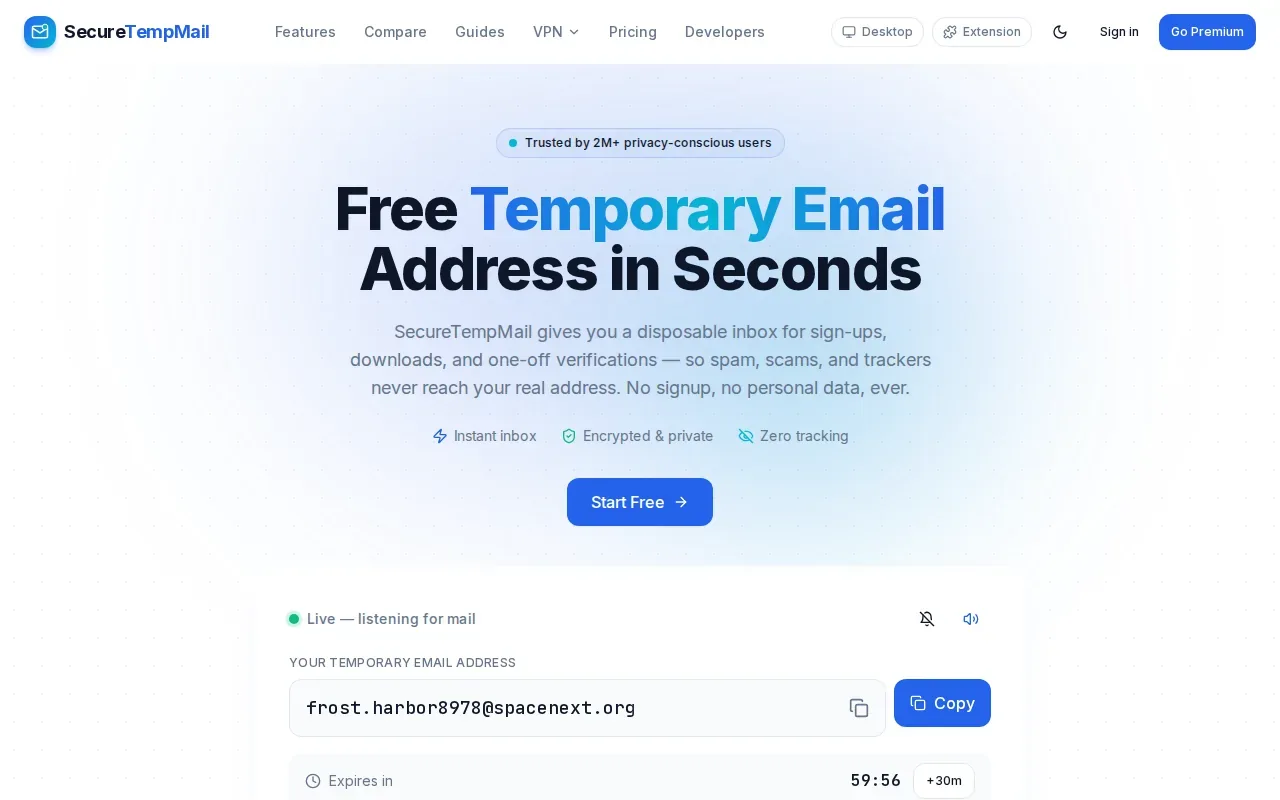
Its focus is privacy protection. That message may appeal if you want a throwaway address for a site you don’t plan to use often.
That distinction matters when you’re waiting on a confirmation email. A disposable address is usually simple to use: copy it, paste it into the signup form, then return to the inbox and open the message. If the service or website delays its email, you may need more time than a short-lived address allows.
Email travels through systems that use agreed technical standards. For example, email standards cover how messages move between systems. These standards explain transport, not how a temporary email service stores or deletes its inbox data.
Treat SecureTempMail’s privacy language as a description of its purpose, not as a reason to place sensitive account recovery mail there. Use it for low-stakes signups. Choose a service with a known retention period when you need to return to the same messages later.
3. CleanTempMail: A broad domain selection
CleanTempMail is a disposable inbox service with hundreds of active domains. It’s a fit when domain choice matters, or when you want an address without signing up for an account.
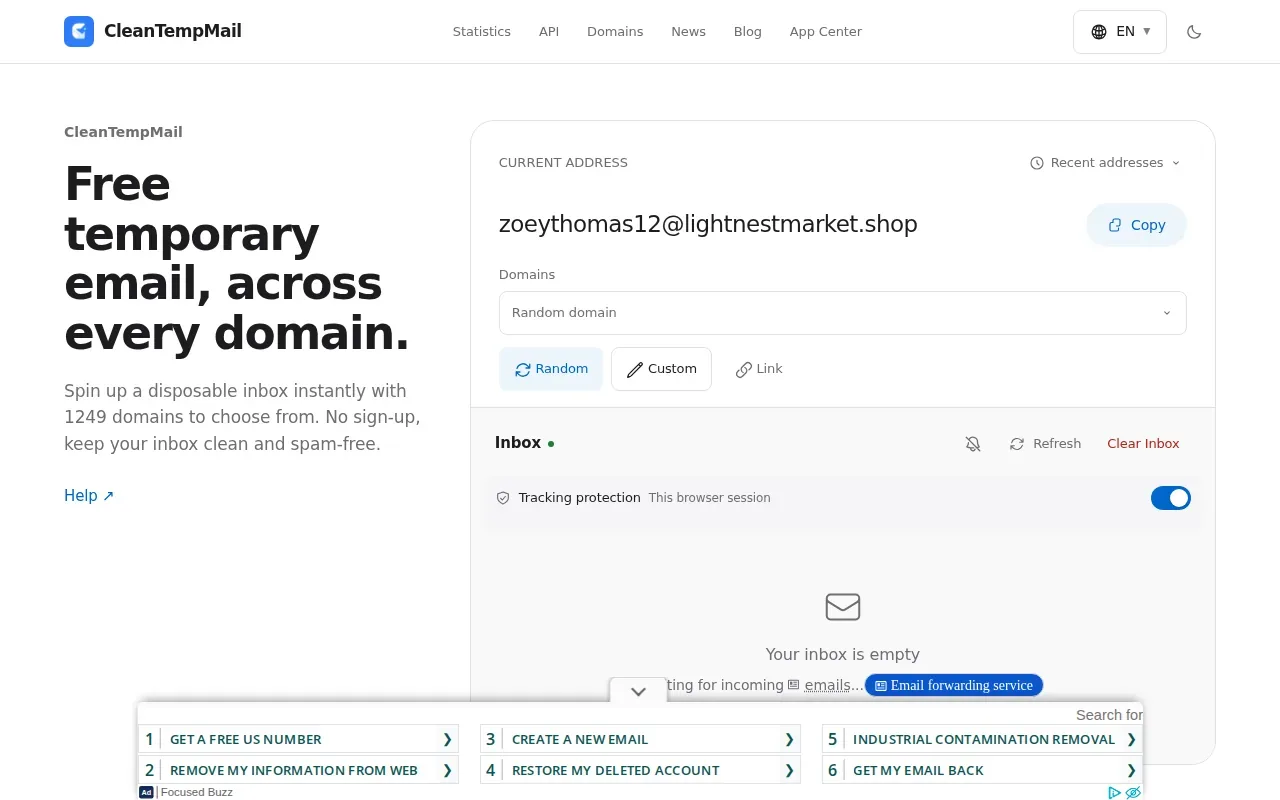
The service says it updates its domain pool and shows incoming messages in real time. It also says email is encrypted and automatically wiped after one day. That one-day retention gives you a defined window for reading a confirmation message or checking a short signup flow again.
Its domain count may help when a site rejects one address domain. Still, no domain pool can ensure that every website will accept every disposable address. If a signup form rejects one, don’t keep retrying for a high-value account. Use an address you can access for future recovery instead.
CleanTempMail also describes an API for testing signup emails, verification flows, and attachments.
For a simple signup, use the address only after you’ve checked the service’s one-day retention window against the time you’ll need. If the confirmation arrives late, a message that has been wiped won’t help you finish the task.
4. Temp Mail Pro: Disposable email with virus-scanning claims
Temp Mail Pro is a free temporary email service that describes its inbox as secure and AI-powered. It offers virus scanning. It may suit a quick signup when you want to keep a message out of your personal inbox.
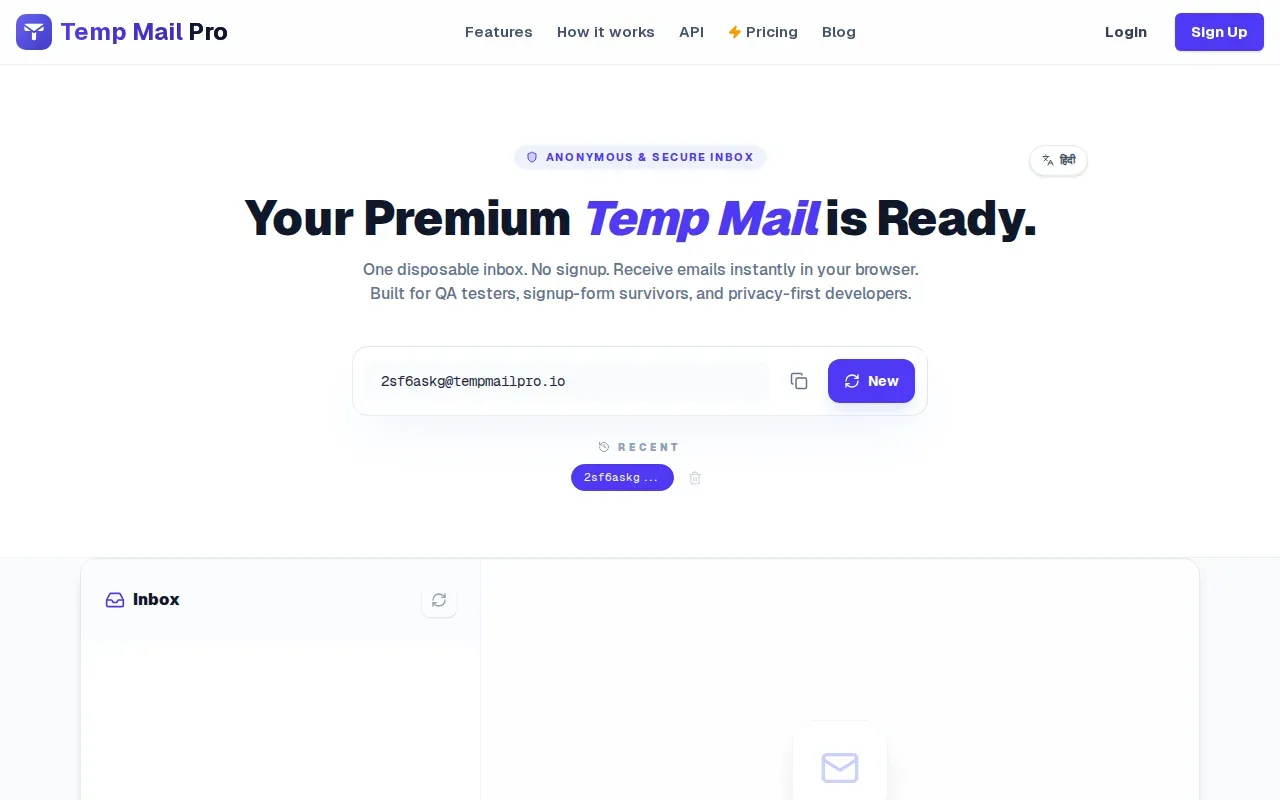
Virus scanning is a useful claim to notice, but it doesn’t tell you how long the inbox lasts or how the scan works. If you need to revisit a message days later, confirm that the service’s current terms match that need before relying on it.
That’s also a good time to think about what you’ll open. A confirmation link or short OTP is different from an unexpected attachment. Don’t treat a scan claim as a reason to open every file. If an attachment matters, follow your own device’s security guidance as well.
Temporary email is most useful for low-risk tasks where the address is a buffer between you and future marketing mail. It’s a poor home for a bank login, a work account, or any account you may need to recover. The inbox may be temporary even when the account you create is not.
Email messages have a format separate from the protocol used to transport them. This doesn’t verify the security or retention practices of any particular disposable inbox.
Use Temp Mail Pro when its stated scanning claim is relevant to your choice, but check retention before starting a task that may take more than one session.
5. Boomlify Temp Mail: A straightforward temporary inbox option
Boomlify Temp Mail is a service for creating disposable email addresses. Its stated purpose is to help protect your privacy and avoid spam. It’s a straightforward fit for a quick signup where you need a temporary address, not a long-term contact point.
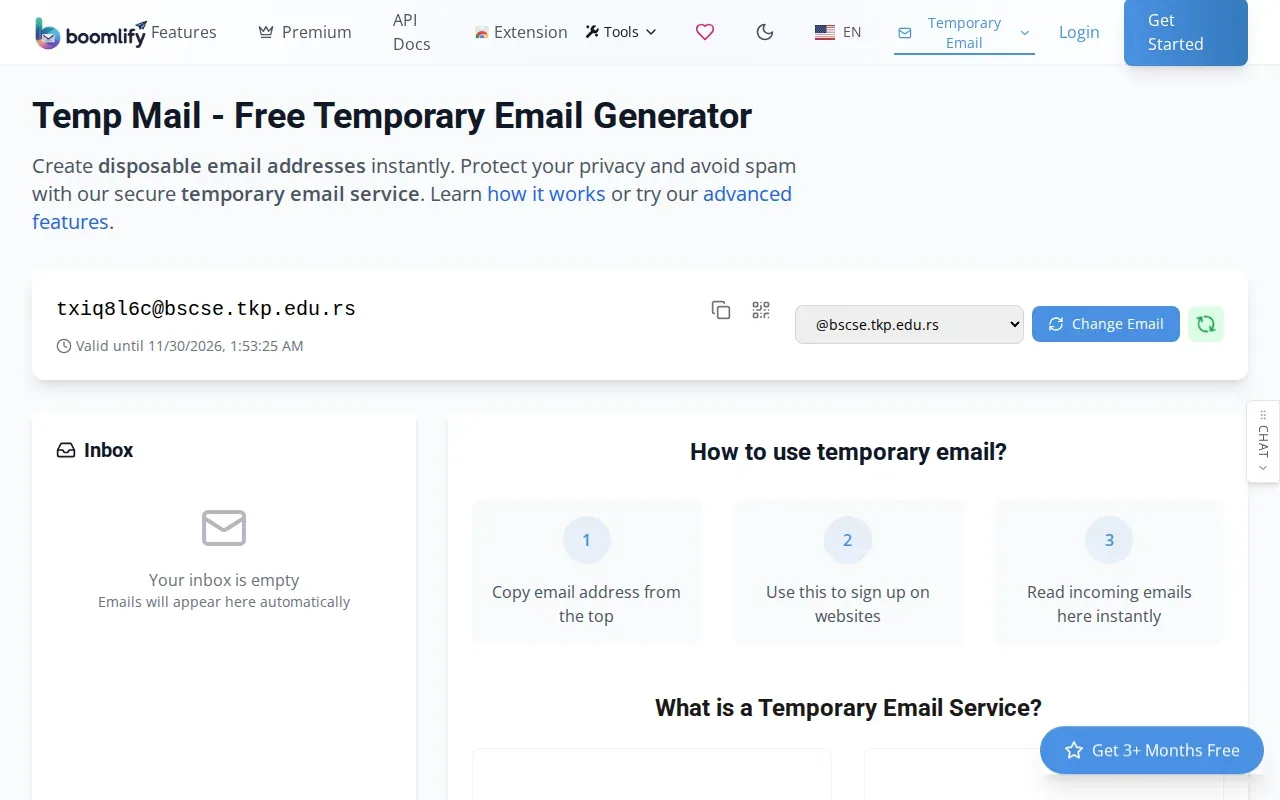
That’s worth keeping in mind when your signup depends on a later message, such as a second confirmation or a delayed reply.
Before using any temporary inbox, decide what happens after the first message. If you only need to confirm a signup once, a quick disposable address may do the job. If you need future password resets, order updates, or a record of the exchange, use an address you control for longer.
There’s a privacy tradeoff here. A throwaway address can keep a personal inbox cleaner, but it can also leave you without a dependable way back into an account. That’s why the right choice depends on the account, not just on how fast you can get an address.
For a low-stakes signup, keep the steps simple: copy the address, paste it into the form, and check the inbox for the confirmation message. If you’ll need the address again, choose a service with a retention window that fits that task.
6. MailSlurp: An API-oriented choice for email testing
MailSlurp is an API-oriented service for testing email and SMS. It’s best suited to developers who need a private inbox inside an automated signup, password-reset, or invitation test.
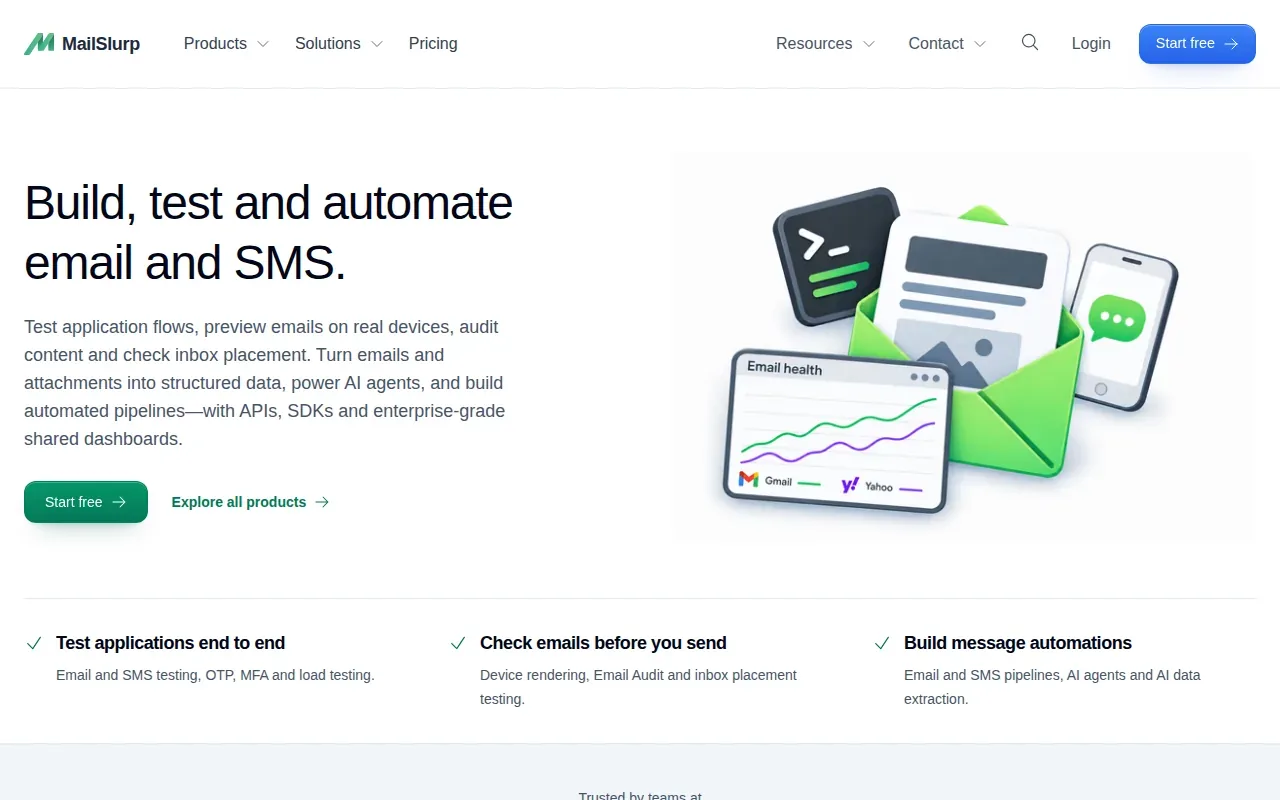
Its temporary email API lets you set an inbox lifetime and use API waits while a test runs. The same inbox can receive a verification message and remain available through a later application check. This can help when a test has several steps and a message may arrive before the browser is ready.
MailSlurp separates expiry from cleanup. Once an inbox passes its expiry time, the server periodically archives it. An archived inbox can’t send or receive, though existing emails may remain. If your test needs confirmed deletion, use explicit deletion and check the result rather than treating an expiry timestamp as proof that cleanup has finished.
That distinction matters in a test pipeline. A failed run may stop before its normal teardown step. Set an expiry as a fallback, then make cleanup report failures. Keep any failure evidence your team permits, but don’t put reset tokens in a general build log.
For a signup test, create a private inbox, submit its address through your app, then wait for the expected message with a bounded timeout. Use the message tied to that request, since a resend may create more than one email. The inbox’s lifetime and the application’s verification-token lifetime are separate clocks.
MailSlurp is the strongest fit here when repeatable tests matter more than a simple consumer inbox. A team building a product for privacy-minded users may also need to reach those users; a marketing provider may be relevant for established businesses.
Compare Retention, Privacy, and Usable Limits
Retention varies by service: some state a fixed window, while MailSlurp lets you set an expiry for a test inbox.
| Option | Retention detail | Best fit | Watch for |
|---|---|---|---|
| TempoMailUSA | Pro inboxes last 365 days | Longer access or multiple inboxes | Free tier lets you read the first message |
| SecureTempMail | — | Quick signup with a privacy focus | Don’t assume a set retention window |
| CleanTempMail | Emails are wiped after one day | Domain choice or API testing | Plan around the one-day window |
| Temp Mail Pro | — | Quick signup; virus-scanning claim | Check the window for your task |
| Boomlify Temp Mail | — | Simple disposable address use | Choose another inbox if you need longer access |
| MailSlurp | Set an expiry for the test inbox | Automated email and SMS testing | Expiry and confirmed deletion differ |
The comparison is about fit, not a promise that every message will arrive. A website may reject a disposable domain, and a delayed email can outlast a short retention window. For a plain-language look at how inbox expiry affects messages, read about what a temporary email inbox holds and what happens when it expires.
Privacy claims also need context. An anonymous signup can reduce the personal details you share with a site, but it doesn’t make the account itself anonymous or guarantee that the inbox is private from everyone with access to it. Avoid using disposable addresses for sensitive accounts or recovery contacts.
For automation, write down the test’s required lifetime before you set an expiry. Allow time for app setup, email delivery, a resend, and the final check. Then make cleanup explicit. The expiry is a backup, not a substitute for a teardown step you can verify.
Ready to keep a signup message available longer? Learn how temporary email can help protect your personal inbox.
FAQ
What is a temporary email address?
A temporary email address is a disposable address you use to receive messages without sharing your main email. It can help keep signup mail and spam away from your personal inbox. The inbox may expire, so it’s best for low-stakes tasks rather than accounts that need reliable password recovery.
How do I use a temporary inbox for verification?
Copy the address, paste it into the signup form, then return to the inbox and open the verification message. Follow its link or enter its code before it expires. If the message is delayed, check the inbox’s retention window before you start, especially when the signup has several steps.
Which temporary email service has the longest stated retention?
TempoMailUSA states that its Pro inboxes last 365 days. That makes it the clearest choice in this shortlist when you need a long window for later access. Check the free and paid message-access rules too, since retention time and the ability to read each message are separate parts of the plan.
Can I use a temporary email for account recovery?
You can enter one, but it’s a poor choice when you may need the account later. If the inbox expires or you lose access, a password reset may go to an address you can’t open. Use an email address you control for important services, financial accounts, or work access.
What should developers look for in an email testing inbox?
Look for an API, a way to set inbox expiry, bounded waits for messages, and explicit cleanup. MailSlurp describes those controls for test workflows. Keep the inbox alive long enough for the full signup or reset flow, then verify deletion during teardown instead of assuming expiry means the data is already removed.
Conclusion
For consumer signups that may need a later check, TempoMailUSA is the clearest pick here because its Pro inboxes last 365 days. Review the current plans if you need access to more messages or multiple inboxes.
Need a disposable temporary email?
Protect your real inbox from spam and promotional clutter instantly and free.
Received a suspicious email, text, or charge alert?
Verify whether the sender domain is disposable, spoofed, or unverified before clicking links.