

Best Temporary Email With Multiple Inboxes: 6 Options

A temporary email with multiple inboxes can keep separate sign-ups from spilling into your personal mail. The catch is that services don’t all show how many addresses you can manage or how long messages stay. Here are six options, starting with TempoMailUSA, and the details that can help you choose.
1. TempoMailUSA — Paid upgrades for managing multiple inboxes
TempoMailUSA is a disposable email service with a free tier and paid plans for more inboxes, longer retention, and more domains. It’s a fit if you want to try a throwaway inbox first, then add capacity when you need several addresses active at once.
The free plan supports one active inbox. From the second message on, you can upgrade to Pro or unlock a single message for $0.29. Pro inboxes last 365 days and can hold up to 50 inboxes at once.
Paid email plans include monthly billing at $4.19, yearly billing at $34.99, or a $41.30 lifetime plan. The separate Developer API plan is for integrating domains into your own apps, so it’s a different choice from a person who only needs a few sign-up inboxes. You can review the TempoMailUSA plan details before you decide.
Use a disposable address for a trial, a newsletter, or a test form. Don’t use one for banking, password recovery, or an account you’ll need to reclaim later. Some websites block disposable addresses, and delivery depends on the sender.
2. Tmailor: Free access with a large domain pool
Tmailor is a free temporary email service that needs no account. It’s a good match if you want to open a page, copy an address, and use a broad domain pool without first setting up a profile.
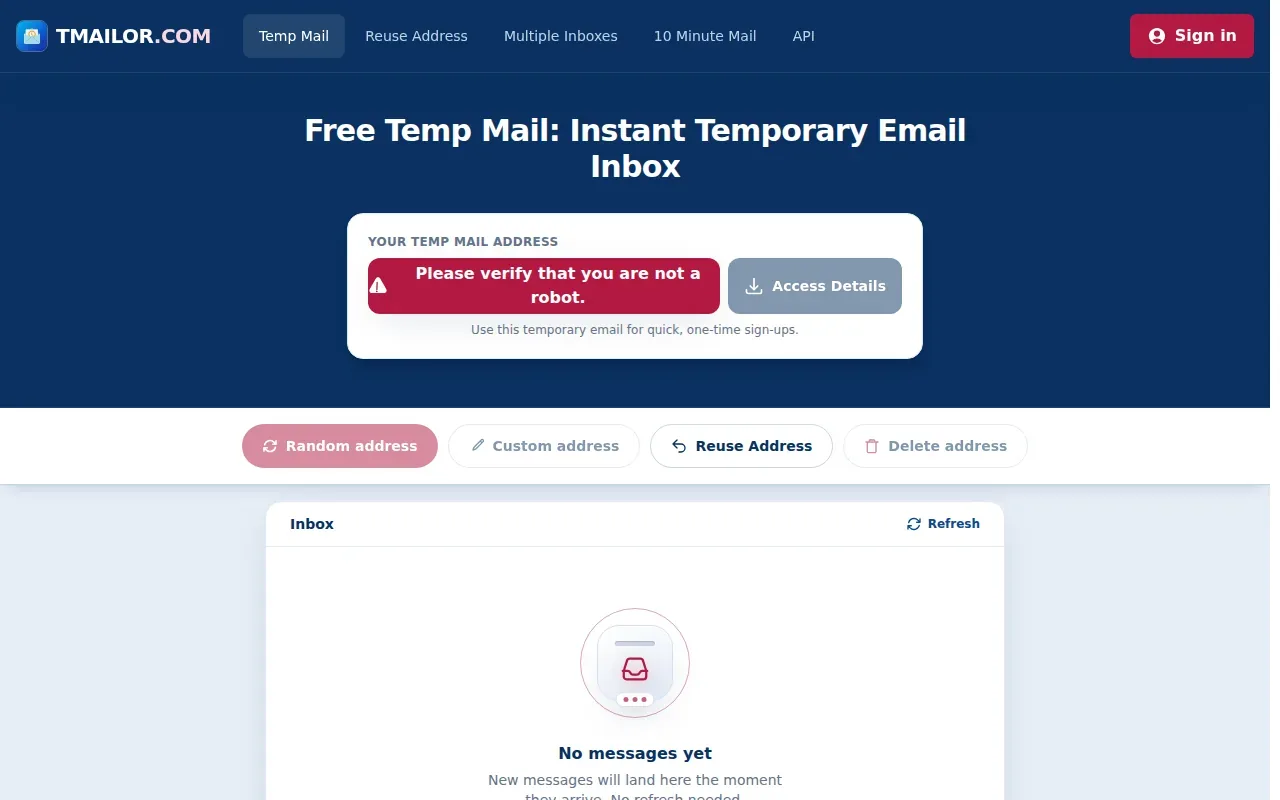
It offers a pool of more than 500 domains. Messages clear after 24 hours. That makes it handy for a verification link that may arrive a little late, but not for mail you’ll need next week.
A disposable address is meant for short-term use, such as a sign-up where you’d rather not share your main email. Wikipedia’s definition of disposable email describes the same basic idea: an address used temporarily, often to limit unwanted mail to a regular inbox.
Tmailor’s inbox is receive-only, so it works for incoming codes and confirmation messages, not for sending a reply. Some websites reject disposable domains, and the service itself notes that delivery depends on the sender. If you want a clearer picture of what an inbox holds and what happens when it expires, see how temporary email messages arrive and expire.
Choose Tmailor when free access and domain variety matter more than keeping old messages around.
3. Temp Mail Pro: Manage up to 10 addresses at once
Temp Mail Pro lets you open and manage up to 10 temporary email addresses at the same time in one dashboard. That makes it a clear option for people who need separate inboxes for several sign-ups or for checking how different test forms handle email.
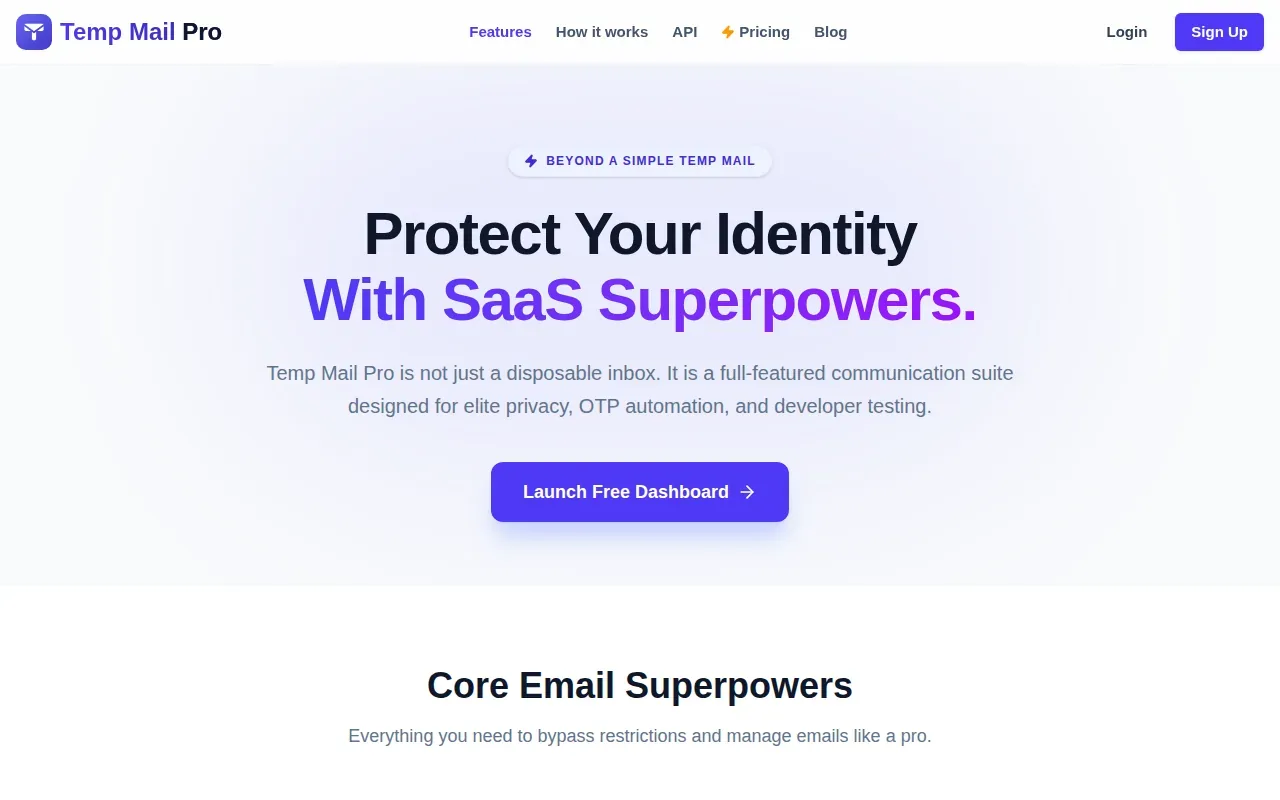
The stated limit is useful because many services don’t give you a specific number to plan around. You can keep one address for a trial and another for a newsletter, then view the messages without jumping between separate sessions. The service has a free tier, and its stated retention period is seven days.
Seven days gives you more time than a one-day inbox for a delayed confirmation or a test run that spans a few workdays. Still, a temporary inbox is a poor home for an account you may need to recover months later. Save the address only for low-stakes tasks.
For a developer, separate addresses can help test whether each form sends a welcome message or a verification link. Keep the test addresses distinct, then check each inbox against the flow you’re testing. Don’t assume every site will accept a disposable domain.
If a separate online resource is part of your research, it is one example of a service you might evaluate. A disposable address can keep a low-stakes trial sign-up apart from your main mailbox.
4. SecureTempMail: Disposable addresses with a privacy focus
SecureTempMail describes itself as a free, anonymous temporary email service with self-destructing addresses. It’s aimed at people who want a quick inbox for a short sign-up and want to keep the resulting mail away from their main account.
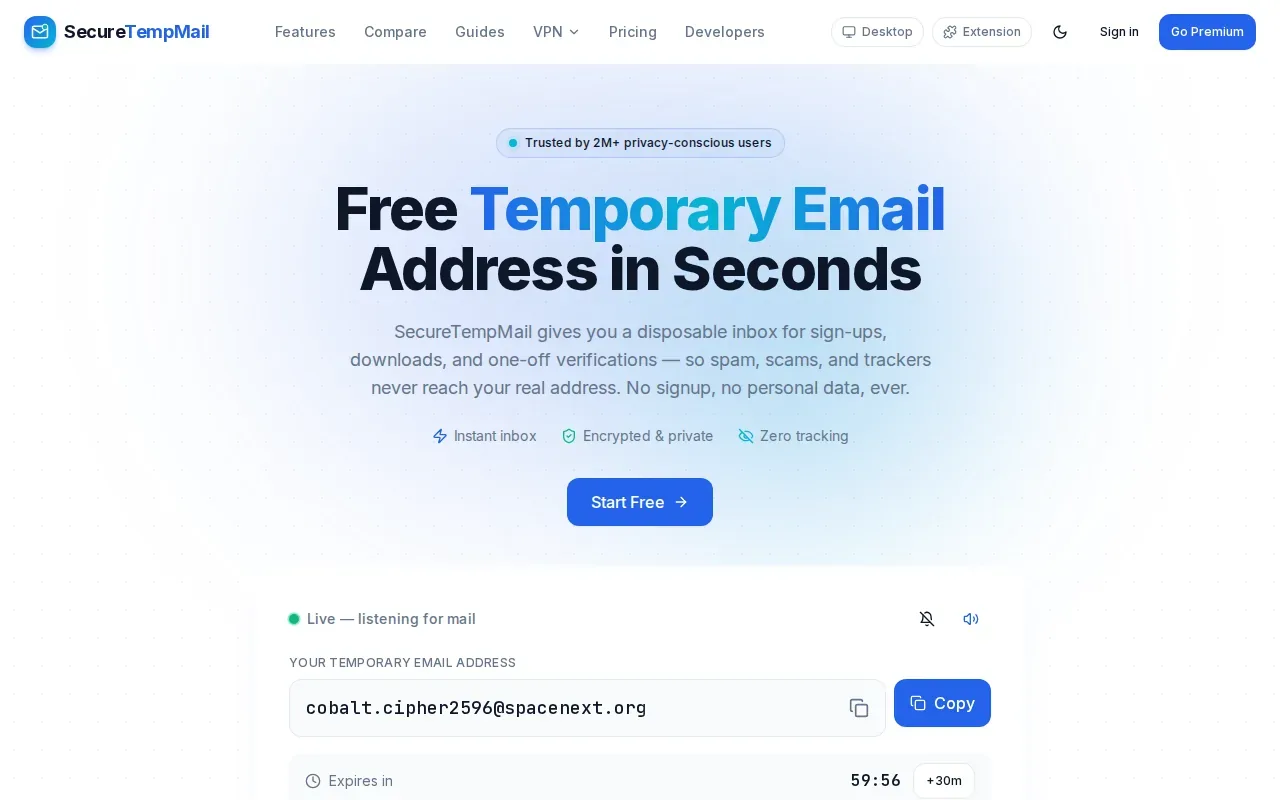
The service focuses on spam, scams, and trackers. Those are useful reasons to use a disposable address, but they shouldn’t be read as a promise that every message or every sign-up is private.
For a one-time newsletter or a download form, an address that self-destructs may suit the task. For a test that requires several inboxes to stay open together, first check whether the service supports that workflow. The phrase “multiple inboxes” can mean separate addresses, not necessarily a dashboard that keeps them all side by side.
Keep the stakes low. Don’t use a disposable address for sensitive records or for a login that needs long-term recovery. A short-lived inbox can help reduce unwanted mail, but it can also cut off your route back into an account.
5. Temp-Mail: A familiar temporary email option to check
Temp-Mail is an option to consider when comparing temporary email services. The right choice depends on how you expect to use a temporary inbox. Before choosing any service, consider whether you need one address or several, how long you may need access to incoming messages, and whether your use case involves attachments or notifications. These needs can help you decide which details to check when reviewing an option.
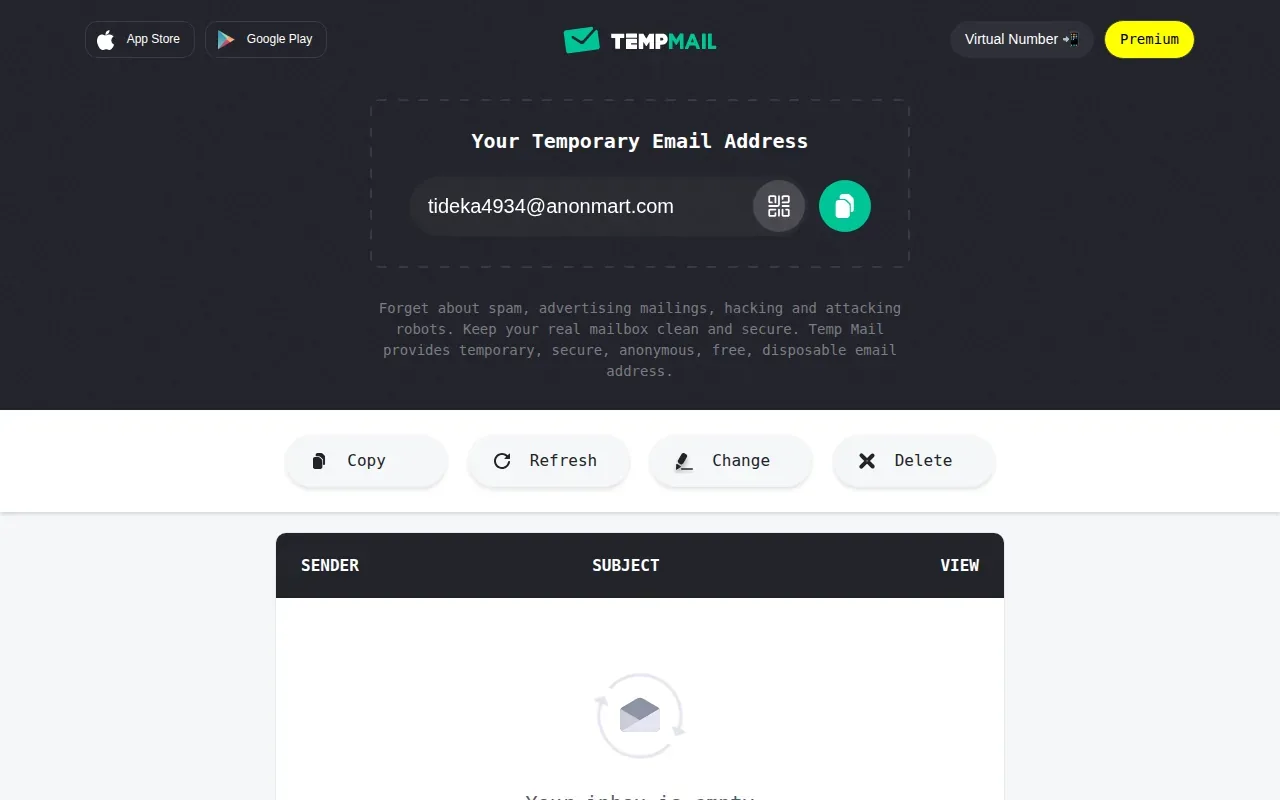
It’s also useful to think about what you’ll do if a message arrives later than expected or you need to refer to it again. Check the available service information before relying on a temporary inbox for a sign-up or confirmation. If you need multiple addresses at once, make sure the option you choose fits that requirement.
For a broader look at keeping sign-up mail apart from personal correspondence, these ways to keep signup emails out of your personal inbox cover the same everyday problem.
6. CleanTempMail: A broad domain network with short retention
CleanTempMail has more than 1,247 domains and says its inboxes wipe email after one day. It’s a fit if domain choice is high on your list and you expect to read incoming messages soon after they arrive.
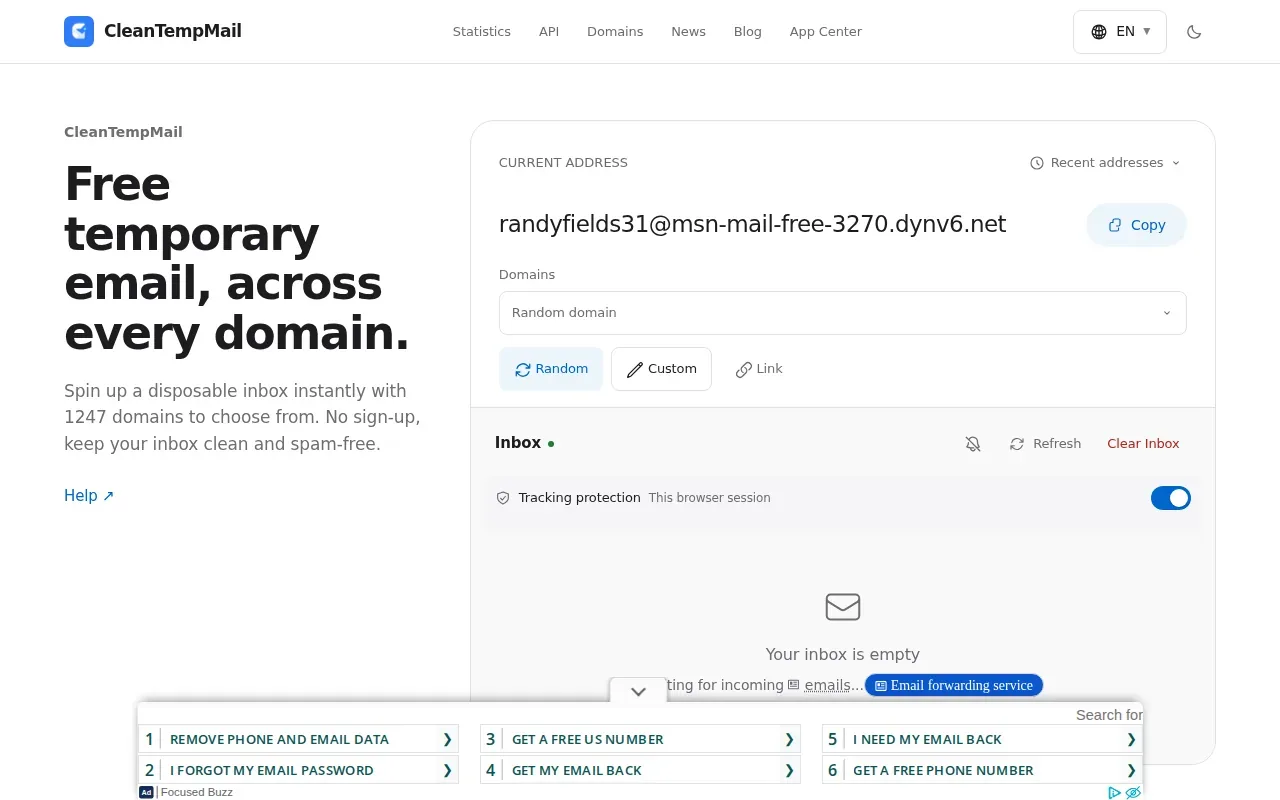
The service says it needs no personal information and that new messages appear in the inbox as they arrive. Its domain network is described as constantly updated. Those details may help when you’re testing a form or trying a basic sign-up, but they don’t guarantee that a particular website will accept an address.
One day is a short window. If you’re waiting for a verification link, check the inbox soon and finish the sign-up while the message is still there. Don’t use it for password resets or an account where you may need old messages later.
CleanTempMail also describes API access for testing sign-up emails, verification flows, and attachments with an API key. That may be relevant to developers building test workflows. For a person handling a few one-time sign-ups, the web inbox may be enough.
Pick this service for a large domain pool and short-term use, not for long message storage.
Quick comparison of the six temporary email options
The key difference is how much you can plan before opening an inbox. TempoMailUSA and Temp Mail Pro give specific multi-inbox figures. Tmailor and CleanTempMail state domain counts, while the other details vary by service.
| Service | Multi-inbox detail | Retention | Domain detail | Good fit for |
|---|---|---|---|---|
| TempoMailUSA | 1 free active inbox; Pro supports up to 50 | Pro inboxes last 365 days | 427 domains | Trying one inbox, then adding capacity |
| Tmailor | Multiple inboxes in one tab | About 24 hours | 500+ domains | Free access with domain choice |
| Temp Mail Pro | Up to 10 at once | 7 days | — | Managing several active addresses |
| SecureTempMail | — | — | — | A disposable address with a privacy focus |
| Temp-Mail | Multiple mailboxes are a premium feature | Free service stores mail for about 1–2 hours | — | Quick sign-ups and incoming attachments |
| CleanTempMail | — | 1 day | 1247+ domains | Broad domain choice for short tasks |
For an everyday user, the best temporary email with multiple inboxes is the one that states its active limit and keeps messages long enough for the task. For repeat testing, a known cap such as Temp Mail Pro’s 10 addresses can make planning easier. For longer-lived access, TempoMailUSA’s Pro retention is much longer than the short timers listed by several other options.
Gmail dot variants are a different thing: Google says dots don’t change the delivery address for Gmail accounts. That means a dotted version still reaches the same mailbox, rather than creating a separate temporary inbox. See Google’s explanation of dots in Gmail addresses before treating address variations as separate mailboxes.
Frequently asked questions
What is a temporary email address?
A temporary email address is a disposable address you use for short-term tasks instead of sharing your regular one. It can receive a sign-up link or verification code, then expire or be discarded. It’s useful for low-stakes tasks like newsletters, trial registrations, downloads, and testing forms. Don’t use it for an account you may need to recover.
How do I create a temporary inbox?
Open a temporary email service and it will usually generate an address for you to copy into a sign-up form. In many cases, you don’t need an account or password. Keep the inbox page open, then check for the confirmation message. The exact steps differ by service, so check whether you need to save a token to reopen an address.
Can I use more than one disposable email address at once?
Yes, some services support multiple active addresses. Temp Mail Pro says you can manage up to 10 at once, while TempoMailUSA’s Pro inboxes support up to 50. Tmailor says you can run multiple inboxes in one tab. Check the plan and retention details before relying on an address for an ongoing test.
Can I use a temporary email for account recovery?
No, it’s a poor choice for account recovery. The address or its messages may expire, and you could lose access to password resets or later account alerts. Use a permanent email address for banking, sensitive accounts, and any service you may need to reclaim. Temporary inboxes are better for one-time, low-risk sign-ups.
Conclusion
TempoMailUSA is the best place to start if you want a free disposable inbox and a clear path to managing more addresses later. Try your first inbox for a low-stakes sign-up, then check the plans if you need longer retention or multiple active inboxes.
Need a disposable temporary email?
Protect your real inbox from spam and promotional clutter instantly and free.
Received a suspicious email, text, or charge alert?
Verify whether the sender domain is disposable, spoofed, or unverified before clicking links.