
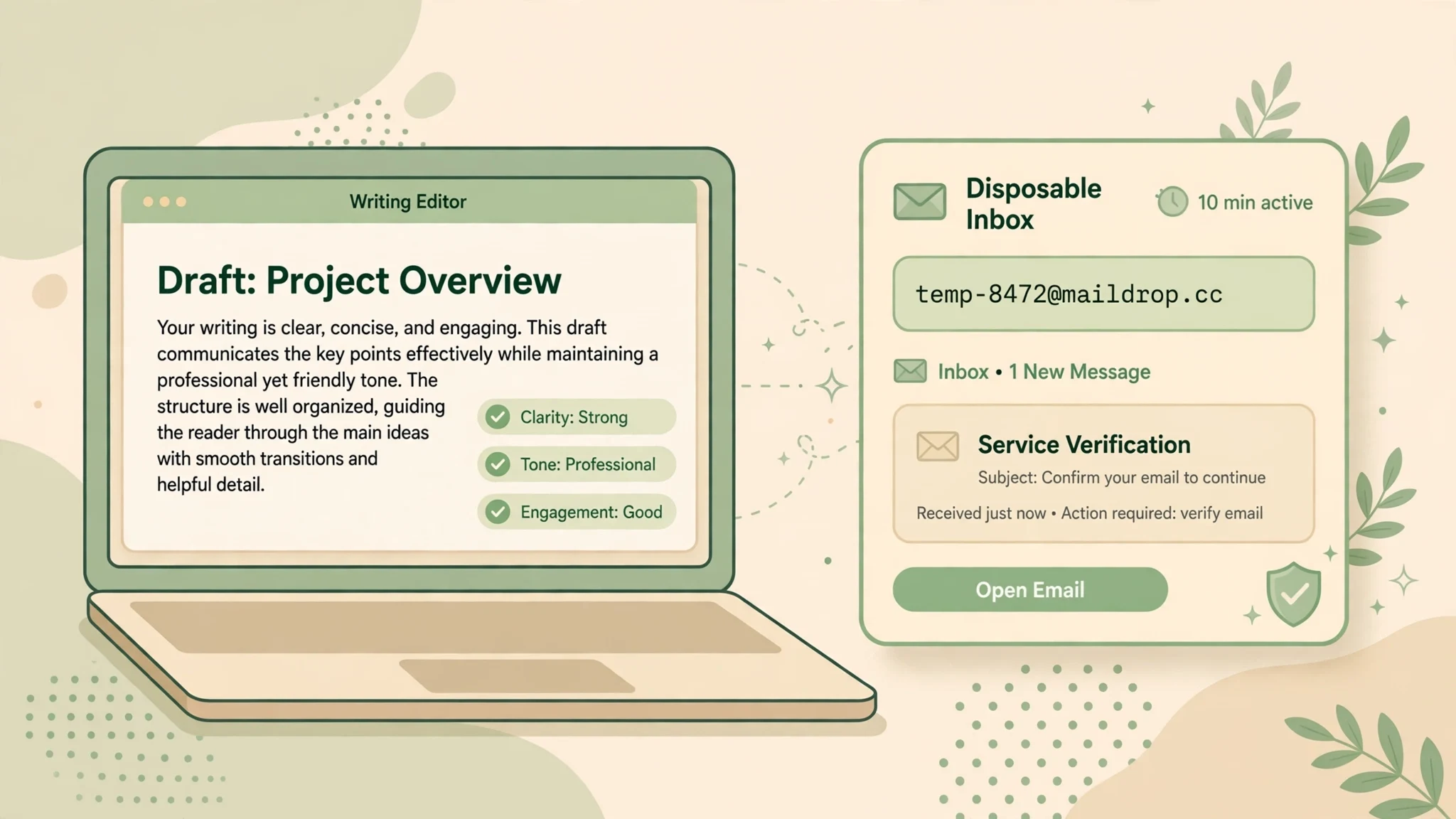
Temp Mail for Grammarly Signup: Test the Free Plan, Keep Your Drafts Recoverable
Short answer first: a temporary email is a fine way to try Grammarly's free plan, and a bad way to keep a Grammarly account. The difference is not whether signup works. It is whether you will ever need the inbox again after signup day. Grammarly's own support pages settle that question more bluntly than any marketing page will: the email you sign up with is where password resets go, changing it requires a code sent to your current inbox, and a free user who loses both the inbox and the password has to start a new account. Everything in this guide follows from that one rule.
What Grammarly Actually Asks for at Signup
Grammarly's getting-started page describes a short form: an email address, a password, and your name. You can also sign up through Google, Facebook, or Apple instead of the email form. There is no phone number in the standard flow, and no payment step for the free plan. Grammarly's own wording is that you can use Grammarly Free for as long as you want and upgrade whenever you choose, which makes the free tier a genuine trial rather than a countdown timer.
Once the account exists, you reach the Grammarly Editor in the browser, where you can write and edit documents without installing anything else. Grammarly is cloud-based, so your documents, settings, and personal dictionary live in the account, not on your laptop. That is the detail most temp-mail guides skip, and it is the one that matters here: you are not just creating a login, you are opening a filing cabinet that only that login can open.
A temp inbox fits this signup form neatly. It receives mail, the form takes an email address, and nothing in the standard flow demands a phone or a payment card. What a temp inbox cannot do is stay reachable. So the honest question is never "does it work on day one." It is "what breaks on day ninety, when you have forgotten the password and the inbox is gone."
The Login Guards Three Things, Not One
People talk about a Grammarly account as if it were a single key. In practice it guards three different things, and they fail at different speeds.
First, your documents. Drafts, uploads, and edited versions sit in the Editor under that account. If you write a cover letter, a thesis chapter, or a client proposal in the Editor and never download it anywhere else, the account is the only copy. Losing the login does not just lock you out of a settings page; it locks you out of your own writing.
Second, your settings and personal dictionary. These look trivial until they are gone. Added words, language preferences, tone settings, and the writing goals you tuned over weeks all live in the account. Rebuilding them is not hard, but it is the kind of quiet friction that makes people abandon an account and start over sloppy.
Third, your upgrade path. A free account that later goes Pro ties billing, receipts, and subscription management to the same login. Grammarly's support pages note that paid users who lose inbox access have a support route involving bank-statement reference numbers, which is a miserable afternoon nobody plans for. The free tier has no such route. That asymmetry is worth stating plainly: paying customers get a human process; free users get told to make a new account.
So the test for any temp-mail Grammarly plan is simple. If losing all three of those things tomorrow would cost you nothing, the throwaway is fine. If losing even one of them would hurt, the throwaway needs an exit plan before you write a single paragraph that matters.
Grammarly's Own Recovery Rule Decides Everything
Here is the part I wish more guides quoted, because it comes straight from Grammarly's support documentation rather than from guesswork. To change the email on your account, you go to your Profile page and click Update next to Email. In some cases Grammarly first sends a six-digit code to your current email address, and you must enter it before you can proceed. Then a confirmation goes to the new address. Read that sequence again: the door out of the old email is locked with a key that lives inside the old email. If the old inbox is dead, you cannot complete the change on your own.
Grammarly does offer a safety net, and it is a good one: a recovery email. You can add a second email address to your account, confirm it with a code (Grammarly says those codes expire after about 15 minutes), and later use it to regain access if you lose the primary inbox. The recovery address must not already belong to another Grammarly account. This feature exists on free accounts too, which makes it the single most useful paragraph in this guide: a temp-mail signup with a recovery email added on day one is a fundamentally different risk from a temp-mail signup with nothing attached.
And here is the sentence that should end every "just use a burner" argument: Grammarly's support pages say that if you are a free user, no longer have access to the email address you signed up with, and do not remember your password, you will need to create a new account with your new email address. Not "contact support." Not "verify your identity." A new account, and whatever was in the old one stays there. That is the whole risk in one line, and it is why the rest of this guide is about timing, not tricks.
The Ten-Minute Signup Test
If you want to evaluate the free plan before committing your real inbox, here is the sequence that keeps you in control. It takes about ten minutes, and every step has a reason.
- Open a fresh temporary inbox and copy the address. Keep that tab open; you will need it twice, once for signup and once for any confirmation message.
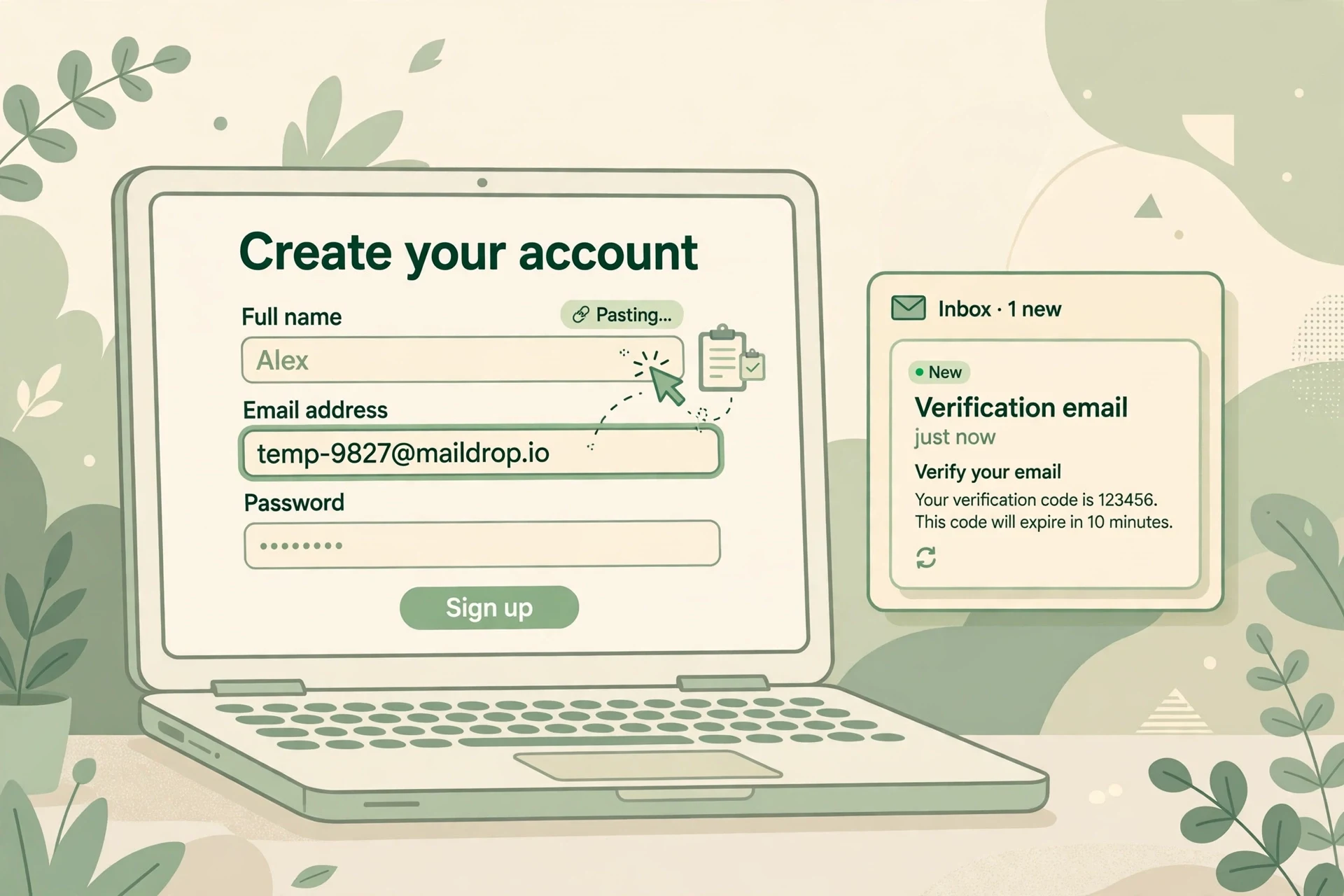
- Go to Grammarly's signup page and enter the temp address, a strong password you save in a password manager, and your name. Do not use a social login for this test account, because a social login ties the account to a real identity and defeats the point of the test.
- Watch the temp inbox for a confirmation or welcome message. If one arrives, open it and complete whatever it asks. If nothing arrives within a few minutes, check the inbox's spam or refresh behaviour before assuming failure; disposable inboxes sometimes delay the first message.
- Open the Editor and actually use it. Paste a real paragraph you have already written, not lorem ipsum. The free checks on grammar and spelling are the product; a test that never touches real writing tells you nothing.
- Before you close the tab, make the decision this guide exists to force: either this account is disposable and you will download anything worth keeping right now, or it is a keeper and you will switch it to a real email today, while the temp inbox still works.
Step five is where most people fail, because the temp inbox still works at that moment and the risk feels theoretical. It stops feeling theoretical the first time a password manager entry goes missing. Do the handover while it is boring, not after it becomes urgent.
Where Temp Mail Helps, and Where It Strands You
Temp mail is the right call when the account is genuinely an experiment. Trying the free plan for an afternoon, checking whether the browser extension annoys you, running one essay through the Editor before a deadline, or comparing Grammarly against another writing tool are all cases where the account's contents are worthless by design. You learn what you needed, you download anything you want to keep, and you walk away. Nothing is stranded because nothing was stored.
Temp mail is also reasonable for separating identities. A student who does not want course-related marketing following their personal inbox, or a freelancer testing the tool before recommending it to a client, has a legitimate reason to keep the trial at arm's length. The privacy gain is real: every signup hands a company your address, and addresses leak, get sold, and get scraped. A throwaway for a trial is not paranoia; it is basic inbox hygiene, the same instinct behind our guides on using temp mail for Loom signups and Airtable signups, where the account also tends to outlive the reason you made it.
Where temp mail strands you is anywhere the account accumulates value over time. A semester of essays in the Editor. A personal dictionary built across a year of writing. A free account you quietly upgrade to Pro six months later, tying payment to an inbox that expired in week one. An education or organisation account, which needs a real institutional email anyway and should never be built on a throwaway. And the worst case of all: the account you forgot was a throwaway. You signed up in a hurry, saved the password nowhere, and six months later the reset link goes to an inbox that no longer exists. Grammarly's rule for that case is not a warning; it is a verdict.
One more honest caveat. Disposable domains are sometimes rejected at signup, and acceptance can vary by domain and by day. If Grammarly refuses a particular temp address, that is the answer for that address, not a puzzle to brute-force with ten more domains. Our directory of sites that block temp mail explains the general pattern, and the same logic applies here: a rejection is information, not an invitation to keep trying until something slips through.
The Handover: Moving to a Real Email Before the Inbox Dies
If the trial convinced you and the account is worth keeping, move it to a real email while the temp inbox is still alive. This is a five-minute job, and doing it now is the entire difference between a smart trial and a future lockout.
First, add a recovery email. In your Grammarly Profile, look for the recovery email option, enter an address you actually control, and confirm it with the code that arrives within minutes. This alone rescues you from the worst case, because the recovery address becomes the way back in if the primary inbox dies.
Second, change the primary email itself. In the same Profile page, click Update next to Email. Grammarly may ask for a code sent to your current address, so do this with the temp inbox tab still open. Enter the new address, confirm it from the new inbox, and verify you can sign in with the new address before you close anything. Only after the new login works should you let the temp inbox expire.
Third, save the password properly. A password manager entry for the Grammarly account, under the new email, is what makes the recovery email a backup instead of the only plan. The combination that actually protects you is boring and complete: a real primary email, a confirmed recovery email, and a saved password. Any two of the three will usually save you. One of the three will not.
Frequently Asked Questions
Can I sign up for Grammarly with a temporary email?
For the standard email signup, yes, in principle: the form asks for an email address, a password, and a name, and a temp inbox can receive whatever confirmation Grammarly sends. Whether a specific disposable domain is accepted can vary, and if it is rejected, use a different approach rather than cycling through domains.
Does Grammarly's free plan expire?
No. Grammarly's support pages say you can use Grammarly Free for as long as you want and upgrade at any time. The free plan is not a seven-day trial with a clock; the clock that matters is the lifespan of the inbox you signed up with.
What happens if my temp inbox expires and I forget my Grammarly password?
For a free account, Grammarly's documented answer is that you will need to create a new account. Password resets go to the signup email, and changing the email requires a code from the current inbox. If you added a recovery email while the account was still accessible, use that route instead.
Should I add a recovery email to a temp-mail Grammarly account?
Yes, immediately, and it is the best single piece of advice in this guide. The recovery email is a second address you control, confirmed with a code that expires after about 15 minutes, and it is the way back in if the primary inbox dies. Add it on day one, not the day you need it.
Is it safe to keep important documents in a temp-mail Grammarly account?
No. The Editor is cloud-based, so documents live in the account. If the account becomes unrecoverable, the documents go with it. Download anything important, and move the account to a real email before the temp inbox expires.
Can I use temp mail for a Grammarly education or organisation account?
No, and you should not try. Education and organisation access is tied to an institutional email, and those accounts have their own joining and verification flows. Use the email your school or organisation gave you.
The Verdict
Use temp mail to audition Grammarly, not to live in it. The free plan is genuinely free and genuinely worth trying without handing over your real inbox, and a ten-minute test tells you everything you need about the product. But an account that holds your writing is worth exactly as much as your ability to get back into it, and Grammarly's own rules make that ability depend on the inbox. So test with the throwaway, decide the same day, and if the account is a keeper, hand it a real email and a recovery email while both are still easy to add. The draft you save is the one you can still open.
Need a disposable temporary email?
Protect your real inbox from spam and promotional clutter instantly and free.
Received a suspicious email, text, or charge alert?
Verify whether the sender domain is disposable, spoofed, or unverified before clicking links.