
Temp Email for Riverside Signup: the Email Door Opens — but Your Recordings Live in the Account, and the Free Plan May Already Be Gone
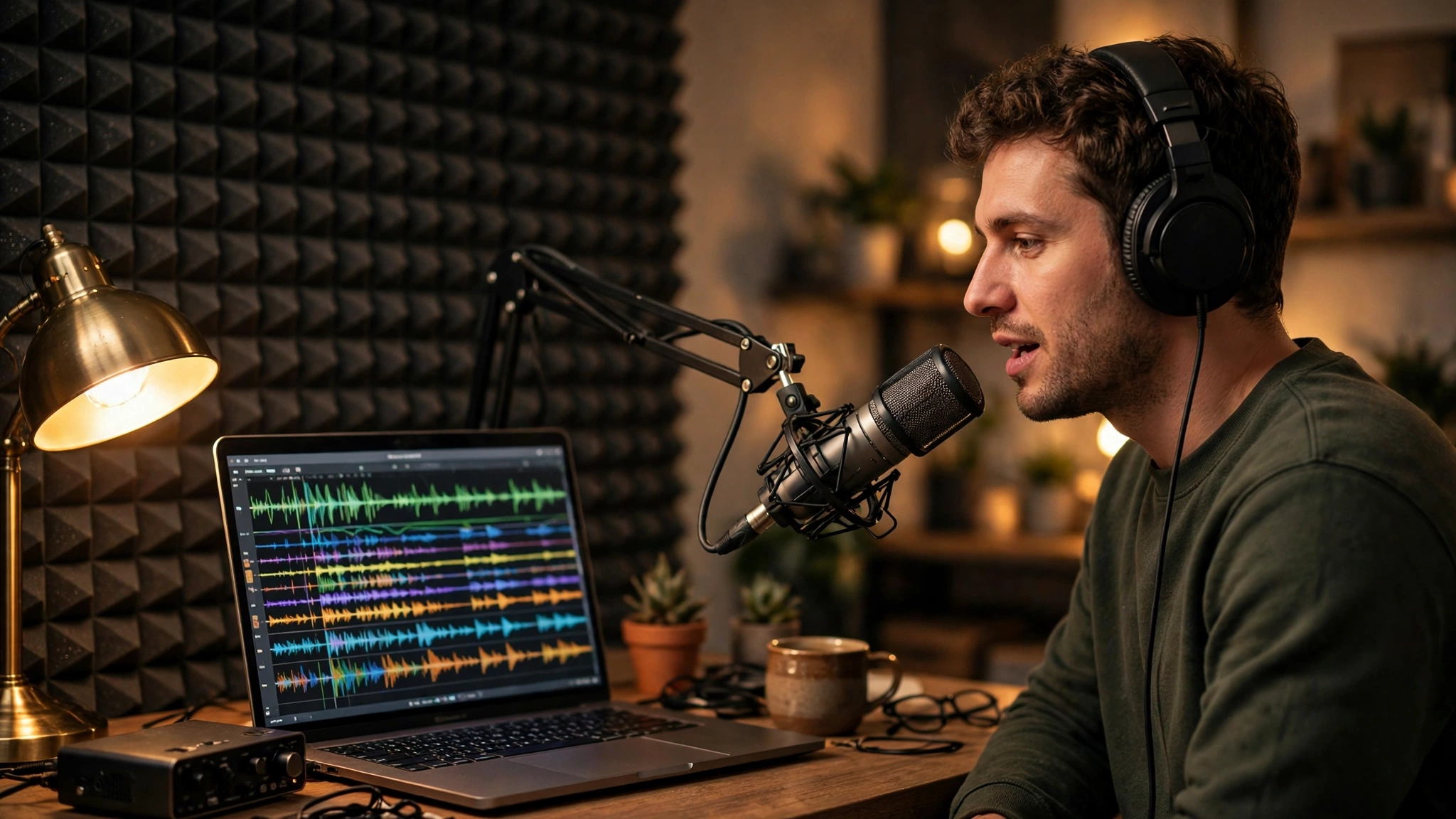
Riverside is not another chatbot with a signup form. It is a recording studio that lives in your browser: guests join from a link, every participant is recorded locally on their own device at up to 4K, and the separate tracks are the whole reason the tool exists. That changes the temp-email question completely. With a chatbot, losing the email means losing a chat history you can live without. With Riverside, losing the email can mean losing the only copy of a recording session — and Riverside's own terms say the platform is not a backup service.
So the honest answer to "can I sign up for Riverside with a temp email" is yes, with a warning attached: the door opens, but almost everything that matters about Riverside happens after the door, inside an account your recordings depend on. This post walks through what we actually verified — the signup flow, the verification email, the disputed free plan, the two-hour allowance, the 120-day deletion clock, and the clause that lets your voice train their models — and then gives a straight verdict on when a disposable inbox is the right call and when it is not.
The signup itself takes a temp email without a fight
Riverside's signup is ordinary: an email address and a password, or sign in with Google. There is no phone field on the form, no payment step for the free route, and no work-email gate of the kind Zapier puts in front of you. I found no published disposable-domain block for Riverside — no help-centre line refusing temp mail, no forum thread about a rejected domain, nothing in the signup flow's public documentation that names disposable addresses at all. That is not a guarantee; Riverside could still filter domains quietly, the way many services do without announcing it. But on the published record, the door is open.
What arrives after you submit is a verification email from notifications@riverside.fm with the subject "Verify your new email address," and a button inside that reads "Verify email address." Riverside's own help centre spells out what happens if you skip that step: while your account is unverified you can still use most of the platform, but four things are disabled — uploading files, sharing recordings, inviting guests to the studio, and adding media in the editor. Read that list again. Uploading, sharing, inviting guests: that is the entire job of a recording studio. An unverified Riverside account is a studio with the doors locked from the inside.
For a temp-email user this is the first real test. The verification mail has to land in an inbox you can still open, and you have to click it before you do anything useful. TempMailUSA inboxes receive that mail the same way they receive any other verification message — the address is a real, deliverable inbox — so the click itself is not the problem. The problem is what comes later, and it is bigger than verification.
The free plan is the part nobody can agree on
Here is where the research gets strange. Riverside's own blog said in September 2026 that the permanent free plan was replaced by a 14-day trial. One independent pricing tracker, writing 39 days ago, says the free plan still exists at $0 with no credit card: 720p video, a watermark on edited exports, and two hours of separate-track downloads as a one-off allowance. Another, which checked the live pricing page on November 24, 2026, says the page showed only the trial by November 17 and no free tier at all. Two sources read the same pricing page a week apart and came back with opposite answers.
I checked Riverside's live pricing page on November 28, 2026. The FAQ section confirms the paid tiers — Pro at $29 a month or $24 on annual billing, Grow at $39 or $34, Webinar at $99 or $79 — and the separate-track download caps: 15 hours a month on Pro, 20 on Grow, 25 on Webinar. It does not settle the free-plan question in the text I could read. So the honest position is this: do not plan a show around a free plan that may not exist when you arrive. The thing you can count on is the 14-day trial of Pro, Grow, or Webinar — and that trial takes a credit card and bills automatically on day 15 unless you cancel. A trial that needs a card is not a free plan, and a temp email does nothing to change that. If you sign up to test Riverside, assume the trial is the deal, set a calendar reminder for day 13, and treat anything free as a bonus that might not be there.
Two hours, once, is the real free tier
Suppose the free plan is there when you sign up. What it gives you is still shaped like a trial. The headline number is two hours of separate-track recording — not per month, once, ever. Riverside records every participant locally and uploads the tracks as the session runs, which is why the quality survives a bad connection, and the separate tracks are the product. Two hours covers one or two episodes of a short show and then it is gone. Single-track recording and editing are unlimited, video calls are unlimited, the text-based editor works, captions are on, and the AI cleanup tools — removing pauses and filler words, Smart Mute, Smart Layouts — come along. Magic Clips, the tool that cuts short clips from a long recording, is on the free plan too.
The caps sit on output quality. Free records at 720p and 44.1 kHz audio; 1080p, 4K, and 48 kHz start at Pro. Edited video exports carry a small "Created with Riverside" mark, and edited audio exports open with a short "Powered by Riverside" intro. The raw separate tracks download clean, without the mark — which is the escape hatch if you only need the recordings and plan to edit elsewhere. But the watermark has a practical cost beyond pride: watermarked clips cannot be published to TikTok, which is exactly where most podcasters want their clips to go.
The AI side has its own meter. AI Credits power AI Translation, AI B-Roll, and Animated Clips; Pro starts with 400 free credits, and you buy more when they run out. The core AI features — Magic Clips, Magic Audio, and the AI Co-Creator — do not need credits. None of this is hidden; it is all on the pricing page. The point is that the free tier is a tasting menu, not a studio, and a temp-email signup does not change any of those numbers.
The 120-day clock is the reason a temp email can cost you the show
This is the part of the post that matters most, and it has nothing to do with signup. Riverside's Inactive Account Policy says an account is inactive when its owner cancels or terminates a subscription and it has not been restored for at least 120 consecutive days. At that point Riverside deletes the account and its content. The policy applies to free plans — and a cancelled paid plan becomes a free plan, so the clock starts for ex-Pro users too. Logging in, recording, sharing, or exporting resets the clock. Reading Riverside's emails does not count as activity. Neither does joining someone else's studio as a logged-out guest.

A real user learned this the hard way in November 2026: after cancelling a Pro yearly subscription, she received an email confirming she was on the free plan and that her account and files would be deleted after 120 days of inactivity unless she logged in. Her post about it, dated November 25, 2026, includes the email itself. It is the policy working exactly as written, and it is the strongest argument in this whole series for thinking twice before attaching a disposable inbox to a tool that stores your work.
Follow the chain. You sign up with a temp email, record two episodes, export one, and drift away for four months. The inbox that received the verification mail is long gone — TempMailUSA inboxes are temporary by design — so you cannot reset the password, cannot receive the warning, and cannot prove the account is yours. On day 120 Riverside deletes the account and the recordings with it. The terms are blunt about whose problem that is: the platform "is not intended to be used as storage, backup or archiving services," it is your responsibility to back up your content, and Riverside does not screen content and is not responsible for lost or unrecoverable material. The separate-track downloads are your only real copy, and on the free plan you get two hours of them, once.
Compare that with the Otter.ai post in this series, where the risk was a notetaker recording people who never consented, or the VEED post, where the watermark stayed on every free export. Riverside's risk is quieter and worse: nothing goes wrong on day one. Everything goes wrong on day 120, silently, while you are not looking.
Your voice may train their models
There is one more clause worth reading before you hand Riverside a recording. Section 6.1 of Riverside's terms, last updated October 5, 2026, grants the company a license to use your content — including recorded audio and video — for "training, testing, developing, and improving Riverside's artificial intelligence and machine learning models, algorithms, and related technologies." The same section licenses your recordings to unnamed third parties providing AI tools. There is no opt-out in the terms, and the license survives termination of the account. Riverside can also change the terms with five days' notice by posting an update.
I am not saying you should refuse those terms; nearly every AI tool in this series has a version of them, and Riverside's product genuinely needs audio to build features like Magic Audio. But a podcaster's voice is not a chatbot prompt. It is the asset the whole show is built on, and the terms treat it as training data by default. If that bothers you, the answer is not a temp email — the email address has nothing to do with it. The answer is to read the terms before you record anything you would not want inside a model, and to keep your masters outside Riverside no matter which email you signed up with.
The verdict: test with temp mail, build with an address you keep
Here is the line I would draw. A temp email is the right tool for a one-off Riverside test: you want to record a single trial episode, check whether the local recording actually sounds better than a Zoom call, see if the text-based editor clicks for you, and walk away. Sign up with a disposable inbox, verify it the same minute, record, download the separate tracks immediately — those two hours are one-shot, so spend them on something real — and then export everything before you close the tab. That is a legitimate use, and it is exactly what a disposable inbox is for.
A temp email is the wrong tool for a show. The moment Riverside holds recordings you would miss, the account needs an email you will still control in four months, a password you can reset, and a login you will actually use often enough to keep the 120-day clock from running out. The 30-day signup experiment we ran across this series kept coming back to the same finding: the signup is the easy part, and the recovery is the part that bites. Riverside's version of the bite is deletion, not a locked door, which makes it easier to miss and harder to undo.
If you do use a temp email, do these four things and the risk stays small. Verify the account the same day — an unverified account cannot share a recording or invite a guest, which is the whole point of being there. Download the separate tracks before the two-hour allowance runs out, because the raw tracks are the only watermark-free copy you get. Keep a second copy outside Riverside the same day, because the terms say plainly that the platform is not your backup. And if the show survives the test, move the account to an address you own before you record episode three — changing the account email is a settings change, not a new signup, and it is the cheapest insurance in this post.
Frequently asked questions
Does Riverside accept temp email for signup? I found no published disposable-domain block for Riverside, and signup takes any email address plus a password, or a Google account. The verification email comes from notifications@riverside.fm. That is the published record; a quiet filter could still exist, but nothing in Riverside's own documentation names one.
Is Riverside still free? Maybe, and do not count on it. Riverside's blog said in September 2026 that the free plan was replaced by a 14-day trial, one tracker says the $0 plan still exists, and another says the pricing page stopped listing it by November 17. The 14-day trial of Pro, Grow, or Webinar is the offer you can verify, and it needs a credit card and bills on day 15 unless you cancel.
What does the free plan actually include? On the most generous reading: unlimited single-track recording and editing, text-based editing, captions, AI cleanup tools, and Magic Clips — with video capped at 720p, a watermark on edited exports, and two hours of separate-track downloads as a one-off allowance, not a monthly one.
What happens if I don't log in for four months? Riverside's Inactive Account Policy deletes free accounts — and cancelled paid accounts, which become free — after 120 consecutive days of inactivity, along with their content. Reading Riverside's emails does not count as activity; logging in, recording, sharing, or exporting does.
Can guests join without an account? Yes. Guests join from a studio link with no account and no install, which is why the temp-email question only really matters for the host. The host's account is the one holding the recordings.
Does Riverside use my recordings to train AI? Its terms, updated October 5, 2026, license your recorded audio and video for training, testing, and improving Riverside's AI models, and share them with third-party AI providers. There is no opt-out in the terms, and the license survives account termination.
Need a disposable temporary email?
Protect your real inbox from spam and promotional clutter instantly and free.
Received a suspicious email, text, or charge alert?
Verify whether the sender domain is disposable, spoofed, or unverified before clicking links.