

Temp Email for CapCut Signup: You Can Edit Without an Account — Until the Cloud Owns Your Project
Every post in this series has started at a locked door. ChatGPT, Poe, Character.AI, Hugging Face — each one makes you hand over an email before it lets you in, and the whole question has been whether a disposable address opens that door or bounces off it. CapCut breaks the pattern, and that is what makes it worth a post of its own. CapCut is the first tool I have covered where the signup question is optional. You can open the app, import clips, cut them together, and export a finished video without ever creating an account. The email is not the price of admission. It is the price of everything that happens after the edit.
That changes the temp-email question from "will it work?" to "what exactly am I buying with it?" And the honest answer is stranger than the usual yes-with-caveats: a disposable address gets you a working CapCut account in about a minute, and then it quietly makes that account worth less than the free editing you could have done without signing in at all.
The edit button works before the account exists
Start with the part nobody believes until they try it. Download CapCut on your phone, open it, import a clip, trim it, add a transition, and export. No email field appears. No verification code. No account wall between you and the timeline. The same is broadly true on desktop and on the web editor: the basic cutting tools work for a visitor. CapCut's own guides and the independent walkthroughs I read all agree on this, and it is the single biggest difference between CapCut and every chatbot in this series, where the account is the product.
What the visitor version does not give you is the reason most people open CapCut in the first place. Auto-captions, background removal, text-to-speech, and the AI clip maker all run on CapCut's servers, and they all require you to be signed in. Templates live behind the account too, and so does anything that has to follow you from your phone to your laptop. The free account is not a toll booth on the edit. It is the key to the server-side features, and the moment you want captions generated or a template applied, the app stops and asks who you are.
My opinion, stated early so you can argue with it: this is the healthiest signup design in the series. A tool that lets you test the core experience before asking for an email has earned the right to ask for one. The problem is not the ask. The problem is what the account is worth once a disposable address is holding it up — and that is where the rest of this post lives.
The email door is real — but it is not on every screen
CapCut offers five ways in: email, Google, TikTok, Facebook, and Apple ID, with the exact list varying by device and country. The email path is the one that matters here, and it is as plain as signup gets. On the web editor or the mobile app, choose email, type the address, set a password of at least eight characters, and CapCut sends a six-digit verification code to that inbox. Enter the code and the account exists. No phone number is required on the email path. No card. No waiting list.
Does a disposable address pass that check? I found no published test showing CapCut blocking temp domains, and no blocklist CapCut has ever published. The strongest evidence I found is not a claim but a recording: a screen-recorded demo posted in May 2026 walks through the whole flow with a temp-mail app — disposable address copied into CapCut's signup form, password set, birthdate entered, verification code retrieved from the temp inbox, account created, then the same account signed into the mobile app. It works end to end, on camera, with no tricks. That is the absence of a block plus a positive demonstration, and I will not dress it up as more than that: domains can be refused without warning, and if your first address bounces, switch domains once and stop there. The general rule from our temp mail vs email aliases piece applies — a relay alias sails through gates that a disposable domain bounces off, because it forwards to a real inbox someone actually reads.
Here is the wrinkle that catches people, and it is specific to CapCut. The email option is not offered everywhere. The web editor lists email alongside Google, TikTok, Facebook, and QR code. The mobile app lists it too. The desktop app does not: its sign-in screen offers Google, TikTok, Facebook, and QR code, with no direct email registration. If you create the account with a temp email on your phone and then open CapCut on your computer, you sign in by scanning a QR code with the already-signed-in mobile app. That works fine — but it means the disposable address has to be created on web or mobile first, and it means the recovery path for the desktop session runs through the phone session, which runs through an inbox that expires. Keep that chain in mind, because the next section is about what happens when it breaks.
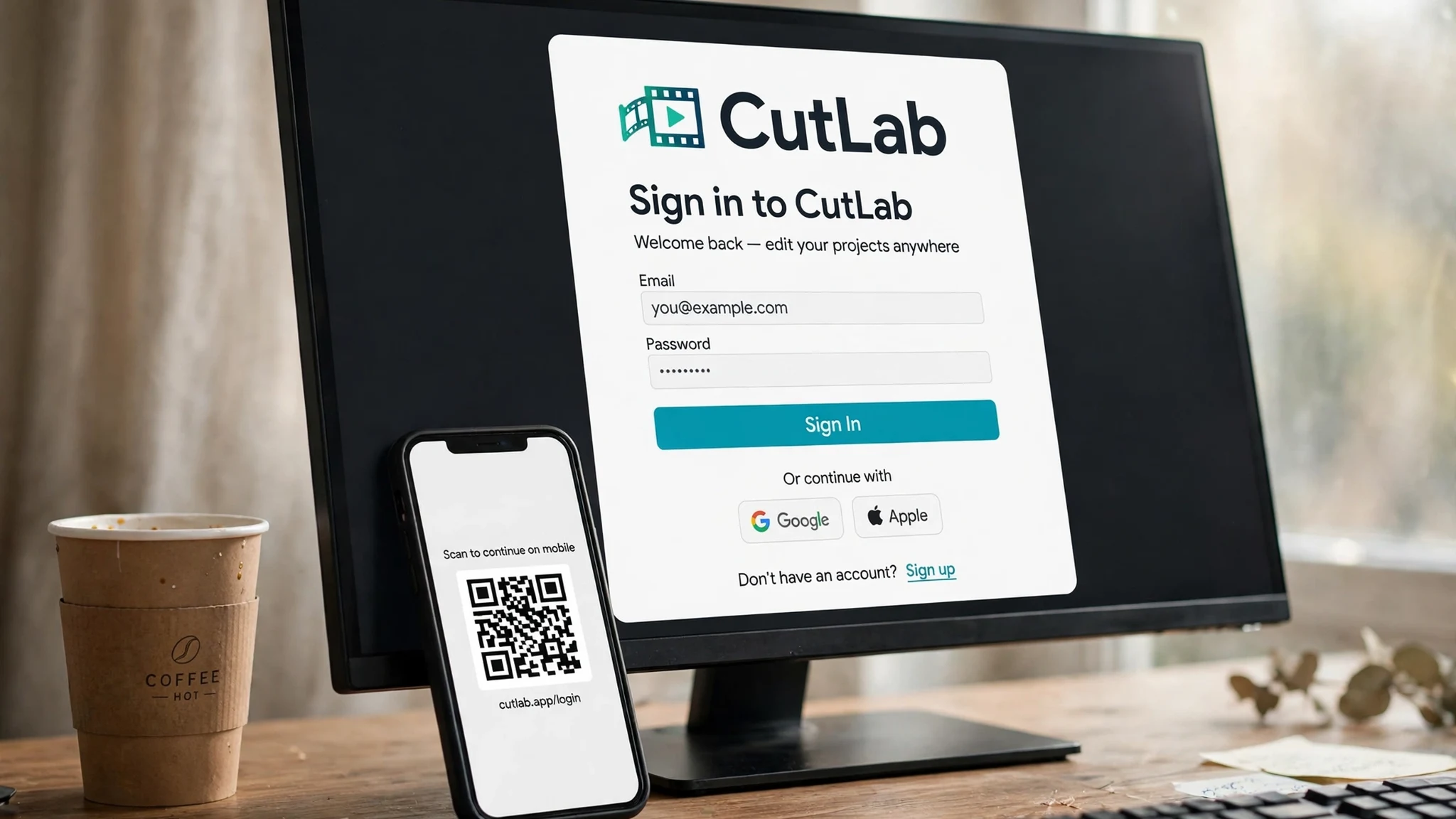
There is also a small, practical detail worth knowing before you start. CapCut advises using the same sign-in method every time you return, and the sign-in screen doubles as the account-creation screen: if the address has never been used with CapCut before, signing in with it creates the account automatically. That is convenient right up until it is not — type a different address by mistake and you have created a second, empty account instead of opening the one with your projects in it. With a disposable address you cannot afford that mistake, because the first account's password reset goes to an inbox that may already be gone.
Free cloud storage is zero, and that is the whole story
This is the section that decides the post. CapCut's free tier used to include 1 GB of cloud storage. That was discontinued in August 2024. Then, from March 2026, new Spaces — CapCut's name for cloud project spaces — get zero free cloud storage. A free account in 2026 cannot back its projects up to the cloud at all. Your projects live on the device you made them on, and uninstalling the app deletes local-only drafts. One pricing review I read put it bluntly: free cloud storage is 0 GB, so a free account cannot back projects up to the cloud at all.
Read that next to the temp-email question and the picture sharpens. With Hugging Face, the free tier's best perk was time-gated behind a 30-day-old account, which made a disposable address the wrong foundation. With CapCut, the trap is different and, for a casual editor, worse: there is no cloud copy to lose, so the account feels disposable — until the day your phone dies, or you switch phones, or you uninstall the app to free space, and the project you spent an evening on is simply gone. The account was the only bridge between your devices, and the bridge was held up by an email address that expired in an hour.
The paid tiers fix the storage problem and create a new one. Pro includes about 1 TB of cloud storage, which means your projects finally sync — and finally live on ByteDance's servers, attached to an account whose recovery email is a dead inbox. Forget the password on a Pro account tied to a temp address and there is no reset link coming, because there is no inbox to send it to. The password is not the only credential either: if you signed in with Google or TikTok instead, the recovery runs through that account, which is a different kind of durable — but the email path has no such backstop. This is the same line the series draws everywhere, in CapCut's own shape: disposable for the trial, durable for anything you would miss.
There is one more quiet consequence. CapCut's premium templates and effects are the reason many people sign up at all, and a Pro-marked asset in a project ties that project to the Pro account. Open the same project on a free account and the asset locks or watermarks the export. So a project built with a temp-email Pro trial does not just lose its cloud copy when the trial ends — it loses pieces of itself. If you are going to test Pro, test it on an address you will still own when the trial ends.
The money: Pro is $19.99, and the trial asks for no card
The pricing is simple enough to state, and the numbers have been stable across the checks I read in November 2026. Free is $0: basic editing tools, free templates, exports up to 1080p. Pro is $19.99 a month or $179.99 a year, and it buys 1,200 AI credits a month, all premium templates, the full AI toolkit, 4K export, and about 1 TB of cloud storage. Ultra is $79 a month or $900 a year, and it raises the AI credits to 8,645 a month. Teams is $12.49 per seat per month. CapCut itself notes that displayed prices are for reference only and that the final price appears after sign-in, varying by region, device, and account — and buying through the iOS or Google Play store commonly costs more than buying through the website or desktop app, so the website price is the one to trust.
Two things about that table are worth pausing on. The first is the price history: the annual Pro plan went from about $77.99 to $179.99 in February 2026, more than doubling in one move. That is not a complaint — it is a warning that the price you sign up at is not a promise. A subscription attached to a dead inbox cannot warn you about the renewal, and CapCut's own pricing note says the final price shows only after sign-in, which means the renewal notice is the only place the new price appears. If that notice goes to a temp inbox, you find out about the increase on your card statement.
The second is the trial, which is genuinely unusual. New users can start a 7-day free trial of CapCut Pro with no credit card required. Read that again: no card. Most free trials in this series are card-gated, and the card is what makes the temp email irrelevant — the billing relationship needs a real identity. CapCut's trial does not. A temp email genuinely gets you seven days of Pro: the AI credits, the premium templates, the 4K export, the 1 TB of storage. That is the most generous disposable-address trial I have covered, and it is also the most dangerous one, because seven days of Pro is exactly long enough to build projects that depend on Pro assets and cloud storage, and then the trial ends and the account's email is already dead. Use the trial. Just use it on an address that will still exist on day eight.
January 2025: the two days CapCut vanished
There is a real incident behind the account advice, and it is worth knowing before you decide what to attach to a CapCut account. In January 2025, CapCut went dark in the United States for about two days, alongside TikTok. Both are owned by ByteDance, both were caught by the same law, and both came back — CapCut returned around January 21, 2025, and has been available in the US ever since. The outage was short, it was political rather than technical, and nobody's account was deleted. I am not going to pretend it was a data loss event, because it was not one.
What it proved is narrower and fully documented: your CapCut account, your cloud projects, and your Pro subscription all live on ByteDance's servers, under ByteDance's legal exposure, in a way that a locally edited video does not. The local edit on your phone kept working through the blackout — nothing about the outage touched files already on a device. The account did not. A temp email adds a second single point of failure to that same chain: the company can go dark, and your inbox can expire, and either one alone strands the account. Neither failure is likely on any given day. Stacking them is a choice, and it is worth noticing that you are making it.
Compare that with ChatGPT, where the account is the product: your chats, your history, your subscription all live inside it, and a dead inbox strands all of it at once. CapCut is kinder than that, because the editing works without the account. It is also easier to underestimate, because the account feels optional right up until the day it is the only copy of your work.
The verdict: edit free, sign up on something durable
Here is my opinion, stated plainly. Use a temp email for CapCut if what you want is a look at the server-side features with no commitment: auto-captions, background removal, a few premium templates, the seven-day Pro trial with no card. The signup is genuinely easy — email, password, six-digit code, no phone, no card — and I have found no evidence of a disposable-domain block, plus a recorded demo of it working end to end. The account costs you nothing but the afternoon, and a disposable address means the experiment leaves no permanent account trailing you.
But do not build anything on that account. Do not cut a project you care about under an address that expires, do not start the Pro trial on it, and do not let your only copy of a project live in a cloud space attached to it. The free tier has no cloud storage to lose and no cloud storage to save you, the desktop app will not even let you create the account by email, the trial is generous enough to build real dependencies in seven days, and the company behind the account has already vanished from the US once, for two days, with no warning. A disposable address is the wrong foundation for a project library.
CapCut has one quality that makes this advice easier to follow than on almost any other service in this series: the editing works without the account. You do not need a throwaway address to test the editor — you need no address at all. Sign up only when you want something the account gives you, and when you do, give it an address that will still exist next year. An alias that forwards to your real inbox is the best compromise, since it keeps the privacy separation without the recovery risk. The temp inbox is a test-drive key for a car you can already drive without one. The moment the account holds something you would miss — a project, a template library, a subscription — give it an address that will still exist next year.
Frequently asked questions
Can I sign up for CapCut with a temp email?
Yes, as far as the evidence goes. Signup on the web editor or the mobile app asks for an email address and a password, then sends a six-digit verification code — no phone number and no card. I found no published test showing CapCut blocking disposable domains, and a screen-recorded demo from May 2026 shows the full flow working with a temp-mail app. That is not a guarantee: there is no published domain policy, and a domain that passes this week can be refused next week.
Do I need a CapCut account at all?
No, for basic editing. You can open CapCut, import clips, cut them together, and export without signing in. You need an account for the server-side features — auto-captions, background removal, text-to-speech, the AI clip maker — and for templates, cross-device sync, and anything Pro. If you only want to trim one quick clip, you may not need an account.
Why can't I sign up with email on CapCut desktop?
The desktop app's sign-in screen lists Google, TikTok, Facebook, and QR code, with no direct email registration. Create the account on the web editor or the mobile app, where email signup is offered, then sign in on desktop by scanning the QR code with the already-signed-in mobile app. CapCut advises using the same sign-in method every time you return.
How much does CapCut cost?
The free tier is $0: basic editing tools, free templates, exports up to 1080p, and no cloud storage. Pro is $19.99 a month or $179.99 a year, with 1,200 AI credits a month, all premium templates, the full AI toolkit, 4K export, and about 1 TB of cloud storage. Ultra is $79 a month or $900 a year with 8,645 AI credits. Teams is $12.49 per seat per month. New users get a 7-day Pro trial with no credit card required.
What happens to my projects if my temp email expires?
Free projects live only on the device you made them on, because the free tier has no cloud storage — the 1 GB allowance was discontinued in August 2024, and new Spaces get zero free storage. Uninstalling the app deletes local-only drafts. A password reset goes to the registered email, so an expired temp inbox means no recovery. Move anything you care about to an account with a durable address before the inbox expires.
Did CapCut really go offline in the US?
Yes. In January 2025, CapCut went dark in the United States for about two days, alongside TikTok — both are owned by ByteDance and were caught by the same law. CapCut returned around January 21, 2025, and has been available in the US since. No accounts were deleted, but the outage showed that the account, the cloud projects, and the subscription all live on ByteDance's servers, while locally edited video on your own device kept working.
Need a disposable temporary email?
Protect your real inbox from spam and promotional clutter instantly and free.
Received a suspicious email, text, or charge alert?
Verify whether the sender domain is disposable, spoofed, or unverified before clicking links.