

Temp Email for Food Delivery Promos: Catch Every First-Order Deal Without the Coupon Avalanche
I ordered from a new delivery app exactly once, because the first-order deal was good and I was hungry. That was eight months ago. The app has emailed me 11 times since about deals I never asked for, "we miss you" offers, a subscription pitch, and a survey about an order I barely remember. I have not opened the app since. The app has not stopped talking to me.
That is the deal with food delivery promos. The discount is real, and so is the aftermath. Every app in this business — DoorDash, Uber Eats, Grubhub, and the grocery arms attached to them — runs on the same loop: buy your first order with a deal, then keep your email warm until you order again. A temporary email lets you take the first half of that bargain and decline the second. But the split has to be drawn in the right place, because a delivery account is not a newsletter signup. It holds your address, your payment method, and your refunds. Get the split wrong and you save a few dollars on dinner and lose the ability to get a missing order refunded.
The promo economy: why delivery apps want your email more than your order
Delivery apps lose money acquiring customers. That is not speculation; it is the structure of the business. A first order at a discount, sometimes with free delivery, costs the app more than it makes. The app pays it anyway, because the bet is that you will order again at full price, and then again, and eventually subscribe to a membership like DashPass or Uber One, which run around $9.99 a month and trade free delivery for a recurring charge.
Email is the cheapest tool in that bet. A push notification can be swiped away and an in-app banner only reaches you while you are already in the app. An email sits in your inbox until you open it, and it costs the app almost nothing to send. So the first-order deal is not really a gift. It is the price of your address, and the address is what the retention machine runs on.
This is why the promo mail never stops. Win-back offers, "your favorites are waiting" nudges, member-exclusive deals, partner restaurant spotlights — each one is a cheap lottery ticket for your next order. None of it is evil. All of it is designed to work, which is exactly why it should not live in the inbox where your bank and your boss also live.
Promo alerts vs. the ordering account: the split that matters
Here is the distinction the whole post turns on. A delivery app has two relationships with your email, and they should not share an address.
The first relationship is marketing: promo codes, deal alerts, new-restaurant announcements, win-back offers. That relationship deserves a temporary address. You want the codes, you do not want the drip, and nothing is lost when the address expires because a promo code is not an asset you keep.
The second relationship is the ordering account: your delivery address, your payment method, your order history, your refunds, and your support conversations. That relationship needs your real address, or at minimum an alias you control long-term. When an order goes wrong — wrong items, missing items, a charge that does not match — the refund conversation happens through the account's email. If that inbox expired last month, you are arguing with support as a stranger.
So the rule is simple to state and easy to mess up: promos on temp, orders on real. Sign up for the app's marketing with a temporary address at TempMailUSA. Keep the account you actually order from on an address you will still own when something goes wrong. If the app forces one address for both — and most do — then the ordering account wins, and you manage the marketing with filters and unsubscribe instead. A temp address is a tool, not a skeleton key, and forcing it where the app requires stability is how people lose refunds.
One address per app, or one for all of them?
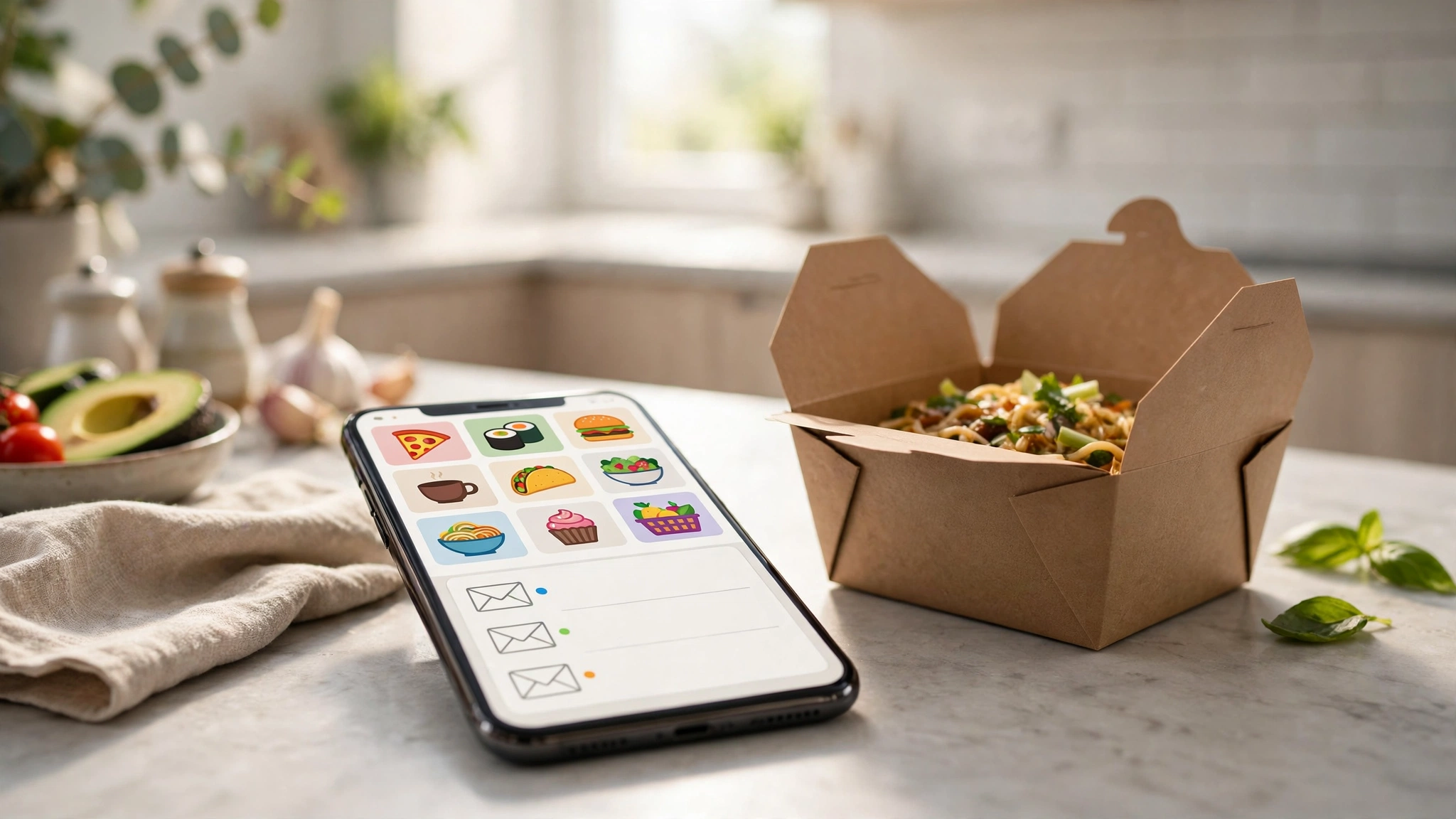
My opinion: one temp address for all your delivery promos, unless you are actively comparing two apps head to head.
The case for a single promo address is that delivery deals are a comparison exercise. You want DoorDash's Tuesday offer sitting next to Uber Eats' Thursday offer so you can pick the better one on the night you actually order. Splitting them across addresses means you will check one, forget the other, and order at full price from the app whose deal you missed.
The case for splitting is narrower: if you are testing a new app for a month while keeping your regular one, give the new app its own address. If the test fails, you burn one address and the rest of your promo mail is untouched. The same applies if one app's marketing turns aggressive — and some do, with near-daily sends — because quarantining the noisy app costs you nothing.
What I would not do is generate a fresh address per promo code. Promo codes expire in days, and the address that received the code is useless once the code is used. A single promo inbox, checked when you are deciding what to eat, is the whole system. Anything more elaborate is admin disguised as strategy.
The one line you do not cross: farming first-order deals
This needs to be said plainly, because temp mail makes it technically easy and that ease is a trap. Creating repeated accounts with fresh temp addresses to re-claim first-order deals is not clever inbox management. It is promo abuse, it violates the apps' terms, and it gets accounts banned — sometimes with payment methods and addresses attached to the ban.
The apps are explicit about this in their terms, even when the marketing is not: first-order offers are typically one per customer, and often one per household for subscription trials. DoorDash's own help pages describe first-order promos as limited per customer, and most apps enforce it by more than email — device, payment method, and delivery address all count. A temp address does not make you a new customer. It makes you a banned one with a missing refund.
The honest line is easy to hold: use temp mail to receive and manage legitimate promos for accounts you genuinely hold. Never use it to manufacture new-customer status you do not have. The same boundary applies to free trials generally, and the general honest rules for temp email free trials cover the cases where a trial later bills you — a situation where a temp address is actively dangerous, because the "your card is about to be charged" warning goes nowhere. If you are unsure whether a use crosses from management into abuse, the guide to whether temp mail is legal draws the line in plain terms: managing your own inbox is fine, deceiving a platform is not.
Where the deals actually live
Not all delivery promos arrive by email, and knowing where each kind lives saves you from checking the wrong place.
First-order deals live in the app itself, at signup, and they usually apply automatically or through a code shown at checkout. You do not need an email address to find them; you need to read the offer on the signup screen on the day, because the terms change constantly — caps, minimums, expiry windows, and exclusions like alcohol all vary by offer and by city. Any blog post that quotes a specific promo amount without a date, including this one, should be treated as a snapshot, not a promise.
Email promos are the second wave: win-back offers after a quiet month, member-exclusive deals, and seasonal pushes. These are the ones that belong in your temp promo inbox, because they are recurring, they are frequent, and their value is in being available when you want them, not in being read the moment they arrive.
The third kind lives outside both: affiliate and coupon sites that republish codes, some working, some dead. Treat those as leads, not facts. A code that worked for someone in another city last week may not work for you tonight, and a code pasted on a coupon site may have already hit its redemption cap. If a code fails at checkout, the app's own offers section is the source of truth, not the coupon site.
One more practical note: most apps allow only one promo code per order. Stacking is not a thing here, whatever a coupon site implies. Pick the single best code for the order in front of you and move on.
The refund problem: why your ordering account needs a real address
This is the part people skip, and it is the part that costs real money. A delivery order is a financial transaction with a failure rate. Items go missing, orders arrive wrong, restaurants cancel after charging, and drivers mark orders delivered that never arrived. Every one of those situations resolves through the account's email: the refund confirmation, the support thread, the credit to your account.
If that account sits on a temp address that expired, you have three bad options: create a new account and lose the order history that proves what happened, argue with support without access to the original confirmation, or give up on the refund. None of those is worth the promo mail you avoided.
The rule from the earlier section applies with full force here: the account that pays is the account that stays. Promos on temp, orders on real, and if an app ties the two together, the ordering account wins and you handle the marketing with filters. If you are ever unsure whether a situation belongs in the temp bucket at all, the guide to when NOT to use a temporary email draws the full boundary: money, identity, and anything you must recover later all need a real address. A delivery account is all three.
There is one exception worth naming. If you are trying an app for the very first time and have not decided whether to keep it, a temp address for the trial account is reasonable — as long as you have not paid for a subscription and have not placed an order you might need refunded. The moment either of those becomes true, migrate the account to your real address before the next order. That migration takes two minutes and it is the difference between a refund and a support ticket from a stranger.
The weekly promo routine

Put together, the routine that actually works takes about five minutes a week:
- Keep one temp address for delivery promos across all apps, and point every app's marketing at it.
- Check that inbox once, when you are planning the week's meals or deciding on a Friday order — not every time a notification lands. Promo mail is a catalog, not a conversation.
- Compare the live offers across apps for the order you are actually placing, and use the single best code. Ignore the rest.
- Place the order from your real-address account, and keep the confirmation there.
- If a promo code fails at checkout, check the app's own offers section before trying a code from a coupon site.
- When a subscription trial ends, decide before the renewal date — the renewal warning goes to the account address, so make sure that address is one you actually read. The honest rules for free trials apply here in full: a trial on a temp address is a bill you will not see coming.
- When you stop using an app, let the promo address for it lapse or unsubscribe once. Do not keep paying attention to an app you left; that attention is the product.
The discipline is not complicated, but it has a specific shape: promos are checked on your schedule, not the app's. The moment you start checking promo mail the way you check messages from people, the app has won the retention game, and no temp address will save you from that.
FAQ
Can I use a temp email to sign up for DoorDash or Uber Eats?
For marketing and promo alerts, yes. For the account you order and pay from, no — that account needs an address you control long-term, because refunds, receipts, and support all route through it. If the app requires one address for both, the ordering account wins.
Will a temp email get me extra first-order deals?
No, and trying is a bad idea. First-order offers are typically one per customer, enforced by more than email — device, payment method, and delivery address all count. Repeated accounts to re-claim new-customer deals violate the apps' terms and risk a ban.
Do delivery promo codes expire?
Almost always, and quickly. Most codes carry an expiry window, a minimum order, and exclusions, and the terms vary by city and by offer. Check the offer in the app on the day you order rather than trusting any quoted amount, including any in this post.
Can I stack multiple promo codes on one delivery order?
Generally no. Most apps allow one promo code per order. Pick the best one for the order in front of you.
What happens to my promos if my temp inbox expires?
The promos die with the inbox, which is the point. Promo codes are not assets you keep. But if an ordering account sits on that address, the refunds and receipts die too — which is why ordering accounts never live on temp addresses.
Is using a temp email for delivery promos against the rules?
Managing your own promo mail is ordinary inbox management. What crosses the line is manufacturing new-customer status with fresh addresses to re-claim first-order deals. The first is fine. The second gets accounts banned.
Bottom line
Food delivery apps sell you dinner at a discount and buy your attention with the change. Take the discount, keep the attention. One temp address for all the promo mail, checked on your schedule when you are actually deciding what to eat. One real address for the account that pays, holds your refunds, and answers support. And one line you do not cross: temp mail manages the promos you legitimately receive, it does not manufacture the new-customer deals you do not. That split — promos on temp, orders on real, honesty about which is which — is the whole system, and it is the only version of it that saves you money without ever costing you a refund.
Need a disposable temporary email?
Protect your real inbox from spam and promotional clutter instantly and free.
Received a suspicious email, text, or charge alert?
Verify whether the sender domain is disposable, spoofed, or unverified before clicking links.