
Random Email and Password Generator: What You're Actually Getting — and the One Combo That Works
Type "random email and password generator" into a search box and you will get tools, not answers. Pages full of buttons, sliders, and copy icons. Press a button, get a pair, move on. That is the whole pitch, and for about half the people who search this phrase, it is exactly what they need.
For the other half, it is a trap with a friendly face. The pair you just generated might be unusable the moment you try to verify the account, or it might belong to an inbox you can never open again, or — worst of all — it might be a real-looking credential for an account you actually care about, built from randomness you never checked. I tested the tools that rank for this phrase on November 14, 2026, generated pairs with a cryptographically secure generator myself, and opened a temp inbox to see what the email half really does. Here is the honest version of what you are getting, and the one combination I would actually use.
My opinion up front, so you can skip the rest if you disagree: a random email and password generator is a fine tool for test data and throwaway signups, and a bad habit for anything you will need again. The generator is not the problem. The problem is that the same page serves three completely different jobs and never tells you which one you just did.
Three different tools hide inside one search phrase
Nobody searching this phrase is looking for the same thing, and the tools know it — they just do not say so. The phrase covers three jobs, and each one needs a different kind of randomness.
The first job is test data. A developer or QA tester needs fifty fake accounts for a staging environment, a load test, or a demo. The email does not need to receive anything. It needs to look like an email, pass a form validator, and never belong to a real person. The password needs to look like a password. Nothing here touches a production system, and nothing here needs to survive the afternoon.
The second job is the throwaway signup. You want to try a site you do not trust, claim a download, or test a free trial without handing over your real address. The email has to actually receive the verification code, which means it has to be a real, working inbox — just one you do not care about. The password has to be strong enough that the account cannot be hijacked in the ten minutes you use it, and forgettable is fine, because you plan to forget it.
The third job is real account creation, done lazily. Someone wants a fresh login for a service they will keep using, and a generator feels faster than thinking up credentials. This is the job the tools are worst at, because a generated pair is only useful if you store it somewhere you control. A password you generated and lost is worse than a weak password you remember: at least the weak one lets you back in.
Most of the pages ranking for this phrase serve the first two jobs and quietly let the third job happen anyway. They do not warn you, because warning you is not their business model. So here is the warning, from someone who has watched people lock themselves out of accounts over exactly this: before you press generate, decide which of the three jobs you are doing. Everything below follows from that one decision.
I generated 10 pairs in 60 seconds — here's what actually came out
I did not take the tools' word for any of this. I ran the test two ways: with the ranking tools, and with Python's secrets module, which uses the operating system's cryptographically secure random number generator — the same kind of randomness a password manager relies on.
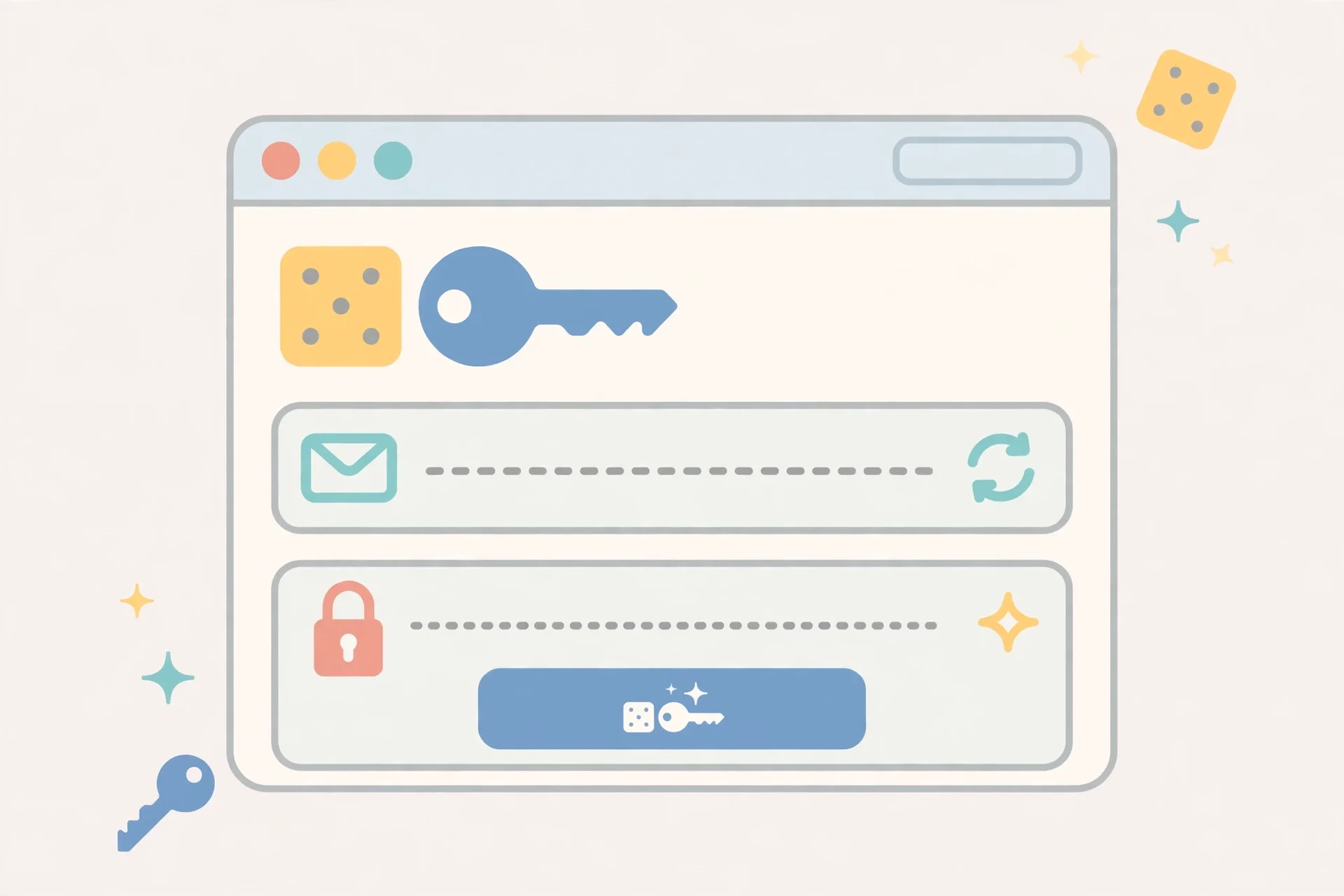
The secrets run produced pairs in under a second, and they look like what you would expect: a ten-character lowercase username on a reserved domain, next to a 16-character password mixing upper and lower case, digits, and symbols. One of the pairs came out as fpjqjzwlky@example.com with a password of HTd$eln^wxWgVs%g. The address is on example.com, a domain reserved by RFC 2606 specifically so it can never receive mail. That is the point: test data should never point at a real mailbox, and example.com guarantees it.
Then I opened the tools that actually rank. The top result, Xerobit, does the same thing by design: up to 200 addresses per click, on reserved domains like example.com and example.test, with an optional 16-character password attached to each line. It runs entirely in your browser, and it is explicit that no mail will ever be delivered to these addresses. That honesty is why it ranks, and it is a good tool for job one.
Musely takes a different approach: 10 unique pairs per click, passwords up to 64 characters, with Gmail, Outlook, and Yahoo as domain presets and a custom-domain field. No signup. It is the most flexible of the three for bulk pairs, and it deduplicates each batch so no two pairs repeat. But notice the trade: preset domains like Gmail mean the addresses look real, and someone will eventually try to use one to sign up somewhere real. The tool does not stop you. You have to stop yourself.
The third, randomemailgenerator.online, bundles three tools on one page: a temp email inbox, a password generator, and a username generator. Its inbox is powered by Guerrilla Mail and lasts about an hour. Its password generator runs in your browser with a 16-character default. When I opened it on November 14, 2026, the page was already generating an address on load, and the password tab was one click away. This is the closest thing to a complete answer for job two — one page, one pair, one inbox — with one catch I will come back to: the inbox is public, and an hour is not long.
The pattern across all three is consistent, and it is the first thing worth knowing about this phrase: the password half of every serious tool is done properly. Sixteen characters, four character classes, generated locally. The email half is where they diverge, and it diverges because "random email" is not one thing. A reserved-domain address and a working temp inbox are opposites — one can never receive mail, the other exists only to receive mail — and both call themselves a random email.
The five tools I opened, and what each one really does
Here is the short version of the comparison, with the detail that matters for each: can the email receive mail, and where does the randomness come from?
| Tool | Email receives mail? | Password | Best for |
|---|---|---|---|
| Xerobit random email generator | No — reserved domains only | 16 characters, browser-generated | Test data, fixtures, demos |
| Musely random email and password generator | No — addresses are generated, not inboxes | Up to 64 characters, deduplicated batches | Bulk test pairs, QA |
| randomemailgenerator.online | Yes — Guerrilla Mail inbox, ~1 hour | 16 characters, browser-generated | Throwaway signups |
| tempomailusa.com temp inbox + any password generator | Yes — real inbox, 30 days | Whatever you generate (use 16+ characters) | Throwaway signups you might need again |
| Your password manager's built-in generator | No — you supply the email | 16–64 characters, stored automatically | Real accounts you will keep |
That last row is the one most guides skip, and it is the most important. If you are doing job three — a real account — the tool you want is not a web page. It is the generator inside Bitwarden, 1Password, or your browser's password manager, because it does the one thing no web generator does: it saves the pair in the same moment it creates it. A generated password you did not save is a locked door with the key thrown away.
I also checked what the ranking pages do not tell you. None of the three web tools above requires a signup, and none of them sends your generated values to a server — Xerobit and randomemailgenerator.online both say so explicitly, and Musely's page describes its selection as cryptographically seeded. That is good, and it is worth checking every time: a password generator that phones home is a password collector. If a generator page does not say the work happens in your browser, treat it as if the work happens on someone else's server, because that is the safe assumption.
One more detail from the test that surprised me: the temp inbox on randomemailgenerator.online and the temp inbox on our own site solve the same problem with different lifespans, and the lifespan is the whole decision. An hour covers a verification code. Thirty days covers a free trial, a password reset, and the confirmation email that arrives three days later. If you are not sure which you need, take the longer one. Our guide to the best temp email service runs through what separates a good temp inbox from a noisy one, and the short version is the same: no signup, messages that show up fast, and an expiry you can see coming.
The password half is easy to get right — and easy to fake
Here is the uncomfortable truth about generated passwords: most of them are fine, and the ones that are not fine look identical to the fine ones. You cannot tell a good random password from a bad one by looking at it. HTd$eln^wxWgVs%g looks strong. A password built from the same characters by a broken generator would look exactly the same. The difference is invisible, and it lives in the generator, not the output.
The difference that matters is the source of randomness. A proper generator uses a cryptographically secure random number generator — crypto.getRandomValues() in a browser, or the secrets module in Python. A sloppy one uses Math.random(), which is designed for games and animations, not for secrets, and whose output can be predicted if an attacker sees enough of it. You will never see this difference on the page. You can only check it by reading the tool's documentation, or by using a tool whose reputation you trust.
The practical rules are simple, and they are the same ones password managers have used for years. Sixteen characters is the floor for a password you generate once and never type again. Include uppercase, lowercase, digits, and symbols, because each class you drop shrinks the search space an attacker has to cover. Never reuse a generated password across two accounts — the whole point of generating is that each one is unique, and reusing one defeats it. And never let a website's "generate a password for me" feature be your password manager: generate in one place, store in another place you control.
There is one more habit worth breaking. People generate a strong password, then weaken it so they can remember it — swapping a symbol for a letter they recognize, or trimming it to twelve characters because sixteen feels long. If you have to remember it, it should not be generated. Generate it, save it in a manager, and let the manager remember it. That is the entire job of a password manager, and it is the reason the generated password works at all.
The email half is where most generators quietly fail you
The password half is a solved problem. The email half is a judgement call, and it is where people get stranded.
A generated email address falls into one of three buckets, and only one of them receives mail. A reserved-domain address (example.com, example.test) will never receive anything, by design. A generated address on a real domain (Gmail, Outlook, a custom domain) looks deliverable but belongs to nobody — mail sent to it bounces, and if the address happens to belong to a real person, your verification code just went to a stranger. A temp mail inbox is a real, working address on a disposable domain, built to receive exactly one thing: the message you are waiting for.
The ranking tools split across these buckets without labelling them. Xerobit is bucket one and says so. Musely is bucket two and does not make a fuss about it. randomemailgenerator.online is bucket three, and its honesty about the one-hour limit is the most useful sentence on the page. If you take one thing from this section, take this: before you use a generated email to sign up for anything, ask one question — can this address receive mail? If the tool does not answer that question clearly, assume it cannot, and use a temp inbox instead.
The second question is how long the address lives. An hour is enough for a verification code and nothing else. If the site sends a confirmation email tomorrow, or a password reset next week, an expired inbox leaves you locked out of an account you created five minutes ago. This is the most common way a throwaway signup goes wrong, and it is entirely avoidable: use an inbox that outlives the job. Our own temp inbox lasts 30 days, which covers the trial, the reset, and the "we noticed you haven't logged in" email. The step-by-step version of making one is in our guide on how to create a temp email address — two addresses, two minutes, and the one choice in the process that costs money.
The third question is who else can read it. A public temp inbox — and most free ones are public, including Guerrilla Mail — means anyone who guesses your address can read your mail. That is fine for a verification code. It is not fine for a password reset link, a receipt with your name on it, or anything you would not pin to a public noticeboard. If the message matters, the inbox has to be private, or the account has to be disposable enough that it does not matter who reads the mail.
If you are still deciding between a temp inbox and a full second account, the distinction is worth five minutes of your time: a burner email is a real account you run temporarily, with sending and a longer life, while temp mail is receive-only and self-destructs. The burner is the right tool when you need to reply to someone. Temp mail is the right tool when you need to receive one code and walk away.
The combination that actually works
After testing all of this, the workflow I would actually recommend is boring, and boring is the point. It has three parts, it takes about two minutes, and none of the parts is a random email and password generator page.
First, open tempomailusa.com and take the address it gives you. No signup, no form, no phone number. The address is already on the page when it loads, and the inbox is live. Copy it.
Second, generate the password in your password manager, not on a web page. Set it to 16 characters or more, all four character classes, and let the manager save it the moment it creates it. If you do not have a password manager, your browser's built-in one will do — the important part is that the password is stored at the moment of creation, by something you control.
Third, sign up with the pair, grab the verification code from the temp inbox, and decide on the spot whether this account is a throwaway or a keeper. If it is a throwaway, you are done: the inbox expires in 30 days and takes the spam with it. If it is a keeper, move the account to your real email address now, while you still have access to the temp inbox — not next week, when the code to change the email goes to an address you can no longer open. That migration step is the one everyone skips, and it is the one that saves accounts.
If you want a username to go with the pair, most password managers generate one too, and randomemailgenerator.online has a username tab in four styles. A username is the least sensitive part of the trio — it is public by definition on most sites — so do not spend time optimizing it. Spend the time on the migration decision above.
Four ways this goes wrong
These are not hypothetical. Each one is a support ticket, a locked account, or a breach notification I have seen follow from a generated pair.
Using a generated pair for a real account and losing it. You generated a strong password on a web page, closed the tab, and never saved it. The site offers a password reset, which goes to the generated email — an address on a reserved domain that cannot receive mail. The account is gone. If the pair was generated in your password manager, this cannot happen. If it was generated on a web page, it happens the moment you forget to save it.
Using a public inbox for a private message. A password reset link, a receipt, or a message containing your name lands in a public temp inbox. Anyone who knows the address can read it. Verification codes are fine in a public inbox — they expire in minutes. Anything else should go to an inbox only you can open.
Trusting a generated address that cannot receive mail. You sign up with a Musely-style generated Gmail address, the site sends a verification code, and it never arrives, because the address belongs to nobody — or worse, to somebody. Every failed signup you have ever blamed on a slow site was probably this. Check whether the address can receive mail before you use it to sign up.
Reusing one generated pair everywhere. A generator gives you a unique pair per click, and then you paste the same pair into five sites because it was already in your clipboard. One breach now opens five accounts. The generator did its job. The clipboard undid it. Generate a fresh pair per site, every time, and let the manager hold them.
Frequently asked questions
Can I generate a random email and password together?
Yes. Tools like Musely return email-password pairs in one click, and randomemailgenerator.online puts a temp inbox and a password generator on the same page. The better question is whether the email can receive mail — a pair is only useful for signup if the inbox works. If it does not, use a temp mail inbox for the email half and your password manager for the password half.
Is a random email and password generator safe?
It is safe when the generation happens in your browser and nothing is sent to a server, and when you save the pair in a password manager. It is unsafe when the generator phones home, when you use the pair for a real account without saving it, or when the email half is a public inbox receiving private messages. Check that the tool says generation happens locally before you trust it.
Can I use a generated email for Gmail signups?
No, not as a Gmail address. A generated address that looks like a Gmail address is not a Gmail account — nobody owns it, and verification mail sent to it goes nowhere. If you need a real inbox for a signup, use a temp mail address, which is a working inbox on a disposable domain. Our guide on email generator names explains how generated addresses are built and why the domain is the part that decides whether mail arrives.
What is the best random email and password generator?
It depends on the job. For test data, Xerobit's reserved-domain generator is the most honest — it cannot accidentally point at a real person. For bulk pairs, Musely's 10-per-click batches with up to 64-character passwords are the most flexible. For throwaway signups, a temp inbox plus your password manager beats any single generator page, because the inbox actually receives mail and the manager actually saves the password.
How long should a generated password be?
Sixteen characters is the floor. Most password managers default to 16–20, and Musely allows up to 64. Longer is better up to the point where the site rejects it — some older sites cap passwords at 32 characters, so if a 64-character password fails, drop to 32 rather than to 8. Four character classes — upper, lower, digits, symbols — at 16 characters is already far beyond what any attacker can brute force.
Can I use a generated email and password for a real account?
You can, but only if you save the pair in a password manager the moment it is created, and only if the email address is one you control — either your real inbox or an alias. A generated password without a saved copy is a locked account. A generated email you cannot receive mail at is a locked account with no reset path. Both failures are silent until the day you need to get back in.
What happens if I lose the generated password?
If the email address is real and you control it, use the site's password reset. If the email was a temp inbox that has expired, or a generated address that never received mail, there is no reset path and the account is gone. This is why the migration step matters: move keeper accounts to your real email while you still can.
Need a disposable temporary email?
Protect your real inbox from spam and promotional clutter instantly and free.
Received a suspicious email, text, or charge alert?
Verify whether the sender domain is disposable, spoofed, or unverified before clicking links.